AI for PowerPoint Presentation: Best Tools, Workflow, and Examples
Updated August 10, 2026 · PopAi Academy
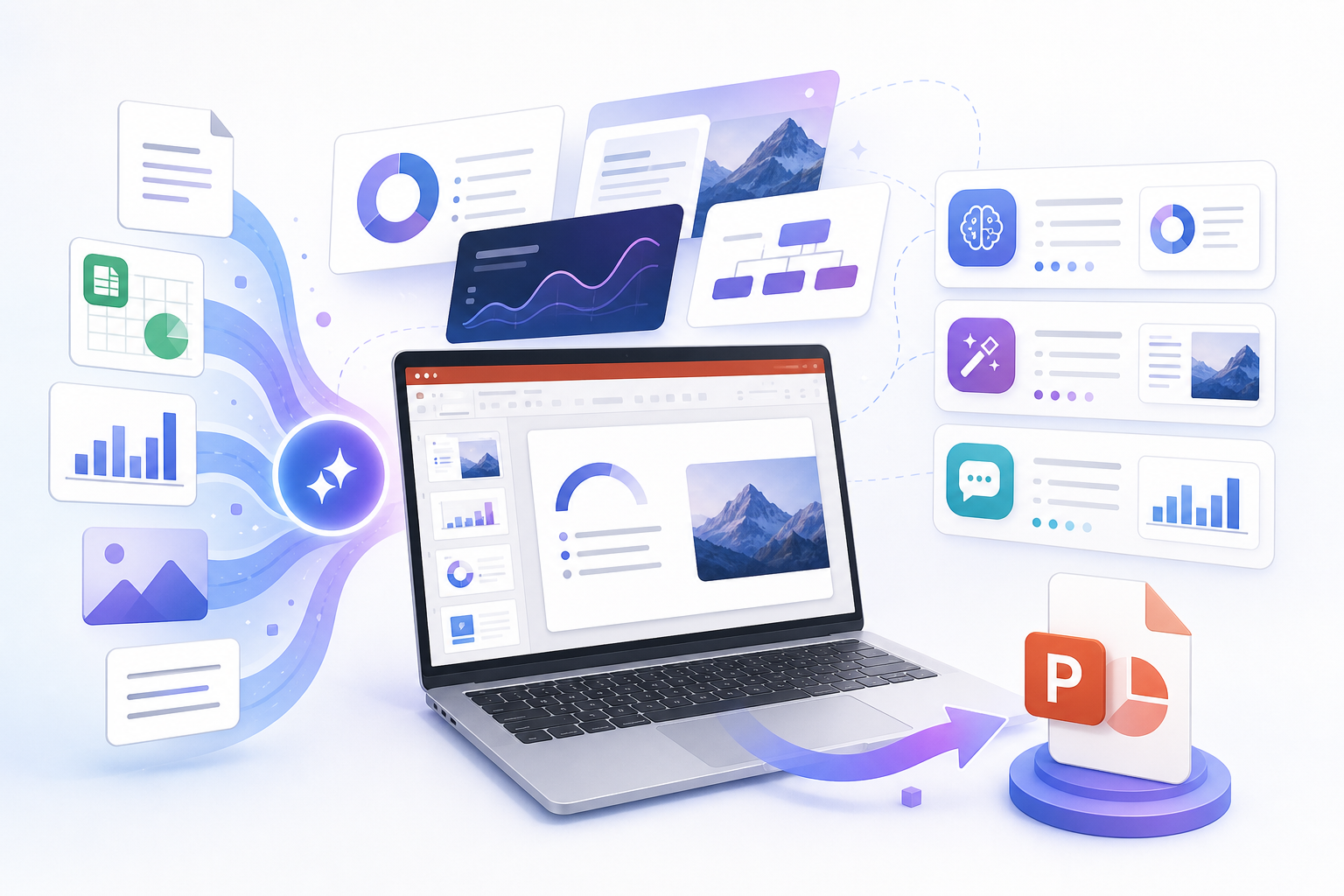
AI for PowerPoint presentation work should solve a practical problem: turning prompts, PDFs, reports, notes, and outlines into editable slides that still work inside PowerPoint. A tool is not useful just because it makes a pretty web page. It needs structure, readable slide copy, usable layouts, and a PPTX export you can revise.
This guide is the main hub for teams comparing AI presentation tools for PowerPoint-style output. Use it to choose the right tool, follow a tested workflow, avoid export traps, and start from related templates for students, marketers, founders, consultants, educators, and recurring business updates.
AI for PowerPoint Presentation: What This Page Helps You Decide
The right AI tool depends on your real deliverable. If your stakeholder expects a PowerPoint file, you should judge tools by structure, editability, source handling, export quality, and cleanup time, not only by screenshot aesthetics.
- Best for: managers, marketers, students, consultants, educators, founders, and analysts.
- Main decision: whether you need a native PowerPoint workflow, document ingestion, visual polish, or fast template output.
- Core test: export the deck and confirm that text, hierarchy, fonts, charts, and shapes remain editable.
Best AI PowerPoint Presentation Tools Compared
Use this comparison as a starting point. The best tool is the one that matches your source material and final format.
| Tool | Best for | PowerPoint fit | Watch out for |
|---|---|---|---|
| Microsoft Copilot | Native corporate decks | Excellent | Conservative design choices |
| PopAi | PDF, DOCX, and document-to-slide workflows | Strong editable structure | Best results come from clear source material |
| Gamma | Fast visual drafts | Good | Some export elements may flatten |
| Beautiful.ai | Strict layout consistency | Good | Less free-form control |
| Canva | Graphic-heavy templates | Mixed | Fonts and complex graphics may shift after export |
| Plus AI | Google Slides and PPTX workflows | Strong | Designs can feel generic |
| Slidesgo | Education and training templates | Good | Less suited to executive decks |
| Visme | Charts and infographics | Good but gated | Export may require paid plan |
How to Use AI to Create a PowerPoint Presentation
A reliable workflow starts with message structure before slide decoration. Generate the outline first, then ask for the deck. This reduces the chance of getting beautiful slides with weak logic.
| Step | Action | Output |
|---|---|---|
| 1 | Define the audience and decision | A clear reason for the deck |
| 2 | Provide source material | Prompt, PDF, DOCX, notes, report, or web page |
| 3 | Generate an outline first | Slide order and message titles before design |
| 4 | Create the editable deck | A first draft with copy, structure, and layouts |
| 5 | Check the PPTX export | Editable text, charts, icons, and clean fonts |
| 6 | Polish for the room | Evidence, brand fit, speaker notes, and final CTA |
Use Cases and Templates to Start From
Core pages should collect broad search demand and route users to the right specific workflow. Pick a template based on the job you need the deck to do.
- AI PowerPoint presentation: turn rough ideas, notes, and documents into an editable PowerPoint-style deck.
- AI PowerPoint creator go deck 10 min: build a quick first draft with a timed outline, prompt, and review checklist.
- Mind blowing ways AI PowerPoint transforming business: improve executive communication, data storytelling, and cross-team alignment.
- PowerPoint AI generator deep dive it: review workflow fit, limits, workarounds, and export checks.
- PopAi vs GenPPT: compare document-to-deck workflow, quick notes-to-PowerPoint drafts, export, pricing checks, and cleanup time.
- PopAi vs Gamma: compare conventional slide deck workflow with card-based browser narratives and export handoff.
- PopAi vs Plus AI: compare standalone source-to-deck creation with AI inside PowerPoint and Google Slides.
- PopAi vs Beautiful.ai: compare source-heavy deck structure with Smart Slides, design governance, and brand control.
- PopAi vs Canva AI: compare source-to-deck workflow with visual design, Brand Kit, and campaign asset production.
- PopAi vs SlidesAI: compare source-to-deck creation with editor-native Google Slides and PowerPoint generation.
- PopAi vs Decktopus AI: compare source-heavy deck synthesis with branded, interactive, presenter-friendly workflows.
- PopAi vs Presentations.AI: compare source-to-deck synthesis with branded platform workflow, collaboration, and analytics.
- AI PowerPoint for students: use a 15-slide final project structure with thesis, evidence, method, analysis, and references.
- AI investor pitch deck generator: structure an MVP-to-seed deck around traction, market, model, team, and ask.
- AI marketing deck template: turn audience, channel, budget, timeline, and KPI inputs into a campaign approval deck.
- Presentation design tips: fix hierarchy, whitespace, colors, and slide clarity without needing a design background.
- AI presentation builder keep consistent style: keep brand fonts, colors, layouts, and visual language consistent across generated decks.
- Create consistent slide style brand kit checklist: define colors, fonts, logo rules, image style, and master-layout checks.
- Make slides look professional AI manual polish: combine AI layout drafts with human hierarchy, proof, and final polish.
- Document to slides AI: convert PDFs, Word files, reports, and docs into editable presentation drafts.
- Meeting notes to presentation AI: turn meeting notes, decisions, and action items into a stakeholder-ready deck.
- AI investor pitch deck generator: build an investor-ready outline with slide prompts and proof checks.
- AI investor pitch deck generator narrative map: structure a 10-slide fundraising story from problem to ask.
- AI sales deck generator: create buyer-ready slides with objection handling and next-step logic.
- AI product launch deck: turn launch briefs, demo notes, proof, and GTM plans into a focused deck.
- Build storytelling deck AI problem solution: use a problem-solution narrative arc for persuasive decks.
- AI speaker notes generator: move from outline to slides to presenter-ready notes.
- AI QBR deck generator: turn quarterly KPIs, risks, and next-step asks into executive review slides.
- AI research presentation: convert research papers, abstracts, and findings into conference slides or poster talks.
- AI data report presentation: create KPI charts, dashboards, and data-story slides from reports or spreadsheets.
- AI data report presentation chart rules: turn spreadsheets and KPIs into readable slide visuals.
- AI business plan deck generator: turn a business plan into investor-ready structure, proof, and ask slides.
- PPT maker AI saves you 10 hours: estimate time savings for recurring presentation workflows.
- Discover AI creates presentations: follow a guided first-draft workflow for prompts, notes, and source documents.
Free Tools, PPTX Export, and Common Traps
Free AI presentation makers can be useful for testing, but the export path matters. Some tools let you generate a deck, then block PowerPoint download behind a paywall. Others export slides where text, charts, or backgrounds are flattened.
Check before you commit to a tool
- Can you export PPTX without paying unexpectedly?
- Does text remain editable after download?
- Do fonts, charts, icons, and backgrounds survive in local PowerPoint?
- Can you apply your brand colors and templates?
- Can the AI work from your actual source material instead of a short prompt only?
Which AI Presentation Tool Should You Choose?
Choose Microsoft Copilot when you need the safest native PowerPoint workflow. Choose PopAi when you have source-heavy documents, PDFs, notes, or web pages that need to become a structured deck. Choose Gamma or Canva when the primary goal is a fast visual draft, but test PPTX editability before using the file in a formal meeting.
For the product workflow and upper pillar, use PopAi AI Presentation to create a deck from prompts, documents, PPTX, Word, PDF, or web pages.
Frequently Asked Questions
What is the best AI for PowerPoint presentation work?
The best AI for PowerPoint presentation work depends on your source material and export needs. Copilot is strongest for native PowerPoint, while PopAi is useful for turning PDFs, DOCX files, notes, and web pages into structured editable decks.
Can free AI tools create PowerPoint presentations?
Some free tools can create a first draft, but always test whether PPTX export is available, whether a watermark is added, and whether text and design elements remain editable after download.
How do I make an AI-generated deck better?
Start with a decision-focused prompt, review the outline before generating slides, replace generic claims with evidence, check the PPTX export, and polish the deck for your audience.
What use cases work best for AI PowerPoint tools?
AI works well for business updates, student presentations, marketing campaign decks, investor drafts, training decks, report summaries, and recurring weekly or monthly presentations.