What Images Can You Turn into PPT?
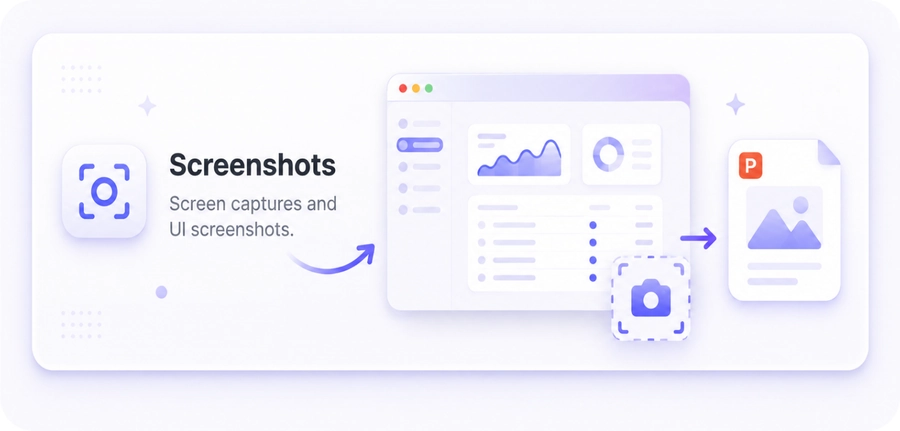
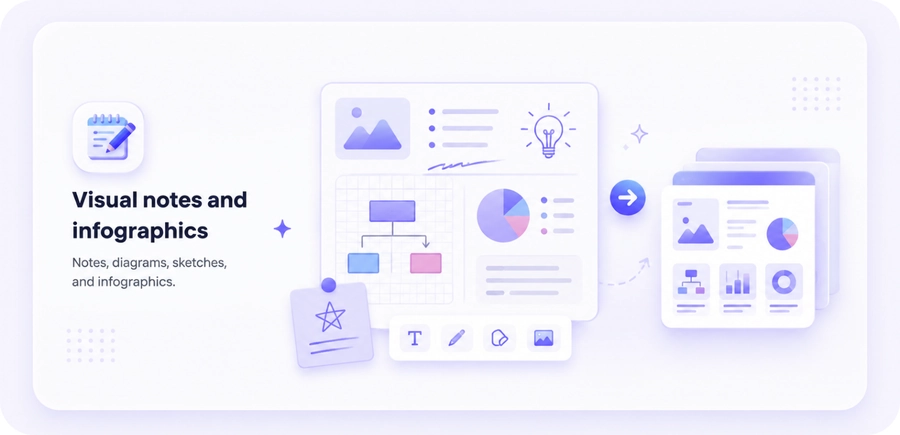
Turn screenshots, scanned documents, visual notes, whiteboard photos, infographics, and social media content into organized PPT slides.
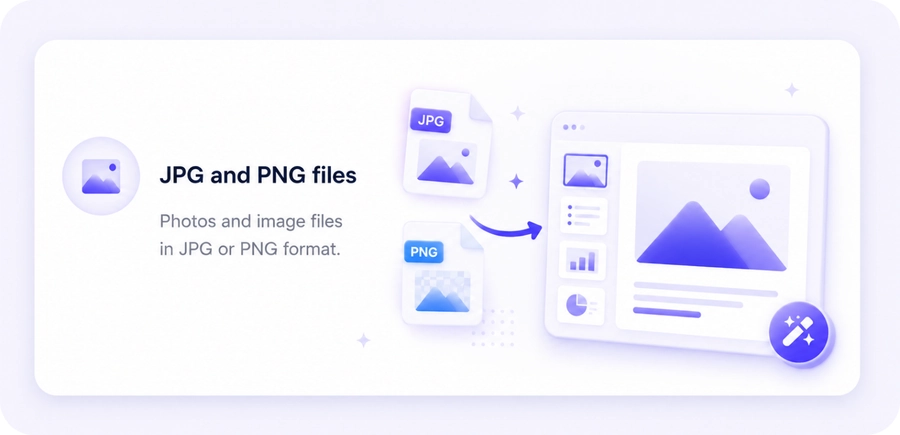
Turn JPG, JPEG, PNG images, screenshots, and scanned pages into organized PPT slides with AI. Extract text and visual information, organize the content into a clear presentation flow, and continue editing your slides before exporting or sharing them.
Turn screenshots, scanned documents, visual notes, whiteboard photos, infographics, and social media content into organized PPT slides.
PopAi analyzes the text and visual elements in your images, then organizes them into a logical presentation sequence. This is useful when your source material is visual rather than text-based.
Turn multiple images into one presentation with AI. Review the generated content and presentation structure before exporting or sharing it. Export as PPTX or PDF, or share the presentation through a web link. PPTX files can be opened in PowerPoint, Google Slides, and Keynote for continued editing.
PopAi can extract text from images, identify important visual elements, organize image content into a presentation flow, and create slides that you can continue editing in PopAi.
| Supported input | JPG, JPEG, and PNG files |
|---|---|
| File size | Image files up to 50MB. |
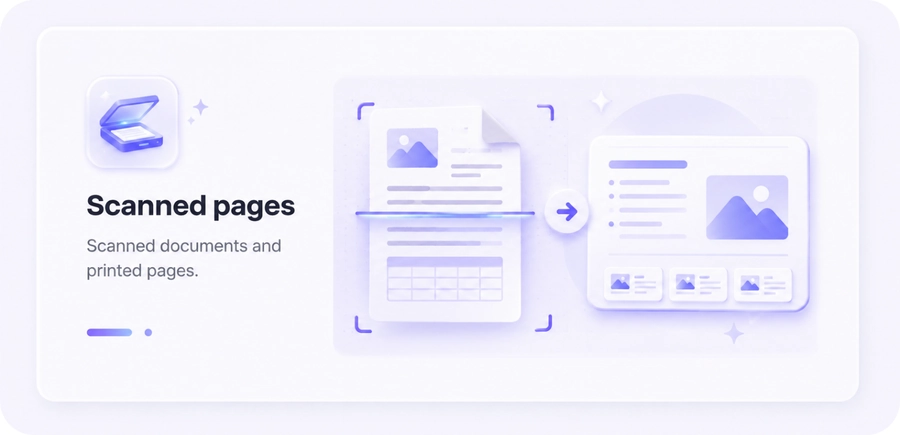
| Scanned files | Scanned pages are supported as image files. Results depend on image quality and source readability. |
| Output options | Export as PPTX or PDF, or share the presentation through a web link. |
| Editing compatibility | PPTX files can be opened in PowerPoint, Google Slides, and Keynote for continued editing. |
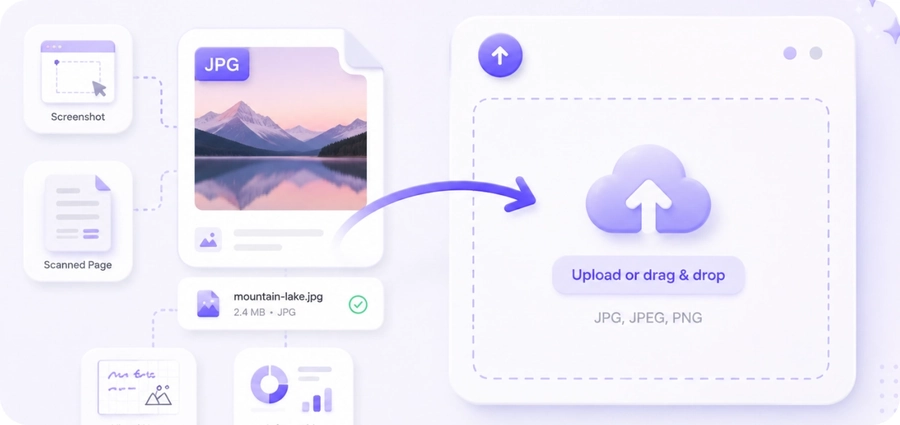
Upload a JPG, JPEG, or PNG image, screenshot, scanned page, visual note, or infographic.
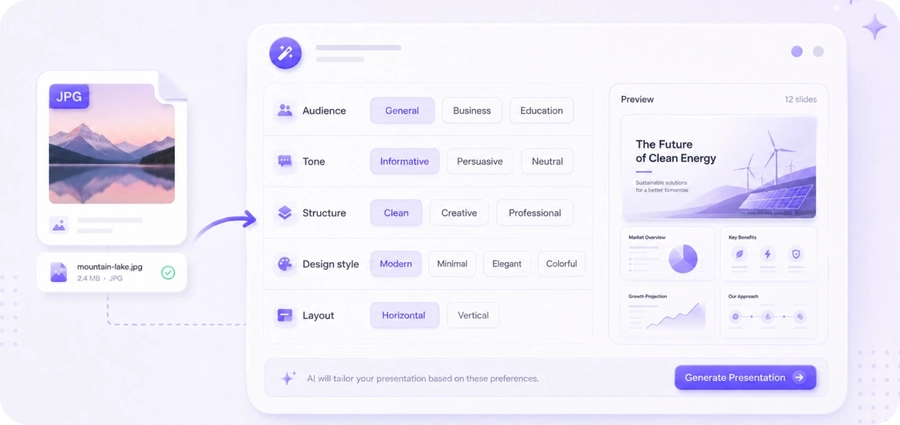
Choose the presentation direction that fits your content and audience.
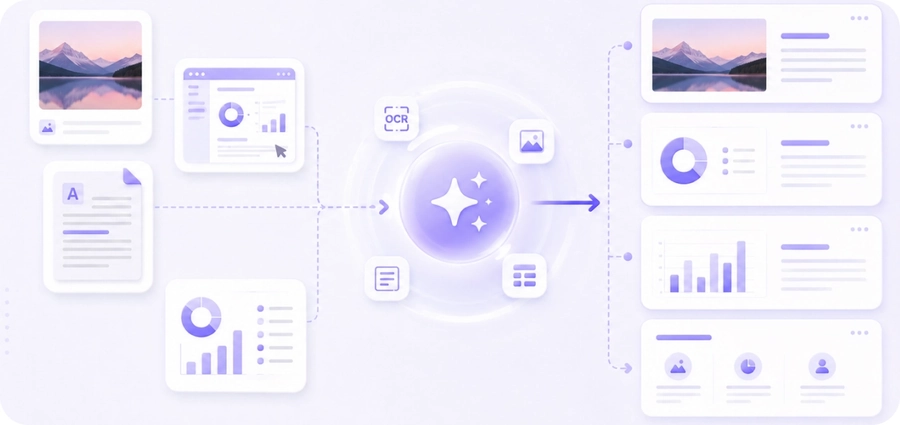
PopAi extracts text, identifies visual elements, and organizes the image content into a presentation flow.
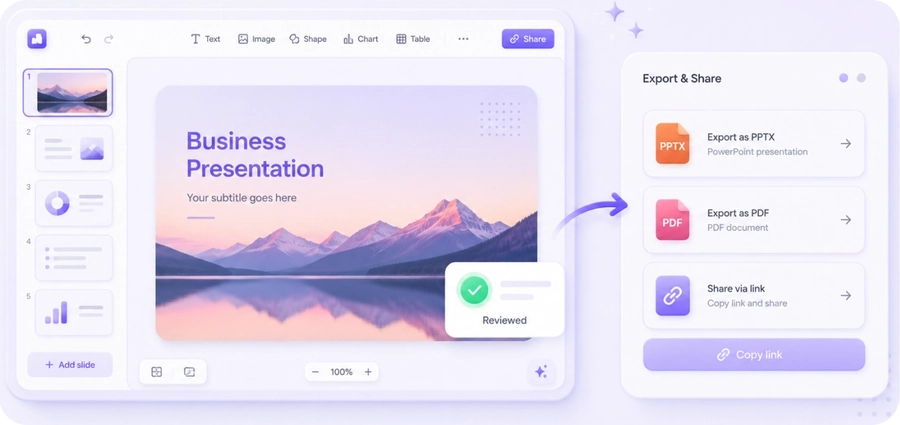
Review and continue editing your slides, then export as PPTX or PDF, or share them through a web link.
See how AI-powered conversion organizes source content into a presentation-ready flow.
| Dimension | AI conversion | Traditional conversion |
|---|---|---|
| Visual understanding | Extracts text and visual elements from images | Embeds images as-is |
| Content handling | Organizes recognized text and visuals into slide content | Keeps each image as a standalone visual |
| Presentation logic | Creates a sequence from visual source material | Leaves the narrative sequence to the user |
| Review and editing | Creates slides that can be reviewed and edited | Requires manual cropping, text entry, and layout work |
| Cost / Free tier | Try free and review before exporting | May require a paid tool before preview |
Combine multiple images into one presentation with AI. Review the generated content before exporting or sharing it.