AI Investor Pitch Deck Generator: Outline and Slide Prompts
Updated August 10, 2026 · Alex Sterling
An AI investor pitch deck generator is useful when founders have raw startup material but need a clear investor narrative. The goal is not a generic slide deck; it is a structure that explains problem, market, product, traction, business model, team, and ask.
This guide gives target scenarios, a recommended pitch deck outline, what each slide should include, copyable AI prompts, example wording, review checks, FAQ, and links back to broader PopAi presentation workflows.
AI Investor Pitch Deck Generator: Start with Investor Questions
Investors do not fund a pretty deck. They fund evidence, timing, market insight, and a believable plan. Use AI to organize your material, then replace every weak claim with real proof.
Target Users and Fundraising Scenarios
- Pre-seed founders turning an idea and customer interviews into a first investor narrative.
- Seed-stage teams converting MVP traction, usage, and revenue notes into a stronger deck.
- Accelerator teams preparing demo day decks from mentor feedback and product updates.
- Student founders converting a business plan into a short pitch presentation.
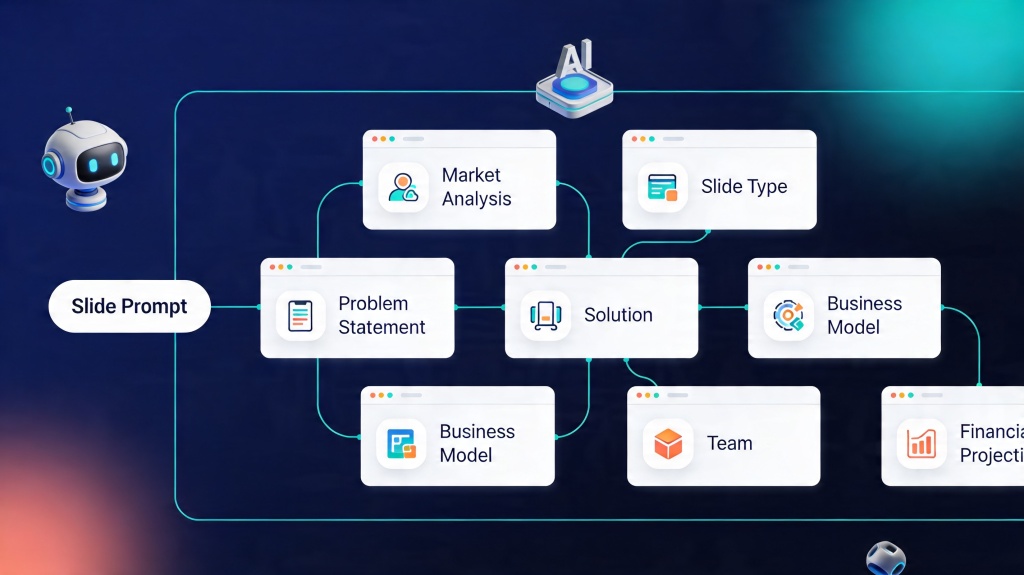
Recommended Investor Pitch Deck Structure
Use this structure as a starting point. Add or remove slides based on stage, traction, business model, and investor expectations.
| Slide | Investor question | What to include |
|---|---|---|
| 1 | What is the company? | One-line value proposition and category |
| 2 | What problem is painful? | Target customer, pain, and current workaround |
| 3 | Why now? | Market timing, technology shift, or behavior change |
| 4 | What is the solution? | Product workflow and before/after value |
| 5 | Who is it for? | ICP, buyer, user, and first wedge |
| 6 | How big can this become? | Market logic and credible source |
| 7 | What proof exists? | Revenue, usage, pilots, retention, or customer quotes |
| 8 | How do you win? | Competition, moat, and GTM angle |
| 9 | What is the model? | Pricing, sales motion, and economics |
| 10 | What are you asking for? | Round size, use of funds, milestones, and runway |
Copyable AI Prompts for Pitch Deck Slides
Problem slide prompt
Traction slide prompt
Example Slide Copy and Review Checklist
Example problem statement
Small operations teams still coordinate recurring workflows through spreadsheets and chat, causing missed handoffs and slow reporting.
Example ask statement
We are raising $1.5M to hire two engineers, launch the first repeatable sales motion, and reach $40K MRR before the next round.
- Verify every market size, revenue number, and customer claim.
- Make each title a takeaway, not a topic label.
- Keep appendix detail separate from the main narrative.
- Connect use of funds to milestones and next-round logic.
For a deeper seed-round template, use the AI investor pitch deck generator guide. For general deck structure, use create winning slide decks with AI slide deck. For a fundraising story arc, use the AI investor pitch deck generator narrative map.
Frequently Asked Questions
How should I use an AI investor pitch deck generator?
Give AI your real startup material: customer segment, problem, product, traction, business model, market logic, team, round size, and use of funds. Ask for an outline first, then generate slides.
What slides should an investor pitch deck include?
Most decks include problem, solution, market, product, traction, business model, competition, GTM, team, and ask. Adjust based on stage and proof.
Can AI create a pitch deck that gets funded?
AI can speed up structure and drafting, but founders must provide the real insight, proof, numbers, customer evidence, and fundraising judgment.
What is the biggest mistake in AI-generated pitch decks?
The biggest mistake is accepting unsupported claims. Verify every number, avoid invented market data, and keep the story specific to your startup.