How to Build a Storytelling Deck with AI (Problem→Solution)
Published on April 23, 2026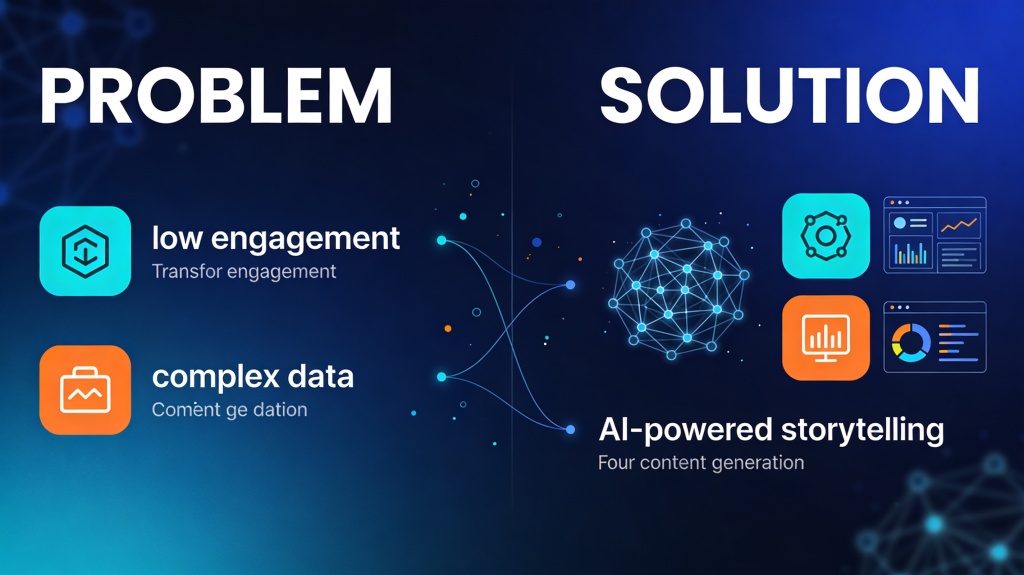
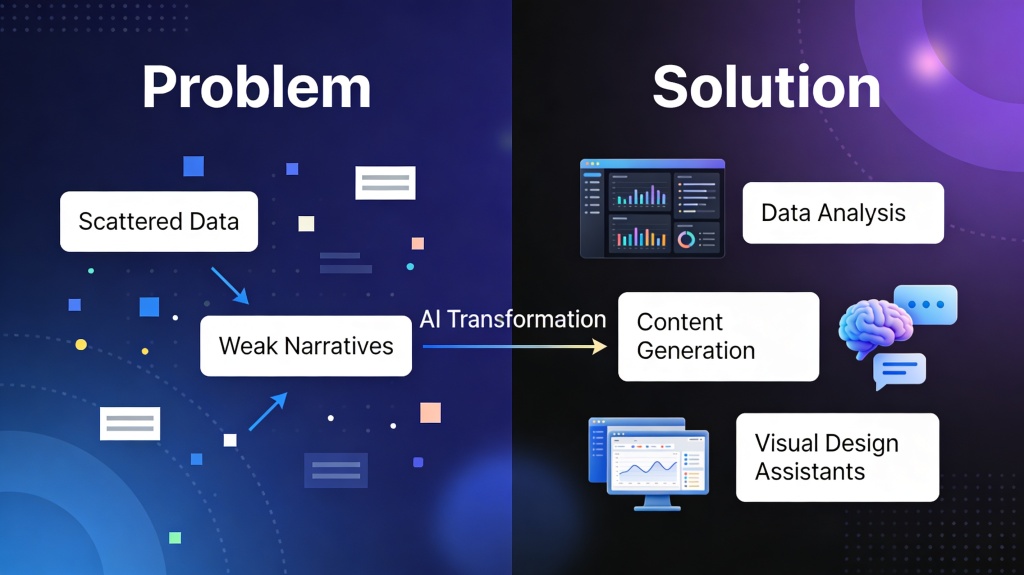
Every great pitch is a story. Whether you are a startup founder looking for seed funding, a marketing manager proposing a new strategy, or a student presenting a thesis, your audience doesn't just want data—they want a narrative. The most effective narrative for persuasion is the Problem-Solution framework. However, structuring this narrative and finding the right visuals can be incredibly time-consuming. This is where building a storytelling deck with AI changes the game, allowing you to move from a blank page to a compelling narrative in minutes.
The Power of the Problem-Solution Framework in Storytelling
The human brain is hardwired for stories. When you present a solution without first establishing a problem, you are answering a question no one asked. The Problem-Solution framework works because it creates tension. By highlighting a specific pain point (the "villain"), you create an emotional need for a resolution. When you finally introduce your solution (the "hero"), the audience feels a sense of relief and satisfaction.
Using a storytelling deck with AI allows you to refine this tension. AI can help you identify deeper implications of a problem that you might have missed, ensuring that your "villain" is truly formidable before you reveal your "hero."
Setting the Stage: Identifying the "Villain" (The Problem)
The first third of your deck should focus entirely on the problem. To make it resonate, you must be specific. Instead of saying "Marketing is hard," say "Small businesses lose 40% of their potential leads due to slow response times."
- Define the Scope: Who is suffering? How big is the impact?
- Agitate the Pain: What happens if the problem isn't solved? (Lost revenue, wasted time, frustration).
- Use AI for Research: Ask an AI tool to "List the top 5 hidden costs of [Problem X] for [Target Audience Y]."
Bridging the Gap: Using AI to Draft Your Narrative Arc
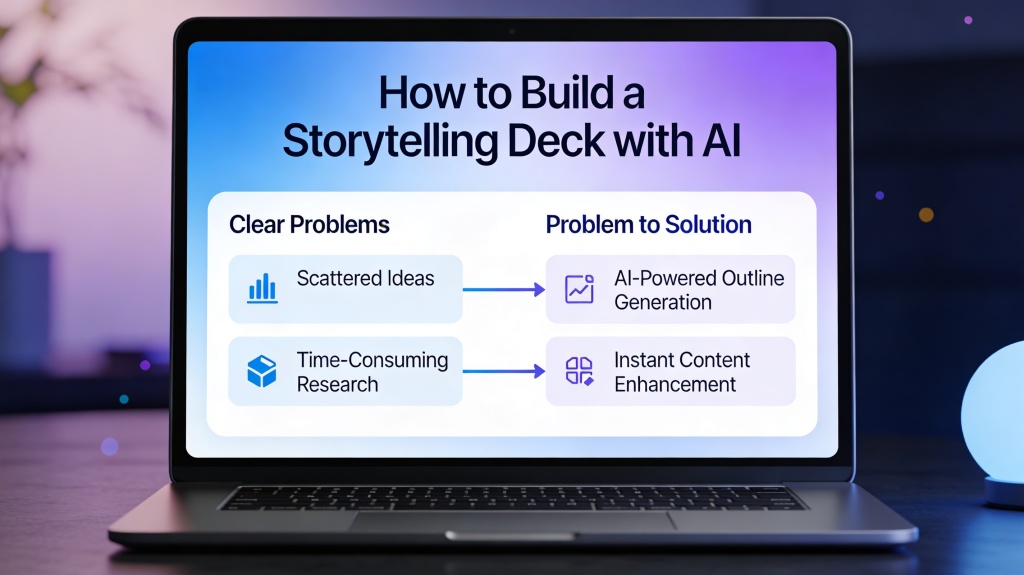
Once the problem is established, you need a bridge. This is the transition where you hint that a better way is possible. A storytelling deck with AI excels here by generating "What if" scenarios. You can prompt an AI to "Draft a transition slide that shifts the focus from the cost of inefficient logistics to the possibility of automated delivery."
The narrative arc should follow a logical flow: 1. The Status Quo (The way things are). 2. The Incident (The problem revealed). 3. The Struggle (The failed attempts to fix it). 4. The Resolution (Your solution).
Pro Tip: Don't just list features. Use PopAi's AI Presentation Maker to turn feature lists into benefit-driven story beats that connect emotionally with your audience.
Visualizing the Solution: Designing High-Impact Slides with AI
A storytelling deck is only as good as its visuals. If your slides are cluttered with text, your audience will stop listening to you and start reading. AI-driven design tools can take your core message and suggest layouts that emphasize the solution visually.
For example, if your solution is a "seamless software integration," an AI can generate an image of puzzle pieces clicking together perfectly. This visual metaphor reinforces the story without needing a single bullet point.
Real-World Examples of AI-Driven Storytelling Decks
Consider a pitch for a new eco-friendly packaging company. - **The Problem:** Oceans filled with plastic (AI generates a striking, high-contrast image of a polluted beach). - **The Agitation:** Statistics on wildlife impact and upcoming government bans on single-use plastics. - **The Solution:** A biodegradable seaweed-based material. - **The Outcome:** A vision of a clean coastline and a profitable, sustainable business model.
By using a storytelling deck with AI, the founder can quickly iterate on different "Problem" angles—focusing on cost for some investors and environmental impact for others.
Common Pitfalls When Using AI for Narrative Decks
While AI is a powerful ally, it can sometimes lead to "genericism." Avoid these common mistakes:
- The "Robot" Voice: AI-generated text can sometimes feel sterile. Always rewrite key emotional beats in your own voice.
- Over-Designing: Just because AI can generate 50 images doesn't mean you should use them. Stick to one clear visual per slide.
- Ignoring the Audience: AI doesn't know your specific audience's inside jokes or industry jargon. Make sure to tailor the content.
Refining Your Pitch: The Human-AI Collaboration
The final step in creating a storytelling deck with AI is the human touch. Use AI to generate the skeleton and the first draft of the "muscles" (the content), but you are the soul of the presentation. Practice your delivery alongside the slides. If a slide feels like it's interrupting your flow, use AI to simplify it or change the visual metaphor until it feels natural.
FAQ: Mastering Storytelling Decks with AI
How does AI help with storytelling in presentations?
AI helps by analyzing your core message and suggesting a narrative structure, such as the hero's journey or the problem-solution framework. It can also generate persuasive copy and visual metaphors that reinforce your story.
Is the problem-solution framework effective for all pitches?
Yes, it is one of the most versatile frameworks. By first establishing a relatable pain point, you create an emotional hook that makes the audience more receptive to your proposed solution.
Can AI create the entire deck for me?
While AI can generate the outline, content, and design, the best results come from human-AI collaboration. You provide the unique context and personal touch, while AI handles the heavy lifting of structure and visualization.
Create your presentation with one click now
Ready to turn your ideas into a compelling story? Use our AI-powered tools to build your next deck in seconds.
Get Started for Free