Meeting Notes to Presentation AI: Steps, Prompt, and Examples
Updated September 1, 2026 · Marcus Chen
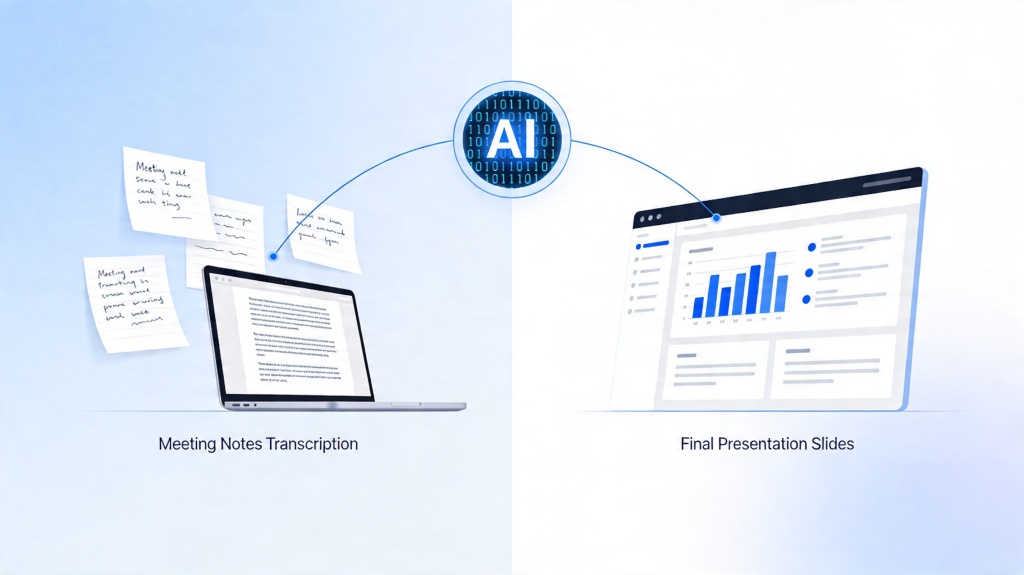
A meeting notes to presentation AI workflow turns messy notes, agenda items, decisions, blockers, and action items into a structured deck. The value is not only speed; it is turning scattered discussion into a clear message for stakeholders.
This guide covers suitable scenarios, input materials, a five-step workflow, a copyable prompt, editing and export checks, common failure reasons, realistic examples, FAQ, and the PopAi presentation pillar.
Meeting Notes to Presentation AI: Start with the Deck Purpose
Before generating slides, decide whether the deck is a recap, decision request, project update, training summary, or executive brief. The same notes can produce very different presentations.
Suitable Scenarios and Input Materials
- Weekly project sync: decisions, blockers, owners, dates, and risks.
- Customer discovery call: pains, quotes, objections, and next steps.
- Leadership meeting: KPI movements, context, recommendations, and asks.
- Workshop or training session: learning goals, examples, exercises, and follow-up tasks.
Five Steps to Convert Meeting Notes into Slides
| Step | Action | Why it matters |
|---|---|---|
| 1 | Clean and group raw notes | Separates decisions, blockers, actions, and background |
| 2 | Define audience and purpose | Prevents a generic recap deck |
| 3 | Ask AI for an outline first | Lets you fix the story before slide generation |
| 4 | Generate slides and speaker notes | Creates a reviewable first draft |
| 5 | Edit, verify, and export | Protects accuracy, ownership, dates, and final handoff |
Examples, Editing, and Export Checks
Example: product roadmap sync
Turn notes into slides covering meeting purpose, roadmap changes, customer evidence, open risks, owners, and decisions needed from leadership.
Example: customer discovery recap
Group the notes by pain point, quote, requested feature, buying trigger, objection, and follow-up action so sales and product teams can review the same story.
- Verify owners, dates, and decision wording.
- Move long transcript detail into speaker notes.
- Delete agenda items that do not support the deck purpose.
- Export to PPTX/PDF and test text editability before sharing.
Common Failure Reasons and Fixes
- Messy speaker transcript: clean obvious transcription errors first.
- No audience defined: tell AI who will read or hear the deck.
- Too many action items: group actions by workstream and owner.
- Weak conclusion: ask AI to add a final decision or next-step slide.
- Sensitive content: remove confidential details before using any cloud AI tool.
For source-document workflows, use document to slides AI. For visual polish, review presentation design tips.
Frequently Asked Questions
How do I turn meeting notes to presentation AI drafts?
Clean the notes, define the audience and purpose, ask AI for an outline, generate slides, then verify decisions, owners, dates, and next steps before exporting.
Can AI handle messy meeting notes?
Yes, but results improve when you group notes by agenda, decisions, action items, blockers, and owners before generating slides.
What should the first slide include?
The first slide should state the meeting topic, audience, reason for the deck, and the decision or update the audience should focus on.
Can I export the AI-generated meeting deck?
Yes. After reviewing accuracy and structure, export to PPTX or PDF and test whether text, speaker notes, and visuals remain usable.