What HTML Files Can You Turn into PPT?
Turn saved articles, product pages, structured documentation, educational content, marketing pages, and HTML reports into PPT presentations.
Upload an HTML or HTM file and turn structured content into editable PPT slides. PopAi identifies headings, key points, and available visual elements to create a presentation-ready deck.
Turn saved articles, product pages, structured documentation, educational content, marketing pages, and HTML reports into PPT presentations.
PopAi reads the structure of your HTML file and organizes its content into a clear presentation outline. Headings, sections, key points, and available images are arranged into editable PPT slides.
Upload an HTML or HTM file, review the generated outline, and continue editing the presentation in PopAi before exporting or sharing it. Export as PPTX or PDF, or share the presentation through a web link. PPTX files can be opened in PowerPoint, Google Slides, and Keynote for continued editing.
PopAi can identify headings, text sections, key points, and available visual elements in the uploaded HTML file. Results may vary depending on the structure and resources included in the source file.
| Supported input | HTML and HTM files |
|---|---|
| File size | HTML and HTM files up to 50MB. |
| Scanned files | Scanned pages are supported when provided as a supported source file. The current HTML workflow is file upload, not URL input. |
| Output options | Export as PPTX or PDF, or share the presentation through a web link. |
| Editing compatibility | PPTX files can be opened in PowerPoint, Google Slides, and Keynote for continued editing. |
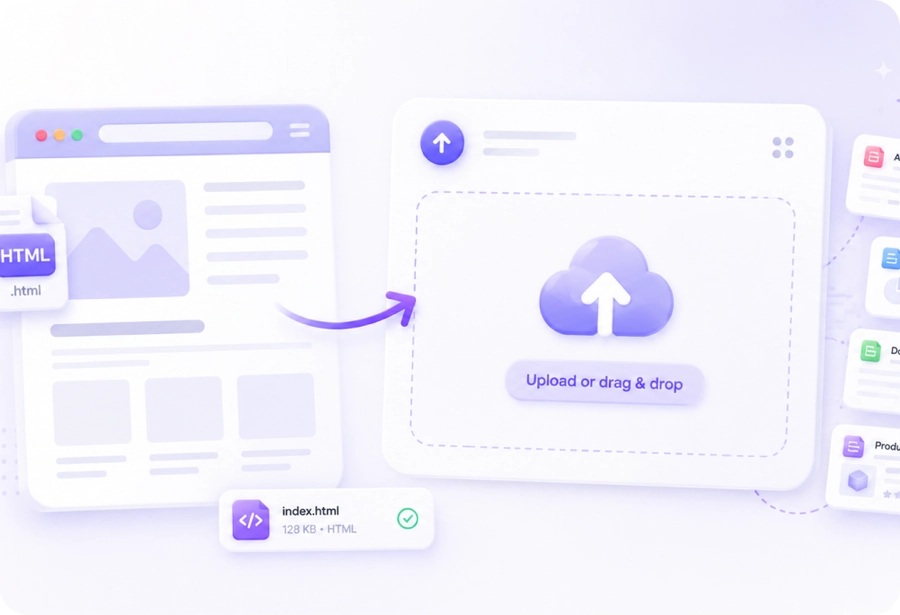
Upload a saved HTML or HTM file, such as an article, report, documentation page, or product page.
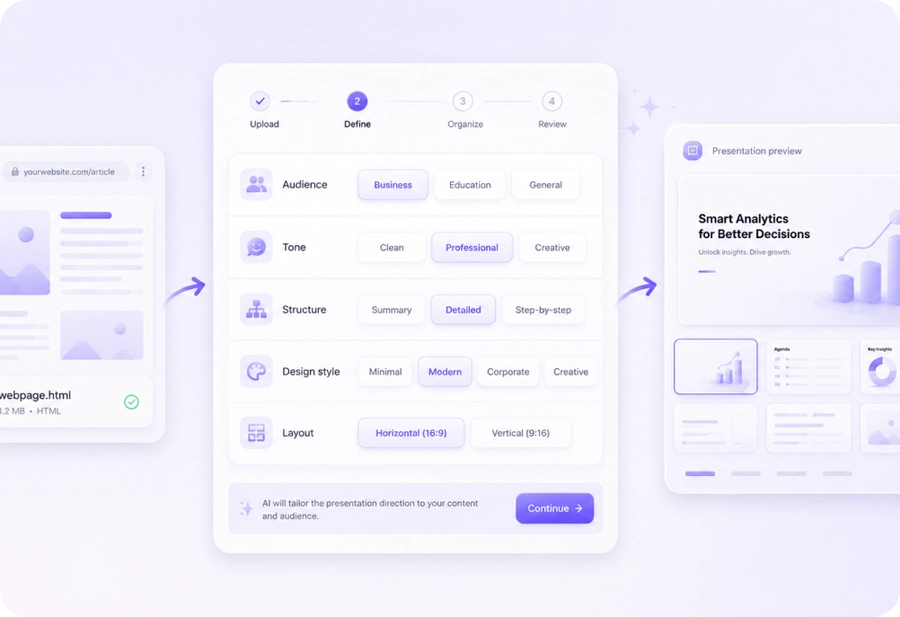
Choose the presentation direction that fits your content and audience.
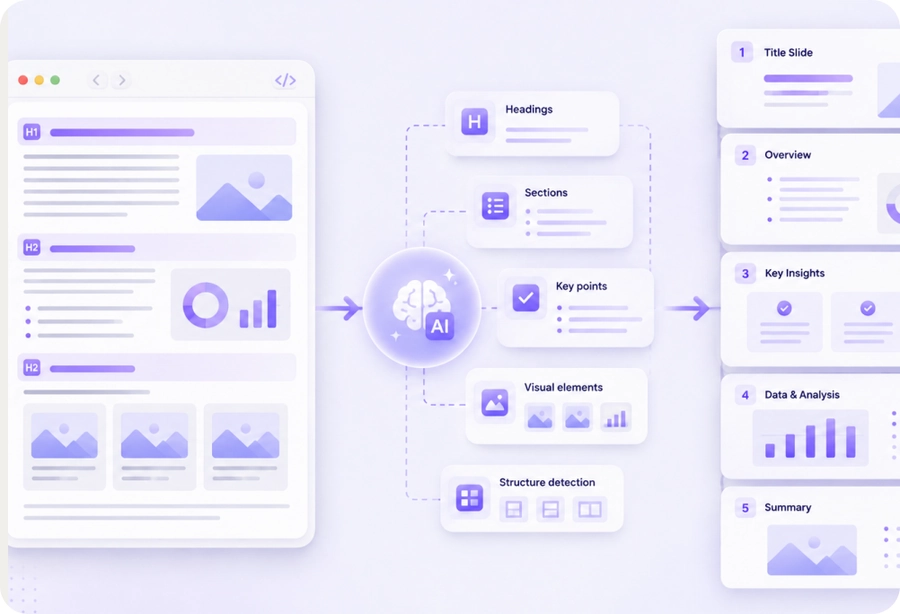
PopAi identifies headings, sections, key points, and available visual elements, then organizes them into a presentation structure.

Review and continue editing your slides, then export as PPTX or PDF, or share them through a web link.
See how AI-powered conversion organizes source content into a presentation-ready flow.
| Dimension | AI conversion | Traditional conversion |
|---|---|---|
| Structure handling | Reads headings, sections, and available visual elements | Copies page content without understanding hierarchy |
| Content handling | Extracts key points from structured HTML content | Preserves HTML blocks or page order |
| Presentation logic | Turns sections into a presentation outline | Leaves slide grouping and emphasis to the user |
| Review and editing | Creates a draft deck for review and continued editing | Requires manual slide planning and formatting |
| Cost / Free tier | Try free and review before exporting | May require a paid tool before preview |
In a current test, PopAi used an uploaded HTML report to organize an executive summary, key metrics, risk register, recommended actions, and decision points into a PPT structure.
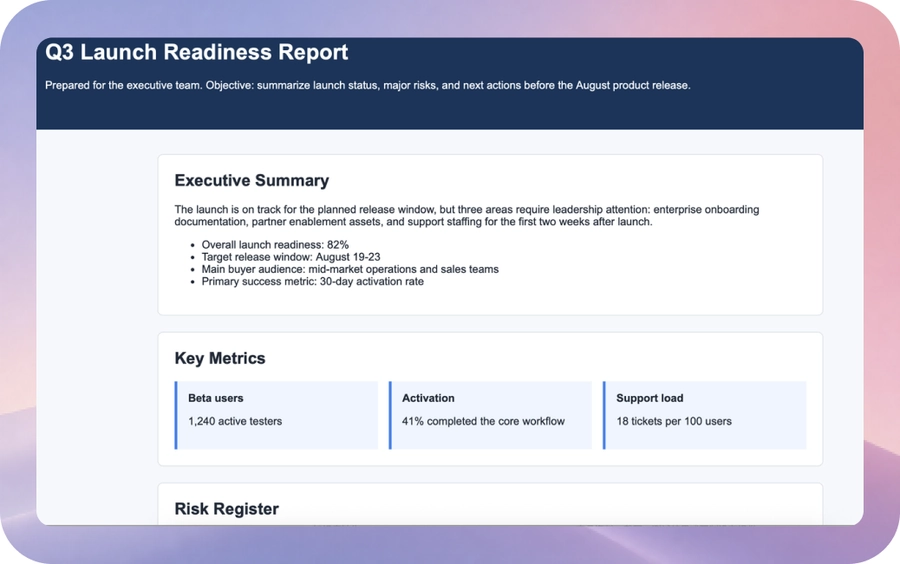
Start with an uploaded HTML report
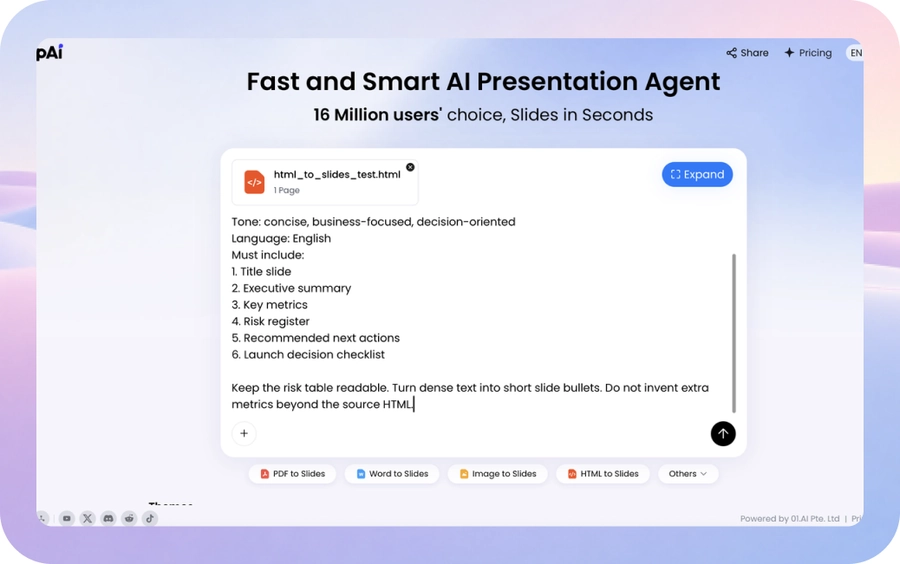
Upload the file and define the presentation direction
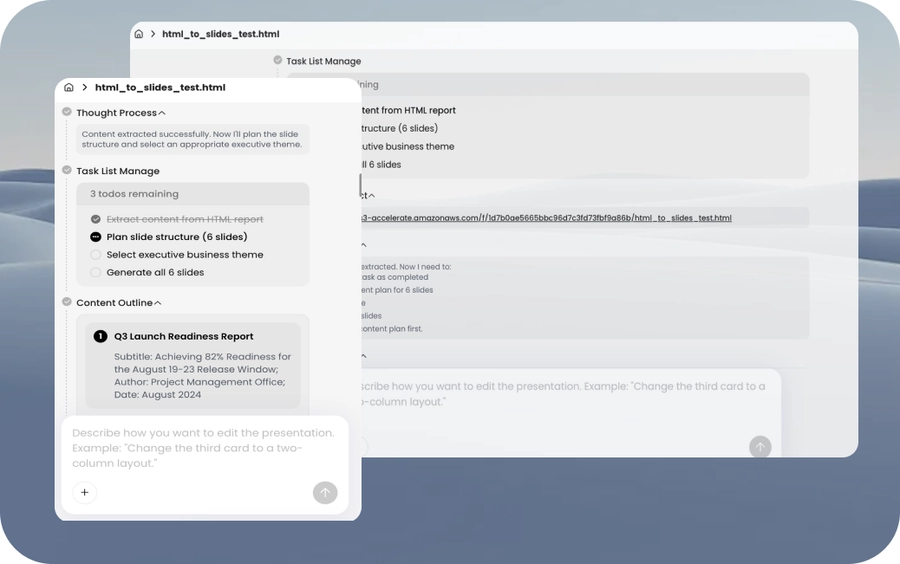
Review the generated presentation outline
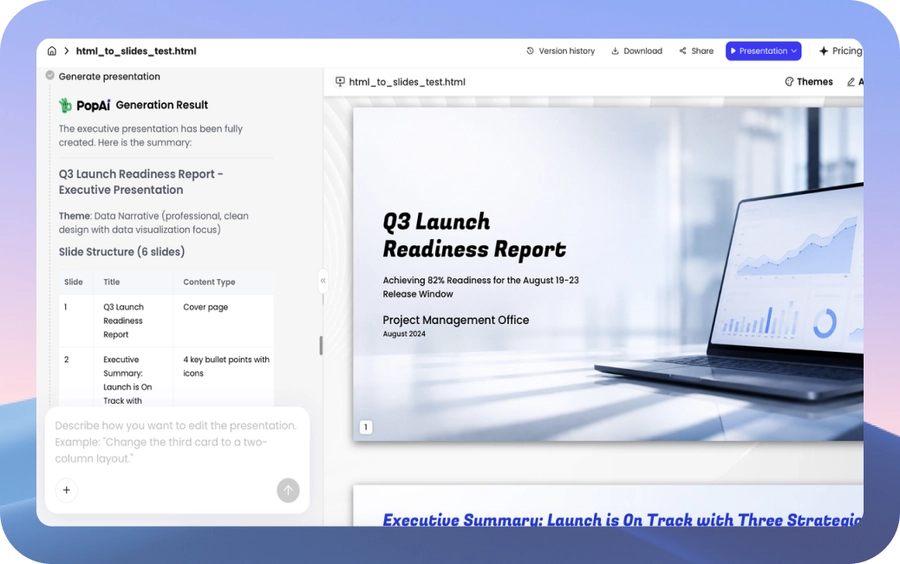
Open the generated PPT and continue editing
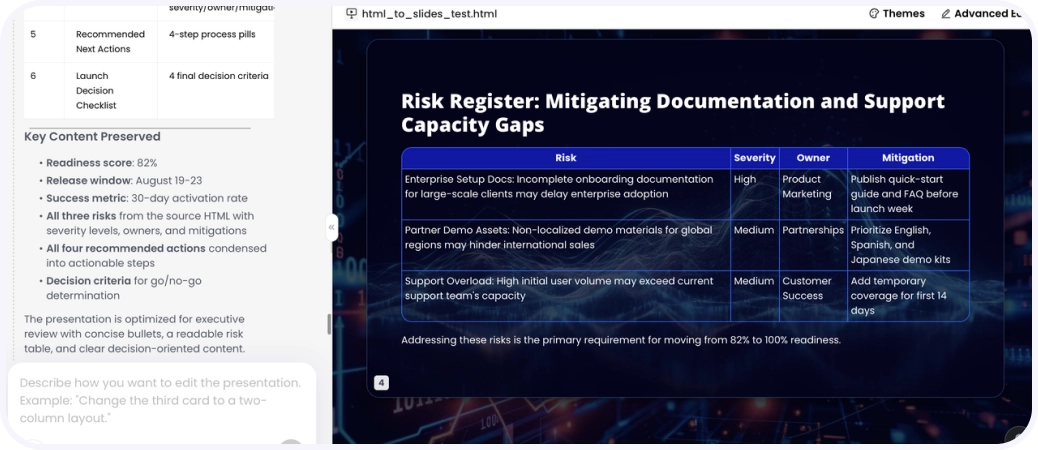
Example output: risk register organized into a slide
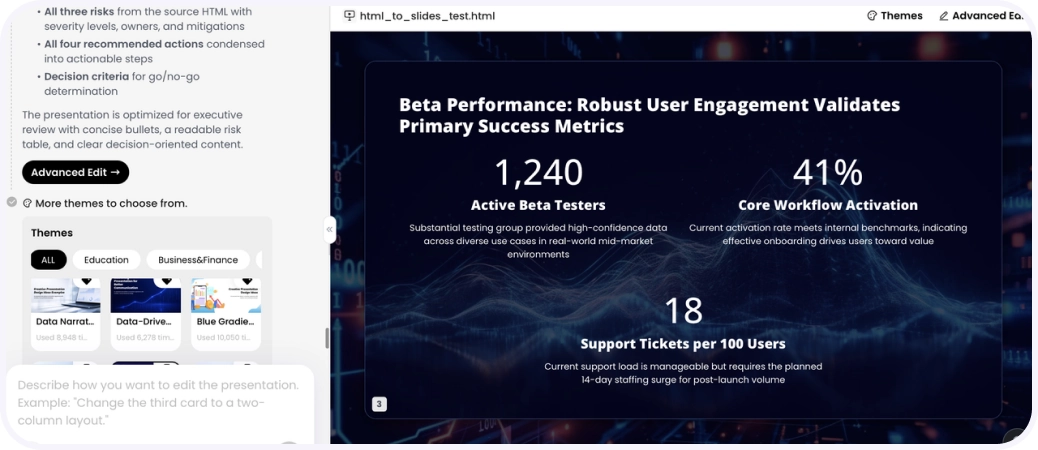
Example output: key metrics organized into a slide