What Word Documents Can You Turn into PPT?
Turn business proposals, reports, essays, teaching materials, training documents, case studies, and meeting notes into presentation-ready PPT slides.
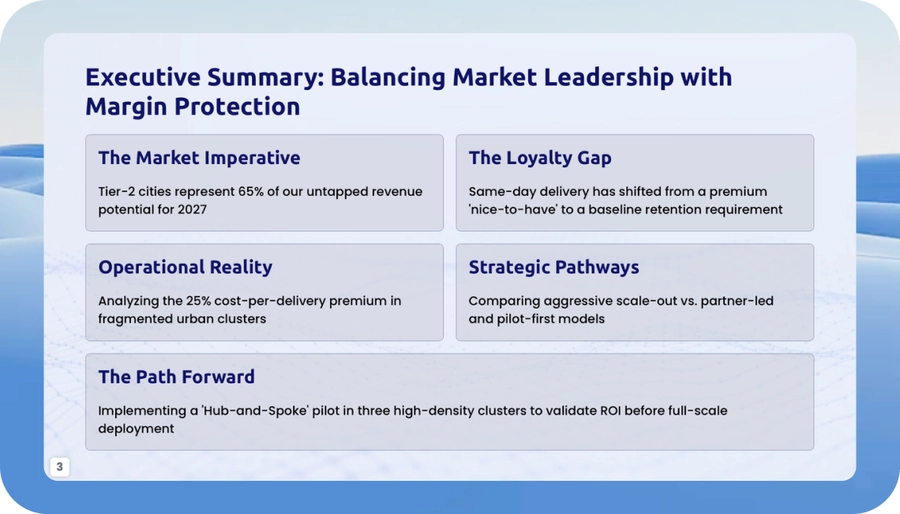
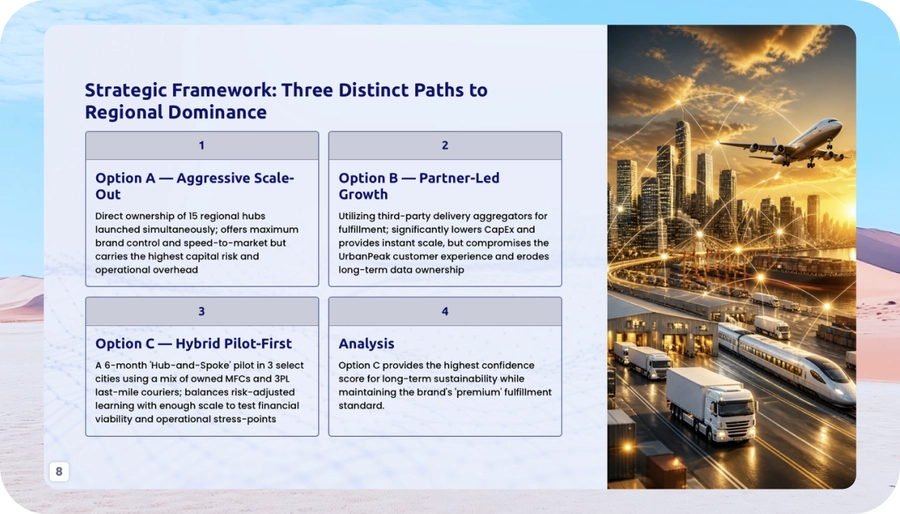
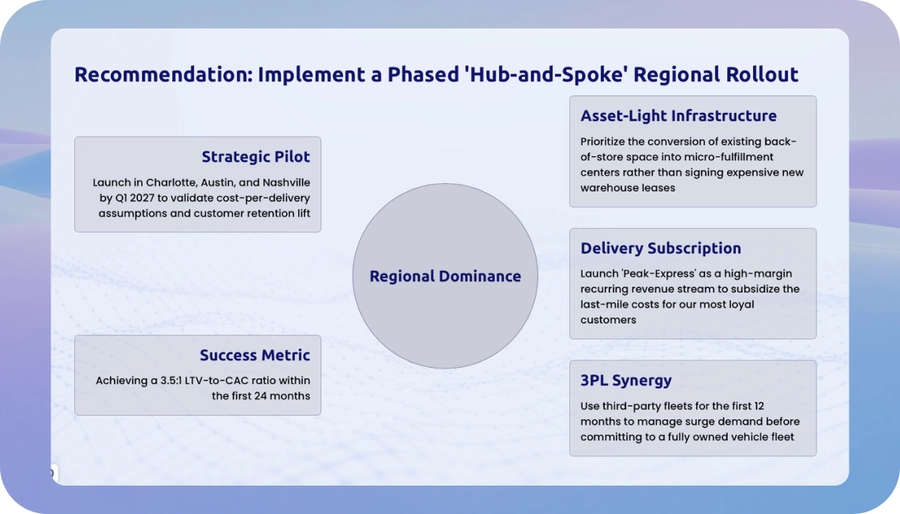
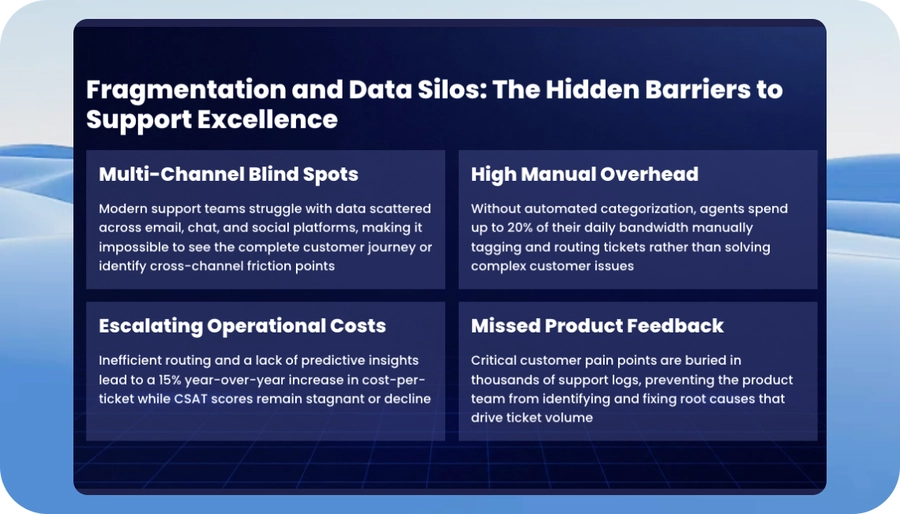
Convert DOC and DOCX files into structured, editable PPT slides. PopAi keeps the logic of your document while turning headings, paragraphs, and key points into a clear presentation.
Turn business proposals, reports, essays, teaching materials, training documents, case studies, and meeting notes into presentation-ready PPT slides.
PopAi reads the hierarchy of your Word document and turns sections into a logical presentation flow. Long paragraphs are reorganized into presentation-ready points while the original argument remains clear.
PopAi can identify headings and sections, organize paragraphs into concise points, keep important formatting cues and document hierarchy, and create a PPT flow for further refinement.
Turn a long proposal into a clearer presentation with a defined narrative, concise points, and layouts you can continue editing in PopAi. Export as PPTX or PDF, or share the presentation through a web link. PPTX files can be opened in PowerPoint, Google Slides, and Keynote for continued editing.
| Supported input | DOC and DOCX files |
|---|---|
| File size | Word files up to 50MB. |
| Page limit | Up to 100 pages. |
| Scanned files | Scanned document pages are supported when provided in a supported file format. Review extracted text and slide content before presenting. |
| Output options | Export as PPTX or PDF, or share the presentation through a web link. |
| Editing compatibility | PPTX files can be opened in PowerPoint, Google Slides, and Keynote for continued editing. |
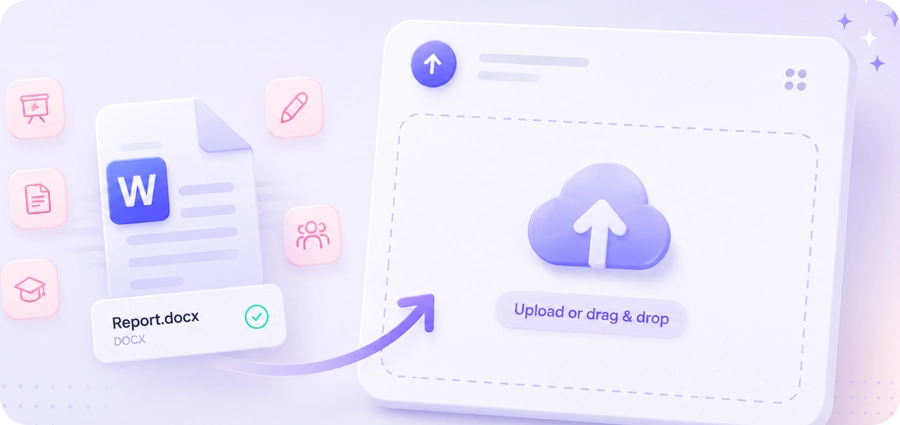
Upload a DOC or DOCX report, proposal, essay, training document, or meeting note.
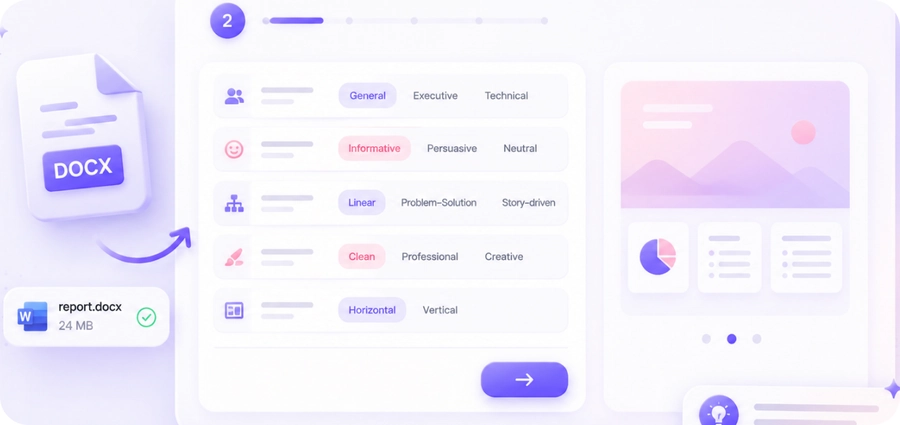
Choose the presentation direction that fits your content and audience.
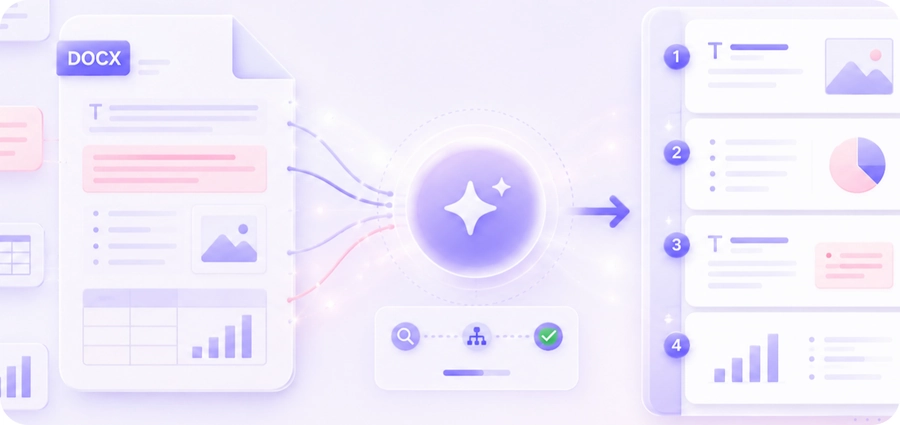
PopAi extracts key points, reorganizes the document structure, and builds a clear presentation flow.
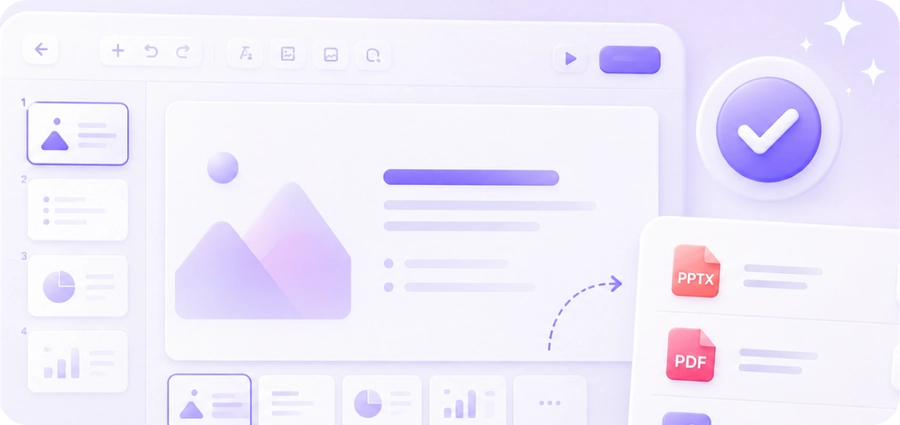
Review and continue editing your slides, then export as PPTX or PDF, or share them through a web link.
See how AI-powered conversion organizes source content into a presentation-ready flow.
| Dimension | AI conversion | Traditional conversion |
|---|---|---|
| Document structure | Reads heading styles and paragraph logic | Preserves original formatting only |
| Content handling | Condenses long paragraphs into presentation-ready points | Keeps paragraphs intact or requires manual summarization |
| Presentation logic | Turns sections and arguments into a slide narrative | Leaves slide grouping to the user |
| Review and editing | Creates a draft deck for review and continued editing | Requires manual slide planning after conversion |
| Cost / Free tier | Try free and review before exporting | May require a paid tool before preview |