AI Presentation Builder: Keep Consistent Style Across Slides
Updated August 4, 2026 · Jordan Vance
An AI presentation builder can keep consistent style only when you give it clear rules. The goal is not to make every slide identical; the goal is to keep fonts, colors, spacing, image style, title logic, and layout patterns predictable enough that the audience focuses on the message.
This guide shows the design principles, common style mistakes, before/after fixes, reusable checklist, AI-assisted steps, realistic examples, FAQ, and the connection back to the PopAi presentation pillar.
AI Presentation Builder Keep Consistent Style: Start with Rules
Before generating slides, define the design system: title style, body font, color palette, image style, logo placement, spacing rules, and repeated slide types. AI can apply those rules faster than a manual editor, but it needs the rules first.
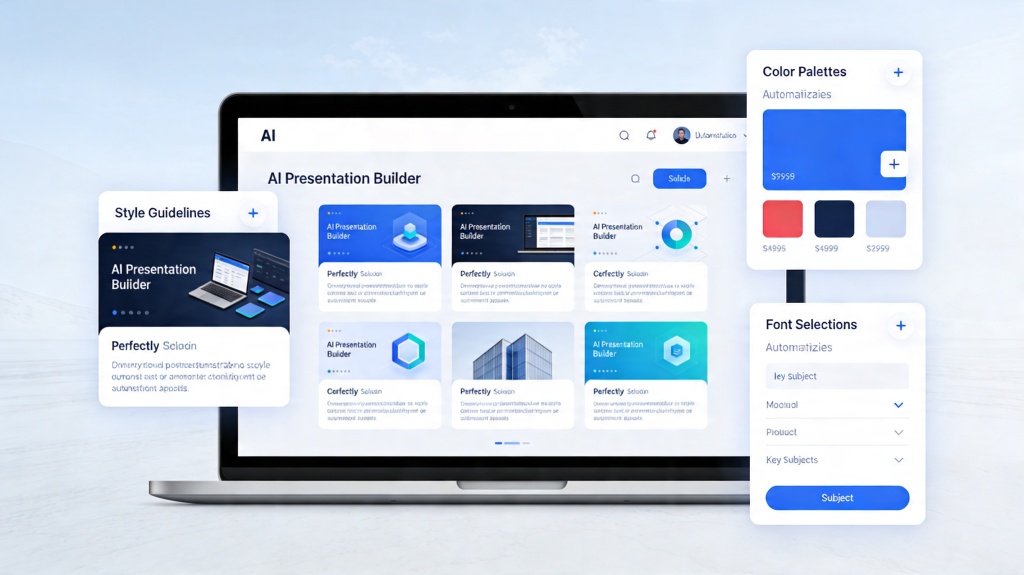
Design Principles for Consistent Presentation Style
- Use one title hierarchy: title, subtitle, body, caption.
- Use a limited palette: primary, neutral, and one accent color.
- Repeat layout roles: agenda, evidence, comparison, quote, CTA.
- Keep imagery consistent: same illustration, photo, or icon style.
- Use the same alignment and spacing rules across sections.
Before and After Fixes for Style Drift
Style drift usually appears when slides are generated in separate passes or edited by different people. Use this table to repair the deck before final export.
| Style problem | Before | After |
|---|---|---|
| Fonts drift | Different title sizes and body fonts across slides | One title style, one body style, one caption style |
| Colors vary | Each section uses a new accent color | One primary color, one neutral, one accent for emphasis |
| Images clash | Photos, 3D renders, icons, and clip art mixed randomly | One image style prompt repeated across the whole deck |
| Layouts jump | Similar content appears in different positions | Reusable layouts for agenda, data, takeaway, and closing slides |
Real Scenarios Where Consistent Style Matters
Scenario 1: quarterly business review
A QBR needs repeated data layouts so leaders can compare metrics quickly. Ask AI to reuse the same chart placement, title format, and risk callout style across every section.
Scenario 2: sales enablement deck
Sales decks often combine product slides, customer proof, and pricing. A consistent style keeps the deck from feeling like separate files stitched together.
Where AI Can Help Keep the Style Consistent
- Brand kit: provide exact fonts, hex colors, logo rules, and image style.
- Layout templates: ask AI to reuse the same slide roles for similar content.
- Image prompts: reuse the same style modifier for every generated visual.
- Tone of voice: set formal, persuasive, academic, or executive language once.
- Scroll test: ask AI to identify slides that break title, spacing, or color rules.
Reusable Style Checklist and Related Guides
- Do all slide titles use the same size and position?
- Are body text, labels, and captions consistent?
- Are colors limited and used for the same meaning?
- Do image prompts produce one coherent visual language?
- Do similar slide types use the same layout pattern?
For broader presentation design tips, review hierarchy, whitespace, and before/after fixes. For the core builder workflow, use AI presentation builder.
Frequently Asked Questions
How can an AI presentation builder keep consistent style?
Give the AI exact brand rules, font hierarchy, color palette, image style, and repeated layout roles before generating slides. Then run a style review before export.
What causes inconsistent slide style?
Common causes include mixed fonts, too many colors, different image styles, changing title positions, and using different layouts for the same type of content.
What prompt helps keep AI-generated visuals consistent?
Use the same image style modifier every time, such as professional flat illustration, soft blue palette, minimal background, or isometric 3D style.
What should I check before exporting the deck?
Run a thumbnail scroll test and check title placement, font sizes, color use, logo position, image style, CTA placement, and whether repeated slide types look related.