Build a Product Launch Presentation with AI: Full Guide

June 09, 2026
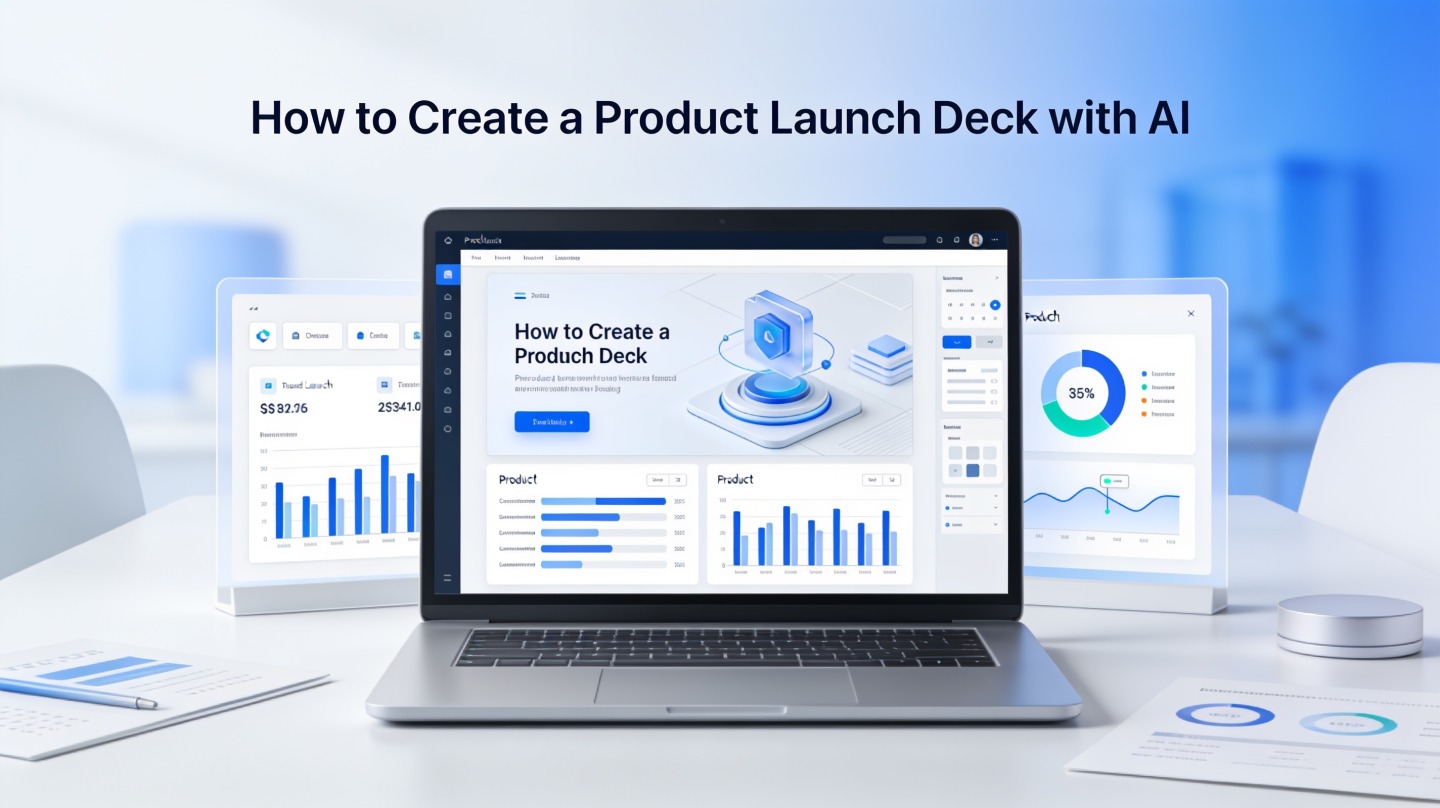
product launch presentation with AI dashboard and launch strategy slides
An AI-assisted launch deck turns product notes, audience insights, and demo flow into a structured presentation.

A product launch presentation has to do more than announce new features. It must align executives, give sales and marketing a usable story, and convince customers or partners that the product solves a real problem now.

AI can speed up the process, but only when you give it the right strategy inputs. This guide shows product marketers, founders, and go-to-market teams how to use AI to shape messaging, organize launch slides, and build a deck that supports a clear launch decision.

What a Product Launch Presentation Must Do Before AI Helps

This section defines the job of the deck so AI does not simply produce attractive but shallow slides.

Start with the decision the deck must drive

A launch deck is not a product manual. It is a decision tool. Before opening an AI presentation maker, write the one decision you want from the audience: approve launch timing, fund a campaign, enable the sales team, recruit beta users, or win customer adoption.
That decision changes the whole structure. An executive launch deck should emphasize market timing, risk, and business impact. A sales enablement version should emphasize buyer pain, objection handling, and demo talk tracks. A customer-facing launch deck should emphasize outcomes, workflow changes, and proof.

The best product launch deck has one job: move a specific audience from “why now?” to “what should we do next?”

Use AI after the launch brief, not before it

AI performs better when it receives constraints. Prepare a short launch brief with the audience, product category, core problem, top differentiator, proof points, launch date, and required call to action. Then use PopAi AI Presentation to turn that brief into a first slide structure instead of starting from a blank page.

In a hands-on rebuild of a 12-slide B2B product launch deck, the biggest improvement came before visual design: we reduced each slide to one headline message and one supporting proof point. Average headline length dropped from 18 words to 9 words, making the deck easier to scan during a live stakeholder review.

Build the Product Launch Presentation Narrative with AI

This part turns scattered product facts into a story that a market, buyer, or internal team can follow.

Give AI a narrative frame

A strong launch narrative usually follows a simple arc: the market changed, the old workflow is painful, the new product creates a better way, proof shows it works, and the audience has a next step. AI can draft this arc quickly when you feed it the right raw material.

Use a prompt like this:

Prompt: “Create a product launch presentation narrative for [audience]. The product is [product]. The main customer problem is [problem]. The new capability is [capability]. The strongest proof is [proof]. The audience should decide to [action]. Make the story clear, specific, and non-hype.”

Separate positioning from copywriting

Positioning answers why the product matters. Copywriting makes that answer memorable. Ask AI for several positioning angles first, then select the one that matches your launch objective. Only after that should you ask for slide headlines, speaker notes, and short section summaries.

For example, a security product could be positioned around compliance, operational speed, risk reduction, or IT team workload. The right angle depends on who is in the room. AI can compare these angles in a table so your team can choose deliberately instead of defaulting to the loudest feature.

AI product presentation messaging board with launch narrative and audience segments
Use AI to compare positioning angles before drafting final launch headlines.

AI Prompts for Product Launch Deck Slides

These prompts help you generate useful slide material without accepting generic AI output.

Prompt for the first outline

Ask AI for a deck outline that matches the audience and meeting format. The prompt should specify slide count, level of detail, and the type of proof you have available.

  • Executive approval: “Create a 10-slide launch approval deck with business risk, market timing, investment needed, and launch readiness.”
  • Sales enablement: “Create a 12-slide sales launch deck with buyer pains, qualification cues, demo flow, competitive traps, and objection responses.”
  • Customer launch webinar: “Create a 14-slide customer-facing deck with the problem, new workflow, demo sections, use cases, and adoption next steps.”

Prompt for sharper slide headlines

Once you have an outline, ask AI to rewrite every slide title as a conclusion, not a label. “New analytics dashboard” is a label. “Teams can now spot launch risks before revenue is affected” is a conclusion.

In our deck reviews, conclusion-style headlines consistently make stakeholder feedback faster because reviewers can agree or challenge the claim immediately. Label headlines force people to read the whole slide before understanding the point.

Pro Tip: If your first AI draft feels generic, paste in real customer language, sales call notes, or beta feedback, then regenerate the deck in PopAi AI Presentation with the instruction “keep the wording specific to this audience.”

Recommended Product Launch Presentation Slide Structure

This structure works for most launch contexts because it balances strategy, product value, demo, and next steps.

A practical 12-slide launch deck

Slide Purpose AI input to provide
1. Launch title Name the product and promise Product name, audience, one-line value proposition
2. Market shift Explain why this launch matters now Trend, customer behavior, competitive pressure
3. Customer problem Make the pain concrete User quotes, workflow friction, current cost
4. Product insight Show your point of view Core belief behind the product decision
5. Solution overview Introduce the product simply Top capabilities and screenshots
6-8. Demo flow Show how the product works Workflow steps, user role, expected outcome
9. Differentiation Clarify why you win Competitor comparison, unique capability, constraints
10. Proof Reduce skepticism Beta results, testimonials, internal QA, pilot notes
11. Launch plan Align channels and timing Campaign calendar, owners, milestones
12. Ask and next step Drive action Decision needed, deadline, owner

Adapt the slide count to attention span

For live internal meetings, aim for 10 to 14 slides and keep extra details in an appendix. For a recorded product tour, the same story may need fewer slides and more demo footage. For a sales kickoff, expand objection handling and competitive positioning.

The key is not the exact number. It is whether every slide earns its place by answering a question the audience already has.

Use AI to Strengthen the Demo and Proof Sections

The demo and proof slides decide whether the launch story feels believable.

Turn the demo into a customer workflow

Many launch decks fail because the demo is organized by feature tabs instead of user progress. Ask AI to rewrite the demo as a three-step workflow: what the user starts with, what action they take, and what changes after the product helps.

This is where details matter. Replace vague claims like “improves productivity” with a specific workflow such as “the campaign manager reviews three launch channels in one dashboard before the weekly growth meeting.” Specificity gives the audience a mental picture.

Use proof responsibly

Proof can include beta quotes, pilot outcomes, usability findings, internal QA results, or benchmark comparisons. Do not let AI invent numbers. If you do not have quantitative evidence, say what has been validated qualitatively and what still needs measurement after launch.

AI can format proof, summarize proof, and connect proof to the story. It should not create proof your product team has not earned.

In one 15-slide launch-readiness review, separating “validated proof” from “assumptions to test after launch” reduced executive debate. The team stopped arguing about unverified claims and focused on the two launch risks that still needed owners before release.

product launch demo slides with proof metrics and AI-generated presentation layout
Proof slides should connect launch claims to evidence, not just decorate the deck with metrics.

Design and Review Your AI Product Presentation

AI can generate polished layouts, but human review keeps the deck accurate and launch-ready.

Design for fast scanning

Use one message per slide, large headlines, visible product screenshots, and consistent section dividers. Avoid dense grids unless the audience needs comparison detail. If a slide requires a long explanation, split it into a main slide and appendix slide.

For product screenshots, annotate only the area the audience should notice. A single callout box usually works better than five arrows. The goal is to guide attention, not prove that every feature exists.

Run a launch-deck QA checklist

  • Does the opening answer why this product matters now?
  • Does each slide title state a conclusion?
  • Are product claims supported by proof or clearly marked as assumptions?
  • Can a sales or marketing teammate retell the story after one read?
  • Is the final ask specific, owned, and time-bound?

Use AI again during review. Paste the deck outline and ask, “Where would a skeptical executive, sales leader, or customer object?” This exposes missing proof, unclear positioning, and slides that sound impressive but do not move the launch forward.

Common Mistakes When You Create Launch Slides with AI

Avoid these mistakes to keep AI from weakening your launch message.

Mistake 1: Letting AI choose the audience

If the prompt says “create a product launch deck” without naming the audience, the output will average together executives, customers, sales reps, and analysts. That produces a deck that feels broadly correct but useful to no one.

Mistake 2: Confusing feature lists with launch strategy

Features matter, but a launch deck needs a point of view. Explain the problem, the shift in the market, and the reason your product approach is different. Then show the features as evidence.

Mistake 3: Skipping the final ask

Every launch presentation should end with a clear next step. Ask for budget approval, campaign sign-off, beta recruitment, sales certification, customer adoption, or press readiness. If the audience leaves without knowing what to do, the deck has not finished its job.

FAQ: Product Launch Presentation with AI

These are the questions launch teams usually ask before trusting AI with an important product story.

How many slides should a product launch presentation include?

Most launch teams can cover the story in 10 to 14 slides: audience, problem, insight, product, differentiation, demo flow, proof, launch plan, channels, metrics, risks, and ask. Use fewer slides for executive approval and more detail for sales enablement.

Can AI create launch messaging without making it generic?

Yes, if you provide concrete inputs such as customer quotes, feature limits, competitor positioning, pricing context, and the launch objective. AI is strongest as a structuring and drafting partner, while your team should validate claims and sharpen the unique point of view.

What should I prepare before using AI for a launch deck?

Prepare the product brief, target audience, launch goal, top three user pains, demo screenshots or workflow notes, key proof points, pricing or packaging details, and the decision you want the audience to make after the presentation.

Should the product launch deck focus more on features or benefits?

Lead with benefits and support them with features. A strong launch deck explains the user problem, shows the product change, proves why it matters, and then maps features to outcomes such as saved time, reduced risk, higher adoption, or better revenue performance.

Create your presentation with one click now

Turn your launch brief, product messaging, and demo notes into a polished AI presentation that your team can review, refine, and share faster.

Start creating with PopAi
Maya Chen

Maya Chen is a presentation strategist for product marketing and go-to-market teams. She specializes in launch narratives, AI-assisted deck workflows, sales enablement presentations, and executive-ready product storytelling.

Related Articles