AI Business Plan Deck Generator: Structure, Prompt, Examples
Updated August 10, 2026 · Alex Rivera
An AI business plan deck generator helps founders turn a long business plan, notes, and financial assumptions into a concise investor or stakeholder deck.
This guide covers target users, a recommended deck structure, slide-by-slide content, copyable prompts, examples, review checks, FAQ, and the PopAi presentation pillar.
AI Business Plan Deck Generator: Start with the Business Story
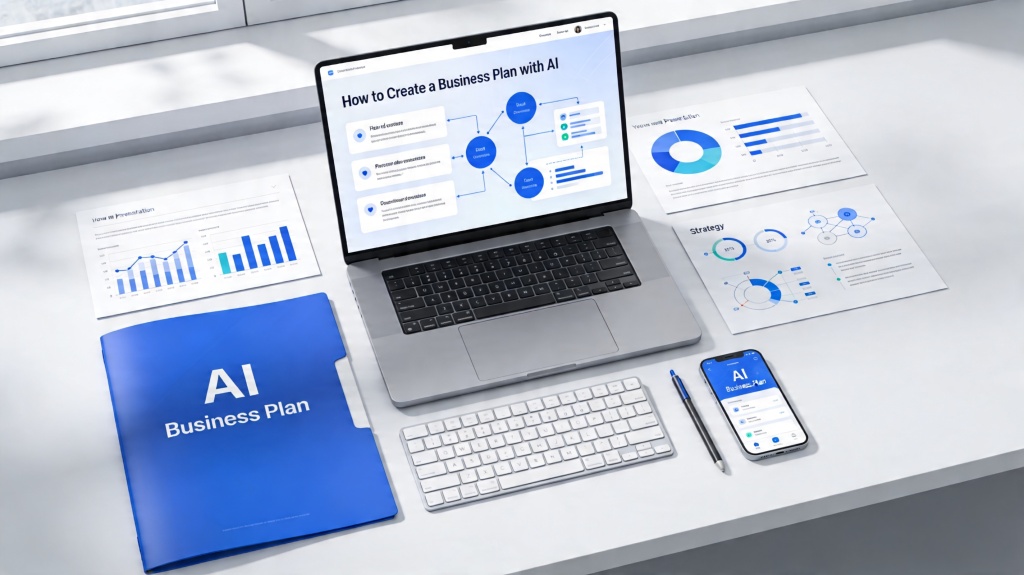
A business plan deck is not a shortened document. It should explain the opportunity, customer pain, solution, model, proof, and funding or execution plan in a fast visual sequence.
Target Users and Business Plan Deck Scenarios
- Startup founders preparing investor or accelerator materials.
- Small business owners turning strategy docs into lender or partner presentations.
- Students converting business plans into class pitch decks.
- Operators summarizing a new market, product, or expansion plan.
Recommended Business Plan Deck Structure
| Slide | Purpose | What to include |
|---|---|---|
| 1 | Hook | One-line value proposition and business category |
| 2 | Problem | Customer pain, urgency, and current workaround |
| 3 | Solution | Product, service, or model and before/after value |
| 4 | Market | Audience, TAM/SAM/SOM, and wedge |
| 5 | Business model | Pricing, revenue logic, sales motion |
| 6 | Traction | Milestones, customers, pilots, revenue, or validation |
| 7 | Operations plan | Team, roadmap, dependencies, and risks |
| 8 | Financial ask | Funding, use of funds, and next milestone |
Example Slide Copy and Review Checklist
Example problem slide
Independent clinics lose hours every week reconciling billing, scheduling, and patient follow-up across disconnected tools.
Example use-of-funds slide
Use $500K to finish onboarding automation, hire one sales lead, and reach 20 pilot clinics within two quarters.
- Verify market size and financial assumptions.
- Replace generic AI text with real customer evidence.
- Keep the ask tied to milestones and runway.
- Move detailed financial tables into an appendix.
For investor-specific slide prompts, use AI investor pitch deck generator. For a problem-solution narrative, use build storytelling deck AI problem solution. For broader deck structure, use create winning slide decks with AI slide deck.
Frequently Asked Questions
What is an AI business plan deck generator?
It is an AI workflow that turns business plan material into a concise presentation with problem, solution, market, model, proof, plan, and ask.
What should I paste into the AI prompt?
Paste the business summary, customer segment, problem, solution, market assumptions, business model, traction, team, financial ask, and risks.
Can AI create financial projections?
AI can help structure projection slides, but you must verify assumptions, formulas, and numbers before showing investors or lenders.
What is the biggest mistake in AI business plan decks?
The biggest mistake is allowing generic claims. Add real customer evidence, realistic financial logic, and a clear milestone-based ask.