PopAi vs Plus AI: Workflow, Quality, Export, and Fit
Updated August 3, 2026 · PopAi Editorial Team
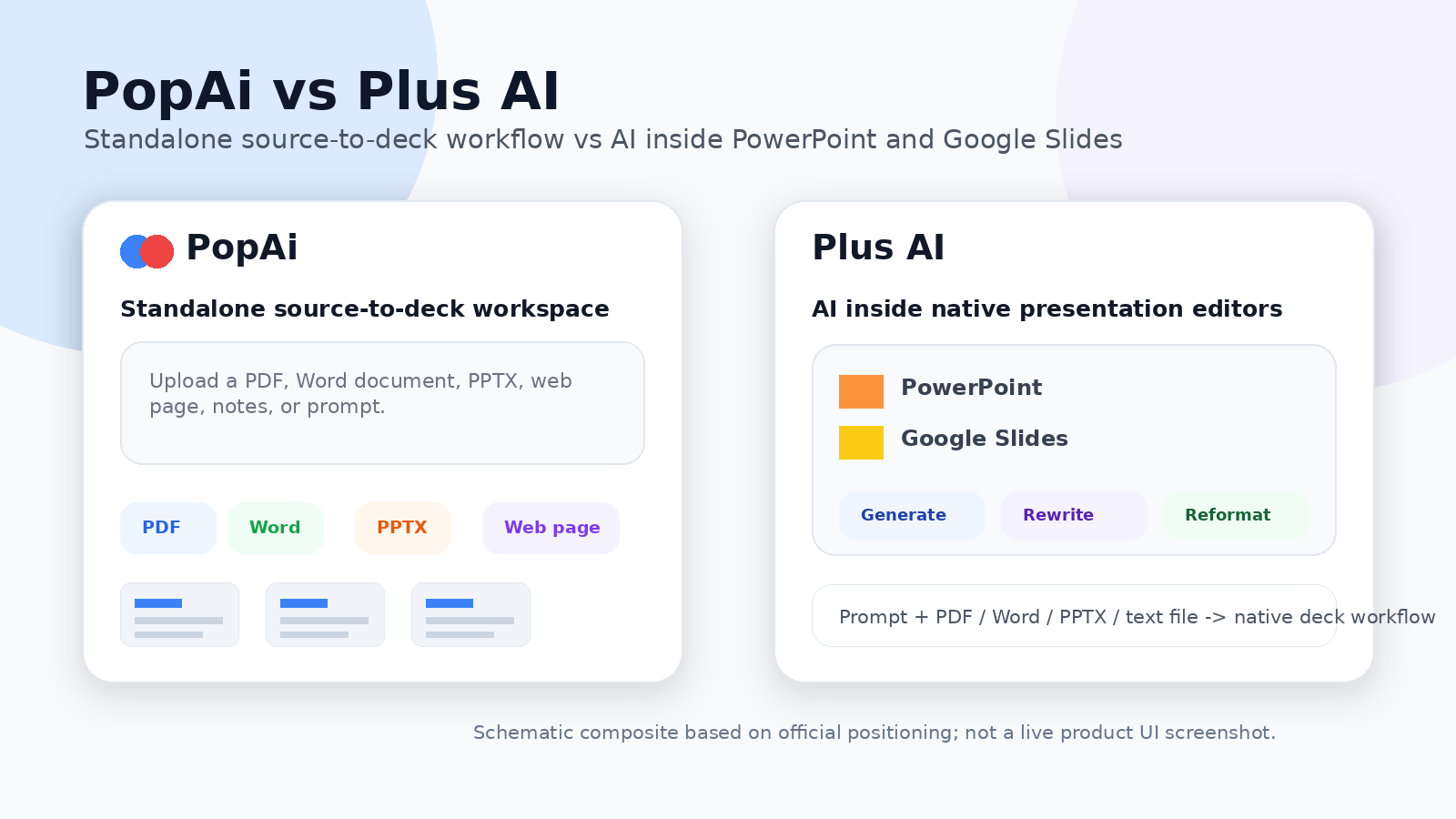
If you are comparing PopAi vs Plus AI, the right question is not simply which AI presentation maker creates slides faster. The more useful question is which one fits your team's actual presentation workflow — a standalone source-to-deck workspace, or AI assistance directly inside PowerPoint and Google Slides.
For teams that want an AI presentation maker that starts from real source material and ends in a deck handoff, PopAi is the more direct standalone workflow. Plus AI is the better fit when your team wants AI inside PowerPoint or Google Slides from the start. This comparison is part of our broader guide to the best AI for PowerPoint presentation tools.
Fast verdict: choose PopAi when you want to start from messy source material and move quickly toward a complete, editable presentation deck. Choose Plus AI when your team already builds and reviews presentations inside PowerPoint or Google Slides and wants AI assistance inside those editors.
PopAi vs Plus AI at a Glance
Both products help users move from a rough idea or an existing source document toward a presentation, but they fit different workflows. PopAi is positioned as a standalone AI presentation maker that turns prompts, PDFs, Word documents, PPTX files, web pages, and notes into a complete deck. Plus AI is positioned as AI inside PowerPoint and Google Slides, useful for generating, rewriting, reformatting, or extending slides without leaving the native editor.
| Category | PopAi | Plus AI | Best fit |
|---|---|---|---|
| Core workflow | Standalone source-to-deck generation from prompts, PDFs, Word documents, PPTX files, web pages, and notes | AI generation, rewriting, and reformatting inside PowerPoint and Google Slides | PopAi for source-heavy first drafts; Plus AI for native-editor workflows |
| Input types | Prompts, PDFs, Word documents, PPTX files, web pages, outlines, and notes | Prompts, PDF, Word document, PowerPoint, text file, and existing decks | Both support document inputs; test your real file types |
| Existing deck editing | Useful for editing generated decks and preparing handoff files | Stronger for rewrite, reformat, and extend tasks inside an existing presentation editor | Plus AI for editing inside PowerPoint or Google Slides |
| Export and handoff | PPTX/PDF export and share-link review handoff | Native PowerPoint and Google Slides workflow with familiar review/editing tools | Depends on whether your team wants a separate creation workspace or native editor continuity |
| Collaboration | Do not position as real-time collaboration; use export or share link for review | Benefits from PowerPoint and Google Slides review workflows | Plus AI when live comments and shared editor workflows matter |
Workflow Difference: Standalone Deck Generation vs Native Editor AI
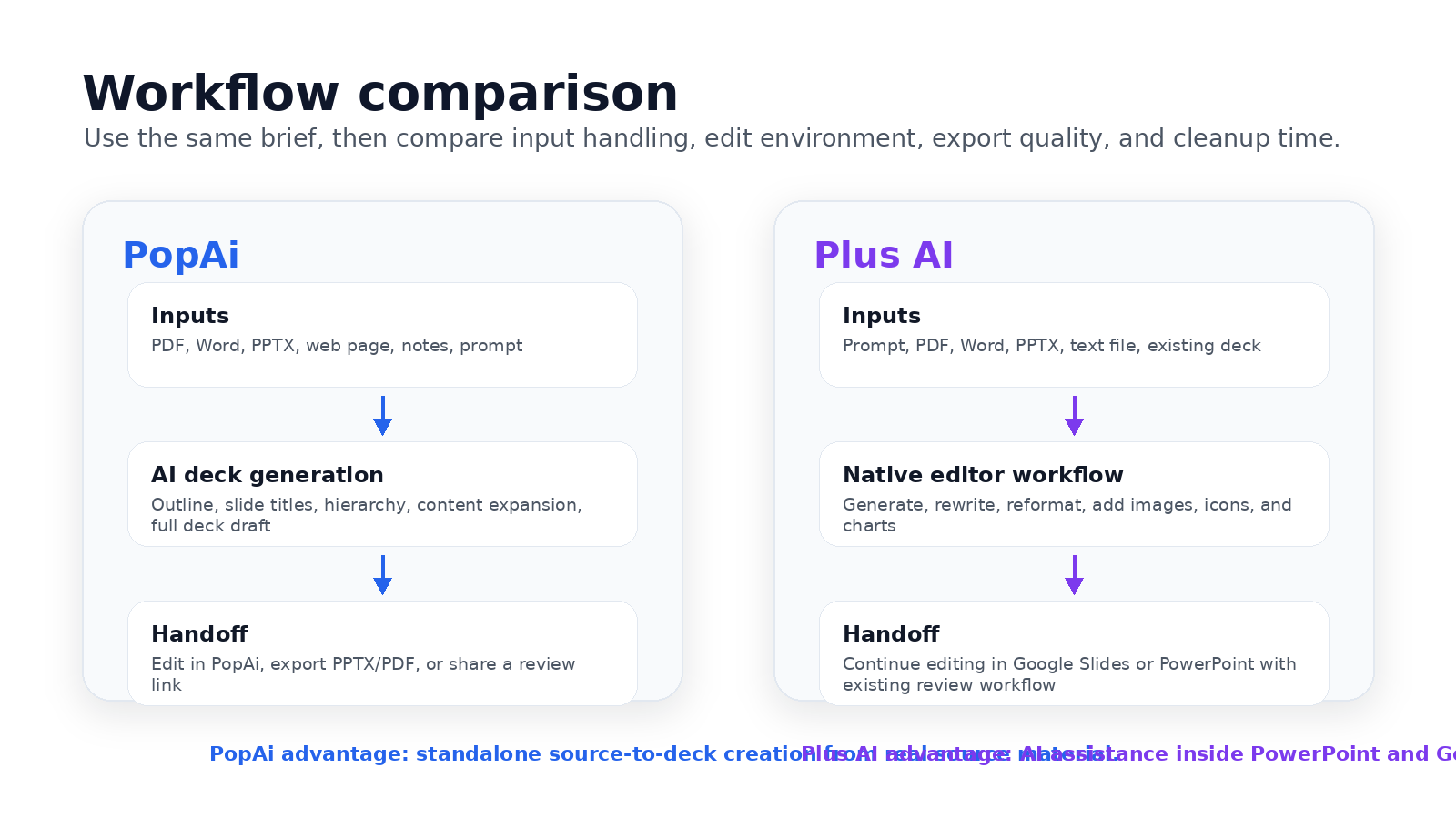
PopAi's advantage is not that Plus AI cannot generate decks. The stronger distinction is workflow. PopAi works as a standalone AI presentation maker for teams that want to start from messy source material — PDFs, Word documents, PPTX files, web pages, notes, or prompts — and quickly move toward a complete deck that can be edited, exported as PPTX/PDF, or shared for review.
Plus AI is strongest when your team wants AI inside an existing presentation editor. It works with PowerPoint and Google Slides, supports prompt-based generation and file uploads, and is useful when the user wants to generate, rewrite, reformat, or extend slides without moving into a separate presentation workspace.
Recommended Pilot Test
To compare the tools fairly, run the same real business brief through both products. A good pilot is a 10-slide quarterly marketing review with campaign notes, pipeline metrics, customer feedback themes, budget observations, risks, and three next-quarter recommendations. Then compare outline quality, source accuracy, editability, export fidelity, and cleanup time.
- Use the same brief, source documents, and brand requirements in both tools.
- Check whether each tool preserves the most important claims, numbers, and context.
- Open the output and perform a five-minute editing test: rewrite a slide title, move objects, replace an image, and adjust a layout.
- Export or continue editing, then measure how much cleanup is needed before a stakeholder could review the deck.
PopAi vs Plus AI Final Decision Scorecard
The scores below are suggested starting points for a conventional business presentation workflow. Your own scores should come from a real pilot using your team's files, templates, and review process.
| Criterion | Suggested PopAi score 1-5 | Suggested Plus AI score 1-5 | What to test in your own workflow |
|---|---|---|---|
| Source-to-deck from messy material | 4.5 | 4.0 | Use PDFs, Word files, PPTX files, web pages, and notes to see which tool creates the cleanest first draft. |
| Native Google Slides / PowerPoint workflow | 3.5 | 4.8 | Test whether the team wants a standalone workspace or AI directly inside its existing editor. |
| Blank-page deck planning | 4.4 | 4.1 | Compare outline quality, slide titles, section flow, and the amount of manual rewriting needed. |
| Existing deck editing | 3.8 | 4.7 | Try rewriting, reformatting, and extending slides in a presentation that already exists. |
| Export / review handoff | 4.2 | 4.5 | Open the output, edit objects, check fonts, and validate whether stakeholders can review it easily. |
| Brand-template workflow | 4.0 | 4.5 | Use real templates, brand fonts, brand colors, and presentation layouts before choosing a plan. |
For a standalone source-to-deck workflow, PopAi is the stronger starting point. For teams that already build and review everything inside PowerPoint or Google Slides, Plus AI may be the lower-friction option.
Editing, Export, and Review Handoff Differences
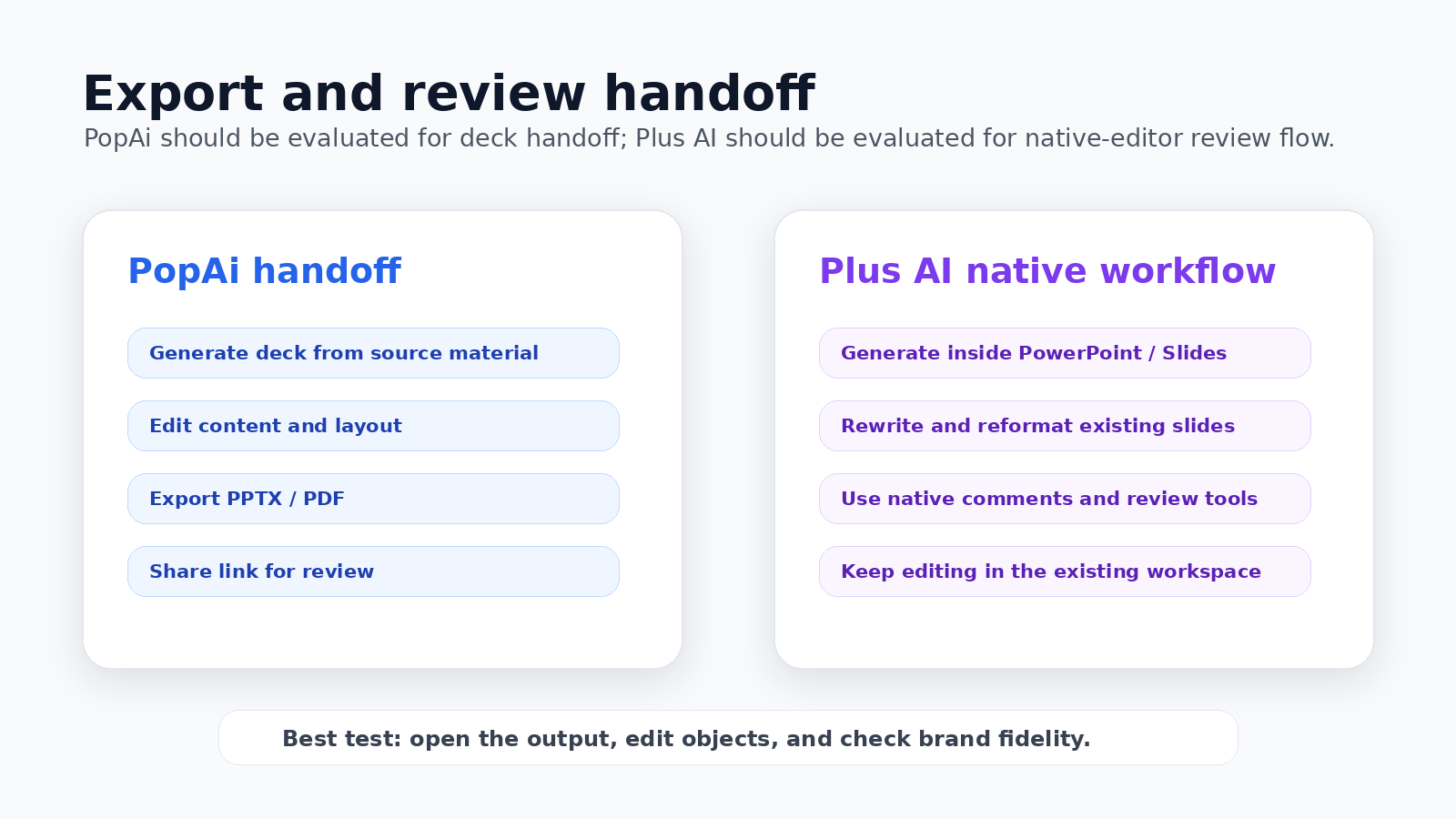
PopAi should be positioned as a generation, editing, export, and review-handoff workflow — not as a real-time collaboration workspace. Teams can generate and edit the deck in PopAi, then export PPTX/PDF or share a review link. If the review process depends on live comments, version history, and shared-drive collaboration inside Google Slides or PowerPoint, Plus AI has an advantage because it operates inside those existing editor workflows.
Pricing and Plan-Limit Checklist
Pricing and plan limits change, so verify both vendors' current pricing pages before purchase. At the time of review, Plus AI's pricing page described the product as free to try, with paid plans starting at $10/month, and stated that Plus AI can create presentations in Google Slides and PowerPoint. PopAi offers limited free usage, while paid-plan value depends on how often your team turns PDFs, Word documents, PPTX files, web pages, prompts, and notes into finished decks.
- Input limits: Check file size, character limits, and how long source documents are handled.
- Export rules: Confirm PPTX/PDF availability, watermark rules, and whether objects remain editable.
- Template workflow: Test your real brand template before rollout.
- Team process: Decide whether the team wants a standalone creation workspace or native-editor continuity.
Pros, Cons, PopAi Fit, and Migration Steps
PopAi advantages
- Better fit when the source material is messy: PDFs, Word documents, reports, notes, web pages, or existing PPTX files.
- Useful when the team wants a full deck draft before deciding where final review should happen.
- Good for users who need PPTX/PDF handoff without starting inside a native slide editor.
Plus AI advantages
- Better fit when the team already works inside PowerPoint or Google Slides.
- Useful for rewriting, reformatting, and extending slides inside the editor people already use.
Who is more suitable for PopAi?
PopAi is more suitable for teams whose first problem is source-to-deck structure. A marketing manager with campaign notes, a consultant with a client brief, or a student with a research document can use PopAi to build the initial deck before exporting it for final review.
Migration steps
- Pick one recurring native-editor deck, such as a QBR, training deck, or sales proposal.
- Collect the source notes and files before opening the slide editor.
- Generate the first structure in PopAi and compare cleanup time with the Plus AI workflow.
- Export to PPTX/PDF, test editability, then decide whether final review should continue in PowerPoint or Google Slides.
For adjacent comparisons, read PopAi vs GenPPT, PopAi vs Gamma, and PopAi vs SlidesAI. For design-led workflows, compare PopAi vs Canva AI and PopAi vs Beautiful.ai. For the upper product pillar, start from PopAi AI Presentation.
Frequently Asked Questions
Is PopAi better than Plus AI?
It depends on the workflow. PopAi is the better fit when you want a standalone source-to-deck workflow from PDFs, Word documents, PPTX files, web pages, notes, or prompts. Plus AI is stronger when your team wants to generate, rewrite, or reformat presentations inside Google Slides or PowerPoint.
Does Plus AI work with PowerPoint and Google Slides?
Yes. Plus AI's official site positions it as an AI presentation maker for PowerPoint and Google Slides, with support for prompt-based generation, file uploads, rewriting, and reformatting.
Does PopAi support online collaboration?
PopAi should not be positioned as a real-time online collaboration workspace. The more accurate workflow is to generate and edit a deck in PopAi, then export it as PPTX or PDF or share a link for review handoff.
What should I test before choosing between PopAi and Plus AI?
Use the same real source material in both tools. Compare outline quality, source accuracy, editability, brand fit, export quality, review handoff, and whether your team prefers a standalone deck-generation workspace or an AI add-in inside Google Slides or PowerPoint.