Cross-platform presentation work has three separate questions: where you can create the deck, where you can edit it, and where someone else can open the final file. A browser route, a desktop app and offline AI are not interchangeable.
Public product information checked September 17, 2026. Availability, regional pricing, and account-level limits can change. These are documentation checks, not hands-on performance measurements.
The matrix is based on current vendor documentation, not hands-on certification on Windows, macOS or Linux. Web route means the product is browser-based; you must still check the vendor's supported browsers, account requirements and your organization's restrictions.
Platform and delivery matrix
Comparison table: scroll horizontally to see all columns.
| Tool | Windows / Mac route | Linux route | Native desktop evidence | Output route | Offline boundary | Official source |
|---|---|---|---|---|---|---|
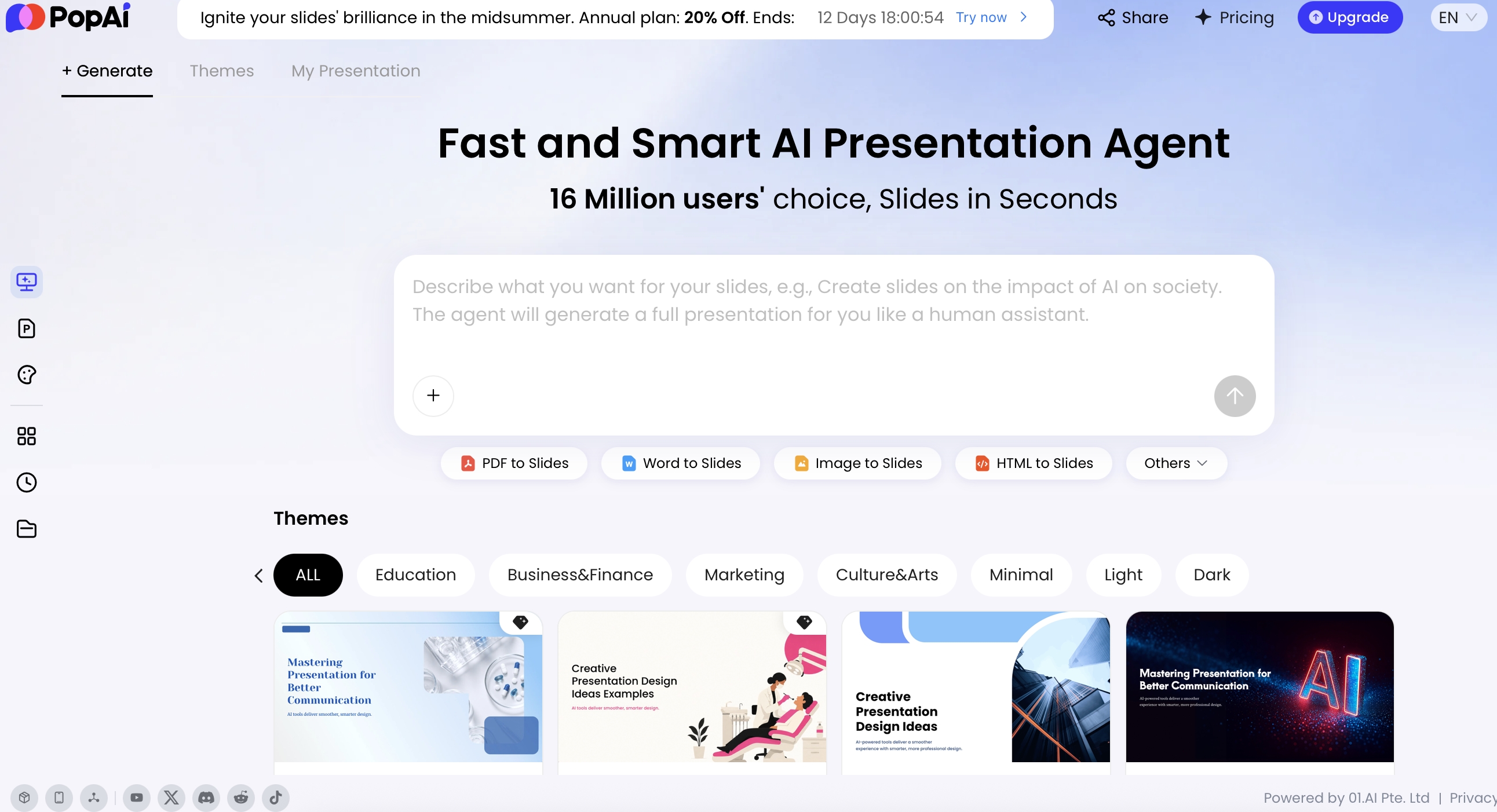
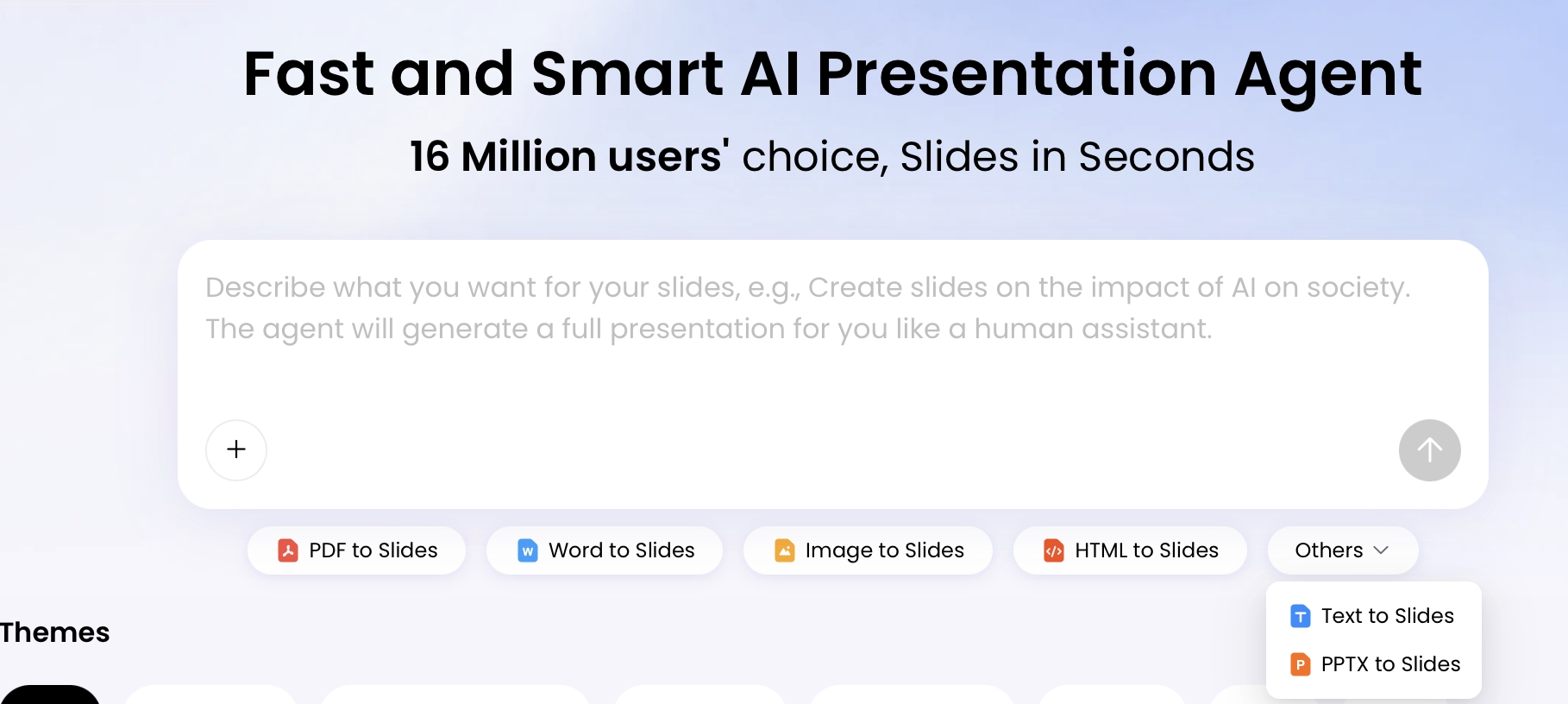
| PopAi | Browser workflow | Browser route; no Linux test performed | No desktop app claim established here | PPTX/PDF and sharing described; plan conditions apply | No offline AI generation established; keep verified local exports. | PopAi presentation workflow |
| Microsoft PowerPoint with Copilot | Windows, Mac and web documented | Web route; do not infer a native Linux PowerPoint app | PowerPoint desktop on Windows/Mac | Native PPTX workflow; inspect other exports in your installed version | Local-file editing/presentation is distinct from connected AI features. | Microsoft: edit with Copilot in PowerPoint; Microsoft: Copilot in PowerPoint FAQ |
| Canva | Browser and Windows/Mac app | Browser route; no Linux app listed in cited downloads | Windows and Mac downloads listed | Check required presentation download format and asset permissions | Pricing now lists Canva Offline; feature scope must be checked, not equated with offline AI. | Canva desktop downloads; Canva pricing and feature comparison |
| Gamma | Browser workflow | Browser route; no Linux test performed | No native desktop claim established in the cited plan source | PDF/PPTX/PNG/Google Slides listed | A downloaded file is different from the connected authoring service. | Gamma pricing and plan limits |
| Beautiful.ai | Browser workflow | Browser route; no Linux test performed | No native desktop claim established here | PPTX/PDF listed | Verify local exports; no offline AI generation asserted. | Beautiful.ai pricing and support |
| Pitch | Browser plus listed desktop downloads | Browser route; no native Linux app established here | Windows/Mac routes in download information | Plan-specific export and links; PPTX entitlement must be checked | Do not infer offline AI from an installed app. | Pitch desktop and mobile downloads; Pitch pricing and plan features |
| Google Slides | Browser workflow; institution/account controls apply | Browser route with supported browser requirements | Do not confuse Drive desktop sync with a full native Slides editor | File > Download provides available file types | Configured offline editing requires the documented browser/extension setup; this is not offline Gemini. | Google: create and download presentation files; Google Slides offline requirements |
| Presenton | Self-hosted or documented deployment route | Self-hosted route subject to its dependencies | Use the repository's actual deployment instructions, not a generic OS claim | Inspect the documented export implementation and test your setup | Local deployment alone does not prove all models, media and services are local. | Presenton official repository and deployment documentation |
No discontinued presentation service is retained as a current option. The table intentionally avoids a universal checkmark for every OS: a browser can launch a page without guaranteeing complete editing or export compatibility.
Separate offline viewing, editing and generation
| Offline task | What must exist before disconnection |
|---|---|
| View a deck | A downloaded file plus a compatible local viewer and required fonts/media. |
| Edit a deck | A local editor, editable objects and any required source data. |
| Use configured web-app offline editing | The vendor's enabled offline mode, supported browser and locally available file. |
| Generate with AI offline | A verified local model, runtime and all required assets/services; not merely an installed desktop shell. |
Google's offline guide specifies Chrome or Edge, the offline extension, non-private browsing and setup while connected. Check that the file reports offline readiness. This documented editing capability should not be stretched into a claim that AI generation works without a network.
For a self-hosted workflow, inspect every dependency: model endpoint, image generation, stock assets, fonts, telemetry and licensing. A system can run on your machine while still sending generation requests to an external service.
Test the real handoff chain
- Create one small deck containing your actual problem elements: font, symbol, table, chart, notes and image.
- Export using the plan and mode you intend to buy.
- Open the file on each destination platform actually involved in your team's handoff.
- Edit a heading and a data element, then check whether the object remains editable.
- Test full-screen delivery and any intended offline fallback.
- Record browser/editor versions and defects rather than a blanket compatible label.
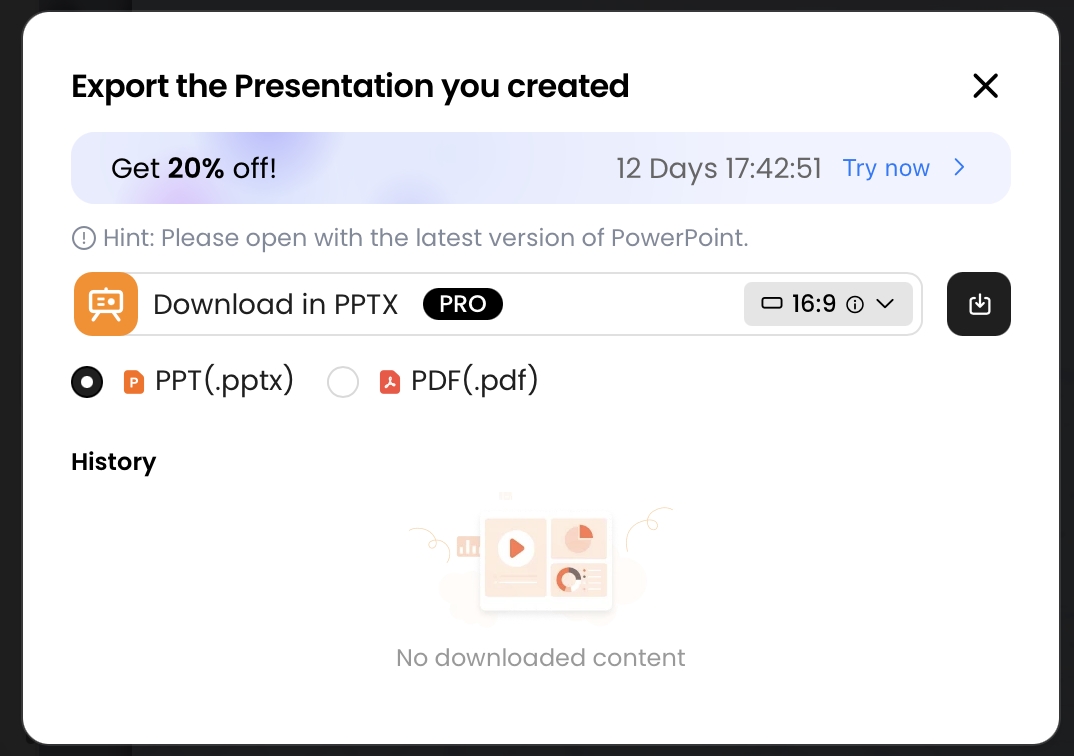
If a Linux colleague uses LibreOffice to inspect a PPTX, that is a file-interoperability test, not proof the generator has a Linux desktop application. If a Mac recipient opens a web link, that does not establish that the Windows export is identical. Name the exact route you verified.
Choose by your narrowest constraint
For a mixed-OS team, a common browser workflow may simplify access. For a client demanding editable PowerPoint, export behavior is the deciding constraint. For unreliable connectivity, local validated files matter more than the AI generation interface.
Keep a minimal dependency record with the final deck: creation tool, delivery format, viewer/editor, fonts, embedded media and required network links. Use backup and recovery to protect the files and the final QA gate for delivery readiness.
Publisher disclosure: PopAi publishes this guide and is one of the products discussed. Product descriptions come from the linked official pages. They are not independent test results or proof that PopAi outperforms another tool.