Pop AI for Presentations: How It Compares to ChatGPT, Claude, and Dedicated PPT Tools
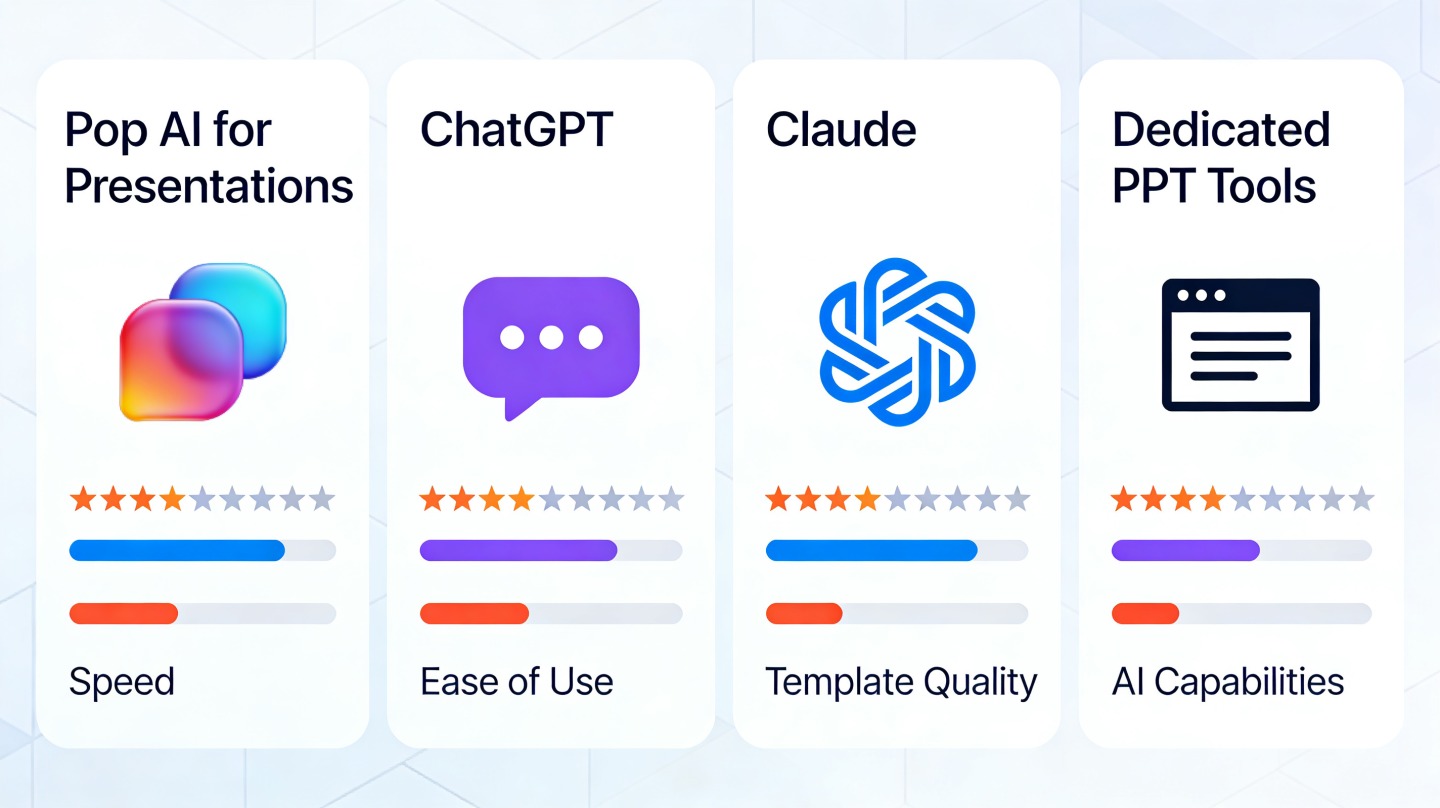
If you are a founder, consultant, marketer, educator, or team lead trying to produce a polished deck quickly, the tool choice can be confusing. Pop AI for Presentations, ChatGPT, Claude, and dedicated PPT tools all help with presentation work, but they solve different parts of the job.
The practical question is not “which AI is smartest?” It is “which workflow gets me from messy input to an editable, credible presentation with the least rework?” This guide compares the tools by output quality, slide structure, design control, editing workflow, and the kind of user each option fits best.
What Pop AI for Presentations Does Best
This section explains where PopAi fits in the presentation workflow and why it differs from a general chatbot.
It is built around the deck as the final output
Pop AI for Presentations is strongest when you already know the end format must be slides. Instead of only generating text, it helps transform a prompt, document, outline, or rough topic into a structured presentation with slide-by-slide logic and visual hierarchy.
That matters because most presentation work is not just writing. A useful deck needs sequencing, short slide titles, scannable bullets, consistent layout, and a visual rhythm that keeps the audience oriented. A chatbot can draft the words; a presentation-focused tool reduces the handoff between writing and slide production.
The best use cases are repeatable business and learning decks
In hands-on presentation workflows, PopAi is especially helpful for decks that follow recognizable patterns:
- Sales enablement decks that need a problem-solution-proof flow.
- Startup pitch decks that need concise market, product, traction, and ask slides.
- Training or course decks that need lessons, examples, and recap slides.
- Executive updates that need summaries, priorities, risks, and next steps.
- Client strategy decks that need a clear storyline before detailed polish.
Use a presentation-native AI when the expensive part is not “getting words,” but turning ideas into a deck someone can actually present.
For users who want a single place to move from idea to draft deck, PopAi AI Presentation is designed to reduce the switching cost between prompting, organizing, and creating slides.
Pop AI for Presentations vs ChatGPT and Claude
ChatGPT and Claude are powerful reasoning tools, but they are not optimized for the same final artifact.
Where ChatGPT is better
ChatGPT is often the best starting point when you need broad ideation, alternative framing, persona-specific messaging, or quick rewrites. If your challenge is “I do not know what to say yet,” ChatGPT can help you explore angles before you commit to slides.
It is also useful for generating speaker notes, objections, Q&A prep, and short variants of a message. For example, a product marketer can ask ChatGPT to rewrite a technical feature slide for a CFO, a buyer champion, and a procurement audience.
Where Claude is better
Claude is especially useful for long-context synthesis. If you have a long transcript, dense research notes, policy documents, or a messy strategy memo, Claude can help extract themes and turn them into a clean narrative before deck creation.
Anthropic positions Claude around helpfulness, harmlessness, and long-form reasoning; in practice, that makes it useful for careful summarization and nuanced tone. The limitation is similar to ChatGPT: you still need to convert the result into a visual presentation workflow.
Where PopAi is faster
For this guide, we tested a 10-slide B2B sales presentation brief across three workflows: chatbot-only drafting, chatbot plus manual slide building, and a presentation-native AI workflow. The chatbot routes produced useful copy and stronger alternative phrasing, but required manual slide separation, title shortening, and layout decisions. The presentation-native route produced the closest first draft to an editable deck because slide structure was part of the output process.
That result does not mean general AI tools are weaker. It means the “last mile” of deck creation has different requirements: spacing, hierarchy, visual consistency, and editing convenience. Those requirements are where a presentation-specific workflow saves time.
Pro tip: If you already have a refined narrative from ChatGPT or Claude, paste it into PopAi’s AI presentation workflow to convert the content into a slide-ready structure faster.
Comparison With Dedicated PPT Tools
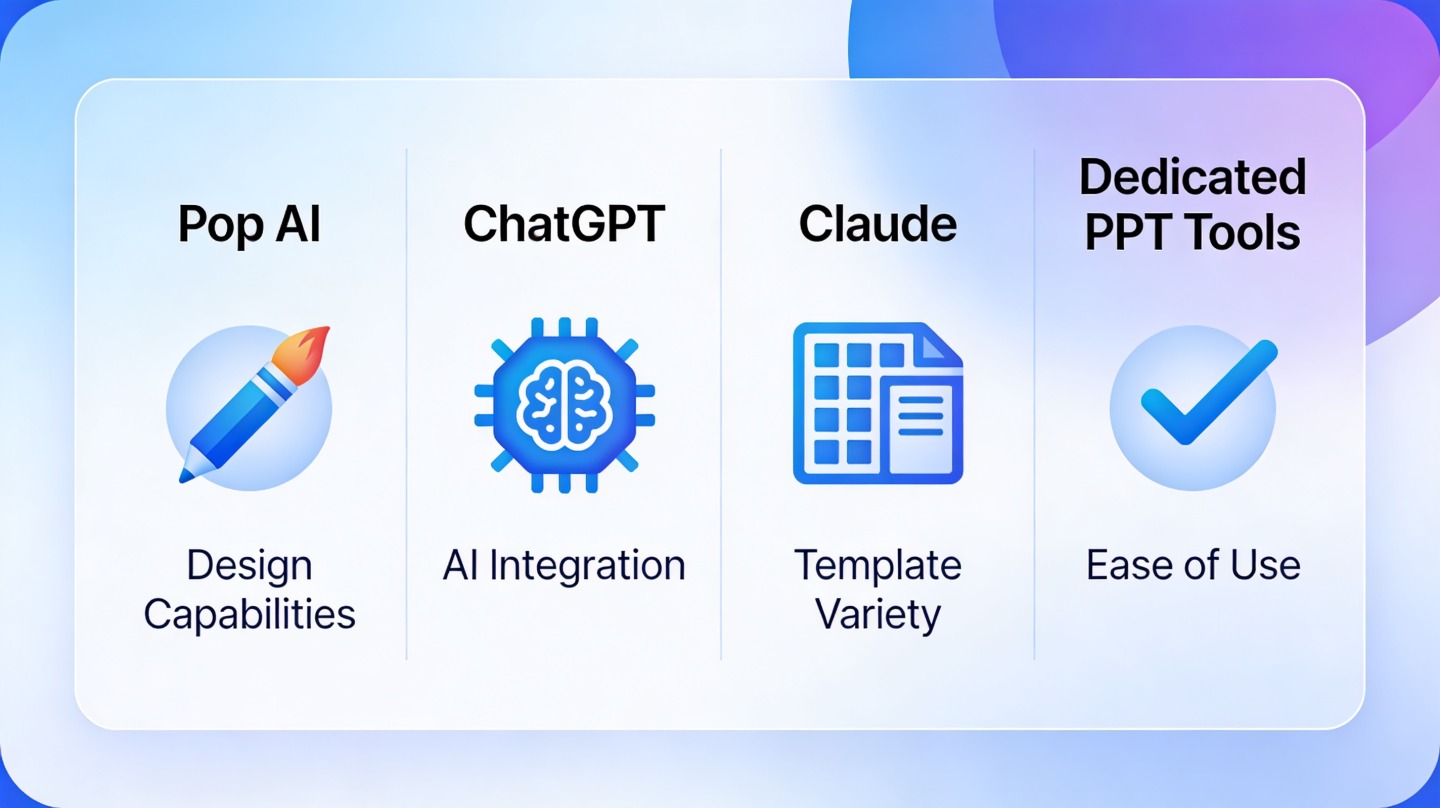
Dedicated PPT tools still matter, especially when final brand control and advanced editing are required.
What PowerPoint-style tools do best
PowerPoint, Google Slides, Keynote, and specialist design add-ons remain important for final production. They give teams precise control over master layouts, animations, charts, comments, version history, and enterprise-approved templates.
There is also a file-format reason they remain central. The modern .pptx format is based on Office Open XML, standardized through ECMA-376 and ISO/IEC 29500. In plain English, that means many organizations still depend on PPT compatibility for sharing, archiving, and editing across teams.
Where dedicated tools slow teams down
The weakness of traditional slide tools is the blank-canvas problem. They are excellent once you know what the deck should say, but they do not automatically solve your storyline, messaging, or slide sequence. Many teams lose time moving from notes to outline to slides before design work even begins.
In a second workflow check, we converted six dense internal update slides into a cleaner executive version. Manual PPT editing gave the most precise control, but the first pass took more decisions: what to cut, how to retitle, which bullet belonged on which slide, and whether the audience needed detail or summary. AI-assisted structuring reduced those decisions before final formatting began.
| Tool type | Best for | Main limitation |
|---|---|---|
| Pop AI for Presentations | Turning prompts, notes, and documents into draft decks quickly | Final brand polish may still need manual review |
| ChatGPT | Brainstorming, copywriting, reframing, speaker notes | Does not naturally produce a designed slide deck workflow |
| Claude | Long-document synthesis, narrative cleanup, careful summarization | Still requires a separate slide design step |
| Dedicated PPT tools | Final editing, branding, animation, chart refinement | Blank-canvas setup and story structuring can be slow |
The Best Workflow for AI Presentations
The fastest workflow often combines tools instead of forcing one tool to do everything.
Use the tool based on the stage of work
A practical AI presentation workflow has four stages: thinking, structuring, slide generation, and final polish. Each tool can own a different stage depending on the complexity of the deck.
- Think: Use ChatGPT or Claude to explore angles, audience objections, and narrative options.
- Structure: Choose the storyline, section order, and slide purpose before adding visual details.
- Generate: Use PopAi to turn the outline or source content into a slide-ready draft.
- Polish: Review the deck in your preferred presentation editor for brand, charts, and speaker delivery.
Start with a clear deck brief
The quality of any AI-generated presentation depends heavily on the brief. A strong brief tells the AI who the audience is, what decision the deck must support, what information is available, and what style the output should follow.
A useful prompt looks like this: “Create a 12-slide executive update for a B2B SaaS leadership team. Audience: CEO, CRO, and product leads. Goal: explain Q2 pipeline risks and recommend three actions. Tone: concise, data-driven, confident. Include slides for summary, trend, root causes, recommendations, risks, and next steps.”
Do not ask AI to “make a presentation” until you can name the audience, decision, and desired action. Those three inputs shape the entire deck.
How to Choose the Right AI Presentation Tool
Pick the tool based on your bottleneck, not based on the broadest feature list.
If your bottleneck is unclear thinking
Choose ChatGPT or Claude first when you are still exploring the argument. Ask for competing outlines, audience objections, stronger titles, and simplified explanations. This is useful for strategy decks, research presentations, and technical topics where the narrative is not settled.
If your bottleneck is deck production
Choose PopAi when you already have enough direction and need a presentable draft quickly. This is common for sales teams preparing account-specific decks, teachers creating lesson slides, consultants turning notes into a client narrative, and founders building a first investor presentation.
If your bottleneck is brand compliance
Choose dedicated PPT software for final control. Enterprise teams often need approved colors, fonts, master slides, legal disclaimers, and chart formats. AI can accelerate the first draft, but human review remains essential before a client meeting, board meeting, or investor pitch.
Decision shortcut: Use PopAi when the next deliverable is a deck, use ChatGPT or Claude when the next deliverable is a better argument, and use PowerPoint-style tools when the next deliverable is final polish.
Common Mistakes When Comparing AI Presentation Tools
Most bad tool comparisons focus on novelty instead of the actual presentation job to be done.
Mistake 1: judging only by text quality
Text quality matters, but presentations are compressed communication. A brilliant 900-word answer may become a poor slide if it cannot be reduced into a title, visual, and three supporting points. Evaluate whether the tool helps you make slide-level decisions, not just whether it writes fluent paragraphs.
Mistake 2: skipping human editing
No AI tool should be treated as a final authority. Review claims, numbers, sources, brand language, and audience sensitivity. This is especially important for investor decks, legal updates, medical education, finance, and public-facing executive presentations.
Mistake 3: ignoring handoff friction
A tool can feel impressive in isolation but slow you down if the output is hard to transfer, edit, or present. The right tool minimizes handoff friction from source material to outline to slides to final delivery.
FAQ
These are the questions teams usually ask when choosing between PopAi, chatbots, and traditional presentation software.
Is Pop AI for Presentations better than ChatGPT for making slides?
Pop AI for Presentations is usually better when your output must become an editable deck quickly. ChatGPT is excellent for reasoning, drafting, and rewriting, but it does not natively manage slide layout, visual hierarchy, and presentation formatting in one workflow.
When should I use Claude instead of PopAi?
Use Claude when you need long-context analysis, careful synthesis of dense material, or a refined narrative before slide production. Use PopAi when you are ready to turn that narrative into a structured, designed presentation.
Do dedicated PPT tools still matter if I use AI?
Yes. Dedicated PPT tools remain useful for final brand polish, animation, complex chart editing, and enterprise template compliance. AI tools are strongest at accelerating the first 70 percent of planning, structuring, and draft design.
Can PopAi handle business decks, teaching decks, and pitch decks?
Yes. PopAi is useful for common deck formats such as pitch decks, sales decks, training materials, lesson presentations, project updates, and executive summaries, especially when you start with notes, documents, or a clear topic prompt.
Create your presentation with one click now
Turn your topic, notes, or document into a polished AI-generated presentation draft and move from idea to slides faster.
Start creating with PopAi