PopAi vs Gamma: Which AI Presentation Maker Wins?
June 23, 2026
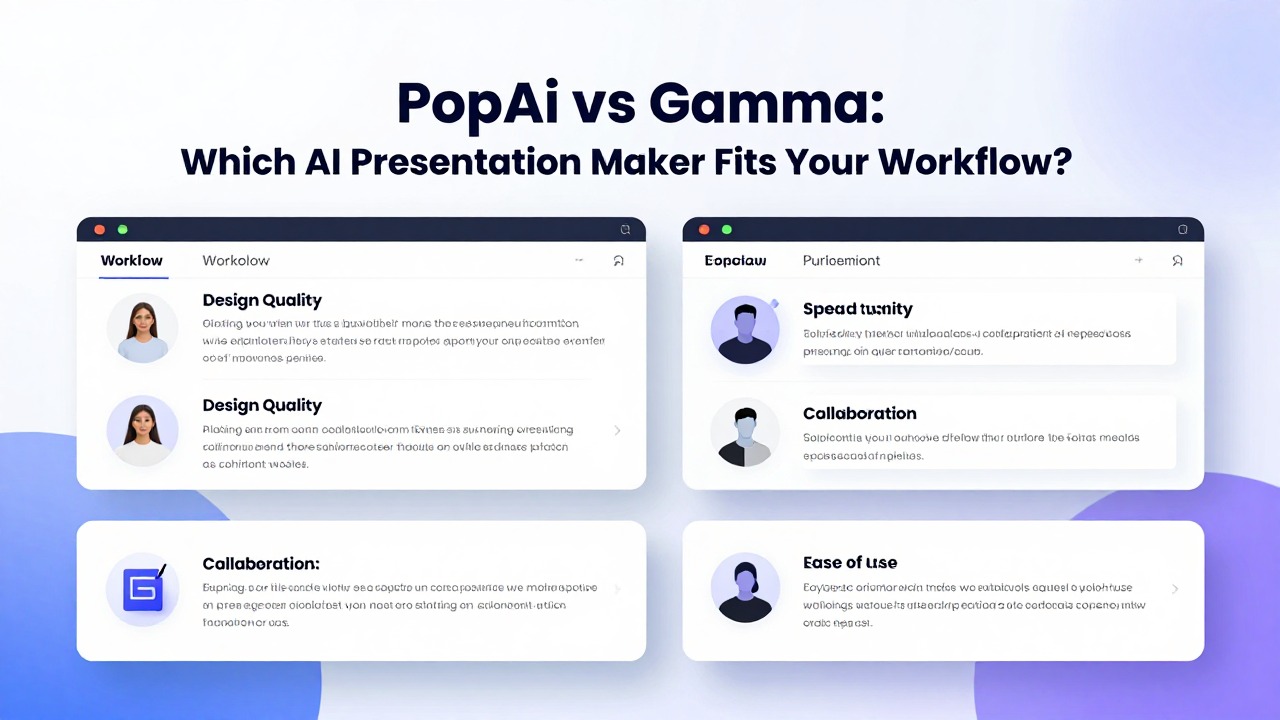
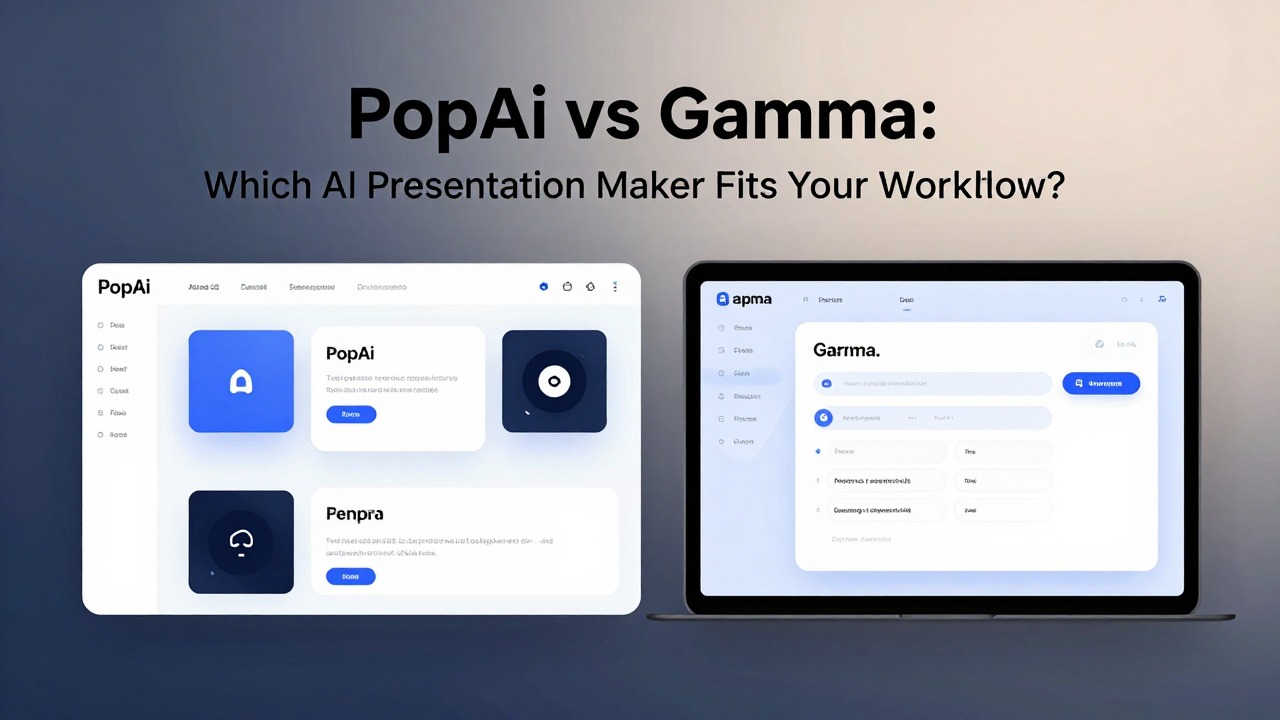
If your starting point is a document, research notes, meeting summary, class material, or a rough business idea, PopAi is usually the better first tool to try. It is built around turning prompts and source material into structured, editable presentation drafts quickly. If your priority is a visually fluid, web-style presentation experience from a short topic or outline, Gamma may feel more natural.
The practical difference is workflow fit. PopAi helps reduce the heavy lifting of organizing content into slides, while Gamma is attractive for users who like a guided visual canvas and presentation pages that feel less like traditional slide software. Neither tool removes the need for review, fact-checking, audience tailoring, or final polish.
This comparison looks at how PopAi and Gamma fit real presentation tasks in 2026: prompt-to-deck creation, document-to-presentation workflows, design automation, image matching, speaker notes, editing flexibility, sharing, and the amount of cleanup you should expect before presenting.
When you are ready to turn the workflow into slides, PopAi AI Presentation can help transform rough notes, documents, or prompts into an editable deck structure.
Quick Verdict: Choose PopAi for Content-Heavy Decks, Gamma for Web-Style Presentation Flow
The fastest way to choose is to look at what you already have before you open an AI presentation maker.
PopAi is the stronger overall choice for users who need to turn prompts, documents, notes, or rough ideas into structured presentation decks quickly. It fits the common reality of presentation work: you rarely begin with a clean outline. You begin with a report, scattered bullets, a lecture topic, a sales brief, a product update, or a folder of research that needs to become a coherent deck.
Gamma is still a useful option for users who prefer a smooth, visually guided creation experience. Its page-like presentation style can be appealing when you want to create a polished narrative, share a deck online, or move away from the feel of conventional slide layouts. For some users, that visual flow is exactly what makes the drafting process easier.
- Choose PopAi if your main challenge is turning source material into a logical slide structure.
- Choose PopAi if you have PDFs, class notes, research summaries, meeting notes, product ideas, or business outlines that need to become slides.
- Choose PopAi if you want a fast first draft that you can edit, refine, and present in a more traditional deck workflow.
- Choose Gamma if you want a fluid, web-style presentation format and prefer building from a short prompt or lightweight outline.
- Choose Gamma if your deck depends more on visual storytelling and shareable presentation pages than dense source material.
- Test both if you need strict brand control, a specific export format, or team collaboration features, because those needs can outweigh the drafting experience.
The best tool is not the one with the longest feature list. It is the one that removes the most friction from your actual workflow. A student summarizing academic readings has different needs from a founder drafting an investor pitch, a teacher building a lesson, or a marketer preparing a campaign recap.
If your input is messy and content-heavy, start with PopAi. If your input is short and your priority is a visually guided presentation page, try Gamma.
PopAi vs Gamma at a Glance: Workflow, Input Types, Output Quality, and Best-Fit Users
A useful comparison should focus on how each tool handles the material you actually need to present.
Most AI presentation maker comparisons stop at features: generate deck, add images, edit text, export or share. That misses the real issue. A tool can look impressive in a demo and still create extra work if it does not match your starting material, your delivery format, or your editing habits.
- Starting input: PopAi is especially useful when you begin with prompts, documents, notes, rough ideas, reports, or research material. Gamma is a good fit when you begin with a topic, short outline, or visual story idea.
- Deck structure generation: PopAi is strong for turning unorganized material into a presentation outline with slide-by-slide logic. Gamma tends to suit users who want a visually organized flow that feels closer to a web page or interactive document.
- Document-to-presentation workflow: PopAi is the clearer fit when the task starts with existing source material. This matters for students, teachers, analysts, consultants, product managers, and sales teams who already have written content.
- Design layout help: Both tools can reduce blank-slide design work. You should still review hierarchy, spacing, emphasis, and whether each slide has one clear job.
- Image matching: AI visual suggestions can speed up ideation, but users should check relevance, licensing, brand fit, and whether the image helps or distracts.
- Speaker notes: Notes are valuable when the deck is presented live, not just shared. Confirm current support in each tool, then edit any generated notes for timing and voice.
- Editing control: PopAi is useful when you expect to revise structure and message after the first draft. Gamma may appeal if you prefer refining a visual canvas.
- Sharing and export: Check each official product site for current export formats, sharing options, collaboration settings, and free-tier limits before committing.
For students, PopAi works well when a presentation starts from readings, lecture notes, a project outline, or research findings. For teachers, it helps convert lesson plans and source material into slides that can be adjusted for grade level or class pace. For business teams, it is practical for pitch decks, internal reports, sales enablement, product updates, and meeting summaries.
Gamma may fit marketers, founders, consultants, and creators who want a polished visual narrative and a more flexible page-style presentation format. That does not make it better or worse in every case. It simply means the creation experience is optimized around a different feel.
The right AI presentation maker should match your source material first and your design preferences second.
Avoid basing the decision on old pricing screenshots or secondhand feature lists. Plans, usage limits, export options, and collaboration features change. Before choosing either tool for a class, department, client project, or sales workflow, verify current details on each product's official website.
Hands-On Workflow: Creating a Deck from a Prompt, Notes, or Document
The clearest comparison is to run the same presentation task through both tools and judge the cleanup required.
A realistic test is a 10-slide product update presentation for a cross-functional team. The starting material includes a short prompt, messy meeting notes, a feature roadmap summary, customer feedback bullets, and a few risks that leadership needs to understand. This is exactly the kind of deck that often takes longer than expected because the content is partly strategic, partly technical, and partly narrative.
- Start with the same brief in both tools: Create a 10-slide product update deck for sales, marketing, and leadership. Include roadmap progress, customer feedback, risks, next steps, and speaker notes.
- Add source material where the tool supports it, such as notes, pasted summaries, or uploaded documents.
- Generate the first outline and review the slide order before editing individual slides.
- Check whether the deck has a clear beginning, middle, and ending: context, progress, evidence, implications, decisions.
- Review whether each slide has enough substance without becoming a wall of text.
- Refine tone for the audience, then test the presentation flow by reading the slide titles in order.
- Prepare the delivery version by checking speaker notes, visuals, export or sharing format, and any brand requirements.
In PopAi, the workflow is strongest when you bring in real material. You can begin with a prompt, paste notes, or use a document-based starting point when available. The useful step is not only generating slides; it is getting an outline that makes sense from imperfect input. For a product update, PopAi can help transform scattered bullets into sections such as executive summary, roadmap progress, customer signals, delivery risks, decisions needed, and next actions.
PopAi workflow example 1: a product manager has notes from a sprint review, a roadmap paragraph, and customer feedback excerpts. Instead of building slides manually, the manager uses PopAi AI Presentation to generate a structured product update deck. The first draft becomes a working outline. The manager then removes internal jargon, adds one concrete customer example, checks roadmap claims, and rewrites the decision slide so leadership knows exactly what approval is needed.
PopAi workflow example 2: a graduate student has a research article, lecture notes, and a project abstract. The student uses PopAi to turn the material into a class presentation with an introduction, research question, methodology overview, key findings, limitations, and discussion prompts. The student still verifies the source interpretation and adds citations where required, but the deck structure is no longer a blank-page problem.
In Gamma, a comparable workflow usually feels more visual from the beginning. You can start with a topic or outline, generate a presentation, then refine the page or card structure. For a product update that needs a polished narrative, Gamma can help the deck feel organized and visually modern. It may feel especially comfortable if you plan to share the presentation as a link or want the output to read smoothly on screen.
- Judge rewriting effort: Did the tool create usable slide messages, or did it only create attractive placeholders?
- Judge structure: Does the deck answer the audience's likely questions in the right order?
- Judge density: Are the slides concise enough to present, but detailed enough to be useful?
- Judge visual relevance: Do images, icons, and layouts reinforce the message?
- Judge final delivery: Can you easily prepare speaker notes, export, share, or adapt the deck to your setting?
Do not test with only a one-line prompt. Use your actual report, course topic, sales brief, or research notes. The best AI presentation maker is the one that performs well on your real mess.
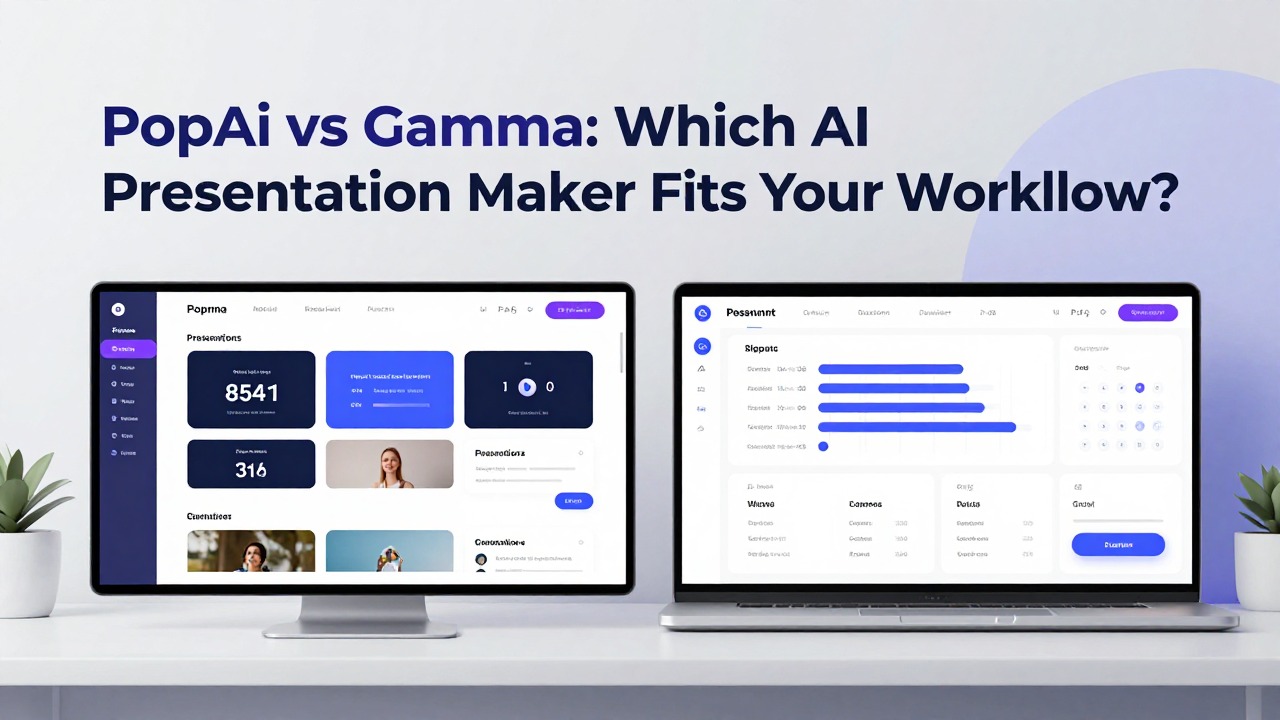
Feature-by-Feature Comparison: Content Generation, Design, Images, Speaker Notes, and Editing
The features that matter most are the ones that reduce rewriting, slide cleanup, and delivery preparation.
Content generation is where PopAi has the clearest advantage for content-heavy users. A useful AI deck draft should do more than produce slide titles. It should identify a logical sequence, summarize the source material, break down complex ideas, and create supporting points that can be edited into speaker-ready content.
For complex topics, the first draft should be treated as a structured starting point, not a finished answer. PopAi is valuable when it helps you get from a dense document to a slide-by-slide outline. Gamma is valuable when it helps you shape a visually appealing narrative from a lighter prompt or outline.
- Outline quality: Look for slide order that follows audience logic, not just topic order.
- Slide titles: Strong titles should state a message, not merely name a category.
- Supporting points: Good bullets should be specific enough to guide the presenter without overloading the slide.
- Summaries: For reports and research, the tool should preserve the main meaning while removing unnecessary detail.
- Tone control: Business, classroom, sales, and technical decks need different levels of formality and explanation.
Design automation matters because most users do not want to spend hours aligning text boxes, choosing layouts, and hunting for visual balance. Both PopAi and Gamma can reduce that manual design work. The caveat is that automated layout is not the same as design judgment. You still need to check whether the most important point is visually obvious.
Gamma's web-style presentation feel may appeal to users who want polished visual flow from the start. PopAi's value is more obvious when the user needs the design to support a strong content structure. In many real projects, structure saves more time than decoration because the hardest work is deciding what the deck should say.
Image matching can help when you need quick visual direction. It can also create problems if you accept every suggestion without review. A stock-style image that looks professional may still be too generic, off-brand, culturally mismatched, or irrelevant to the message. For business decks, visuals should clarify the point. For education decks, they should support understanding. For sales decks, they should strengthen credibility rather than distract.
Before presenting, review every AI-suggested image for relevance, licensing, brand fit, audience appropriateness, and whether it actually improves comprehension.
Speaker notes are often underrated. A deck that looks good can still fail if the presenter does not know what to say between slides. Teachers need notes to pace explanations. Sales reps need notes to connect features to buyer pain. Founders need notes to handle investor questions. Students need notes to avoid reading slide text word for word. Check current speaker-note support in each tool, then edit any generated notes so they sound like you.
Editing flexibility is where workflow preference becomes personal. Some users want to revise text heavily, move slides around, and reshape the argument. Others prefer polishing a generated visual story. PopAi tends to fit the first group well because it is useful for turning raw content into an editable deck structure. Gamma can fit the second group when visual continuity and presentation flow are more important than document summarization.
AI can draft the structure, but the presenter is still responsible for accuracy, emphasis, judgment, and audience fit.
For either tool, verify factual claims, citations, numbers, customer examples, case details, and technical statements before presenting. This is especially important for academic work, investor decks, sales claims, medical or legal topics, financial summaries, and internal company data. AI can speed up the first draft, but it should not become the source of record.
Which Tool Fits Your Use Case: Students, Teachers, Business Teams, and Fast Turnaround Decks
Different users need different kinds of presentation support, so the best Gamma alternative depends on the job.
Students usually need help turning research, readings, lecture notes, and project outlines into organized slides. PopAi is a strong fit here because student presentations often begin with too much material rather than too little. The useful workflow is to summarize the source, identify the argument, create a clear slide sequence, and then simplify the language for oral delivery.
A student should still add course-specific requirements, citations, examples from class, and personal interpretation. AI can suggest structure, but it cannot know how the instructor will grade the assignment unless the student provides the rubric and checks the output against it.
Teachers need a different kind of support. A lecture deck is not just a summary; it is a teaching path. PopAi can help convert lesson plans, reading material, or topic notes into slides with explanations, examples, and possible speaker notes. The teacher should then adjust vocabulary, pacing, and examples for the class level.
- For students: try PopAi when you have notes, research, a report, or a project outline that needs structure.
- For teachers: use AI drafts to speed lesson planning, then review accuracy and simplify explanations for the class level.
- For sales teams: choose the tool that helps translate product information into buyer-centered messaging.
- For founders: use PopAi to shape rough business ideas into a pitch outline, then refine traction, market, and financial claims manually.
- For marketers: use either tool for campaign summaries, but choose PopAi when the source is a brief or performance report.
- For product managers: use PopAi when you need to turn roadmap notes, sprint updates, or technical context into stakeholder-friendly slides.
- For time-sensitive professionals: pick the workflow that gets you to an editable draft fastest, not the one that creates the prettiest first screen.
Business teams often need decks that are both persuasive and accurate. A pitch deck, sales deck, client presentation, internal report, and product update all require different messaging. PopAi is especially useful when the task starts with raw information: a product brief, meeting recap, customer research, quarterly update, or market analysis. It can help create the structure before the team debates wording and visuals.
Gamma can be a good option for teams that want a visually fluid, shareable presentation format. This may be useful for marketing narratives, thought-leadership explainers, lightweight proposals, and presentations meant to be consumed online. The key question is whether your team needs a web-style experience or a structured deck that starts from source content.
Tech workers and product teams should prioritize clarity over decoration. Roadmap updates, sprint reviews, technical explainers, and stakeholder presentations often fail because they include too much internal detail. PopAi can help translate rough technical material into a clearer sequence, but the presenter still needs to remove unnecessary jargon and highlight decisions, trade-offs, and risks.
When time is tight, use AI for structure and first-draft language, but reserve time for fact-checking, audience tailoring, and slide simplification.
Common Mistakes When Comparing PopAi and Gamma
A poor comparison can lead you to choose the tool that looks best in a demo but creates more work in your real project.
The first mistake is choosing only by visual polish. A beautiful presentation can still be weak if the story is unclear, the audience is wrong, the evidence is thin, or the takeaway is buried. Visual quality matters, but it should support the argument rather than replace it.
The second mistake is assuming AI output is final. Even a strong first draft needs human review. You may need to shorten dense slides, adjust tone, replace generic examples, add data, remove unsupported claims, and rewrite slide titles so they communicate a clear message.
- Do not compare only prompt-to-pretty-output results; compare how much cleanup is needed before real delivery.
- Do not rely on outdated pricing screenshots, old reviews, or third-party plan summaries; verify current pricing and limits on official sites.
- Do not ignore export requirements if your school, client, or company expects a specific file format.
- Do not forget collaboration needs, especially if multiple people must review, comment, or edit.
- Do not overlook brand templates, fonts, colors, logos, and compliance rules for company presentations.
- Do not test with only one short prompt; test with your actual document, course topic, sales brief, or research notes.
- Do not judge AI images only by attractiveness; judge whether they clarify the idea and fit the audience.
Another common mistake is comparing tools without defining the final delivery setting. A deck for a live investor pitch needs different speaker support than a self-paced link shared after a webinar. A class presentation needs explanation and accuracy. A sales deck needs relevance to the buyer. A product update needs decisions and next steps.
It is also easy to underestimate editing habits. If you prefer to rewrite heavily and move slides around, prioritize editing control and structure. If you prefer to refine a generated visual flow, a more visual canvas may feel better. Neither preference is wrong; the problem is choosing a tool that fights your natural workflow.
The best test is not whether the first draft impresses you. It is whether the second draft takes less effort than your normal process.
Final Recommendation: The Best Gamma Alternative Depends on Your Starting Material
For most users with real source material, PopAi is the better first tool to test before building a deck manually.
PopAi is the best first choice if you need an AI presentation maker that can transform prompts, documents, notes, and rough ideas into structured, editable decks faster. That makes it a strong Gamma alternative for students, teachers, business teams, product managers, marketers, sales teams, and professionals who are usually starting from information that already exists.
Gamma can still be a good fit if you prefer a visually fluid presentation format and a web-style creation experience. If your project is more about presenting a smooth visual story than converting source material into slides, Gamma may feel comfortable and efficient.
- Test one prompt-only deck in both tools using the same topic and audience.
- Test one document-based or notes-based deck using real material you need to present.
- Review the generated outline and count how many slides need structural changes.
- Edit three slides and judge whether the workflow feels natural or restrictive.
- Create or review speaker notes and check whether they help you present without reading slides.
- Check image relevance, layout clarity, and whether the visual style fits your audience.
- Verify export, sharing, collaboration, brand, and file compatibility requirements on the official product sites.
- Choose the tool that saves the most effort after cleanup, not the one that produces the flashiest first draft.
Use saved effort as your main measure. A good AI presentation maker should reduce blank-page time, improve structure, speed up summarization, and make editing easier. It should not force you to rebuild the deck from scratch because the story is wrong.
For a practical next step, try PopAi AI Presentation with a topic or document you already need to present. Use the generated deck as a first draft, then compare how much cleanup is required against your usual process. If your source material is messy and your deadline is close, that test will tell you more than any feature list.
Start with PopAi when your presentation depends on turning real material into a clear deck. Try Gamma when your priority is a visually guided, web-style presentation flow.
FAQ
Is PopAi better than Gamma for making presentations?
PopAi is generally the better fit if you need to turn prompts, documents, notes, reports, or rough ideas into structured decks. Gamma may fit better if you prefer a visual, web-style presentation workflow from a shorter topic or outline.
What is the best Gamma alternative for students or teachers?
PopAi is a strong Gamma alternative for education use cases because students and teachers often start with readings, research, lecture notes, lesson plans, or source documents that need to become organized slides.
Can PopAi and Gamma create speaker notes?
Check current feature availability in each tool before choosing. Speaker notes are valuable for live delivery, but AI-generated notes should be edited for tone, timing, accuracy, and the presenter’s own speaking style.
Which AI presentation maker is better for business decks?
Choose by workflow. PopAi is a strong fit for pitch outlines, sales decks, reports, product updates, and document-based presentations. Gamma may suit teams that want a visually guided, shareable presentation format.
Should I trust AI-generated slide content without editing it?
No. AI can speed up drafting and structure, but you should verify facts, update examples, adjust messaging for the audience, check numbers or citations, and polish the final deck before presenting.
Create your presentation with one click now
Turn your prompt, notes, or document into a structured presentation draft with PopAi AI Presentation.
Try PopAi AI Presentation