Back up an AI-generated presentation as a recoverable package, not just a link to an online project. Keep an editable export, a viewing copy, and the source material needed to rebuild the argument. Then test that the files open without the original editor.
Scope: This is a general backup and recovery method. PopAi documents PPTX/PDF export and sharing, but this guide does not establish a PopAi recycle-bin retention period, restore service, point-in-time history, or recovery guarantee. For approvals and approved releases, use the separate presentation version-control guide.
What an AI presentation backup needs to preserve
A deck can survive as a PDF while losing its editable charts, speaker notes, linked media, or evidence. Decide which of those you would need after an account problem, device failure, accidental deletion, or a missed renewal. A share link alone cannot meet that requirement when access to the original service is unavailable.
| Backup component | Why keep it | Recovery check |
|---|---|---|
| Editable PPTX or supported native file | Continue revising the presentation outside the generating service. | Open a copy; edit a title and a chart where editability is expected. |
| PDF viewing copy | Deliver a readable fallback even if the editor is unavailable. | Inspect every page, references, symbols, and image quality. |
| Source packet | Rebuild facts and calculations rather than asking AI to recreate them from memory. | Include approved data, dated references, final outline, and definitions. |
| Licensed assets and media | Avoid dependence on temporary URLs or an inaccessible asset library. | Check file availability, usage rights, and playback on the recovery device. |
| Recovery note | Explain which files belong together and what is still missing. | Record owner, export date, slide count, editor, and required fonts/media. |
Do not assume that every export carries every feature. A flattened chart can be visible without retaining its data; a PDF can preserve appearance without preserving animation or speaker notes. Inspect the actual export before counting it as a usable backup.
Use a general 3-2-1 backup pattern
The general 3-2-1 pattern described in CISA's Data Backup Options is three copies in total, on two distinct media types, with one copy offsite. For example: the working project, an encrypted local export, and a separately protected organizational backup away from the local device. A second folder in the same account is not necessarily an independent backup.
Automatic synchronization is useful for access but can also propagate an unwanted edit or deletion. Ask your IT owner which copy remains recoverable after account compromise or device loss. CISA guidance emphasizes protected backups and restoration testing; the configuration and retention period must come from your organization, not a slide tool marketing page.
Official sources: CISA/MS-ISAC ransomware guide: backup and recovery.
- Before generation, save the approved input packet and any assets whose reuse you are authorized to permit.
- After a major content edit, create a fresh editable export and PDF. Check that they correspond to the same draft.
- Before the meeting, copy the approved viewing fallback to the presentation device and a separately accessible location.
- On a schedule proportionate to the risk, restore a sample into a separate folder and open it. Keep the original backup untouched.
Choose a recovery path for the actual failure
| Failure | First safe action | Recovery route | Do not assume |
|---|---|---|---|
| A project is missing from the editor | Confirm the account, workspace, and search/filter state. Avoid overwriting remaining copies. | Check only documented trash/history features; ask the owner or vendor support; use a verified export if needed. | That every vendor can restore permanently deleted projects. |
| A file opens with missing images or fonts | Duplicate the affected file and retain the last readable copy. | Restore assets from the package; compare against the PDF; repair on the duplicate. | That regeneration will recreate identical imagery or layout. |
| The service is unavailable before a meeting | Switch to a previously tested local viewing copy. | Use PDF for delivery, or a compatible desktop editor for the editable file. | That a cached browser tab is a reliable offline backup. |
| The latest numbers are lost | Locate the dated data and source packet. | Rebuild the missing slide and recheck every claim against that packet. | That AI can infer the lost approved figures. |
| A device or account may be compromised | Follow your security incident procedure and protect unaffected copies. | Recover from an approved clean backup with IT support. | That reconnecting a synced drive is safe. |
Use the recovery documentation for the place you stored the file
If an exported deck is stored in OneDrive or a SharePoint Online library, Microsoft documents a Version History route: open the file, go to File > Info, inspect Version History when available, open the desired revision, and restore it. Check the current account and library configuration before relying on this route.
That recovers a file managed by Microsoft's storage workflow; it does not restore the original AI-tool project, its prompt history, or assets that were never exported. For other storage systems, use that provider's recovery documentation and retention policy. Never infer a universal recovery window from another vendor's help page.
What is verified for PopAi, and what still needs confirmation
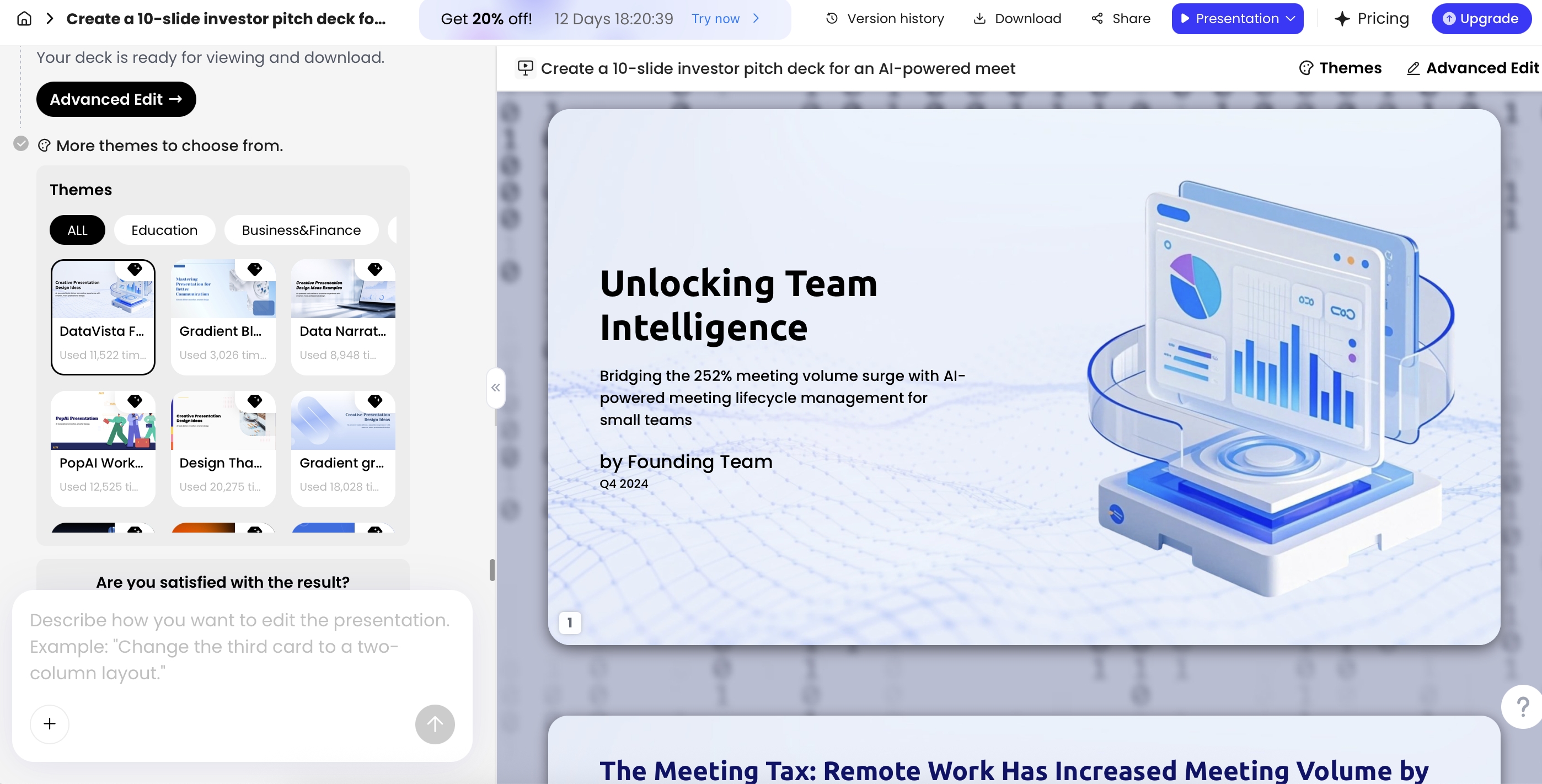
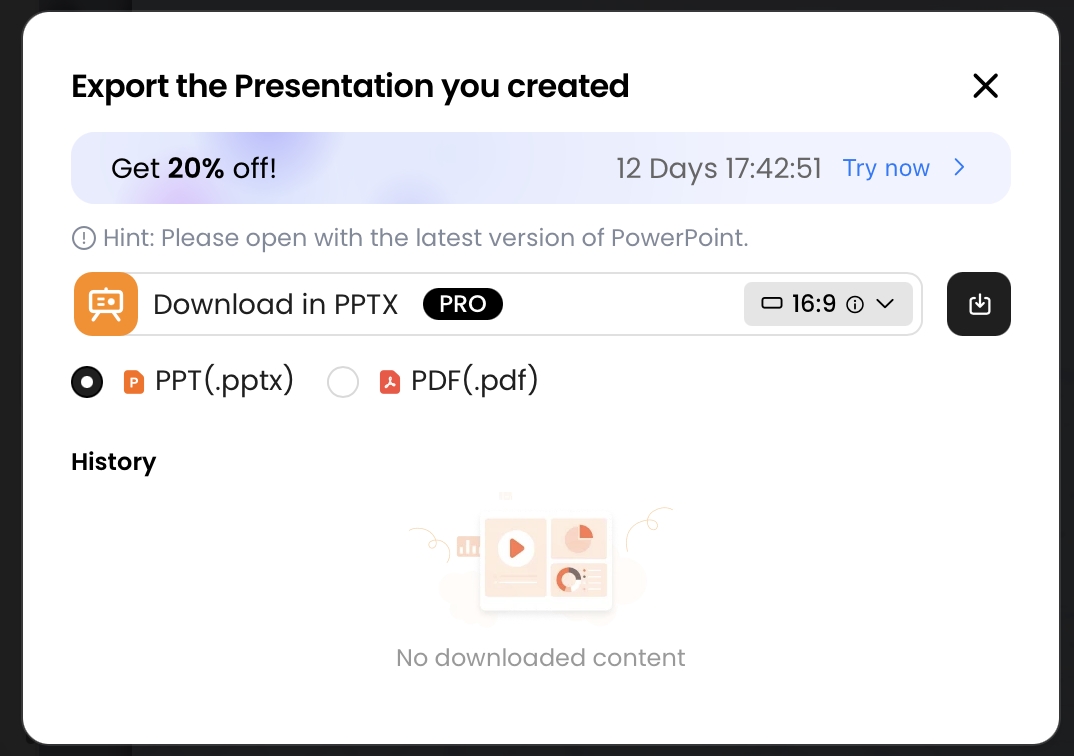
PopAi's public presentation page describes exporting a deck as PPTX or PDF and sharing it by link. Plan entitlements affect what is available. Those are export and distribution capabilities, not a documented promise to restore lost projects.
Check the account interface and obtain written vendor confirmation before relying on retention, historical restores, account reinstatement, or recovery of deleted media. Contact support with the project identifier, account/workspace, approximate incident time, and the steps already taken. Do not send passwords or unnecessary confidential slide content.
A practical PopAi fallback is therefore to export while access is available, open both formats, and store the source packet independently. This remains useful even when no vendor-side recovery path exists.
Run a small restore drill before it matters
- Create a separate restore folder on the machine you would use if the main service were unavailable.
- Copy the backed-up files into it without changing the original backup.
- Open the PDF and editable file; compare slide count, the most important chart, source notes, and the final action slide.
- Test embedded or linked media explicitly. Record missing fonts, permissions, and assets.
- Time the exercise for your own recovery target, fix the gaps, and repeat after material workflow changes.
A recovery copy that opens is useful; a recovery copy whose content is correct is better. After rebuilding any missing slide, repeat claim and number verification before presenting. Record what could not be restored rather than presenting a reconstructed estimate as the original approved result.