Presentation AI Generator Accuracy Fact Check Workflow for Reliable Slides
Published on April 21, 2026
A presentation AI generator accuracy fact check workflow helps you turn a fast AI-created deck into a reliable presentation by checking every claim, number, citation, chart, and speaker note before anyone sees it. Use this tutorial when AI gives you a strong first draft but the topic involves research, market data, client promises, financials, classroom sources, or executive decisions.
The goal is not to slow down AI-assisted deck creation. The goal is to separate drafting from verification, so your final slides stay editable, sourced, and ready to export. For the broader creation workflow, you can also review the AI tool for presentation core guide or start from the main PopAi AI Presentation pillar page.
Presentation AI Generator Accuracy Fact Check Workflow: Inputs and Use Cases
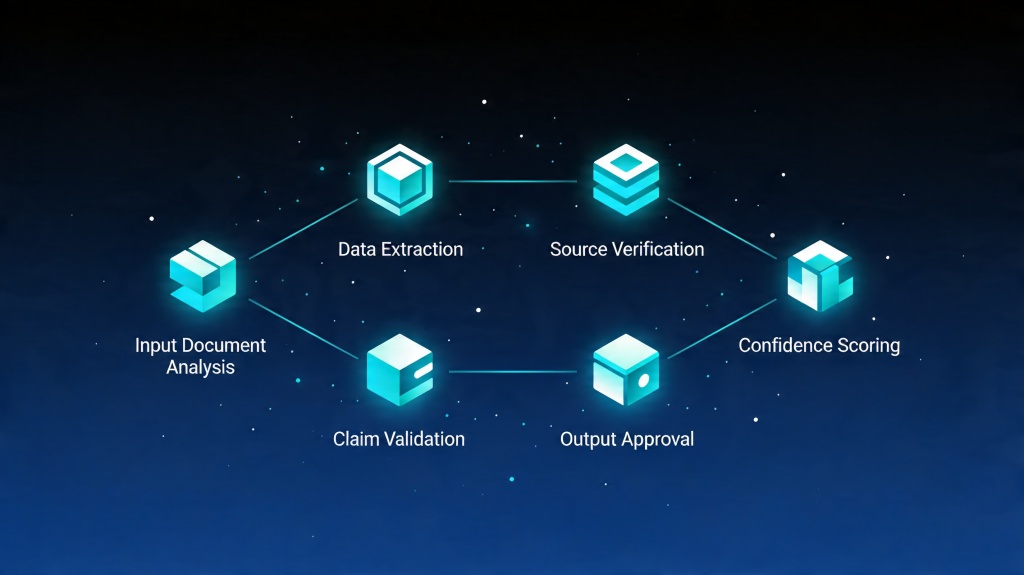
Before generating the deck, collect source material that the AI can use and that you can later verify. This reduces hallucinations and makes the review faster.
| Input Material | Use It For | Accuracy Risk to Watch |
|---|---|---|
| PDF reports or research papers | Market trends, policy summaries, academic presentations. | Old dates, copied conclusions without context, missing sample size. |
| Spreadsheets or dashboards | Charts, KPIs, financial updates, roadmap metrics. | Wrong units, mismatched time periods, rounded numbers. |
| Meeting notes or interviews | Client proposals, product updates, training decks. | Unsupported quotes, vague ownership, invented next steps. |
| Approved brand or legal copy | Sales decks, regulated claims, customer-facing slides. | AI rewriting language that should remain exact. |
Scenario 1: Investor or market update deck
A founder asks AI to draft a 10-slide market opportunity deck. The workflow should verify TAM/SAM/SOM numbers, competitor claims, chart labels, citation dates, and any growth-rate statement before the deck goes to investors.
Scenario 2: Classroom research presentation
A student uploads notes and asks for a 12-slide presentation. The review should confirm source titles, author names, publication dates, quote accuracy, and whether each slide distinguishes evidence from opinion.
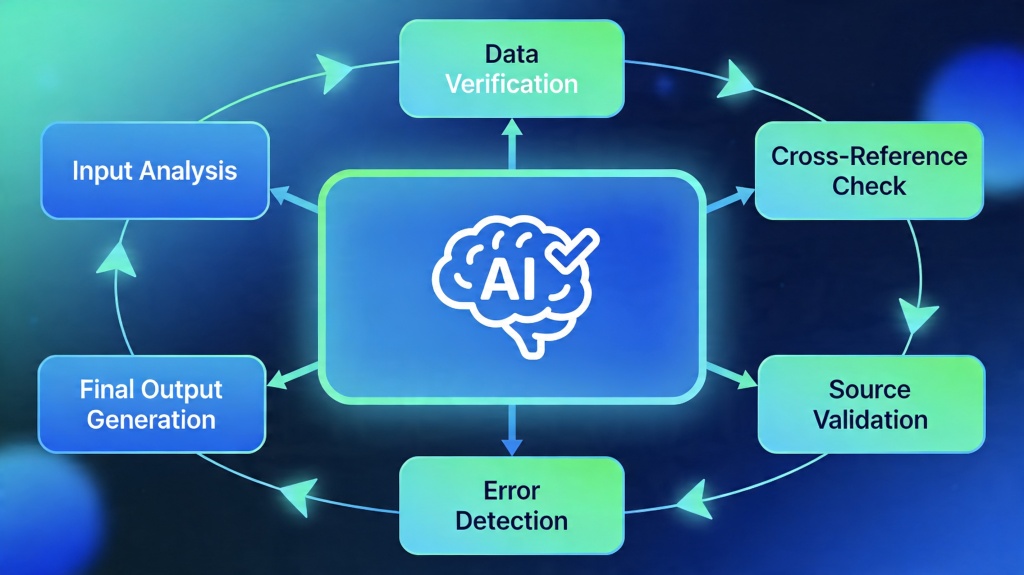
A 5-Step Fact Check Workflow for AI-Generated Slides
Use this sequence after the first AI draft is generated and before visual polish or export.
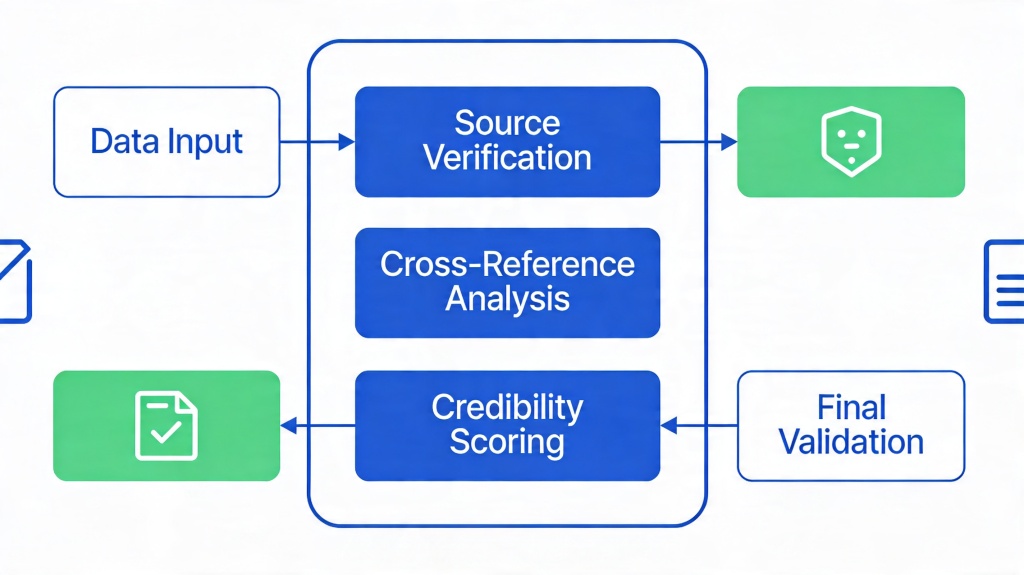
- Mark every claim: highlight statistics, dates, forecasts, names, quotes, rankings, and strong adjectives such as "largest," "first," or "proven."
- Match claims to sources: link each important claim to a report page, source URL, spreadsheet cell, interview note, or approved internal document.
- Check numbers and units: compare percentages, currency, date ranges, sample sizes, and chart axes against the source file.
- Review slide logic: make sure the headline, bullets, chart, speaker notes, and conclusion all say the same thing.
- Remove or soften unsupported claims: replace uncertain statements with sourced language, or move them into a clearly labeled assumption slide.
Copyable Prompt for a Slide Accuracy Review
After generating the draft, paste this prompt into your AI workspace with the deck outline and source material attached.
Prompt template:
Review this presentation draft against the attached source material. Create a table with these columns: slide number, claim or number, source location, confidence level, issue found, recommended correction. Flag any unsupported statistic, missing citation, outdated date, vague quote, exaggerated wording, or chart-label mismatch. Do not invent sources. If a claim cannot be verified, mark it as "needs human review" and suggest a safer rewrite.
For high-risk topics, ask the AI for a second pass: "List the five claims in this deck most likely to be challenged during Q&A, and explain exactly which source supports each one."
How to Edit, Cite, and Export After Verification
Once the content is verified, make the deck easier to trust during review and presentation.
- Add small source notes below charts when the source matters to the audience.
- Move long source details into an appendix slide instead of crowding the main slide.
- Keep an editable PPTX version for team review and a locked PDF version for final sharing.
- Check speaker notes because AI can hide unsupported claims outside the visible slide.
- Use consistent chart units, time periods, and labels across the full deck.
- Confirm privacy settings before sharing decks that include client, financial, or research data.
Common Failure Reasons and Fixes
Most accuracy problems are predictable. Use this table when a generated slide looks polished but feels hard to trust.
| Failure | What It Looks Like | Fix |
|---|---|---|
| Unsupported statistics | The slide includes a precise number but no source. | Ask for the source, verify manually, or rewrite as a qualitative trend. |
| Outdated market claims | The deck cites a trend without a year or uses old market context. | Add the publication year and replace with a newer source if needed. |
| Chart mismatch | The chart label says revenue, but the source table shows bookings or users. | Correct the label and speaker note; never rely on the visual alone. |
| Invented citation | The paper, author, or URL cannot be found. | Delete the citation and replace it with a verified primary source. |
| Overconfident wording | The slide says a solution "guarantees" results. | Use sourced, measured wording such as "may reduce" or "was associated with." |
Frequently Asked Questions
What is a presentation AI generator accuracy fact check workflow?
It is a repeatable process for checking AI-generated slide claims, numbers, citations, visuals, and speaker notes against trusted source material before the deck is exported or presented.
Which slides need the most fact checking?
Prioritize market-size slides, financial projections, case studies, medical or legal claims, research summaries, customer quotes, and any chart that could influence a decision.
Can AI verify every fact automatically?
No. AI can flag unsupported claims and compare text with uploaded sources, but a human should still verify high-stakes numbers, citations, and conclusions against primary sources.
How should I export a checked AI presentation?
Use PPTX when teammates need to keep editing, PDF when the deck is approved, and keep a source log or appendix so important claims can be traced later.
Create accurate AI-assisted presentations
Use PopAi to draft from prompts or source documents, then apply a clear review workflow before you present.
Try PopAi AI Presentation