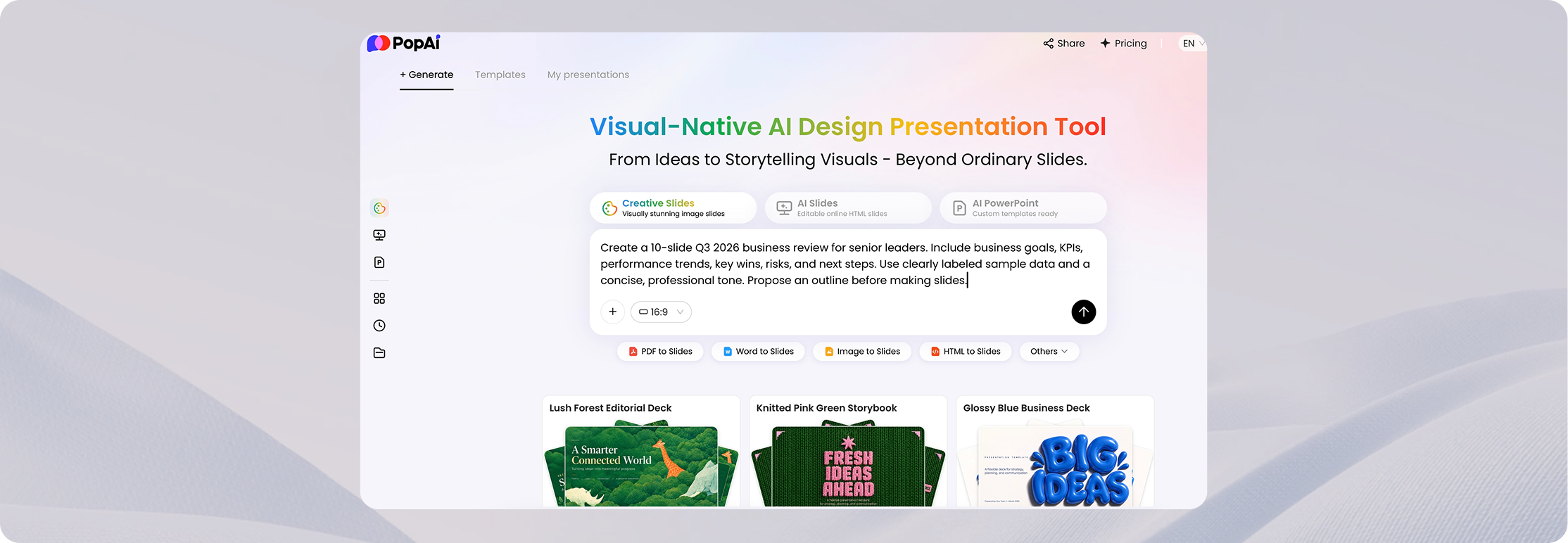
STEP 1 — ENTER A PROMPT OR UPLOAD A FILE
Describe the topic, audience, purpose, length, and tone—or upload your source material. A clear brief helps the AI propose a more useful slide structure.
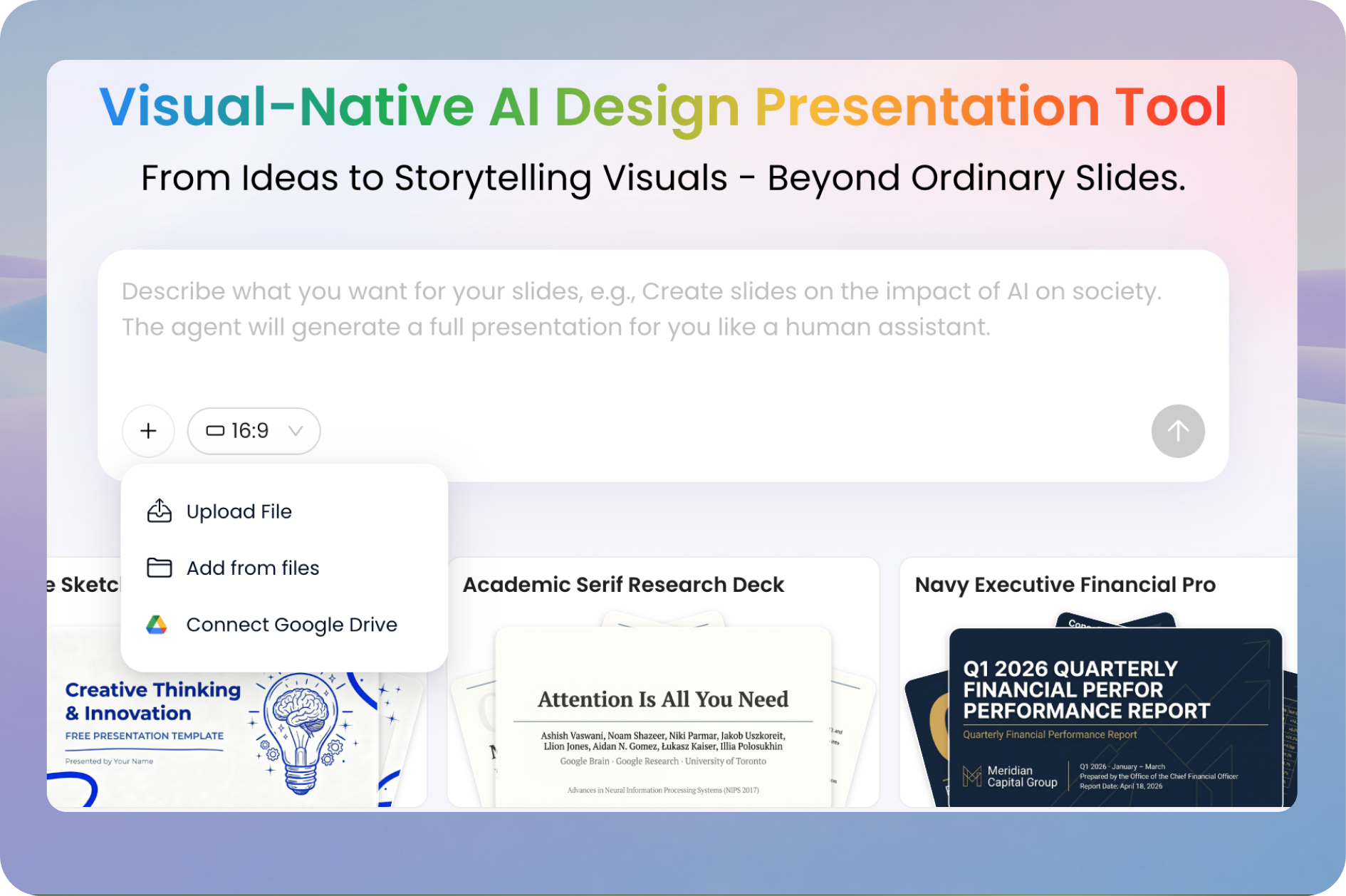
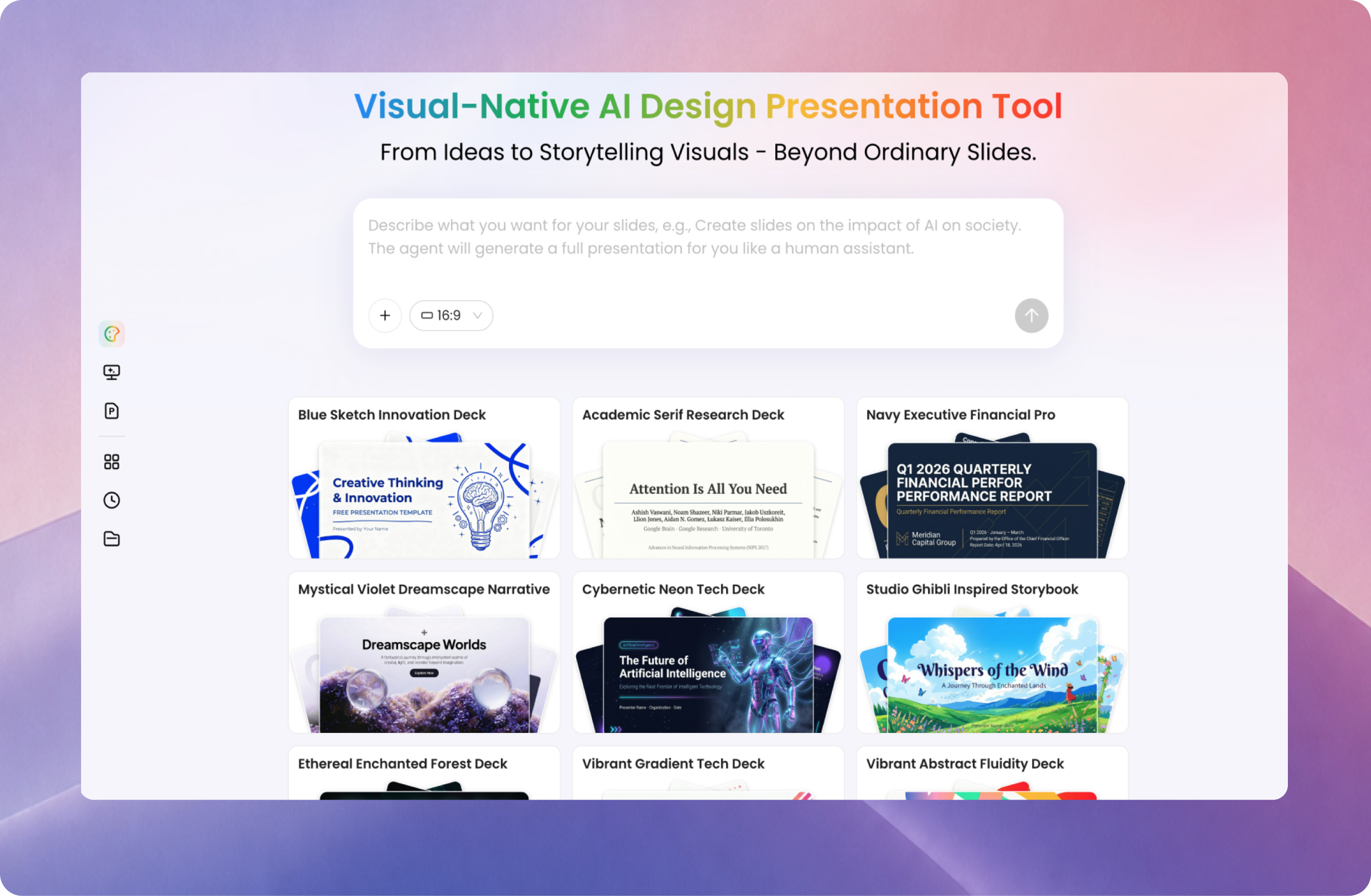
Turn a topic, notes, PDF, Word document, existing PowerPoint, or webpage into a presentation with PopAi. Review the outline, choose a style, create your slides, and edit the deck online before sharing or exporting it.
Try AI Presentation MakerStart with a prompt or source file. Available features and exports may vary by plan.
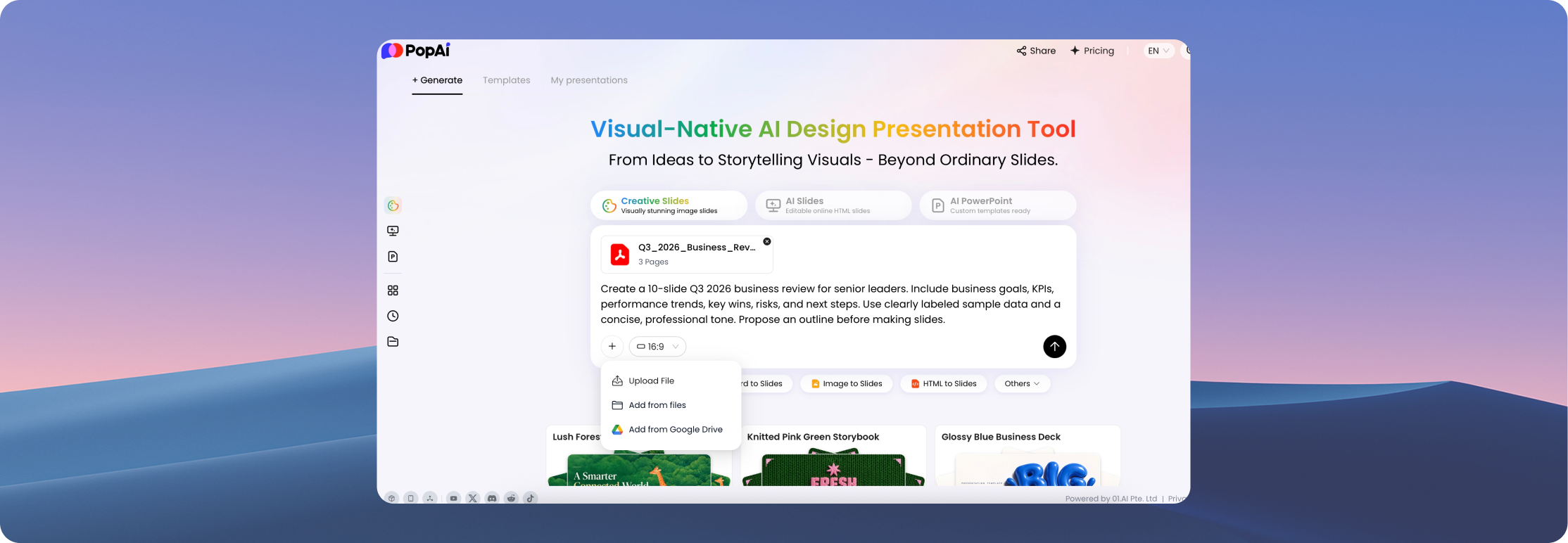
Upload a FilePopAi's AI presentation creator supports two common starting points: a new idea that needs structure or existing information that needs to become slides. In both cases, review the outline and final content so the presentation says what you intend.
Start with a topic, brief, or outline
Tell PopAi who the audience is, what the presentation should achieve, and which points matter. Use the suggested
slide outline to organize the story before generating the deck.
Turn existing content into slides
Begin with a PDF, Word document, PPTX file, or webpage. Use the source as a starting point for an editable
presentation, then confirm that important figures, citations, and details are preserved.
Move from a rough idea to a reviewable PowerPoint-style deck without designing every slide from scratch.
Describe the topic, audience, purpose, length, and tone—or upload your source material. A clear brief helps the AI propose a more useful slide structure.
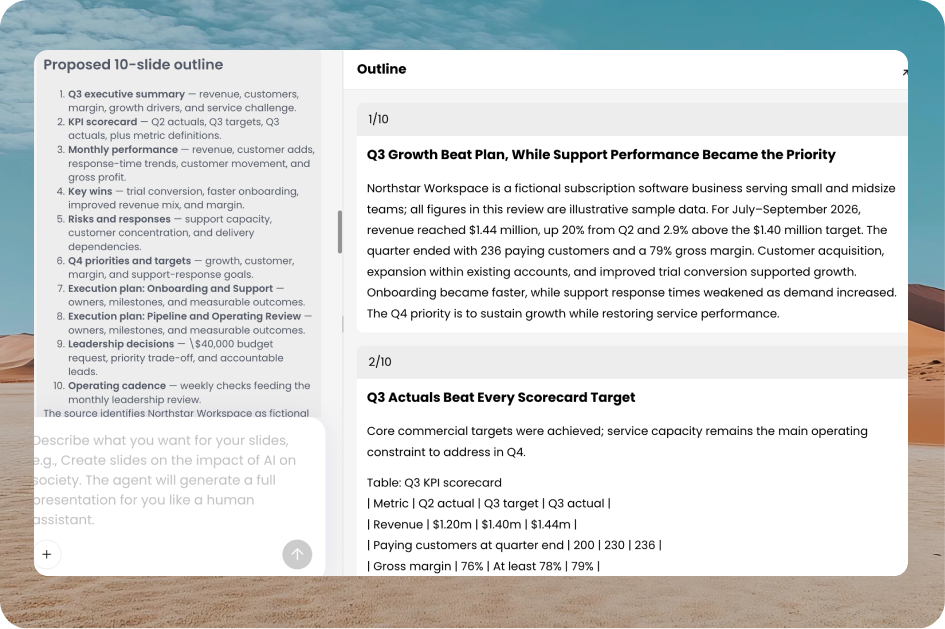
Adjust section order, slide titles, and key points before choosing a template or visual style. Check the story before committing to the full deck.
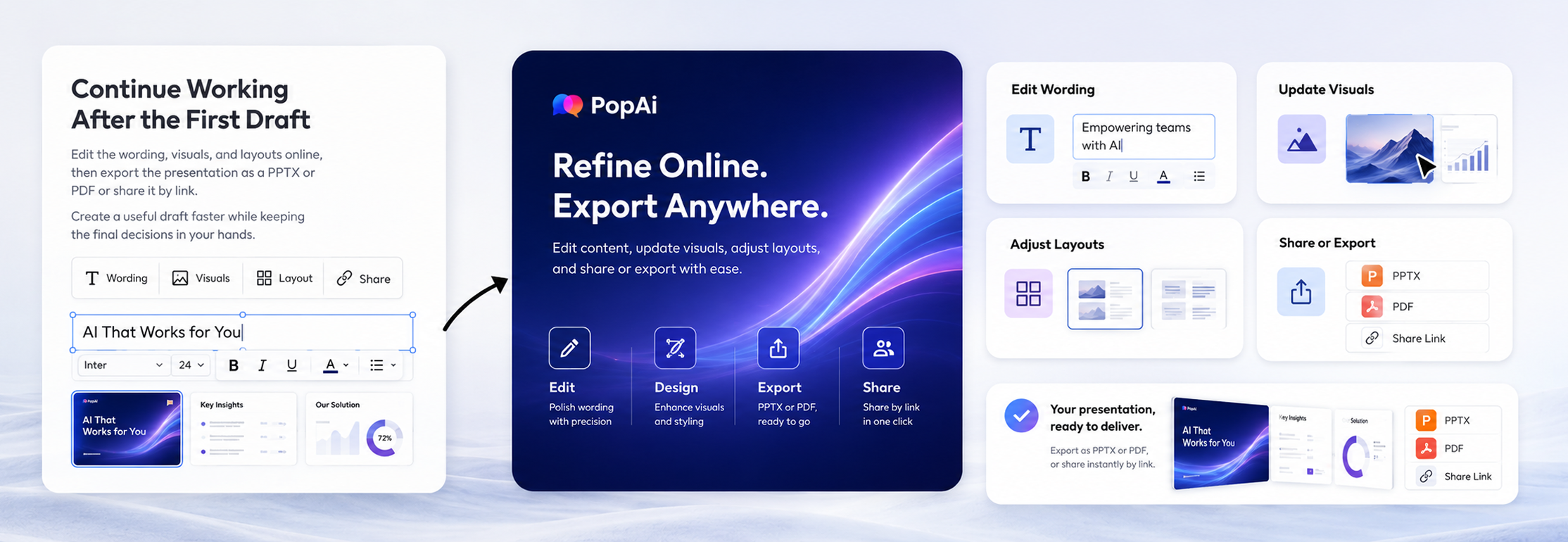
Refine text, images, and layouts in the online editor. Check the facts and formatting, then share the presentation or use the available PPTX/PDF export options.
COPYABLE PROMPT: Create a 10-slide quarterly business review for senior leaders. Include business goals, KPIs, performance trends, key wins, risks, and next steps. Use a concise, professional tone and propose an outline before making slides.
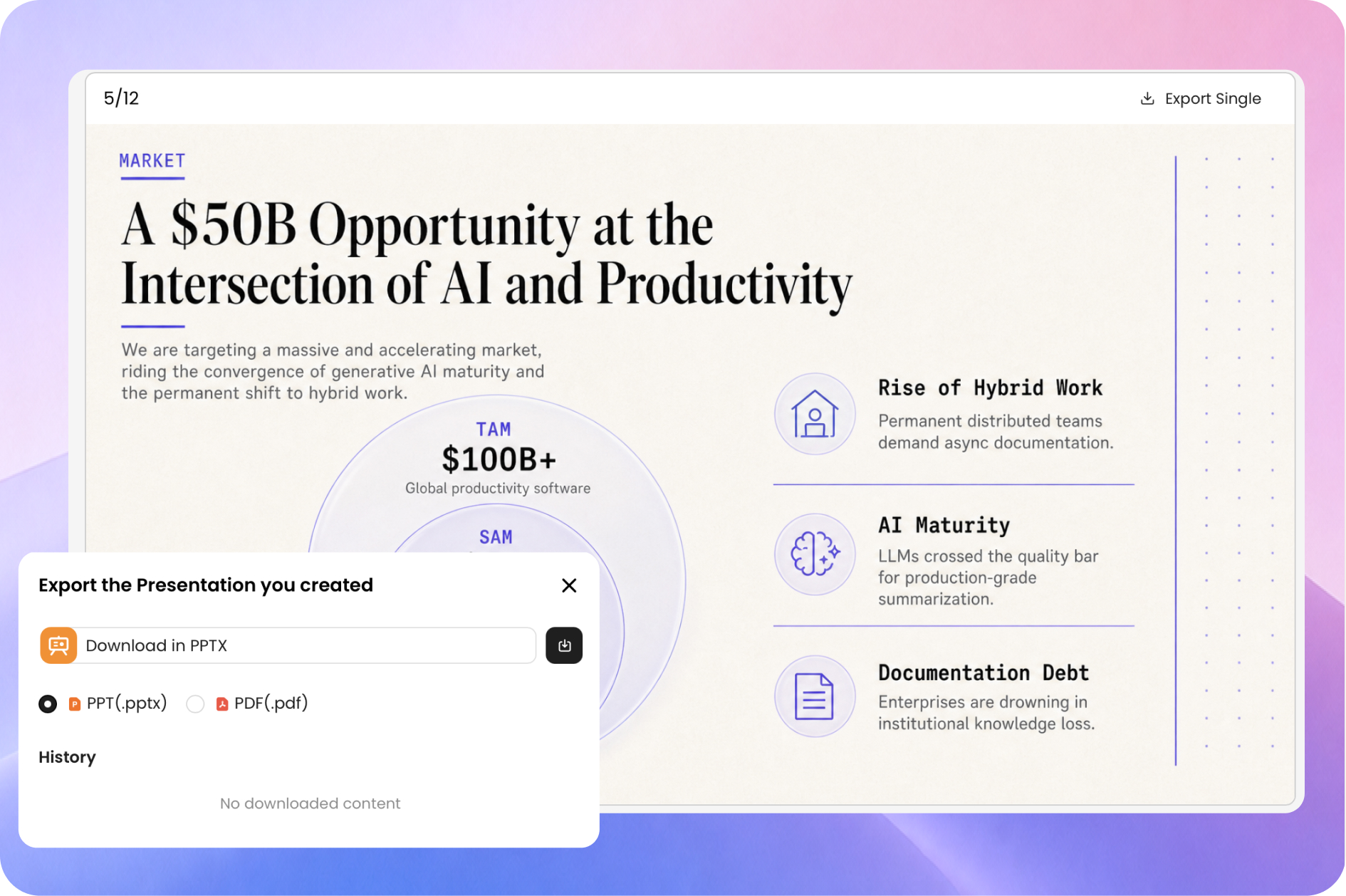
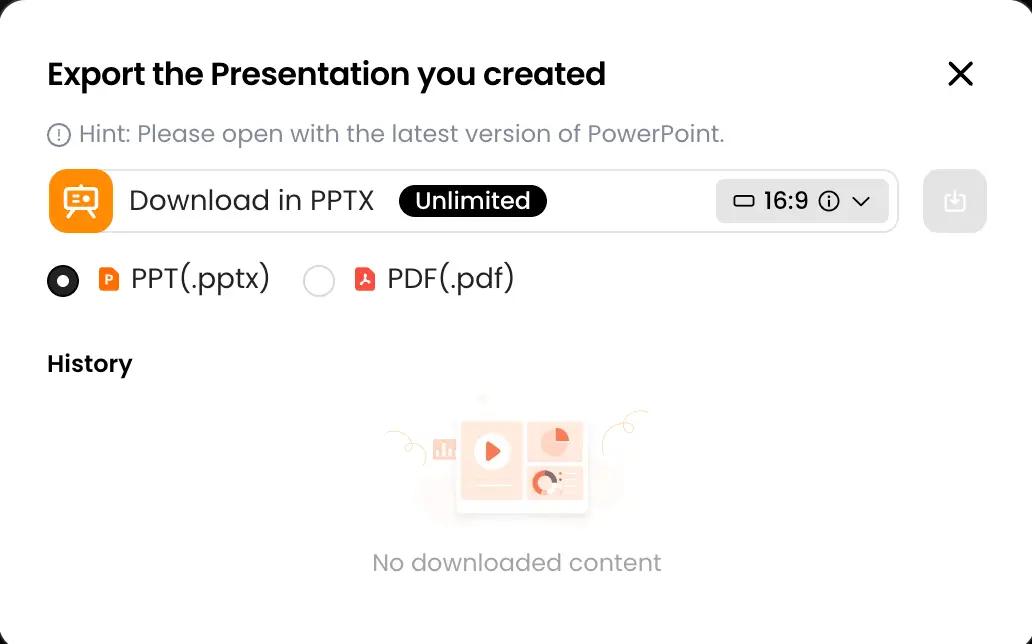
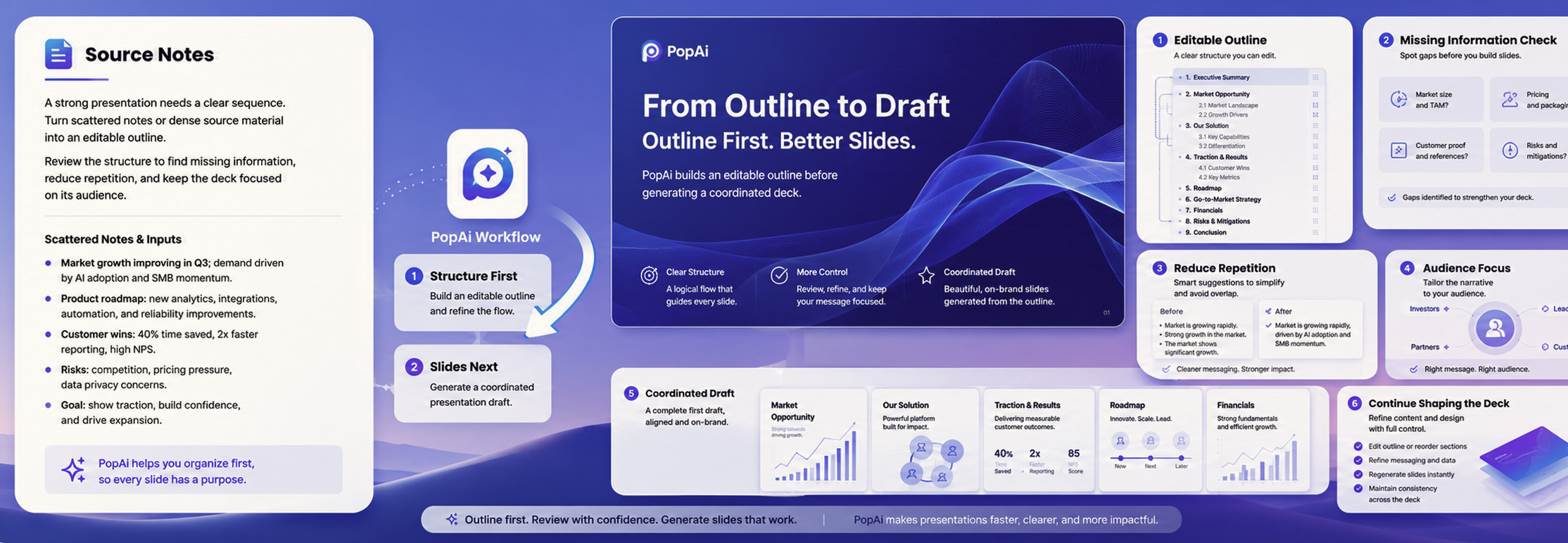
An AI slide tool should do more than fill a template. PopAi puts the outline, slide draft, and editing workflow together, so you can focus on the message your audience needs.
Review and improve an editable outline before generating the full presentation. Rename sections, adjust the sequence, and make sure each slide has a purpose.
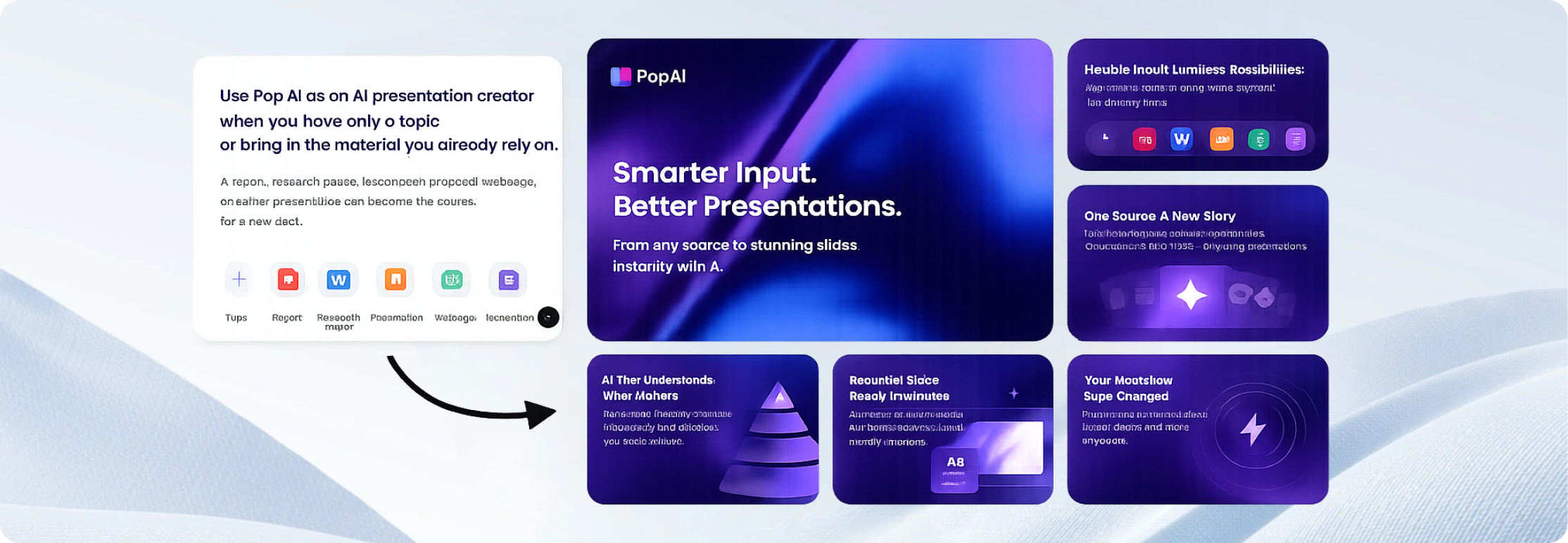
Turn an existing report, lesson plan, proposal, or document into a slide-ready starting point instead of retyping all the source material.
Update the wording, replace visuals, and adjust layouts in the browser. Share the result or export to a format available with your account plan.

"This AI presentation maker saved me hours of formatting. I uploaded our quarterly report PDF, and it generated a beautiful slide deck instantly."

"Used it to build my pitch deck last night. The layout suggestions are top-notch. It actually understands the logic of a business presentation."

"I create 3-4 presentations a week for my classes. PopAi makes it so much faster to turn my lesson plans into engaging visuals. Highly recommend for educators."

"The best AI PPT generator I've tried. Being able to directly export to PPTX without losing any formatting is a game changer for my client meetings."

"I had a group project due in 2 hours. Just pasted our outline, picked a minimalist theme, and it was done. Got an A on the presentation!"

"Clean interface and very intuitive web canvas. It doesn't just throw text on slides; it actually formats them logically. Very impressive tool."

"Creating onboarding materials used to take days. Now I just use this AI tool. The templates look incredibly professional."

"I love how easily it digests heavy text into bullet points. Making a presentation from research documents has never been this smooth."

"Great for creating quick proposal decks. The instant link sharing feature makes it super easy to get client approvals on the go."

"Finally, an AI presentation maker that doesn't feel clunky. The generated slides are actually usable right out of the box."

"I was skeptical about AI design, but the layout quality here is surprisingly good. It gives me a great starting point to add my own creative touches."

"Creating property showcase slides is a breeze now. I just input the specs, and PopAi does the heavy lifting. Saves me so much time!"

"As a small team with no designer, this tool is a blessing. We made our annual review presentation in under an hour."

"Solid AI tool for slides. The export to PDF feature works flawlessly. Good to see an app that actually delivers on its promises."

"My trainees noticed the upgrade in my slide quality immediately. It's my secret weapon for creating engaging corporate training sessions."
Getting a first draft is only part of the process. Explore practical guides on presentation planning, prompt writing, slide structure, visual hierarchy, and final review. Use these resources to turn an AI-generated presentation into a deck that is accurate, relevant, and ready for your audience.
Compare features, free-plan limits, export options, and practical workflows in our guide to free AI PowerPoint generators.
See which tools produced the most usable slide decks in our AI PowerPoint generator test, including structure, design, editability, export quality, and cleanup time.
Explore interactive presentation tools for meetings, classes, live polls, quizzes, Q&A, workshops, and audience engagement.
These example briefs illustrate the tasks the creator can help with.
Turn a business brief into a pitch: organize the problem, solution, market context, evidence, milestones, and next step for investors, clients, or internal reviewers.
Example prompt: Create an 8-slide client proposal for a software launch, including goals, audience, approach, milestones, budget assumptions, and next steps.
Create a Business Presentation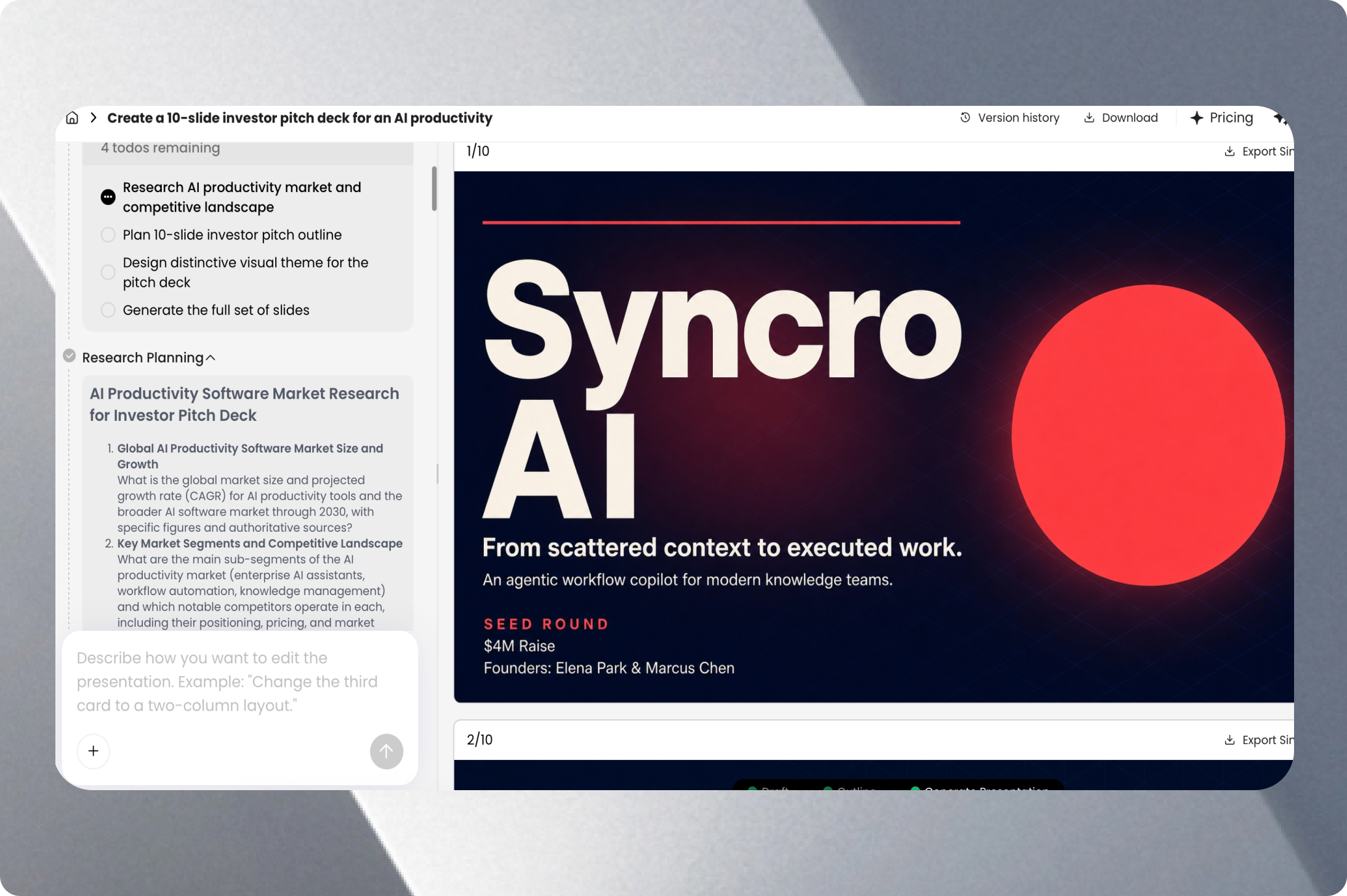
Build slides from lesson materials: transform lesson plans, reading notes, and training documents into structured educational slides that can be reviewed and adapted for a specific class.
Example prompt: Create a 10-slide introduction to renewable energy for high-school students. Include one comparison and a short recap.
Create an Education Presentation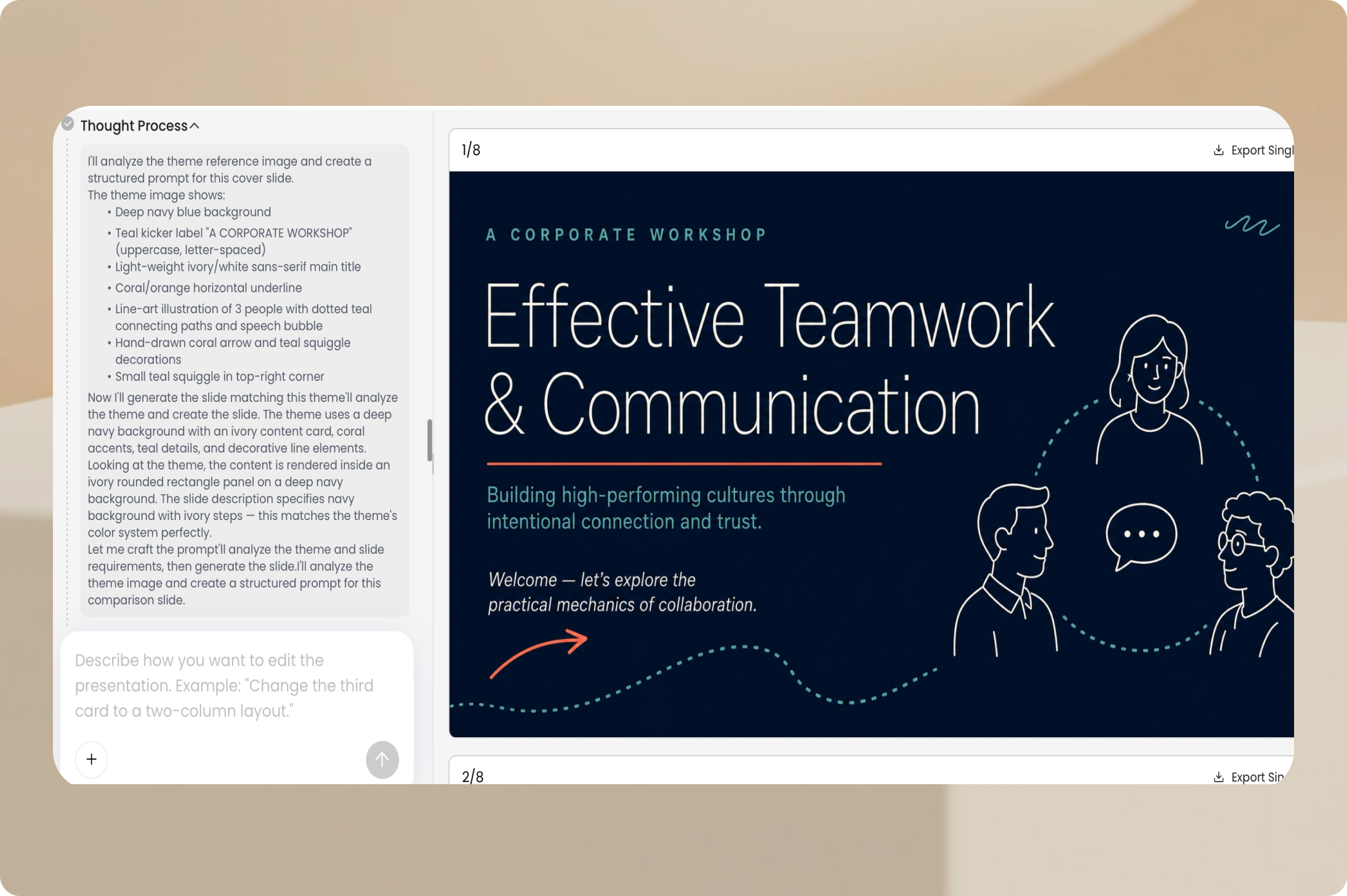
Present findings without rebuilding them: use a report or project update to develop a deck with an executive summary, key figures, conclusions, and recommended actions.
Example prompt: Summarize this quarterly report into an executive presentation. Highlight results, changes, risks, and decisions needed.
Create a Marketing Presentation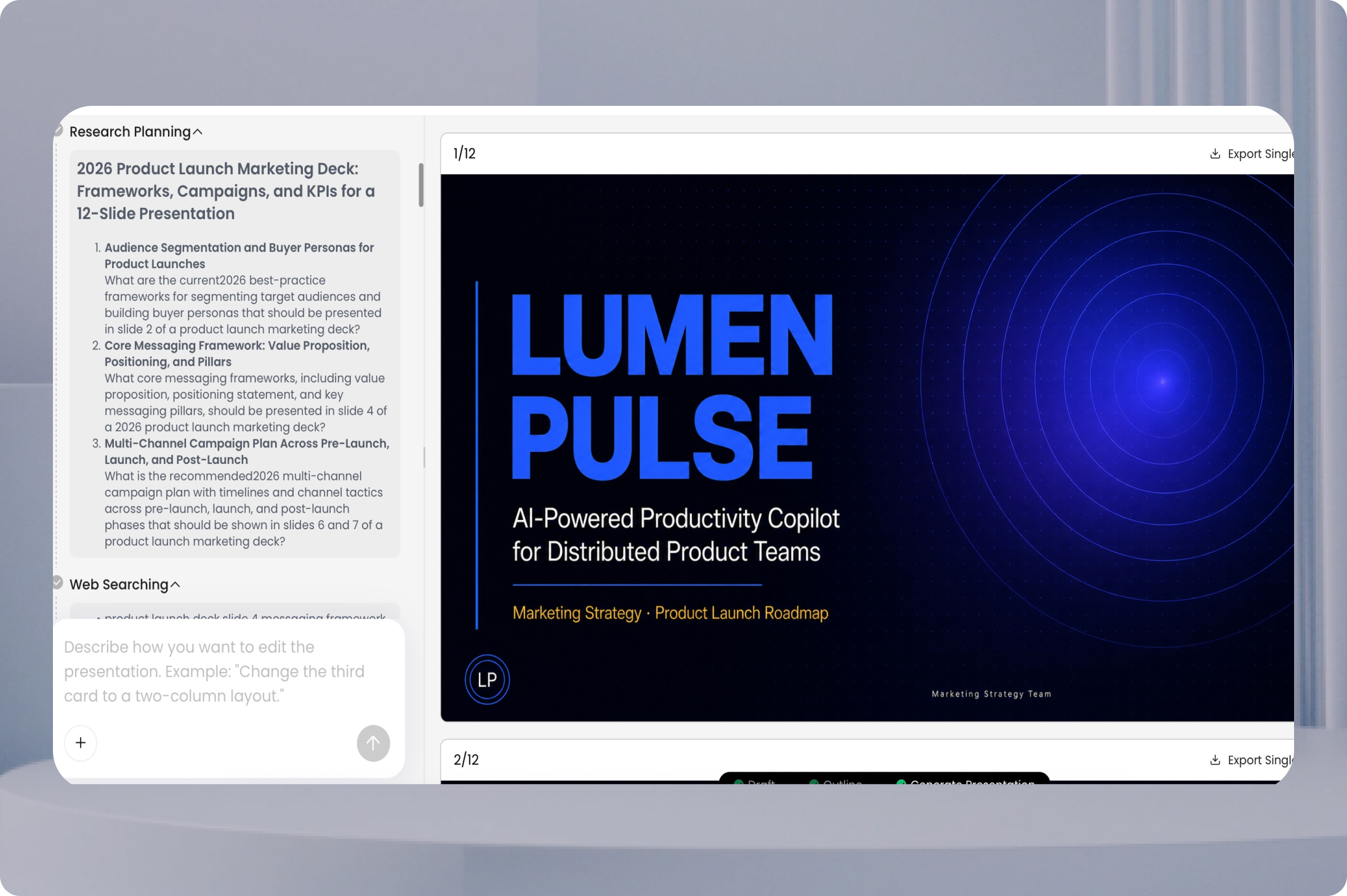
AI-generated slides are a first draft. Before sharing them, take a short final pass to make the content accurate, readable, and appropriate for the people seeing it.
Verify names, dates, numbers, claims, and citations against your original sources.
Check whether the outline matches the audience and the presentation's goal.
Trim crowded slides, replace unclear visuals, and confirm consistent terminology.
If exporting, open the final PPTX or PDF and review layout and editability.
For visual inspiration, explore presentation backgrounds or browse PowerPoint examples.
An AI presentation creator uses a topic, prompt, or source content to suggest a slide outline and assemble a presentation draft. PopAi helps you build that draft, edit its content and visuals, and prepare the deck for sharing or export.
Yes. Describe the subject, intended audience, and important points. PopAi can generate a slide outline and presentation draft from the instructions. Review the content and export to PPTX when your account plan supports that option.
Yes. You can use a PDF or Word document as source material for a presentation. Review the proposed structure and verify facts and figures against the original document before sharing the slides.
Yes. PopAi supports starting a presentation workflow from a PPTX file. Review the resulting outline and slides to confirm that the content you need has been carried over correctly.
Yes. PopAi includes an online editor for refining text, visuals, and layouts after the initial draft has been generated.
PopAi provides PowerPoint and PDF export options. Access to full exports and removal of branding can depend on the current subscription plan, so check your plan before starting a project that requires a particular deliverable.
PopAi offers a limited free entry option. AI credits, output features, and export permissions may differ between free and paid plans. Check the current plan details for the limits that apply to your account.
Start from a topic or existing file, review the outline, and turn your ideas into an editable slide deck.
Start Creating Slides