This is the final release gate for an AI-generated presentation: the check you run after the content and evidence have already been reviewed. The outcome is a clear pass, fix, or escalate decision for the exact file or link you will send.
Do not use a last-minute layout check as a substitute for verification. Complete the separate claim, number, citation, and image fact-check first, then bring its resolved issue log to this gate.
Run the 10-point final QA gate
| Check | Pass condition | Block release when |
|---|---|---|
| 1. Decision and storyline | The title sequence leads to the required conclusion or action. | The recommendation changes between opening and closing. |
| 2. Audience and scope | Terminology, detail and examples fit this audience. | The deck includes material approved only for a different audience. |
| 3. Completeness | Required sections and essential qualifications are present. | A mandatory disclosure, assumption or decision request is missing. |
| 4. Evidence sign-off | Claim owners have closed or explicitly approved the evidence log. | A decision-critical assertion is unresolved. |
| 5. Numbers and citations | Final wording and values match the reviewed versions. | An AI rewrite changed a number, unit, date or source after approval. |
| 6. Charts and images | Labels, periods, provenance and permissions are correct. | A chart misleads or an image lacks permission/context. |
| 7. Brand and layout | Approved identity, readable type and coherent visual hierarchy. | Content clips, overlaps or becomes unreadable on the actual display. |
| 8. Accessibility | Contrast, non-color cues, descriptions and reading order are checked where supported. | Essential information is unavailable to part of the audience. |
| 9. Delivery | Presenter has rehearsed the final version and tested media. | Critical links, fonts, audio or screen sharing fail. |
| 10. File and access | Required exports reopen; permissions and fallback copies are checked. | The recipient cannot open the deck or sees unintended confidential material. |
Assign an owner to each failed check. A presenter may fix a typo; only the source owner should approve a revised financial claim. A pass with an exception should record the exception, its consequence, and the person accepting it.
Check evidence status without repeating the entire fact-check
Review the evidence log rather than reopening every source during the final gate. Confirm that the slide version being released is the version that was reviewed. If an automated rewrite, chart refresh, or image replacement happened afterward, reopen the affected checks.
| Issue-log field | Example entry - illustrative |
|---|---|
| Slide / element | Slide 4, renewal-rate headline |
| Issue | Annual-contract filter was missing from the caption. |
| Owner | Revenue operations reviewer |
| Resolution | Caption now states the population and period. |
| Release status | Pass only after the revised export is inspected. |
Do not convert an unresolved claim into a fact by changing its tone. Narrow the claim, label the uncertainty, move it to an appropriate appendix, or remove it. The detailed source-finding workflow belongs in the fact-checking guide.
Inspect the visible deck, not only its data
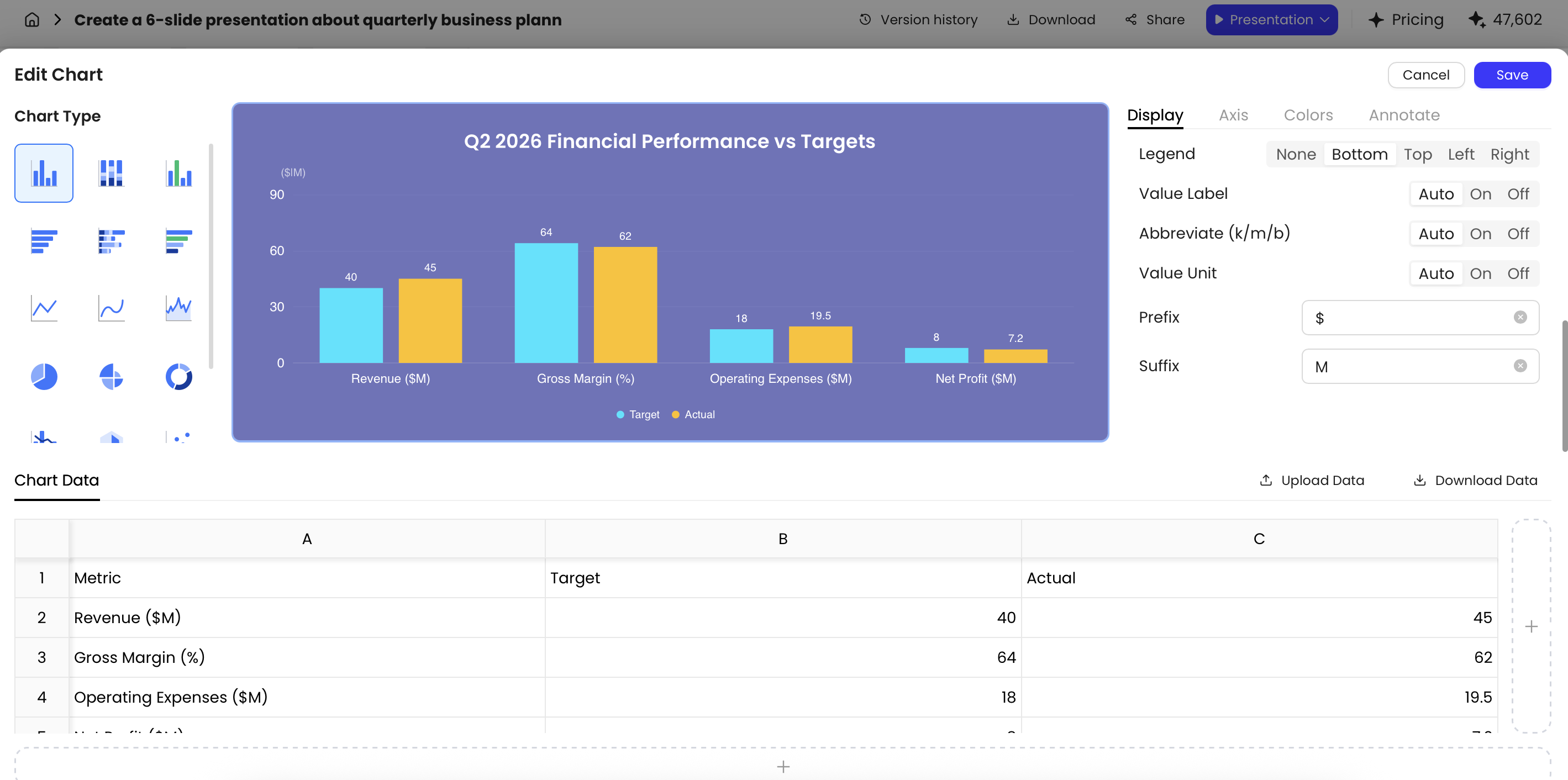
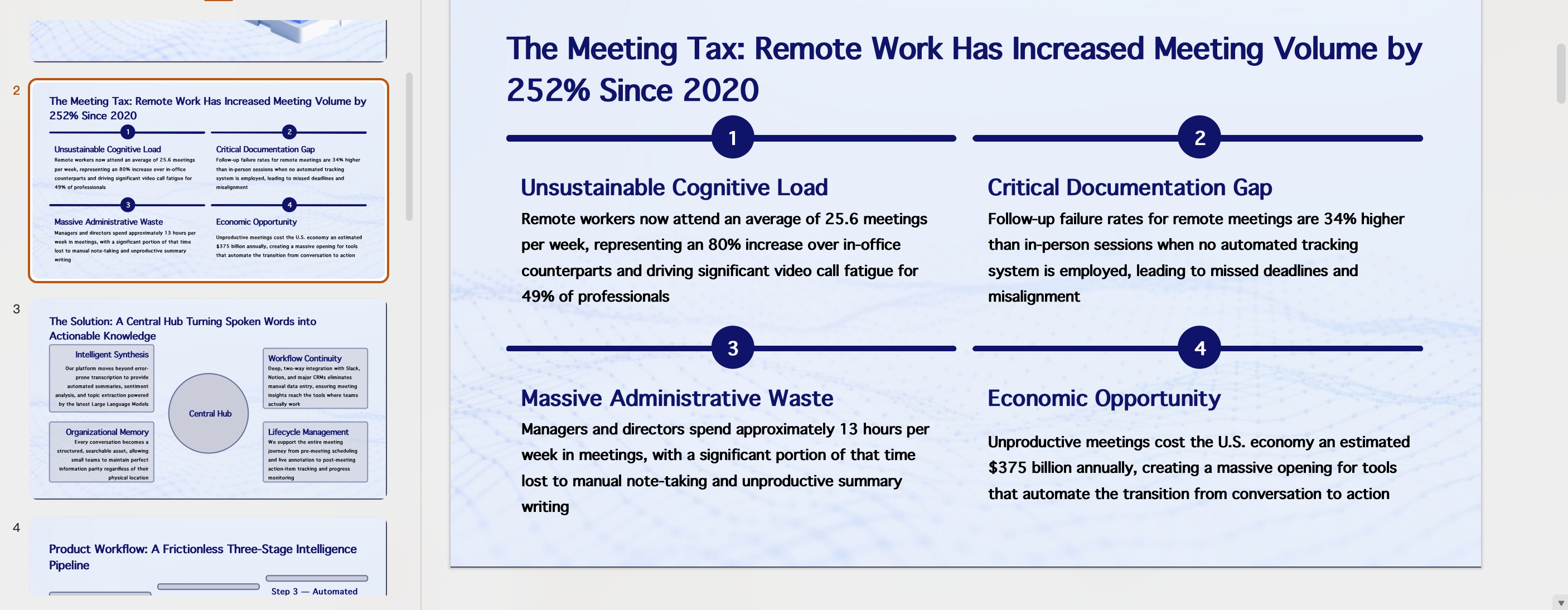
View the whole deck as thumbnails to catch sudden changes in margins, fonts, chart treatment, or image style. Then inspect each slide at a realistic viewing size. Text that fits at 200% zoom can still fail on a projector or a shared laptop screen.
For digital content, W3C: Contrast (Minimum), WCAG 2.2 specifies at least 4.5:1 contrast for normal text and 3:1 for qualifying large text, with stated exceptions. Use it as a design baseline, not a claim that a deck is fully accessible. Projected readability, reading order, alternate descriptions and the exported format require separate checks.
Label chart series directly where possible and provide a text explanation of essential visual information. Do not rely on red versus green alone. Check descriptions and reading order in the destination application; export can change them.
Rehearse the actual delivery path
- Open the release file on the presenting device and start the real slideshow mode.
- Test screen sharing, embedded media, hyperlinks, presenter notes and any appendix navigation.
- Open the recipient link in an account with the intended access level, not only as the owner.
- Save an approved local presentation and a PDF fallback when permitted.
- Confirm the fallback has the same facts and approval version as the main deck.
A PDF fallback preserves a viewing copy, not all animations, editing behavior or presenter features. Decide beforehand what you will do if video, network access or the original editor is unavailable. Do not discover these dependencies after the meeting starts.
Record the release decision
| Field | What to record |
|---|---|
| Artifact | Exact file name or share link and version/date. |
| Reviewers | Content owner, presenter and any required specialist approvers. |
| Open items | Severity, owner, due date and whether they block distribution. |
| Decision | Pass; fix and recheck; or escalate. |
| Destination | Audience, permission setting and retention location. |
Budget review time around the consequence and complexity of errors, not a universal number of minutes. A short familiar update and an investor deck with new forecasts need different review effort. When time is tight, remove unverified nonessential material rather than skipping critical checks.
Keep the release record with the deck. If you need ongoing approval and naming rules, use presentation version control; for lost files, use backup and recovery.