For a nontechnical user, the right AI presentation tool is the one that removes a specific obstacle without creating a harder one later. Choose around your starting material, comfort with editing, and required final file, not the longest feature list.
This is a selection guide, not a button-by-button tutorial. Once you have chosen your workflow, use the complete six-step beginner walkthrough.
Start with the obstacle you need to remove
| Your obstacle | Look for | Watch out for |
|---|---|---|
| I have notes but no slide structure | An editable outline before design. | A tool that hides or locks the outline. |
| I do not know how to align things | Constrained layouts and easy content replacement. | Beautiful defaults that cannot accommodate your actual content. |
| I already know PowerPoint or Google Slides | An assistant inside the editor you already use. | Another subscription and permissions needed for the add-on. |
| I need to share updates in a browser | Clear link controls and readable web viewing. | A link that exposes internal content or requires an unexpected login. |
| I must submit a PPTX | Plan-level PPTX availability and editable objects. | Generation is free but required export is paid. |
| My source is confidential | An approved organizational account and upload policy. | A convenient consumer tool is not automatically an approved destination. |
Write down one non-negotiable requirement. If your manager needs editable PowerPoint, do not choose a tool solely because its online preview is attractive. If your teacher accepts a PDF, do not pay for elaborate animation features you will not use.
Match the workflow to your comfort level
| Workflow | Examples to investigate | Best reason to choose it | Trade-off |
|---|---|---|---|
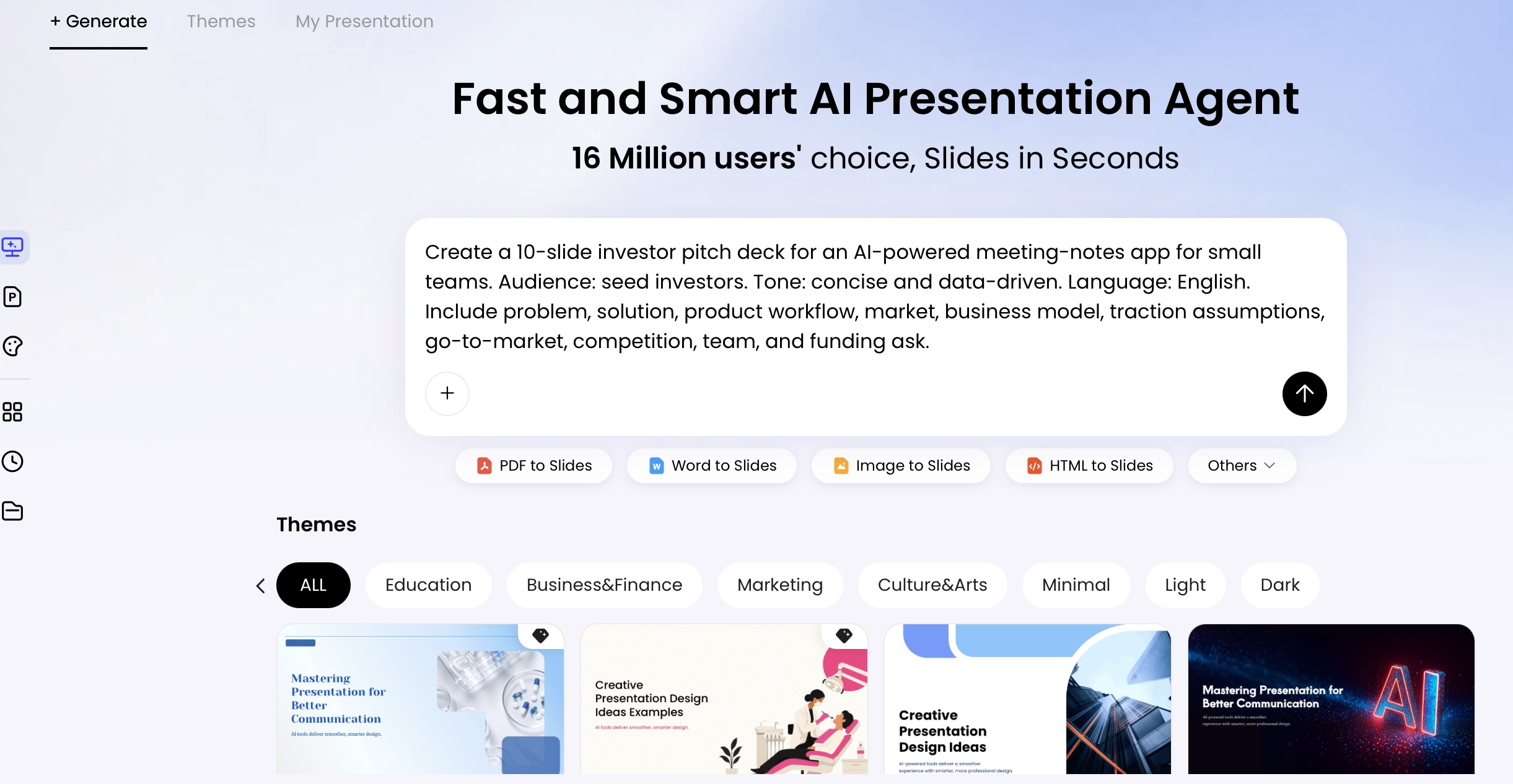
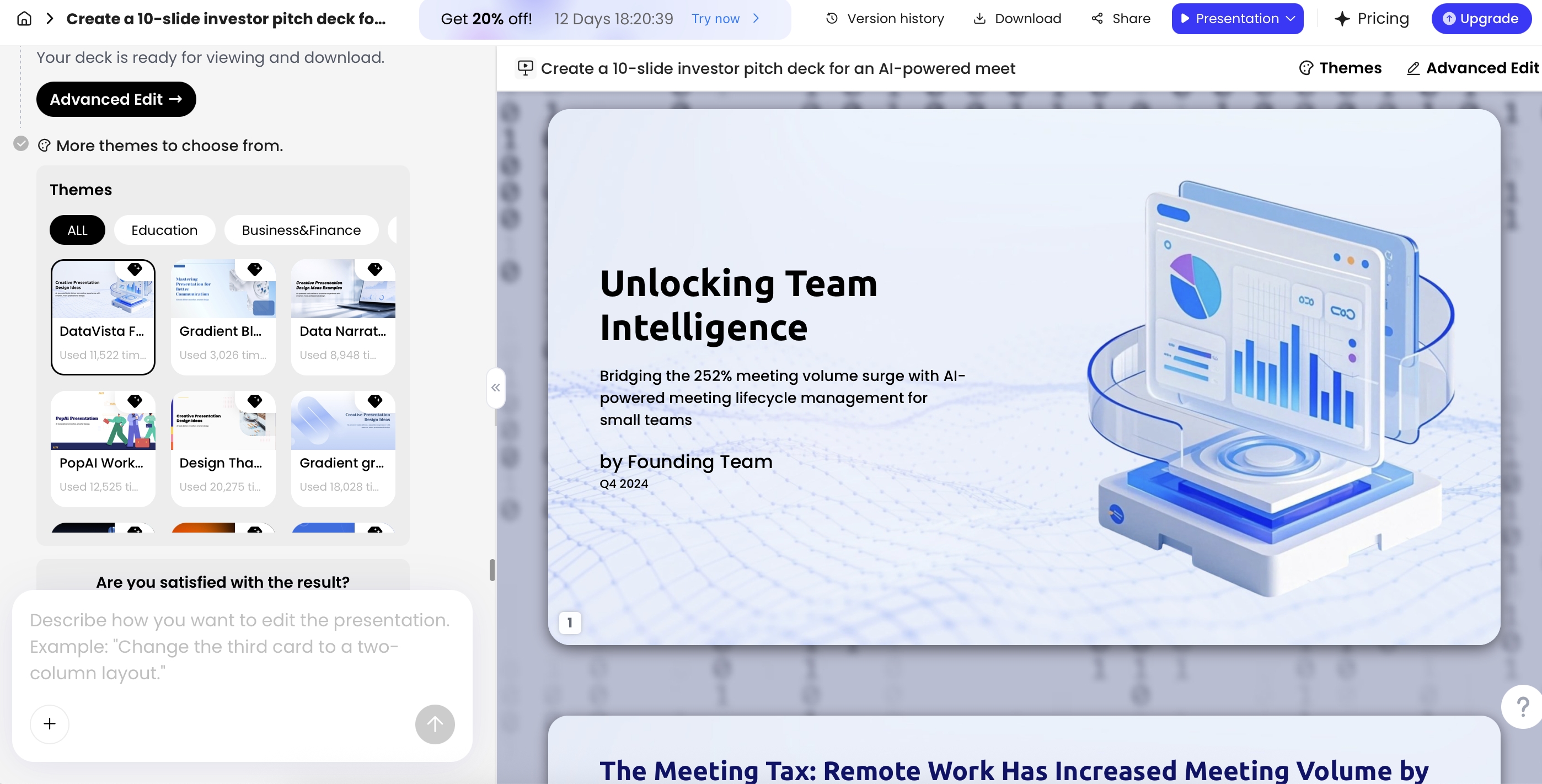
| Source document to deck | PopAi | Your material already exists in documents and needs organization. | Source fidelity and export still need review. |
| Web-first AI presentation | Gamma | You want a shareable browser presentation rather than a traditional slide-only workflow. | Check the exported file when someone requires a conventional deck. |
| Automated layouts | Beautiful.ai | You prefer a structured visual system over placing every object. | Layout rules may restrict unusual designs. |
| Native-editor AI add-on | Plus AI | You already work in PowerPoint or Google Slides. | Host-app access, add-on permissions and subscription costs still apply. |
| General design suite | Canva | You need presentations and related campaign or class visuals. | More options can make choosing a consistent design harder. |
Official sources: PopAi presentation workflow; Gamma pricing and plan limits; Beautiful.ai pricing and support; Plus AI pricing and plan features; Canva pricing and feature comparison.
These examples describe documented workflow categories, not a tested usability ranking. The best match depends on which task you can actually finish confidently.
Make a low-risk trial decision
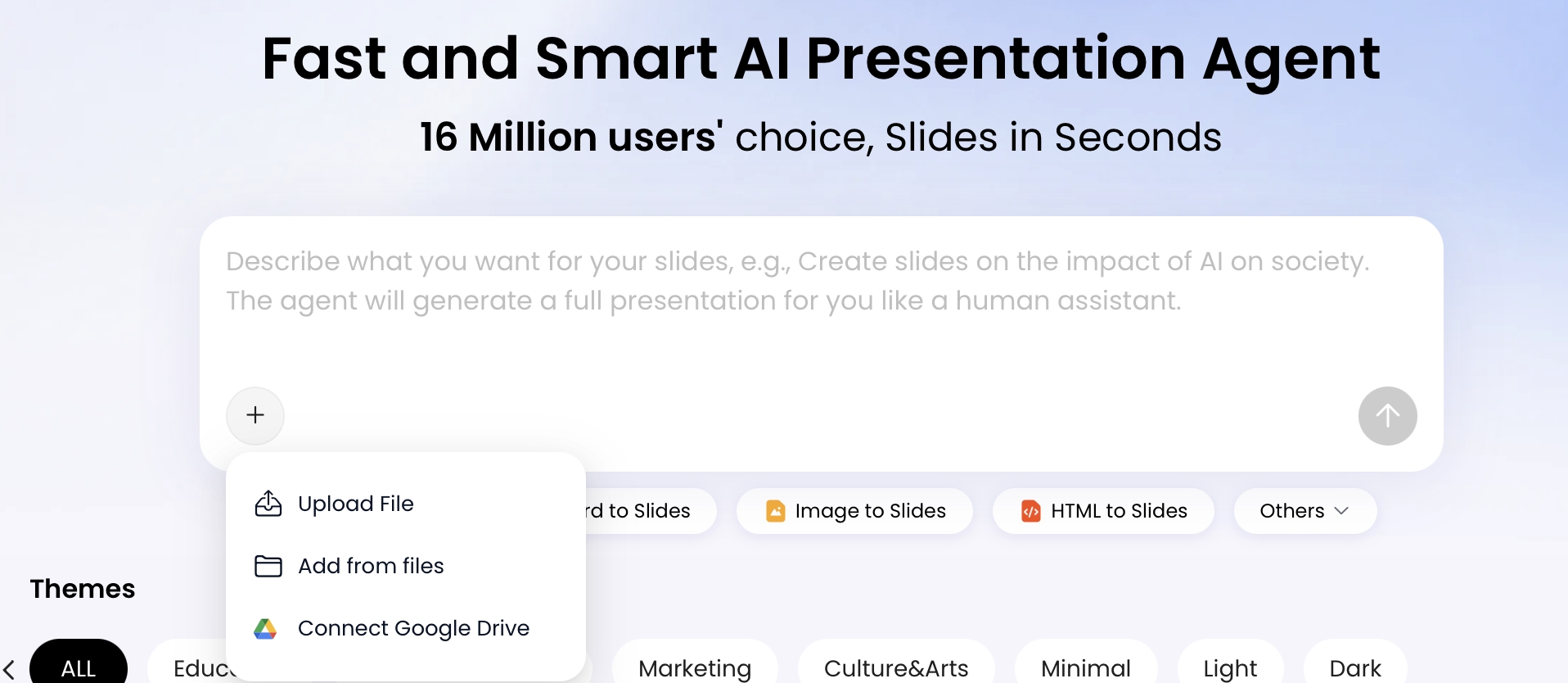
- Check that your source type is supported and remove private information from the trial.
- Confirm the required output is available on the plan you are evaluating.
- Create a short practice deck using a topic you know well.
- Try a correction: change a title, a number and an image.
- Open the final file or link as the recipient would.
You are not trying to become a software expert. You are checking whether the product explains its next step, makes corrections understandable, and leaves you with a usable artifact. Stop a trial when a critical requirement is missing rather than investing more time to justify the choice.
Compare free plans and card-based trials in the free-tier guide. For a more structured usability review, use the beginner-workflow evaluation protocol.
Three practical choices for different users
Office administrator: You receive a monthly text update and must send a PDF. Prioritize outline editing, predictable text layout and a verified PDF route. A sophisticated analytics dashboard is not a purchasing requirement.
Small business owner: Your proposal changes every week and a partner edits it in PowerPoint. Prioritize editable export and straightforward revision. An attractive screenshot-only deck creates work for your partner.
Student: You need a group deck in the school-approved editor. Start with the required submission environment and academic rules. An add-on is useful only if the account permits it and everyone can access the final presentation.
These are illustrative selection scenarios. They are not customer case studies or measured results. Choose a tool for the bottleneck you actually have, then keep the rest of the workflow as simple as possible.
Avoid the common beginner purchasing traps
- Do not assume a credit is one presentation; tools meter different actions.
- Do not assume a generated chart is correct because it looks professional.
- Do not confuse a desktop app with offline AI generation.
- Do not infer a free export from a screenshot of a paid export menu.
- Do not assume a share link is private until you check its access setting.
A good first purchase is the smallest plan that solves a recurring need and produces an acceptable handoff. Upgrade after observing the limitation, not because the largest plan promises the most possibilities.
Publisher disclosure: PopAi publishes this guide and is one of the products discussed. Product descriptions come from the linked official pages. They are not independent test results or proof that PopAi outperforms another tool.