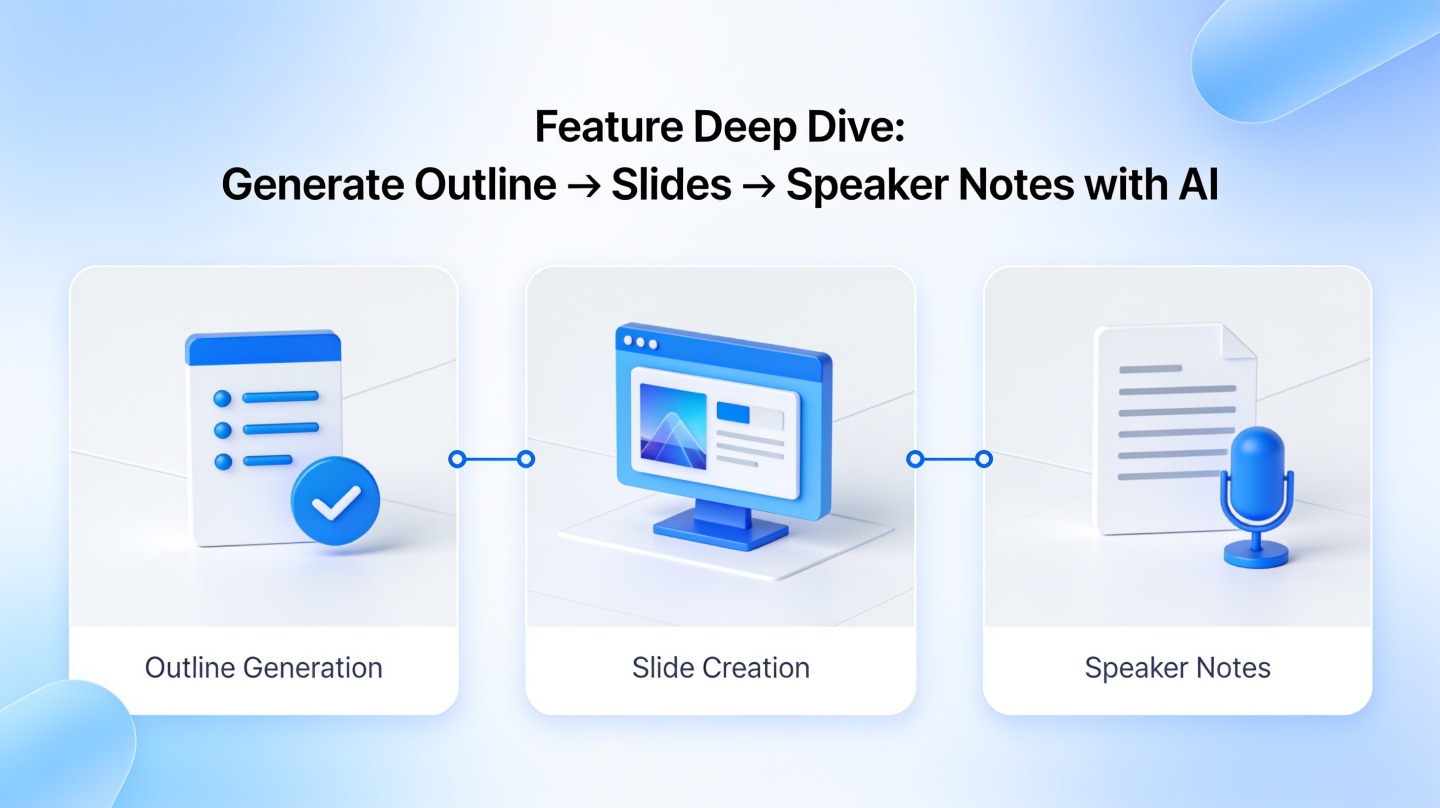
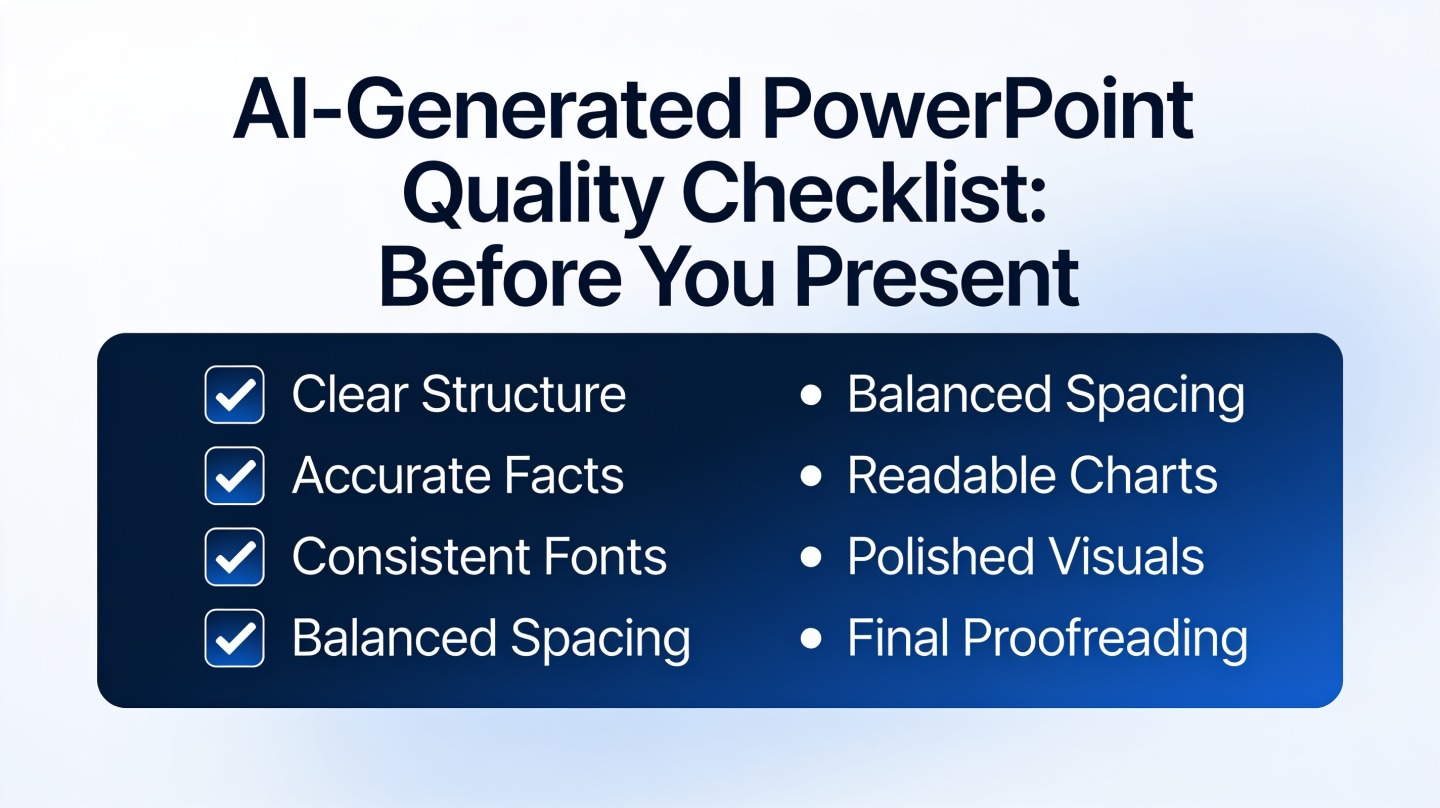
For a beginner starting with a topic and planning to share a web presentation, Gamma is our first recommendation. Choose PopAi when you already have notes or a document, Canva when you want to work visually from a template, Plus AI when PowerPoint or Google Slides is already familiar, and Beautiful.ai when layout decisions are the main obstacle.
"Beginner-friendly" depends on what is new to you. Someone who has never arranged a slide needs a different starting point from an experienced PowerPoint user trying AI for the first time. This comparison gives a named recommendation for each situation, including when a different tool makes more sense.
Most beginner-friendly AI presentation tools by starting point
These are editorial ease-of-use recommendations based on the documented workflows, not results from a novice-user study.
| Your starting point | Our pick | Why we recommend it | Main tradeoff |
|---|---|---|---|
| A topic, no existing deck, web sharing is fine | Gamma | Prompt-led creation offers a direct starting path. | Learn how the web presentation and exported file differ. |
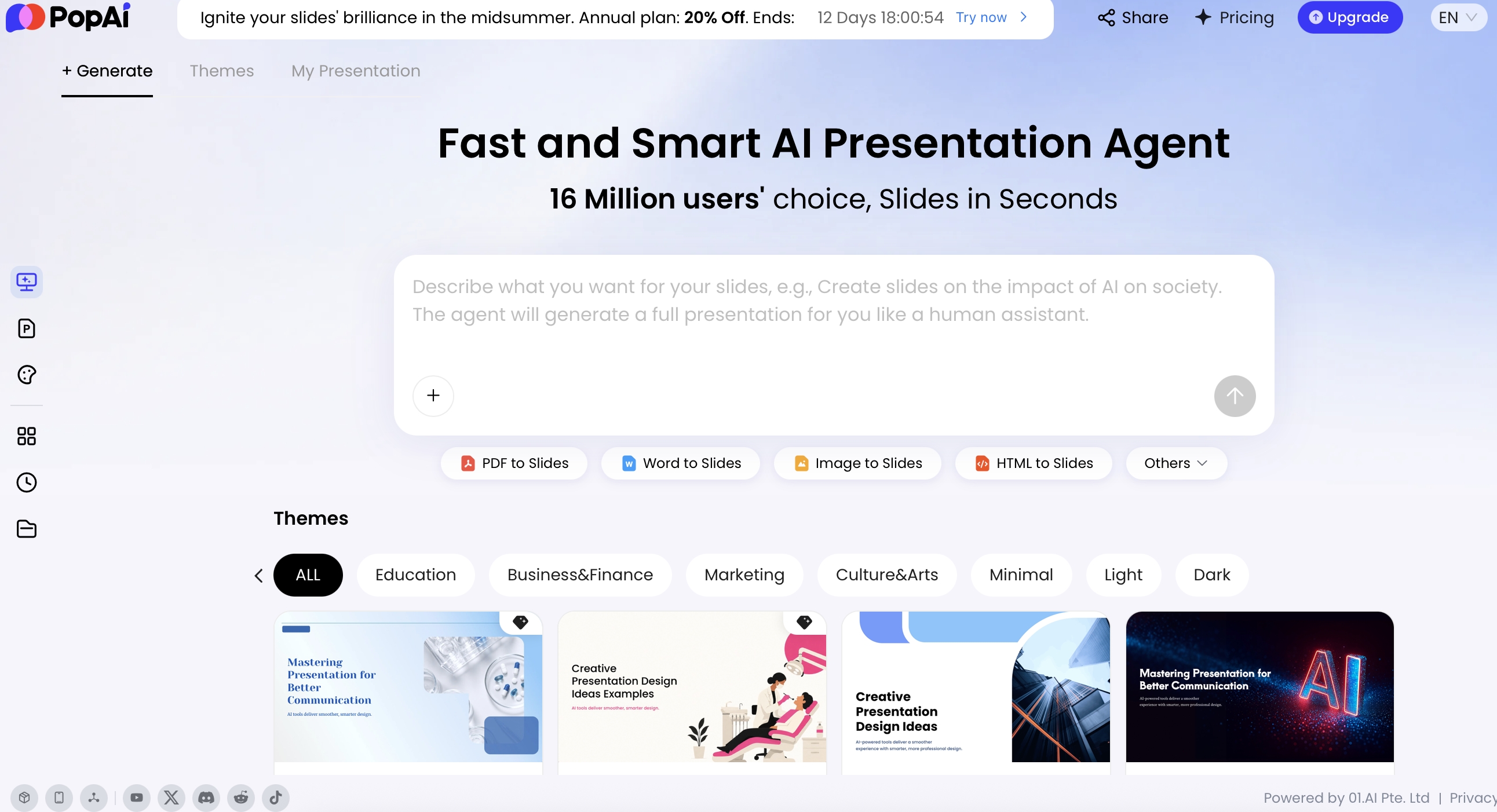
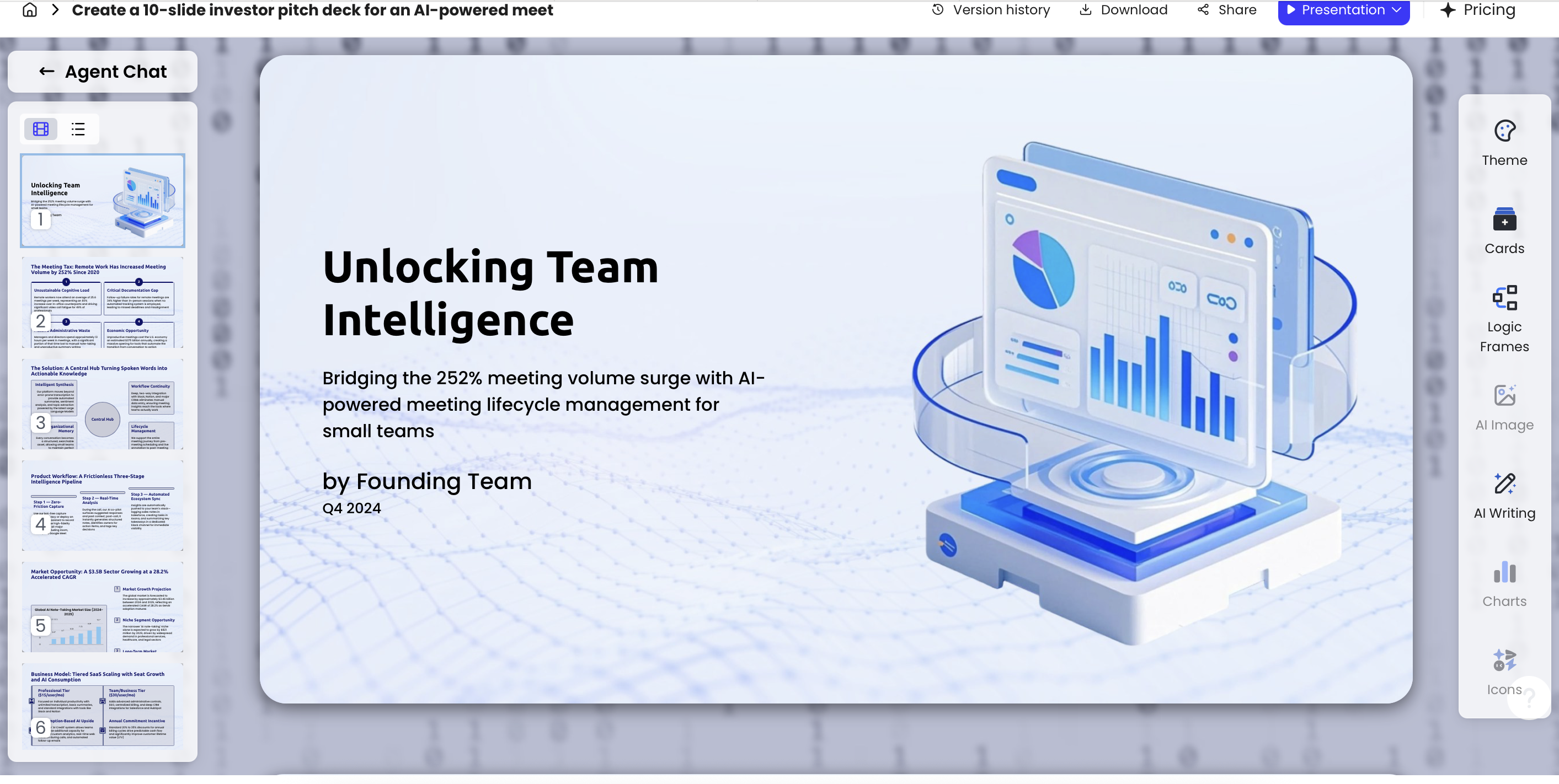
| Notes, a report, or a prepared outline | PopAi | Topic/file to outline to slides breaks the job into stages. | The outline still needs your judgment. |
| You think visually and want a design starting point | Canva | AI presentation drafting can lead into visual editing. | Too many design choices can distract from finishing. |
| You already know PowerPoint or Google Slides | Plus AI | AI editing works in familiar slide workflows. | Installation and account access may add a setup step. |
| You want fewer spacing and alignment decisions | Beautiful.ai | Smart Slides handle layout adjustments. | Structured layouts are not the same as unrestricted design. |
Our recommendations for different beginners
Gamma: best for a first presentation from a topic
Gamma is our first pick for a newcomer whose goal is a straightforward presentation to read or share online. Its creation workflow provides an entry point from a prompt or outline. The reason for the recommendation is the task shape: explain your idea, organize it, then develop the presentation in the same environment.
For a first project, use a narrow brief such as "explain our volunteer orientation to new members." Decide the audience and final action before choosing a style. This recommendation changes when the assignment specifically requires an editable PowerPoint file: then native authoring with Plus AI deserves priority. Gamma can export, but learning a second delivery step is part of the beginner's workload, not something to ignore.
PopAi: best for beginners who already have source material
Choose PopAi when the blank-slide problem is really a document-to-presentation problem. Its document workflow is a relevant starting point for existing notes or a prepared brief. Instead of inventing a topic, begin by deciding which parts of the material belong in the presentation.
A new team member turning an onboarding document into a welcome deck, for example, should preserve the important steps but leave detailed policy language in the reference document. An outline-first approach gives the beginner a manageable editorial decision before visual polishing. Prefer Canva when the content is already short and the main task is arranging approved pictures and visual assets.
Canva: best for visually oriented beginners
Canva is our pick for someone who feels more comfortable adapting a visible example than specifying every design choice in a prompt. Its AI presentation tools work alongside templates and visual editing.
The most useful constraint is to choose one design family and keep it. A beginner making a club introduction should not switch fonts, backgrounds, and illustration styles on every slide. Use a template as a consistent framework, then replace decorative filler with the club's own information. Canva is less compelling as a new environment when you already work confidently in PowerPoint and the recipient requires that same editable file; Plus AI is the more direct recommendation in that situation.
Plus AI: best for people who know slides but are new to AI
Plus AI is our recommendation when the presentation editor is familiar and only the AI assistance is new. Its documented Google Slides add-on and PowerPoint add-in let users create and revise within those applications.
Begin with an existing deck and a small task: shorten one crowded slide, add a missing summary, or reorganize a section. That is a more controlled introduction than replacing the entire presentation. Confirm that the add-on is permitted in your work or school account. For someone learning both slides and software installation from scratch, Gamma or PopAi may be the better first stop.
Beautiful.ai: best for beginners who struggle with layout
Choose Beautiful.ai when you can explain the content but spend too much effort deciding where elements belong. The documented Smart Slides system adjusts spacing and sizing as content changes.
For a small project update, use clear content types: one status summary, one milestone view, and one next-action page. This makes a structured layout useful rather than restrictive. It does not decide which message is important, and it should not encourage you to keep unnecessary text just because it fits. Choose Canva instead when the project depends on an expressive visual composition, rather than a consistent business-slide system.
Which is easiest for your first real task?
For an illustrative six-slide volunteer orientation, our recommendation is Gamma when you have only a topic, PopAi when an orientation document already exists, and Canva when the content is mostly photos with short captions. Use Plus AI when the organization supplies a PowerPoint or Google Slides template that must remain editable. Choose Beautiful.ai when the content is settled and layout is what keeps delaying completion.
Keep the first assignment small: purpose, who the audience will meet, what happens first, how to get help, the important boundary, and the next action. This is a suggested structure, not a mandatory slide count. Complete a usable presentation before exploring every possible feature.
A useful starter prompt is: "Create a short orientation for first-time volunteers from the approved information below. Use one main point per slide. Keep contact details unchanged. Flag anything missing instead of inventing an answer."
Avoid an easy start that creates a difficult finish
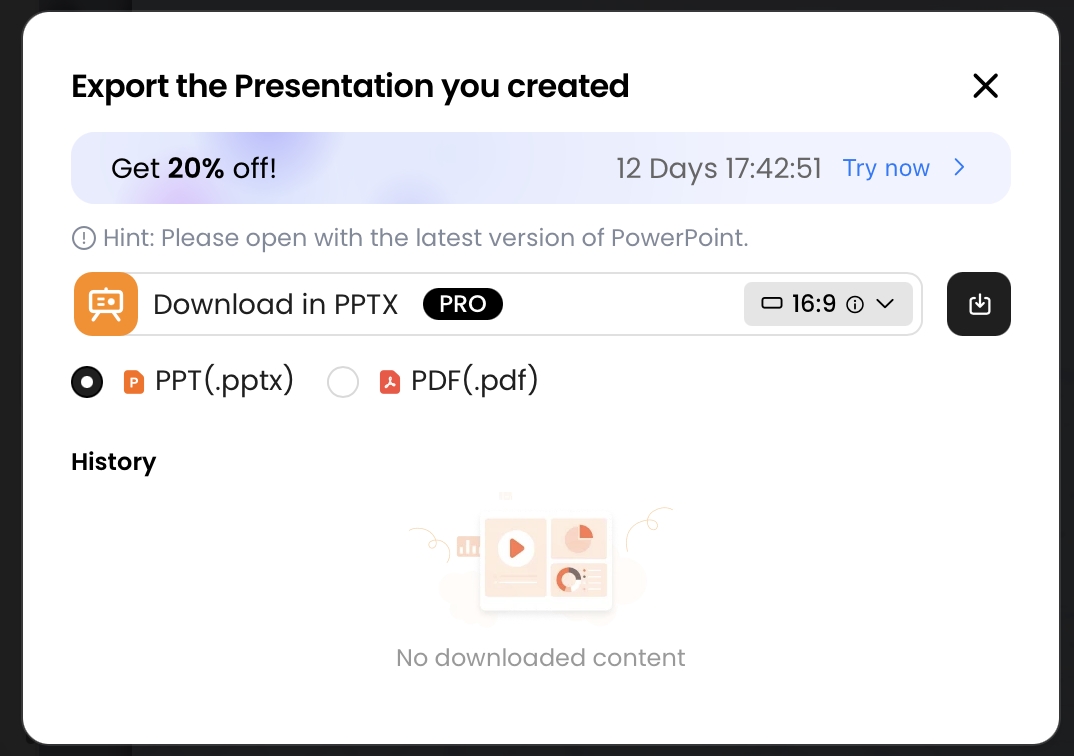
Before committing, decide whether you will send a link, a PDF, or an editable slide file. Then select the workflow above that ends in that deliverable. A friendly opening screen is not enough when the last step is unfamiliar.
For example, Gamma's official export guidance describes Google Slides handoff through a PPTX upload. That can work, but it is a different route from creating directly in Google Slides. Also check account permissions and whether the features you intend to use require a paid plan. A trial is an opportunity to try the workflow, not a promise of permanent free access.
Our recommendation
Start with Gamma for a new web-first deck, PopAi for document-based drafting, Canva for visual templates, Plus AI for a familiar native editor, or Beautiful.ai for layout help. The right beginner choice is the tool that makes your next task understandable, not the one with the longest feature list. Keep that first task focused and make the delivery format part of the choice from the beginning.
Basis and disclosure. Product documentation reviewed September 20, 2026. The "Best for" selections are editorial judgments about the stated workflows, not timed, scored, or hands-on head-to-head results. Examples are illustrative. PopAi publishes this comparison and is one of the products discussed. Confirm account, plan, and institutional requirements before adopting a tool.