AI Presentation Prompt Library: Built-in Prompts, Custom Prompts, and Copyable Examples
Published on April 23, 2026
AI presentation prompts are the instructions that tell a slide tool what kind of deck to create, who the audience is, what structure to follow, and how polished the output should be. The main choice is whether to start with a built-in prompt library for speed or write a custom prompt for more control.
This guide compares both approaches by use case, feature depth, cost impact, output quality, strengths, limitations, and migration path. It also shows when PopAi is a better fit for teams that want fast deck drafts without managing prompts from scratch.
AI Presentation Prompts: What Are We Comparing?
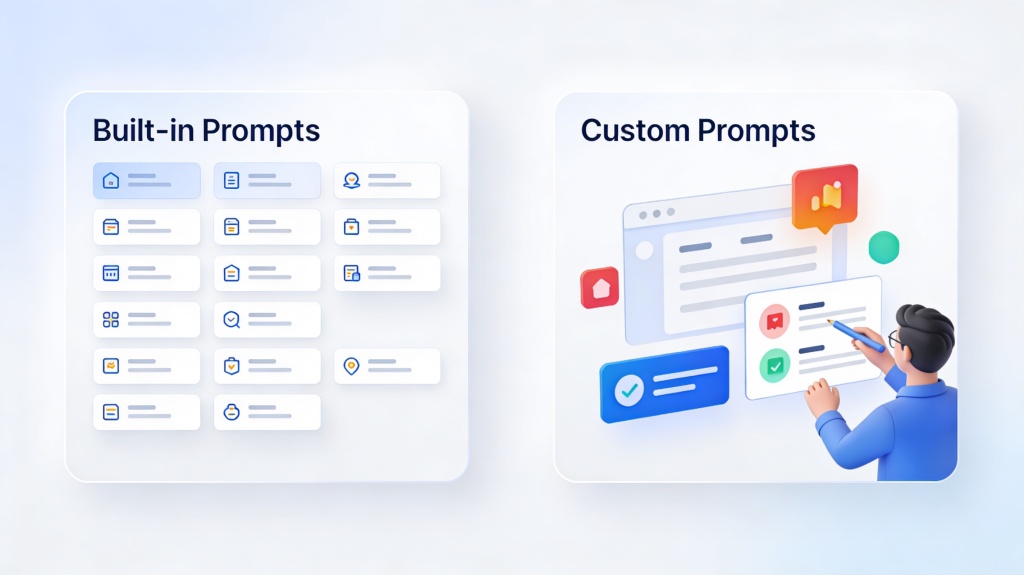
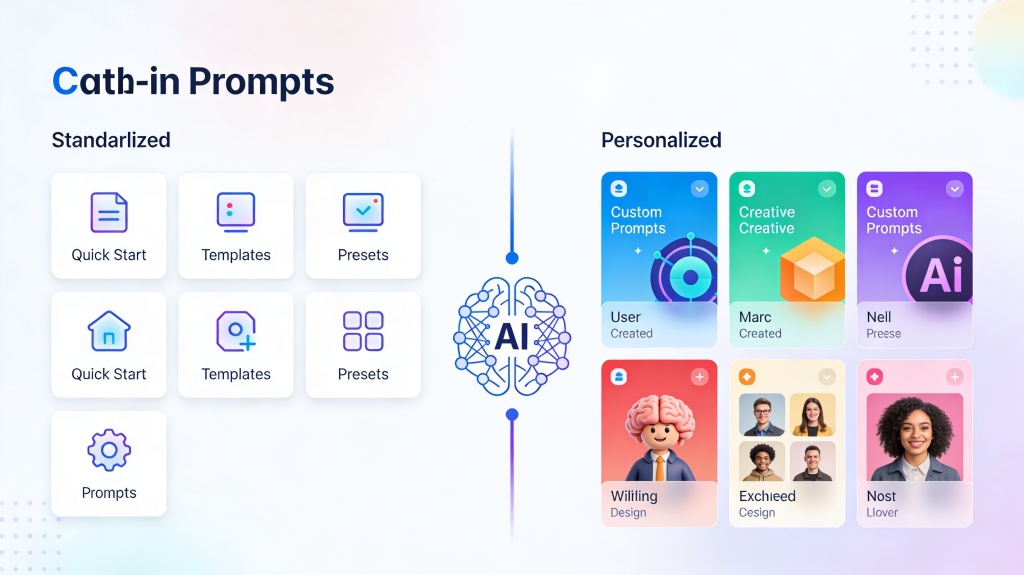
The comparison is between two prompt workflows. Built-in prompts are ready-made instructions for common deck types, while custom prompts are user-written instructions tailored to a specific audience, goal, data source, or brand voice.
| Prompt Type | Best For | Typical User | Main Tradeoff |
|---|---|---|---|
| Built-in prompt library | Fast first drafts, standard business decks, class decks, training decks, weekly reports. | Beginners, busy teams, non-designers, repeat presentation creators. | Fast and structured, but may need edits for brand voice or niche details. |
| Custom prompts | Investor narratives, technical explainers, executive reports, specialized campaigns. | Founders, marketers, consultants, product leads, advanced AI users. | More specific output, but requires more prompt writing and review. |
Feature, Price, and Output Quality Comparison
| Criteria | Built-in Prompts | Custom Prompts | PopAi Fit |
|---|---|---|---|
| Setup time | Very fast: choose a deck type and fill a few fields. | Slower: write context, audience, constraints, and examples. | Good for users who need a deck draft quickly. |
| Cost efficiency | Lower effort per deck because prompts are reusable. | Higher setup effort, but valuable for important decks. | Best when teams create many recurring decks. |
| Output quality | Consistent structure, sometimes generic wording. | More tailored narrative, stronger brand voice, better specificity. | Useful for starting with a prompt library, then refining. |
| Learning curve | Beginner-friendly. | Requires prompt-writing judgment. | Good bridge from simple prompts to better custom workflows. |
| Best output format | Standard slide outlines and first drafts. | Custom storytelling, proof-heavy decks, executive-ready messaging. | Editable slides that can be polished after generation. |
Pros and Cons
Built-in prompt libraries
- Pros: fast, beginner-friendly, consistent, useful for repeatable decks, easier for teams to standardize.
- Cons: can sound generic, may miss niche context, may need additional edits for brand voice or exact audience needs.
Custom prompts
- Pros: more specific, better for high-stakes decks, stronger control over audience, tone, examples, and structure.
- Cons: slower to write, easier to overcomplicate, requires prompt testing, still needs fact-checking.
Who Is More Suitable for PopAi?
PopAi is especially useful when you want the speed of built-in prompt workflows but still need room to refine the deck. It is a strong fit for users who care about editable output, clear slide structure, and less time spent formatting.
- Marketing teams: campaign recaps, webinar decks, product updates, and sales enablement slides.
- Founders and operators: investor updates, strategy reviews, and project explainers.
- Educators and trainers: class lessons, onboarding sessions, and training modules.
- Consultants: client-ready first drafts with repeatable frameworks.
Migration Steps: From Manual Prompts to a Better Workflow
If your team currently keeps prompts in scattered docs, chats, or personal notes, move toward a reusable workflow instead.
- Audit your current prompts: collect prompts used for reports, pitches, lessons, proposals, and updates.
- Group by deck type: separate repeatable workflows from one-off experiments.
- Keep only proven prompts: remove prompts that produce vague, long, or hard-to-edit output.
- Convert prompts into templates: add placeholders for audience, goal, tone, slide count, and source material.
- Test in PopAi: generate draft decks, compare output quality, and refine instructions based on real slides.
- Create a review habit: check facts, tighten slide titles, and add brand or audience-specific examples.
Real Scenarios and Prompt Examples
Example 1: Marketing campaign recap
Built-in prompt use: choose a campaign recap prompt and enter campaign name, date range, channels, KPIs, and next steps. Custom prompt upgrade: ask for a 7-slide executive recap that highlights budget efficiency, creative learnings, underperforming channels, and three recommendations for the next campaign.
Example 2: Investor update deck
Built-in prompt use: start with a business update deck prompt. Custom prompt upgrade: specify investor audience, runway context, product milestones, customer proof, hiring plan, and the exact decision or support you want from the audience.
Copyable AI Presentation Prompt Library
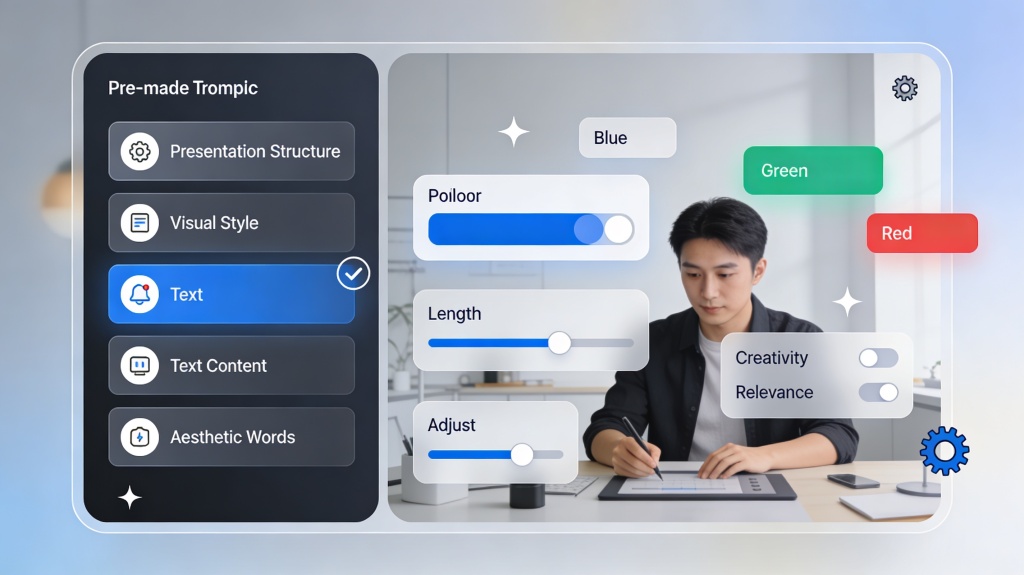
Instead of treating this page as a broad comparison, use it as a prompt library. Copy one of the prompts below into PopAi, replace the brackets, and refine the generated outline before designing the final slides.
Business update prompt
Create a 10-slide business update deck for [audience]. Use this source material: [paste notes]. Include an executive summary, key metrics, risks, next steps, and one decision slide.Training deck prompt
Create a training presentation for [team/role] on [topic]. Include learning objectives, 3 teaching sections, examples, knowledge checks, and a final action checklist.Investor pitch prompt
Turn these startup notes into a pitch deck outline: [paste notes]. Cover problem, solution, market, traction, business model, moat, team, financials, and ask.How This Page Connects to the Core AI Presentation Tool
This prompt guide helps users choose the right workflow. For a broader AI presentation maker comparison, review how template-first and prompt-first tools differ before choosing a workflow. If you want the fastest possible starting point, use the make a presentation with AI using only 3 inputs tutorial to turn a topic, audience, and goal into a first draft. If your source is already an article, video transcript, or meeting notes, the url to presentation AI guide shows how to prompt from source material. For localization prompts, the multi-language AI presentation generator guide explains how to add target languages, glossary rules, and review checks. When you are ready to generate and edit the actual deck, use the core AI presentation maker workflow.
Frequently Asked Questions
What are the best AI presentation prompts for beginners?
Beginners should start with built-in prompt libraries for common decks, then customize the audience, goal, tone, slide count, and required sections.
Are custom prompts better than built-in prompts?
Custom prompts are better for niche audiences, brand voice, and specific data, while built-in prompts are faster for standard decks and repeatable workflows.
Who should use PopAi for presentation prompting?
PopAi is useful for teams that want quick built-in prompts, editable slide output, and a path to refine custom prompts without managing a manual prompt document.
Turn prompts into editable slides
Use PopAi to start from a built-in prompt, refine the structure, and create a presentation draft you can edit.
Try PopAi for Free