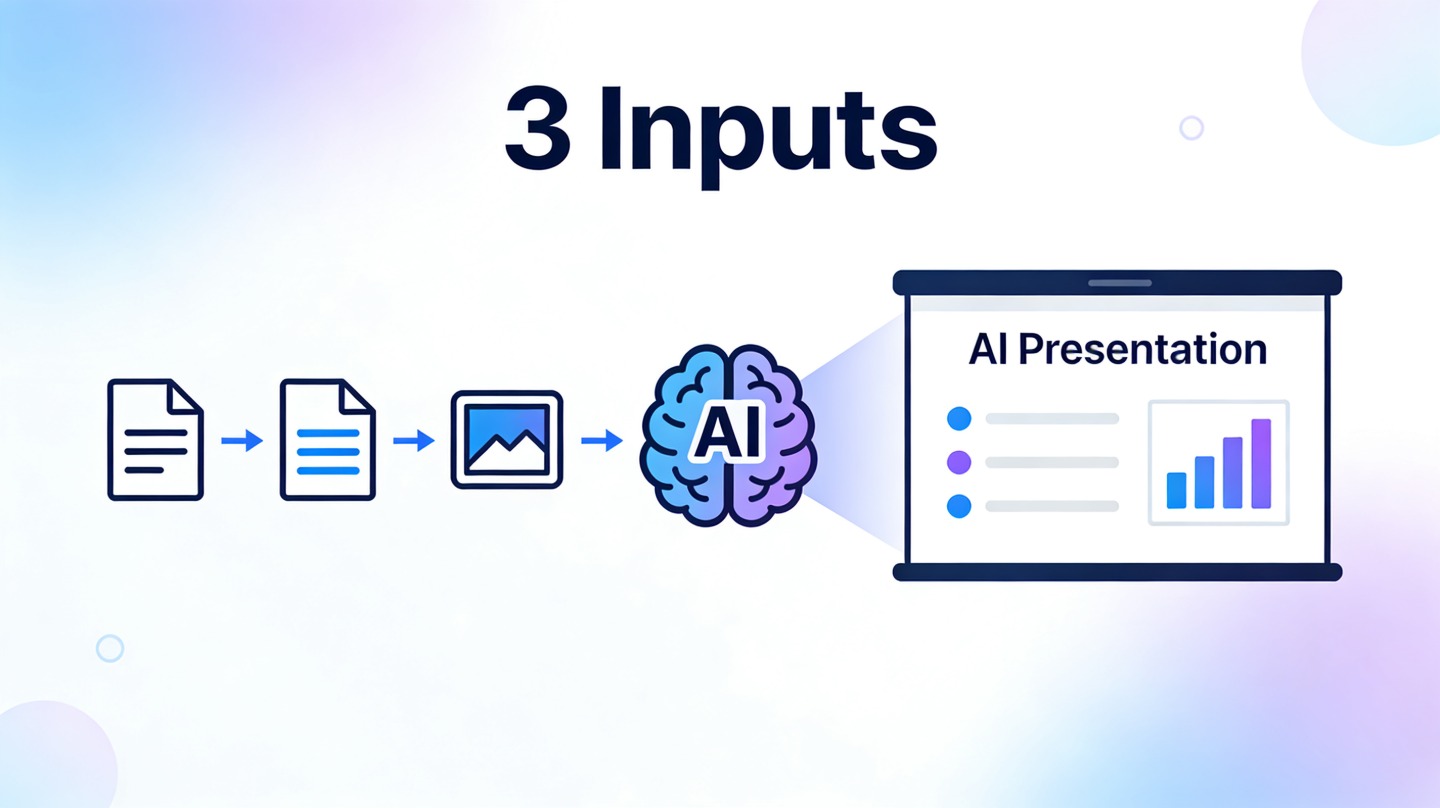
URL to Presentation AI: How to Turn Links and Transcripts into Slides
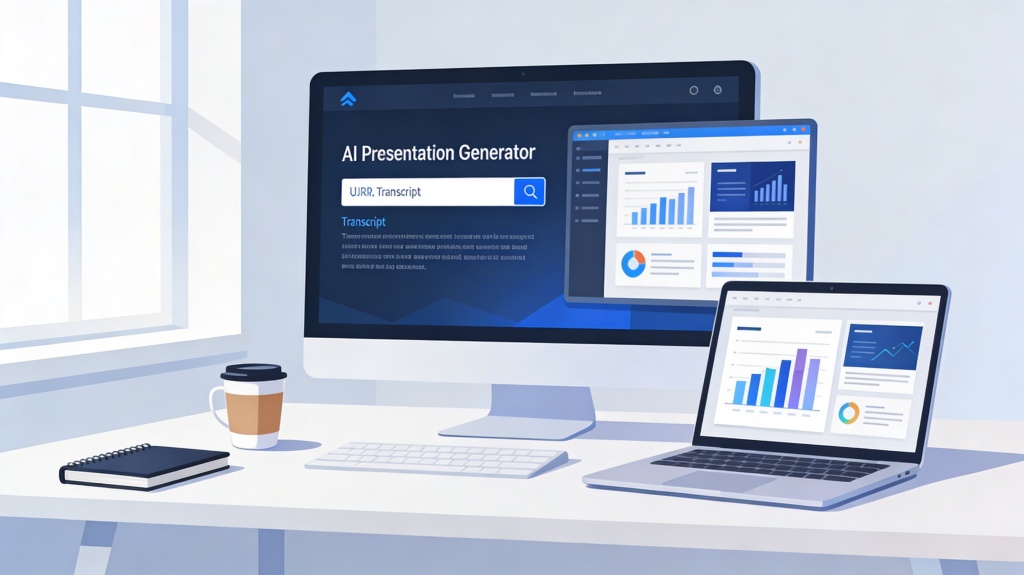
URL to presentation AI workflows are useful when your source material already exists but is too long to rebuild manually. You can start with a public article, research page, YouTube transcript, webinar transcript, sales call notes, or meeting recap, then generate a slide outline and first draft that you can verify and edit.
This tutorial shows what source material to prepare, how to create the deck in a few clear steps, what prompt to copy, how to edit and export the result, and how to fix common failures such as text-heavy slides, missing context, or unsupported claims. To create or polish the final deck, use PopAi AI Presentation as the core presentation workflow.
Best for: turning articles into class lectures, converting webinar transcripts into training slides, summarizing meeting transcripts for executives, building client follow-up decks from call notes, and turning research pages into internal briefings.
Tool entry: Start in PopAi AI Presentation, paste the URL or transcript, define the audience and goal, then review the generated outline before creating the final slides.
What URL to Presentation AI Needs Before It Can Build Good Slides
The quality of the deck depends on the source. A clean article or transcript gives AI a clear argument to summarize; a noisy transcript or thin landing page needs more guidance.
| Input material | Best use case | What to check first |
|---|---|---|
| Public URL | Blog posts, help articles, reports, product pages, news summaries, research pages. | Confirm the main content is visible without login, scripts, or paywall restrictions. |
| Transcript | Meetings, interviews, webinars, podcasts, YouTube videos, sales calls. | Remove filler, add speaker labels when useful, and keep the important sections together. |
| Audience and goal | Controls slide depth, tone, examples, and final call to action. | Specify whether the deck should teach, summarize, persuade, brief, or recommend. |
| Required sections | Helps AI avoid missing the point of the source. | Name required slides such as context, key findings, risks, action items, or source links. |
When This Workflow Is the Right Fit
This approach is strongest when the source material has enough substance to summarize. It is less useful for pages with only marketing slogans, fragmented notes, or content that requires confidential context not included in the source.
| Scenario | Useful output | Human review needed |
|---|---|---|
| Article to class presentation | Definitions, section summary, examples, discussion questions. | Citations, teacher rubric, student voice, and source credibility. |
| Transcript to executive recap | Meeting context, decisions, risks, owners, next steps. | Names, action items, deadlines, and sensitive wording. |
| Webinar to training deck | Learning objectives, lesson sections, checklist, Q&A slide. | Accuracy of technical instructions and screenshots. |
Create a Presentation from a URL or Transcript in 5 Steps
Use this process to keep the generated slides focused and factual.
Step 1: Choose the source and remove noise
For URLs, use the page that contains the full article or report, not a homepage. For transcripts, delete unrelated small talk, duplicated captions, timestamps that do not matter, and repeated filler phrases.
Step 2: Define the audience and deck goal
Tell AI whether the deck is for students, executives, customers, internal teams, or event attendees. Then state the goal: summarize key ideas, teach a process, recommend actions, or prepare a follow-up proposal.
Step 3: Generate and review the outline first
Do not jump straight to finished slides. First review the proposed outline. Remove irrelevant sections, add missing context, and make sure the story flows from source context to insights and next steps.

Step 4: Generate the slide draft
Once the outline is right, generate the deck. Ask for claim-style slide titles, short bullets, suggested visuals, and speaker notes. This creates slides that are easier to present and easier to edit.
Step 5: Verify, edit, and export
Check every statistic, quote, name, source, and action item. Replace generic visuals, shorten text-heavy slides, add citations, and then export or share the deck in the format your audience needs.
Copyable Prompt for URL or Transcript to Slides
Use this prompt after pasting a URL, transcript, or extracted text into your slide workflow.
Prompt template
Create a presentation from this [URL / transcript / pasted source text].
Audience: [AUDIENCE]
Goal: [TEACH / SUMMARIZE / PERSUADE / BRIEF / RECOMMEND]
Deck length: [NUMBER] slides
Tone: [CLEAR / EXECUTIVE / STUDENT-FRIENDLY / TRAINING-FRIENDLY]
Required sections: [CONTEXT, KEY POINTS, EXAMPLES, RISKS, ACTION ITEMS, SOURCES]
For each slide, write a claim-style title, 2-4 concise bullets, suggested visual, speaker notes, and source reference if the slide uses a fact or quote. Flag any claims that are unclear, unsupported, or missing from the source.
Real Examples
Example 1: Research article to classroom deck
Source: A 2,800-word article about microplastics in marine ecosystems. Goal: Create an 8-slide class presentation for first-year biology students. Good output: guiding question, background, three main findings, one case example, limitations, class discussion question, and sources slide.
Example 2: Client call transcript to follow-up proposal
Source: A 45-minute discovery call transcript. Goal: Create a 10-slide follow-up deck for the prospect's leadership team. Good output: client pain points, current workflow, cost of delay, recommended solution, proof points, risks, timeline, and next-step decision slide.

How to Edit and Export the Generated Deck
The first draft should reduce manual work, not remove your responsibility for accuracy. Before export, review the deck as if it were a source summary prepared by a fast assistant.
Pre-export checklist
- The first slide explains what source the deck is based on and why it matters.
- Slide titles form a coherent story when read in order.
- Every statistic, quote, or claim is traceable to the URL or transcript.
- Action items include owner, timeline, and context if they came from a meeting transcript.
- Long paragraphs are shortened or moved into speaker notes.
- Images and charts support the source material instead of adding unrelated decoration.
- The final slide states what the audience should decide, remember, or do next.
Common Failure Reasons and Fixes
Most weak URL or transcript decks fail because the source is noisy, the audience is unclear, or the AI includes too much detail.
| Problem | Likely reason | Fix |
|---|---|---|
| The deck misses the main point | The source page has sidebars, comments, ads, or unrelated sections. | Paste only the main article text or add a one-sentence goal before generating. |
| Transcript slides feel messy | The transcript includes filler, interruptions, or unclear speaker changes. | Clean the transcript, add speaker labels, and ask AI to group ideas by theme. |
| Slides are too text-heavy | The AI tried to preserve too much source detail. | Ask for one idea per slide, short bullets, and speaker notes for nuance. |
| AI invents a claim | The prompt did not require source-grounded output. | Ask AI to flag unsupported claims and include source references for facts and quotes. |
Complete Example: Input Source to AI Outline to PPT Structure
A URL to presentation workflow becomes much more useful when you can see the transformation from source material to slide structure.
Input excerpt
"Our customer onboarding study found that users drop off during account setup, data import, and first report creation. Teams that receive a checklist finish onboarding 34% faster."
AI outline
- Problem: onboarding has three drop-off points.
- Insight: checklist-guided teams finish faster.
- Recommendation: redesign onboarding around guided milestones.
Generated PPT structure
- Title: Reducing onboarding drop-off
- Current funnel and friction points
- Evidence from the customer study
- Guided checklist solution
- Implementation roadmap
- Expected impact and next steps
How This Page Connects to the Core AI Presentation Tool
This page focuses on converting existing source material into slides. Once the source has become a draft, the AI slide deck generator guide explains how auto layout turns that draft into cleaner slide structures. If you need to create, redesign, edit, or export the final deck, use the core AI Presentation page after the URL or transcript has been turned into a structured draft.
FAQ: URL to Presentation AI
These answers cover the practical issues that come up when converting links, videos, and transcripts into presentation drafts.
Can URL to presentation AI create slides from any webpage?
It works best with public articles, reports, blog posts, help docs, and pages with clear text. Login pages, paywalled content, heavy scripts, and thin landing pages may need copied text instead.
Can I convert a YouTube URL into a presentation?
Yes, if a transcript is available or you paste the transcript. Review names, timestamps, claims, and examples because video transcripts often include filler or incomplete sentences.
What should I do if the AI deck is too text-heavy?
Ask the AI to keep one idea per slide, turn long paragraphs into short bullets, move detail into speaker notes, and split dense sections into multiple slides.
How do I export a presentation created from a URL or transcript?
After reviewing the outline, facts, slide titles, visuals, and speaker notes, export or share the deck in the format your audience needs. Check layout and citations before presenting.
Turn source material into editable slides
Paste a URL or transcript into PopAi, review the outline, then generate a deck you can edit, verify, export, and present.
Start with PopAi AI Presentation