How to Make a Presentation with AI Using Only 3 Inputs
If you need to make presentation with AI before a class, sales call, team meeting, or client update, the hardest part is often not design—it is deciding what to type first. A blank prompt box can feel almost as slow as a blank slide deck.
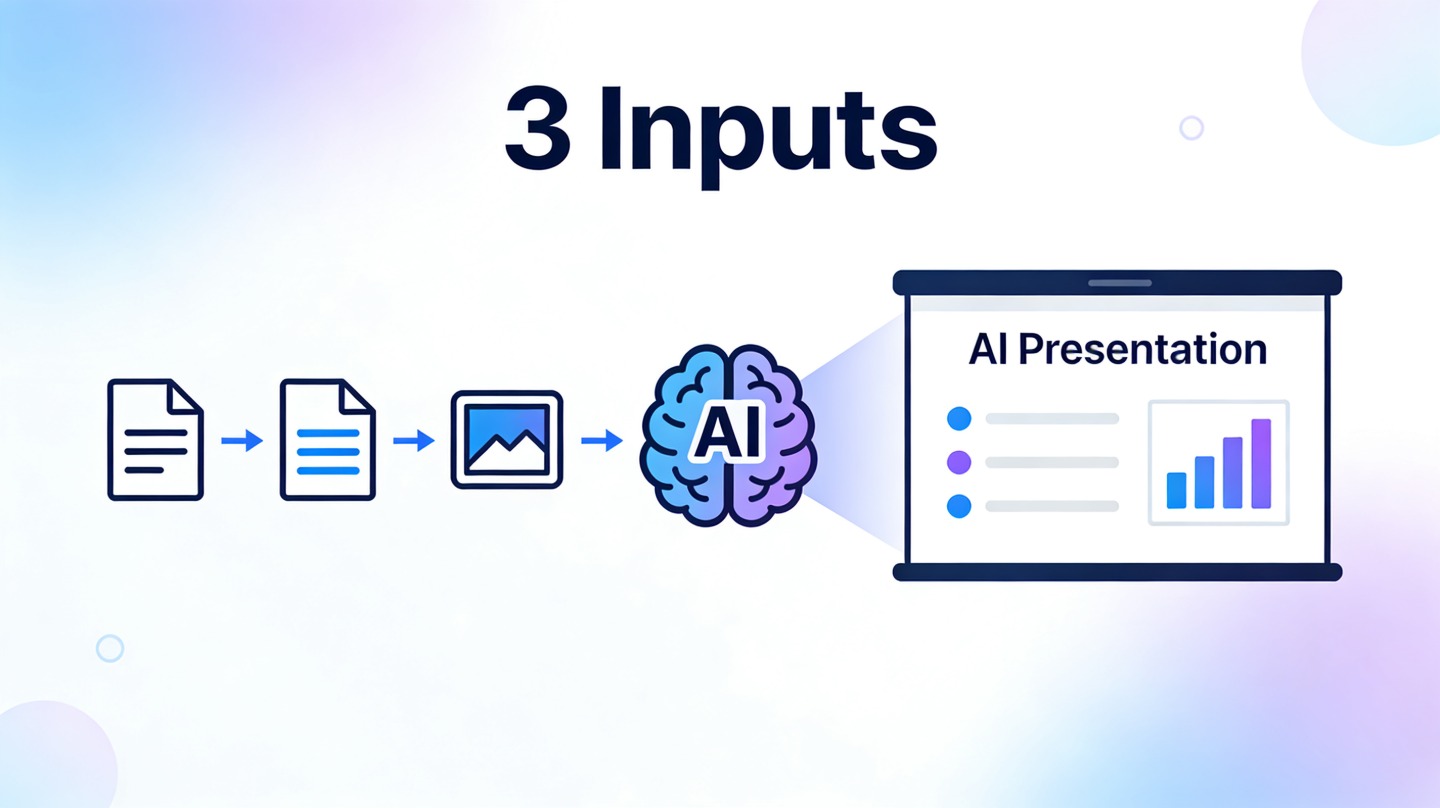
The fastest workable method is simple: give the AI only three high-signal inputs—topic, tone, and audience. With those three details, a tool like PopAi AI Presentation can draft the storyline, organize slides, and create a polished first version you can refine instead of building from zero.
Why the 3-Input Method Helps You Make Presentation with AI Faster
This section explains why three specific inputs are enough to guide both slide structure and writing style.
AI needs direction, not a long essay
Many people over-prompt presentation tools. They paste long notes, include conflicting instructions, and then wonder why the deck feels scattered. A shorter prompt can work better when it contains the right information.
The three inputs solve three separate decisions: what the deck is about, how it should sound, and who needs to understand it. Those decisions shape the outline, slide depth, word choice, examples, and visual rhythm.
Strong AI presentation prompts are not necessarily longer. They are clearer about purpose, audience, and delivery context.
It reduces the first-draft bottleneck
In a hands-on test for a 10-slide product update deck, starting from a topic, tone, and audience produced a usable outline in under five minutes. Building the same outline manually took roughly half an hour because every section title, transition, and slide order had to be decided one by one.
This does not mean the AI version is automatically final. It means the first draft arrives quickly enough that your time shifts from slide assembly to judgment: checking accuracy, strengthening the argument, and tailoring details.
- Topic tells the AI what problem, idea, or update to explain.
- Tone controls whether the deck feels formal, persuasive, friendly, analytical, or executive-ready.
- Audience determines what background knowledge to assume and what benefits to emphasize.
Input 1: Define the Topic So the AI Presentation Has a Clear Spine
Your topic is the backbone of the deck, so it should include the subject plus the intended outcome.
Use a topic formula that prevents generic slides
A weak topic is a label, such as “remote work” or “quarterly sales.” A strong topic gives the AI a job to do. It includes the subject, situation, and desired result.
| Weak topic | Better topic for AI slides |
|---|---|
| Remote work | Remote work policy proposal for a 60-person software team moving to hybrid operations |
| Marketing plan | Launch marketing plan for a budget-friendly meal kit app targeting college students |
| Product update | Q2 product update explaining roadmap progress, customer feedback, and next priorities for executives |
Add the result you want from the room
Presentations exist to change what people understand, decide, or do. Add that desired result to your topic when possible. For example: “convince leadership to approve a pilot,” “teach beginners the basics,” or “summarize progress and request feedback.”
According to Microsoft and LinkedIn’s 2024 Work Trend Index, a large share of knowledge workers already use AI at work, with the report citing 75% usage among knowledge workers surveyed. That adoption matters because audiences are also getting used to faster, clearer communication. A vague AI deck stands out for the wrong reason; a precise topic helps you compete on clarity.
Pro Tip: If your topic feels broad, generate your first version in PopAi AI Presentation, then refine with one sentence that names the decision your audience must make.
Input 2: Choose the Tone That Matches the Moment
Tone tells the AI how the deck should feel when someone reads it or hears it presented.
Match tone to stakes
A student project can be confident and approachable. A board update should be concise and evidence-led. A sales proposal may need to be persuasive without sounding exaggerated. Tone is not decoration; it changes what the AI emphasizes.
For high-stakes decks, avoid vague tone words like “good” or “professional.” Use tone phrases that describe communication behavior: “executive concise,” “investor-ready and data-driven,” “warm and beginner-friendly,” or “strategic but practical.”
Use tone to control slide density
Different tones imply different slide density. “Executive concise” usually produces fewer words and stronger summary headlines. “Training-friendly” often creates more explanation, examples, and step-by-step slides.
When a deck feels wrong, the problem is often not the topic. It is the mismatch between the tone of the slides and the expectations of the room.
A practical rule: if the audience will listen to you speak, use shorter slide text and more speaker notes. If the deck will be read asynchronously, ask for more self-contained slides with clearer context.
Input 3: Name the Audience So the AI Slides Land
The audience input helps the AI decide what to explain, what to skip, and what proof points to prioritize.
Audience specificity beats audience size
“Managers” is too broad. “Regional sales managers reviewing pipeline risk before the monthly forecast call” is useful. The more specific the audience, the easier it is for the AI to choose examples and objections.
Audience detail also prevents the most common AI slide problem: content that sounds correct but feels irrelevant. A founder pitching angel investors needs market size, traction, and use of funds. A product manager updating engineering leads needs scope, trade-offs, dependencies, and risk.
Include experience level
Experience level changes vocabulary. Beginners need definitions and context. Experts need precision and fewer basics. Executives need implications, not process commentary. If you tell the AI who is in the room, the deck can avoid both overexplaining and underexplaining.
- Beginner audience: ask for simple definitions, analogies, and examples.
- Technical audience: ask for assumptions, architecture, risks, and constraints.
- Executive audience: ask for business impact, options, trade-offs, and recommended action.
- Customer audience: ask for outcomes, proof, objections, and next steps.
In our three-input workflow tests, audience specificity had the biggest effect on slide relevance. A deck generated for “small business owners” produced general advice, while the same topic generated for “restaurant owners preparing for summer hiring” produced more concrete staffing, scheduling, and cost-control slides.
A Copy-Paste Prompt Template to Make Presentation with AI
Use this template when you want a clean first draft without writing a full outline yourself.
The simple version
Start with one sentence that includes all three inputs. This keeps the prompt short but complete enough for an AI presentation generator.
Template: Create a presentation about [topic] in a [tone] tone for [audience]. The goal is to [decision, lesson, or action].
Example: “Create a presentation about a Q3 customer retention plan in an executive concise tone for SaaS leadership. The goal is to approve three retention experiments for the next quarter.”
The stronger version
If the presentation matters, add constraints after the three inputs. Constraints help the AI produce a deck that fits the situation rather than a generic best-practices slideshow.
- Topic: customer onboarding improvements for a B2B SaaS product.
- Tone: strategic, practical, and data-aware.
- Audience: product, customer success, and revenue leaders.
- Constraint: include the problem, evidence, proposed workflow, ownership, risks, and next steps.
- Format: 10 slides with short titles and presenter notes.
This is still a lightweight prompt, but it gives the AI enough boundaries to create a useful sequence. You can then edit the generated deck for facts, brand voice, and final slide design.
How to Review the AI Presentation Before You Present
AI can produce the draft quickly, but human review turns it into a credible presentation.
Check the storyline first
Do not start by changing fonts. First, review the slide order. A strong deck usually moves from context to problem, insight, recommendation, evidence, and action. If the order feels random, fix the narrative before polishing visuals.
Ask three questions while reviewing: Does slide one make the promise clear? Does every middle slide support the promise? Does the final slide tell the audience what to do next?
Verify facts and replace placeholders
AI tools can draft fast, but they may generalize. Replace placeholder claims with your own customer examples, project details, budget numbers, timelines, or research sources. If the deck includes market data or performance metrics, verify them against original sources before presenting.
Google’s Search Quality Rater Guidelines emphasize that trustworthy content should make it clear who is responsible for the content and why it can be trusted. The same principle applies to presentations: cite sources, show assumptions, and make ownership visible when decisions depend on the deck.
Polish for readability
Use one message per slide. Turn long paragraphs into bullets. Replace decorative charts with charts that answer a real question. If a slide needs more than 20 seconds to understand, it likely needs a clearer headline or less text.
- Rewrite slide titles as claims, not labels.
- Keep bullet lists parallel and short.
- Use speaker notes for nuance instead of overcrowding slides.
- Remove slides that do not change the audience’s understanding.
Common Mistakes When Using AI to Create Slides Fast
Most poor AI decks fail because the inputs are vague or the review is skipped.
Mistake 1: Asking for “a professional presentation”
Professional is not a strategy. It does not tell the AI whether the deck should persuade, teach, report, or align. Replace “professional” with a tone that describes the communication goal.
Mistake 2: Forgetting the audience’s objections
If your audience is likely to disagree, name the objection in your prompt or revision. For example, “address concerns about implementation cost” or “include risks for legal and compliance reviewers.”
Mistake 3: Treating the first draft as final
The best use of AI is speed to structure, not outsourcing judgment. Review the deck as if a colleague drafted it quickly: useful, editable, but not immune from gaps.
A simple final check is to read only the slide titles in order. If the titles tell a coherent story, your deck is close. If they sound like disconnected labels, revise before presenting.
FAQ: Making an AI Presentation with Only 3 Inputs
These are the practical questions people ask when trying to create slides quickly without losing quality.
Can I really make a presentation with AI from only three inputs?
Yes. If the three inputs define the topic, tone, and audience clearly, an AI presentation tool can infer a useful structure, draft slide copy, and apply a design direction. You should still review facts, examples, and speaker notes before presenting.
What should I enter if my topic is broad?
Narrow the topic with an outcome and context. Instead of entering “digital marketing,” use a phrase such as “digital marketing plan for a local fitness studio launching in Q3.” A specific topic helps the AI produce sharper sections and fewer generic slides.
How do I stop AI slides from sounding generic?
Use a concrete audience input, choose a tone with intent, and add specific constraints during review. Replace vague examples with real product details, customer segments, milestones, or metrics your audience already cares about.
Do I need a separate outline before using AI?
Not always. For fast first drafts, the three-input workflow is enough. For investor, executive, or academic presentations, a rough outline can improve precision, but it is optional rather than required.
Create your presentation with one click now
Turn your topic, tone, and audience into a structured, polished presentation draft you can edit, present, and share faster.
Start creating with PopAi