AI Presentation Maker Comparison: Template-first vs Prompt-first
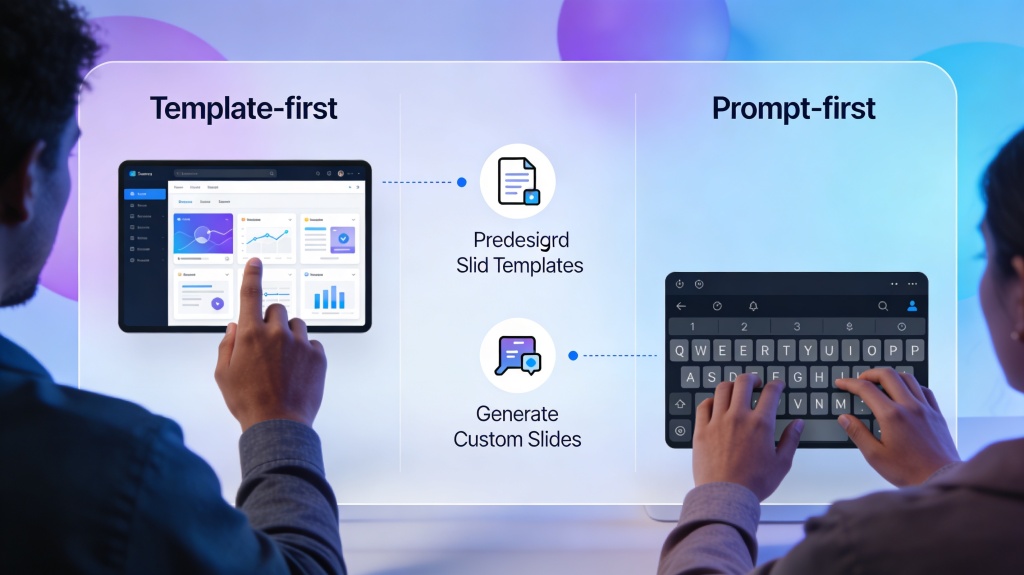
This AI presentation maker comparison focuses on two common workflows: template-first tools, where you choose a layout before adding content, and prompt-first tools, where you describe the goal and let AI draft structure, copy, and layout together. The best choice depends on whether your bottleneck is design polish, blank-page writing, brand control, or speed.
This guide compares who each approach fits, feature differences, pricing and output quality tradeoffs, pros and cons, why PopAi fits hybrid workflows, and how to migrate from template-first habits to more flexible prompt-first deck creation. For the full product workflow, use the core AI Presentation workflow.
Best for: marketers choosing a deck tool, founders creating pitches, students comparing free slide tools, consultants standardizing workflows, and teams moving from manual templates to AI-assisted first drafts.
Tool entry: Start with PopAi AI Presentation when you want to generate from a topic, notes, URL, document, or prompt, then refine with layout and brand checks.
AI Presentation Maker Comparison: Who Each Workflow Fits
The key comparison is not simply "which tool is best." It is which starting point matches your actual work: choosing a prebuilt design, or generating a storyline from content and goals.
| Workflow | Best for | Typical user | Main risk |
|---|---|---|---|
| Template-first | Polishing already-written content, maintaining strict brand layouts, creating recurring report formats. | Design teams, brand teams, corporate users with approved templates. | Content gets forced into layouts that do not match the story. |
| Prompt-first | Starting from a topic, outline, notes, source material, or rough idea. | Founders, students, marketers, consultants, trainers, busy teams. | First draft may need fact checks, brand polish, and layout refinement. |
| Hybrid | Generating structure quickly, then applying brand controls and review checklists. | Teams that want speed without giving up editability. | Requires a clear review process so drafts do not ship unchecked. |
Feature, Price, and Output Quality Comparison
Most buyers compare "best" and "free" options, but the practical differences appear in export limits, editing depth, source input support, and how much human cleanup is needed.
| Criteria | Template-first tools | Prompt-first tools | What to check before choosing |
|---|---|---|---|
| Setup time | Fast if you already know the template and content. | Fast when starting from a topic, prompt, document, URL, or notes. | How many steps from idea to first editable draft? |
| Free plan value | Often good for simple designs but may limit premium templates or assets. | Often useful for testing draft quality but may limit generation, export, or branding. | Watermarks, export formats, slide count, and collaboration limits. |
| Output quality | Strong visual consistency, weaker story generation. | Stronger outline and copy generation, needs final brand polish. | Does the deck tell a story and remain editable? |
| Source inputs | Usually optimized for manual text and images. | Can support prompts, documents, URLs, transcripts, or notes depending on the tool. | Can it use the source material you actually have? |
| Team workflow | Good when brand templates are already standardized. | Good when many people need first drafts quickly. | Review, approval, and brand governance process. |
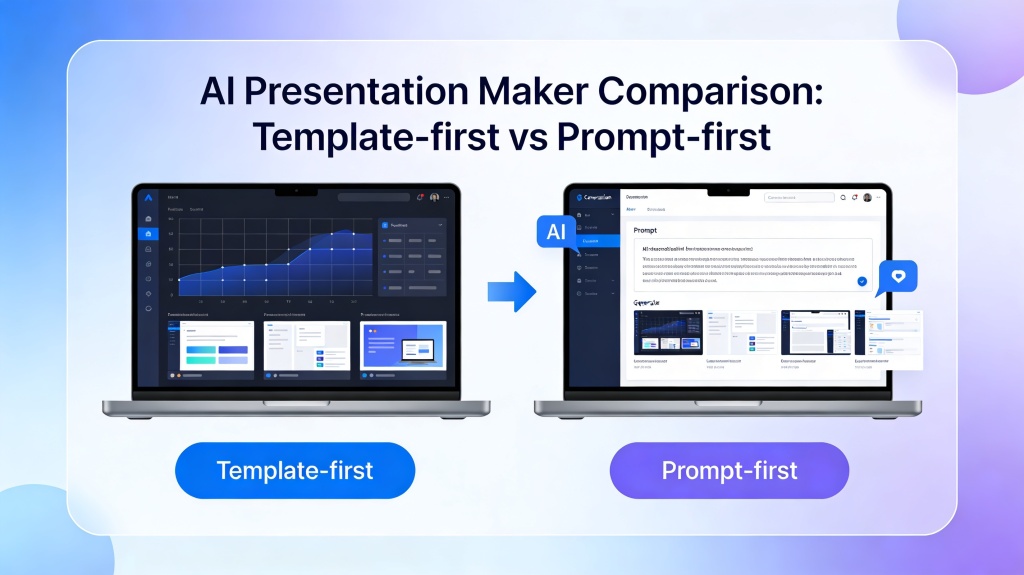
Pros and Cons of Template-first vs Prompt-first
| Approach | Pros | Cons |
|---|---|---|
| Template-first | Predictable style, strong brand consistency, familiar editing, useful for repeated reports. | Can cause fill-in-the-box writing, slower ideation, and layout struggles when content changes. |
| Prompt-first | Faster first drafts, better blank-page support, easier source-to-slides workflows, stronger narrative help. | Needs human review for facts, brand voice, visual polish, and final export readiness. |
Who Is More Suitable for PopAi?
PopAi is strongest when you want a prompt-first or hybrid workflow: start from an idea, document, notes, URL, or transcript, generate a structured first draft, then edit the deck for brand, accuracy, and audience fit.
- Founders: turn rough pitch notes into a storyline before refining investor wording.
- Marketing teams: turn campaign briefs, reports, or source pages into draft decks faster.
- Students and educators: create class decks from topics, rubrics, or learning materials.
- Consultants: move from client notes to structured proposals without rebuilding slide logic every time.
- Teams: standardize the first-draft workflow while keeping a final review layer for brand and quality.
Migration Steps: From Template-first to Prompt-first
If your team already uses template-first tools, do not replace everything at once. Move repeated workflows gradually.
- Pick one recurring deck: weekly updates, sales proposals, lessons, reports, or training decks.
- Write the prompt version: define audience, goal, slide count, required sections, and source material.
- Generate a draft: compare AI output against the old template workflow for time and clarity.
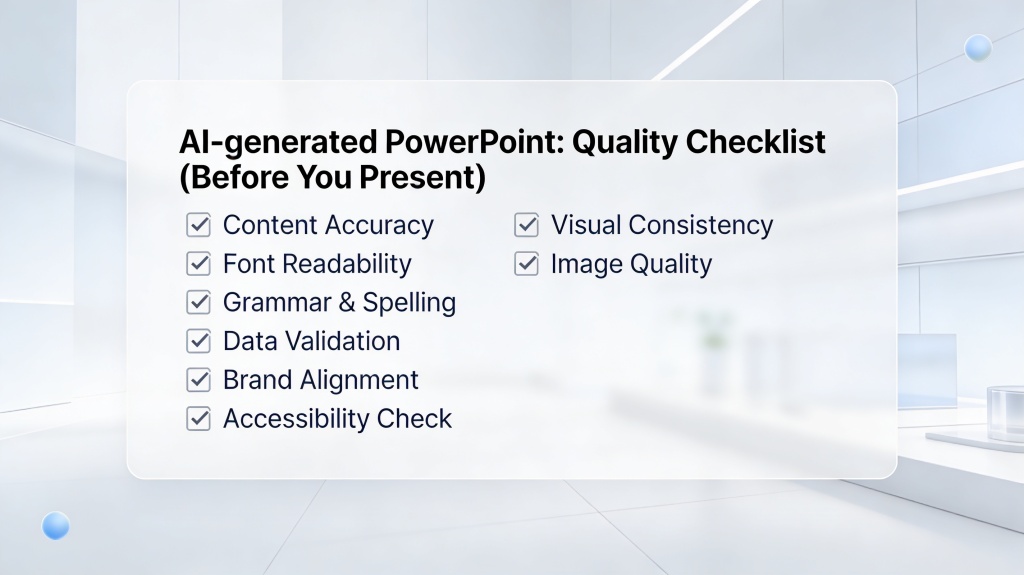
- Apply brand rules: add logo, color, typography, image style, and review checklist.
- Document the workflow: save the prompt, review rules, and export steps for repeat use.
Real Scenarios and Examples
Example 1: Marketing recap deck
Template-first path: choose a campaign report template, paste KPI bullets, then manually adjust charts and recommendations. Prompt-first path: paste campaign results, ask for a 10-slide recap with wins, underperforming channels, budget learnings, and next-month recommendations, then polish layout and brand.
Example 2: Founder pitch deck
Template-first path: choose a pitch template and fill sections one by one. Prompt-first path: describe the company, customer pain, traction, market, business model, and fundraising goal, then let AI draft the narrative before applying investor wording and quality checks.
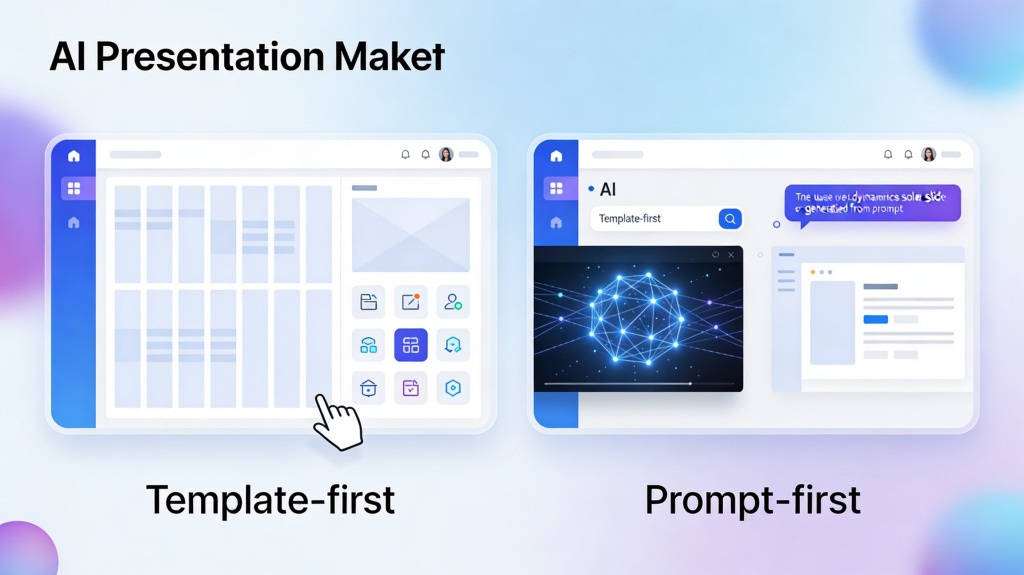
Real AI Presentation Maker Comparison: Canva, Gamma, Beautiful.ai, and PopAi
A template-first vs prompt-first comparison is clearer when you look at real tools. The best choice depends on whether you care most about brand design, fast web-style storytelling, polished automated layouts, or turning rough material into an editable PowerPoint draft.
| Tool | Typical strength | Best fit | Watch out for |
|---|---|---|---|
| Canva | Large template library and visual editing. | Teams that already know their layout and want fast design polish. | Prompt-to-deck workflows may still require manual structure work. |
| Gamma | Prompt-first web presentations with fast narrative flow. | Explainers, internal docs, and lightweight pitch drafts. | PowerPoint-style editing and export expectations may differ. |
| Beautiful.ai | Automated layout rules and consistent slide design. | Business decks where visual consistency matters. | Less flexible when you need unusual slide structures. |
| PopAi | Turns prompts, documents, URLs, and notes into editable presentation drafts. | Users who want to move from source material to a PowerPoint-style deck quickly. | Important claims and data still need human review. |
How This Page Connects to the Core AI Presentation Tool
This comparison helps you choose the right workflow. To generate, edit, and export the actual deck, use the core AI Presentation page, then apply template, layout, and quality review pages as needed.
FAQ: AI Presentation Maker Comparison
These answers cover workflow choice, free tools, PopAi fit, and migration from template-first habits.
What should an AI presentation maker comparison include?
It should compare starting workflow, content generation, template control, pricing limits, export quality, collaboration, brand controls, and the amount of manual editing needed.
Is template-first or prompt-first better for beginners?
Prompt-first is usually easier for beginners because it creates a structure from a topic or goal. Template-first can be easier when the content is already written and only needs design polish.
Who is PopAi best suited for in this comparison?
PopAi is best suited for users who want to start from prompts, topics, URLs, documents, or notes, then refine the generated deck with editable layouts and final quality checks.
How do I migrate from template-first to prompt-first presentation workflows?
Start by converting repeated deck types into prompt templates, test them on common use cases, compare output quality, and keep brand or layout rules as a final review layer.
Compare workflows, then build your deck
Use PopAi to start from a prompt, topic, URL, document, or notes, then refine the generated presentation with editing and quality checks.
Start with PopAi AI Presentation