AI Presentation Prompts That Create Better Slide Decks
Published on April 21, 2026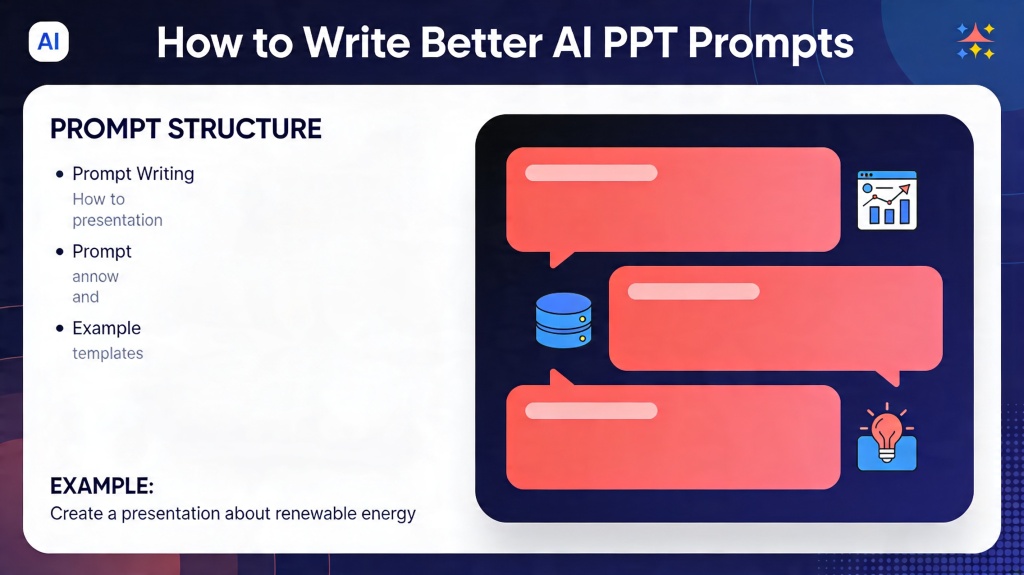
AI presentation prompts are the instructions that turn a rough idea into a useful slide outline, deck draft, speaker notes, or visual direction. A weak prompt asks for "a presentation about marketing." A strong prompt names the audience, goal, slide count, required sections, tone, evidence, and what the final deck should help the audience do.
This tutorial shows when to use prompts, what inputs to prepare, how to write a better prompt in 3-5 steps, what templates to copy, how to edit or export the result, and how to fix common failures. For the broader deck workflow, connect this long-tail guide to the AI for presentations core page, then use PopAi AI Presentation when you are ready to generate and edit slides.
AI Presentation Prompts: Use Cases and Input Materials
Use structured prompts whenever the deck needs to be audience-specific, evidence-based, or easy to present. They are especially useful for class reports, client proposals, pitch decks, training sessions, product explainers, webinars, and executive updates.
- Audience: role, knowledge level, objections, and what they care about.
- Goal: teach, persuade, summarize, approve, sell, train, or decide.
- Source material: notes, documents, meeting transcript, rubric, data, screenshots, or links.
- Deck constraints: slide count, tone, visual style, time limit, and export format.
- Required sections: agenda, problem, evidence, solution, pricing, timeline, FAQ, or next steps.
3-5 Steps to Write Better Prompts
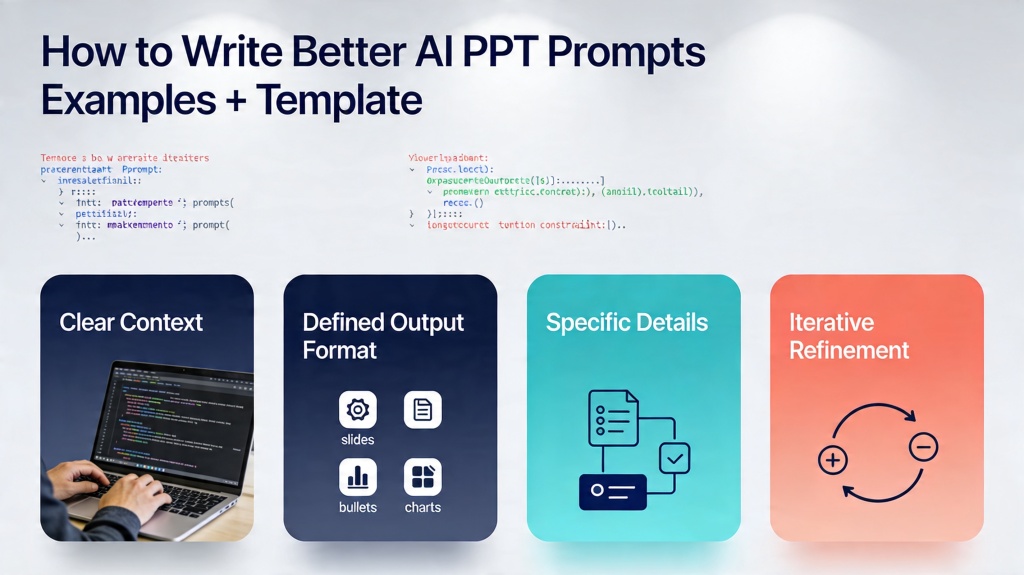
- Start with the audience and outcome: tell AI who the deck is for and what the audience should do afterward.
- Give the source material: paste notes, files, examples, data, or required talking points.
- Define the structure: ask for slide count, slide titles, key message, suggested visual, and speaker notes.
- Add constraints: specify tone, text density, evidence needs, design direction, and what to avoid.
- Ask for revision passes: request a stronger hook, shorter bullets, better examples, or audience-specific wording.
Prompt rule: If the first draft sounds generic, the prompt probably lacks audience, goal, evidence, or constraints.
Copyable Prompt Templates and Examples
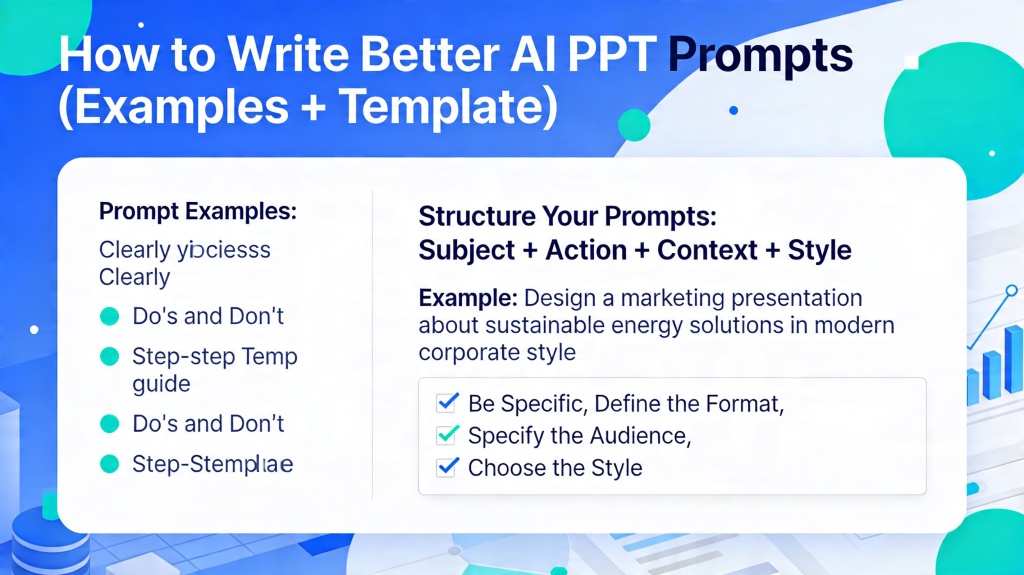
Use these templates as starting points, then replace the bracketed details with real context.
Create a [NUMBER]-slide presentation about [TOPIC] for [AUDIENCE]. The goal is to help them [OUTCOME]. Use a [TONE] tone. Include these sections: [SECTIONS]. Use [SOURCE MATERIAL] as the basis. For each slide, provide title, key message, 3 concise bullets, suggested visual, and speaker note direction. Avoid [WHAT TO AVOID].
| Use Case | Prompt Direction | What to Add Manually |
|---|---|---|
| Business update | Create progress, metrics, blockers, decisions, and next steps. | Real owners, dates, numbers, and risks. |
| Client proposal | Cover problem, solution, scope, proof, timeline, pricing, and CTA. | Client-specific discovery notes and pricing terms. |
| Class report | Explain topic, background, examples, evidence, recap, and quiz. | Citations, course requirements, and speaker notes. |
| Pitch deck | Cover problem, audience, product, proof, traction, roadmap, and ask. | Real metrics, market proof, and funding details. |
Scenario 1: marketing campaign recap
Prompt AI to create an 8-slide recap for a CMO covering campaign goal, audience, channel mix, top metrics, underperforming segments, lessons learned, and next steps. Add real performance data before presenting.
Scenario 2: classroom explainer
Prompt AI to create a 10-slide lesson about climate adaptation for high school students, with one analogy, one local example, one diagram suggestion, and a three-question recap.
How to Edit, Generate, and Export After Prompting
After AI returns a draft, review the outline before editing design. Fix the story first, then generate or polish slides.
- Edit titles: make each title state a point, not just a topic.
- Check evidence: verify data, dates, claims, quotes, and examples.
- Reduce text: move detail into speaker notes and keep slides skimmable.
- Export: use PPTX for editing, PDF for fixed sharing, or a web link for review.
If your prompt produces charts, statistics, or citations, run the draft through a presentation AI generator accuracy fact check workflow before you present it.
Common Prompt Failures and Fixes
- Generic output: add audience, context, examples, and goal.
- Too much text: request no more than three bullets per slide and speaker notes for detail.
- Weak structure: ask for an outline first with slide purpose and key message.
- Wrong tone: specify executive, classroom, persuasive, technical, or practical language.
- Missing next step: ask for a final decision, CTA, assignment, or Q&A slide.
Frequently Asked Questions
What should AI presentation prompts include?
They should include audience, goal, topic, slide count, source material, required sections, tone, visual style, and constraints such as bullet length or evidence needs.
How long should a presentation prompt be?
A strong prompt is often 4 to 8 sentences. It should be long enough to include context and constraints, but organized enough that the AI can follow it.
Can prompts improve an existing presentation?
Yes. Paste the current outline or slide text and ask AI to reorganize it for a specific audience, shorten dense slides, add evidence, or rewrite titles as conclusions.
Create better slides from better prompts
Use PopAi to turn structured prompts into editable presentation drafts you can refine and export.
Try PopAi for Free