Fact-check an AI-generated presentation at four levels: claims, numbers, citations, and images. A convincing title, polished chart, or plausible reference is not evidence. Trace each consequential statement back to material that actually supports its wording.
This guide focuses on factual accuracy and provenance. General design, branding, device testing, and delivery readiness belong in the final presentation quality checklist. For high-stakes content, use a reviewer qualified for the topic rather than treating an AI response as approval.
Use a source hierarchy appropriate to the claim
| Question | Start with | What still needs checking |
|---|---|---|
| What does our own metric show? | Approved source-system export and metric definition, reconciled by the data owner. | Date range, filters, denominator, exclusions, and the exact calculation. |
| What does a study report? | Original paper, publisher page, and any correction or retraction notice. | Study design, population, result, uncertainty, and whether the slide overgeneralizes. |
| What does a government statistic measure? | The statistical agency's dataset, methodology, and release date. | Geography, revision status, seasonal adjustment, and comparability. |
| What does a product support? | Current official documentation for the relevant plan and platform. | Availability in the actual account; a roadmap or marketing claim is not a tested result. |
| What did a person say? | Authorized recording, transcript, or original publication. | Exact words, context, attribution, permissions, and whether the statement is still current. |
Primary does not mean infallible. An original source can be out of date or inapplicable. Use secondary analysis for context, but do not substitute a chain of summaries for the evidence behind a critical claim.
Check claims: scope, certainty, and causal language
Copy the exact slide sentence into an evidence log. Classify it as observed result, interpretation, forecast, target, opinion, or illustrative example. That classification often reveals an overstatement before you even inspect the numbers.
| AI draft | Evidence actually available | Safer final wording |
|---|---|---|
| The pilot caused customers to stay longer. | A small observational cohort had higher retention; selection effects were not isolated. | Pilot participants had higher retention; the analysis does not establish causation. |
| All customers prefer the new process. | Three interview participants described the process positively. | Three interviewees preferred the new process; broader preference is not established. |
| The new workflow will cut cost by 20%. | A scenario model assumes adoption and capacity changes. | The scenario estimates a 20% reduction under the stated assumptions; this is not a measured result. |
Mark unsupported claims as verify, narrow, remove, or escalate. Do not let AI turn an open question into a confident sentence during a final polish pass.

Check numbers: reproduce the calculation
- Locate the source cells or records, not just another slide with the same number.
- Confirm units, currency, dates, population, denominator, and whether the data is complete.
- Recompute totals and changes in a spreadsheet or other auditable calculation tool.
- Distinguish absolute change, percentage-point change, and relative percentage change.
- Compare chart labels and narrative wording to that result.
Illustrative calculation: a rate rising from 40% to 50% changes by 10 percentage points, or 25% relative to the 40% starting rate. A slide saying simply "up 10%" is ambiguous. Also check whether the two rates describe comparable populations.
Keep missing observations missing until the data owner resolves them; do not let AI replace blanks with zero. A quarter-to-date result should not be called a full-quarter total. See specific before-and-after chart repairs for these cases.
Check citations: verify identity and support
Crossref Metadata Search can help locate a DOI and compare author, title, publisher, and date. Crossref metadata retrieval and correction records supports metadata retrieval and related correction information. Matching metadata proves that a record exists, not that it supports the slide.
- Search the full title or DOI; check author, year, and publication match.
- Open the original publisher or issuing organization's page and inspect the relevant passage, table, or method.
- Check for corrections, retractions, superseding releases, or changed product terms.
- Record the supporting page, table, or section along with access date and source URL.
- If the full text is unavailable, state that limitation; do not cite an unread study as if you verified the underlying result.
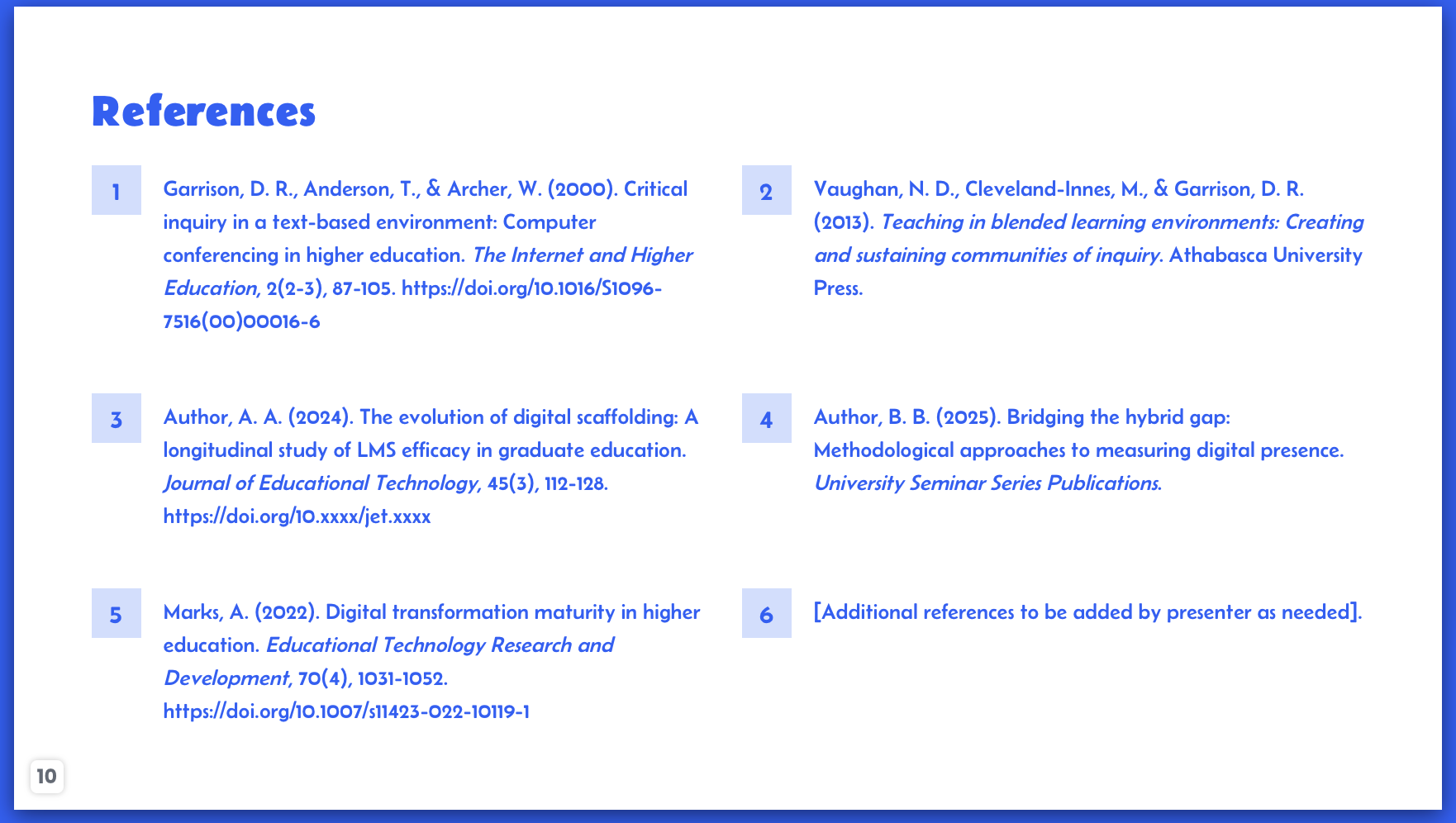
Search engines and AI assistants are discovery tools. Their snippets are not a substitute for the source. A generated citation that cannot be located should be removed or replaced with a genuinely supporting reference.
Check images: provenance is different from appearance
For a factual photo, screenshot, or chart, locate the original creator or publication. Reverse-image search can help find earlier uses, but it cannot alone prove authenticity, capture date, or permission. Compare visible details with the source and the caption.
| Image type | Verification action |
|---|---|
| Screenshot | Confirm product, capture date, relevant plan/workspace, and whether the screen actually demonstrates the claim. |
| Event photo | Confirm the original source, time/place context, and caption. Do not substitute an illustrative stock image for an actual event. |
| Chart copied from a report | Read its legend, methods, units, sample, and caveats. Check that the crop did not remove them. |
| AI-generated visual | Treat it as illustration, not proof. Do not caption a synthetic person, place, or outcome as real. |
Rights review is a separate gate even after factual verification. Use the image evidence and permission matrix before public or commercial distribution.
Practical verification tools and entry points
| Tool or source | Use it for | Limit |
|---|---|---|
| Crossref Metadata Search | Find publication metadata and a DOI. | Existence and a matching title are not proof of the claim. |
| U.S. Bureau of Labor Statistics databases | Locate original U.S. labor, price, or productivity series relevant to the claim. | Check the specific series definition and release; use the equivalent official agency for other jurisdictions. |
| Original publisher or issuing organization | Read the cited table, methods, and correction notices. | An abstract may omit limitations necessary for the slide. |
| Google Lens image-search instructions | Find earlier or related uses of an image and follow the source trail. | Similarity is not authentication or a license; do not upload restricted images without permission. |
| Approved spreadsheet or calculation notebook | Reproduce totals, denominators, and relative changes. | A correct formula can still use the wrong population or period. |
Keep a compact slide-level evidence log
Comparison table: scroll horizontally to see all columns.
| Slide / item | Classification | Source location | Verification result | Owner / next action |
|---|---|---|---|---|
| S3 / retention figure | Observed rate | Approved cohort export + definition | Recomputed; population confirmed | Analyst approves wording. |
| S4 / effect claim | Interpretation | Pilot report limitations | Causation not established | Narrow the headline. |
| S5 / customer quote | Quotation | Approved transcript passage | Wording verified; publication permission pending | Do not publish until authorized. |
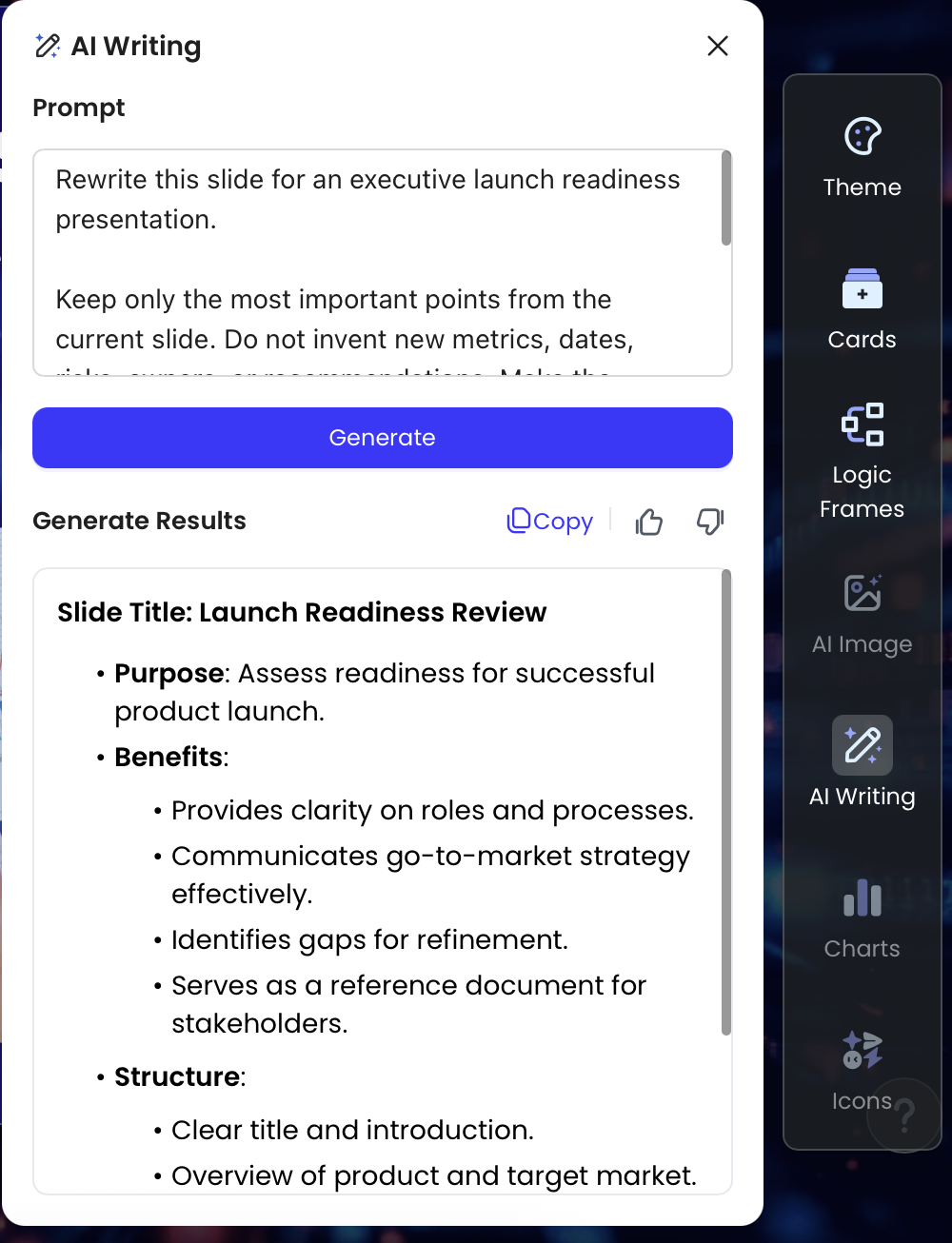
Review the slide text against the supplied sources only. For each claim, number, citation, and image caption, identify the exact supporting location or say support not found. Distinguish measured results from forecasts and examples. Do not invent a citation or silently replace missing data. Return: item, support, mismatch, proposed correction, and unresolved question.
The responsible reviewer must inspect that proposed correction. Once the sources or wording change, recheck the affected items; an earlier verification does not automatically cover a later AI rewrite.