AI Presentation Outline Generator for a 12-15 Slide Deck
Published on April 21, 2026
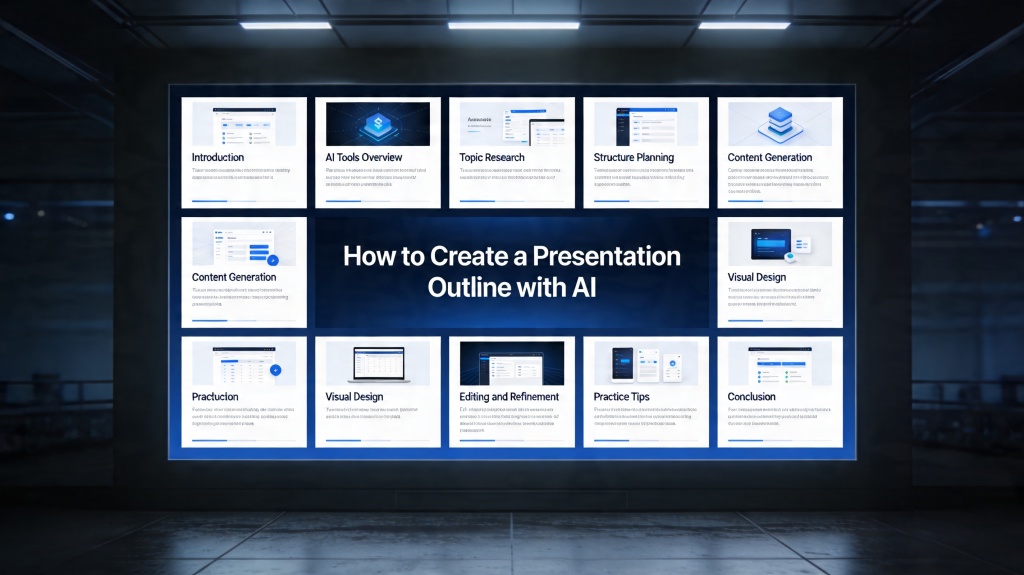
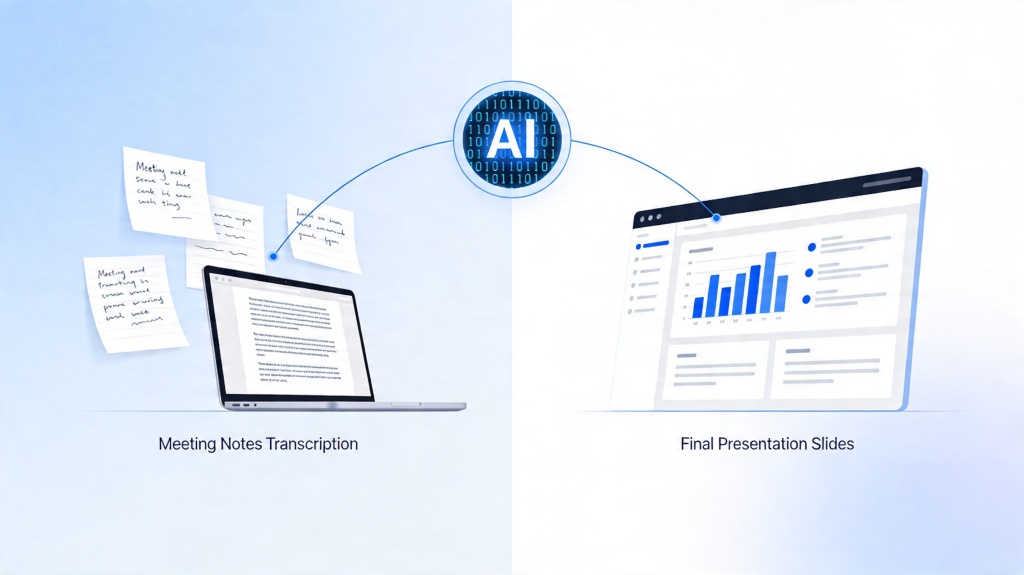
An AI presentation outline generator helps you turn a topic, audience, goal, time limit, and rough notes into a slide-by-slide plan before you create the full deck. Instead of asking AI for finished slides immediately, you use the outline to check the story, remove weak sections, and decide what evidence or examples each slide needs.
This tutorial is for students, teachers, marketers, founders, consultants, managers, and anyone who needs a 12-15 slide presentation but does not want to start from a blank document. For the broader deck creation workflow, connect this long-tail guide to the AI for presentations core page, then use PopAi AI Presentation when you are ready to generate and edit the deck.
AI Presentation Outline Generator: When to Use It and What to Prepare
Use an outline generator when the sequence matters: reports, lessons, webinars, proposals, pitch decks, product explainers, training decks, and executive updates. The better your input, the less rewriting you will need later.
- Topic: name the subject and the angle, not just a broad theme.
- Audience: define knowledge level, role, and what they care about.
- Goal: state what the audience should understand, approve, decide, or do.
- Time limit: include whether the talk is 10, 20, or 30 minutes.
- Required points: paste rubric items, meeting goals, source notes, or must-have data.
- Tone: choose classroom, executive, persuasive, technical, practical, or workshop style.
3-5 Clear Steps to Generate the Outline
- Write the input brief: combine topic, audience, goal, slide count, tone, and required points in one prompt.
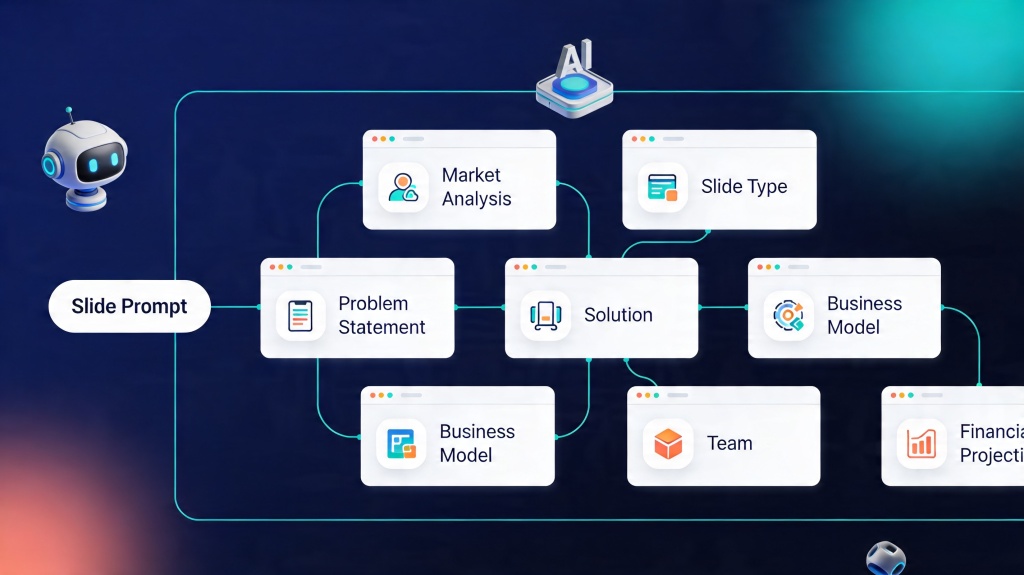
- Ask for slide jobs first: request slide title, purpose, key message, suggested visual, and speaker note direction.
- Check the story flow: make sure the outline moves from context to problem, evidence, recommendation, and next step.
- Fill evidence gaps: mark where you need examples, numbers, screenshots, quotes, or citations.
- Generate the deck only after approval: once the outline works, turn it into editable slides.
Outline rule: If a slide title is only a topic, rewrite it as a message. "Market trends" is weaker than "Small teams are adopting AI tools to reduce presentation prep time."
12-15 Slide Outline Template
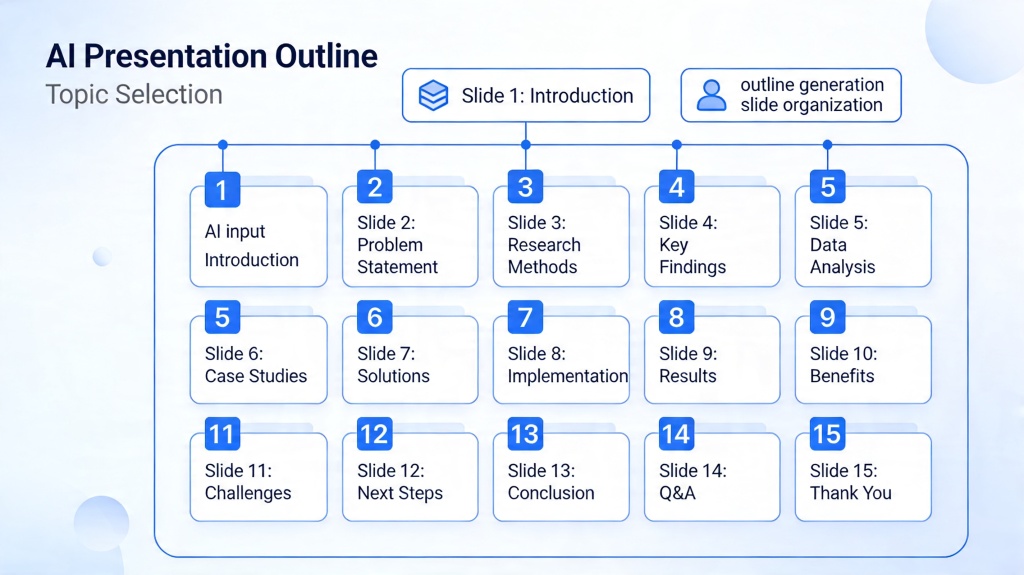
This template works for many business, school, and training presentations. Remove or merge sections when the talk is shorter.
| Slide | Job | What to Include |
|---|---|---|
| 1 | Title and promise | Topic, audience benefit, and why the talk matters. |
| 2 | Context | Background, situation, or trend that sets up the problem. |
| 3 | Problem | Main challenge, pain point, or question. |
| 4 | Why it matters | Cost, risk, urgency, or audience impact. |
| 5-7 | Main points | Three ideas, arguments, lessons, or solution pillars. |
| 8-9 | Evidence | Data, example, source, case, screenshot, or quote. |
| 10-11 | Application | Workflow, steps, comparison, or recommendation. |
| 12 | Risks or objections | Limitations, tradeoffs, common questions, or caveats. |
| 13 | Summary | Key takeaways and what the audience should remember. |
| 14-15 | Next step and Q&A | Decision, action, assignment, contact, or discussion prompt. |
Copyable Prompt and Input Example
Use this prompt when you want the outline first, not a finished deck.
Create a [12-15]-slide presentation outline about [topic] for [audience]. The goal is to help them [understand/decide/approve/do]. Include slide title, slide purpose, key message, suggested visual, and speaker note direction for each slide. Use a [tone] tone. Must include: [required points, examples, data, source notes]. Keep each slide focused on one idea and mark where I need to add evidence.
Example: product training outline
Create a 12-slide training outline for new sales reps explaining how our AI meeting summary feature works. Audience: beginner sales team. Goal: help them demo the feature confidently. Must include customer problem, workflow, example transcript, benefit, objection handling, and next steps.
How to Edit, Generate, and Export After the Outline
Once the outline is clear, turn it into slides in three passes. First, generate the deck from the approved outline. Second, edit titles, evidence, and visuals. Third, export in the format you need.
- Edit the story: remove duplicate slides, merge weak sections, and make every title specific.
- Add proof: insert real numbers, examples, screenshots, quotes, citations, or project details.
- Choose visuals: use diagrams for systems, timelines for sequences, and charts only when numbers matter.
- Export: use PPTX for editing, PDF for fixed sharing, or a web link for review.
When the outline includes research claims, metrics, or citations, use a presentation AI generator accuracy fact check workflow before generating the final slides.
Common Failures and Fixes
- Failure: generic outline. Fix it by adding audience, goal, context, must-have points, and examples.
- Failure: too many slides. Ask AI to merge repeated ideas and keep one message per slide.
- Failure: weak middle section. Add evidence slides, examples, comparisons, or a short scenario.
- Failure: no clear ending. Add a decision, action, recap, or Q&A slide.
- Failure: design starts too early. approve the outline before generating visuals.
Real Scenarios
Scenario 1: class research presentation
A student needs a 12-slide presentation about renewable energy adoption. The outline should include background, key technologies, one country example, adoption barriers, comparison chart, recommendation, and recap. The student adds citations after AI creates the structure.
Scenario 2: executive project update
A manager needs a 15-slide update for leadership. The outline should cover context, progress, metrics, blockers, risks, decisions needed, and next steps. The manager adds owners, dates, and real numbers before exporting.
Frequently Asked Questions
What does an AI presentation outline generator do?
It turns your topic, audience, goal, time limit, and notes into a slide-by-slide outline with titles, key messages, suggested visuals, and speaker note direction.
Should I generate an outline before a full deck?
Yes, especially for important or complex presentations. It is faster to fix the story in outline form before you spend time on layouts, images, and export settings.
How many slides should I ask for?
For a 20 to 30 minute presentation, 12 to 15 slides is a practical range. Shorter updates may need 5 to 8 slides, while workshops may need more.
Create your outline and deck faster
Start with an outline, approve the story, then use PopAi to generate an editable presentation draft.
Try PopAi for Free