For a founder preparing a live pitch or an emailed deck, the right template is the one that gives investors a clear route from customer problem to funding ask—and leaves room to show evidence. This guide compares useful template types by stage and use case, then walks through a practical AI-assisted workflow. “AI-editable” here means AI can help draft or revise content, while the resulting slide elements may also be editable in presentation software; those are separate capabilities to verify.
The recommendations below use five selection criteria: narrative order, space for evidence and sources, fit for fundraising stage, ease of editing, and reliability of the final export. This is a use-case shortlist, not a hands-on ranking of named template products: layouts and export behavior vary by provider and version, so test a sample file before building the full deck. For a prompt- or document-based workflow, PopAi AI Presentation can help organize material, draft slides, and export a presentation; the founder still needs to check every claim and exported element.
Best investor meeting template by stage
| Stage | Recommended starter | Why choose it |
|---|---|---|
| Pre-seed | Discovery-First Pre-Seed | Make problem evidence, prototype boundaries and the next learning milestone inspectable |
| Seed | Cohort-Led Seed | Explain usage definitions, business-model assumptions and repeatability questions |
| Series A | Repeatability-Led Series A | Show segment evidence, operating constraints and risk controls |
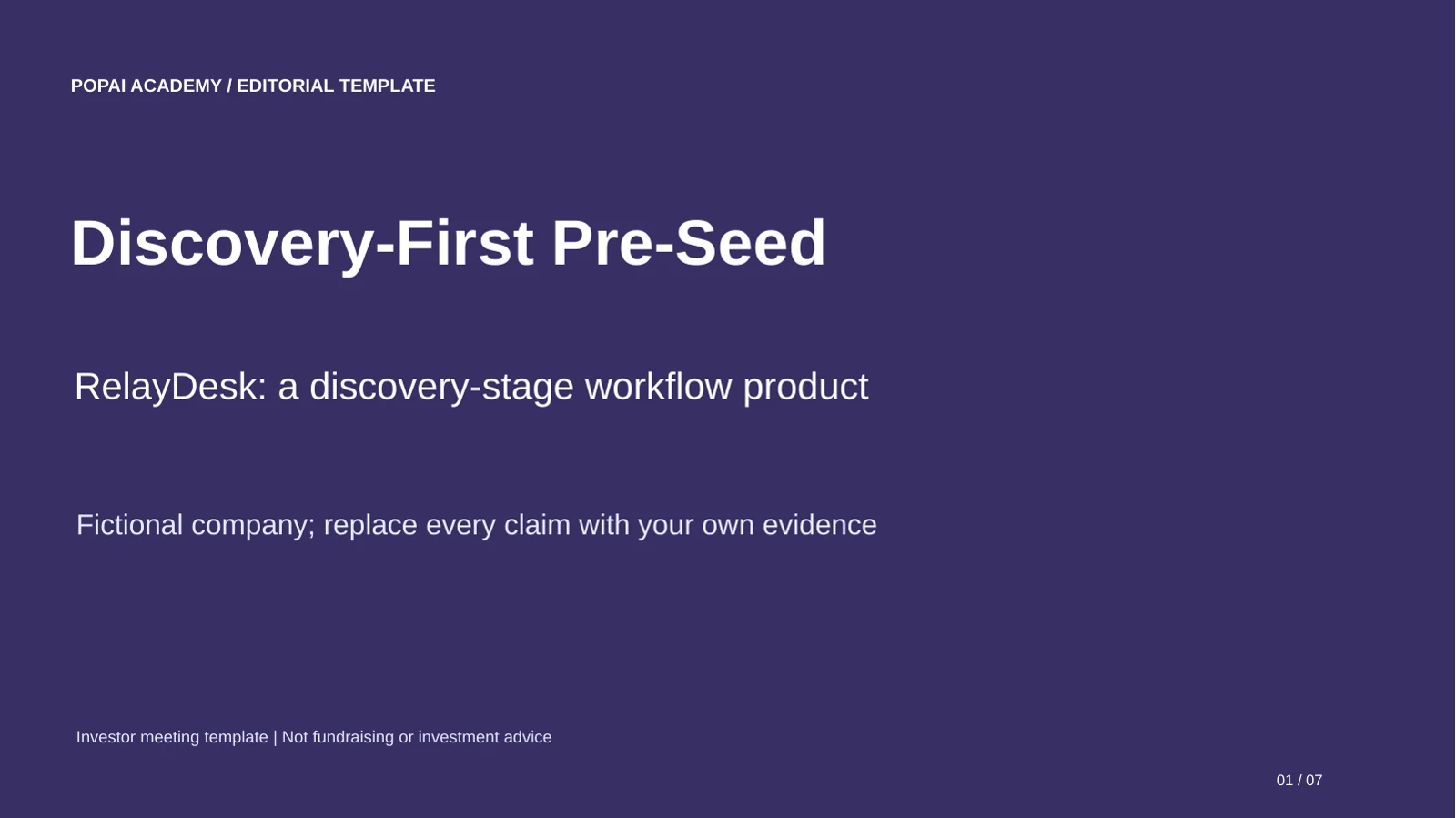
These are downloadable editorial starter templates created for this article. Their PPTX files contain editable text, shapes and tables; bracketed fields require your evidence. They are not screenshots of PopAi generation, verified client results or a guarantee of import behavior in another application.
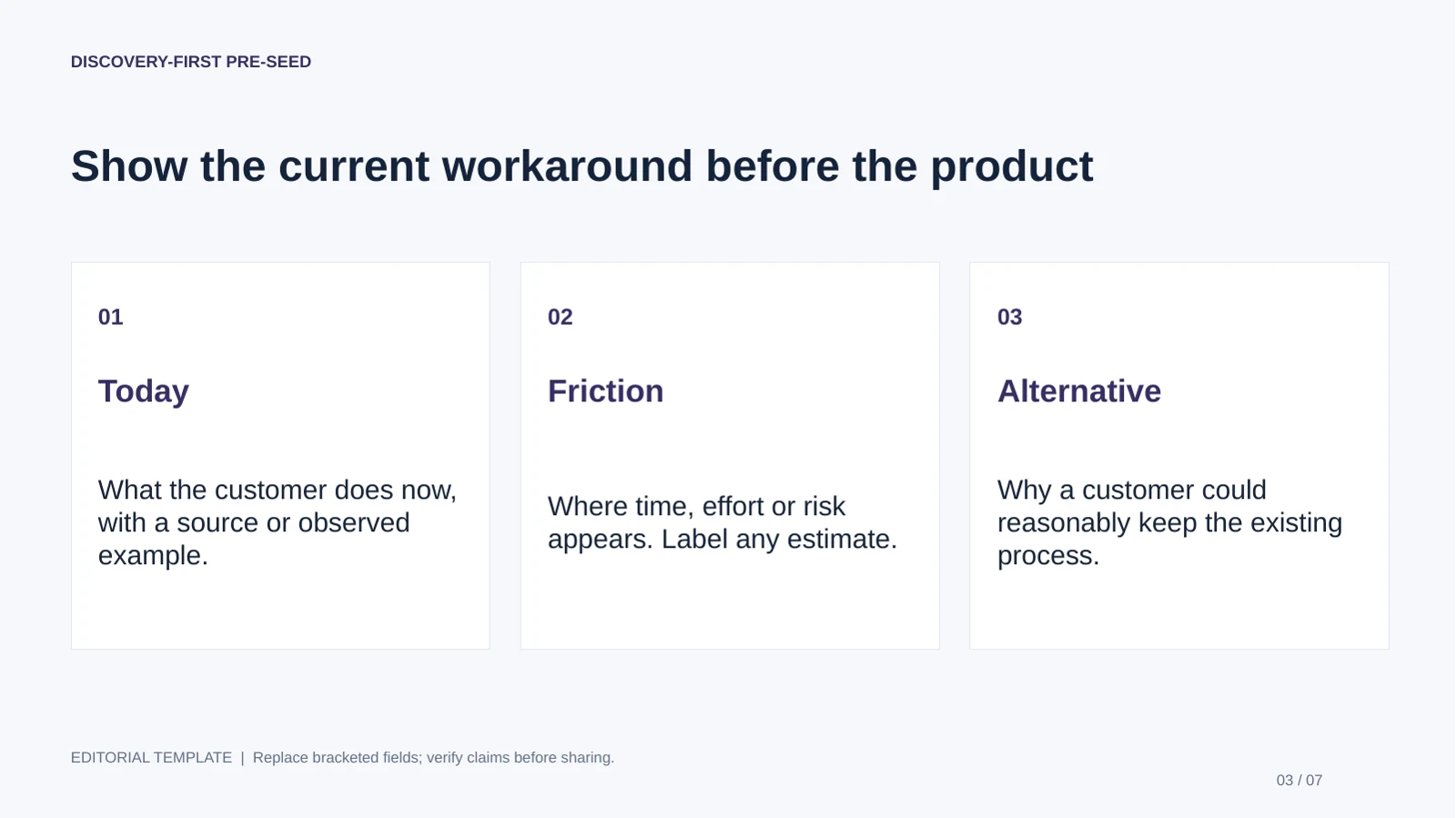
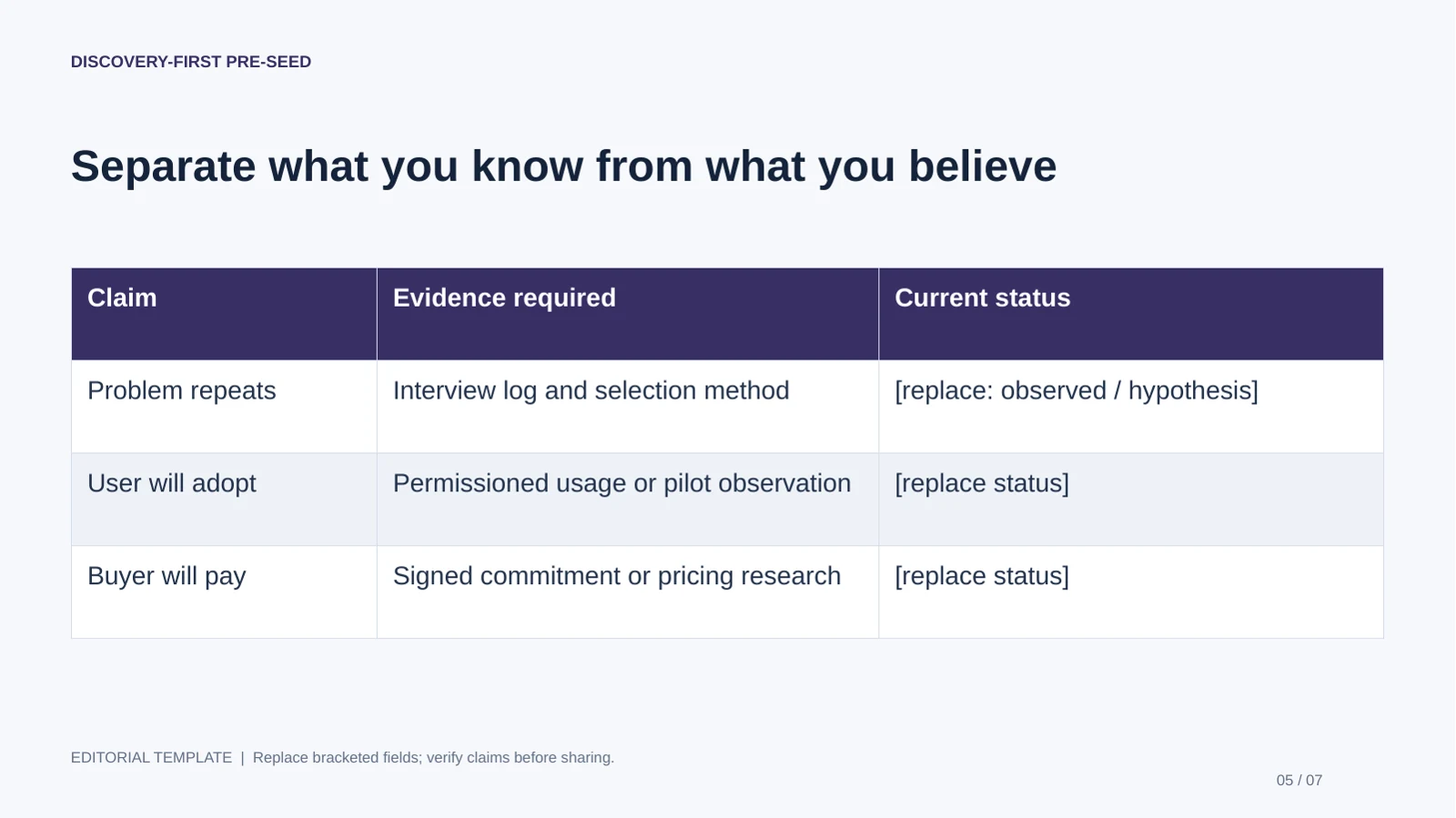
Discovery-First Pre-Seed
Best for: Founders meeting potential early investors. Use: Pre-seed. Length: 7 slides.
Bring before editing: Interview records, permissioned prototype evidence and clearly labeled hypotheses.
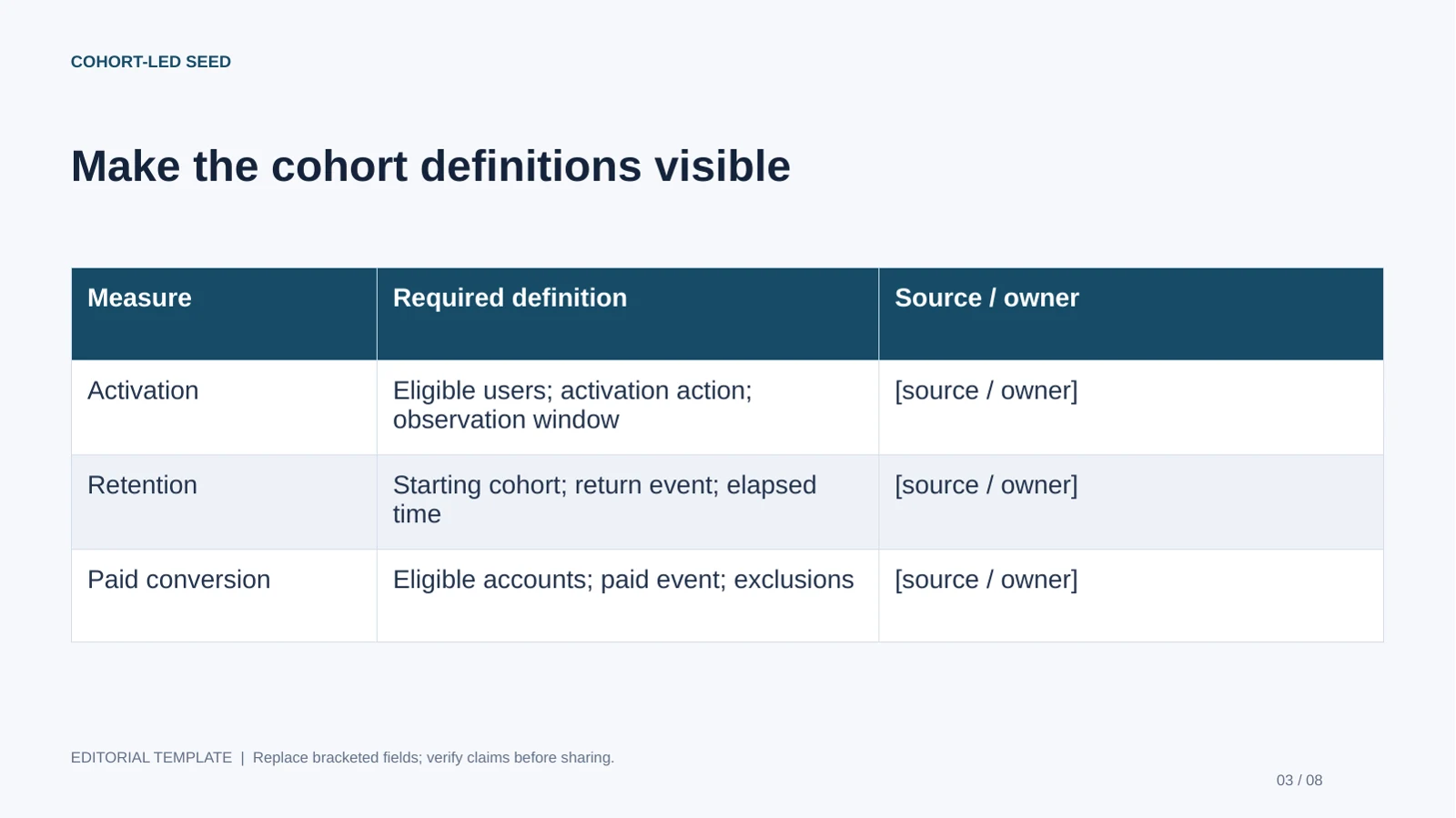
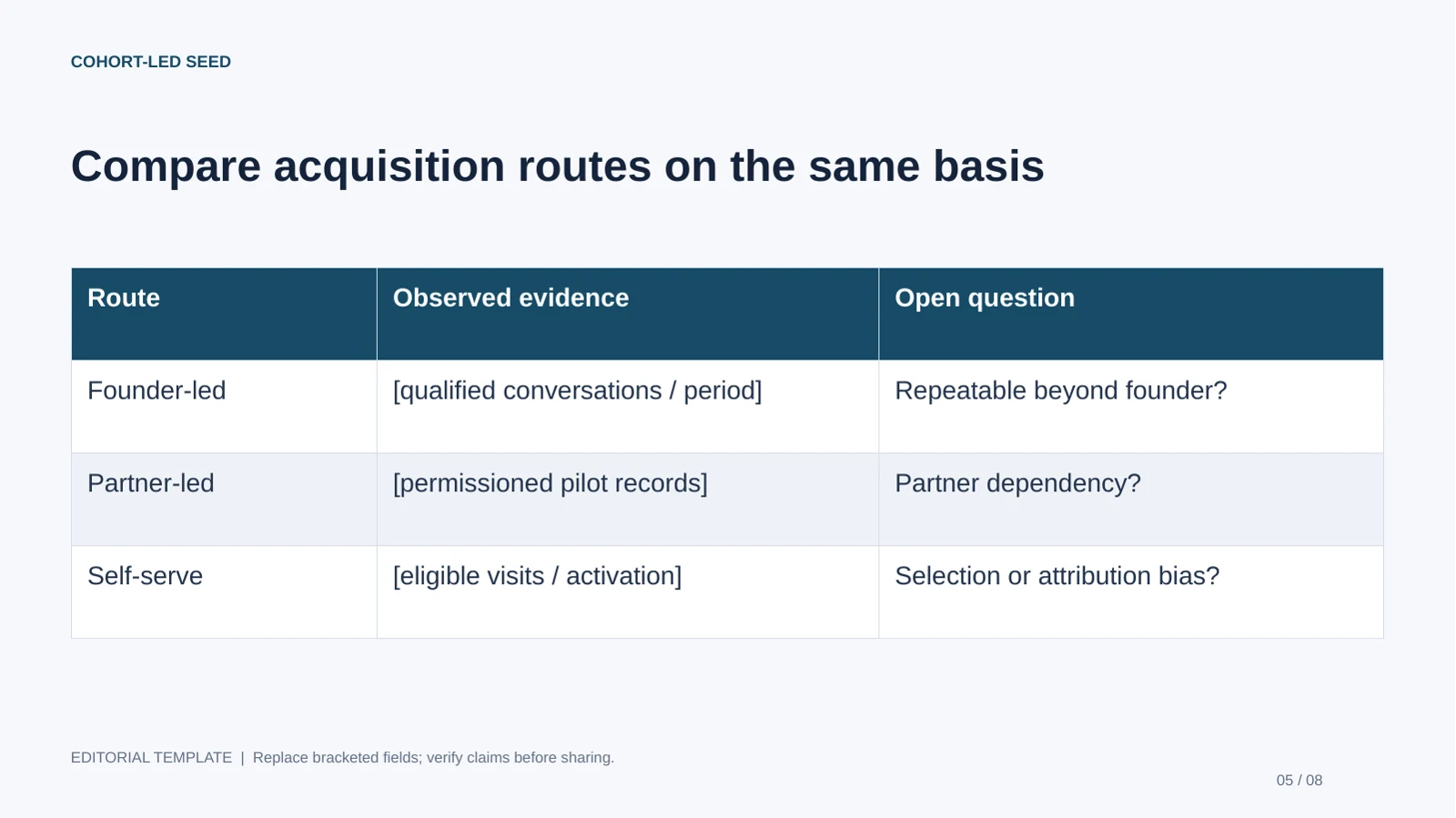
Cohort-Led Seed
Best for: Founders with permissioned pilot or usage data. Use: Seed. Length: 8 slides.
Bring before editing: Cohort definitions, retention periods, conversion denominators and finance-reviewed assumptions.

Repeatability-Led Series A
Best for: Founders explaining a more established operating model. Use: Series A. Length: 8 slides.
Bring before editing: Segment economics, cohort records, capacity assumptions and approved risk disclosures.

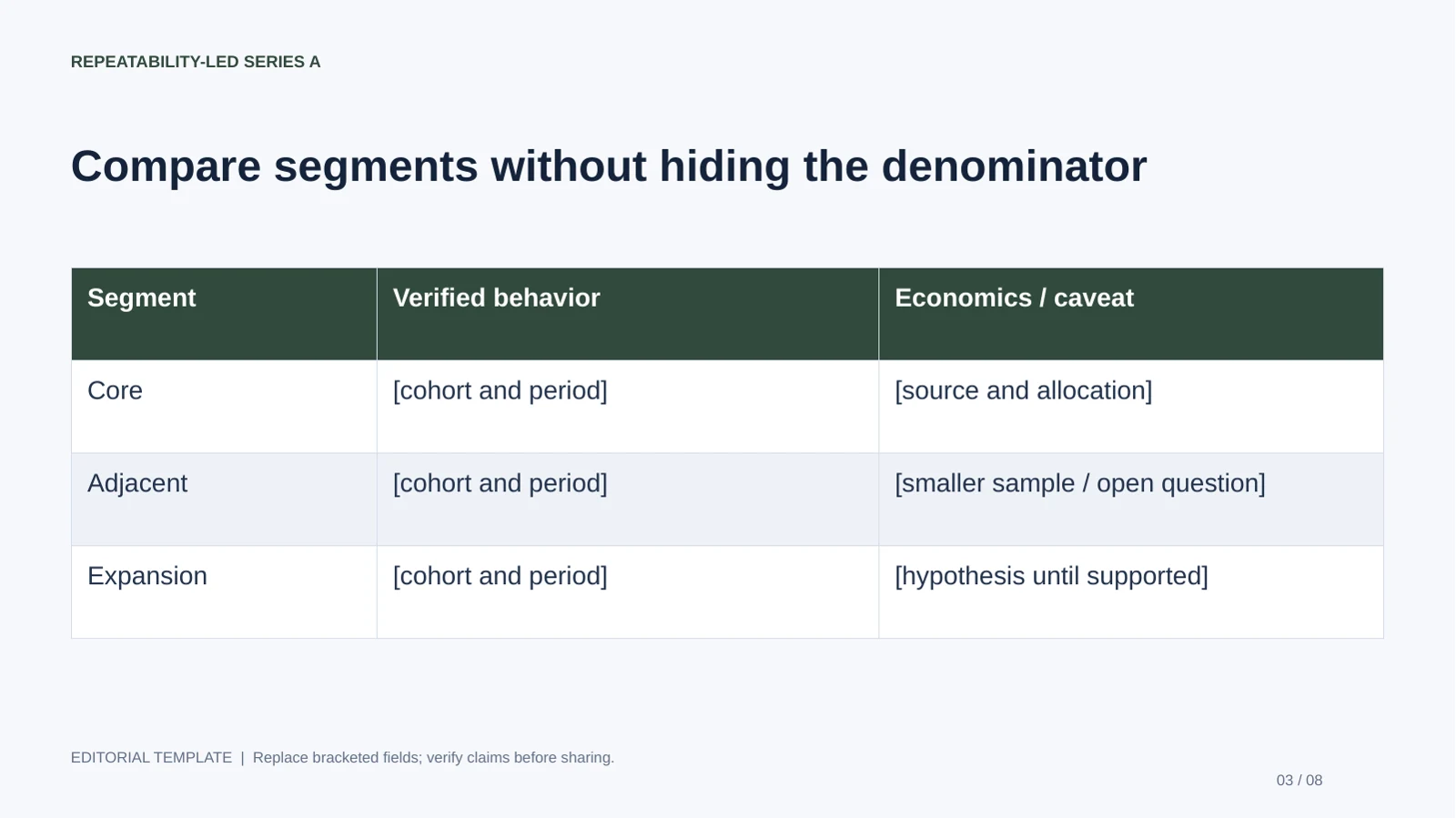
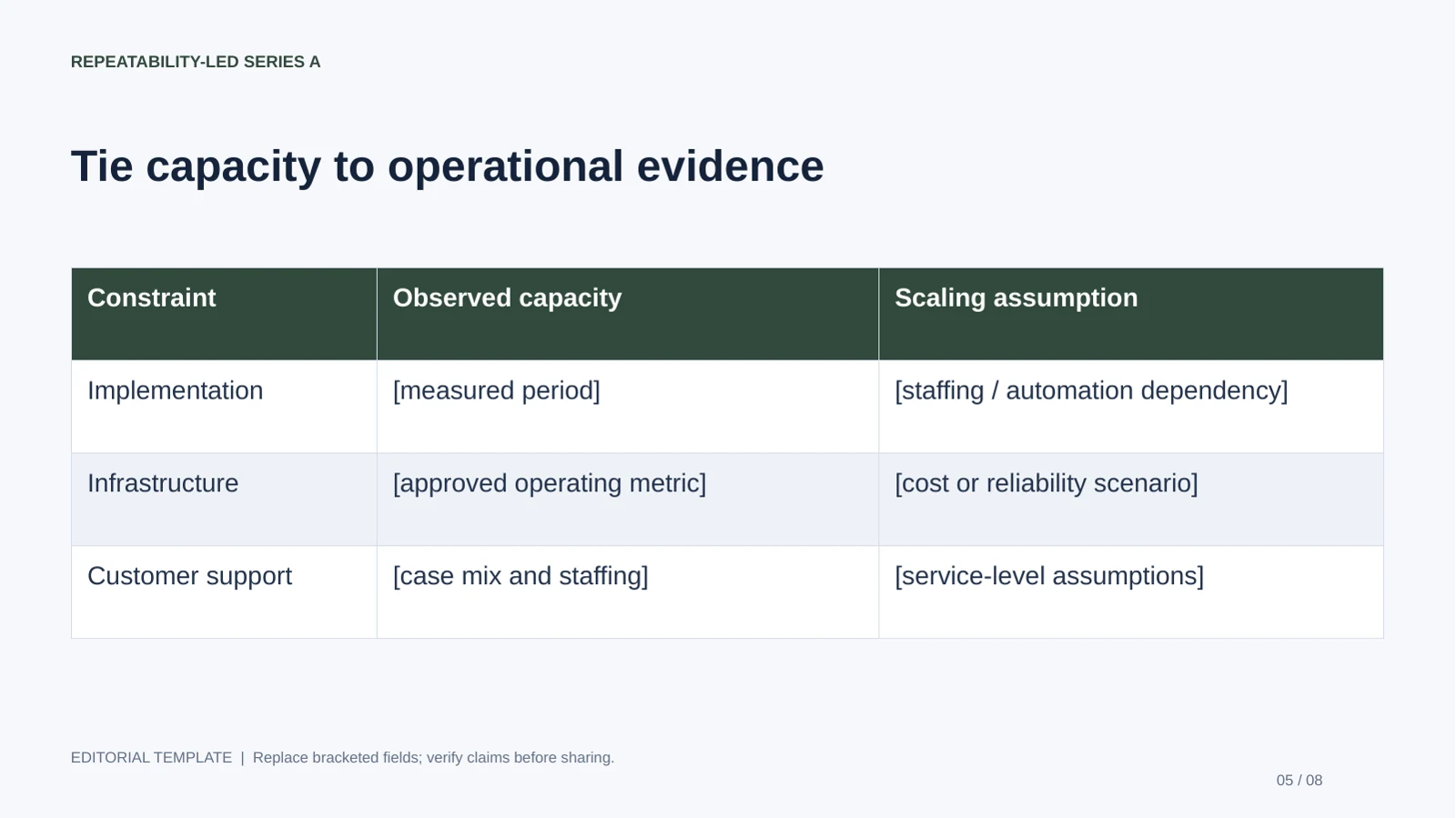
The recommendations describe structural fit, not fundraising outcomes. This page is about the investor meeting: what evidence the listener needs to assess the company. The fundraising template page focuses on round mechanics, use of funds and financing milestones. Keep the two purposes connected without reusing the same opening argument for every meeting.
What Makes the Best Investor Pitch Deck Templates?
Choose a template for the investor decision it helps explain, not for decorative style alone.
A useful template gives each page one job and enough space to make that job clear: explain the customer problem, show the product, support the opportunity with evidence, and state what the funding will enable. A layout that fits a slogan and a large number but leaves no room for a date, source, or calculation may look clean while making the claim harder to assess.
Compare template types against your actual use case
Use this shortlist to decide what kind of starting point to look for. These are layout categories, not product rankings; inspect the actual slides before committing.
| Template type | Best fit | What to check |
|---|---|---|
| Classic narrative deck | Pre-seed or seed live pitch with a straightforward story | Does it move logically from problem to solution, proof, and ask without forcing every point onto one slide? |
| Data-forward deck | Companies with meaningful adoption, revenue, or operating data | Can charts show units, time periods, definitions, and sources legibly? |
| Visual product deck | Products that are easiest to understand through a demo, workflow, or interface | Can you pair screenshots with a clear explanation of the user problem and product value? |
| AI-generated starting deck | Teams turning notes or existing documents into a first draft quickly | Can you correct the outline, edit individual elements, and verify the exported file before sharing? |
Check for narrative, evidence space, and editability
- Narrative structure: Look for a sequence that can connect customer problem, solution, market, business model, proof, team, and ask. You may need to reorder it for your business.
- Evidence space: Charts and tables should leave room for sources, units, dates, and definitions—not just a headline number.
- Editable components: Confirm what you can change after export: text, shapes, charts, images, or only some of these.
- Consistent visual rules: Check typography, spacing, and contrast across several slides, including dense data pages.
For example, a two-column traction layout can make a useful distinction between “what we observed” and “what we plan to test.” A cramped dashboard with six unlabeled metrics may look more sophisticated, but it leaves investors guessing what each number means. Study well-known decks for storytelling choices, not as proof that a similar design caused a company to raise money. Funding outcomes also depend on the team, market, timing, and execution.
Choose the layout that makes your evidence easiest to inspect—not the one that makes the company look biggest.
When comparing AI presentation makers, compare the editing workflow, chart controls, export requirements, collaboration features, and privacy terms—not just the first generated preview.
Choose an Investor Pitch Deck Template by Funding Stage
Match the emphasis of the deck to what investors need to believe now, rather than adding metrics simply because they appear in a standard template.
Stage labels are guides, not rules. A pre-seed company may already have a working product; a later-stage company may still need to explain an unfamiliar market. Investor type, geography, business model, and meeting format also affect what evidence is persuasive.
Adjust proof to the stage and business model
- Pre-seed: Explain the customer pain, your insight, why the product could solve it, what discovery or prototype work supports that view, and why this team can execute. If there is no measurable traction yet, show what you learned and what you will test next.
- Seed: Where relevant, add adoption, retention or usage signals, early revenue, and evidence that acquisition may become repeatable. Tie the next round to specific milestones rather than implying that one metric fits every company.
- Series A and beyond: Give more space to growth quality, operating plan, competitive position, and unit economics where those measures fit the model. Explain definitions and the period covered.
A SaaS company might report activation, recurring revenue, churn, and sales efficiency; a healthcare company may need to show clinical evidence, regulatory milestones, and reimbursement assumptions. An ecommerce business could focus on repeat purchase behavior, contribution margin, and inventory economics. A company with a long enterprise sales cycle may have more useful evidence in qualified pipeline, pilot conversion, or procurement progress than in a short-term revenue snapshot. Define each metric and explain why it matters to this business.
Same company, different stage: Imagine a fictional scheduling software startup. At pre-seed, its strongest evidence might be interviews with clinic administrators and a prototype tested in five workflows; it should label those as research and testing, not paying demand. At seed, if it has launched, it might instead show paid clinics, renewal behavior, and the time required to onboard each customer. The story stays focused on the same customer problem, but the proof changes as the company gathers it.
An emailed deck needs informative headlines, defined acronyms, and source notes because the reader may view it without you. A live deck can use shorter on-slide copy if the speaker supplies context; keep deeper calculations and supporting detail in an appendix or follow-up file.
Build the Essential Investor Pitch Deck Slides
Build a sequence that answers the investor’s core questions, then keep only the slides that advance that case.
Start with a clear company and value proposition. The exact order can vary, but an investor should not have to infer what you sell, who buys it, or why the opportunity matters now.
Core narrative slides
- Problem and customer: Identify a specific user and a costly, frequent, or otherwise important pain. Avoid claiming that “everyone” has the problem.
- Solution and product: Show the product in use and explain how it changes the customer’s experience or outcome.
- Market: Define the customer segment and show a transparent estimate rather than an unsupported industry-wide figure.
- Business model and go-to-market: Explain who pays, how you charge, and how customers discover, adopt, and renew.
- Competition and advantage: Include direct alternatives and the status quo. Explain why customers might switch; avoid “we have no competitors.”
Evidence and fundraising slides
- Traction: Show the measure that best demonstrates progress for your model, with a time period and definition. Separate actual results from targets.
- Team and plan: Connect relevant experience to the risks the company must address. Show financial assumptions and hiring or operating priorities that affect the plan.
- Funding ask: State the amount sought, intended use, and milestones the capital is expected to support.
Market-sizing example (illustrative, not a market estimate): A scheduling startup serving independent clinics could show its calculation as “12,000 target clinics in the selected region × $300 monthly subscription × 12 months = $43.2 million annual revenue opportunity.” The team would need to source the clinic count, explain why those clinics fit its customer profile, and label the result as a serviceable segment estimate—not total market revenue or a forecast. Put the source date and key exclusions on the slide or in a footnote.
On a traction slide, a headline such as “Paid pilots grew from 3 to 9 in six months” is more inspectable than “rapidly growing.” State whether the figures are actuals, the period covered, and what qualifies as a paid pilot. For a funding ask, connect the request to a measurable next step—for example, funding a defined onboarding team and product work to support a stated customer milestone—without presenting that milestone as guaranteed.
Data pages need more editorial care than decorative pages. A revenue chart should distinguish actuals from projections through labels and visual treatment, and define its period. If a figure is not yet known, label it as an assumption or leave it out; do not ask AI to supply a plausible-looking number.
A slide can make a claim concise. It cannot make the claim true; keep the calculation and source behind it.
How to Make an AI-Editable Pitch Deck
A reliable AI-assisted workflow starts with approved source material and ends with a human review of both the story and the exported file.
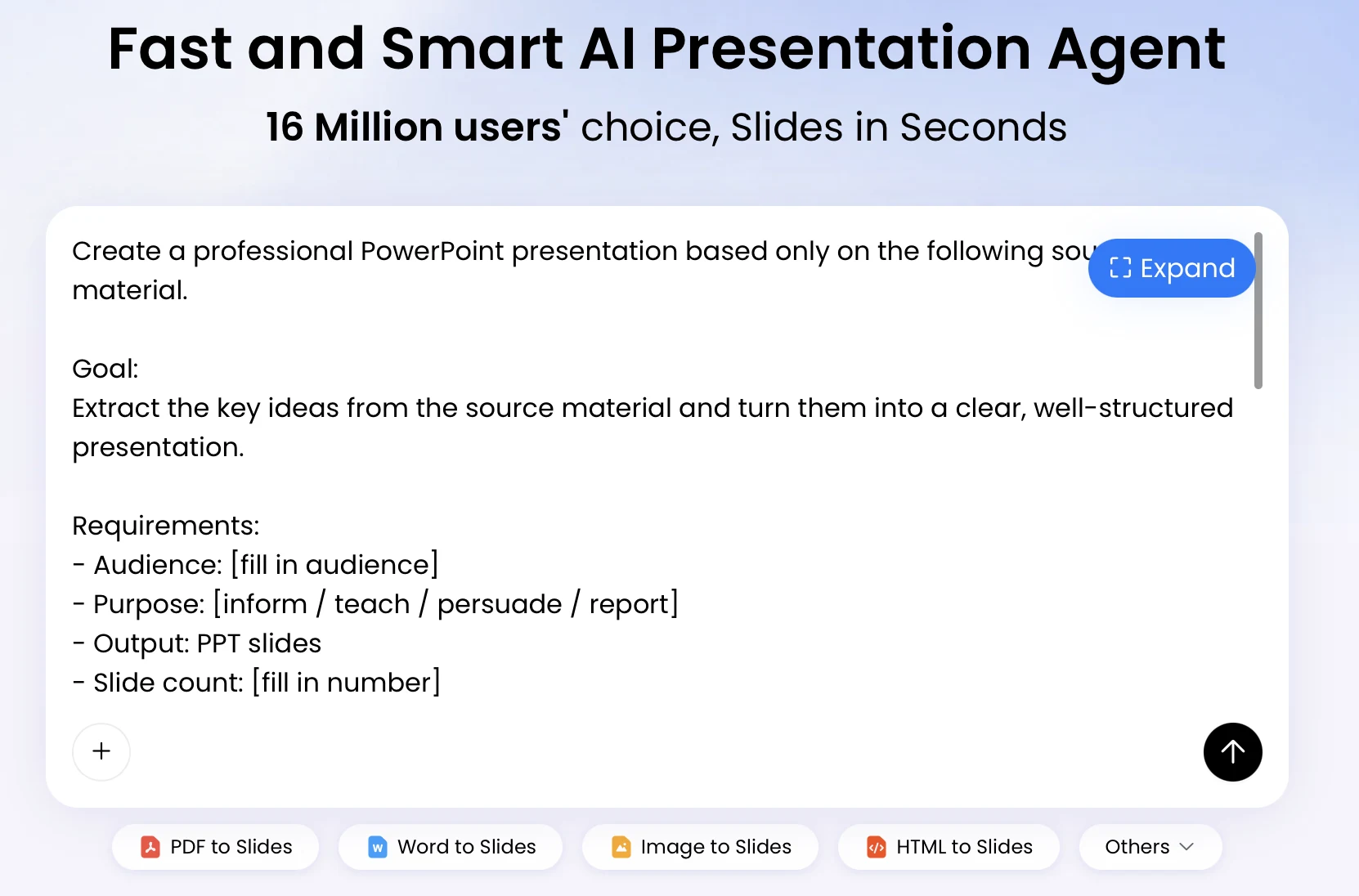
PopAi supports creating a deck from a prompt or materials such as PDF, Word, text, HTML, or an existing PPTX. Its workflow can organize content into a plan or outline before slide creation. Supported inputs and output behavior can change, so check the current product details and test a representative file before relying on them for a deadline or sensitive project.
Prepare inputs and review the outline
- Write a brief naming the company, audience, funding stage, purpose, format (live or emailed), and any required sections.
- Provide approved facts and figures. Keep a source and date beside every metric you expect the deck to use.
- Ask for an outline before visual polish. Reorder, remove, or add sections until the argument works without design.
- Review generated copy for invented claims, vague superlatives, and assumptions that have been presented as results.
Example prompt: “Create a 10-slide seed-stage live-pitch outline for a fictional clinic scheduling startup. Use only the facts in the attached brief. Mark missing metrics as [NEEDS DATA], distinguish actuals from projections, and propose a source note for every market or traction figure.” The bracketed instruction is a review aid, not a substitute for checking the output.
Edit slides and verify the export
- Edit the wording and layout; make sure each slide has one clear point and readable evidence.
- For each chart, check its underlying data, units, axes, labels, and time period against the source.
- Export to the format you plan to share, then open the file in the presentation software and on the device you will use.
- Check fonts, positioning, image quality, chart behavior, and text overflow. Keep a PDF backup for presenting if appropriate.
“Editable” can mean different things. In the described PopAi workflow, PPTX and PDF export are supported, and PPTX text objects can be opened and edited in Microsoft PowerPoint. That does not establish that every chart, shape, or image remains a native, individually editable object, or that formatting will be identical in every PowerPoint version. Test a small export first and inspect the elements your team needs to revise; do not assume a lossless conversion.
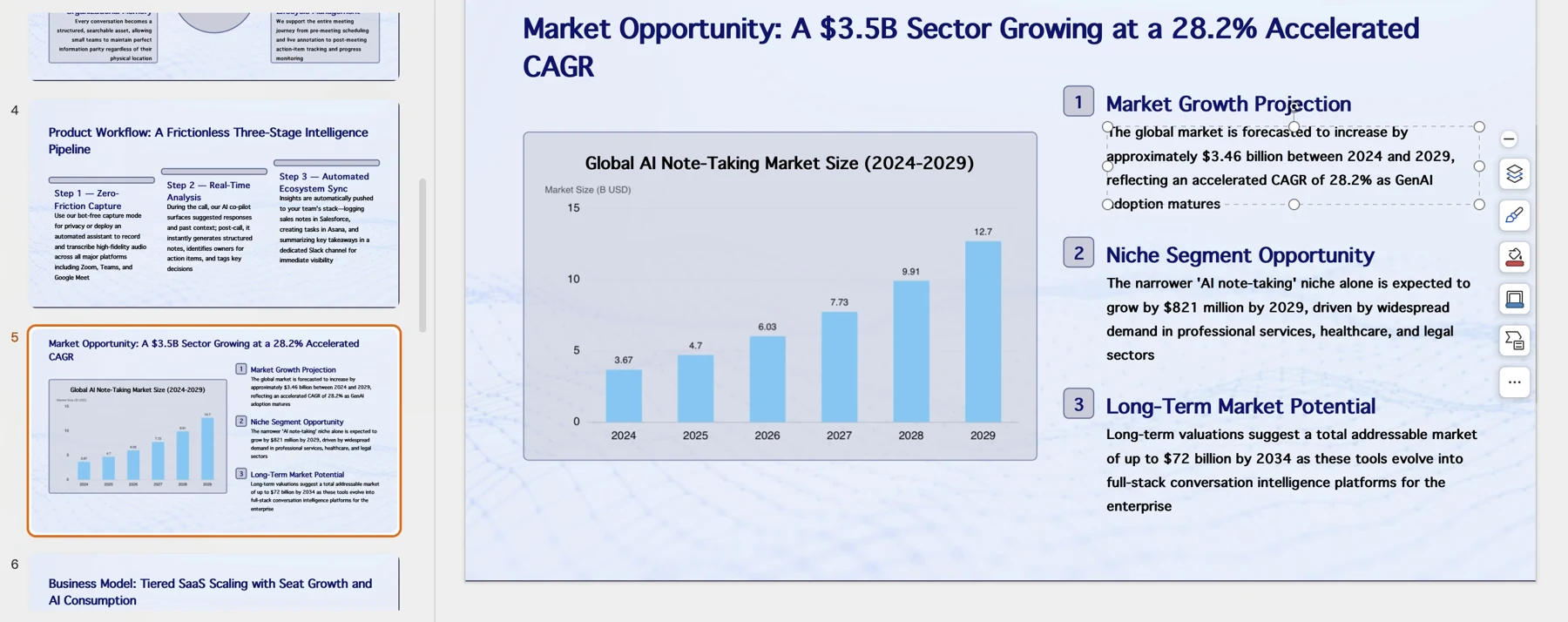
For charts, verify whether the exported object behaves as a native chart or as a placed image in your target software. PopAi’s chart editing tools support several chart types and data-table changes, but check the actual file you export before relying on in-place chart editing. The founder remains responsible for the data and the interpretation.
Example: Turn a Template into a Clear Startup Story
A fictional example makes the difference between a placeholder and substantiated evidence visible.
Imagine Nightly, a fictional AI-powered nightlife concierge. A weak slide headline might read “A $10B market with no competition.” It combines an unsubstantiated market claim with an implausible competitive claim. A more useful problem-slide headline would be: “Visitors spend too long comparing events across scattered listings.” The team would then support that statement with cited user research or clearly label it as an early hypothesis.

Illustrative traction slide: If the fictional team had interviewed 20 visitors and 6 agreed to test a prototype, it could write: “6 of 20 interviewees agreed to a prototype test (discovery interviews; not paying customers).” Those figures are invented for this example, not real Nightly results. The team should keep interview notes or sign-up records behind the claim and avoid describing interest as validated demand.
On the financial page, Nightly could show a scenario with its assumptions—for example, how paid venue listings or referral fees might generate revenue—while marking the numbers as projections. A list of planned features belongs later in the story or in an appendix unless it explains a specific customer benefit. The main deck should make the problem, evidence, business model, and next experiment easy to follow.
This example shows how a template can improve the presentation of evidence without creating evidence. A polished cover can make a deck cohesive; it cannot validate demand or guarantee investor interest. Keep detailed interview notes, market calculations, and scenario assumptions available for follow-up rather than overcrowding the core slides.
Avoid Template and AI Pitch Deck Pitfalls
Before sending the deck, run one review for claims, one for readability, and one for data handling and file compatibility.
Use a final pre-send review
- Check every factual claim: Keep a simple source log with the slide number, claim, source or calculation, owner, and date checked. For example: “Slide 6 — paid pilots — billing records — verified 12 Oct.”
- Separate actuals from plans: Label historical results as actuals and forecasts as projections or scenarios. Use different chart styles or colors and explain the distinction in the legend.
- Resolve uncertain claims: If a claim cannot be verified, remove it, qualify it as an estimate, or label it as a hypothesis with the next validation step. Do not leave precise figures without a calculation trail.
- Check confidentiality rules: Before uploading company material to any service, review retention periods, whether data may be used for model training, access controls, deletion options, and your organization’s approval requirements. Do not upload customer or proprietary data unless permitted.
- Inspect the final file: Open the PPTX or PDF on the presentation device, check readability and chart labels, and confirm that the fonts and layout have not shifted.
- Prepare for questions: Keep backup calculations and detailed evidence in an appendix or separate diligence file. Rehearse the live version and leave time for discussion.
For an emailed deck, make headlines and notes informative enough to stand alone. For a live meeting, let the speaker provide context without relying on tiny footnotes. Template features and export behavior can change, so verify current editing, collaboration, and privacy details against your workflow before committing. The best fit is the one your team can update accurately as new evidence arrives.