This guide compares three practical product-pitch template structures—investor narrative, product demo, and customer value—and explains how to adapt them with AI. It is a selection guide, not an independently tested ranking of downloadable template packs: the right choice depends on the audience, available evidence, and how much editing control your team needs.
Use the recommendations below to choose a structure, draft or adapt the slides, and check the exported file before presenting. PopAi is discussed as one workflow option; because this guide appears on PopAi, its product information should not be read as an independent head-to-head endorsement. For a first draft, PopAi AI Presentation can turn a prompt or supplied materials into slides, which you should verify and revise before sharing.
Four product pitch templates, four decisions
| Decision | Recommended template | Primary audience |
|---|---|---|
| Can this solve my task? | Customer Demo | Prospective customer / evaluator |
| What is available and how do I access it? | Launch Brief | Customers and go-to-market teams |
| Should we authorize this work? | Internal Product Decision | Internal approver |
| How does the product support the company case? | Investor Product Story | Investor; product-focused appendix |
Start with Customer Demo for a customer evaluation. Use Launch Brief only for approved availability, Internal Product Decision for an internal gate, and Investor Product Story as a supporting product narrative rather than a substitute for a complete financing pitch.
These are downloadable editorial starter templates created for this article. Their PPTX files contain editable text, shapes and tables; bracketed fields require your evidence. They are not screenshots of PopAi generation, verified client results or a guarantee of import behavior in another application.
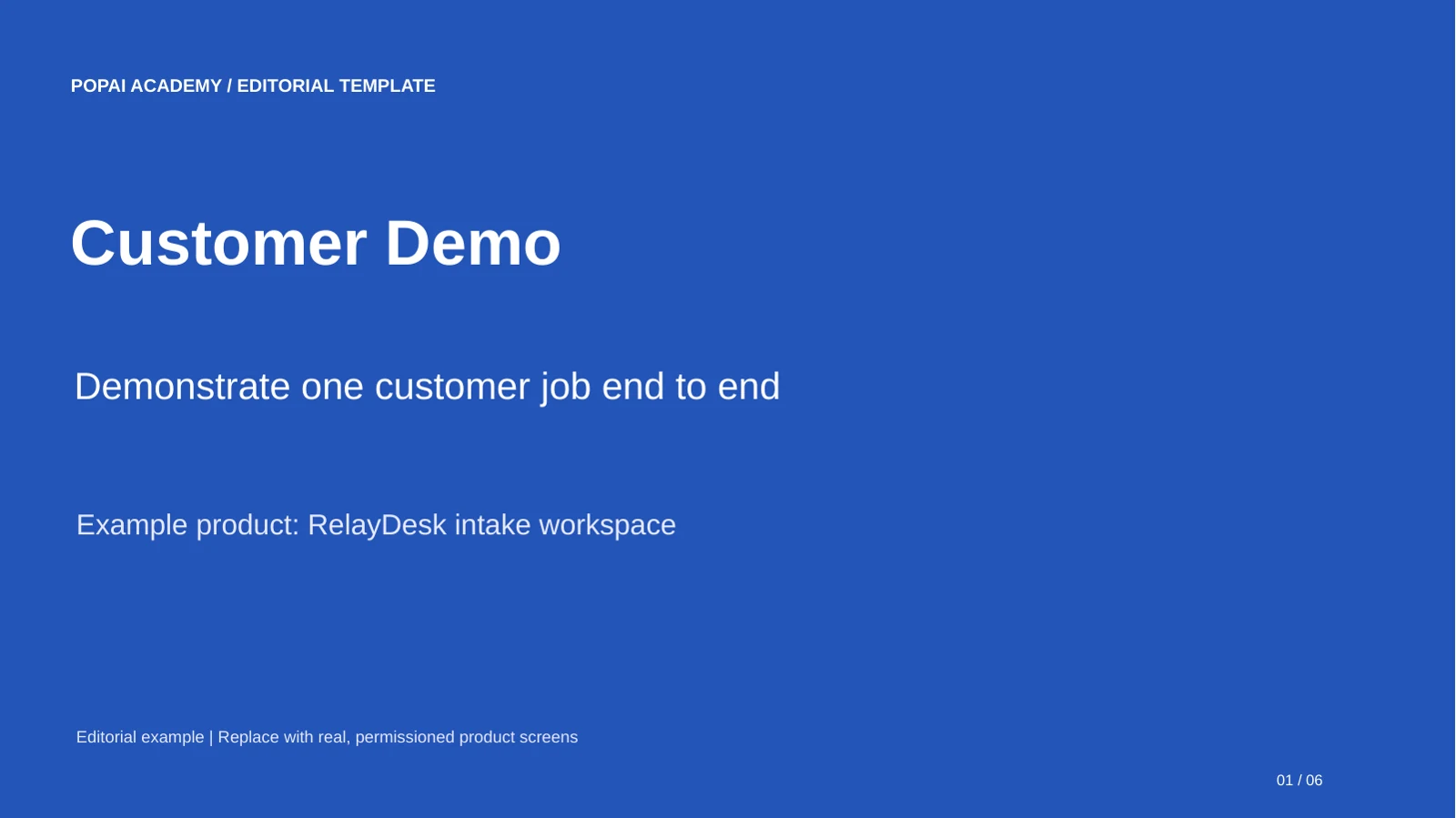
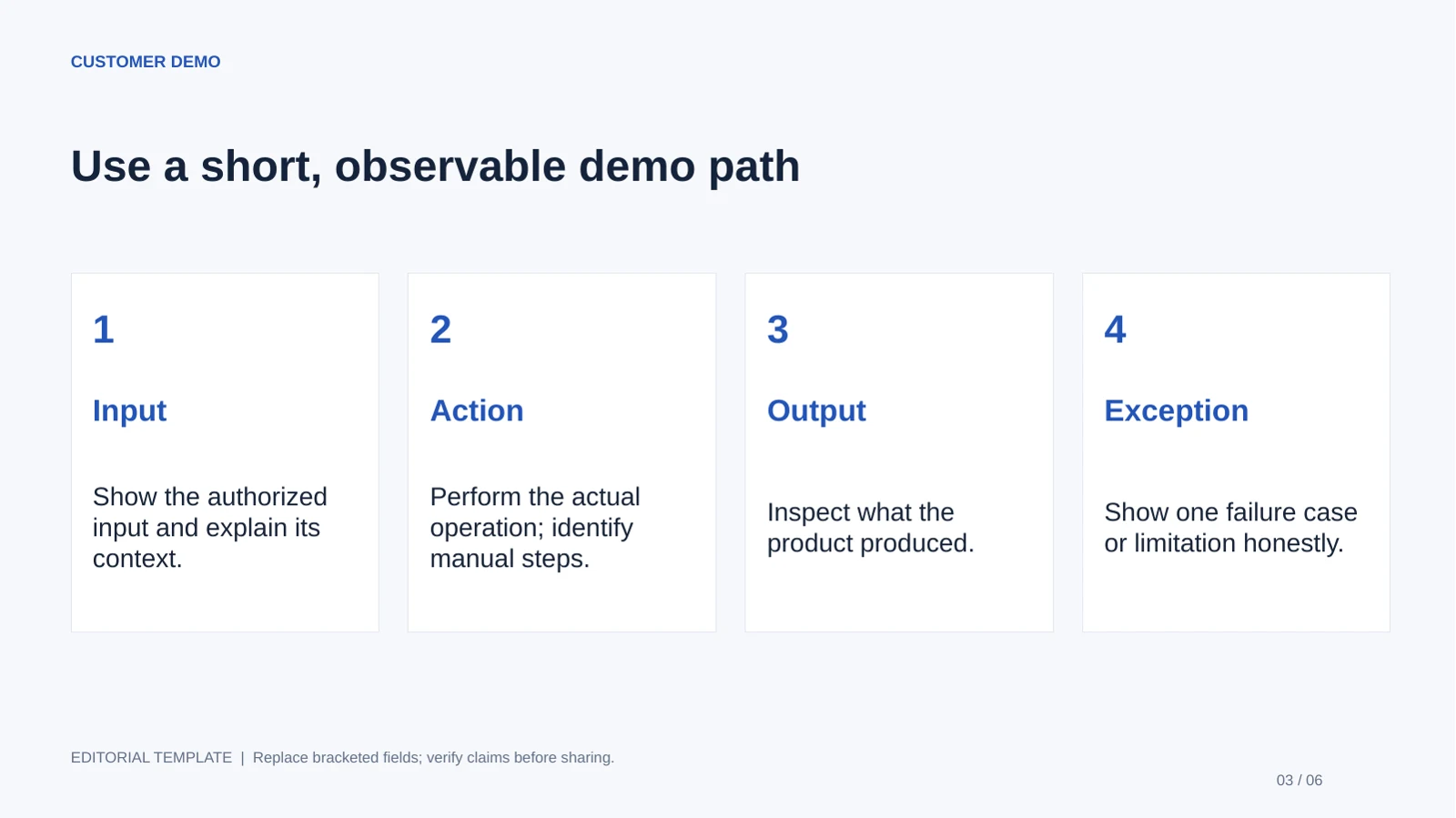
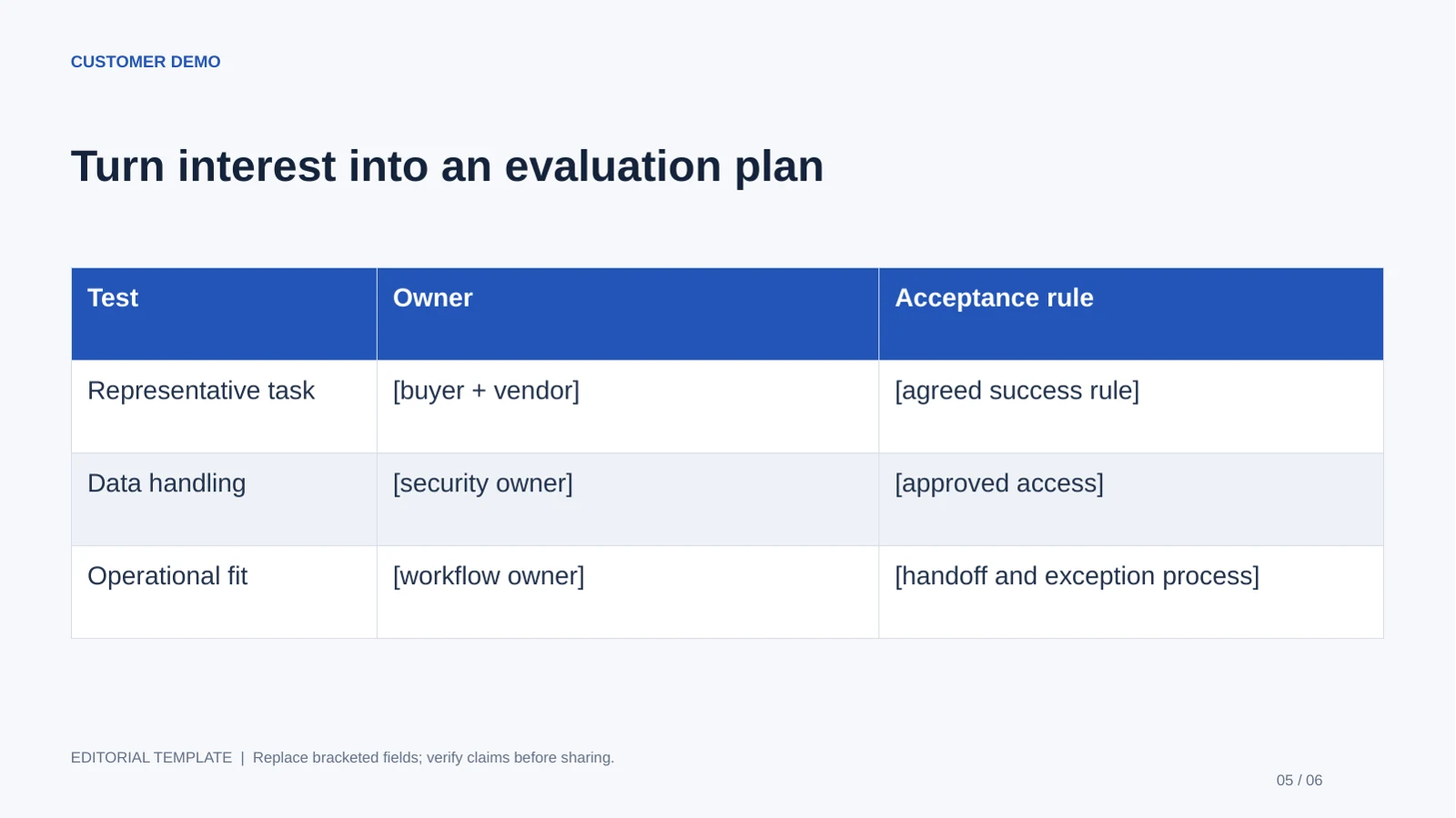
Customer Demo
Best for: Sales engineers and product marketers. Use: Customer evaluation. Length: 6 slides.
Bring before editing: Permissioned product screens, an observed task and agreed acceptance criteria.
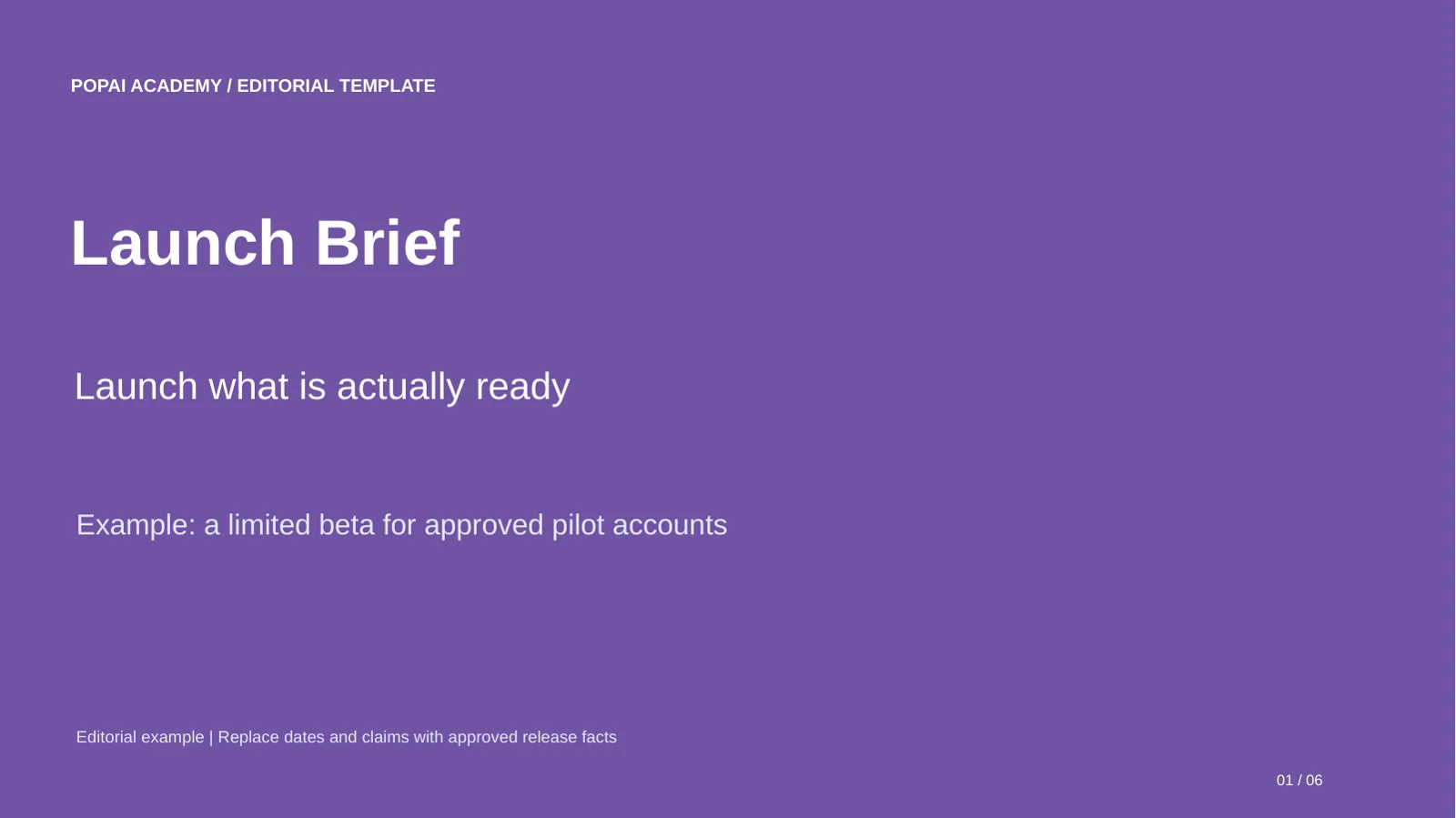
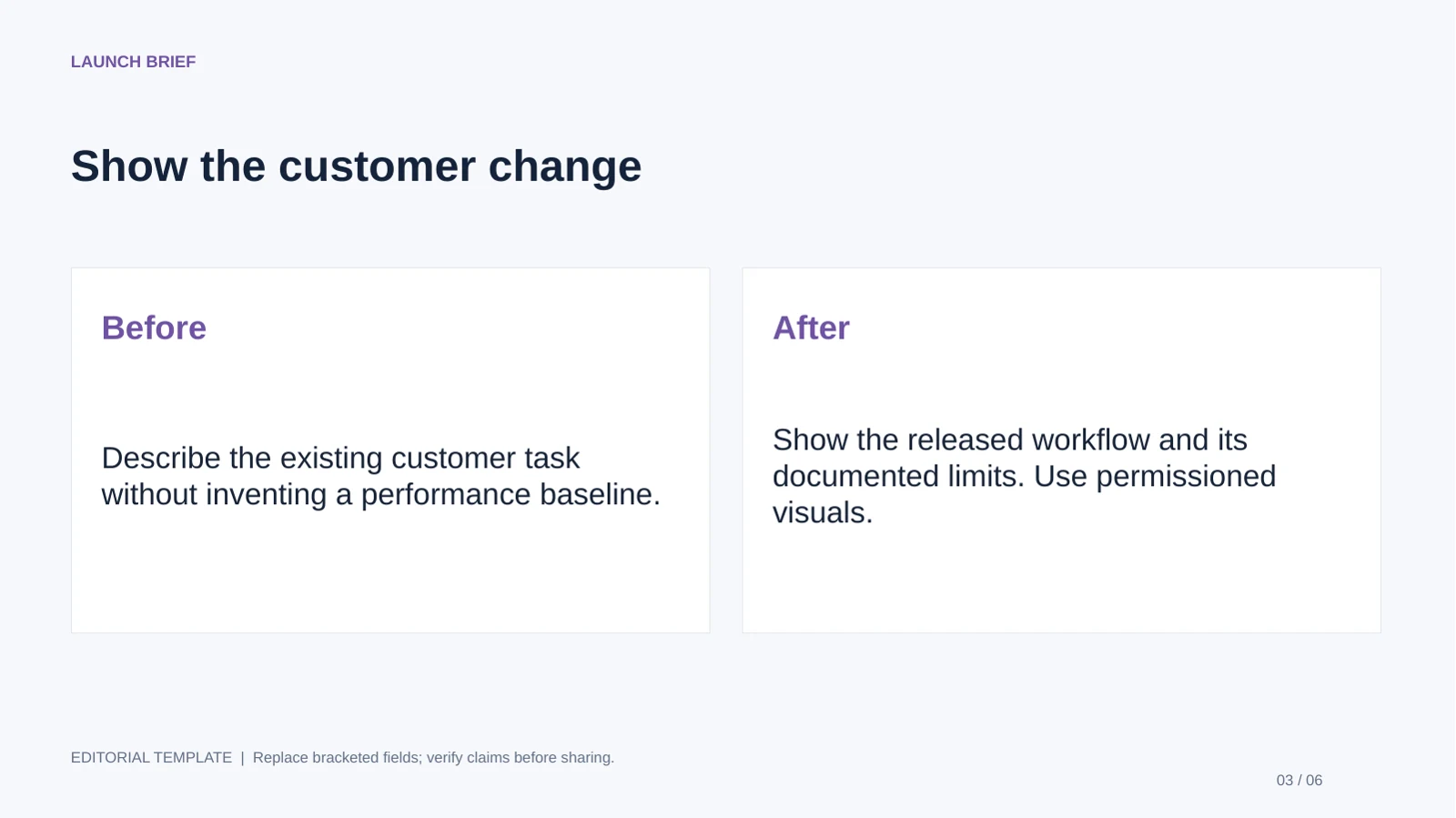
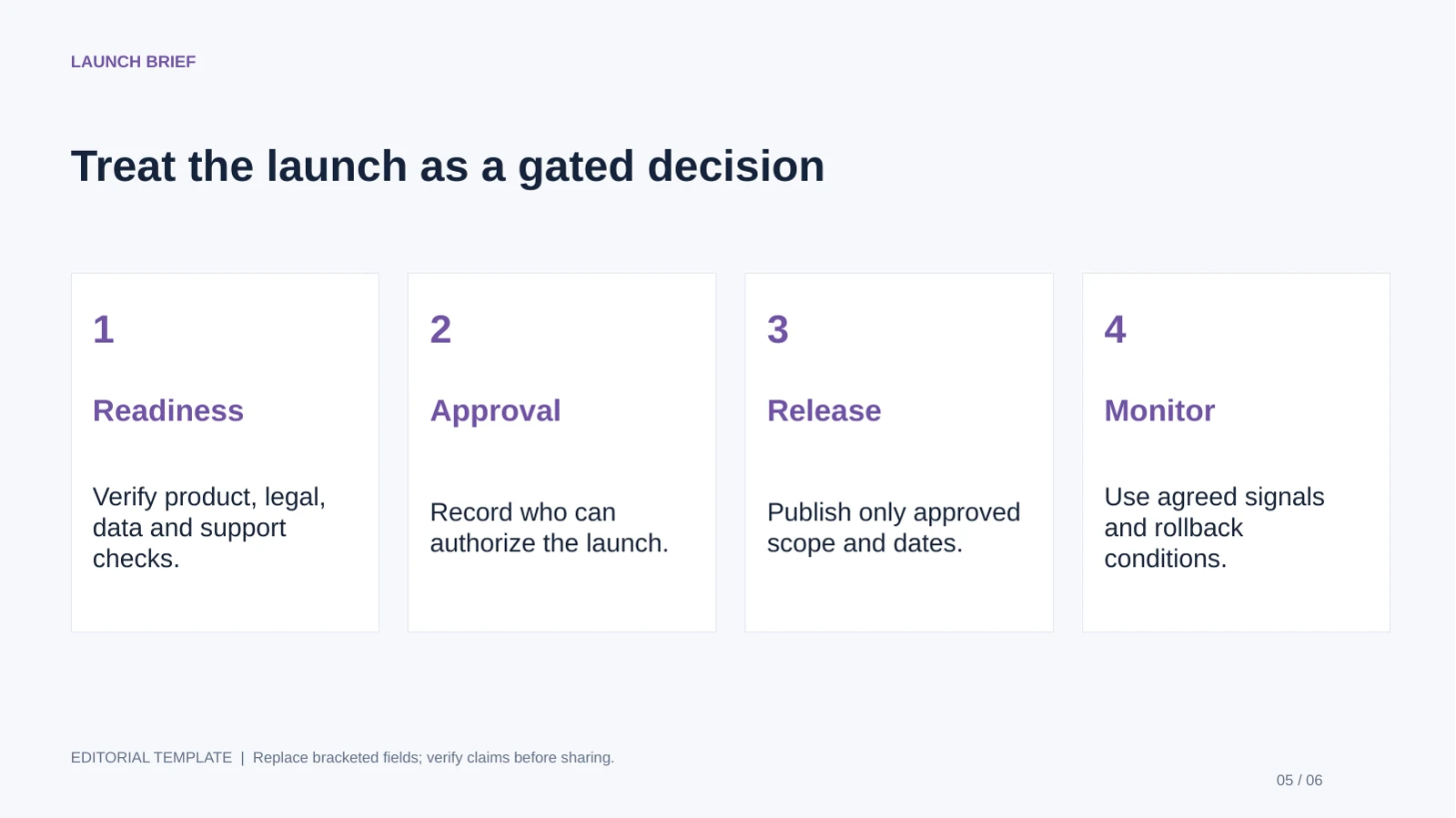
Launch Brief
Best for: Product and go-to-market teams. Use: Market launch communication. Length: 6 slides.
Bring before editing: Approved release scope, availability, limitations and support ownership.
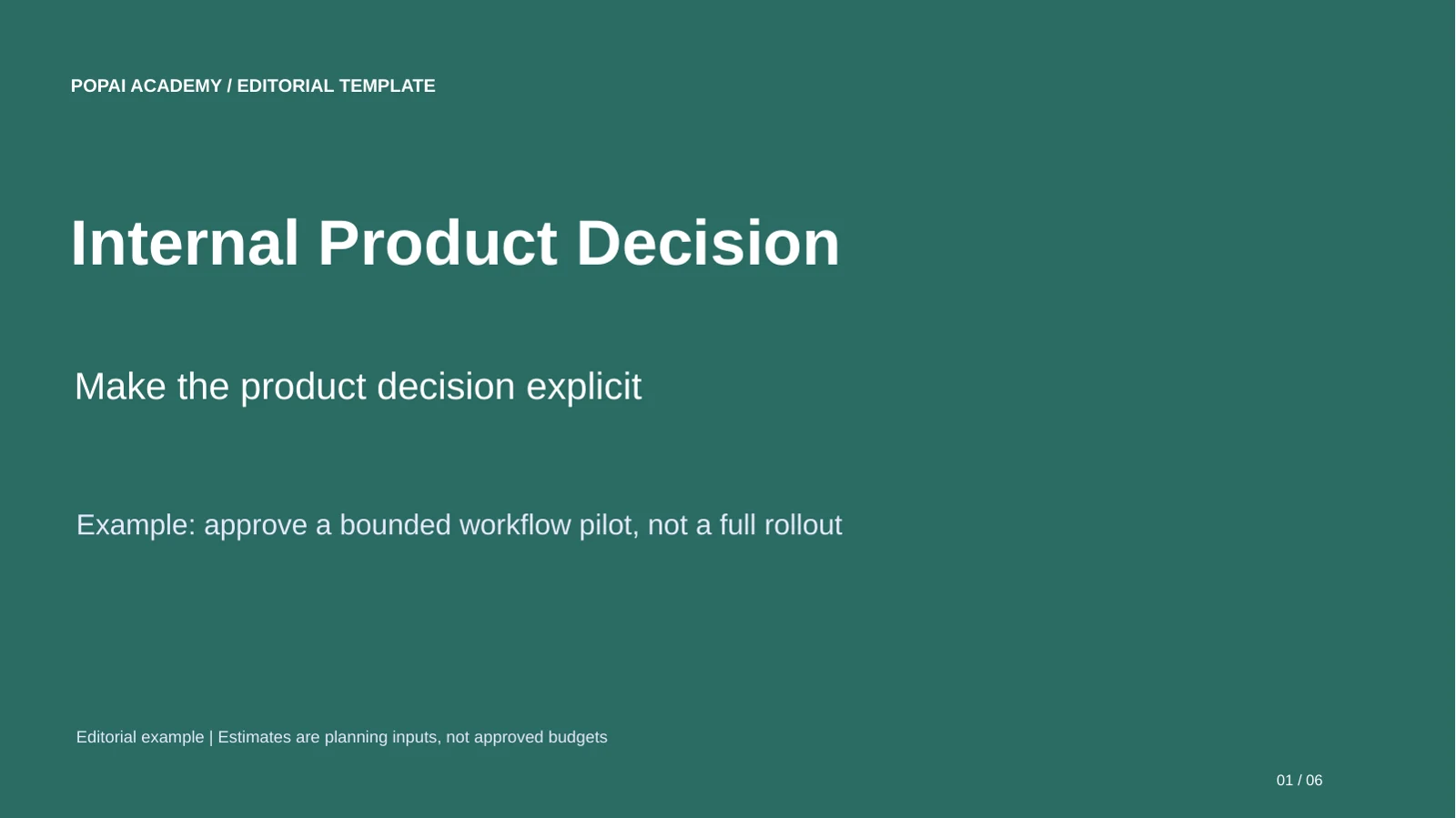
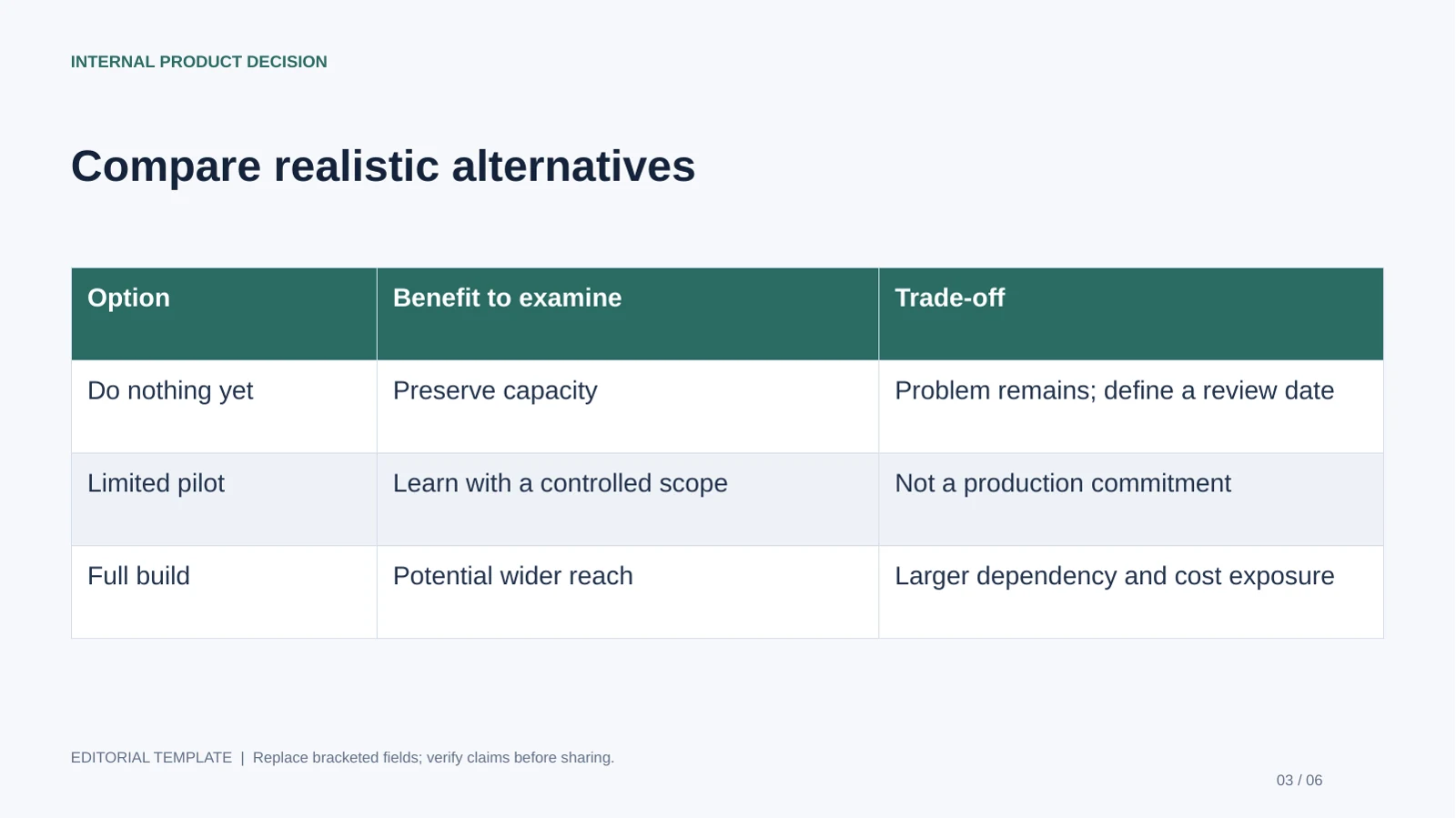
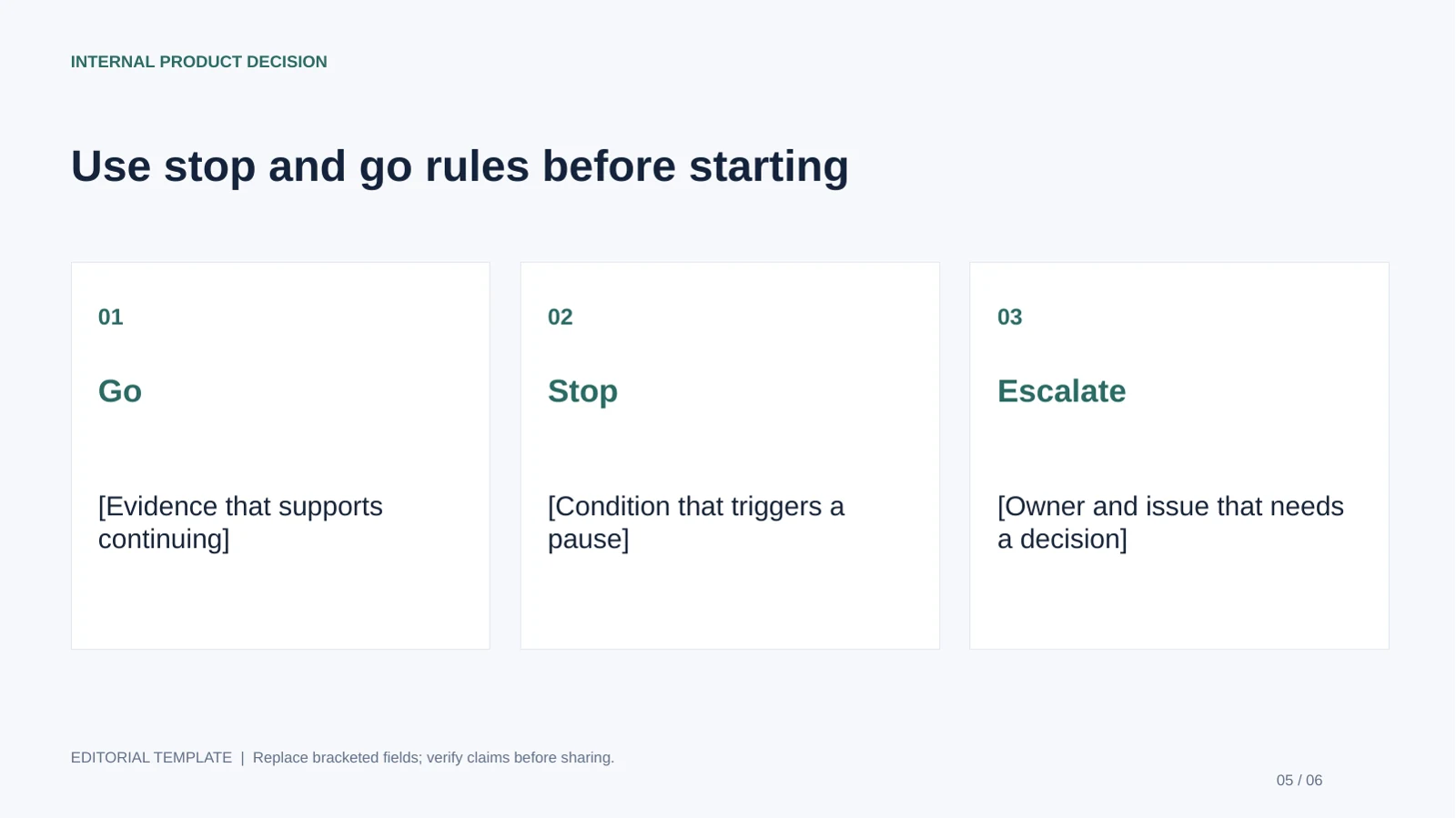
Internal Product Decision
Best for: Product managers seeking an internal decision. Use: Investment or prioritization approval. Length: 6 slides.
Bring before editing: Decision options, capacity estimates, dependencies and named decision maker.
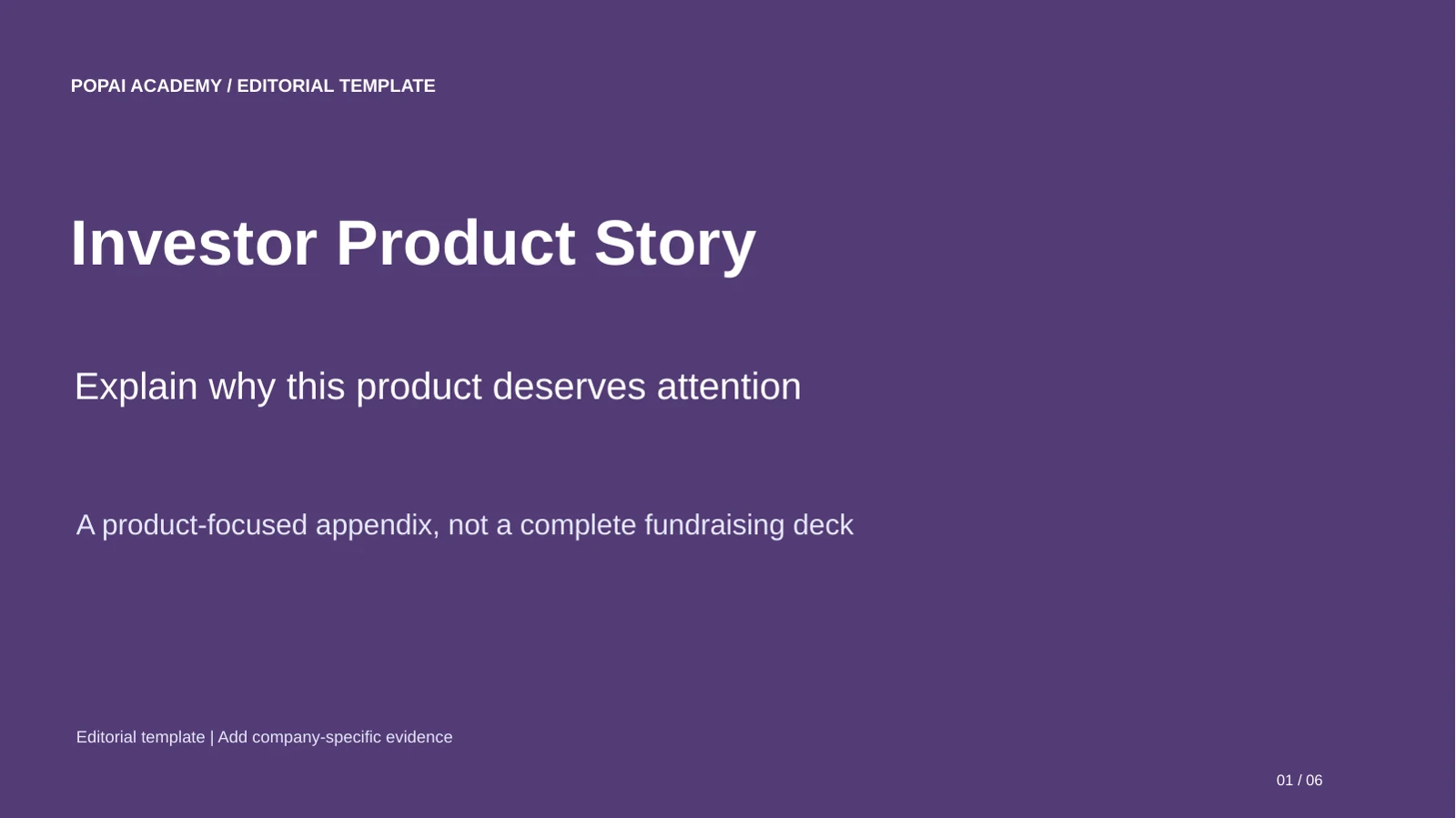
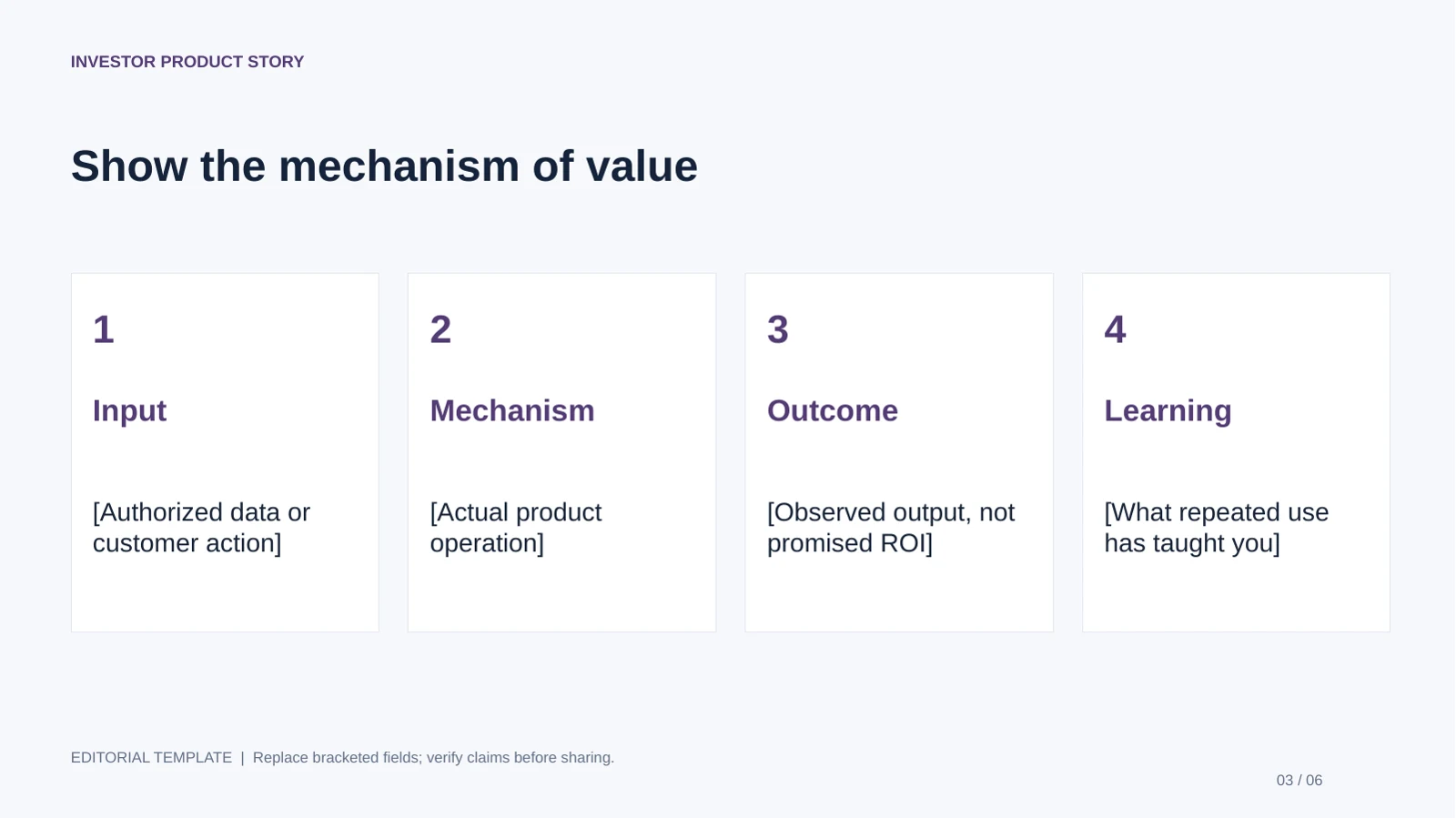
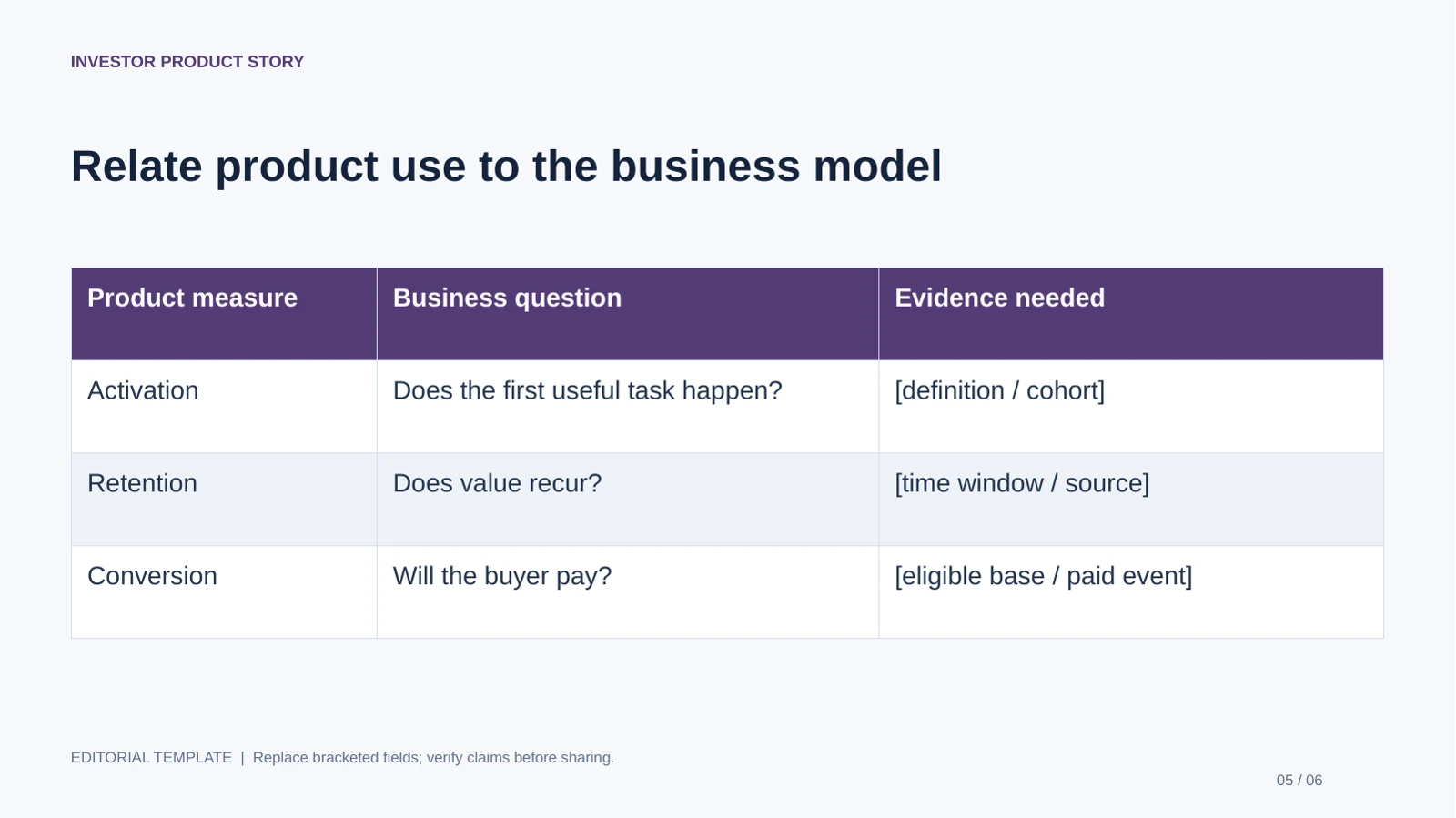
Investor Product Story
Best for: Founders adding product evidence to an investor meeting. Use: Product appendix to an investment narrative. Length: 6 slides.
Bring before editing: Product behavior, defensibility evidence, usage definitions and unresolved risks.
For the wider company evidence an investor needs, use the investor meeting templates. For release messaging and approved availability, use the product launch guide.
How to choose the best product pitch deck templates
Choose the template structure that gives your audience room to see the evidence behind the decision.
A fundraising deck, product launch, and internal proposal have different jobs. Investors need to assess opportunity and execution; a prospective customer wants relevance, proof, and a next step; an internal decision-maker may care most about constraints, cost, and ownership. The options below are useful structures to look for in a template library—not claims that a particular pack has been independently tested.
- Investor narrative: Look for flexible problem, market, traction, and financial layouts. Pre-seed teams should make assumptions visible; later-stage teams need space for retention, unit economics, and repeatable growth.
- Product demo: Choose layouts with room for a workflow, annotated screenshots, and a before-and-after comparison. This suits product launches and internal proposals where people need to understand how the product works.
- Customer value: Look for a buyer-problem opening, outcome or proof slide, implementation steps, and a clear call to action. Use this structure for sales pitches instead of carrying over fundraising slides about market size or funding.
Match the layout to the evidence you actually have. For example, a team with a working product but limited revenue may need a large demo frame and a small, clearly labeled pilot-results chart—not a full-page growth graph that implies a mature sales engine.
Illustrative example—not reported company data: A workflow startup has interviewed 12 operations managers, and 7 independently describe the same handoff delay. Its early deck could use a problem slide that summarizes those interviews, followed by a three-step product workflow and a pilot plan. It should not present those interviews as proof of market size or product-market fit.
Before selecting a theme, check that it accommodates your real content: legible charts, product images, source notes, and enough whitespace for the main point. A visually striking template is a poor fit if every slide forces a different kind of evidence into the same layout.
Choose the structure by asking what decision the audience must make—and which slide will give them the evidence to make it.
Best product pitch deck templates need a focused story
For a broader view of available tools, compare the latest AI presentation makers before choosing the workflow that best fits your team.
A useful pitch moves from a specific problem to evidence, a credible solution, and a clear request.
There is no mandatory sequence. For an investor presentation, these building blocks are a workable starting point; combine or reorder them when the audience or evidence calls for it.
- Opening and purpose: Name the company and state its value proposition in plain language.
- Problem and customer: Identify who experiences the problem, what it costs them, and how you know.
- Solution and product: Show the product in use with a screenshot, short workflow, or demo frame.
- Market and business model: Explain who pays and how you estimated the opportunity; distinguish sourced figures from assumptions.
- Traction and go-to-market: Show relevant usage, revenue, pilots, or other evidence, then explain how you acquire and retain customers.
- Competition, team, and plan: Clarify alternatives, why your team can execute, and the milestones ahead.
- Funding request and next step: State what you are seeking, what it will enable, and the follow-up you want.
A concise live fundraising deck is often planned in the range of roughly 10–15 slides, but treat that as a convention rather than a rule. A first-meeting teaser may be shorter; a customer presentation may need more space for implementation or a product demonstration. Put detailed calculations and supporting research in an appendix rather than shrinking the main slides.
Illustrative example—not reported company data: For a product with a 3-step onboarding flow, a strong demo slide could headline “Connect your data, review exceptions, approve in one queue” and show those steps in sequence. A weaker headline such as “Our innovative platform” gives the audience no specific claim to evaluate. If the deck is for an internal launch decision, replace the investor funding slide with launch cost, operational dependencies, and the decision owner.
Make each slide do one job: Write the takeaway as the headline, then use the visual and supporting detail to prove it. If a slide introduces unrelated claims, split it; if two slides make the same point, combine them or remove the weaker one.
Use AI to draft a pitch deck, then shape the message
AI can speed up the first outline, but the source facts and editorial decisions still need an owner.
1. Prepare a source brief
Give the tool the audience, purpose, company stage, desired length, and approved facts. Useful inputs may include a product brief, existing deck, or customer research summary. Remove or anonymize confidential financials, customer details, unreleased plans, and other sensitive information until you have reviewed the platform’s current privacy and data-use terms.
2. Generate and inspect the outline
Ask for a slide-by-slide outline before refining the design. Check that it follows your argument, distinguishes evidence from assumptions, and flags gaps. A generated outline is a draft: it can still misread supplied notes or introduce unsupported specifics.
3. Refine the slides and export a sample
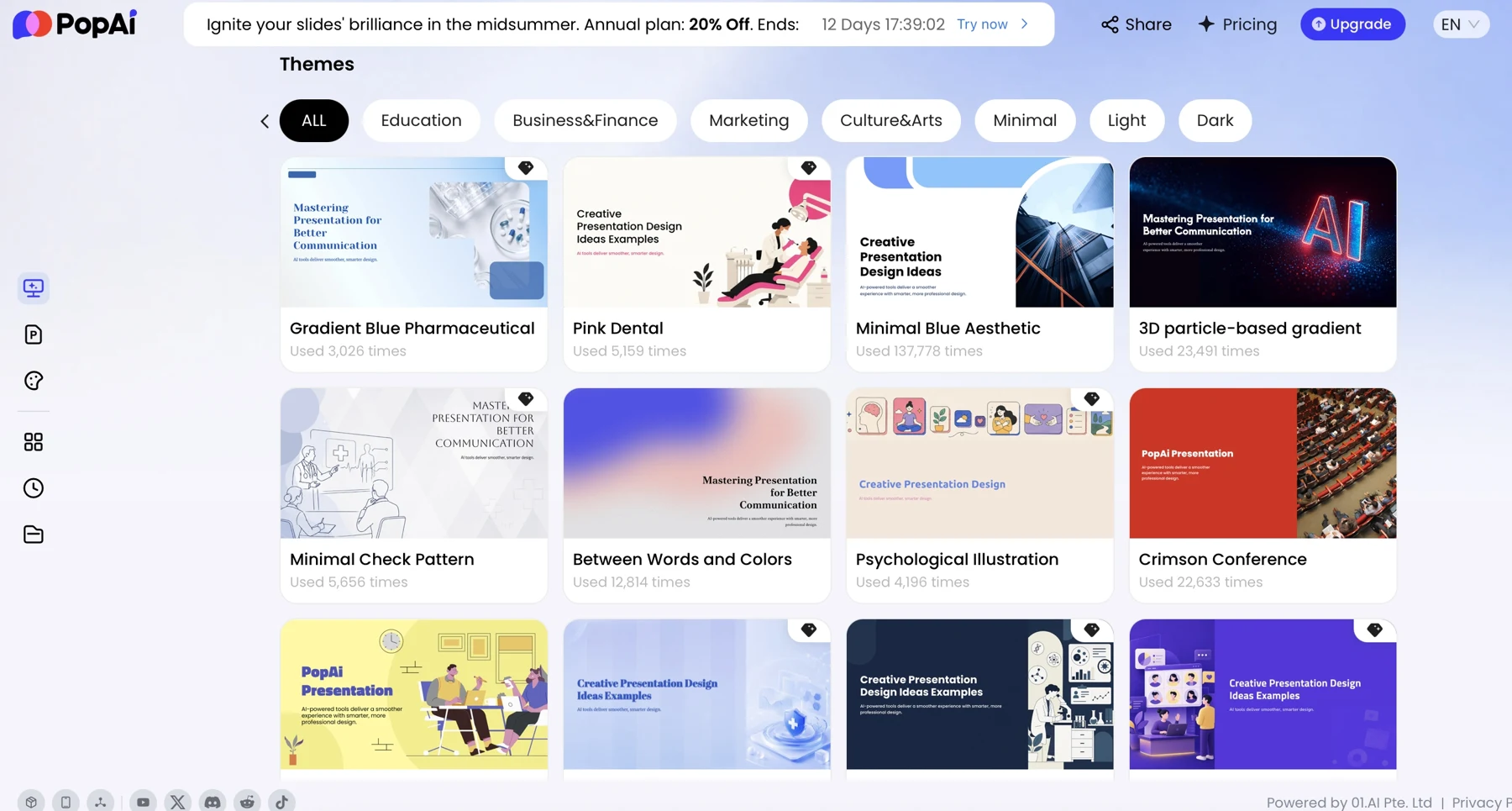
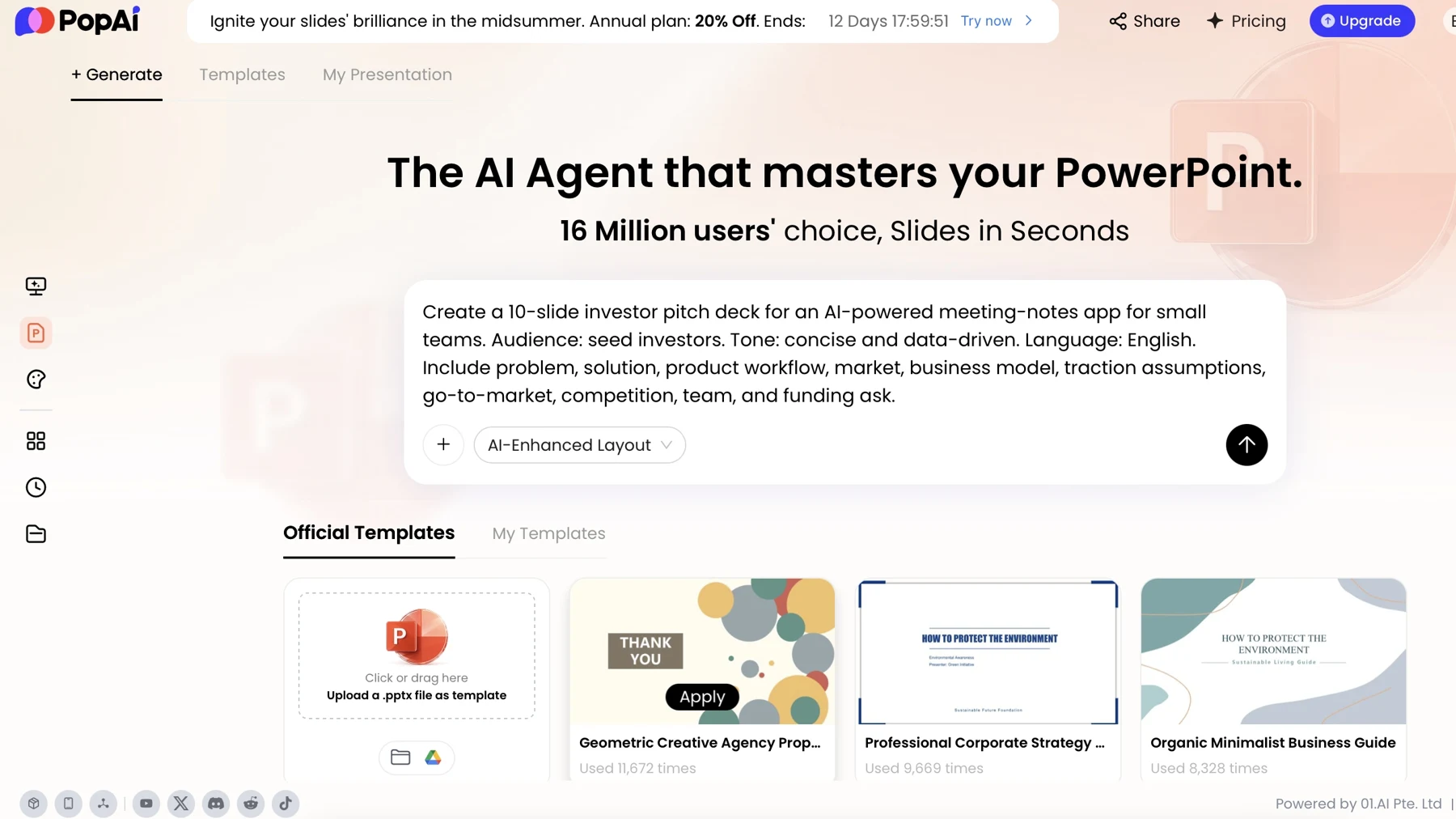
Replace generic copy with product language, add approved visuals, and check every number against its source. PopAi’s presentation workflows offer prompt-based creation and can start from materials such as documents, images, text, or PPTX files; available inputs and editing features can change, so confirm the current interface before relying on a particular workflow.
A practical prompt to adapt
Investor prompt: “Create a 12-slide seed-stage product pitch for [company] for [investor audience]. Use only the facts in the supplied notes. Cover the customer problem, solution, product, market, business model, traction, competition, go-to-market, team, milestones, funding request, and next step. Use concise, claim-led headlines. Mark assumptions and list missing or unverified data instead of estimating it.”
Change the audience and required evidence rather than merely changing the title. For a customer pitch, ask for the buyer’s problem, relevant workflow, outcome evidence, implementation, and a proposed next step; omit fundraising sections. For an internal proposal, request costs, dependencies, risks, owners, and the decision required. “Use only the supplied facts” is a useful guardrail, not a guarantee: verify every generated claim and figure against the source material.
Before polishing the design, correct the outline and fill gaps with approved evidence. Then revise the slide copy and layouts, and export a representative slide to check how it behaves in your presentation software.
Check template editability and PowerPoint export
File export and practical editability are separate checks; test the elements your team will actually need to change.
Run a small, repeatable test before building a high-stakes deck around a template. In the editor, try changing a text block, moving a shape, replacing an image, editing a chart, and applying a theme or layout. Export a sample PPTX, open it in the version of PowerPoint your team uses, and repeat the checks there. Also inspect fonts, line breaks, image crops, chart labels, and any animations or transitions you plan to present.
PopAi supports PPTX and PDF export, and text objects in an exported PPTX can be edited in PowerPoint. That example does not establish that every chart, layout, or design element remains fully editable, or that formatting will transfer without changes. Confirm the behavior with your own sample file and destination software.
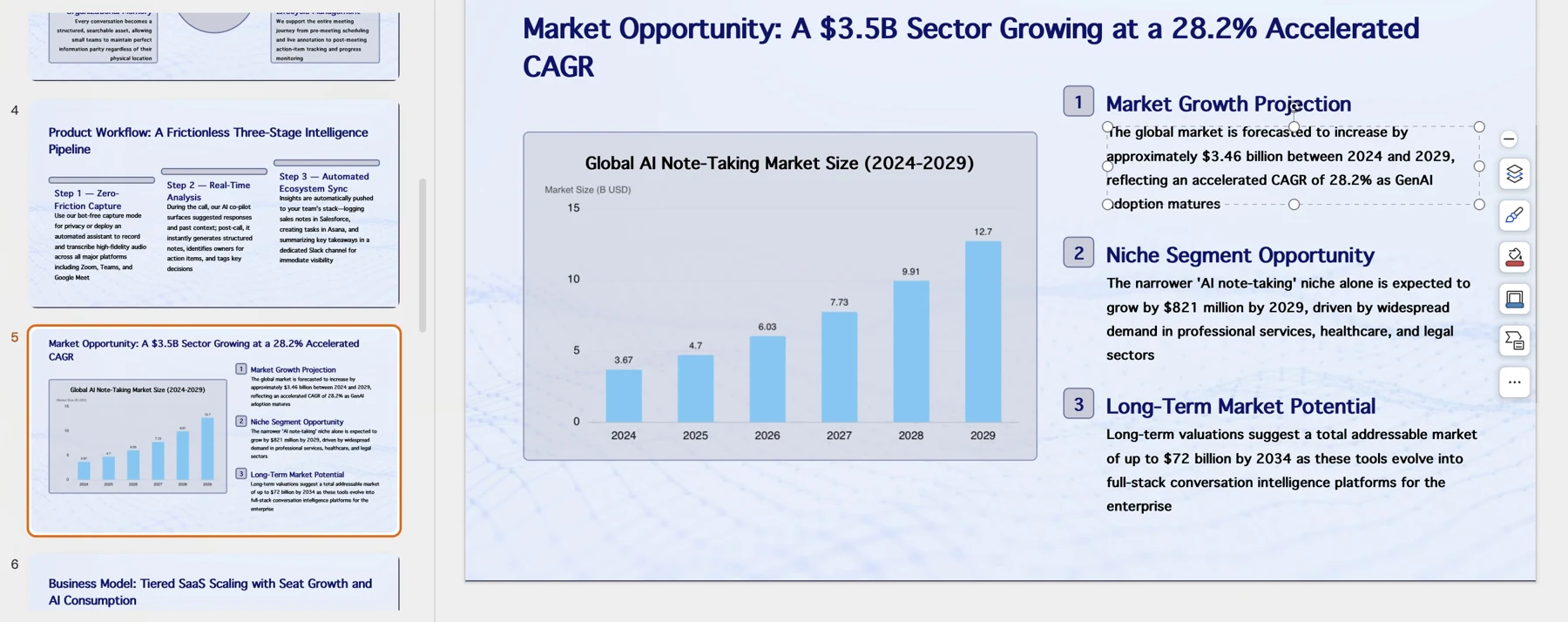
One editable text box proves only that the text box is editable. Check charts, images, layouts, and theme controls separately before promising an editable handoff.
For brand consistency, prepare approved logos, typefaces, colors, and image rules before applying a theme. Separately, check the rights and license terms for template assets you plan to use commercially. Export quality depends on the full workflow—creation, editing, export, and opening the file in the software used to present—so test a representative deck rather than relying on a file-format label.
Compare template tools by workflow, not template count
Use the same brief and the same review criteria when comparing template libraries and AI-assisted deck tools.
This is a buyer’s checklist, not a head-to-head tool ranking: no independent, same-brief test across competing products is claimed here. For a broader shortlist, compare AI presentation makers, then verify current features and terms directly with each provider.
| What to compare | How to test it | What a useful result looks like |
|---|---|---|
| Starting point | Use the same brief, source document, or existing PPTX in each shortlisted workflow. | The tool preserves the supplied facts and saves time without forcing a complete rewrite. |
| Template fit | Try a product workflow slide, an evidence chart, and a closing slide. | The layouts suit the content without making labels, caveats, or source notes hard to read. |
| Content quality | Check each headline, figure, and claim against the source brief. | Missing evidence is flagged rather than presented as fact; unsupported claims are easy to spot and remove. |
| Editing and brand fit | Change text, move elements, replace images, and apply brand colors. | The team can make routine revisions without rebuilding the deck from scratch. |
| Delivery and terms | Export to the required format, inspect it in the target app, and review current plan, privacy, and licensing terms. | The file is usable for the handoff, and the terms fit your intended use. |
Record the time needed to correct the outline, edit representative slides, and repair the export. A large template count is less useful than a layout that supports your evidence and a file your team can maintain. Prices, feature availability, free-tier limits, and licensing can change; check providers’ current terms before choosing or uploading sensitive material.
Avoid common pitch deck template mistakes
Run a final review for unsupported claims, mismatched layouts, and practical presentation failures.
- Market size without a basis: A large number with no definition or source is difficult to evaluate. Show the calculation or label the estimate and its assumptions.
- Features without customer value: “AI dashboard” names a feature; explain which user task it improves and what evidence supports that benefit.
- Unreadable exported charts: Check axis labels and footnotes at presentation size. If the audience cannot read them from the back of a room, simplify the chart or split the point across slides.
- Generic AI copy left in place: Replace broad claims such as “revolutionary platform” with a specific product function and customer problem.
- A call to action for the wrong audience: Ask investors for a follow-up, buyers for a pilot or meeting, and internal leaders for a named decision.
Before presenting, have the relevant owner fact-check the financial and market figures, have a product lead verify product claims, then open the exported file in presentation mode and rehearse the final slide. This catches errors that a visual design review alone will miss.
A slide can look finished while its claim is still unverified. Treat evidence review and export review as separate sign-offs.