AI Slide Deck Generator: How Auto Layout Builds Cleaner Decks

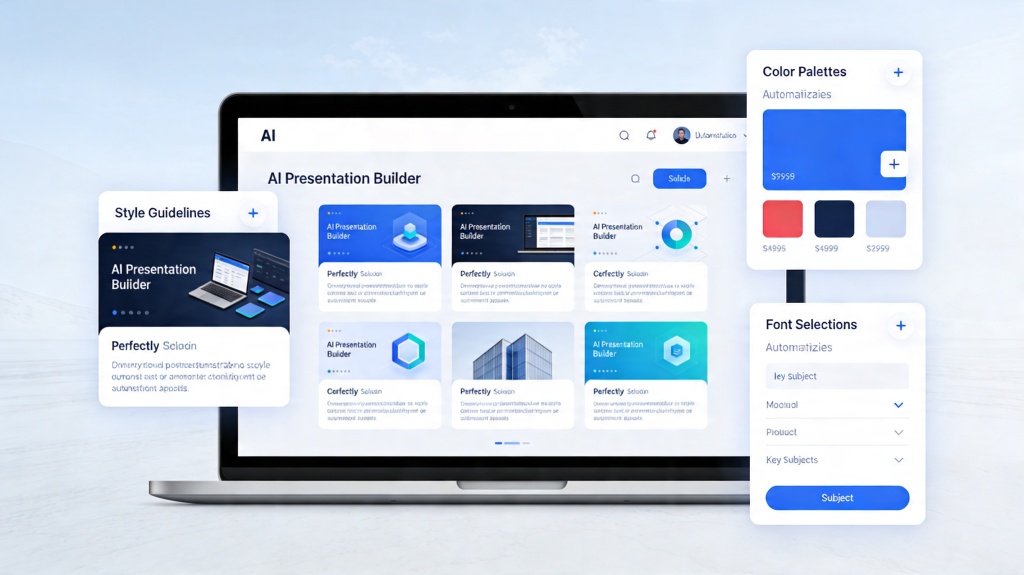
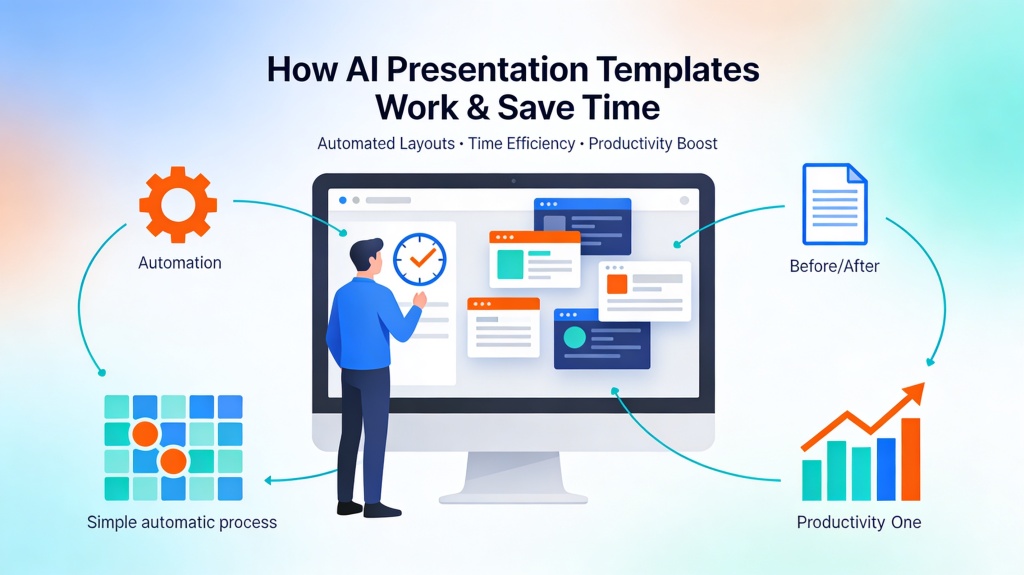
An AI slide deck generator helps when you have the content but not the time or design skill to turn it into a readable deck. Auto layout is the part that decides where titles, bullets, images, charts, and callouts should go so the result feels structured instead of pasted together.
This page is the primary guide for this topic: how auto layout works, when to use it, what inputs produce better slides, how to review the generated deck, and how it connects back to the core AI Presentation workflow.
Value proposition: turn outlines, notes, prompts, URLs, or documents into a first slide deck with hierarchy, spacing, and editable layouts already applied.
Best for: founders, marketers, consultants, students, trainers, product managers, and teams that need a polished first draft faster than manual formatting.
Tool entry: Start in PopAi AI Presentation, add your content, choose the deck goal, then review and refine the auto-layout draft.
What Auto Layout Solves in an AI Slide Deck Generator
Use this section to understand what auto layout should solve before you choose prompts, templates, visual hierarchy rules, or source-to-slides workflows. The goal is simple: turn rough material into a deck where the structure and layout are already clear enough to review.
| Manual deck building | AI auto-layout deck generation | What still needs human review |
|---|---|---|
| Manually choose slide types, align objects, resize images, and rebalance text. | AI assigns slide roles, selects layouts, places content, and applies spacing rules. | Message accuracy, audience fit, facts, brand voice, and final storytelling. |
| Design consistency depends on user skill and attention to detail. | Grids, margins, type scale, and image treatment are applied across the deck. | Whether the chosen layout supports the decision or lesson the deck needs to deliver. |
What Inputs Create the Best Auto-layout Decks?
Auto layout works best when the AI understands content roles. It needs to know which text is a title, which points are supporting evidence, which information belongs in notes, and what the audience should do next.
| Input | What to provide | Layout impact |
|---|---|---|
| Deck goal | Pitch, report, lesson, training, proposal, update, or case study. | Controls slide sequence and template type. |
| Audience | Executives, students, customers, investors, internal teams, or technical reviewers. | Controls density, terminology, and visual emphasis. |
| Content source | Outline, notes, URL, transcript, document, or prompt. | Determines whether the AI summarizes, explains, persuades, or organizes. |
| Visual constraints | Brand colors, logo, chart needs, image style, slide count, export format. | Keeps generated layouts closer to the final usable deck. |
How Auto Layout Works Behind the Scenes
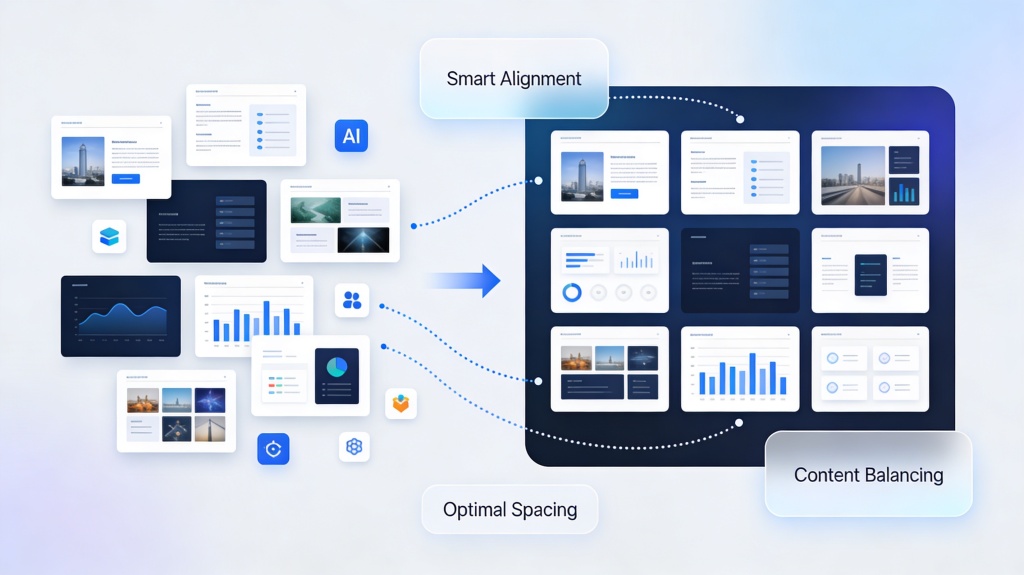
Auto layout is not just random template selection. It combines content understanding with design rules so the deck can adapt to different slide types.
- Content parsing: AI identifies titles, body points, examples, metrics, quotes, and action items.
- Slide role assignment: Each slide is treated as a problem slide, process slide, data slide, quote slide, comparison slide, or CTA slide.
- Layout matching: The generator chooses a structure that fits the role and amount of content.
- Spacing and hierarchy: Titles, subtitles, bullets, charts, and images are arranged with margins and visual priority.
- Overflow handling: If a slide has too much text, AI may shrink, split, summarize, or move detail into speaker notes.
How to Use an AI Slide Deck Generator in 5 Steps
Use this workflow when you want the speed of AI generation without losing control over deck quality.
| Step | What to do | Output to review |
|---|---|---|
| 1. Define the deck type | Choose pitch, report, training, lesson, proposal, update, or case study. | Slide sequence and section logic. |
| 2. Add source content | Paste notes, upload a document, enter a prompt, or use source material. | Outline accuracy and missing sections. |
| 3. Generate the first draft | Let AI create slide titles, bullets, visuals, and layout suggestions. | Whether each slide has one clear idea. |
| 4. Remix weak slides | Try alternate layouts for dense text, charts, or image-heavy sections. | Readability and balance. |
| 5. Finalize and export | Verify facts, apply brand details, add speaker notes, and export. | Final design, source accuracy, and delivery readiness. |
Copyable Prompt for Better Auto Layout
Use this prompt when you want the AI to think about layout quality, not only slide text.
Prompt template
Create a [NUMBER]-slide deck for [AUDIENCE] about [TOPIC].
Goal: [TEACH / PERSUADE / SUMMARIZE / REPORT / SELL]
Use auto layout to keep one main idea per slide.
For each slide, provide a claim-style title, 2-4 concise bullets, suggested visual, layout type, and speaker notes.
Avoid text-heavy slides. Split dense sections into multiple slides.
Use a [TONE] tone and a [VISUAL STYLE] design style.
Flag any slide where the content may need a chart, source check, or human rewrite.
Best Use Cases and When Free Tools Are Enough
Searchers often compare best, free, and professional options. The practical answer depends on deck risk and export needs.
| Use case | Free or lightweight use | When to use a stronger workflow |
|---|---|---|
| Class presentation | Outline, simple visual suggestions, and first slide draft. | When citations, rubric compliance, or source slides matter. |
| Investor or sales deck | Early narrative exploration and visual direction. | When metrics, brand polish, export quality, and revision control matter. |
| Training deck | Basic lesson structure and agenda slides. | When speaker notes, scenarios, quizzes, and localization are needed. |
| Executive update | Draft summary and slide structure. | When the deck must support a decision with verified evidence. |
Examples of Auto Layout in Real Decks
Example 1: Startup pitch deck
Input: founder notes about problem, solution, traction, business model, and fundraising ask. Auto-layout output: strong title slides, problem/solution comparison, metric cards, roadmap timeline, and clean ask slide. Human polish: verify numbers, sharpen the story, and add real customer proof.
Example 2: Training deck from messy notes
Input: onboarding notes, policy bullets, process steps, and manager talking points. Auto-layout output: agenda, process diagram, checklist slides, scenario examples, and recap quiz. Human polish: check policy accuracy and add company-specific examples.
Review Checklist Before Export
Auto-layout quality checklist
- Each slide has one main message and a claim-style title.
- Text fits comfortably without tiny fonts or crowded spacing.
- Images are cropped around the subject, not random background space.
- Charts and metrics are readable and tied to the slide title.
- Slide types vary enough to avoid a repetitive template feel.
- Brand colors, logo, tone, and CTA are consistent.
- The final slide tells the audience what to decide, do, or remember.
Before and After: What Auto Layout Should Fix
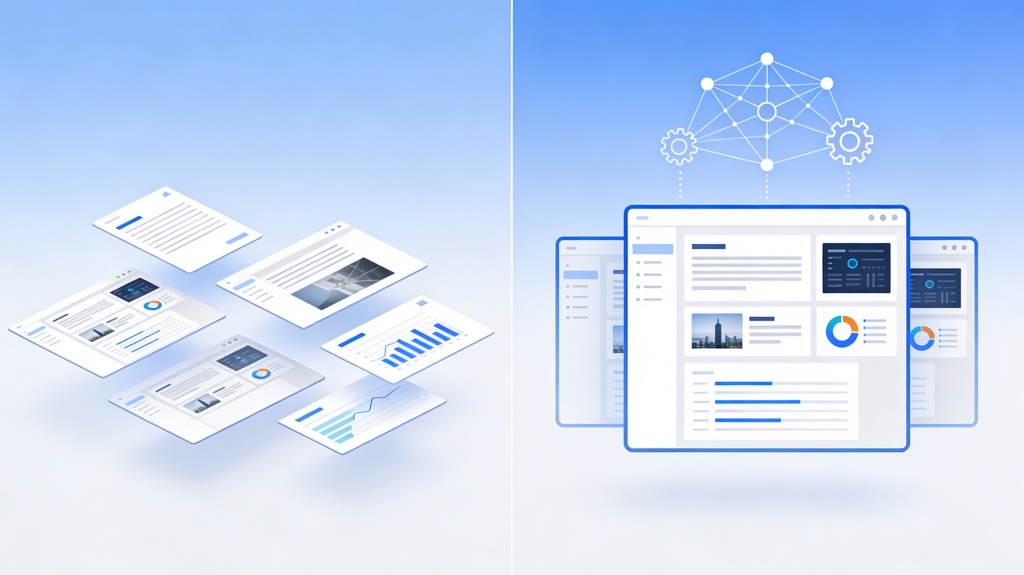
Auto layout is easiest to judge when you compare the same content before and after generation. A strong AI slide deck generator should decide hierarchy, spacing, grouping, and visual emphasis.
| Raw input problem | Weak AI output | Cleaner auto-layout output |
|---|---|---|
| Six bullet points with equal weight. | All bullets appear in the same size, creating a wall of text. | One takeaway becomes the slide title, three points become cards, and details move to notes. |
| A chart plus a long explanation. | The chart is squeezed beside a paragraph. | The chart gets most of the slide, with one callout number and a short interpretation. |
| Mixed screenshots, icons, and labels. | Elements are aligned by guesswork. | Images snap to a grid, labels use the same baseline, and spacing is consistent. |
How This Page Connects to the Core AI Presentation Tool
This guide explains the auto-layout behavior behind deck generation. After the draft layout is created, use the make AI slides look less generic and more human guide to add custom headlines, visual variety, and brand-specific polish. Then review the AI generated PowerPoint checklist before presenting so story, facts, visuals, and export settings are ready. To generate, edit, and export the deck itself, use the core AI Presentation page and return to this guide when reviewing layout quality.
FAQ: AI Slide Deck Generator
These answers cover common questions about best tools, free workflows, auto layout, and editing.
What is an AI slide deck generator best used for?
It is best for turning outlines, notes, source documents, prompts, or meeting ideas into structured slide decks with draft layouts, visual hierarchy, and editable slide content.
Can I use an AI slide deck generator for free?
Some tools offer free trials or limited free generation. For important decks, check export limits, watermark rules, slide count, brand controls, and whether you can edit layouts before presenting.
How does auto layout work in AI slide generation?
Auto layout uses content roles, grids, spacing rules, image cropping, and text-length checks to place titles, bullets, visuals, and charts in a balanced slide structure.
Can I edit the deck after AI generates it?
Yes. You should review slide order, shorten copy, adjust visuals, verify facts, add brand assets, and export only after the layout and message match the audience.
Create a cleaner slide deck with AI
Use PopAi to turn your outline, notes, or source content into a structured deck with editable auto-layout slides.
Start with PopAi AI Presentation