Visual Hierarchy in Slides: Size, Spacing, Layout Rules, and Examples
Updated August 25, 2026 · Julian Thorne
Visual hierarchy in slides tells the audience what to read first, what evidence supports the message, and which detail can wait. AI can draft a layout quickly, but size, spacing, alignment, and contrast still require a clear communication rule.
This guide includes practical rules, a three-layer template, before-and-after examples, a copyable prompt, a reusable checklist, and a focused workflow for conference presentations that must work on a large screen.
Visual Hierarchy in Slides: What Viewers Need to See First
Use one conclusion-led headline, one primary focal point, and a quiet area for sources or caveats. If every element has equal weight, the audience must design the reading order for itself.
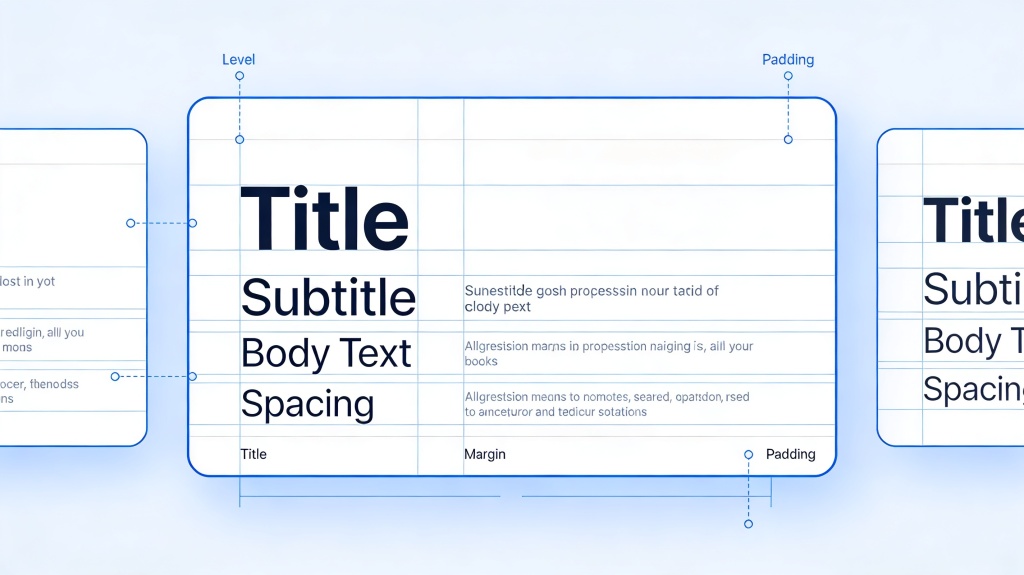
| Layer | Role | Design rule |
|---|---|---|
| Primary | Message to remember | Largest type or strongest focal point |
| Secondary | Evidence | Chart, number, image, or comparison |
| Tertiary | Source and context | Smaller but readable and visually quiet |
Size, Spacing, Alignment, and Contrast Rules
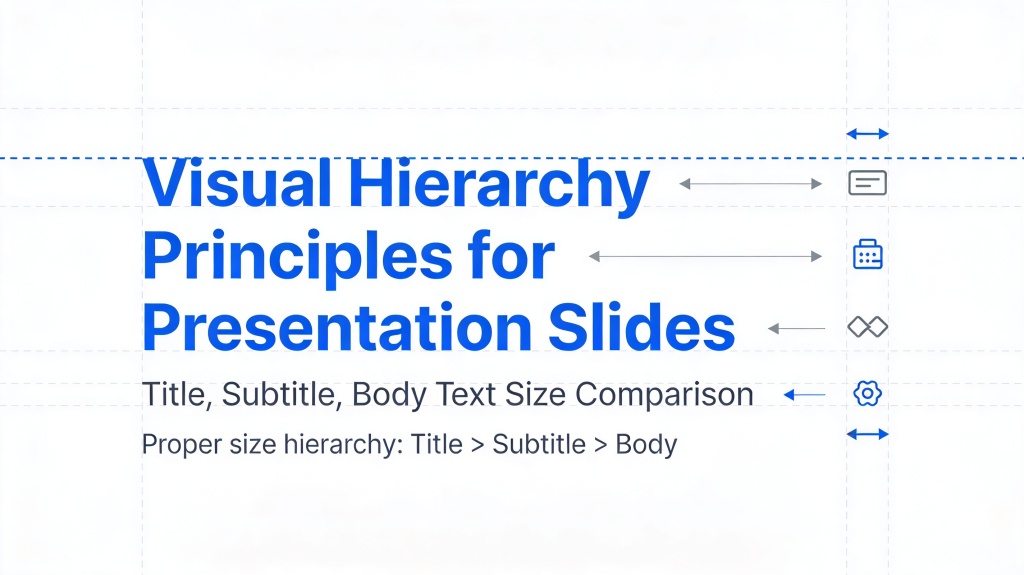
- Make the headline clearly larger than the body copy.
- Keep important content 5-10% of slide width away from the edge.
- Use repeatable spacing values and a shared alignment grid.
- Group related elements closely and separate unrelated groups.
- Use contrast to communicate importance, not merely to decorate.
- Test readability at thumbnail size and from presentation distance.
Before and After Examples
Sales performance slide
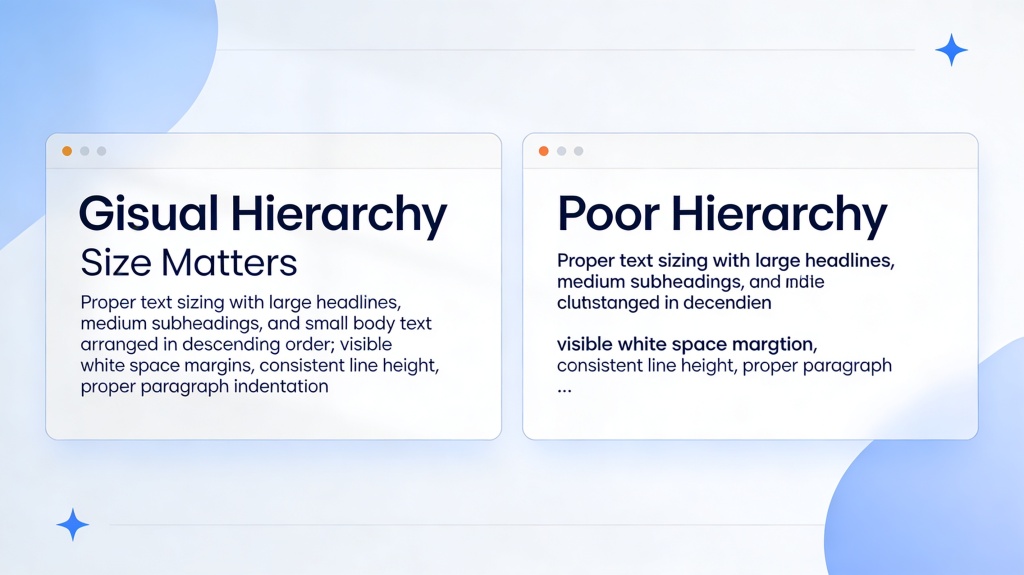
Before: five equal KPIs and a paragraph. After: one claim-led title, one dominant KPI, a compact trend chart, and a quiet source line.
Training lesson slide
Before: six bullets copied from an SOP. After: one headline, a three-step process, an annotated example, and a small help note.
Master AI Slides Generation for Conference-Winning Presentations
To master AI slides generation for conference-winning presentations, design for distance, limited viewing time, and live explanation. Begin with the research claim, choose the proof the room can understand in seconds, and move methodological detail into notes or backup slides.
| Conference slide | What belongs on it | Hierarchy rule |
|---|---|---|
| Opening | Question, stakes, and one memorable visual | Make the problem the focal point |
| Method | Only the choices needed to trust the result | Use a simple process diagram |
| Finding | One claim and one chart | Highlight the relevant data, not every value |
| Implication | Why the result matters | Use a conclusion-led title |
| Closing | Takeaway, next step, and contact | One strong final message |
Reusable Visual Hierarchy Checklist
- The main point is visible within five seconds.
- There is one primary focal point and one message per slide.
- Related items are grouped and aligned to a shared grid.
- Typography, contrast, and charts remain readable from the back of the room.
- Sources, units, periods, and caveats are present but do not compete.
- The exported deck has been tested on the actual display setup.
Frequently Asked Questions
How do I master AI slides generation for conference-winning presentations?
Start with one research claim per slide, design for distance, use a single readable visual, move detail into notes, verify every finding, and rehearse on the actual display.
What is the fastest way to improve visual hierarchy in slides?
Rewrite the title as a conclusion, choose one focal point, remove unsupported detail, group related evidence, and apply consistent margins and spacing.
Can AI fix slide hierarchy automatically?
AI can suggest layouts and size relationships, but a human should still check audience reading order, evidence, accessibility, brand fit, and export quality.