Version control for AI presentations answers four questions: what changed, which evidence was used, who approved it, and which copy may be shared. It is not the same as recovering a lost file. Use the separate backup and recovery guide for storage failures, deleted projects, and restore drills.
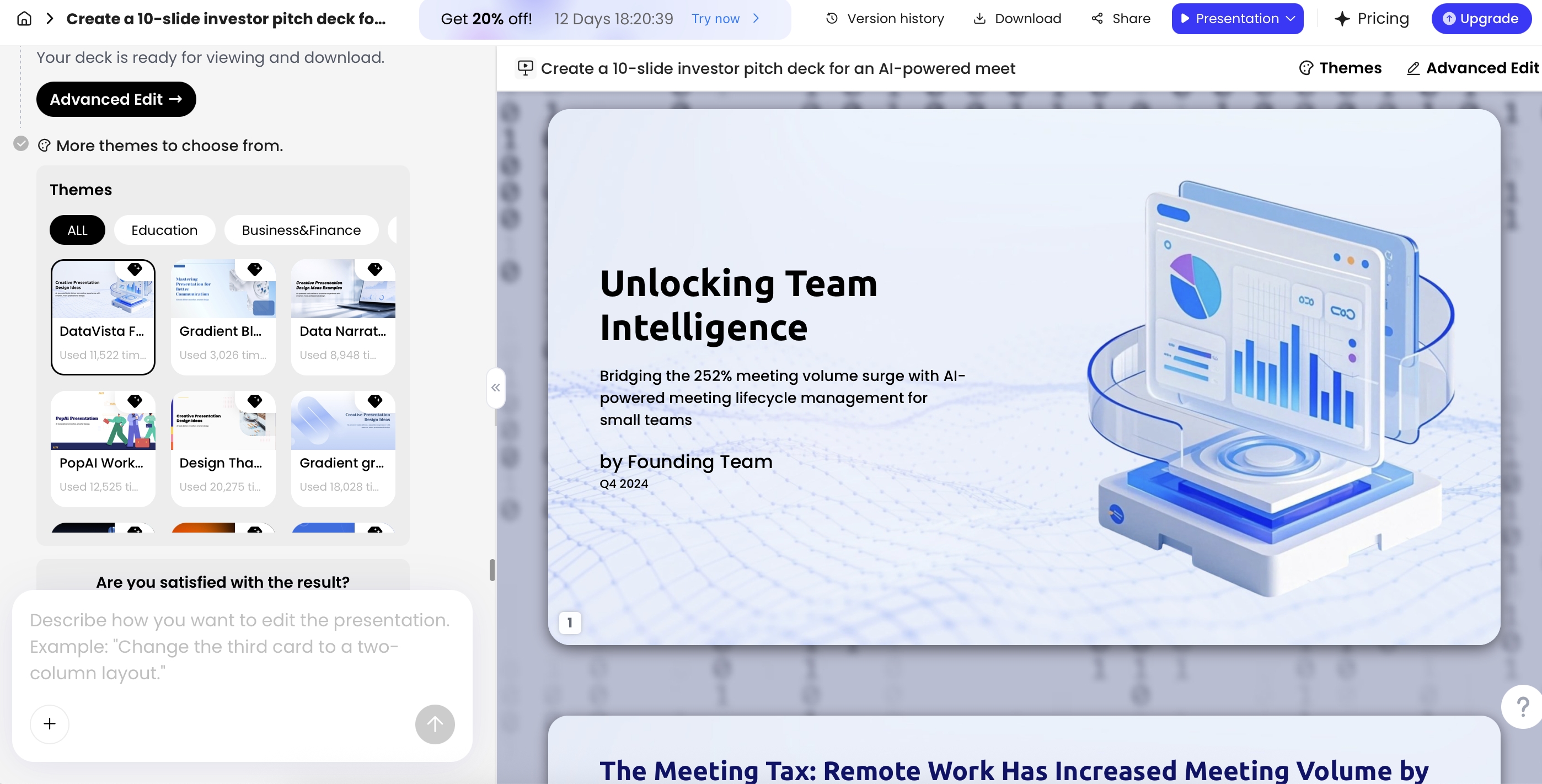
Most teams do not need a software-style branching system for every deck. Start with a shared working file, a clear reviewer, a short change log, and an approved release. Add Git-based controls only when the authoring workflow and team skills justify them.
Tier 1: a simple workflow for ordinary business teams
Use your approved shared workspace, such as Drive or SharePoint, as the place to find the working file. This is a governance pattern, not a claim that every account has identical version-history or approval features. Check the actual permissions, retention settings, and organizational rules.
| State | What belongs here | Who can change it | Exit condition |
|---|---|---|---|
| Draft | Editable working deck, approved input references, and open questions. | Named authors. | Author requests review on a specific revision. |
| In review | The fixed revision reviewers are commenting on. | Controlled edits by the owner; substantive changes return to review. | Content and design reviewers resolve material issues. |
| Approved release | The approved editable file, PDF, and approval record. | Release owner; do not silently overwrite. | Recipients receive this identified release. |
| Superseded | Earlier releases retained according to policy. | Controlled access. | Marked clearly so they are not mistaken for the latest copy. |
Illustrative filename: ClientReview_2026-09-17_v03_APPROVED.pptx. The date alone does not identify every revision. Keep an owner and release number, and avoid names such as final-final-new.
Share a link to the working file for collaboration, then identify the exact released artifact. If a shared link always shows the latest file, separately record which release the recipient actually received.
Record changes that affect meaning, not just appearance
| Change | Record in the log | Review needed |
|---|---|---|
| A chart uses a new reporting period | Old/new period, source snapshot, metric definition, and affected slides. | Data owner rechecks comparison and conclusion. |
| AI rewrites a conclusion | Previous wording, revised wording, and evidence supporting the change. | Content owner verifies certainty and scope. |
| A customer quote or image changes | Original and replacement asset, permission record, and source. | Relevant content/rights reviewer. |
| The export changes layout | Export format, application used for checking, and resolved defects. | Presenter or design owner. |
| A typo is corrected after approval | Released revision being replaced and the correction. | Follow the team's defined minor-change rule; retain traceability. |
For each generation or major rewrite, preserve the approved input packet, prompt or instruction summary, generation date, and the relevant tool/account context. Do not store credentials or unnecessarily sensitive data in a change log. Re-generation can change meaning even when the topic and template remain the same.
Use an approval gate before each release
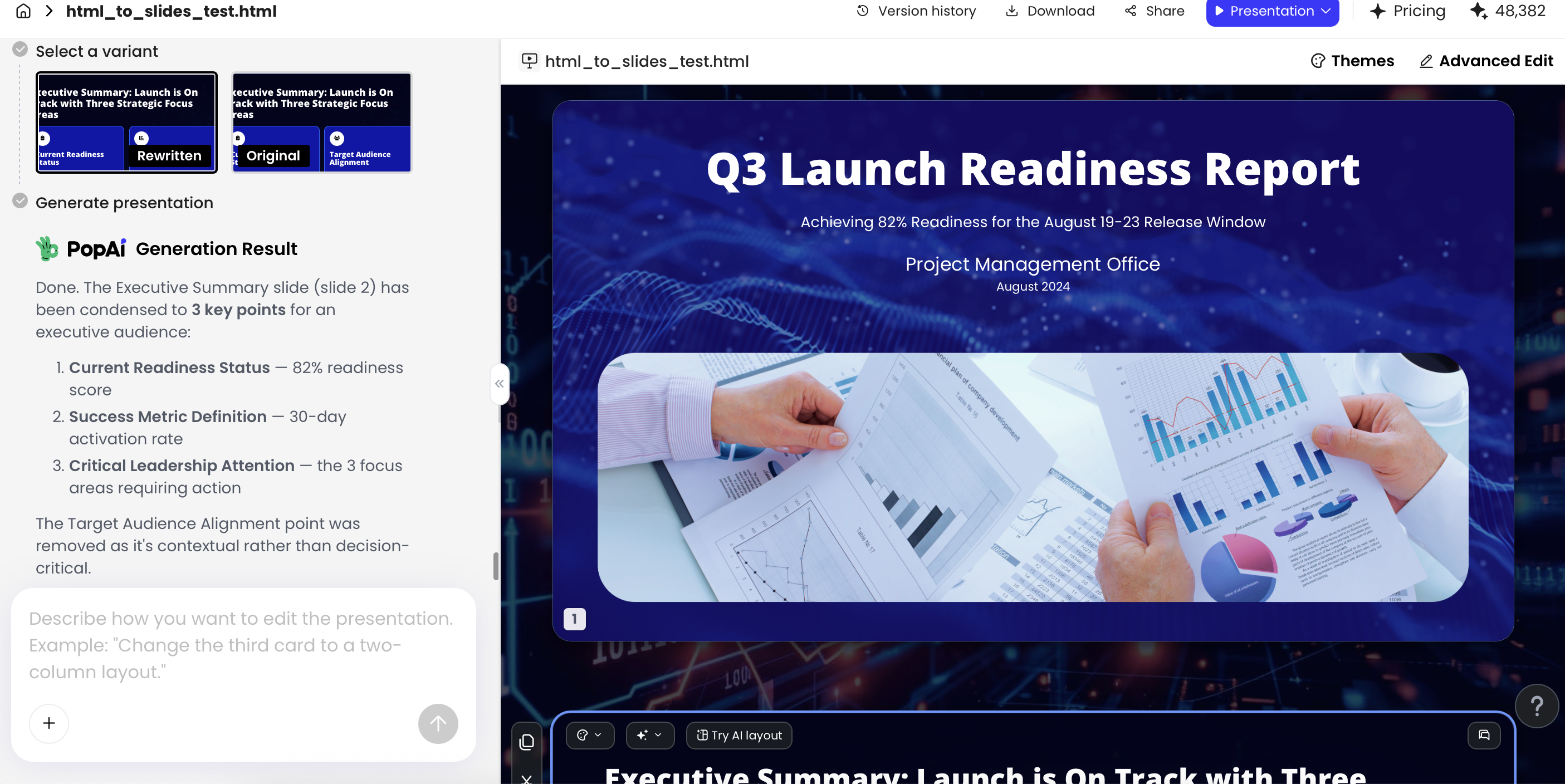
- Freeze the proposed revision and identify the exact deck reviewers should inspect.
- Check the facts against the source packet; resolve open numbers, quotations, and scope claims.
- Check brand, rights, and the intended audience or confidentiality level.
- Open the actual PPTX/PDF or other delivery format and inspect the released copy, not just the browser editor.
- Record approver, date, release ID, scope of approval, and known exceptions.
- Share the approved release and mark any prior distributed copy as superseded where practical.
Example: v02 was approved with August metrics. A new AI draft imports September metrics and rewrites the recommendation. That is v03 in review, not a silently refreshed v02. Approval of the old evidence does not approve the new conclusion.
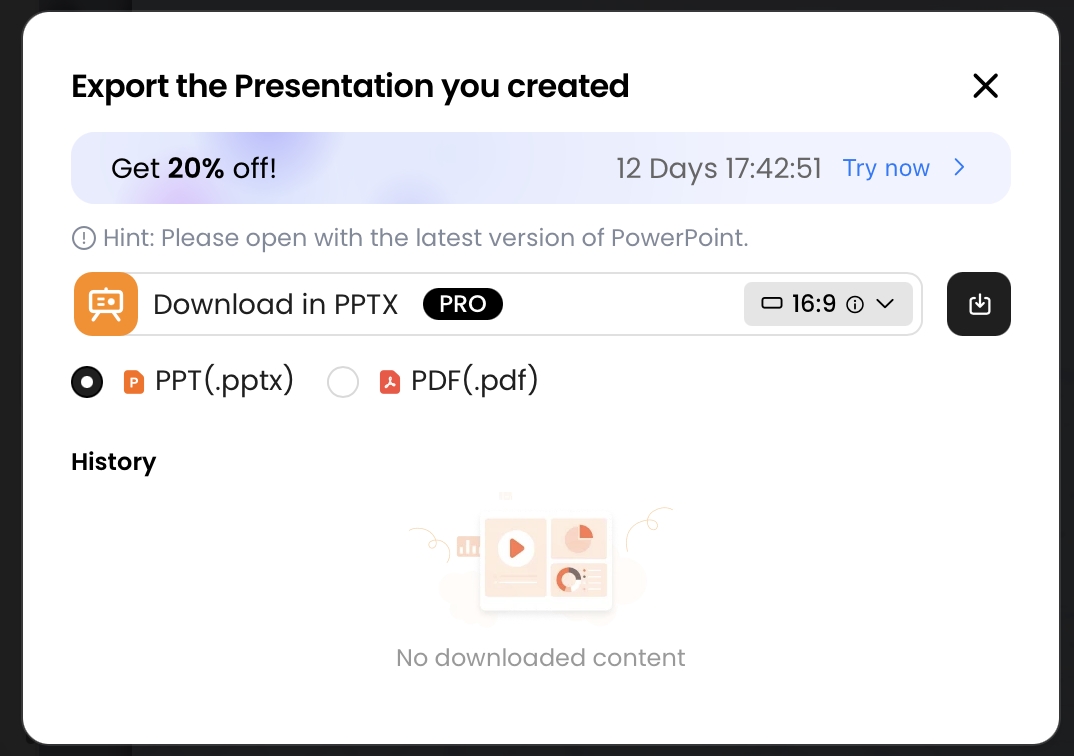
In PopAi or another creation tool, record the project identifier where available and the exported release files. This guide does not establish native branch protection, enterprise approval, or audit-log capabilities in PopAi. The governance process can sit around a supported creation/export workflow.
Tier 2: Git, Markdown, and large files for technical teams
Git is most useful when the source of the deck is text or code: Markdown, structured slide data, templates, scripts, and configuration. Those files support reviewable diffs. A binary PPTX can be stored, but its change is not equivalent to a readable sentence-by-sentence or chart-by-chart diff.
| Artifact | Suggested treatment | Reason |
|---|---|---|
| Markdown / structured slide content | Track as text; review through pull requests. | Reviewers can see narrative and data-reference changes. |
| Template and build configuration | Track with the source and document tool versions. | The same content can render differently under a different build. |
| Large images / media / binary decks | Use appropriate artifact storage or Git LFS where permitted. | Avoid inflating ordinary repository history; account for storage and download limits. |
| Release outputs | Build from an identified revision and retain a release manifest. | Connect exported PPTX/PDF to source commit, review, and build inputs. |
| Secrets and restricted source data | Keep outside the repository in approved protected systems. | A private repository is not a substitute for data minimization and access policy. |
GitHub's official large-file guidance warns about files larger than 50 MiB and blocks ordinary Git repository files larger than 100 MiB; browser uploads have a 25 MiB file limit. Git LFS is a separate large-file route with its own plan and storage conditions. Do not describe these as universal limits for all Git servers.
Use a pull request for a substantive change, require the relevant reviewer, and tag the approved release. Keep a manifest connecting source revision, input snapshot, approved assets, generated outputs, and export checks. A successful build does not prove the facts or brand treatment are correct.
Make rollback an explicit release decision
A rollback means choosing an earlier approved release because the latest one is unsuitable. Verify that the earlier version is still appropriate: its numbers, permissions, and disclosure context may now be stale. Record why the rollback occurred and which recipients need a replacement.
If the file is missing or corrupted, stop treating that as an approval problem and follow the recovery procedure. If the file exists but the wrong revision was shared, identify the approved artifact, correct distribution, and retain the change record. Both incidents benefit from clear ownership, but they require different actions.