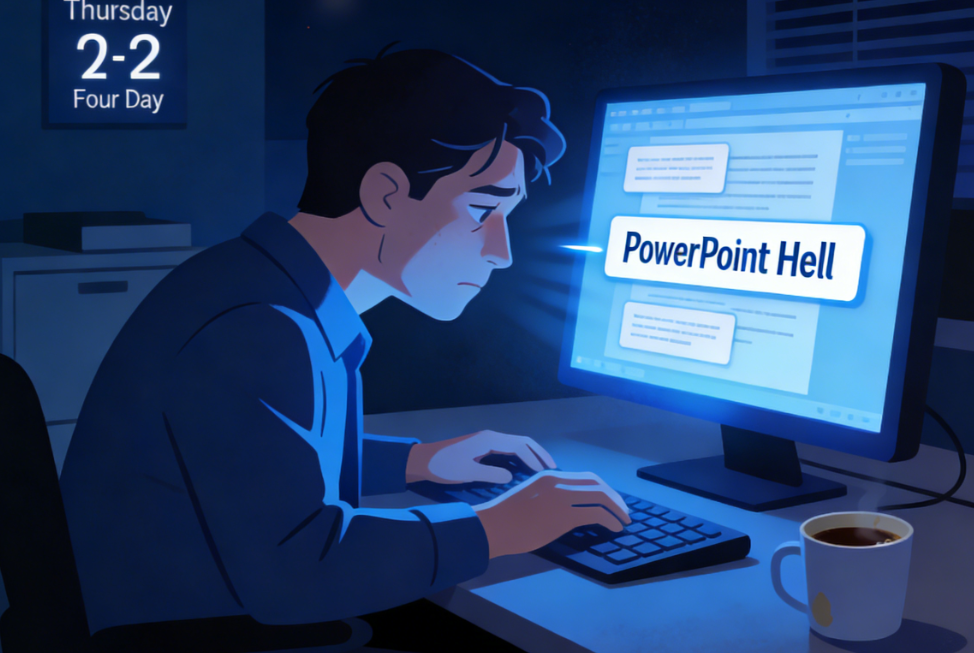
The 2 A.M. Crisis: Why We Are All Burned Out
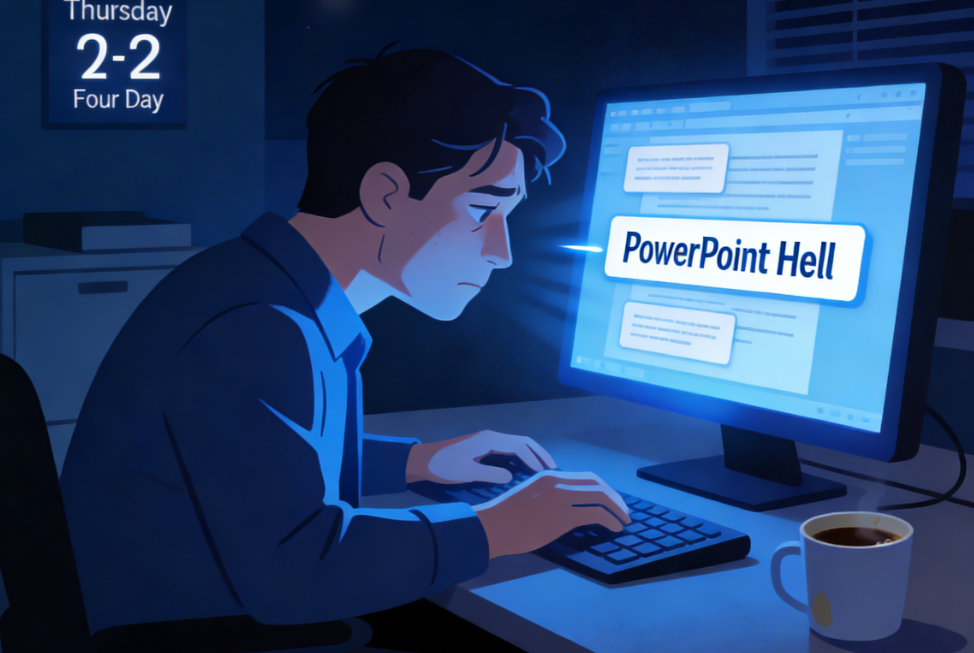
Let’s be honest with each other for a second. We have all been there. It is 2:00 AM on a Thursday. The office is dark, or maybe you are in your home office with only the blue light of the monitor illuminating your tired face. You aren’t solving a complex business problem. You aren’t closing a million-dollar deal.
You are moving a text box three pixels to the left.
Then, you realize it looked better where it was, so you move it back. This is “PowerPoint Hell.” It is the silent productivity killer that plagues the modern workforce. In 2025 and leading into 2026, the efficiency economy has taken over. Companies are leaner. Teams are smaller. The expectation for output has doubled, but the hours in the day haven’t.
If you are still building presentations the way you did in 2020—slide by slide, bullet point by bullet point—you are not just wasting time; you are actively hurting your career value. The modern boss or client doesn’t care how hard you worked on the deck; they care about the story it tells and how quickly you got it to them.
This brings us to the latest wave of generative AI tools. We aren’t talking about basic chatbots anymore. We are talking about workflow integrators. Recently, I dove deep into PopAi, a tool that has been making waves in the productivity sector. I wanted to see if it was just hype or if it could actually handle the heavy lifting of a professional company profile slides presentation.
What I found changed my entire perspective on content creation.
The Efficiency Gap: Adaptation vs. Obsolescence
Before we talk about the tool, we need to talk about the market. Look at the recent tech headlines. The major layoffs of the past two years had a common theme: redundancy. Roles that focused on “execution of repetitive tasks” were the first to go. Roles that focused on “strategy and decision making” stayed.
When you spend four hours formatting a presentation, you are in “execution” mode. You are replaceable. When you spend 15 minutes generating a presentation and 3 hours refining the strategy, the pitch, and the data analysis, you are indispensable.
This is where the psychological barrier lies. Many of us feel guilty using AI, as if it is “cheating.” But let me ask you: Is using a calculator cheating at math? Is using a spell-checker cheating at writing? No. It’s leverage.
PopAi represents that leverage for visual communication. It bridges the gap between your raw data and a finished product. The “pain point” here isn’t just laziness; it is the cognitive load. Trying to figure out the design, the flow, the structure, and the content simultaneously is exhausting. AI separates these tasks. It handles the structure and design, leaving you to handle the expertise.
Enter PopAi: Not Just Another Wrapper
There are a thousand AI tools out there. Why are we talking about PopAi? Because in my testing, it showed a specific competency that many others lack: Contextual Understanding and Document Interaction.
Most presentation generators are gimmicky. You type “Make a deck about dogs,” and it gives you five slides of generic text and stock photos. That is useless for business.
PopAi works differently because it is deeply integrated with document analysis (PDF/Word) and web reading capabilities. It doesn’t just “hallucinate” content; it extracts it from the sources you provide.
The “Company Profile” Challenge
Let’s look at a specific use case: a company profile slides presentation. This is one of the hardest decks to build. It needs to be accurate, branded, professional, and data-rich.
Here is the old workflow:
1. Open 15 tabs of your company website.
2. Open the old PDF brochure.
3. Copy-paste “About Us” text.
4. Realize the formatting is broken.
5. Search for a stock photo of a handshake (cliché).
6. Spend an hour trying to make a timeline graphic for the “History” slide.
7. Total time: 6+ hours.
Here is the PopAi workflow I tested:
1. I uploaded the company’s annual report (PDF) and pasted the URL of the “About Us” page into PopAi.
2. I entered the prompt: “Create a Company Profile slides presentation based on this data. Focus on our growth metrics, history, and core values.”
3. PopAi analyzed the documents.
4. It generated an outline for approval.
5. It built the full deck, including charts and relevant layout structures.
6. Total time: 4 minutes.
The difference isn’t just speed; it’s sanity.
Deep Dive: How PopAi Actually Works

Let’s get technical (but keep it simple). PopAi combines a Large Language Model (LLM) with a visual rendering engine.
1. The “Chat with Document” Foundation
This is the killer feature. You don’t start with a blank slide. You start with your knowledge base. You can upload your product manuals, your financial reports, or your project specs. PopAi reads them. When you ask it to generate slides, it pulls specific facts from your upload. This ensures that the company profile slides presentation actually contains your company’s profile, not a generic template.
2. Auto-Population of Visuals
One of the most tedious parts of PowerPoint is finding images. PopAi automates this by selecting relevant imagery based on the context of the text. If the slide is about “Global Expansion,” it suggests maps or connectivity visuals. If it’s about “Team Structure,” it sets up an organizational chart layout.
3. The “Edit” Loop
AI isn’t perfect. It never will be. But PopAi’s interface allows for rapid iteration. You don’t like the tone of the “Mission Statement”? You don’t rewrite it manually; you highlight it and click “Rewrite to be more punchy” or “Make it more professional.” You are editing at the speed of thought.
The “Free” Trap vs. The “Pro” Investment
Now, let’s address the elephant in the room: Pricing.
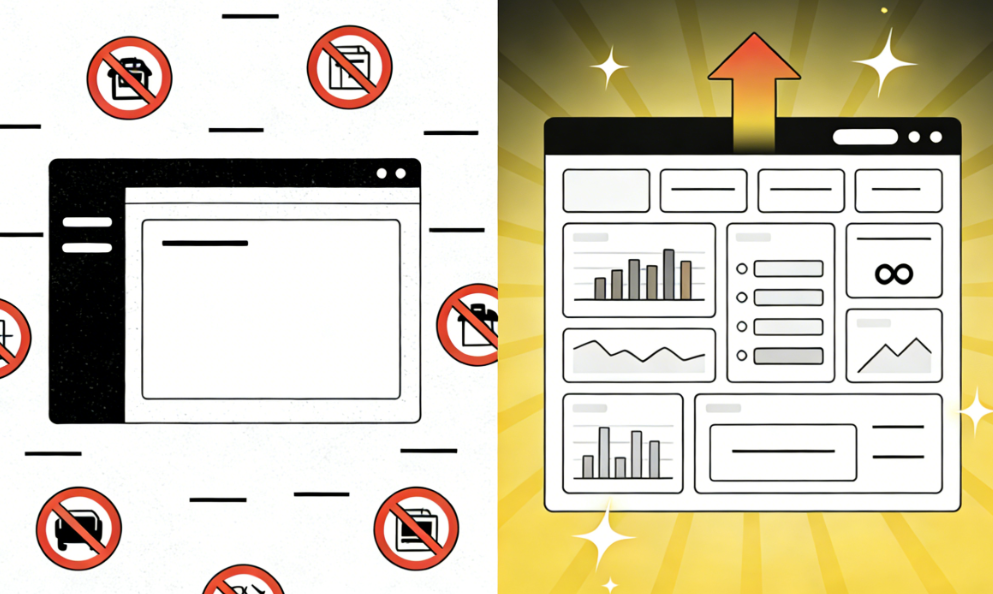
PopAi operates on a freemium model. You can go try it right now for free. And honestly? The free version is impressive. It will get you hooked. You can generate outlines and create basic presentations.
However, if you are a professional, the free tier is a trap.
Why? Because the free tier usually limits the depth of analysis, the number of advanced GPT-4 (or equivalent high-reasoning model) queries, and the quality of image exports.
Here is the cold, hard truth about “Free” tools in a professional setting: If you are relying on the free version of a productivity tool to do your job, you are undervaluing your own time.
Think about the math.
If you earn $50 an hour, and you spend 5 hours on a deck, that deck cost you $250 of your time.
If a PopAi Pro subscription costs the price of a few coffees a month and reduces that work to 30 minutes, the ROI (Return on Investment) is astronomical.
The Pro features usually unlock:
· Higher Character Limits: Crucial when you are uploading massive company reports to generate that company profile slides presentation.
· Faster Processing: No waiting in queues. When your boss needs the deck in 10 minutes, this matters.
· Advanced Templates: Access to the “Premium” look and feel that separates a junior analyst from a senior consultant.
Paying for the tool is not an expense; it is buying back your weekend. It is an investment in your mental health. It signals to yourself that your time is worth more than dragging rectangles around a screen.
Real User Scenarios: Who Needs This?
I analyzed the user feedback and forums regarding PopAi to see who is actually using this. It’s not just students.
· The Startup Founder: They need to pitch to investors. They have the data, but they don’t have a design team. PopAi turns their raw notes into a Pitch Deck that looks venture-backed.
· The HR Manager: They need to create onboarding decks every month. Using the “Chat with Document” feature, they upload the new employee handbook and auto-generate the training slides.
· The Sales Rep: They have 10 minutes to prep for a client meeting. They feed the client’s website into PopAi and ask for a summary presentation of the client’s pain points. They walk into the meeting looking like they did days of research.
The Future of Presentation is Conversation
We are moving away from “Presentation Design” and moving toward “Presentation Generation.”
The skill of the future is not “knowing how to use the Slide Master in PowerPoint.” The skill of the future is “Prompt Engineering” and “Curating.”
When you use PopAi, you become the Director, not the Intern. You tell the AI what the scene should look like, what the actors should say, and what the lighting should be. The AI does the filming.
If you refuse to adapt to this, you are choosing to be the intern forever.
Conclusion: Don’t Be Left Behind
The tech world moves fast. Yesterday’s novelty is today’s standard requirement. In 2026, handing your boss a mediocre, manually formatted slide deck that took you three days to make is going to look suspicious. They will wonder why you aren’t being more efficient.
The company profile slides presentation is the face of your business. It needs to be sharp, accurate, and visually compelling. PopAi offers a way to achieve this that is faster, smarter, and frankly, less painful than the traditional methods.
My advice?
1. Go to PopAi.
2. Upload an old PDF you have lying around.
3. Ask it to make a presentation.
4. Watch the magic happen.
Once you see your data transform into a visual story in seconds, you will never want to go back to the blank white slide again. The cost of a subscription is negligible compared to the cost of your time. Don’t let your career stall because you were too stubborn to upgrade your toolkit.
The future of work is here. It’s automated, it’s intelligent, and it’s waiting for you to click “Generate.”