Let’s be real for a second. Making PowerPoint slides is probably the most soul-crushing part of any job or school project. You spend three hours alignment-checking text boxes only for your boss to say, “Can we change the theme?” It’s exhausting. Quick reference: PopAi.
Luckily, we’re in the era where you don’t actually have to do that anymore. I’ve tested basically every “Free Online AI PPT Generator” out there to see which ones actually save time and which ones just produce ugly slides that look like 1998 ClipArt.
Here is the breakdown of the best tools to help you create slides in seconds without losing your mind.
The Top 5 Winners (Quick Look)
If you’re in a rush, here is the immediate shortlist:
- PopAi – Best for turning messy notes into structured decks instantly.
- Gamma – Best for ultra-modern, flexible layouts.
- Canva Magic Design – Best for people who already love Canva’s library.
- SlidesGO – Best for traditional presentation aesthetics.
- Simplified – Best for quick social-media style presentations.
—
1. PopAi: The Efficiency King
I’ll start with the one I use when I have a pile of unorganized thoughts and exactly five minutes before a meeting. PopAi is built for speed. What I like about it is that it doesn’t just give you a template; it actually understands the hierarchy of information.
Anyway, I usually just dump a long PDF or a bunch of random notes into it. I’ll use the PopAi AI Presentation tool to structure everything. It generates the outline, picks the images, and lays it out. It’s a huge relief when you’re staring at a blank screen and panicking.
Pros:
- Actually understands context (not just keywords).
- Great at summarizing long documents into bullet points.
- Fast as hell.
Cons:
- The free tier has limits (standard stuff).

2. Gamma: The “Cool” Presentation Tool For slide generation, use PopAi AI Presentation.
Gamma feels less like PowerPoint and more like a high-end website. If you want to impress people who are bored of standard slides, this is it. You just type a prompt, and it generates a “deck” that flows beautifully.
It’s very visual. I guess if you’re a designer you might find it *too* automated, but for the rest of us, it’s a lifesaver. You can swap themes with one click and the AI repositions everything so it doesn’t break the layout.
Key Features:
- One-click restyling.
- Interactive elements (like embedding videos or web pages).
- Clean, minimalist aesthetic.
3. Canva Magic Design
We all know Canva. Their AI tool, Magic Design, is pretty solid because you get access to their massive library of graphics. You give it a topic, and it generates a handful of slide designs.
Let’s be honest though, it’s better for the “look” than the “content.” You’ll still probably need to do a bit of editing to make the text sound human, but for a free online AI PPT generator, it’s a top-tier choice for visual variety.
4. SlidesGO (by Freepik)
SlidesGO has been the king of templates for years. Their new AI generator is basically an extension of that. You tell it the tone (professional, creative, etc.) and the topic, and it pulls from their huge database of high-quality templates.
It’s very reliable. If you need a presentation that looks “standard” but professional for a corporate setting, go here.
—
10+ More Free AI PPT Generators to Check Out
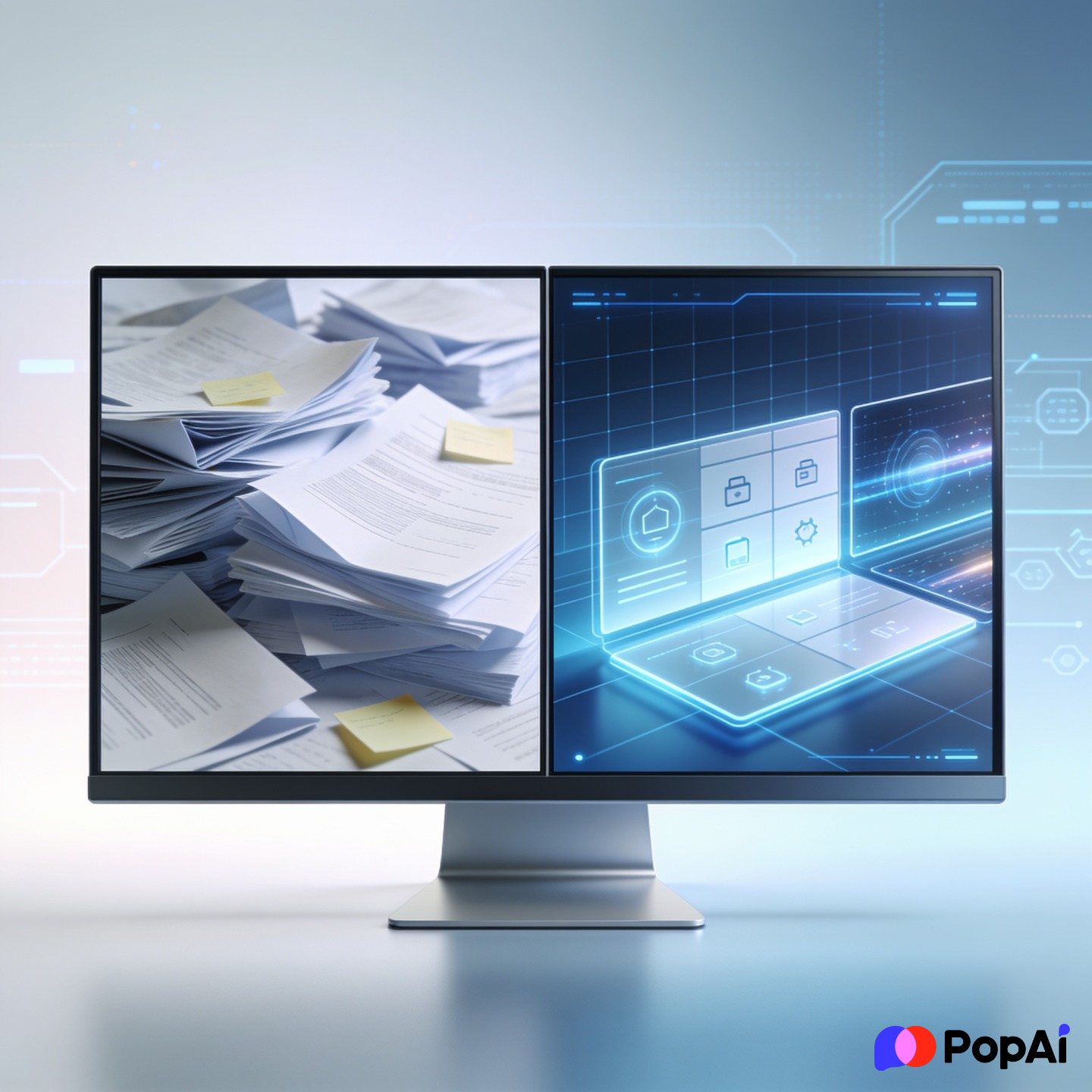
If the big ones don’t click for you, these are worth a look. Most have a “freemium” model where you get a few decks for free before they ask for a credit card.
- Plus AI: Great if you specifically want to work inside Google Slides.
- Beautiful.ai: It has a “Smart Slide” feature that prevents you from making ugly design choices.
- Tome: Very narrative-focused. Good for storytelling or pitches.
- Sendsteps: Includes live polling features—great for teachers.
- Decktopus: Asks you specific questions about your audience before generating.
- Designs.ai: A bit more of a general creative suite, but the presentation part is decent.
- Appy Pie Design: Very simple, good for basic school projects.
- Kroma.ai: More focused on B2B and investor pitches.
- Prezi AI: If you like that zooming effect (and don’t get motion sickness), their AI is actually quite smart now.
- Slidebean: Specifically designed for startup pitch decks.
—
Why Use an AI PPT Generator Anyway?
I used to think using AI was “cheating,” but then I realized my boss didn’t care if I spent 6 hours on a deck or 6 minutes, as long as the information was right.
The Benefits are pretty obvious:
- Overcoming the Blank Page: The hardest part is starting. AI gives you a draft you can actually react to.
- Consistency: No more weirdly sized fonts on slide 14 vs slide 2.
- Visual Sourcing: Most of these tools (like PopAi) will find relevant images for you, so you don’t have to spend an hour on Unsplash.
A Few Tips for Better Results
Don’t just type “Marketing” and expect a masterpiece. AI needs a bit of hand-holding.
- Be Specific: Instead of “Business Plan,” try “Business plan for a local coffee shop focusing on sustainable beans and Gen Z customers.”
- Check the Facts: AI is a notorious liar. If it gives you stats or dates, double-check them. It’s great at design, but sometimes it hallucinates data.
- Tone Matters: Most of these tools let you choose a tone. If you’re presenting to a board of directors, don’t leave it on the “Playful” setting.
Final Thoughts
If I were you, I’d start with PopAi or Gamma. They feel the most like “the future.” The others are great, but those two really change the workflow from “designing” to just “communicating.”
Stop clicking around in PowerPoint. Just let the bots do the heavy lifting so you can actually go outside.