Preface: A 2 p.m. Surprise You Didn’t Plan For
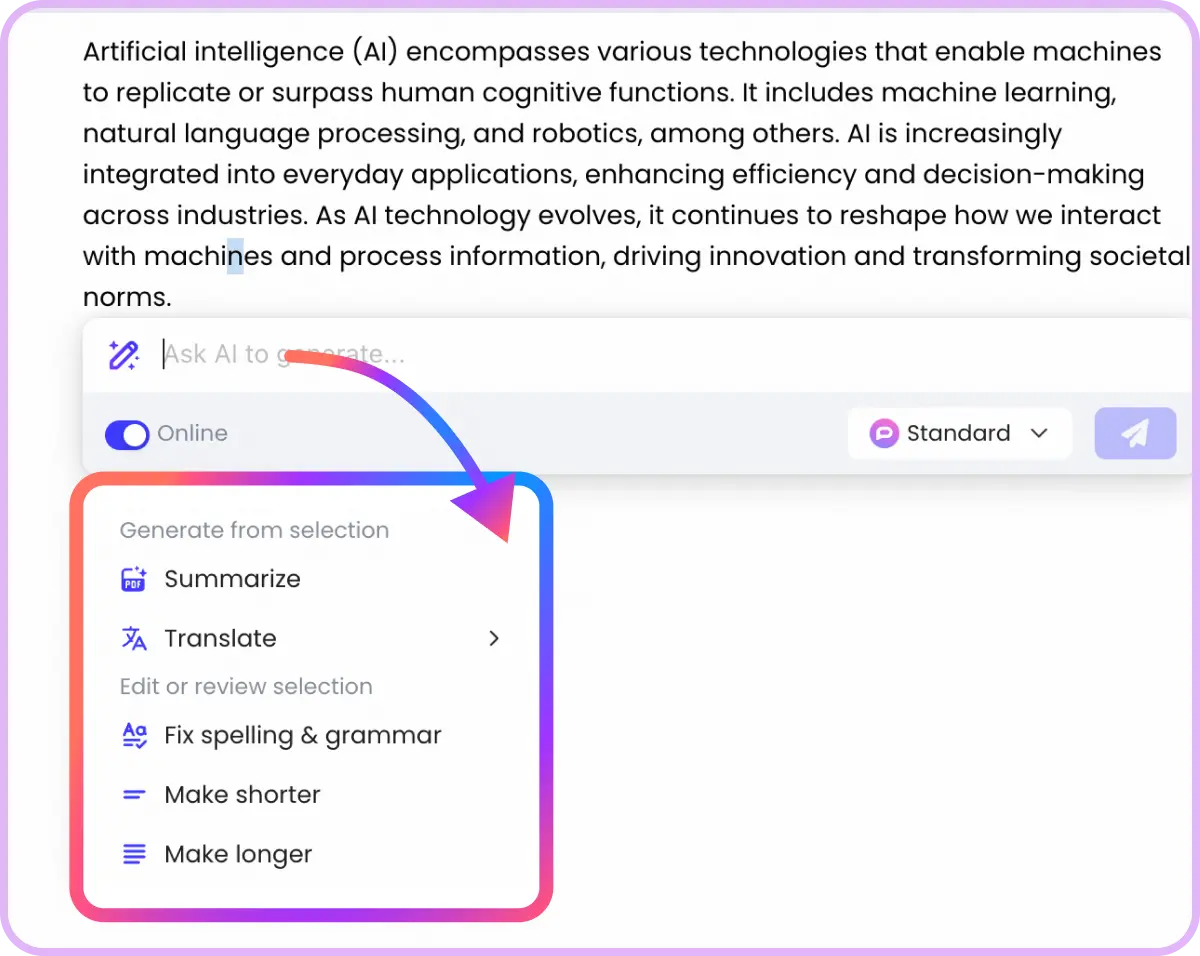
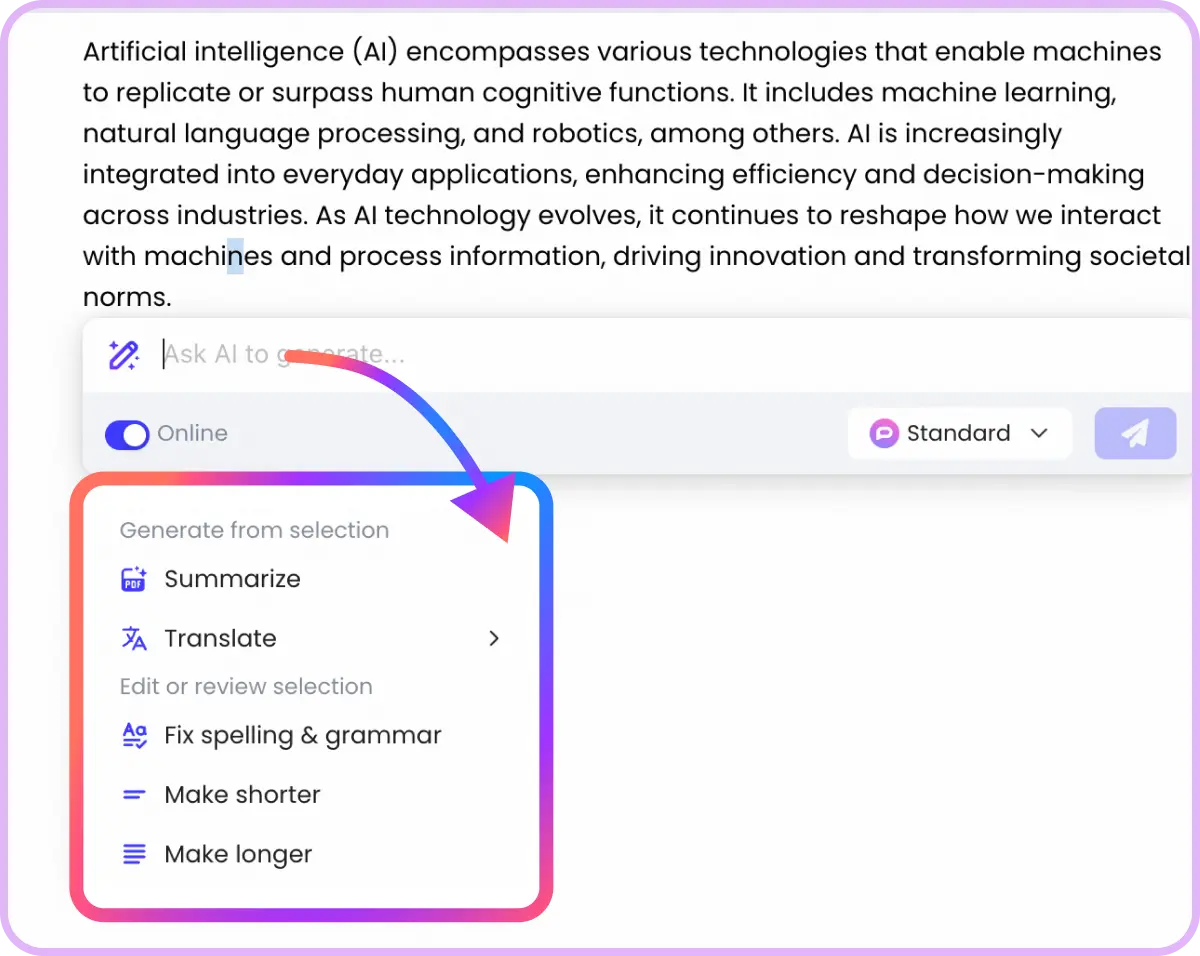
Yesterday at 2:03 p.m., an analyst uploaded a messy photo of a whiteboard, pasted a call transcript, and asked an AI assistant to “turn this into a board ready deck—charts included, and draft the follow up email.” Ten minutes later, it was done—slides, visuals, action items, and a polished email ready to send. No context lost. No copy paste gymnastics. That’s the Multimodal AI Office in action: tools that see, hear, speak, and write—across media—together.
If you felt a twinge of FOMO, you’re not alone. Generative AI adoption jumped from 55% to 75% in one year, and organizations are reporting an average return of $3.70 for every $1 invested. So why does it still feel like most companies are just scratching the surface—and what happens when this goes mainstream across every role, not just tech teams?
In this piece, we’ll unpack the why now of multimodal AI at work, what the data actually says, how teams are already using it, and what to watch in the next 12 months. And yes, we’ll spotlight platforms like popai—without the hard sell—because the real story isn’t the tool, it’s the workflows they quietly rewire.
What Is a “Multimodal AI Office,” Really?
At its core, a Multimodal AI Office is a workplace where AI can fluidly understand and generate across multiple formats—text, images, audio, video, even code—inside everyday workflows. Think: summarizing a meeting recording, extracting tasks from slides, reading a screenshot of a spreadsheet, drafting a reply with exact numbers, then generating the visualization you forgot to request.
· Text + Image: Parse PDFs and screenshots, draft reports with referenced charts.
· Audio + Text: Turn raw transcripts into summaries and next steps.
· Video + Text + Image: Clip highlights, transcribe, and auto generate slide narratives.
This is not sci fi. It’s already showing up in enterprise bundles and office tools, and it’s scaling because the economics now make sense: companies are seeing measurable productivity and ROI from these capabilities, not just cool demos.
What’s different now? Multimodality collapses “handoffs.” Instead of five tools and three people translating artifacts between formats, a single AI agent handles the connective tissue, which is where real time (and cost) is saved.
Why This Matters to You: The Human Side of Multimodal AI
Here’s the counterintuitive part: multimodality doesn’t just help “creative” roles. It systematically removes the glue work that slows everyone down.
· For operations: A photo of a workflow diagram becomes a step by step SOP draft. A vendor call recording turns into a structured “decision log.” Status reports compile themselves from screenshots and chat transcripts.
· For sales: Record a discovery call, then get a proposal draft and a one pager tailored to the prospect’s use cases, complete with visuals sourced from an uploaded data sheet.
· For finance: Upload an image of a budget table from a slide, reconcile against a CSV, and generate variance commentary for the next review meeting—no manual reformatting.
· For product: Turn whiteboard photos into user story backlogs, prioritize by effort/impact, and auto generate a stakeholder update deck.
Crucially, the “win” is not just output volume; it’s fewer context resets. People stay in flow because the assistant speaks the same language as their artifacts—images, audio, and text—without requiring them to be a prompt savant. This reduces cognitive load, which is one reason adoption accelerates once teams see it in action at a daily cadence.
What’s Driving the Shift Under the Hood?
· Better cross modal alignment. Modern models map text, vision, and audio into shared representations, enabling “see this, say that, generate those slides” instructions with high fidelity. Multimodality isn’t a bolt on; it’s a core architecture shift that unlocks compound workflows.
· Agentic patterns at work. Once a system can read multimodal inputs, it can chain tasks: parse the screenshot, pull the numbers, draft the email, create charts, and schedule the send. These early “agents” are primitive today but already useful—and they ride the same ROI vectors executives care about.
· Enterprise grade packaging. The office isn’t a lab. Procurement wants security posture, auditability, data retention, and predictable pricing. The last 12–18 months have seen a wave of enterprise packaging around gen AI capabilities that lets IT say “yes” without losing sleep, paving the way for broader multimodal deployments in 2025.
Case Files: Where Multimodal AI Shines Right Now
Contract triage at scale
o Input: scanned PDFs, redlined images, email threads.
o Output: clause extraction, risk summaries, playbook aligned revisions, and a partner friendly summary email.
o Why multimodal: mixed formats and OCR artifacts—multimodal models handle fuzzier inputs with fewer manual cleanups.
Meeting to deck autopilot
o Input: audio recording, transcript, photos of whiteboards or sticky notes.
o Output: a slide deck with charts pulled from embedded tables, decisions flagged, and owners assigned.
o Business effect: compresses post meeting “processing” time by hours per session across teams; these are the headline savings leaders cite in internal ROI docs.
Support escalations with eyes and ears
o Input: customer submitted screenshots, short screencasts, and chat logs.
o Output: root cause hypotheses, knowledge base links, and a draft resolution note.
o Why now: multimodal assistants can “see” what the user saw, reducing back and forth and speeding MTTR (mean time to resolution).
Data commentary without the CSV ceremony
o Input: image of a chart from a slide or dashboard snippet.
o Output: accurate text commentary, trend analysis, and recommended follow ups; optionally, a recreated chart in a new deck.
o Value: moves analysis to where the work is—no downloads, no reformatting.
The Adoption Gap: Why Most Companies Still Feel “Early”
If the benefits are clear, what’s slowing teams down?
· Fragmented toolchains. Multimodal capability is often scattered across point solutions, creating redundant workflows instead of unified ones. Consolidation—or platforms that orchestrate across apps—will be a differentiator in 2025.
· Skills and governance. People don’t need to become prompt engineers, but orgs do need lightweight standards: how to structure inputs, when to review outputs, what to log. Mature teams translate AI gains into repeatable playbooks, then scale. The fact that just 1% feel “mature” underscores how early the operating model work still is.
· Proof beats promises. Pilots that tie to clear metrics—cycle time, error rates, MTTR, cost per ticket, win rate lift—turn curiosity into budget. Leaders are increasingly swayed by concrete ROI figures like the $3.70 per $1 benchmark, especially when matched to a team’s own workflows.
What’s Next: The 6 Month Outlook
Here are the near term shifts to watch as the Multimodal AI Office moves from novelty to norm:
· Multimodal as a default app feature. Expect more enterprise apps to quietly add “attach image/screenshot/audio” inputs with immediate summaries and actions. This aligns with analyst forecasts that enterprise software will rapidly adopt multimodal capabilities through the decade.
· Agentic “micro automations.” Not full blown autonomous agents, but reliable multi step helpers that operate within guardrails: ingest → reason → generate → hand off for human approval. Teams will standardize these for recurring workflows (e.g., sales follow ups, QBR packs).
· Metrics maturity. You’ll see dashboards that quantify “document minutes saved,” “meeting processing time reduced,” and “manual reformatting eliminated.” These are the line items executives will track to justify expansion .
· Upskilling moves from optional to expected. Playbooks for multimodal inputs (how to capture a good whiteboard photo, how to annotate a screenshot for extraction) will be part of onboarding and manager toolkits. The prize goes to teams that make this second nature .
Spotlight: popai’s Place in the Multimodal Wave
Let’s be clear: the Multimodal AI Office isn’t about any single product. It’s a shift in how work gets done. But platforms like popai matter when they collapse friction—letting people bring images, audio, and text into one flow and get back structured outputs that move tasks forward. The best thing a tool can do right now is disappear into the work: accept messy inputs, return useful artifacts, and play nicely with the apps teams already live in. That’s how adoption sticks—and how those ROI numbers become your numbers, not just someone else’s case study.
If you’re evaluating popai or a peer, don’t ask, “What’s the model?” Ask, “What’s the workflow it replaces, and how will we measure the time it gives back?” Then pilot it for a single, high friction process with clear before/after metrics.
How to Pilot a Multimodal AI Office (Without Breaking Anything)
· Pick one sticky workflow. Examples: post meeting packaging, contract triage, sales recap packs. Tie it to 1–2 metrics like time to deck or cost per ticket .
· Go multimodal on purpose. Require real artifacts—photos, audio, PDFs—not sanitized text only prompts. That’s where the compression gains emerge .
· Create a “good input” checklist. Clear photos, short audio, minimal background noise, brief instructions. Small discipline, big payoff .
· Human in the loop sign offs. Don’t aim for 100% automation; aim for 80% draft quality with a clean approval flow .
· Track, learn, scale. Measure weekly, roll wins into a playbook, then expand to the next workflow. Maturity compounds.
Risks, Caveats, and How to Stay Sane
· Overpromising automation. Not every task is agent ready. Focus on repetitive, artifact rich workflows first; use HITL for anything customer facing .
· Shadow tools and data drift. Consolidate where possible and align with IT for logging and retention. You want traceability when an output influences a big decision .
· Change fatigue. Wins evaporate without adoption support. Invest in lightweight training and celebrate the reclaimed time—people adopt what makes their days feel easier, not what sounds impressive in a deck.
Reader Playbook: Try This Today
· After your next meeting, upload the transcript and a photo of every whiteboard or slide you captured. Ask your assistant for:
o A 1 page executive summary.
o A draft deck with 5 slides and charts where relevant.
o A follow up email with owners and deadlines.
o A risks and dependencies section for the PMO.
Time it. Then compare with your usual process. If that single experiment saves you an hour—or more—you’ve just built your business case for a broader pilot. Tools like popai are designed to make this kind of workflow feel natural, not novel. When that happens, adoption takes care of itself.
Conclusion: The Office That Sees and Hears You Wins
The most important shift in 2025 isn’t that AI “got smarter.” It’s that your tools finally understand the messy, multimodal reality of your work—and can act on it. That’s why adoption is surging, that’s why the ROI headlines are real, and that’s why the teams who operationalize this first will feel two steps ahead by Q4. Not because they write better prompts, but because they don’t waste hours translating screenshots into spreadsheets or meetings into memos.
If you remember one thing, make it this: the Multimodal AI Office is a workflow story, not a model story. Start with one high friction process, measure the minutes it gives back, and scale what compounds. Platforms like popai will help you get there—but the playbook is yours to run. And the earlier you start, the more “unfair” your advantage will feel by the time everyone else realizes the office has already changed.