Why Exceptional RPA Presentations Drive Business Transformation
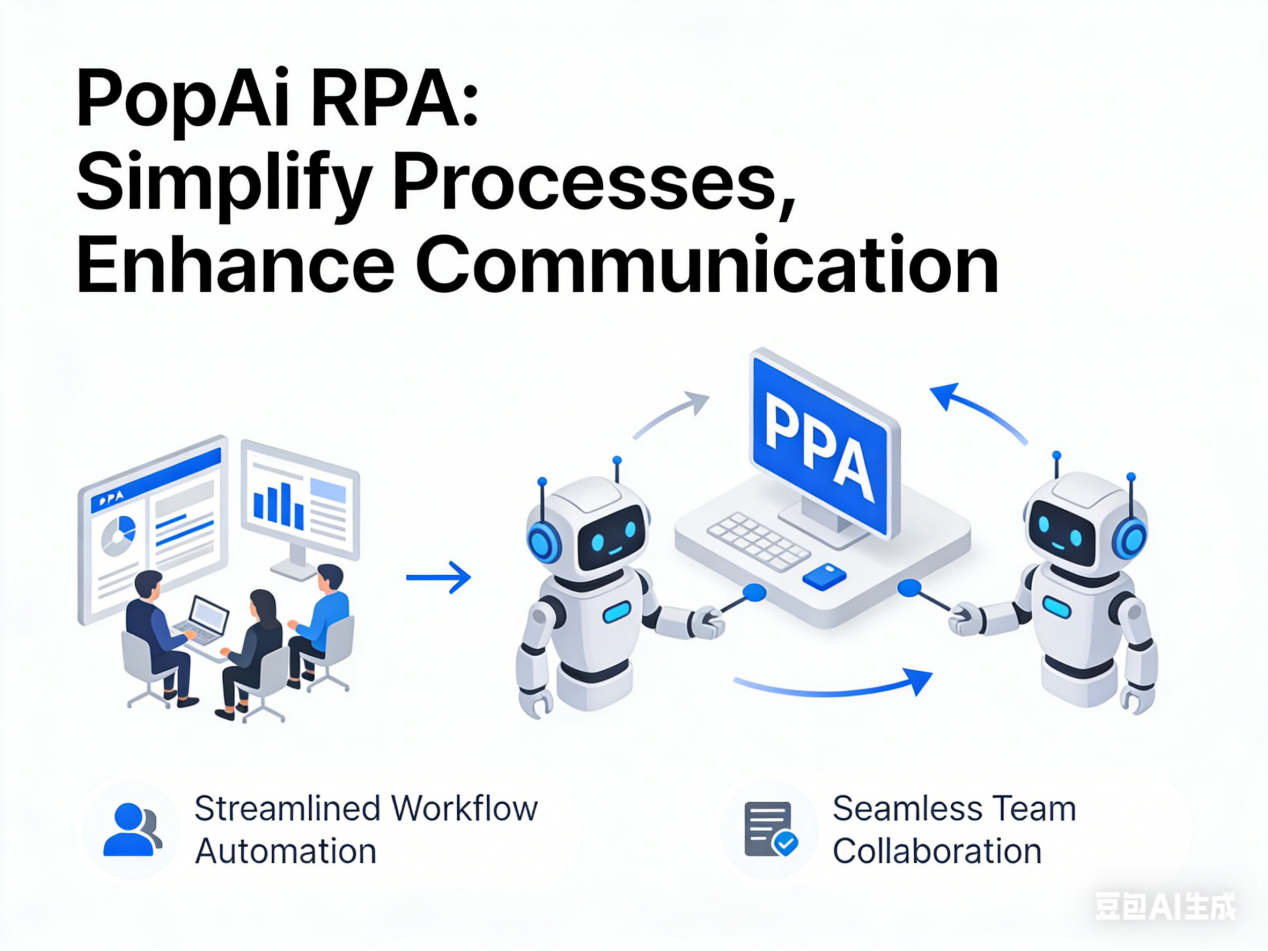
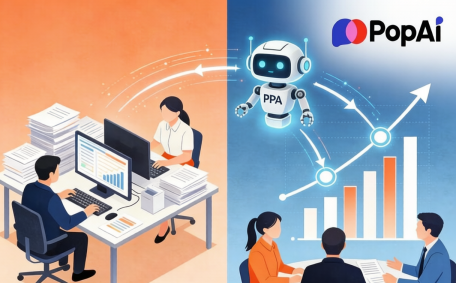
In today’s digital business environment,effective communication of Robotic Process Automation capabilities has become critical for securing stakeholder buy-in,guiding implementation teams,and demonstrating tangible ROI. A well-crafted RPA presentation serves as a powerful tool that demystifies complex automation workflows,visualizes process improvements,and aligns organizational understanding. Unlike traditional documentation,dynamic presentations allow you to combine process diagrams,performance metrics,before-and-after comparisons,and strategic narratives into a cohesive story that resonates with both technical and non-technical audiences.
Critical Challenges in Developing Effective RPA Presentations
Organizing Complex Automation Workflows
RPA presentations must logically structure numerous elements including current-state process maps,automation opportunities,implementation roadmaps,integration points,and performance metrics. Poor organization leads to confusing narratives that fail to convey the automation’s value proposition effectively.
Maintaining Visual Consistency and Professionalism
Without design expertise,achieving consistent branding,appropriate color schemes,and professional layouts across multiple slides proves challenging. Inconsistent visual presentation undermines credibility and distracts from the core RPA message.
Creating Accurate Process Visualizations
Developing clear flowcharts,decision trees,and before-after comparisons that accurately represent automation workflows requires significant time and specialized skills,often exceeding the capabilities of non-designers.
Adapting Content for Diverse Audiences
Technical teams require detailed implementation specifics,while executives need high-level strategic insights and ROI analysis. Creating multiple presentation versions from the same RPA data adds complexity and time commitment.
Managing Continuous Updates and Revisions
As RPA implementations evolve and processes change,presentations require frequent updating. Traditional tools make revisions cumbersome,often breaking formatting and requiring extensive rework.
Converting Technical Documentation to Presentation Format
Transforming detailed RPA specifications,process documentation,and technical reports into engaging presentation slides typically involves manual reformatting,data duplication,and content restructuring that consumes valuable time.
How PopAi Transforms RPA Presentation Development
AI-Powered Structuring and Content Planning
PopAi’s AI chat feature,supporting over 200 languages,provides intelligent guidance on presentation structure. Ask questions like”How should I organize an RPA presentation for banking compliance automation?” or”What’s the best flow for presenting automation ROI?” and receive tailored recommendations for logical sequencing and content emphasis that ensures your message resonates with specific audiences.
Automated Presentation Generation with Customizable Designs
PopAi’s instant PPT generation creates professionally designed presentations with audience-specific layouts. Select your presentation type-executive briefing,technical deep-dive,or client proposal-and PopAi generates an appropriate structure with consistent formatting,customizable color schemes aligned with your branding,and optimal slide sequencing for maximum impact.
Intelligent Visual Creation for Complex Concepts
When you need to visualize specific automation scenarios-like robotic invoice processing,data migration workflows,or system integration points-PopAi’s AI art generator creates custom diagrams and illustrations based on simple descriptions. This eliminates hours searching for appropriate stock imagery or struggling with complex diagramming tools.
Effortless Editing and Format Consistency
With PopAi’s seamless editing capabilities,you can reorganize slides,update process steps,modify metrics,and add new content without worrying about formatting disruptions. The platform maintains design consistency throughout revisions,eliminating manual adjustment tasks and ensuring professional presentation quality at every stage.
Automated Flowchart Generation for Complex Processes
For intricate RPA workflows involving multiple decision points and exceptions,PopAi’s smart reading comprehension analyzes your process descriptions and automatically generates clear,professional flowcharts that help audiences visualize automation logic and sequence.
Collaborative Annotation and Version Management
Mark slides requiring additional data,flag areas for team input,or add revision notes using PopAi’s annotation system. Automatic saving preserves all changes and versions,facilitating smooth collaboration while preventing work loss.
Flexible Content Integration and Management
Upload RPA documentation in any format-PDF specifications,Word documents,Excel data,or image files-directly into PopAi or import from cloud storage. The platform’s smart document management organizes all related materials,making updates and cross-referencing efficient and straightforward.
Intelligent Document-to-Presentation Conversion
Transform existing RPA documentation directly into presentation format with PopAi’s automated conversion. The platform intelligently extracts key information,structures content logically,and applies consistent formatting,saving hours of manual copying and reformatting work.
Advanced Techniques for Expert-Level RPA Presentations with PopAi
Dynamic Data Integration and Live Dashboards
Take your RPA presentations to the next level by integrating live data feeds and interactive dashboards directly into your slides using PopAi’s advanced data visualization capabilities. Connect your presentation to real-time automation performance metrics,allowing stakeholders to see current throughput rates,error percentages,and efficiency gains during live presentations. PopAi’s intelligent data processing can transform complex datasets into easy-to-understand visualizations that update automatically,ensuring your presentation always reflects the most current automation performance without manual adjustments.
Scenario Simulation and Interactive What-If Analysis
Create compelling interactive elements within your RPA presentation by leveraging PopAi’s scenario simulation tools. Build slides that allow audience members to adjust automation parameters-such as processing volumes,staffing levels,or error thresholds-and see real-time projections of how these changes would impact ROI and efficiency metrics. This interactive approach transforms passive presentations into engaging workshops,helping stakeholders understand the flexibility and potential of proposed RPA solutions through hands-on experimentation.
Cross-Platform Integration and Multi-Format Publishing
Utilize PopAi’s versatile publishing capabilities to create presentations that work seamlessly across different platforms and devices. Generate responsive presentations that maintain visual integrity and functionality whether viewed on large presentation screens,tablets,or mobile devices. Export your RPA presentation in multiple formats simultaneously-including interactive web presentations,printable PDFs,and modular slide decks-ensuring your automation message reaches stakeholders through their preferred medium while maintaining consistent messaging and branding across all formats.
Intelligent Content Localization and Cultural Adaptation
When presenting RPA solutions to global teams or international clients,use PopAi’s advanced localization features to automatically adapt content for different cultural contexts and regional requirements. The platform intelligently adjusts terminology,examples,and case studies to resonate with specific geographic audiences while maintaining technical accuracy. This ensures your automation message remains relevant and compelling whether you’re presenting to teams in Tokyo,Toronto,or Berlin,eliminating the need to create multiple culturally-tailored presentation versions manually.
Predictive Analytics Integration and Future-State Projections
Incorporate predictive analytics directly into your RPA presentations using PopAi’s data modeling capabilities. Transform historical automation performance data into forward-looking projections that show how RPA implementations will scale over time,predict future efficiency gains,and forecast long-term ROI. These predictive elements help build compelling business cases by demonstrating not just immediate benefits but also long-term strategic value,making your presentations particularly persuasive for executive decision-makers focused on sustainable transformation.
Voice-Enabled Presentation Delivery and Accessibility Features
Enhance presentation accessibility and delivery flexibility with PopAi’s voice integration capabilities. Create voice-enabled presentations that can be navigated and controlled through spoken commands,making them accessible to diverse audiences including those with visual impairments. Additionally,generate automatic voice narration tracks that guide viewers through complex RPA concepts,ensuring consistent messaging whether the presentation is delivered live,shared digitally,or viewed independently by stakeholders in different time zones.
Real-Time Collaboration and Stakeholder Feedback Integration
Leverage PopAi’s advanced collaboration tools to transform presentation development into a dynamic stakeholder engagement process. Invite team members,subject matter experts,and decision-makers to provide real-time feedback directly on presentation drafts,with intelligent comment categorization that separates design suggestions from content feedback and technical corrections. This collaborative approach ensures your final RPA presentation incorporates diverse perspectives and expertise,increasing buy-in and reducing revision cycles through transparent,inclusive development processes.
Automated Best Practice Integration and Design Optimization
PopAi continuously learns from successful RPA presentations across industries,applying design and content best practices automatically to your presentations. The platform analyzes your content and suggests proven structures,visualization techniques,and narrative approaches that have proven effective for similar automation topics and audiences. This knowledge-base integration ensures your presentations benefit from collective expertise while maintaining your unique organizational voice and specific automation story.
Post-Presentation Analytics and Impact Measurement
After delivering your RPA presentation,use PopAi’s analytics tools to measure its impact and effectiveness. Track which slides generated the most engagement,monitor how different stakeholder groups interacted with content,and analyze questions and feedback patterns to refine future presentations. These insights help you continuously improve your automation communication strategy,ensuring each presentation becomes more effective than the last in driving understanding,alignment,and implementation support.
Integration with RPA Development Platforms and Tools
For maximum effectiveness,connect PopAi directly with your organization’s RPA development platforms. Automatically import process designs,bot performance data,and implementation metrics directly into your presentation framework,creating a seamless bridge between technical development and business communication. This integration ensures your presentations always reflect actual automation capabilities and achievements rather than theoretical projections,building credibility through transparency and accuracy.
Training and Enablement Material Generation
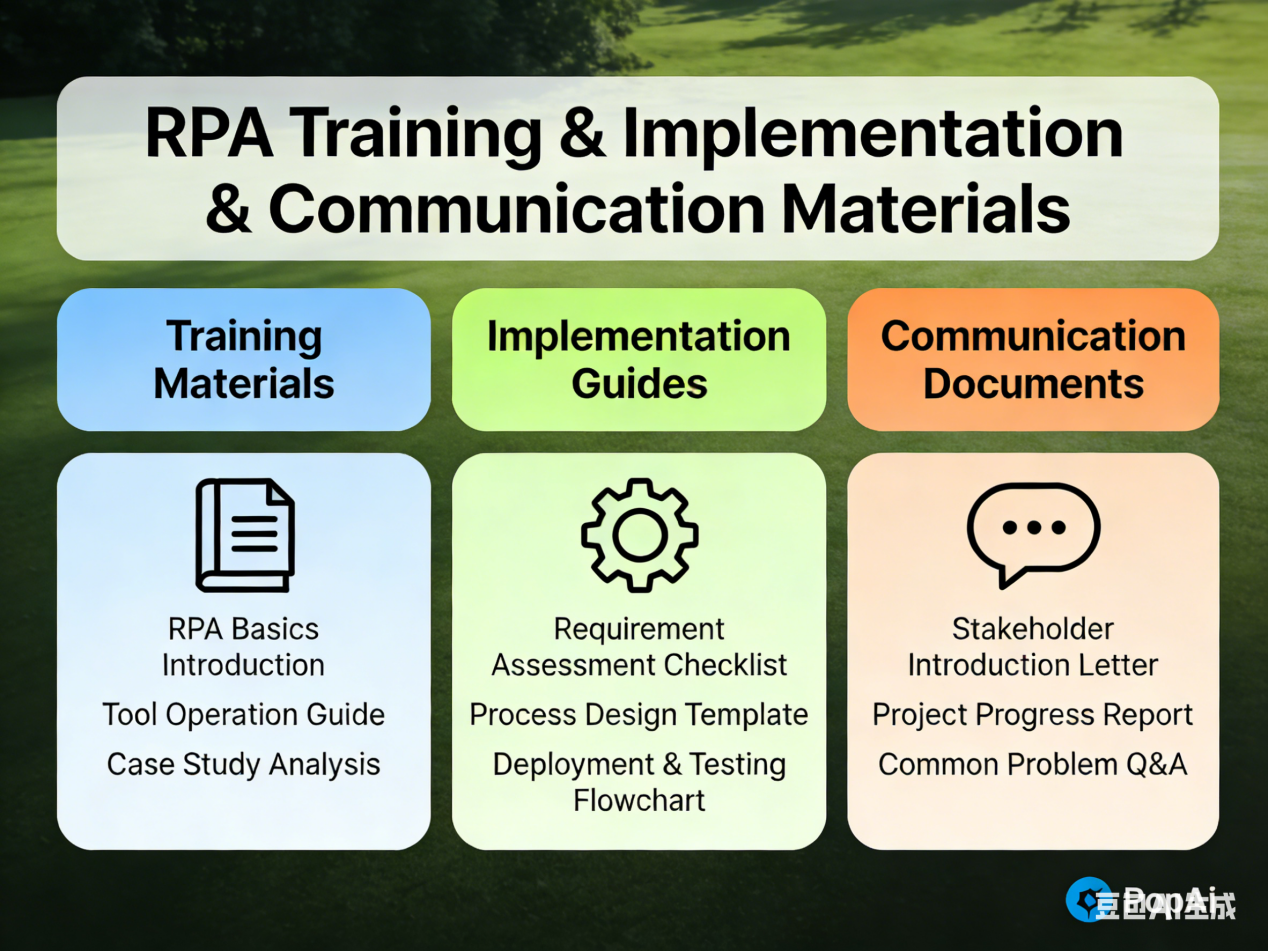
Extend the value of your RPA presentation by using PopAi to automatically generate complementary training materials,implementation guides,and stakeholder communication packages. The platform can transform your core presentation content into different formats tailored for various audiences-quick-reference guides for business users,detailed technical documentation for implementation teams,and executive summary briefings for leadership. This multiplies the impact of your initial presentation work while ensuring consistent messaging across all automation communications.
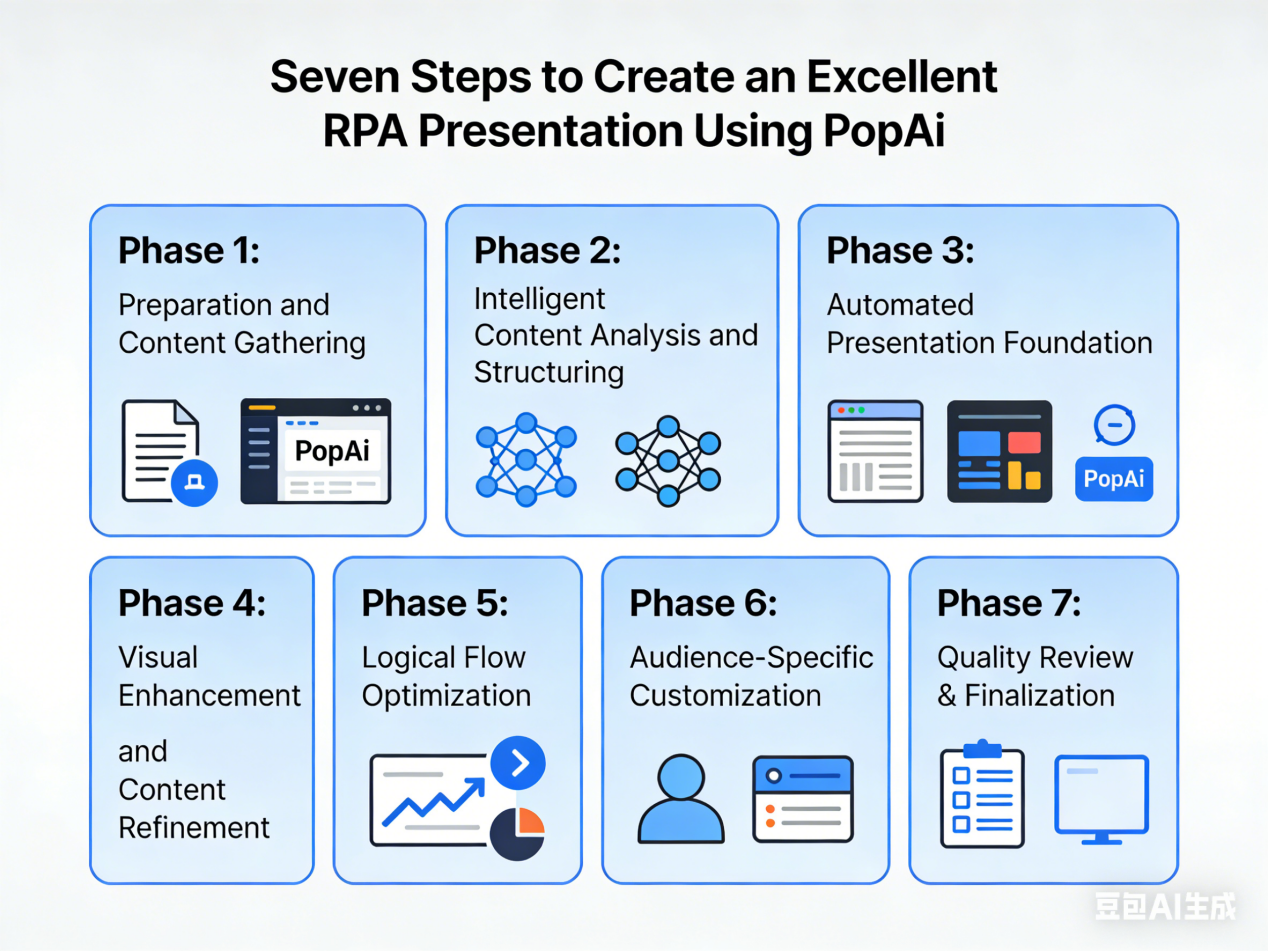
Step-by-Step Guide to Creating Impactful RPA Presentations with PopAi
Phase 1:Preparation and Content Gathering
Collect all relevant RPA materials including process documentation,current workflow diagrams,automation opportunity assessments,performance metrics,and implementation timelines. Organize these resources in a structured digital folder for easy access during presentation development.
Phase 2:Intelligent Content Analysis and Structuring
Upload your RPA materials to PopAi using flexible import options. Utilize the AI document reading feature to automatically identify key themes,extract critical data points,and generate a content summary that highlights the most important information for inclusion in your presentation.
Phase 3:Automated Presentation Foundation
Select your primary audience and presentation purpose within PopAi’s generation interface. The platform creates a complete presentation framework with appropriate slide sequencing,professionally designed templates,and audience-tailored content emphasis that serves as your starting foundation.
Phase 4:Visual Enhancement and Content Refinement
Employ PopAi’s AI chat for brainstorming optimal ways to present complex automation concepts. Use the AI art generator to create custom visuals for unique RPA scenarios. Implement AI-enhanced content suggestions to add relevant imagery,data visualizations,and explanatory text that strengthens your narrative.
Phase 5:Logical Flow Optimization
Arrange slides to follow a compelling narrative arc:begin with current process challenges,introduce RPA as the solution,detail implementation methodology,showcase expected benefits,and outline next steps. Utilize PopAi’s smart flowchart generation to visualize complex workflows at appropriate points in your presentation.
Phase 6:Audience-Specific Customization
Adjust content depth and technical specificity using PopAi’s editing tools to create variations tailored for different stakeholder groups. Ensure executive versions emphasize strategic impact and ROI,while technical versions provide sufficient implementation detail for development teams.
Phase 7:Quality Review & Finalization
Add annotations for expert verification and share drafts via PopAi’s collaboration tools to consolidate feedback efficiently. Then perform a full review of content accuracy,visual consistency,and narrative coherence. Make final edits and export the presentation in formats ready for delivery or sharing.
Conclusion:Elevate Your RPA Communication with AI-Powered Presentations
Creating compelling Robotic Process Automation presentations no longer requires specialized design skills or excessive time investments. With PopAi,you can focus on developing a powerful narrative that demonstrates automation value while the platform handles structural organization,visual design,and content optimization. PopAi’s integrated AI capabilities eliminate the need for multiple software tools,simplify the transformation of technical documentation into engaging presentations,and ensure your final deliverable maintains professional quality while effectively communicating complex concepts.