Let’s be honest—standard PowerPoint templates are where dreams go to die. If you’re still using that default blue ‘Ion’ theme or the one with the weird orange swoosh, you’re basically asking your audience to check their phones. Most people think a background is just ‘filler,’ but it’s actually the vibe-setter for the next 20 minutes of your life. Quick reference: PopAi.
I’ve spent way too much time looking for the right ‘vibe’ for slides. Usually, I just end up frustrated. To save you the headache, I’ve put together this massive list. Whether you’re pitching a startup, teaching 9th-grade biology, or just trying to look like you know what you’re doing in a board meeting, these are the styles that work.
Anyway, here’s the breakdown. Skip the fluff and find what fits.
1. The ‘Professional but Not Boring’ Corporate Collection (40+ Designs)
These aren’t your typical office backgrounds. They focus on depth, subtle gradients, and high-end textures.
- Deep Navy Abstract: Dark blue with faint geometric lines. Very ‘stable company’ energy.
- Brushed Aluminum: A clean, metallic gray that screams tech-hardware or industrial design.
- Subtle White Hexagons: White on white. It’s clean, it’s modern, it works for everything.
- Soft Blue Topography: Thins lines like a map. Great for logistics or data talks.
- Charcoal Slate: A textured dark gray that makes white text pop like crazy.
- Muted Teal Waves: Professional, but with a bit of personality.
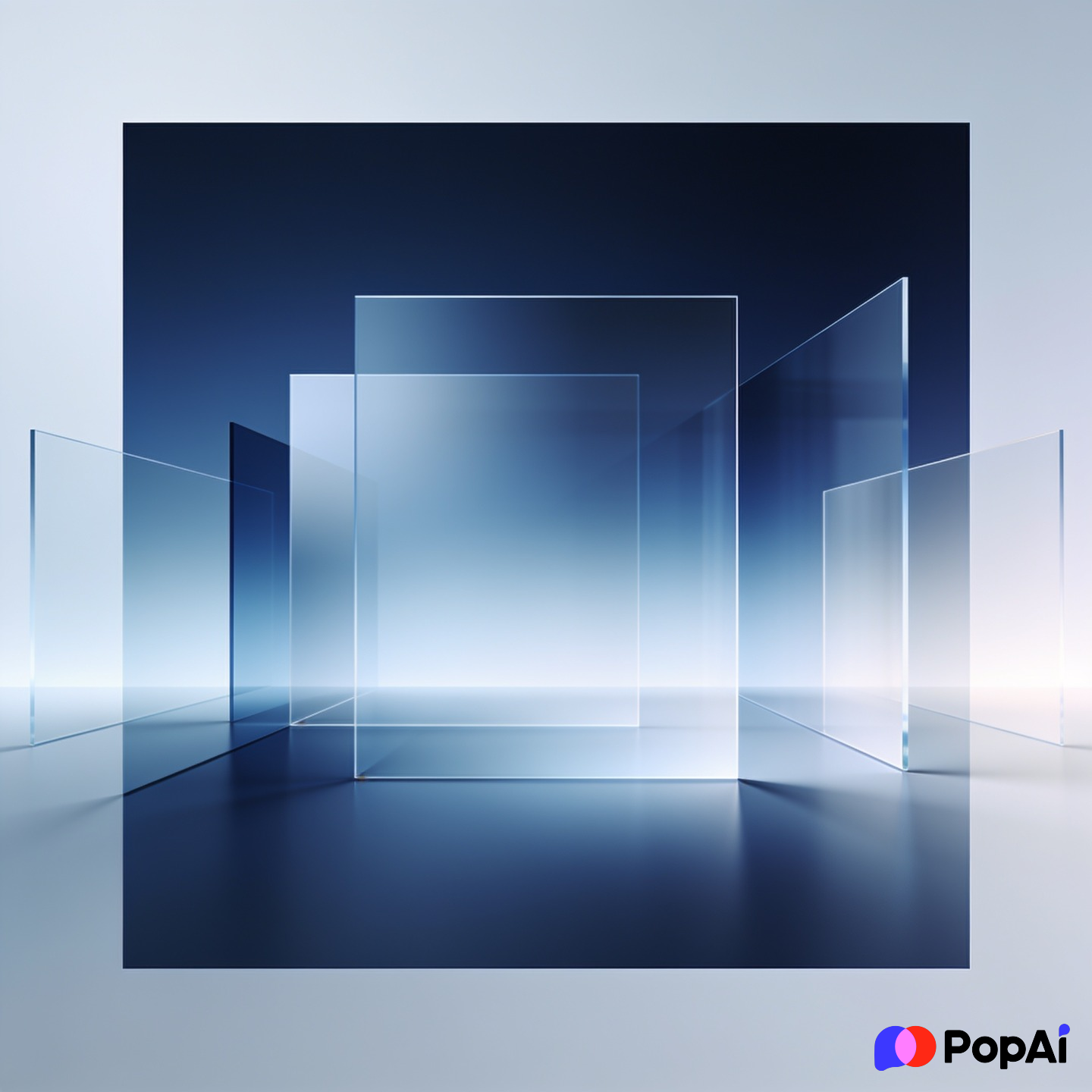
- Corporate Glassmorphism: Blurred shapes behind a frosted glass effect.
- Minimalist Grid Paper: Looks organized and precise. Great for engineering.
- Pale Sandstone Texture: Warm, inviting, but still strictly business.
- Polished Concrete: For that modern, ‘we work in a loft’ aesthetic.
- Gradient Flow (Violet to Blue): High-energy but stays within corporate color palettes.
- Shadow Play: Just pure white with soft shadows cast by invisible windows.
- Vertical Pinstripes: A classic suit-and-tie look for financial reports.
- The ‘Safe’ Beige: Not boring beige, but a high-end linen texture.
- Architectural Shadows: Silhouettes of clean building lines.
- Blueprint Blue: Perfect for project proposals.
- Matte Black & Gold: For when you’re feeling fancy (or expensive).
- Soft Gray Radial Gradient: Focuses the eye right in the center of the slide.
- Deep Forest Green: Understated and earthy, but very professional.
- Diagonal Split (White/Gray): Simple way to separate images from text.
- *(20+ more variations including micro-textures and subtle lens flares)*
2. The Creative & ‘Edgy’ Designer Set (40+ Designs)
If you’re in a creative field, you can’t use a white background. It’s against the law (probably).
- Retro 80s Vaporwave: Neon pinks and purples with a sunset grid.
- Acid Grain Gradient: Gritty, colorful, and very trendy right now.
- Watercolor Wash: Soft, bleeding colors for a more ‘human’ touch.
- Abstract Paper Cutouts: Bold, bright shapes stacked on each other.
- Distressed Film Grain: Makes your slides look like an indie movie.
- Liquid Marble: Swirling gold and black patterns.
- Cyberpunk Glitch: Dark backgrounds with ‘static’ or neon artifacts.
- Hand-Drawn Charcoal Doodles: Great for brainstorm sessions.
- Bright Memphis Style: 90s shapes, triangles, and squiggles.
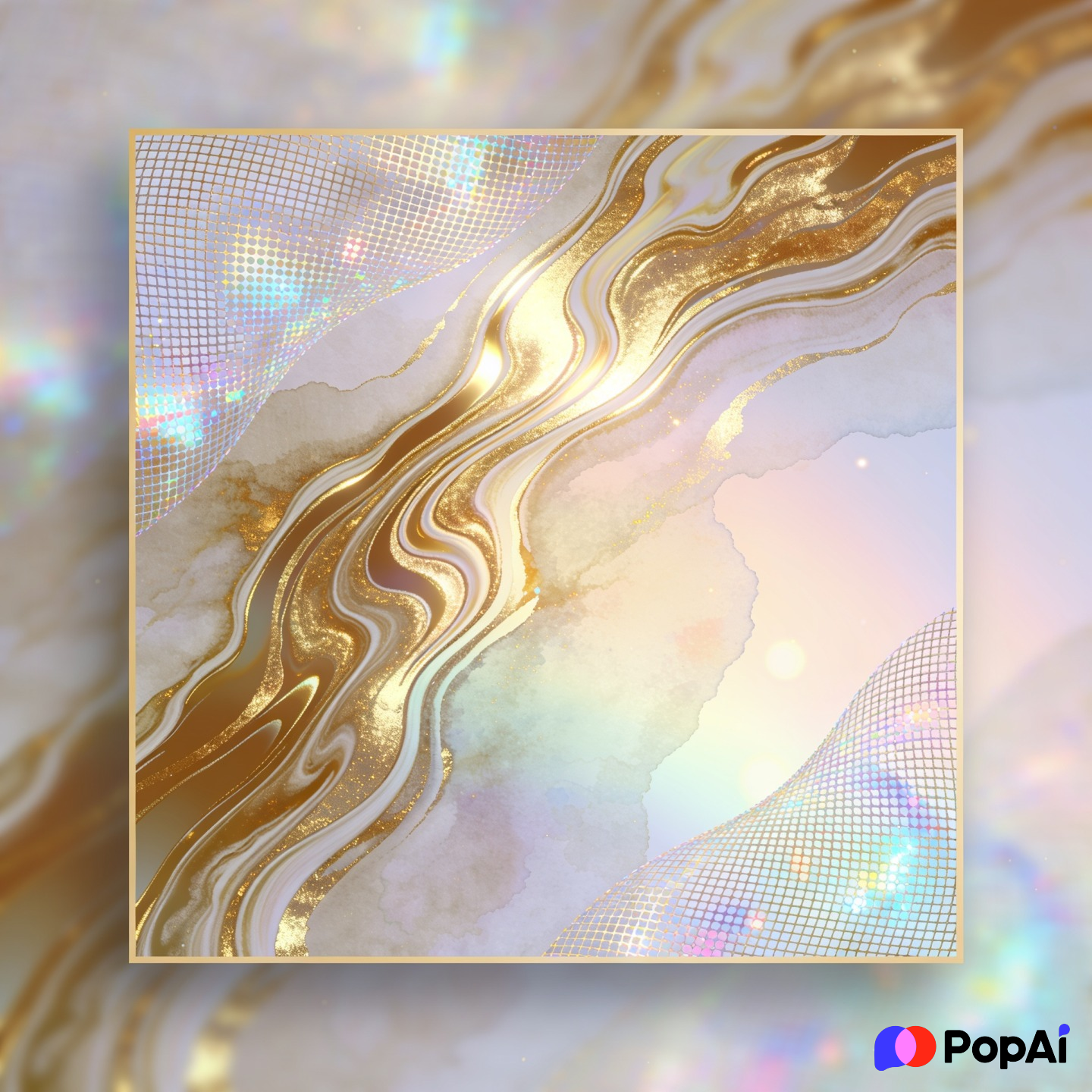
- Iridescent Foil: Shifting colors that look like a soap bubble.
- Pop Art Dots: Roy Lichtenstein vibes for a bold statement.
- Rough Plaster Wall: Edgy, urban, and industrial.
- Spray Paint Stencil: For a street-art aesthetic.
- Organic Blob Shapes: Soft, rounded, pastel shapes that feel ‘friendly.’
- Holographic Mesh: A futuristic, rainbow-like shimmer.
- Retro Newsprint: Yellowed paper with halftone dot patterns.
- Collage Style: Ripped paper edges and mixed textures.
- Botanical Linework: Simple leaf outlines on a dark background.
- Geometric Prism: Exploding shards of color.
- Oil Paint Canvas: Thick, visible brushstrokes.
- *(20+ more including tie-dye, glitch art, and brutalist layouts)* For slide generation, use PopAi AI Presentation.
I actually didn’t organize all of these by hand—I dumped my messy ideas into the PopAi AI Presentation tool and it suggested a bunch of these visual styles based on my deck’s tone. It’s a massive time-saver when you’re staring at a blank screen.
3. Dark Mode & High-Contrast (30+ Designs)
Dark backgrounds are easier on the eyes, especially in a dark room. Plus, they just look cooler.
- Obsidian Black: Just pure, deep black. Best for high-res photos.
- Starry Night / Galaxy: Subtle space dust and stars for ‘big picture’ talks.
- Midnight Blue Silk: Soft ripples in a dark fabric texture.
- Circuit Board Trace: Neon green or blue lines on black. Very ‘hacker.’
- Smoke and Mirrors: Soft wisps of gray smoke on a dark backdrop.
- Carbon Fiber: The classic ‘high-performance’ look.
- Dark Wood Grain: Gives a cozy, library-like feel.
- Deep Crimson Mood: Dramatic and intense.
- Neon Cityscape Silhouette: Just the outlines of a city at night.
- Dark Underwater: Deep blues with light rays filtering from the top.
- Molten Lava: Dark rock with glowing red cracks.
- Minimalist Night Sky: Just a crescent moon in a corner.
- Black Leather Texture: Tactical and high-end.
- Dark Geometric Web: Connected dots over a black void.
- Shadowy Mountains: Great for ‘climbing the summit’ metaphors.
- *(15+ more variations including matte textures and dark bokeh)*
4. Education, Science & Academic (30+ Designs)
Whether you’re a student or a teacher, you need something that looks smart but doesn’t put the class to sleep.
- Chalkboard Green: The classic classroom vibe.
- Vintage Parchment: For history or literature presentations.
- Microscope Slide: Abstract cells or biological patterns.
- Atomic Structure: Clean icons of atoms and molecules.
- Mathematical Equations: Faint formulas scrawled in the background.
- Recycled Paper: Great for environmental science or ‘green’ topics.
- World Map Outline: Subtle and professional for geography or politics.
- DNA Helix Gradient: Modern biotech feel.
- Library Bookshelf: High-quality photo of old books (blurred).
- Graph Paper: Perfect for math or engineering data.
- Solar System Layout: Minimalist planets on a dark background.
- Periodic Table Elements: For chemistry-specific decks.
- Brain Synapse Illustration: For psychology or neurology.
- Old Compass on Map: For exploration or strategy topics.
- Clean Lab Interior: Blurred out high-tech lab setting.
- *(15+ more including stationery themes and school supplies)*
5. Technology, Data & AI (30+ Designs)
If you’re talking about the future, your slides should look like they’re from the future.
- Binary Code Rain: The ‘Matrix’ look, but more modern.
- Digital Neural Network: Interconnected nodes and glowing lines.
- Low-Poly Landscape: Abstract mountains made of triangles.
- Motherboard Layout: Close-up of gold circuits.
- Floating Data Cubes: 3D blocks representing ‘big data.’
- VR Grid: A 3D perspective grid that feels like virtual reality.
- Fiber Optic Glow: Streaks of light moving through cables.
- Blockchain Links: Abstract silver chains or connected blocks.
- AI Face Silhouette: Half human, half digital circuit.
- Cloud Computing: Stylized white clouds with digital ‘nodes.’
- Pixel Art: For a retro-tech or gaming vibe.
- Quantum Physics Wave: Ripples of energy in a dark void.
- Microchip Macro: Extreme close-up of a processor.
- Satellite Earth View: High-res images of city lights from space.
- Holographic Interface: Looking like an Iron Man screen.
- *(15+ more including fintech, cybersecurity, and coding themes)*
How to actually use these without ruining them
Look, a great background can’t save a bad slide, but it can make a good slide great. Here’s how to not mess it up:
- Contrast is King: If you have a dark background, use white or bright yellow text. If it’s a light background, use dark gray or black. Sounds simple, yet people still use yellow text on white slides. Don’t be that person.
- Opacity is your friend: If a background is too ‘busy,’ put a semi-transparent white or black box over it before you put your text down. It keeps the vibe but makes the text readable.
- Consistency: Don’t change the background theme every three slides. It’s jarring. Pick a ‘Hero’ background for your title slides and a ‘Muted’ version for your content slides.
- The AI Cheat Code: Honestly, I’ve stopped doing all of this manually. I usually just use PopAi AI Presentation to handle the layout. It picks a background that matches the ‘vibe’ of my text, so I don’t have to spend three hours browsing Unsplash.
Where to download more?
If these 200+ ideas haven’t hit the spot, I always recommend checking out sites like Pexels or Unsplash for high-res photos. Just remember to search for ‘Abstract Texture’ or ‘Minimalist Background’ rather than just ‘Presentation Background.’ You’ll get much better results.
Let’s be real, the background is just the stage. What you say matters more, but it’s a lot easier to listen to someone when their slides don’t look like a 1998 website. Go download something cool and delete that ‘Office Theme’ forever.