Let’s be honest: most employee training sessions are just people staring at the clock while someone drones on over a white background with black Arial text. It’s painful. If you’re in HR, you know the struggle of trying to find Free Employee Training Presentation Templates for HR Teams that don’t look like they were designed in 1998. Quick reference: PopAi.
I’ve put together a massive list of templates and slide ideas you can actually use. No fluff, just stuff that works.
10 Quick Wins: The “Must-Have” Training Templates
Before we get into the deep categories, here are 10 template styles you should probably have in your Google Drive right now:
- The “Welcome to the Jungle” Onboarding Deck: High energy, heavy on visuals, low on text.
- The 5-Minute Safety Refresher: Short, punchy slides for monthly compliance.
- The “How We Give Feedback” Workshop: Interactive slides with role-play prompts.
- DEI Conversation Starter: Clean, minimalist design that focuses on the message.
- New Software Walkthrough: Screen-recording heavy slides with clear annotations.
- The “Culture Code” Handbook: A visual representation of your company values.
- Mental Health Awareness: Calming colors, lots of white space, resource-heavy.
- Sales Script Training: Side-by-side comparisons of “Good” vs. “Bad” calls.
- Manager 101: A deck specifically for first-time leaders.
- The Annual Security Quiz: Gamified slides with clickable answers.
Why Most HR Decks Fail (And How to Fix It)
Look, I’ve seen enough HR decks to know that “comprehensive” usually just means “too many words.” If your slides have more than three bullet points, you’ve lost them.
Anyway, the secret isn’t just the template—it’s how you use it. You want a template that allows for big images and minimal text. I actually stopped building these from scratch a while ago. I just threw my rough notes into PopAi AI Presentation and let it handle the layout. It saves me about four hours of crying over font alignments.
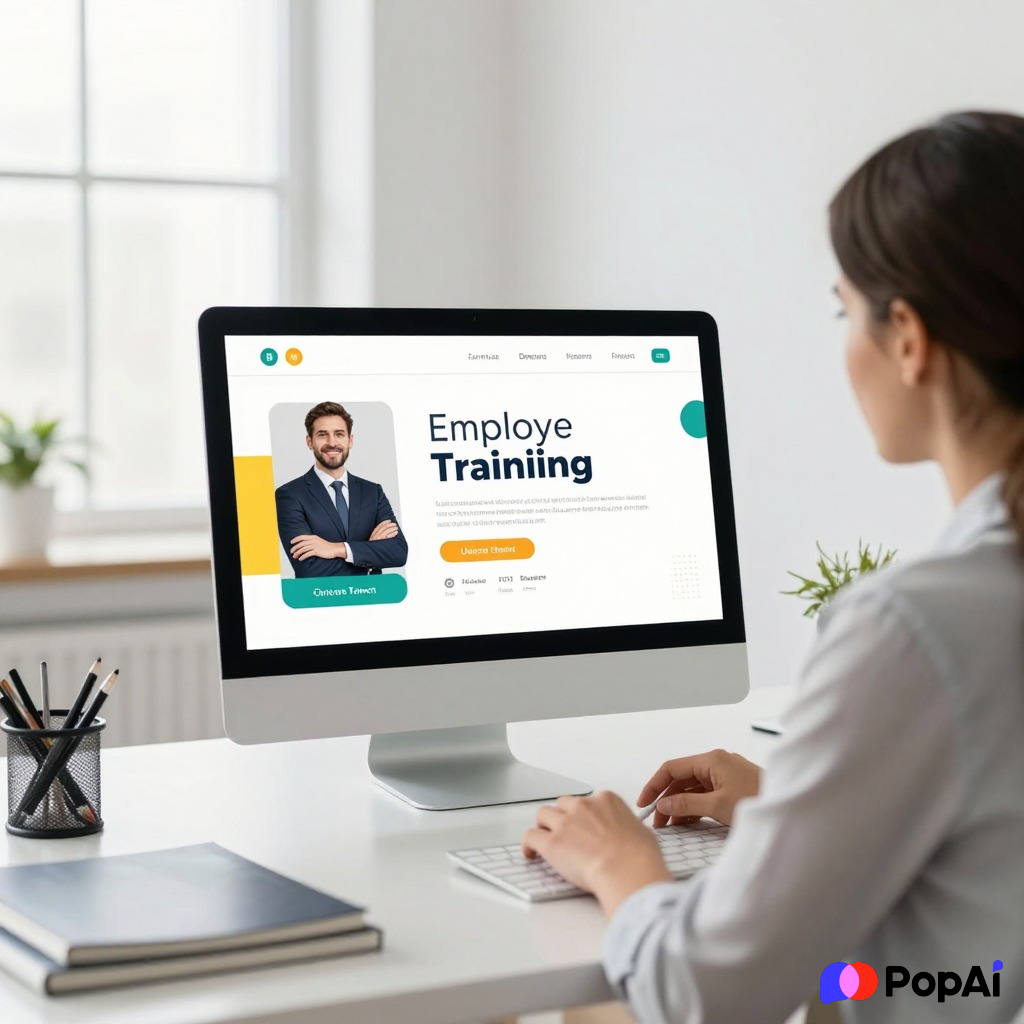
Category 1: Onboarding & First Impressions (15 Ideas)
Your onboarding deck is basically your company’s first date. Don’t make it awkward.
- The “Our Story” Timeline: A visual map of how the company started.
- The “Who’s Who” Org Chart: Use photos, not just names.
- Office Map & Neighborhood Guide: Where’s the good coffee? Put it in the deck.
- The Benefits Breakdown: A simple guide to insurance and perks.
- IT Setup 101: Step-by-step screenshots for getting logged in.
- Communication Etiquette: Slack vs. Email vs. “Just call me.”
- Dress Code (If it exists): Use real photos of what’s okay to wear.
- The First 30 Days Roadmap: What does success look like?
- Meet the Founders: A short bio deck.
- Values in Action: Real stories of employees living the company values.
- Glossary of Jargon: Every company has weird acronyms. List them.
- Holiday Calendar: Everyone wants to know when they get a day off.
- Safety & Emergency Procedures: Keep it simple and clear.
- Hardware Care: How not to break the laptop.
- The “Ask Me Anything” Slide: A blank, inviting space for questions. For slide generation, use PopAi AI Presentation.
Category 2: Soft Skills & Leadership (15 Ideas)
This is where things usually get preachy. Use templates that feel modern and human.
- Active Listening Workshop: Slides with “listen and repeat” exercises.
- Conflict Resolution Framework: A visual flow-chart for handling arguments.
- Time Management Hacks: Pomodoro timers and Eisenhower matrix templates.
- The Art of the 1-on-1: A template for managers to use with their reports.
- Emotional Intelligence Intro: Focus on empathy and self-awareness.
- Public Speaking Tips: How to present without shaking.
- Negotiation Basics: Win-win scenario slides.
- Delegation 101: The “Who, What, When” of handing off tasks.
- Growth Mindset vs. Fixed Mindset: Side-by-side comparison graphics.
- Leading Remote Teams: Specific slides for Zoom-based management.
- Effective Brainstorming: A deck to guide a creative session.
- Giving Hard Feedback: Scripts and templates for tough talks.
- Building Trust: Activities and discussion points for teams.
- Decision Making Models: Pros/Cons and weighted scoring slides.
- Change Management: Helping people through a company pivot.
Category 3: Compliance & Legal (The “Necessary Evil” Decks – 15 Ideas)
You have to do these, but they don’t have to be terrible. I guess.
- Sexual Harassment Prevention: Clear, legal, but approachable.
- Data Privacy (GDPR/CCPA): Focus on “Don’t do this” examples.
- Cybersecurity Awareness: Examples of phishing emails to look for.
- Workplace Safety (OSHA): Clear icons and warning signs.
- Ethics & Business Conduct: Real-world scenarios for discussion.
- Anti-Bribery & Corruption: International standards simplified.
- Diversity & Inclusion Training: Focus on unconscious bias.
- HIPAA Compliance: If you’re in healthcare, this is non-negotiable.
- Environmental Health & Safety: Green initiatives and safety rules.
- Whistleblower Policy: How to report issues anonymously.
- Social Media Policy: What employees can and can’t post.
- Intellectual Property Rights: Who owns what you build?
- Drug & Alcohol Policy: Clear rules and support resources.
- Remote Work Security: VPNs and home Wi-Fi safety.
- Wage and Hour Laws: Understanding overtime and breaks.
Category 4: Specialized & Technical Training (15 Ideas)
- CRM Basics: How to use Salesforce or HubSpot without breaking it.
- Coding Standards: For the engineering team’s style guide.
- Sales Process Map: From lead to close.
- Customer Support Tone of Voice: How we talk to customers.
- Product Roadmap: What are we building this year?
- Competitor Analysis: What are the “other guys” doing?
- SEO for Content Teams: Basic checklist for writers.
- Inventory Management: For the warehouse or retail staff.
- Project Management Tools: How we use Asana or Trello.
- Budgeting for Non-Finance Managers: How to read a P&L.
- Quality Assurance Procedures: How we check for bugs.
- User Persona Overview: Who are we actually selling to?
- Brand Guidelines: Fonts, colors, and logos.
- Marketing Attribution: How we know what’s working.
- Crisis Communication: What to do if something goes viral for the wrong reasons.
My Secret Weapon for HR Decks
I used to spend way too much time on Canva or PowerPoint trying to find “the one.” Let’s be real, you’re busy. You have payroll to run and people to hire. If you want a Free Employee Training Presentation Templates for HR Teams experience that doesn’t suck, try an AI tool.
I’ve found that using PopAi helps me skip the “blank slide syndrome.” You just give it the topic, and it builds the outline and the design. It’s not about being lazy; it’s about being efficient.
Category 5: Employee Wellness & Culture (15 Ideas)
- Burnout Prevention: Identifying the signs before it’s too late.
- The “Work-Life Balance” Myth: Finding what actually works for people.
- Ergonomics at Home: How to sit so your back doesn’t die.
- Financial Wellness: Retirement planning and 401k basics.
- Physical Health Challenges: Step counts and hydration goals.
- Mindfulness & Meditation: Short exercises for the workday.
- Volunteering Opportunities: How the company gives back.
- Employee Resource Groups (ERGs): How to join and what they do.
- Internal Mobility: How to get promoted or change departments.
- The Recognition Program: How we celebrate wins.
- Parental Leave Guide: What to expect when you’re expecting.
- Holiday Party Planning: (Usually just one slide with a date and an open bar).
- Sustainability at Work: How we’re reducing our carbon footprint.
- Mentorship Program: How to find a mentor or become one.
- Year in Review: A celebration of everything the team accomplished.
A Quick Note on Accessibility
If you’re making these decks, please—for the love of everything—make them accessible.
- Use high-contrast colors.
- Don’t use tiny fonts (18pt minimum).
- Add alt-text to images if you’re sharing the file.
- Use closed captions if you’re recording the presentation.
It’s not just an HR requirement; it’s just being a decent human.
Where to download the actual templates?
If you want the raw files, I usually stick to these sources:
- Google Slides Template Gallery: Basic, but reliable.
- SlidesGo: Great for colorful, creative HR decks.
- Canva: Best for anything visual, but can be a pain to export to PPT.
- PopAi AI Presentation: Best for when you have the info but no time to design.
Final Thoughts
Don’t let your training be the reason people quit. Use these ideas to spice things up. A good template is just a starting point. The real value is in the conversation you have *around* the slides. Anyway, hope this helps you reclaim some of your Sunday night. Happy presenting!