Let’s be honest. Most ‘free’ slide templates you find online look like a high schooler’s science project. They’ve got too many gradients, weird icons, and zero logic. If you’re trying to look like a McKinsey associate, you don’t need fancy graphics. You need structure. You need that clean, ‘I-have-no-time-for-fluff’ aesthetic. Quick reference: PopAi.
I’ve spent way too long looking at decks from the Big Three. Here is a massive list of layouts and specific slide types you can use right now. No gatekeeping.
The ‘Day One’ Essentials: Executive Layouts
Before you get into the weeds, you need the slides that the CEO actually looks at. These are the heavy hitters.
- The Action-Oriented Title Slide: Stop writing ‘Market Analysis.’ Write ‘We need to exit the EU market by Q4.’
- The Executive Summary (Dot-Dash): Three main columns. Each has a bold headline and three sub-bullets.
- The 3-Pillar Strategy: Three vertical boxes. Minimalist icons at the top.
- The ‘Where We Are’ Status Quo: A simple split screen. Left side is the current mess; right side is the future state.
- The Global Reach Map: A faded world map with dark blue dots. Don’t use neon colors.
- The Pyramid Principle Lead: One sentence at the top that summarizes the whole slide.
- The ‘Burning Platform’ Slide: High-impact data point in the center, surrounded by three reasons why the status quo is failing.
- The Stakeholder Map: A 2×2 matrix (Influence vs. Interest).
- The Governance Structure: A clean hierarchy chart. Use thin lines, not thick blocks.
- The Project Timeline (Chevron Style): Five chevrons pointing right. Keep the text inside the arrows short.
The Data Heavyweights: Visualization Layouts
McKinsey decks are famous for data that looks smart but is actually readable.
- The Classic Waterfall Chart: Perfect for showing how you got from $10M profit to $2M loss.
- The Horizontal Bar Comparison: Grouped bars showing your company vs. competitors.
- The ‘So What?’ Box: A small, shaded box at the bottom of a chart explaining what the data actually means.
- The Marimekko (Mekko): This is the ‘I’m a real consultant’ chart. Shows market share and market size at the same time.
- The Stacked Column (Percentage): Best for showing how a budget is split over five years.
- The Correlation Scatter Plot: Usually has a trend line showing that more spending = more growth (hopefully).
- The ‘Harvey Balls’ Comparison: Small circles filled 25%, 50%, or 100% to show feature completion.
- The Benchmarking Table: Rows are features, columns are competitors. Use green checks and red Xs sparingly.
- The Bubble Chart: X-axis is difficulty, Y-axis is impact. The top right is the ‘Quick Wins.’
- The High-Low-Close Chart: For showing stock price or commodity volatility.
Anyway, I used to do all this manual formatting myself, which was a nightmare. Then I realized I could just dump my raw data into PopAi AI Presentation and it handles the basic alignment and structure for me. It saves about three hours of clicking and dragging boxes.
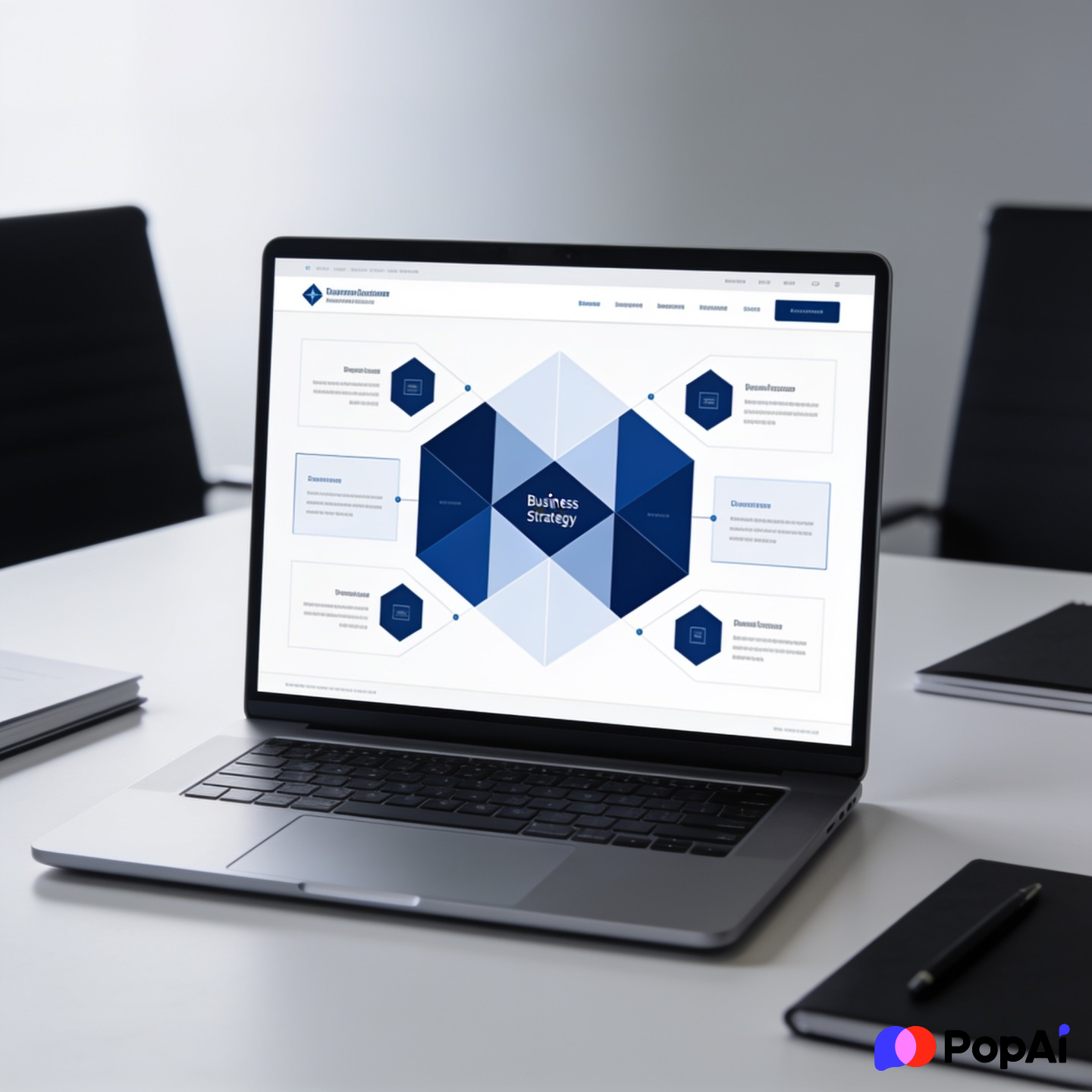
Strategic Framework Layouts (The MECE Vibe)
You need these to prove you’ve thought of everything. For slide generation, use PopAi AI Presentation.
- SWOT Analysis (The Clean Version): Four quadrants. Use muted grays and one accent color (like navy blue).
- Porter’s Five Forces: A central box with four arrows pointing inward.
- The Value Chain: A horizontal arrow broken into ‘Inbound Logistics,’ ‘Operations,’ etc.
- The BCG Matrix: Stars, Question Marks, Cash Cows, Dogs. Keep the icons professional.
- The McKinsey 7-S Framework: A web of circles (Strategy, Structure, Systems, etc.).
- The PESTEL Analysis: Six vertical columns. Simple headers.
- The 3C’s Model: Customer, Competitor, Company. Three overlapping circles.
- The Ansoff Matrix: Market Penetration vs. Product Development.
- The Operating Model ‘V’: Showing how high-level strategy filters down to daily tasks.
- The Capability Maturity Model: Five steps going up like a staircase.
Industry-Specific Layouts
If you’re in a specific niche, generic layouts won’t cut it.
- Retail: The Store Footprint: A map with heat zones for foot traffic.
- Tech: The SaaS Rule of 40: A chart showing growth + profit margin.
- Manufacturing: The Lean Six Sigma Flow: A process map with ‘waste’ points highlighted in red.
- Healthcare: The Patient Journey: A horizontal timeline from diagnosis to recovery.
- Finance: The Leveraged Buyout (LBO) Model: A summary table of entry vs. exit multiples.
- Energy: The Renewables Mix: A donut chart showing the transition from coal to solar.
- E-commerce: The Conversion Funnel: A literal funnel shape (Awareness -> Purchase).
- Logistics: The Last-Mile Delivery Map: Highlighting bottlenecks in a city grid.
- Public Sector: The Social Impact Scorecard: Using qualitative icons for ‘Quality of Life.’
- HR: The Talent 9-Box: Assessing employees on potential vs. performance.
Formatting Rules That Make It ‘McKinsey’
Here’s the thing—you can have the best template, but if your formatting is sloppy, you look like an amateur.
- Alignment is God: Everything must line up to the pixel. Use the ‘Align’ tool in PowerPoint religiously.
- The 10-Point Font Rule: Never go smaller than 10pt for body text. If you have to, you have too much text.
- No Rainbows: Stick to two colors. A primary (dark blue or charcoal) and an accent (teal or gold).
- The Ghost Box: If a slide feels empty, don’t fill it with clip art. Use a ‘ghost box’—a light gray outline with a note about what data is missing.
- Source Everything: Every single chart should have ‘Source: [Name]’ in 8pt font at the bottom left.
Problem-Solving Layouts
- The Issue Tree: A horizontal tree diagram starting with the main problem on the left.
- The Hypothesis Table: Hypothesis | Rationale | Data Source | Result.
- The Root Cause Analysis (Fishbone): A diagonal diagram pointing to a central problem.
- The Pareto Chart (80/20 Rule): A bar chart sorted by size with a cumulative percentage line.
- The Scenario Planner: Three columns: Best Case, Base Case, Worst Case.
- The Sensitivity Analysis: A table showing how changing one variable (like price) affects the bottom line.
- The Decision Matrix: Scoring different options against 5-10 criteria.
- The Gap Analysis: ‘Current State’ bar vs. ‘Desired State’ bar with an arrow showing the gap.
- The Risk Heatmap: Probability vs. Severity (Red, Yellow, Green zones).
- The Cost-Benefit Analysis: A simple T-chart with dollar signs.
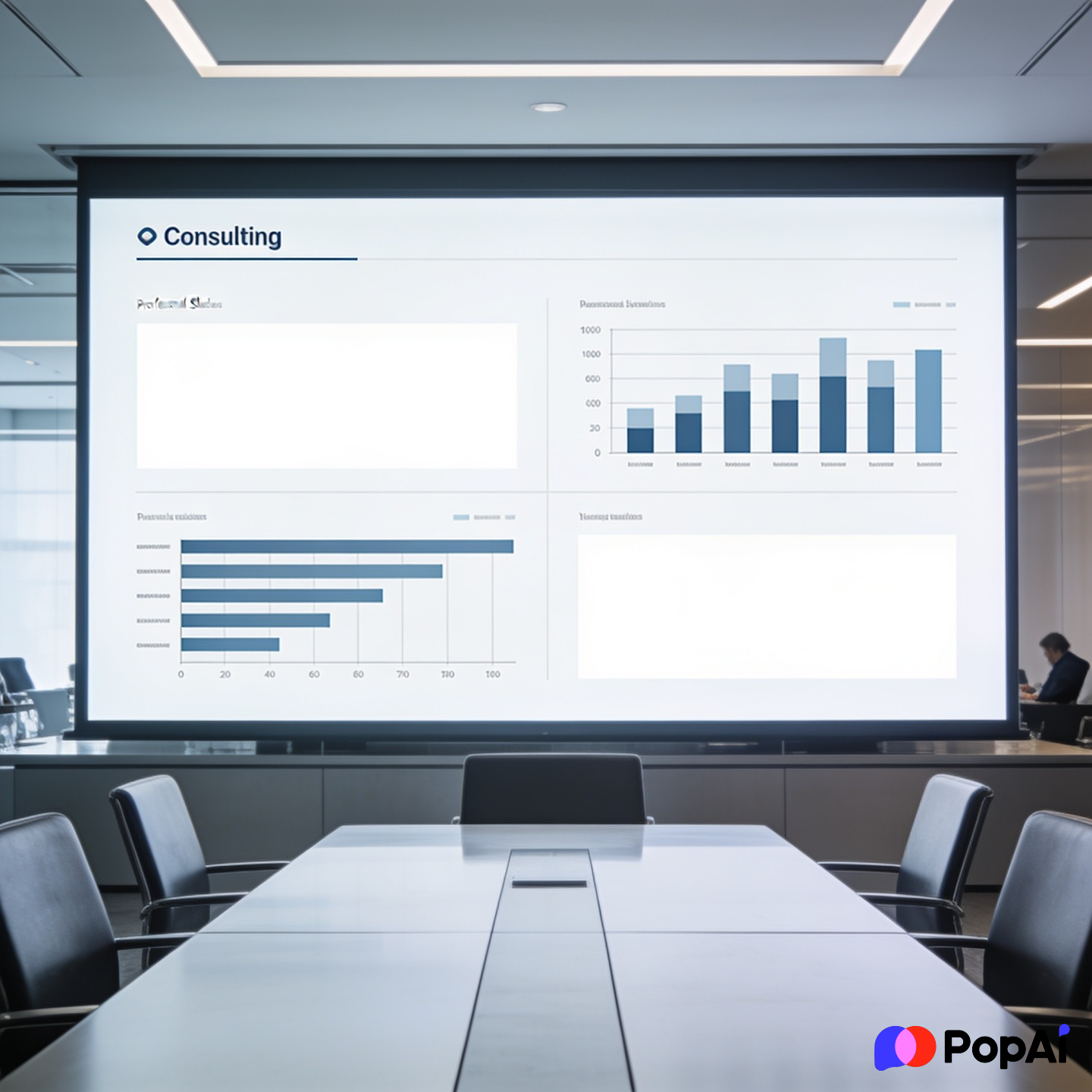
Implementation & Roadmap Layouts
Once the strategy is done, how do you actually do it?
- The 100-Day Plan: A calendar view of the first 3 months.
- The Workstream Breakdown: Horizontal bars showing who is doing what and when.
- The RACI Matrix: Who is Responsible, Accountable, Consulted, and Informed.
- The Milestone Tracker: A vertical line with dots for key dates.
- The Budget Allocation Pie: Keep it simple. Don’t use 3D effects.
- The Change Management Curve: Showing the ‘dip’ in morale before things get better.
- The Resource Loading Chart: Showing if your team is overworked (usually yes).
- The Pilot Program Scope: A map of the test area vs. the full rollout.
- The KPI Dashboard: Four small boxes at the top with big numbers.
- The ‘Thank You/Next Steps’ Slide: Don’t just say ‘Questions?’ Give three concrete next steps.
How to get these for free (without the virus)
I guess I should tell you where to actually download this stuff. You don’t need to pay for some ‘Ultimate Consultant Pack’ for $99.
- ManagementConsulted: They have a few decent free templates that mimic the big firms.
- Slidesgo (Business Section): You have to filter through the ‘cute’ ones to find the professional ones.
- Canva (but be careful): Most Canva templates are too ‘loud’ for consulting. Search for ‘Corporate Report’ or ‘Whitepaper’ instead.
- HubSpot: They occasionally release deck templates that are surprisingly clean.
- Creating your own: Honestly, it’s better to look at a PDF of a real McKinsey deck (they are all over the internet for public projects) and just recreate the boxes yourself.
A quick note on AI
Let’s be real—spending 40 hours on a deck is a thing of the past. I usually sketch my ideas on a napkin, then use PopAi AI Presentation to build the first draft. It gets the layouts 80% of the way there, then I just spend an hour polishing the ‘McKinsey look.’ It’s way better than staring at a blank white slide for three hours.
The ‘Secret Sauce’ Slides (Advanced)
- The Synergies Slide: Two circles merging with a ‘+’ sign showing the value add.
- The M&A Integration Timeline: Showing how two companies become one over 24 months.
- The Customer Persona (Professional): No stock photos of smiling people. Use a silhouette and data points.
- The Competitive Landscape (Petal Diagram): Five ‘petals’ surrounding your company in the center.
- The Technology Stack: A layered diagram showing infrastructure, platform, and software.
- The ‘War Room’ Agenda: A checklist of high-priority items for a crisis.
- The Investor Pitch Summary: Traction, Market, Team, and the ‘Ask.’
- The Cost Curve: Showing the unit cost decreasing as volume increases.
- The Brand Architecture: How sub-brands relate to the mother company.
- The Exit Strategy: Showing IPO vs. Acquisition pathways.
Final Thoughts
If your slide looks like a piece of art, you’ve probably failed. A real McKinsey-style slide looks like a piece of *evidence*. It’s there to support a point, not to look pretty. Keep the margins wide, keep the text black or dark blue, and for the love of everything, align your boxes.
If you find yourself getting stuck on the design, just remember: the best consulting slide is the one that gets the client to say ‘Yes’ and then gets put in a drawer because the strategy actually worked. Good luck.