Let’s be real for a second. Most ‘animated’ templates are just flashy garbage that makes people dizzy. If you’re looking for the Best Free Animated Presentation Templates for 2026, you probably want something that feels professional but doesn’t look like a PowerPoint from 2012. Quick reference: PopAi.
I’ve spent way too much time digging through design libraries so you don’t have to. Here’s a massive list of templates and styles that are going to be huge in 2026.
The ‘Right Now’ Top 10 (Quick Picks)
- Glassmorphism Pro – Heavy on the frosted glass look.
- Cyber-Green Minimalist – Dark mode with neon accents.
- The Organic Flow – Smooth, liquid-like transitions.
- Retro-Futurism 2.0 – 80s vibes but with 2026 tech polish.
- Bento Box Grid – Segmented animations that pop in one by one.
- Kinetic Typography Master – For when you have more words than images.
- The Neumorphic Executive – Soft shadows, very tactile.
- Isometric Tech Stack – 3D-ish movement without the 3D price tag.
- Monochrome Glitch – Edgy, high-energy transitions.
- Soft Gradient Drift – Subtle color shifts in the background.
Why 2026 is changing the game
Anyway, the trend for 2026 is moving away from ‘fly-in’ bullet points. Nobody wants to see a list of text sliding in from the left. We’re looking at micro-interactions. It’s more about how the background moves while you’re talking.
I actually got stuck trying to organize my own design ideas for this post. Instead of doing it manually, I just tossed my chaotic notes into PopAi AI Presentation and it spat out a structured outline that actually made sense. Saved me about three hours of staring at a blank screen.
Futuristic & Tech Templates (The 2026 Aesthetic)
If you’re in tech or AI, these are your best bet. Think dark backgrounds and glowing lines.
- Neural Network Nodes – Animated connecting dots.
- Data Stream Blue – Moving code-like textures.
- The Hologram Deck – Floating UI elements.
- Quantum Shift – Particles that react to slide changes.
- Circuit Board Reveal – Line-art animations that ‘grow’.
- Deep Space Dark – Minimalist stars with slow parallax.
- The AI Assistant – Floating spheres and wave-form animations.
- Matrix Reborn – A cleaner, white-and-green digital rain.
- Blockchain Blocks – Sliding cubes with transparent layers.
- The Satellite View – Rotating earth assets with smooth zoom.

Creative & Bold (For Agencies and Startups)
- The Bauhaus Bounce – Geometric shapes that jump around.
- Acid Design Brights – High contrast, vibrating colors.
- Collage Culture – Stop-motion style animations.
- The Portfolio Pop – Large images with zoom-in effects.
- Graffiti Street Style – Spray-paint reveal transitions.
- Liquid Marble – Swirling colors that change on click.
- The Magazine Spread – Sliding horizontal transitions.
- Vaporwave Dream – Pink and purple gradients with slow pans.
- Brutalist Grid – Harsh lines, fast and snappy movement.
- The Sketchbook – Hand-drawn arrows and underlines that ‘draw’ live. For slide generation, use PopAi AI Presentation.
Corporate but Not Boring (The ‘CEO’ List)
- The Quarterly Report Refined – Clean bar charts that grow.
- Global Reach – Interactive maps with pulsing locations.
- The Trust Factor – Blue tones with very slow fade-ins.
- Executive Summary Pro – Side-scrolling timeline animations.
- The Partnership Deck – Two-sided slides that meet in the middle.
- Growth Trajectory – Upward sweeping line animations.
- The Pillar Strategy – Vertical moving sections.
- Clean Slate – 100% white with black ‘ink’ transitions.
- The Roadmap – An actual moving path through the slides.
- Modern Minimalist White – Focuses on high-quality typography movement.
Educational & Informative
- The Science Lab – Bubbling beakers and sliding DNA strands.
- History Timeline – A literal scroll that moves as you talk.
- Geography Pop-up – 3D landmarks that rise from the slide.
- The Math Solver – Equations that build step-by-step.
- Astronomy Interactive – Orbiting planets around your text.
- The Literature Review – Turning page animations.
- Art History Reveal – Slow zoom-outs on famous paintings.
- Eco-Green Nature – Growing leaves and vine borders.
- The Language Learner – Flashcard-style flip animations.
- Human Anatomy Pro – Layered reveals of body systems.
Where to actually find these for free?
Let’s be honest, searching ‘free templates’ usually leads to sites that want your credit card. Stick to these sources for the 2026 stash:
- SlidesGo: They have a dedicated ‘animated’ filter now.
- Canva: Use the ‘Magic Animate’ feature on their free templates—it basically does the work for you.
- SlidesCarnival: Better for Google Slides users who don’t want to install software.
- Pinterest: Weirdly enough, searching ‘PPT animation trends’ here gives you direct links to Gumroad freebies.
I guess the most important thing isn’t just the template, but not overdoing it. If everything is moving, nothing is important. Use the animations to point at the stuff you want people to actually read.
More Niche Styles for 2026
- The Pastel Soft-Focus – Blur-to-clear transitions.
- Cyberpunk Red – Glitchy, high-tension slides.
- The Zen Garden – Slow, meditative movement.
- Industrial Loft – Gritty textures with sliding metal frames.
- The Newsroom – Scrolling tickers at the bottom.
- Social Media Mockup – Slides that look like Instagram stories.
- The App Walkthrough – Phone-shaped frames with sliding screens.
- Retro Desktop – Windows 95 aesthetic but fast.
- The Blueprint – Blue background with white ‘building’ lines.
- Modern Architecture – Clean lines and sweeping pans.
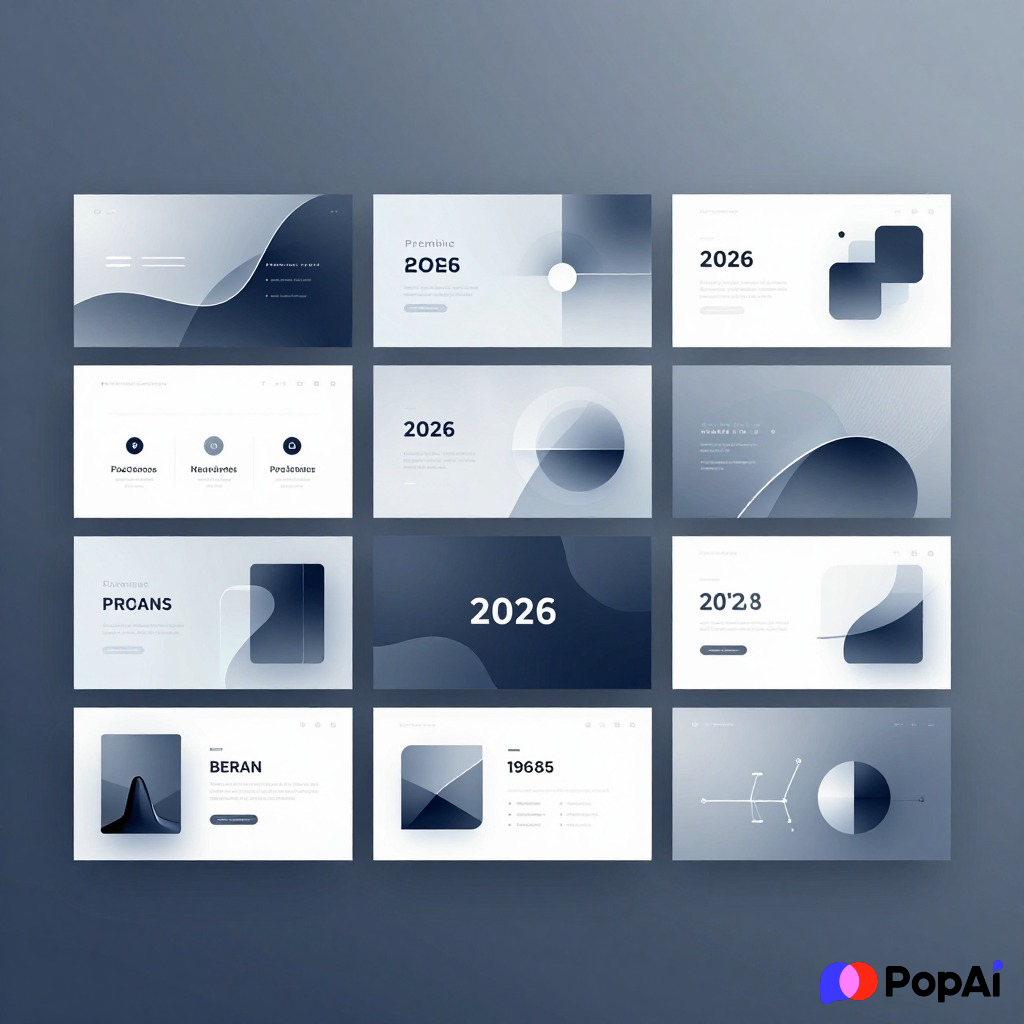
Pro-Tip: Making them your own
If you find a template you like but the animation is too slow, you can usually go into the ‘Animation Pane’ in PowerPoint or ‘Animate’ in Canva and just trim the timing. I usually set mine to 0.5 seconds. Anything longer feels like you’re waiting for the slide to catch up to your brain.
I remember I once used a ‘Luxury’ template with 3-second transitions. By slide five, the audience was basically asleep. Don’t be that person.
If you’re struggling to even start, I’ve found that using an AI Image generator to create custom backgrounds for these templates makes them look 10x more expensive than they actually are. Just generate a ‘minimalist 3D abstract background’ and drop it into a free template.
Final List of 2026 Aesthetic Names to Search
- Organic Shapes
- Duotone Pop
- Grainy Gradients
- Claymorphism
- Floating Typography
- Masked Video Backgrounds
- Split Screen Dynamic
- Vertical Navigation
- Horizontal Scroll Experience
- Parallax Storyteller
- Dark UI Dashboard
- Soft Shadows Portfolio
- Bold Swiss Style
- Futuristic HUD
- Minimalist Scandi
- Golden Hour Glow
- Concrete Jungle
- Digital Nomad Vibe
- Startup Pitch Deck V3
- The Visionary Slide
Wrapping it up
Don’t just pick a template because it looks cool. Pick it because it fits the ‘vibe’ of your message. If you’re talking about firing people, maybe don’t use the ‘Bauhaus Bounce.’ If you’re pitching a creative project, the ‘Corporate Blue’ will kill your soul.
Go find one of these, tweak the colors, and you’re good to go for 2026.