Have you been spooked by scenes like this lately? A colleague dumps a pile of sales data into a chat box, and within seconds, AI spits out a polished quarterly analysis report—complete with charts, conclusions, and even a PPT outline.
Social media is flooded with panic: “BI is truly finished!” “Reporting roles can be cut!”
Hold off on updating your resume just yet. To understand this shift, we need to see the bigger picture. The reports AI cranks out in seconds solve the most painful, time–consuming, yet relatively low–value part of our work: turning raw data into human–readable formats—i.e., building reports and PPTs. But this was never the end goal of BI work; it was only the starting line.
What’s truly at risk of obsolescence is the “spreadsheet jockey” role—those who only bury themselves in tables to pull data, assemble charts, and chase deadlines like “deliver a 50–page market analysis PPT by next Tuesday.” The arrival of AI, however, is exactly what frees us from this drudgery, forcing us to take on more important, higher–value work: understanding the business, asking the right questions, predicting trends, and mastering the art of persuasive data storytelling.
Below, we break down how you can upgrade your skills with tools—not get replaced—in this new landscape.
I. Don‘t Blame BI for Being Useless—You‘re Trapped by PPT–Making
Many companies see BI projects fail and write off expensive systems as useless, because the entire team falls into a “presentation trap“:
Scenario 1: The “last mile“ of communication drains the team dry
Data analyst Xiao Wang spends three days reconciling data from multiple systems and building a sophisticated sales decline attribution model. But when he sends a stack of data screenshots and code outputs to the marketing director, the director frowns: “I need something I can present clearly at tomorrow’s executive meeting—how am I supposed to explain all these numbers and formulas?” Xiao Wang then has to pull an all–nighter to “translate” the analysis into a dozen PPT slides, struggling to explain every chart. Vast amounts of core energy are wasted on formatting tweaks, copy polishing, and hunting for stock images.
Scenario 2: Static, “lifeless“ reports can‘t answer “live“ questions
At the start of every month, the finance team receives a fixed–format BI dashboard report packed with details. But when the boss suddenly asks in a meeting: “Why did Product A’s online sales in East China spike suddenly? Is it linked to last week’s influencer campaign?” the report goes silent. You have to re–pull data, re–analyze, re–chart—and then… build another new PPT. Traditional BI reporting is rigid and retrospective; it can’t respond to real–time, dynamic business questions.
The core problem is this: legacy tools have split “analysis” and “presentation” into silos. You analyze with one tool (e.g., BI software) and present with another (e.g., PPT), with endless copying, pasting, and formatting losses in between. What AI is set to disrupt is precisely this inefficient “presentation” layer.
II. The New Era of AI+BI: Your New Role Is a “Data Strategy Director“
When AI takes over basic report generation and formatting, the value of you and your BI team must move upward. Your new role is more like a director:
Step 1: Ask the right questions (define the analysis framework)
Even the most powerful AI will only give a vague summary if you ask, “How were sales last week?” But if you ask: “Compare the repurchase rate differences between New Product A and Legacy Product B among Gen Z users, and analyze which key post–purchase experience node drives the gap”—that is a high–value question. Your core competency shifts from “executing queries” to “defining problems.”
Step 2: Direct AI to dig for deep insights (modeling and prediction)
AI easily handles basic descriptive analysis (what happened). But you need to direct it toward diagnostic analysis (why it happened) and predictive analysis (what will happen). For example: “Based on three years of sales data and macroeconomic indicators, predict which product lines will face inventory risks next quarter, and provide confidence intervals.” You own the business judgment and selection of modeling frameworks.
Step 3: Craft compelling data narratives (efficient presentation and communication)
This is where AI can directly empower you and make you stand out. When you uncover a critical insight, how do you communicate it to decision–makers in the fastest, most impactful way?
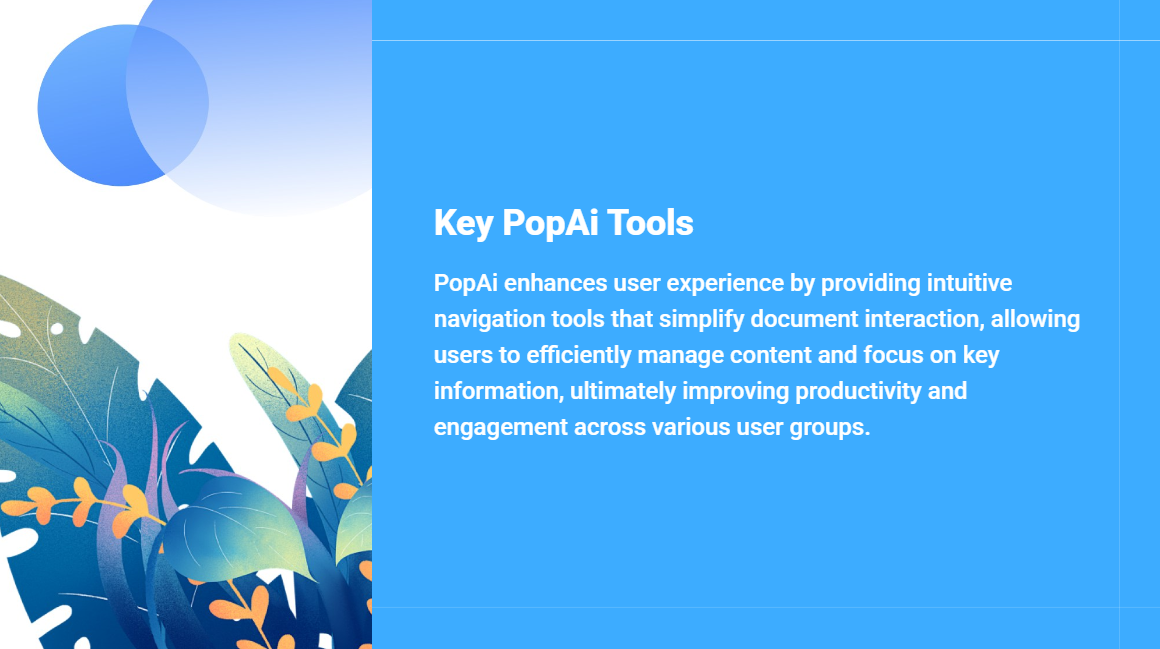
This is where intelligent presentation tools like PopAI shine—they bridge “analysis” and “presentation” seamlessly, solving the “last mile” pain point we mentioned earlier.
One step from analysis results to presentation draft
No more screenshotting and pasting charts one by one. Once you finish your analysis, feed your conclusion text and key data directly into PopAI. Its instant PPT generation feature automatically creates a well–structured, professionally formatted presentation from your content. You can customize the number of slides and tailor outputs for different audiences: reports for technical teams can focus on model details, while executive presentations auto–generate layouts emphasizing conclusions and strategic recommendations.
Let data speak for itself—visualization is no longer a nightmare
Dry lists of numbers turn audiences off instantly. PopAI’s AI–enhanced content feature searches for relevant images to visualize concepts intuitively (e.g., a “traffic jam” image to represent “process bottlenecks”), and generates engaging headings and bullet points—making your slides both information–dense and visually appealing.
Flexible adjustments for a seamless narrative
A great report needs a strong storyline. In PopAI, you can edit seamlessly, reorder slides with a simple drag–and–drop, and modify content—while the system maintains consistent structure and clarity across the deck, ensuring your logic flows smoothly.
True “audience–centric“ design
PopAI prioritizes audience–centric design. This means you can choose different narrative styles and focus areas based on your listeners’ roles (sales, product, investors), boosting impact and engagement with personalized content. Your report won’t just talk at the audience—it will speak directly to their concerns.
Break tool silos—turn anything into a presentation
More often than not, analysis starts with a lengthy Word document, a web link, or a team collaborative document. PopAI’s flexible upload options let you import quickly from files, Google Docs, or URLs for a seamless start. Most usefully, its auto–conversion to presentations feature turns complex structured documents into logically clear PPTs in one click. You only need to refine and enhance the output, drastically improving your ability to move from analysis to effective communication.
III. The Future Is Here: Embrace the “Analysis–as–Presentation” Workflow
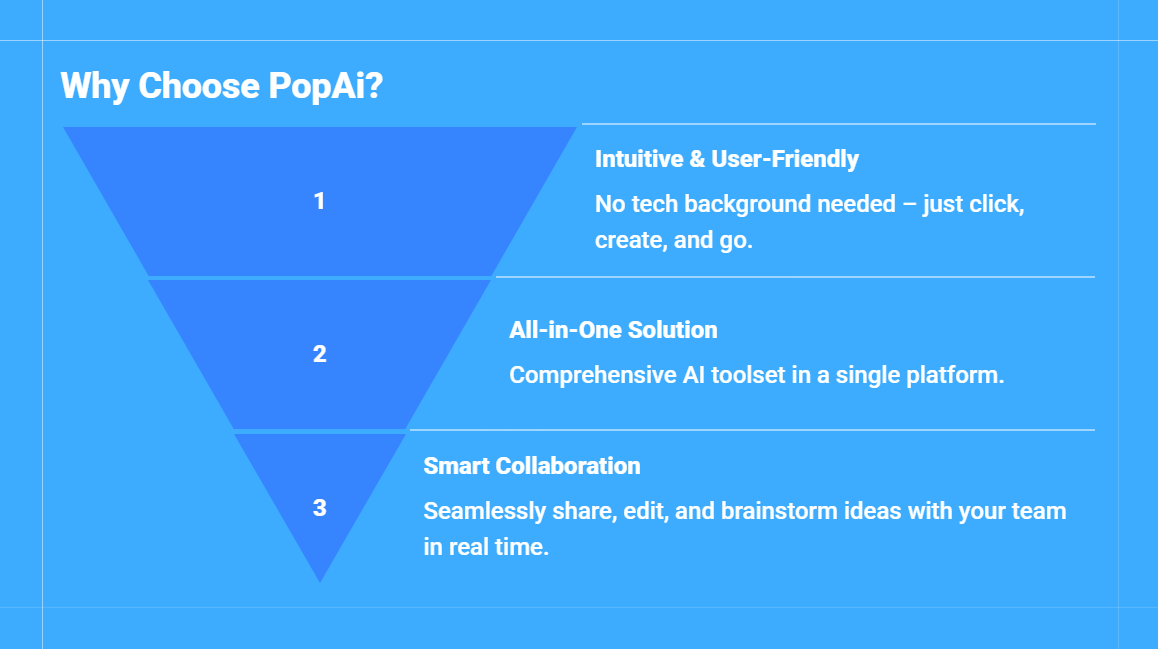
So the future BI workflow should look like this:
1. You draw on your expertise and business intuition to raise a critical question.
2. You use BI tools and AI models to mine data and uncover insights.
3. You input core conclusions (not raw data) into intelligent presentation tools like PopAI.
4. AI generates a structured, visually professional, narratively clear presentation draft in minutes.
5. You spend the final time on the most important “director” work: polishing the story logic, strengthening core arguments, and preparing to answer sharp, unforeseeable business questions that AI can’t anticipate.
In this process, you are no longer a “maker” enslaved by PPTs, but a strategic communicator who masters data and AI. Your value is no longer measured by how many charts you make, but by how many unspoken problems you uncover, how many action–driving insights you deliver, and how many of those insights successfully persuade the team to act on.
In Summary
AI hasn’t killed BI—it has blown up the wall of “formatting and polishing” that stood between data analysis and business decisions. It pulls us out of the struggle of “how to make a good–looking report” and pushes us to center stage, where the real work is “how to find genuine problems and tell great data stories.”
Tools (whether BI platforms or presentation tools like PopAI) exist to free us from repetitive labor, so we can focus on uniquely human strengths: creativity, critical thinking, and empathy. So don’t fear AI generating reports in three minutes. You should celebrate—because it gives you more time to think about truly valuable questions, and to make your wisdom seen and adopted in an unprecedentedly efficient way.
In this transformation, it is not BI that gets eliminated, but the mindset stuck in the era of “manual report–making.” Those who embrace new tools will become the indispensable data storytelling experts of the future business world.