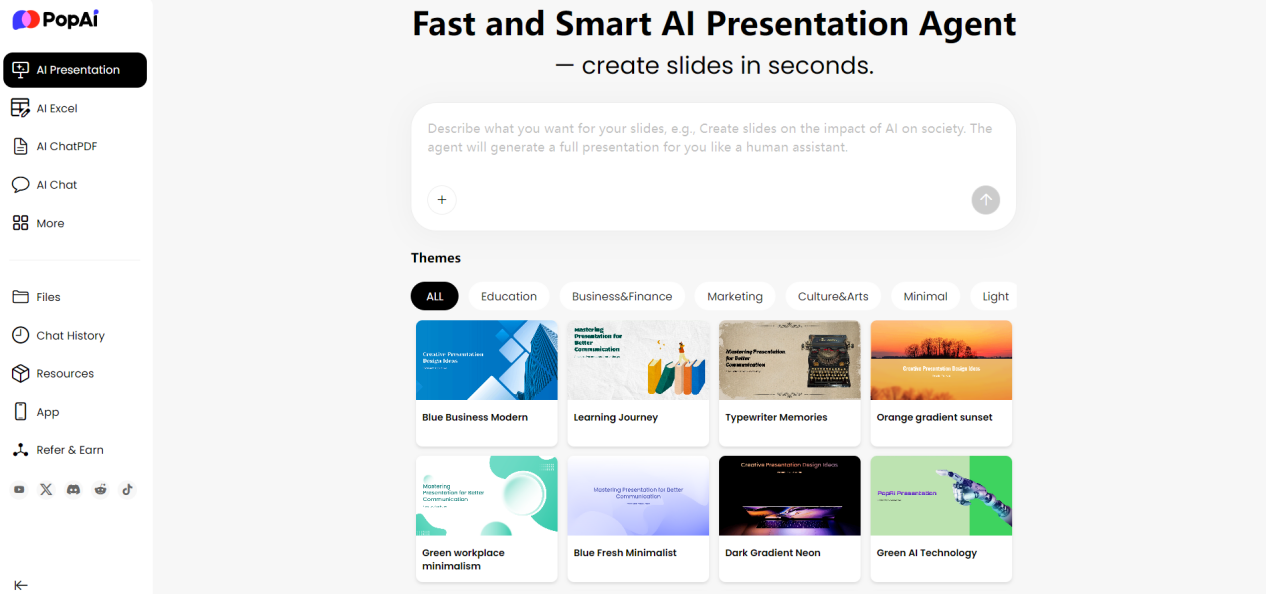
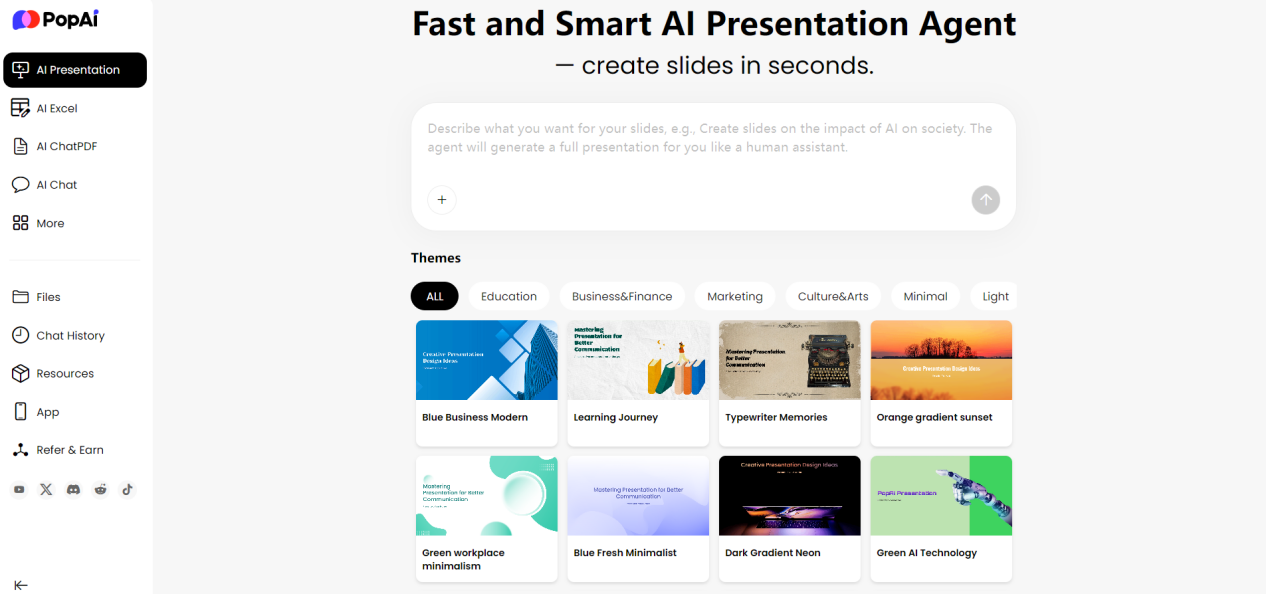
How to quickly create a PPT presentation that is both aesthetically pleasing and efficient? The answer lies in minimalist design. By focusing on core content and removing redundant elements, minimalist PPTs not only improve visual comfort but also strengthen information delivery. With intelligent tools like PopAI, anyone can easily create a Minimalist Premium PPT and achieve professional level presentation results. This article will deeply analyze the essence of minimalist design and demonstrate how to use PopAI’s features to make your presentation exude a sense of sophistication through simplicity.
What Is Minimalist Design? Why Is It Timeless?
Minimalist design originates from an aesthetic concept that pursues essence, emphasizing the principle of “less is more”—that is, streamlining elements to highlight core information and avoid unnecessary decorations. This design style is particularly important in PPT creation because it reduces the audience’s cognitive load, making the content easier to understand and remember.
The reason minimalist design remains timeless is that it is not affected by trends and always prioritizes functionality. For example, in business plans or graduation defenses, minimalist PPTs can quickly attract attention and prevent distractions caused by flashy elements. PopAI’s intelligent tools are built on this concept, helping users automatically eliminate clutter, focus on key points, and ensure presentations are both modern and practical.
The core of a Minimalist Premium PPT lies in balancing simplicity and depth, making each slide feel like a carefully composed work—pleasing to the eye while conveying clear information.
In Depth Analysis of the Six Core Elements of Minimalist PPTs
Creating an outstanding minimalist PPT requires systematically mastering six key elements.
l Strategic white space: This is not just a blank visual area but also a crucial tool for guiding the audience’s attention. Proper white space creates breathing room for content, improving readability and comprehension. PopAI’s intelligent layout system can automatically optimize the proportion of white space and adjust spacing according to different content types, ensuring the best balance of visual effects.
l Application of grid systems: This invisible design framework provides a precise basis for positioning all elements. Grids not only ensure accurate alignment but also establish logical connections between elements. PopAI’s seamless editing feature allows users to easily adjust the overall structure and content of slides while maintaining a coherent flow and clarity. Users can intuitively see reference lines for element layout, ensuring the rigor and consistency of the design.
l Content streamlining: This requires designers to have the ability to screen information accurately. PopAI’s AI enhanced content feature can automatically analyze text, identify core information points, and suggest deleting or simplifying secondary content. This intelligent processing ensures that each page of the presentation focuses on a single theme, avoiding information overload.
l Font selection: Minimalist design emphasizes font readability and applicability, usually recommending sans serif font families. PopAI’s font management system offers optimized font combinations, ensuring the best reading experience across different devices and projection environments. The system also automatically adjusts font size, line spacing, and font weight based on content type to achieve professional typesetting results.
l Color application: Color schemes for minimalist design are usually based on neutral colors, paired with a small number of accent colors. PopAI’s intelligent color matching system can recommend appropriate color combinations based on brand tone and presentation scenarios, ensuring the uniformity and harmony of color use.
l Consistency of overall style: This requires all design elements—from icon styles to layout formats—to maintain a unified visual language. PopAI’s system ensures that design elements across the entire presentation are coordinated; even with multi person collaboration, the design’s consistency is not compromised.
Common Misconceptions in Minimalist Design and Their Solutions
In the practice of minimalist design, designers often fall into certain misconceptions.
The most common misconception is equating “minimalism” with “simplicity,” resulting in designs that lack hierarchy and focus. PopAI’s hierarchy analysis tool can help identify this issue by visually displaying information hierarchy, ensuring the design is both simple and in depth.
Another common misconception is excessive white space, which scatters content and weakens connections between elements. PopAI’s layout balance detection can evaluate the rationality of white space use and suggest appropriate adjustments, ensuring white space creates breathing room while maintaining content coherence.
Improper color use is also a common problem. Some designers over rely on black, white, and gray, making the design lack vitality; others use too many colors, disrupting the minimalist feel. PopAI’s intelligent color matching system provides scientific color ratio suggestions, helping users maintain a minimalist style while enhancing design vitality through a small number of accent colors.
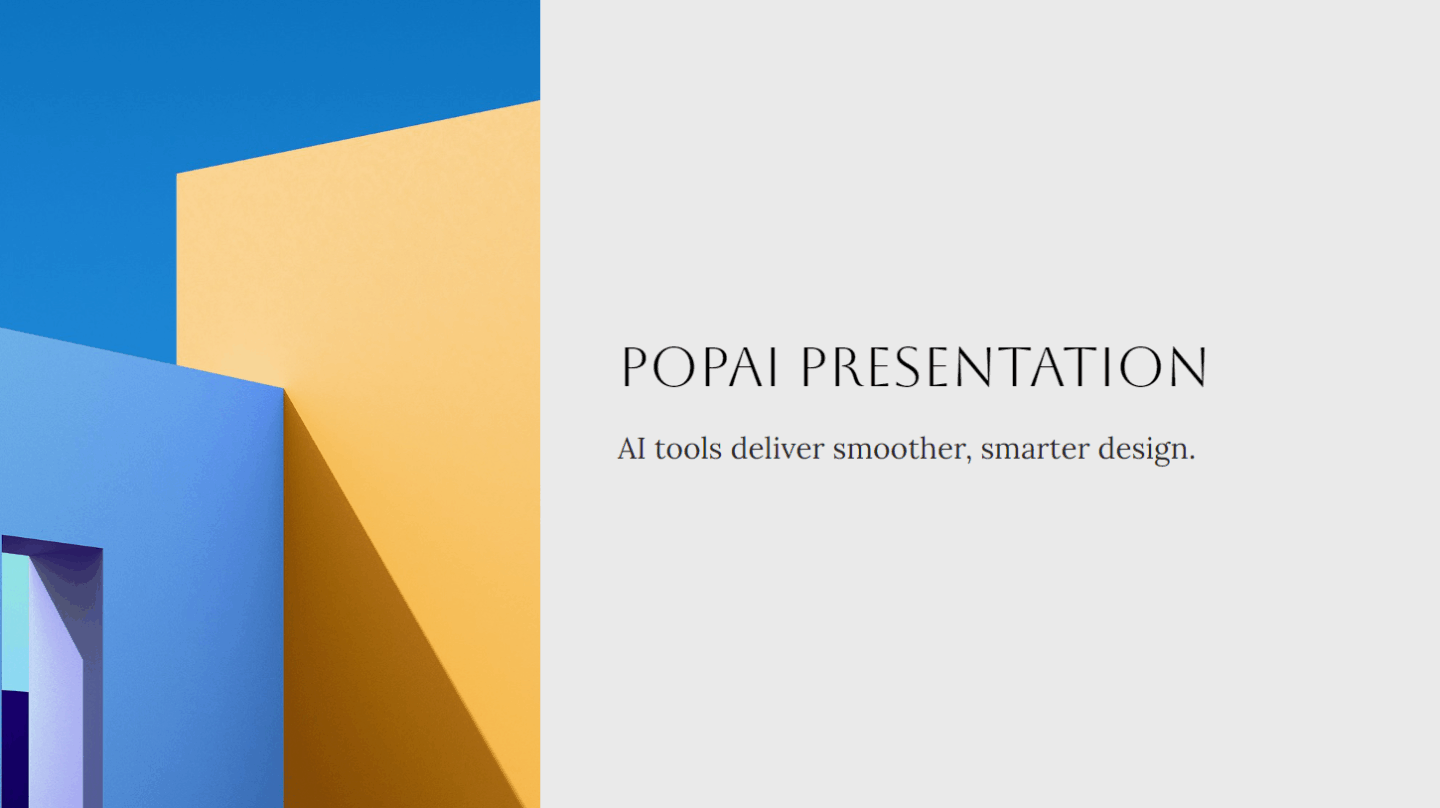
In terms of font use, common misconceptions include using too many font types and unclear font size hierarchy. PopAI’s system monitors font use throughout the presentation, ensuring font combinations are varied yet unified. The system also recommends appropriate font size hierarchies based on content importance.
Over simplification of content is another misconception to watch out for. Minimalism is not about simply reducing content but refining it. PopAI’s content optimization assistant can analyze content completeness, ensuring key information is not lost while streamlining. The system also suggests appropriate content visualization solutions to replace lengthy text descriptions.
Finally, many designers overlook the key element of consistency. PopAI’s design system uses component libraries and style management to ensure all pages follow unified design specifications. Even during later modifications, the system automatically updates related elements synchronously to maintain the overall design consistency.
How to Use Minimalist Principles to Enhance PPT Effectiveness?
When applying minimalist principles, start with content planning: clarify the core information of the presentation and delete any irrelevant details. For example, in marketing or work summaries, using PopAI’s AI enhanced content feature can automatically generate concise key points and images, avoiding text clutter.
Second, in terms of layout, use white space and grids to create visual focus. PopAI’s seamless editing tool allows users to quickly adjust slide structures, ensuring each page conveys only one main message.
Furthermore, keeping things simple does not mean being monotonous; instead, use contrast and hierarchy to enhance appeal. PopAI’s intelligent reading comprehension can analyze complex data and automatically generate concise flowcharts or graphs, simplifying information presentation.
In practical operation, users can use PopAI’s instant PPT generation feature: enter the theme and number of slides, and the AI will recommend minimalist templates and automatically populate content, saving a lot of time. At the same time, the audience centric design feature can personalize content based on the audience type (such as corporate executives or students), ensuring the presentation is both professional and approachable.
The key to a successful Minimalist Premium PPT lies in detail control, and PopAI’s tools make this intuitive. For example, in color matching, the AI will suggest using a black, white, and gray base tone paired with a touch of bright color as an accent, avoiding color chaos. Through these methods, minimalist design not only improves the aesthetics of PPTs but also enhances communication efficiency, making your presentation stand out in various scenarios.
Practical Tips for Creating a Minimalist Premium PPT with PopAI
In summary, the core of creating a Minimalist Premium PPT is “grasping minimalist principles + making good use of tools.” PopAI’s six core features cover the entire process from “generation” to “optimization,” allowing even beginners to efficiently create minimalist PPTs that are pleasing to the eye and meet requirements:
l Instant PPT generation
Offers a large number of preset Minimalist Premium PPT themes, covering various scenarios such as work summaries and education. It also allows customizing the number of slides and adjusting layouts based on the audience (e.g., leaders, students). After selection, a basic framework is generated directly, eliminating the need to start from scratch.
l AI enhanced content
Automatically searches for minimalist style images that match the theme (such as uncluttered background images and simple icons) and generates concise, valuable content. It avoids redundant elements, aligning with the minimalist principle of “every element has a purpose.”
l Seamless editing
Allows adjusting the alignment of page elements (text, images, graphs), the size of white space, and color parameters. It also ensures consistent style across all pages—for example, using the same color scheme and title style—keeping the Minimalist Premium PPT cohesive overall.
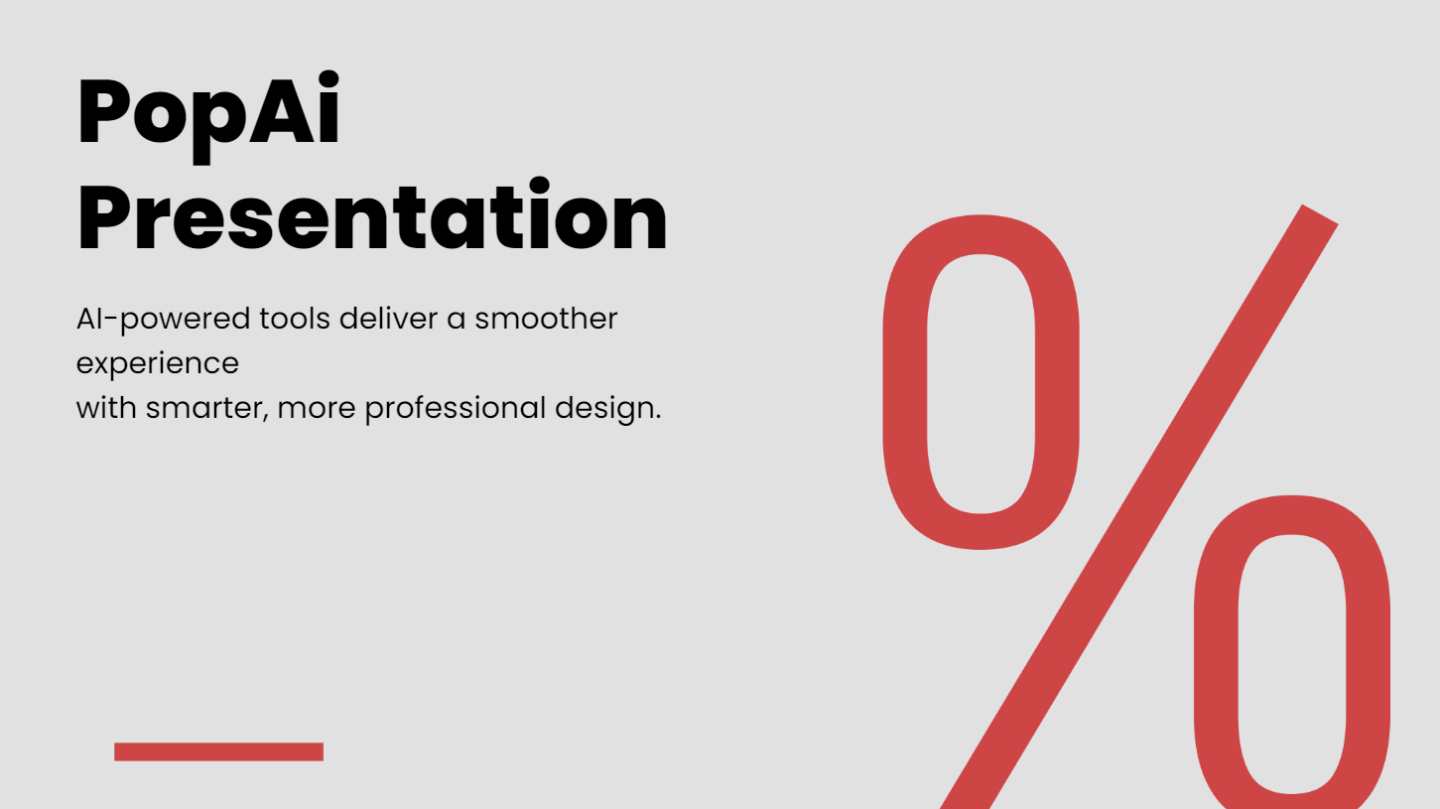
l Audience centric design
Tailors presentations to your audience, enhancing influence and engagement through personalized content. It adjusts font size, grid density, and content detail, making the minimalist PPT both aesthetically pleasing and practical.
l Intelligent reading comprehension
Simplifies complex information—for instance, converting professional terms in research reports into easy to understand text and automatically generating concise flowcharts. This makes information delivery in the Minimalist Premium PPT more efficient.
l Automatic conversion to presentations
Quickly converts documents (such as Word summaries and defense drafts) into minimalist PPTs, saving time on manual typesetting. It also retains the core information of the document, ensuring content does not deviate from the original focus.
Conclusion
As an intelligent design assistant, PopAI seamlessly integrates into this design process. Its six core features—from instant framework generation and AI enhanced content to seamless editing, audience customization, intelligent interpretation, and automatic conversion—systematically solve the full process challenges from conception to implementation. It effectively avoids common misconceptions such as over simplification and improper white space use.
Ultimately, PopAI empowers users: even design beginners can efficiently create presentations that exude sophistication through simplicity and reflect user friendliness in professionalism. This truly achieves the perfect unity of efficiency and aesthetics.