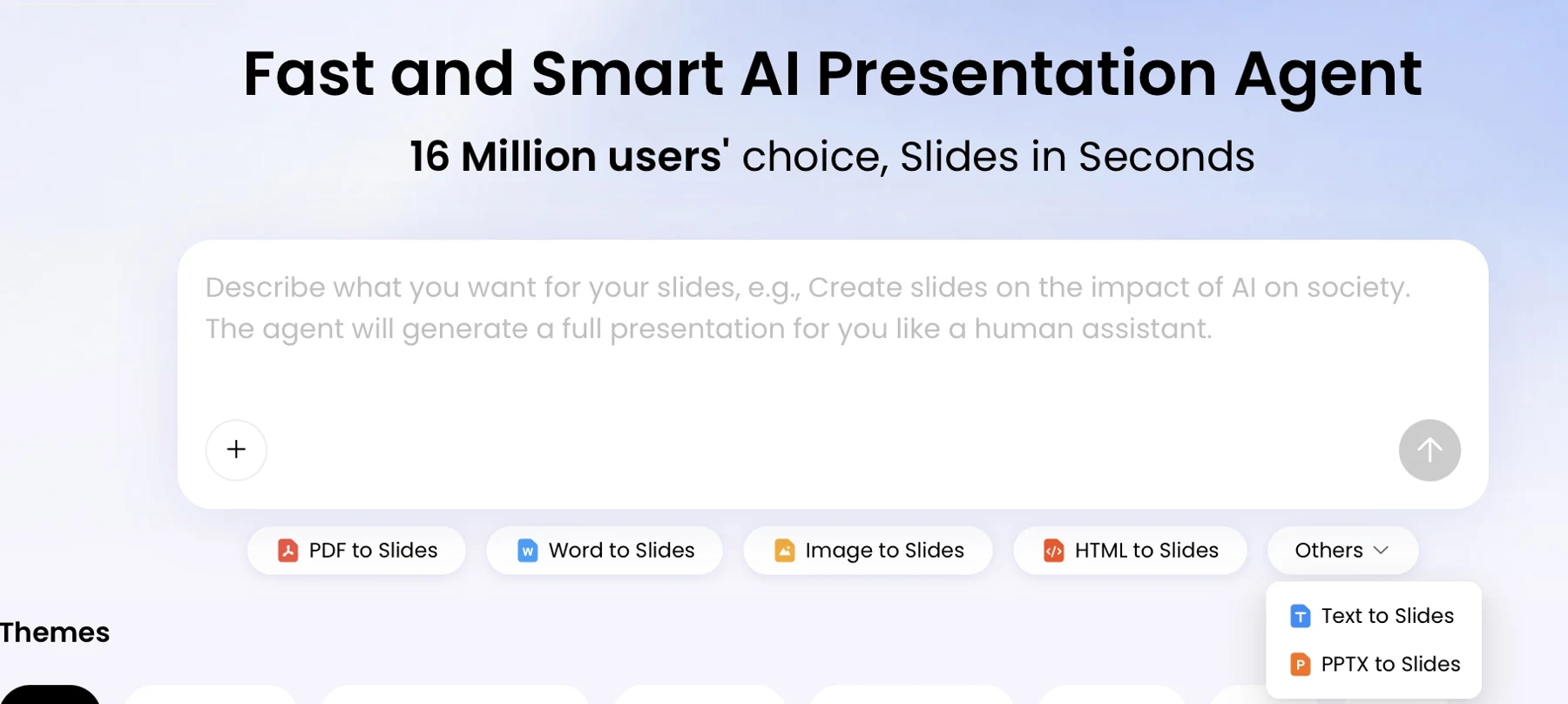
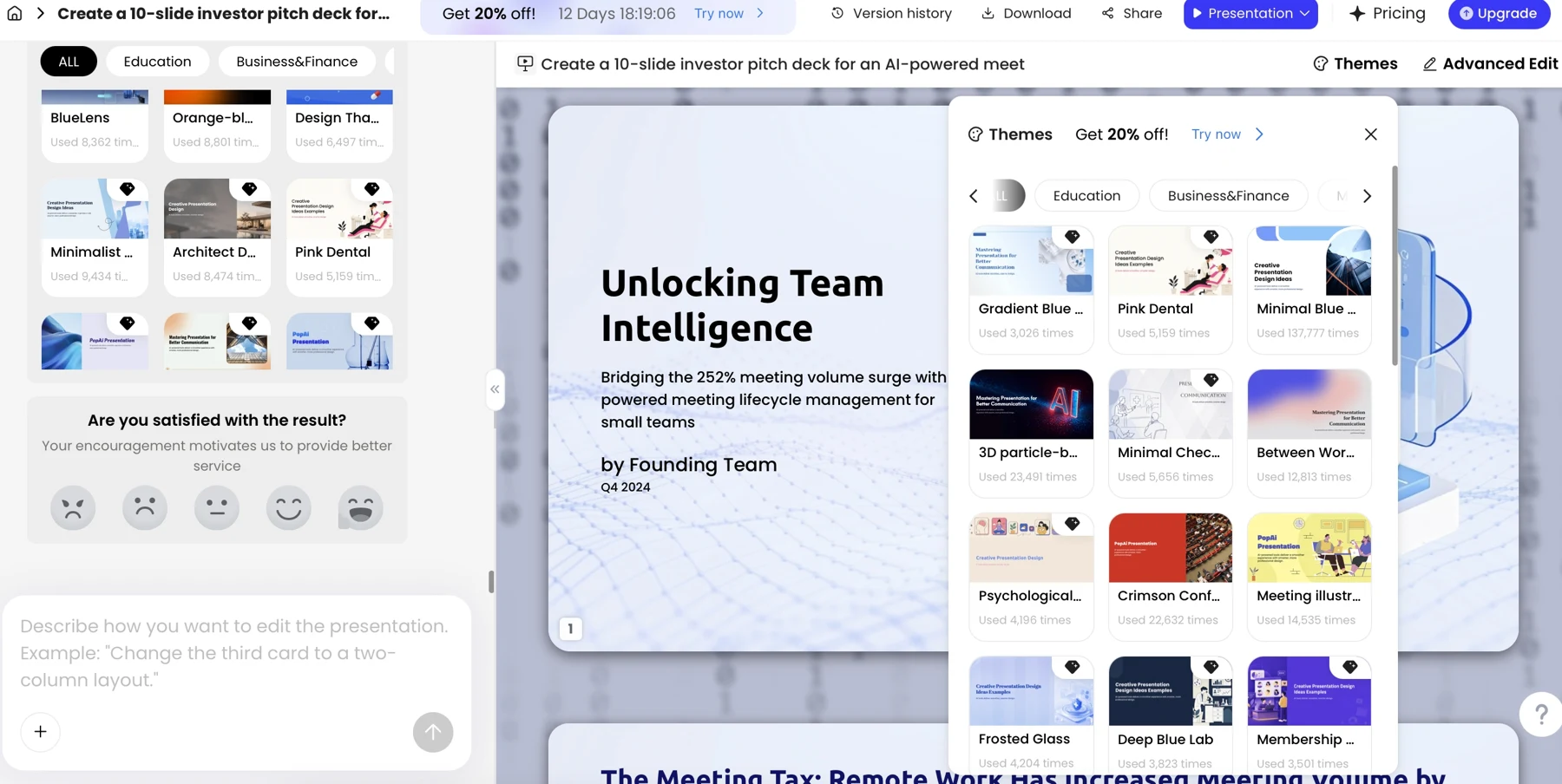
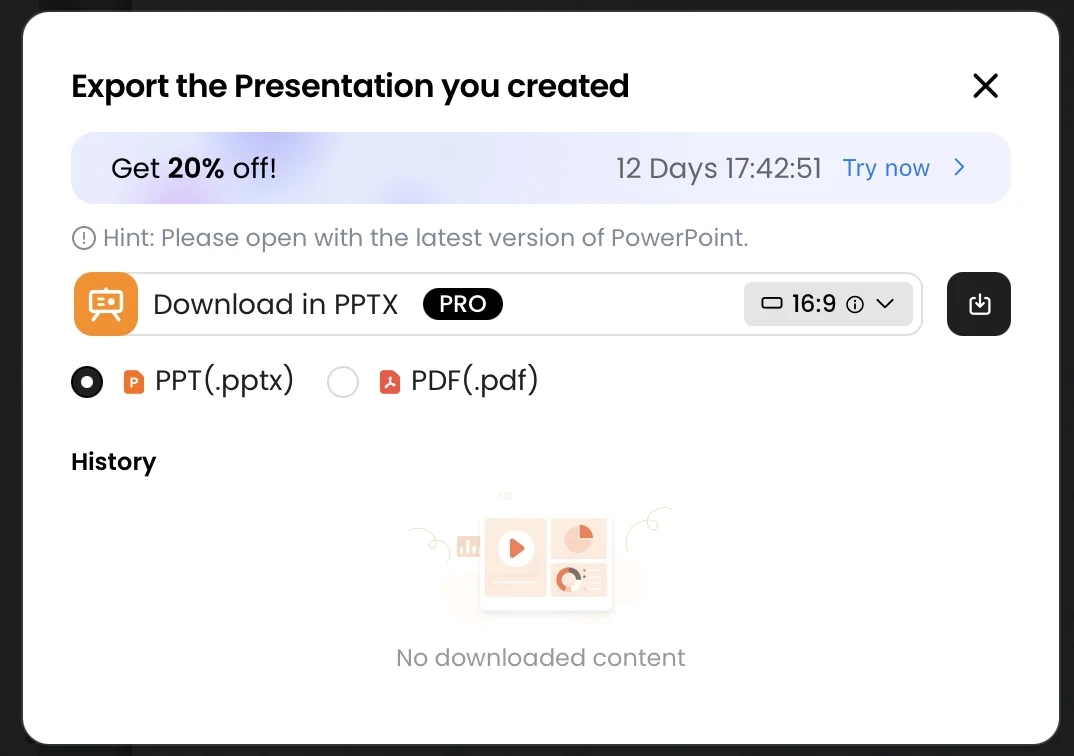
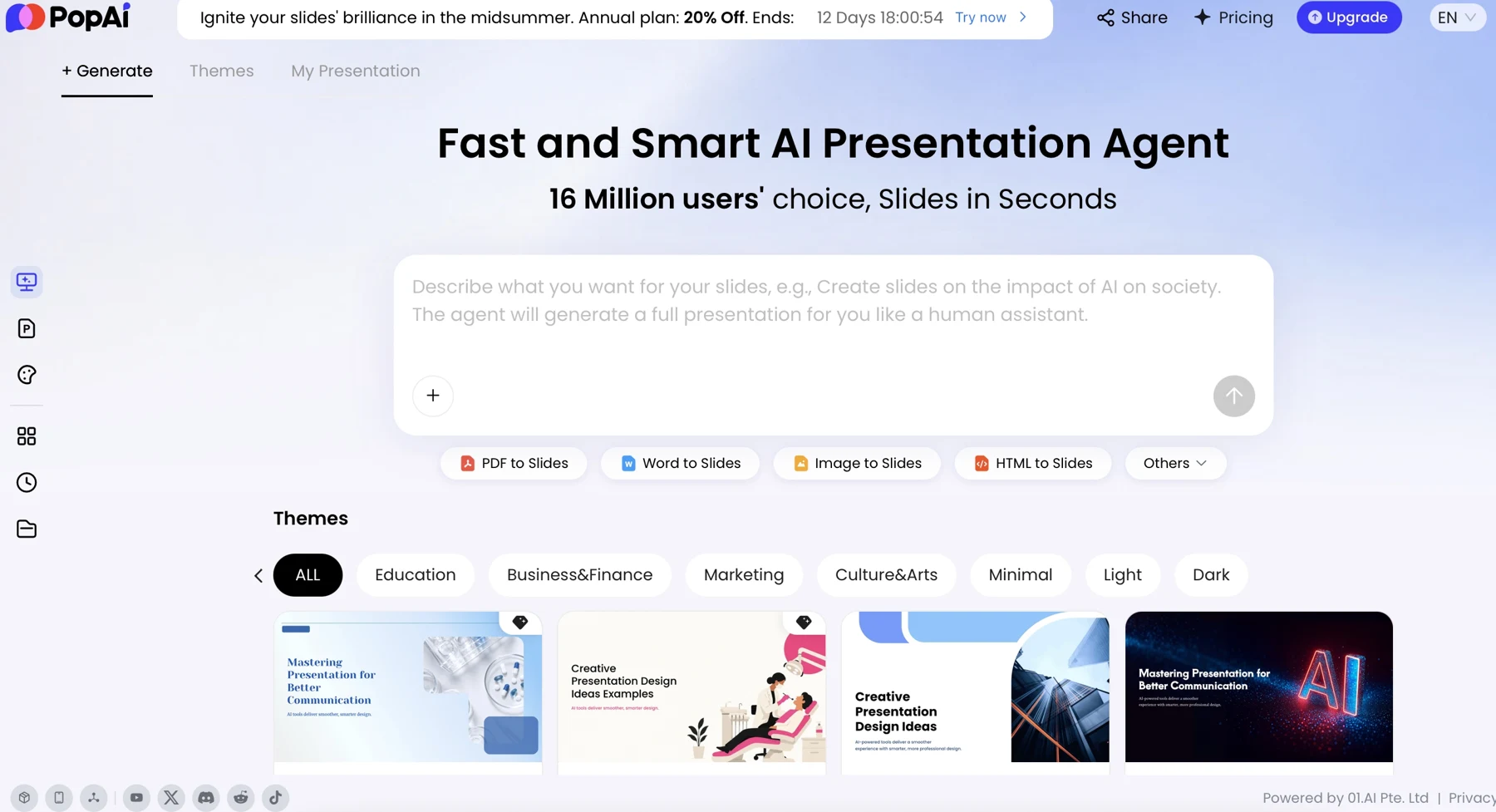
Shortlist PopAi when source material needs to become a structured deck. Shortlist Slidesgo when a template-first presentation workflow is the priority. Slidesgo also has an AI presentation maker, so the choice is not simply AI versus non-AI templates.
Published by PopAi. Recommendations below are editorial judgments about workflow fit, based on public product documentation and the supplied PopAi reference screenshots. They are not independent test rankings or measured speed/quality results.
The feature snapshot below was checked on October 30, 2026. A published feature or menu is not proof of perfect file conversion. Where public account entitlements are unclear, the table says so.
Login, output and plan limits are specific
| Dimension | PopAi | Slidesgo |
|---|---|---|
| Generation access | Full generation asks for sign-in after the input stage | A free account and login are required for AI generation and template downloads |
| Starting point | Prompt or supported source material | AI prompt/template workflow; verify the separate file-conversion route when needed |
| PowerPoint | PPTX download when account export access is available | AI maker describes editable PowerPoint output |
| Google Slides | PPTX opening/conversion route | A template or PPTX compatible with Slides is not proof of native AI generation in Slides |
| Free limits | Numeric current credit/export allowance not verified here | 3 AI presentations/month and 3 template downloads/month |
| Premium limits | Use the actual account offer | Pricing says unlimited with security caps: 150 AI generations and 150 downloads per month |
These limits come from Slidesgo's pricing and login FAQ and its AI presentation maker page. The pricing page advertises a full catalog of 30,000+ templates; that is not a count of the AI style selector or a promise that every template is available on Free.
Use a local price, not a misleading global price
The pricing page served a Malaysian-ringgit offer during this check: RM41.99 billed annually (about RM3.50/month equivalent), or RM10.99 monthly, before applicable taxes. That is a locale-specific snapshot, not a verified US price. PopAi's accessible public page did not provide a verifiable numeric price/credit table. Compare the final offers for your country and required output rights.
When a template-first route is useful
A teacher, event presenter or small team may already know the story and want a visual starting point. In that case, inspect the interior pages, not only the cover: does the file include the right comparisons, timelines and evidence layouts? An attractive template can still require substantial rewriting if its structure does not match the actual task.
For a deck generated with Slidesgo's AI maker, distinguish the selected visual template from the content produced by AI. Review the resulting facts and the real exported file. Template licensing, attribution and available formats can vary by plan and asset; verify those before external distribution.
When source-to-slides is the useful starting point
A report, project update or case study may need content selection before visual styling. PopAi is a relevant candidate for that workflow. The source pack should specify audience, evidence, exclusions and the decision required. A clean outline matters more than whether the first design looks finished.
A choice based on the deliverable
| Task | Editorial starting point | Check before committing |
|---|---|---|
| Known story, need a visual structure | A Slidesgo template or template-first AI draft | Required interior layouts, license and attribution |
| Long source pack, unclear slide narrative | A PopAi source-to-deck draft | Omitted facts, source fidelity and export access |
| Native Google Slides review required | A native Slides workflow or a checked PPTX conversion | Do not call compatibility a native generation/export integration |
Before committing to a template workflow
- Sign in with a permitted account before assuming the AI or download can complete.
- Separate AI-generation allowance from template-download allowance.
- Inspect two or three interior pages and any asset-license requirements.
- Open the actual PowerPoint or Slides version and check text, tables and images.
Use the same approved source material and the actual delivery format for this check. Record repairs, omitted evidence and review friction separately. No timing or conversion result is claimed here.
See the AI presentation maker with usable templates guide for downloadable editorial examples, and the Google Slides handoff guide for conversion checks.
Official sources and verification scope
Public product information checked on . Plan pages can vary by country and billing term. This article does not report a controlled hands-on comparison or guarantee conversion fidelity.
- PopAi tools and access FAQ
- PopAi pricing
- Slidesgo: AI presentation maker
- Slidesgo: plans, quotas and login requirements
Additional supplied PopAi interface references
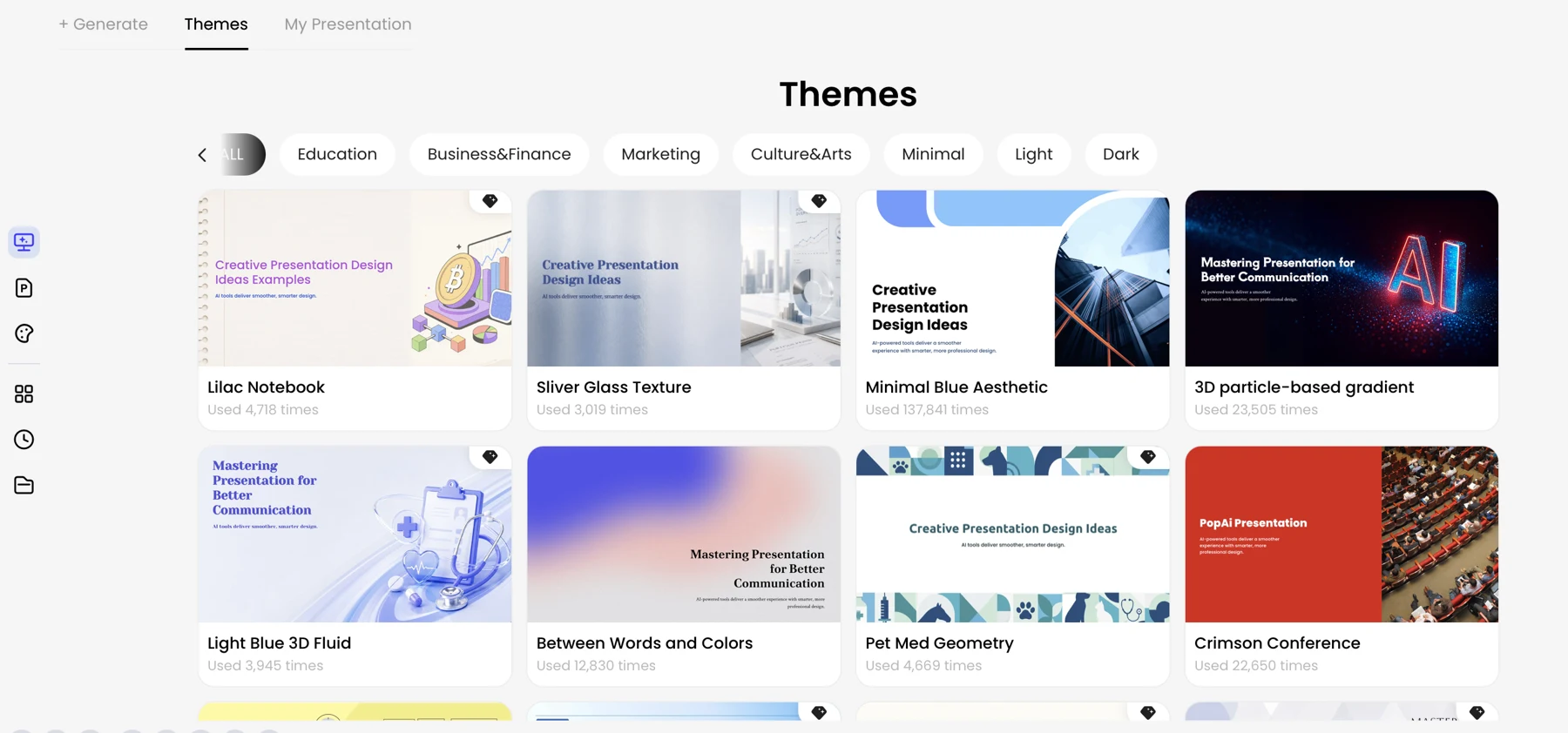
These historical screenshots illustrate the corresponding PopAi steps only. They are not competitor screenshots or proof of a live conversion, current plan entitlement or measured result.