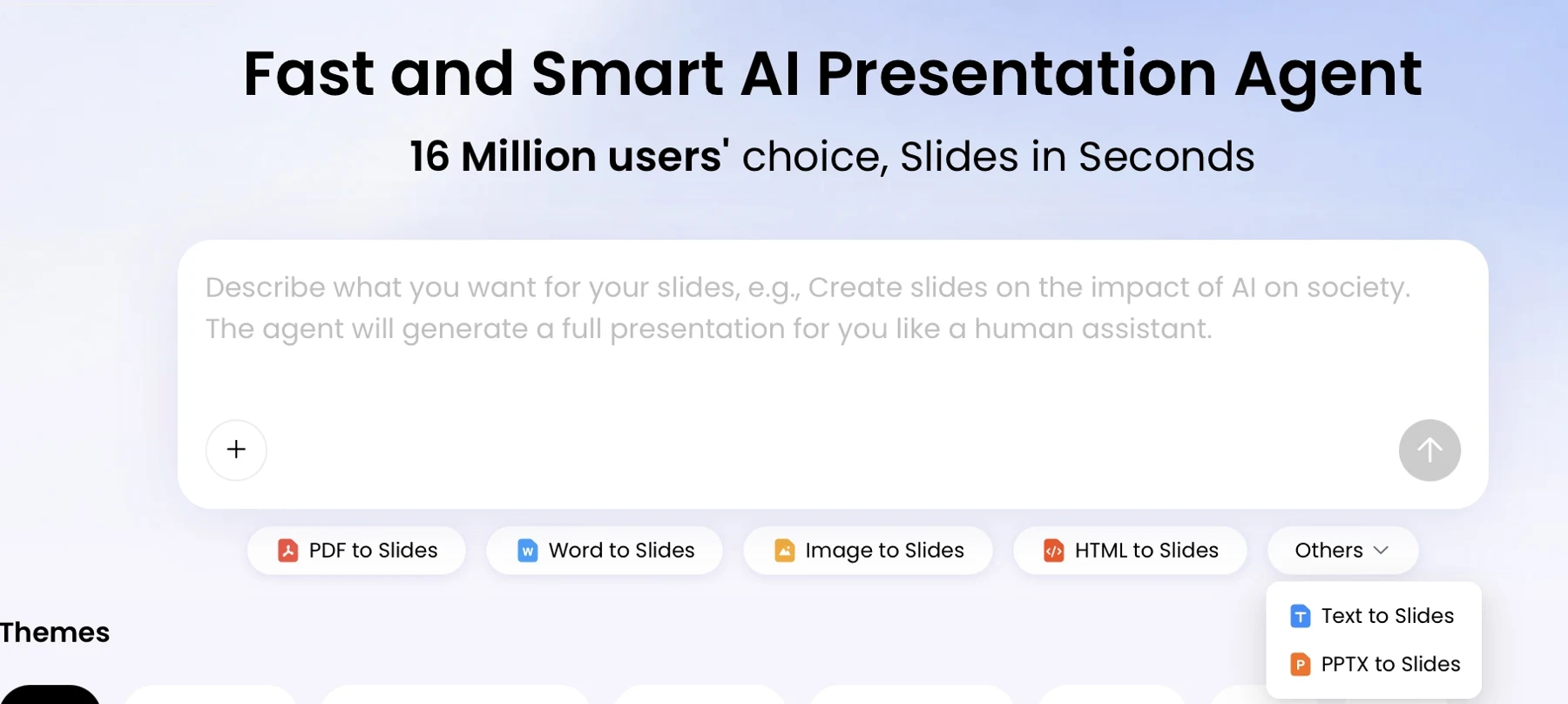
Choose PopAi for a source-to-deck workflow; choose Canva when the deck is part of a wider design and brand-asset workflow. That is a workflow recommendation, not a measured winner.
Published by PopAi. Recommendations below are editorial judgments about workflow fit, based on public product documentation and the supplied PopAi reference screenshots. They are not independent test rankings or measured speed/quality results.
The feature snapshot below was checked on October 30, 2026. A published feature or menu is not proof of perfect file conversion. Where public account entitlements are unclear, the table says so.
PopAi and Canva at a glance
| Dimension | PopAi | Canva |
|---|---|---|
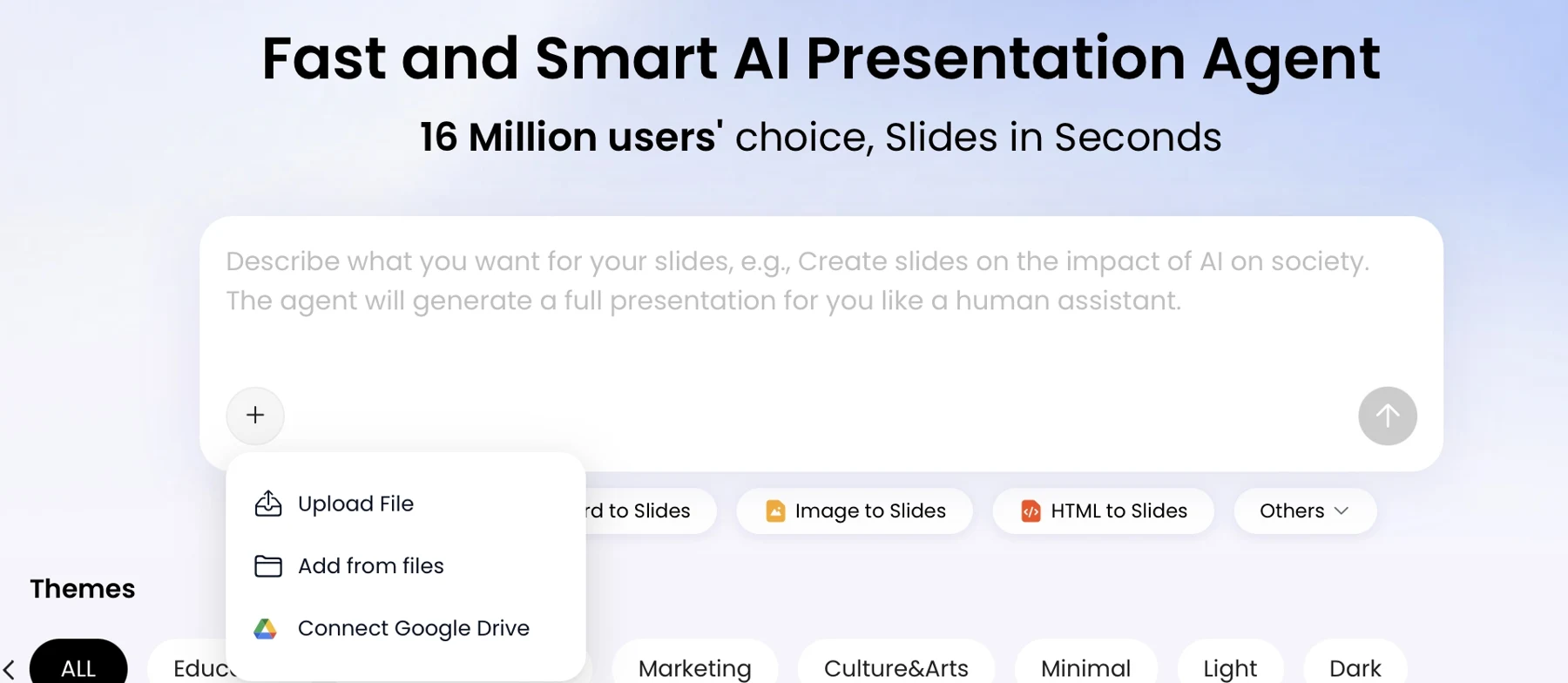
| Creation and inputs | Prompt or supported source material; review the generated outline | Magic Design creates a presentation draft from a prompt; other imports are separate workflows |
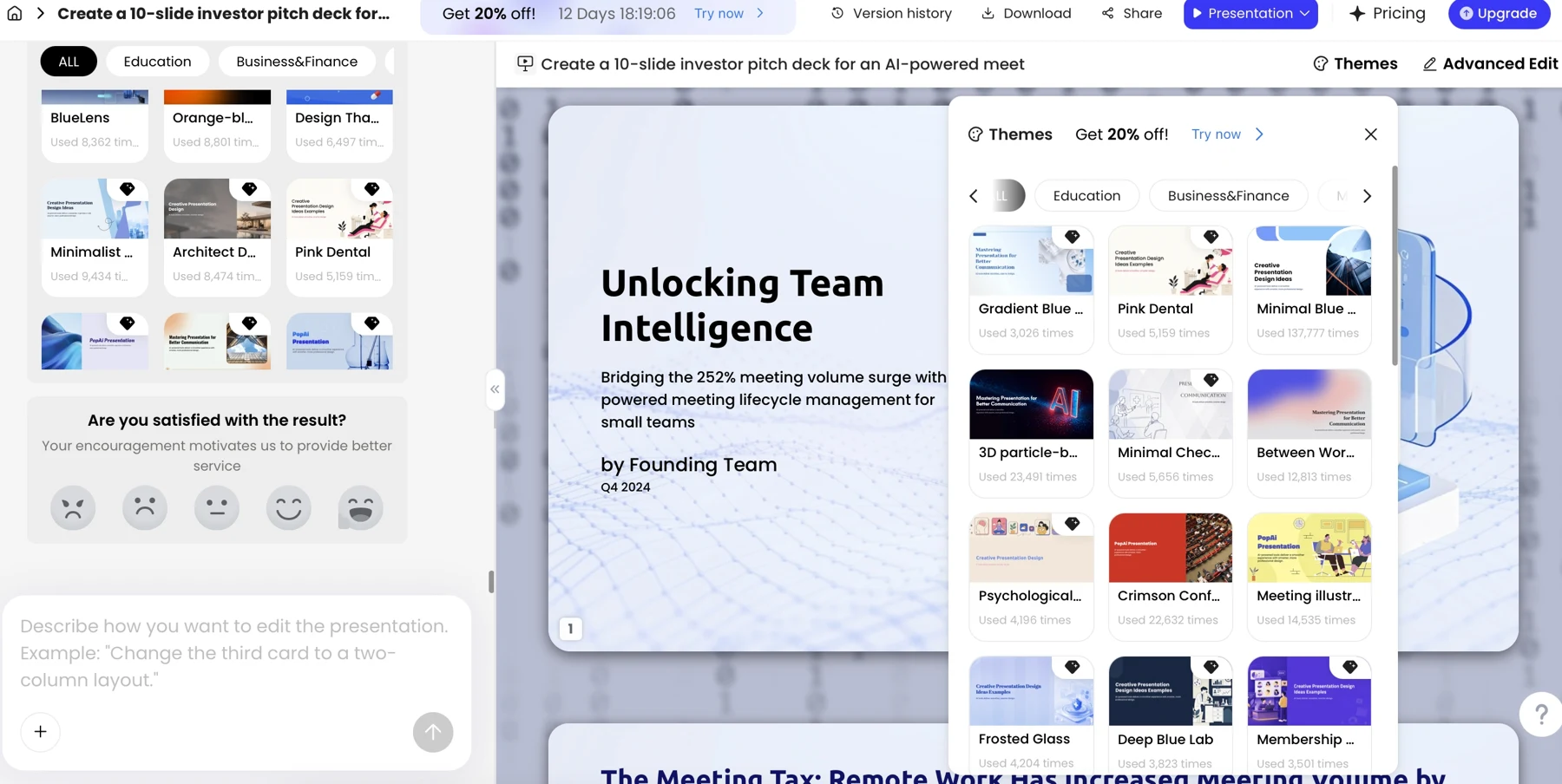
| Brand/template route | Themes and the evidenced PPTX-template route; no unverified enterprise Brand Kit claim | Brand Kit and broader design assets; available controls depend on plan |
| Team workflow | Sharing is documented; simultaneous co-editing not verified here | Collaborative design is documented |
| PowerPoint handoff | PPTX export subject to account access; supplied example shows editable text | PPTX download is supported; Canva warns converted appearance may differ |
| Free / paid snapshot | Full generation asks for sign-in; exact public fee/credits not verified | US listing: Free shared allowance up to 20 Standard/Premium AI uses; Pro US$144/year for one person |
| Google Slides | PPTX import route, not proven native export | PPTX handoff is different from authoring in Google Slides |
Feature basis: PopAi tools and access FAQ, Canva: AI presentation maker, Canva pricing and Canva: supported download types and conversion caveats. The Canva price is the US annual listing; the checkout may localize currency, tax or terms. AI uses are shared across tools rather than guaranteed full decks.
When a source-first workflow is the better fit
A marketing report or proposal often starts with information that already exists: approved findings, campaign notes and a decision request. In this situation, compare how easily the tool turns that material into a reviewable outline. PopAi is a relevant starting point because the source-to-presentation route is documented. The editorial advantage to seek is less manual restructuring, not an untested promise of greater accuracy.
When a design ecosystem is the better fit
A campaign team may need a presentation, social graphics and a webinar visual system to stay aligned. Canva is worth shortlisting when reuse of approved visual assets matters more than starting from a long report. That does not make every template appropriate: a visually attractive layout can still obscure the campaign decision or omit a caveat.
Inspect Canva's actual workflow at its official AI presentation page and its PowerPoint export walkthrough. These are vendor interface references, not a claimed same-brief test.
A useful marketing decision example
| Task | Starting recommendation | Reason to choose the alternative |
|---|---|---|
| Turn a reviewed campaign report into a client deck | Try the source-first PopAi workflow | Choose Canva when the presentation must reuse an existing campaign design system |
| Build coordinated launch visuals and slides | Try Canva | Choose PopAi when the main bottleneck is extracting a presentation narrative from approved documents |
| Deliver a heavily editable PPTX to another team | Inspect both exported samples before choosing | Use the required native application if conversion repairs dominate |
These are editorial recommendations. The article does not claim that Canva cannot use documents, that PopAi cannot support visual design, or that one is universally faster. A real decision depends on the material, editor and recipient.
Before committing to either workflow
- Verify the final format and the account tier that unlocks it.
- Use one representative source pack and the approved visual assets.
- Compare factual omissions before comparing decoration.
- Open the actual export in the recipient's application and inspect text, notes, media and data objects.
Use the same approved source material and the actual delivery format for this check. Record repairs, omitted evidence and review friction separately. No timing or conversion result is claimed here.
For the broader shortlist, see the 2026 tool comparison. To make the final file live in Google Slides, use the PPTX import guide rather than assuming a native export.
Official sources and verification scope
Public product information checked on . Plan pages can vary by country and billing term. This article does not report a controlled hands-on comparison or guarantee conversion fidelity.
- PopAi tools and access FAQ
- PopAi pricing
- Canva: AI presentation maker
- Canva pricing
- Canva: supported download types and conversion caveats
- Canva Design School: save a presentation as PowerPoint
Additional supplied PopAi interface references
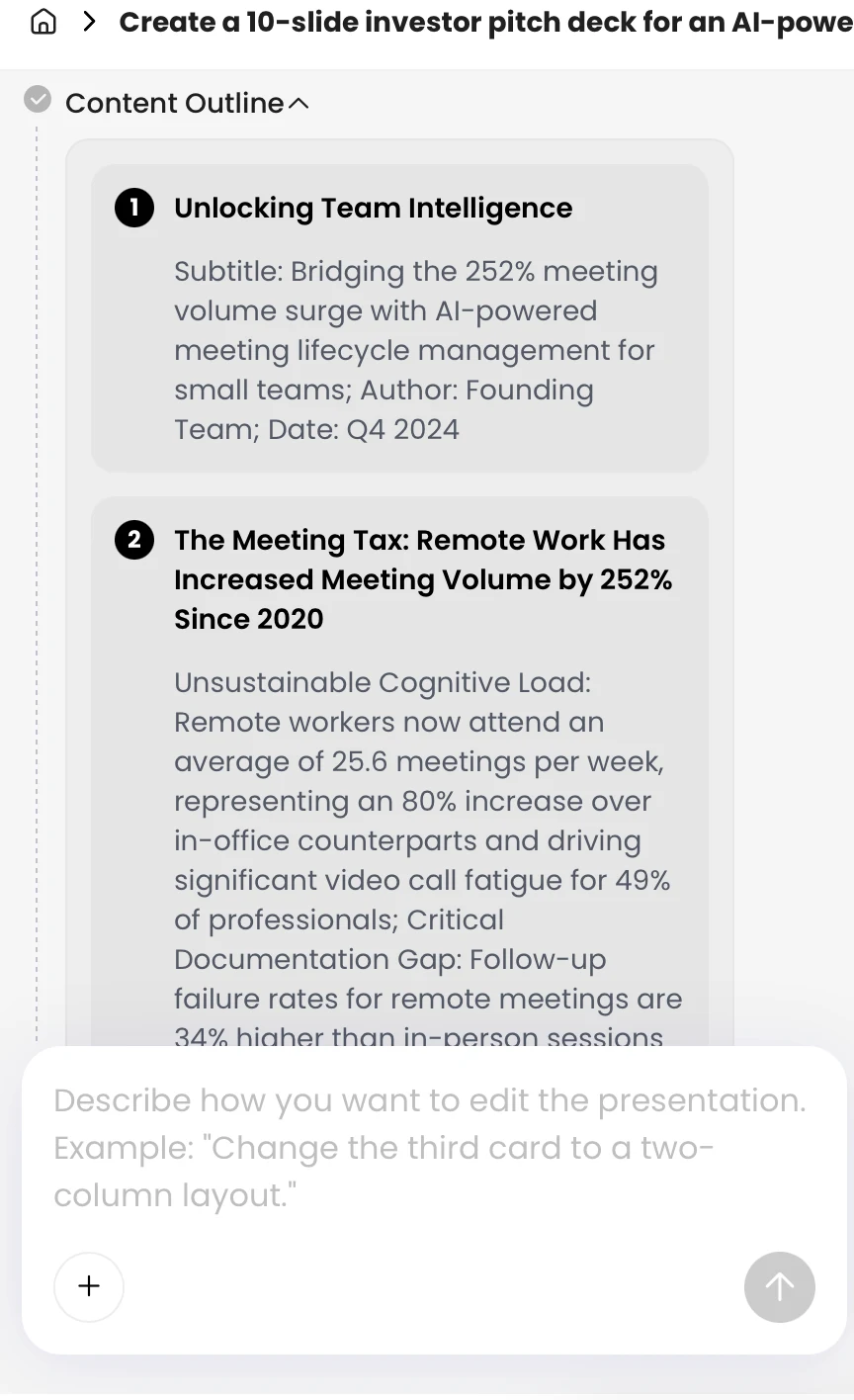
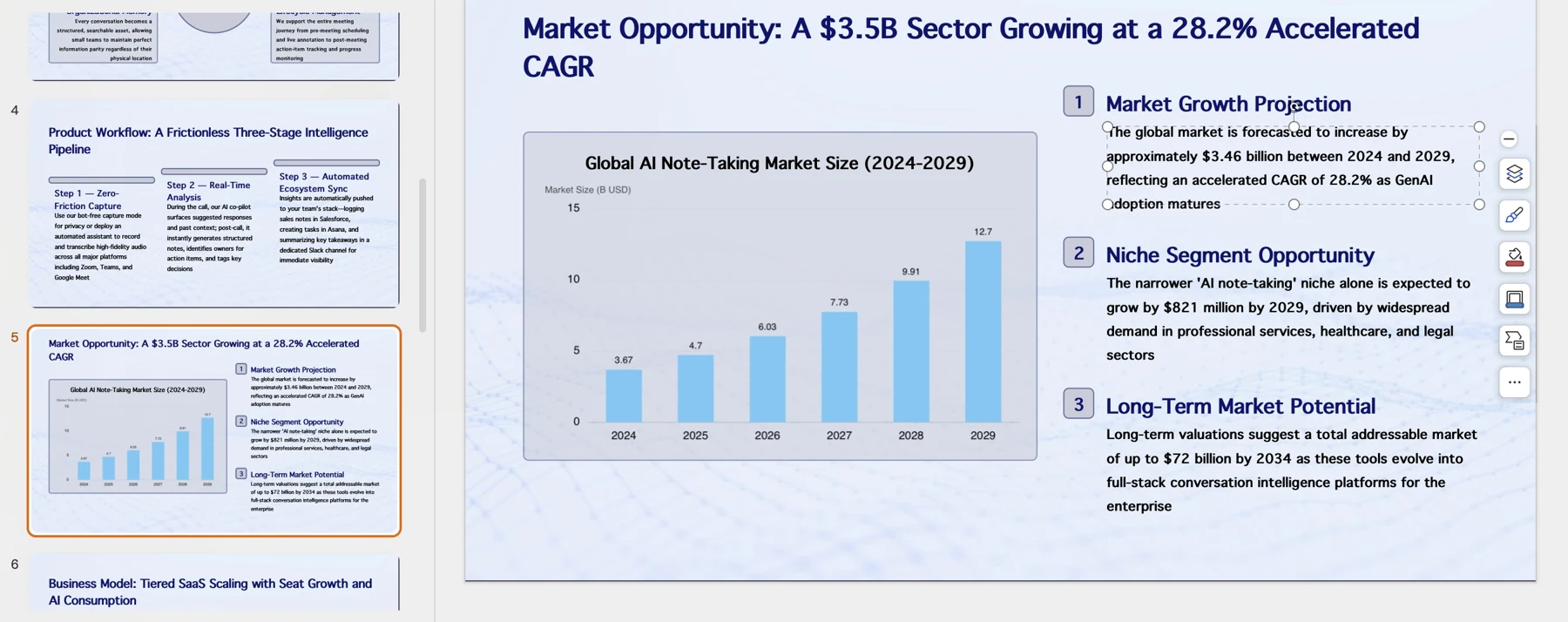
These historical screenshots illustrate the corresponding PopAi steps only. They are not competitor screenshots or proof of a live conversion, current plan entitlement or measured result.