For trainers, team leads, and facilitators planning a 60–90-minute skills workshop, AI can help turn a rough plan into a first-draft deck and facilitator outline.
This guide follows one illustrative example—a 90-minute workshop helping customer-support teams improve handoffs. You’ll leave with a measurable objective, timed agenda, prompt, slide-revision method, and learning check. AI can draft and organize; you decide what participants need to practice, verify the content, and adapt the session to the room.
1. Plan the workshop before making slides with AI
Start with what participants should be able to do, then choose the slides and activities that help them do it.
Before prompting, note the learners’ prior knowledge and confidence, session length, group size, and delivery format. Also consider language level and accommodations: for example, provide written instructions as well as spoken ones, avoid idioms for multilingual groups, and offer a quiet way to contribute for participants who do not want to speak in front of the room. These details keep the deck from defaulting to a generic lecture.
Connect the objective to an activity and a check
- Objective: What should participants know or be able to do?
- Activity: What will they do to practice that skill?
- Output: What will they create, decide, or share?
- Check: What evidence will show whether they met the objective?
Illustrative case: For a customer-support handoff workshop, the objective is: “By the end, each participant can rewrite a handoff so the receiving team can identify the customer’s issue, actions already taken, and next owner.” Participants revise a deliberately unclear sample handoff in pairs. Their output is a revised note; a peer checks it against those three criteria. That check shapes the deck: include the criteria before the exercise, the sample handoff on the activity slide, and a short debrief slide that surfaces common omissions.
Design the experience before designing the deck. Slides should help participants move through the learning, not stand in for it.
For a group new to the topic, add a worked example before independent practice. For experienced learners, shorten the explanation and use a more ambiguous case that invites comparison. The objective can stay the same while the level of scaffolding changes.
2. Build a timed agenda and reusable workshop structure
Give every segment a purpose, a time box, and a participant output.
A reliable rhythm is to orient participants, introduce only the concepts they need, let them practice, compare approaches, and close with reflection or a next step. Add time for instructions and debriefing; an activity’s work time is only part of its actual slot.
| 90-minute segment | Time | Participant output | Facilitator action |
|---|---|---|---|
| Welcome, outcomes, and quick check-in | 8 min | One current handoff challenge | Set expectations and connect the topic to participants’ work |
| Core concept and worked example | 17 min | Shared understanding of the three handoff criteria | Model a revision and explain the decisions |
| Pair practice | 20 min | One revised sample handoff | Give instructions, circulate, and note common sticking points |
| Break and transition | 5 min | — | Reset the room and prepare the group challenge |
| Small-group challenge and report-out | 25 min | A second revision and one reason for a key change | Invite groups to compare decisions against the criteria |
| Reflection, questions, and next action | 15 min | One change each participant will try | Check learning and capture an action or unresolved question |
Adapt the agenda to the room: These segments total 90 minutes, including the break. For 60 minutes, keep one practice round and a brief debrief rather than cutting all practice. For 120 minutes, add a second case or more peer feedback. In a large group, collect a sample of reports instead of hearing from every table; in a small group, use a full-room discussion. If you’re comparing tools for the later drafting step, see this overview of AI presentation makers.
Make each activity instruction specific. “Discuss the topic” gives no clear finish line; “In pairs, rewrite the sample handoff in six minutes, then mark where it names the next owner” tells participants what to do and what to produce. If groups consistently need extra explanation, the instructions or example—not just the time limit—may need revision.
3. Prompt AI to create workshop slides and an outline
Give the tool the decisions you have already made, and ask it to show its proposed timing before it drafts slides.
Include the essential inputs first
At minimum, provide the topic, audience, measurable outcome, duration, delivery format, and planned activities. A slide-count range and visual preferences are useful but optional; let the agenda determine the count rather than forcing every 90-minute session into the same number of slides. If you work from source material, identify which documents are authoritative and ask the tool not to invent facts or citations. Remove confidential or personal information unless your organization has approved the tool and its data-handling terms.
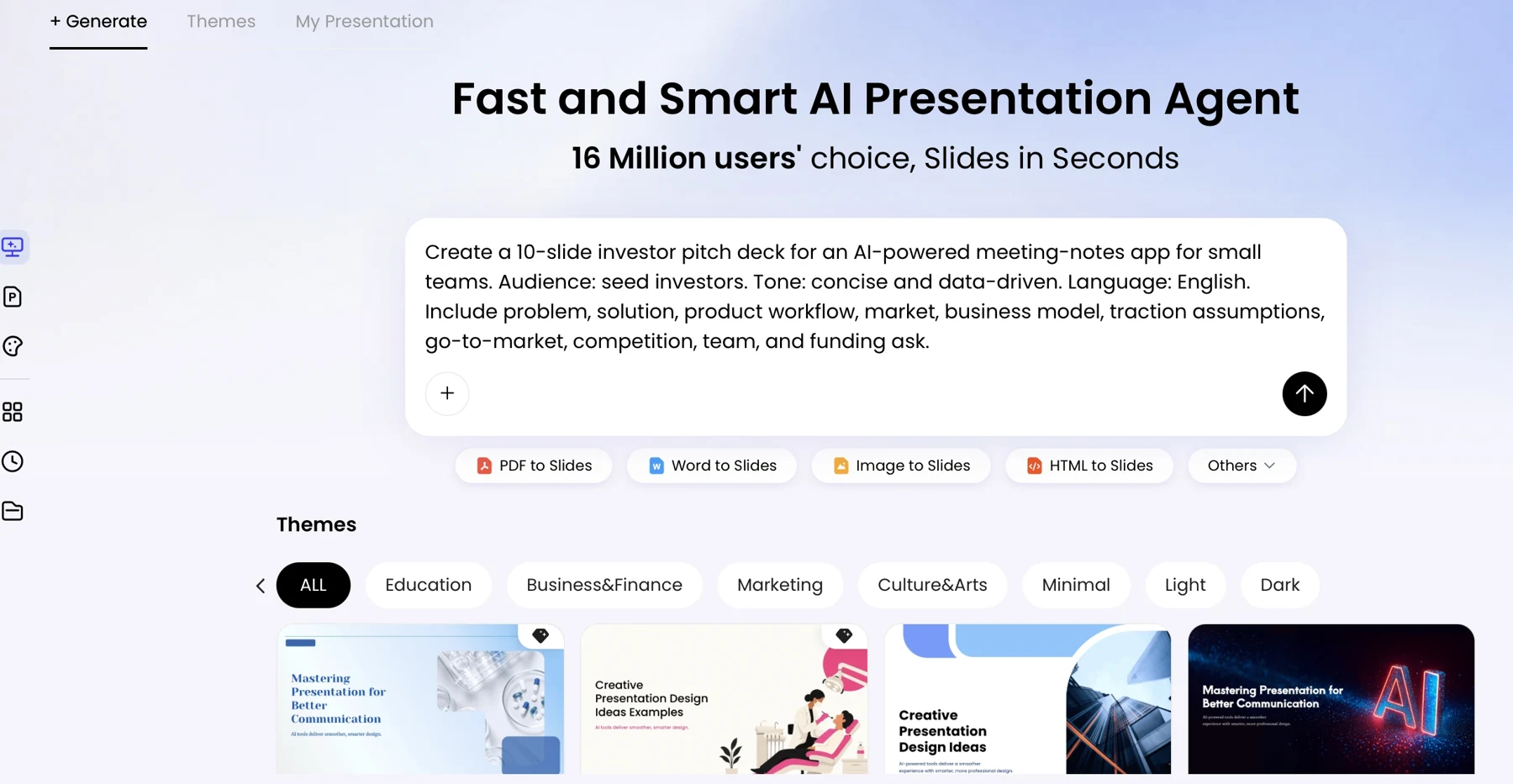
Plan a 90-minute interactive workshop for customer-support staff on writing clear team handoffs. Participants should be able to revise a handoff so it identifies the customer’s issue, actions already taken, and next owner. Use this sequence: welcome and check-in (8 min), concept and worked example (17 min), pair practice (20 min), break (5 min), group challenge and report-out (25 min), reflection and questions (15 min). First return a slide-by-slide outline with each segment’s time, participant task, expected output, and facilitator transition. Ground factual claims in the source material I provide; label any claim that needs verification and do not create citations. Keep projected text concise, and place detailed facilitation notes separately. Do not draft the slides until I approve the outline.
Approve the outline before generating slides
Check the math, the link between each activity and the objective, and whether participants have enough information to begin without additional explanation. For example, revise an outline item such as “Discuss handoffs” to “Pairs rewrite the sample handoff using the three criteria; each pair highlights one change.” The revised version names the task, framework, and output, so the activity slide can be written more clearly.
Reject or revise an outline that spends too long on background, repeats the same point, or schedules a report-out without time for one. If you use PopAi AI Presentation, treat its generated structure as a draft to inspect against your agenda; product features and available inputs can change, so check the current interface before building a workflow around a specific capability.
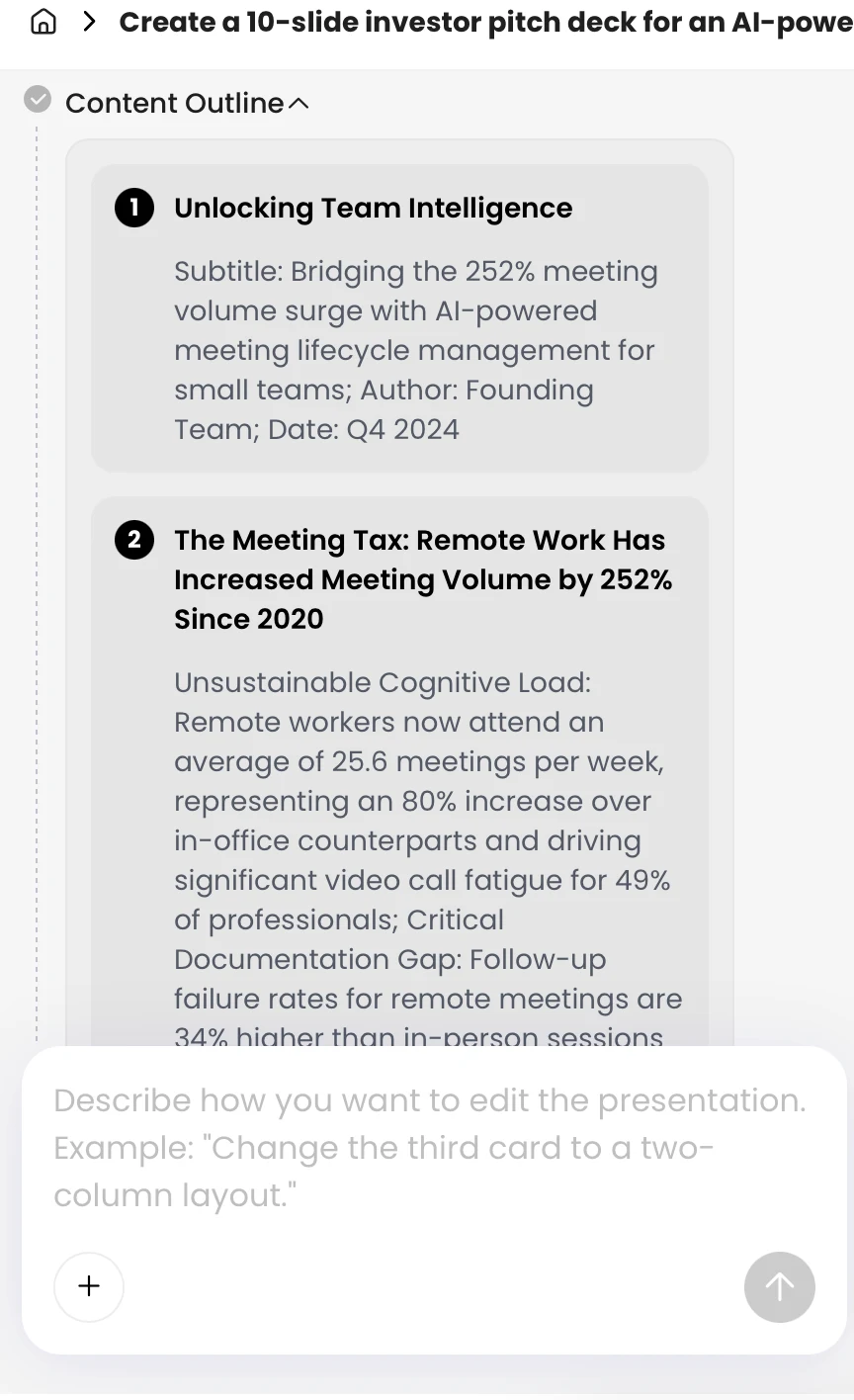
A complete-looking deck can hide a broken learning sequence. Fix the outline while it is still easy to move or remove a segment.
4. Generate, edit, and shape the deck for participation
Edit for the participant’s next action, not simply for a cleaner-looking slide.
Turn dense draft slides into usable instructions
Keep most projected slides focused on one message or action. “About 25 words or fewer” can be a useful editing heuristic for a live presentation, not a hard limit: a self-guided activity or remote session may need more written detail because participants cannot rely on a facilitator standing beside them.
Worked revision: A generated activity slide might say, “Discuss the handoff and improve it by considering clarity, ownership, urgency, and the customer’s previous experience.” Replace it with a clear task: “In pairs (6 min), rewrite the note so it states the issue, actions taken, and next owner. Be ready to explain one change.” Move a longer sample, optional prompts, and facilitator answers to the handout or notes. This keeps the projected instruction scannable without removing information learners may need.
Choose delivery materials only when they add value
- Facilitator notes: Add timing, transitions, likely questions, answer guidance, and a fallback if an activity stalls.
- Participant slides: State the task, time, group format, and deliverable in plain language.
- Handout: Include a reusable framework, template, or source list when participants will need it after the session. A separate handout is optional for a short, informal workshop.
Adapt directions to the format. For remote delivery, explain how participants enter breakout rooms, where they record ideas, and what to do if a room or connection fails. In person, specify group size, materials, room movement, and how groups signal they are ready to report back.
Check accessibility and the exported file
Use strong contrast, readable type, meaningful slide titles, and a layout that remains clear when projected or viewed on a small screen. Do not use color alone to distinguish categories; pair it with labels, shapes, or patterns. Add useful descriptions for meaningful visuals, and make sure charts identify units and explain the takeaway. For data slides, trace each number to its original source and check that the visual represents it accurately.
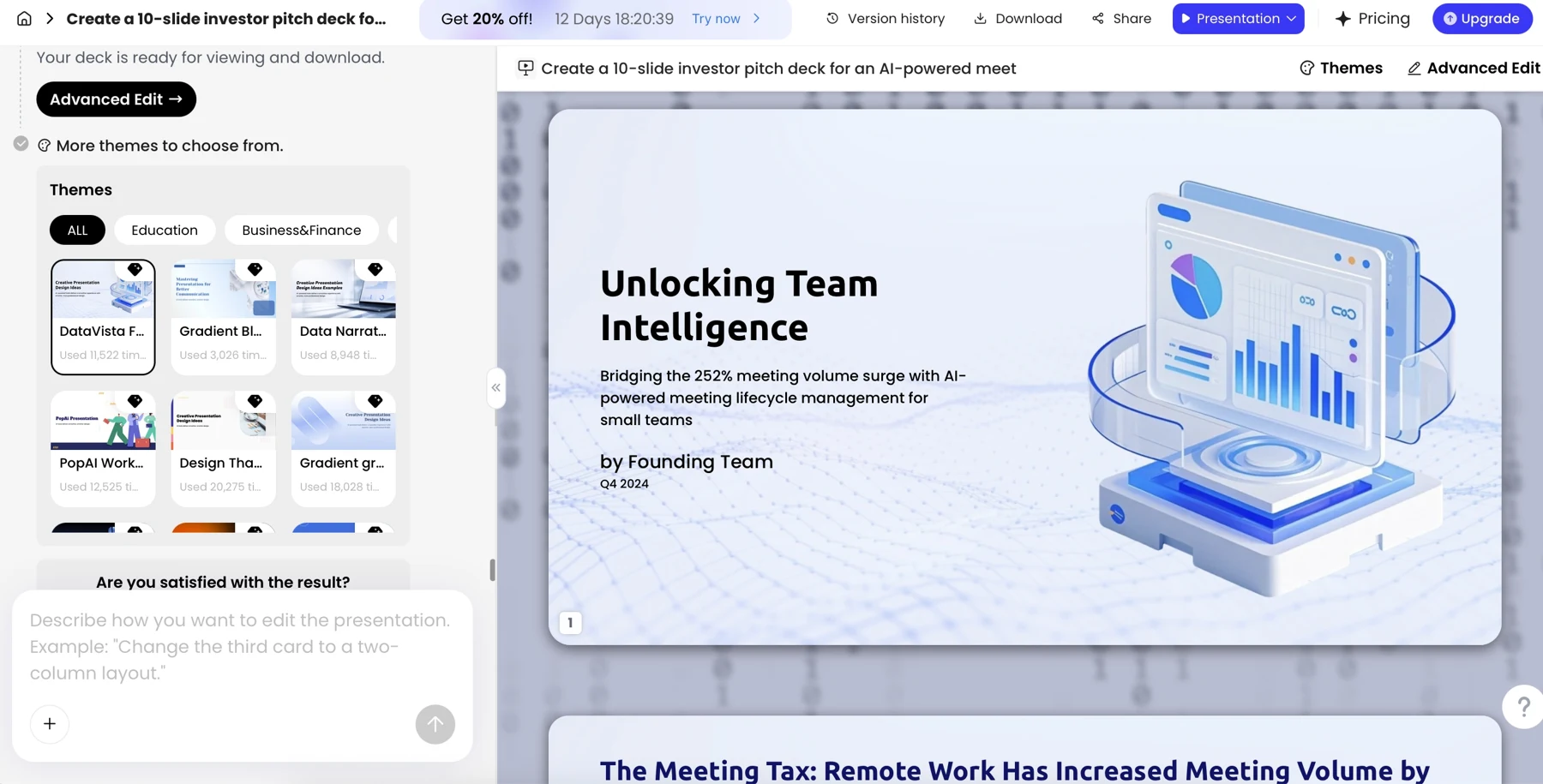
Export behavior can vary by presentation software and fonts. Open the exported file on the workshop device and check for clipped text, shifted images, or changed line breaks; if a slide becomes crowded, shorten the text or adjust the layout in the source deck, then export and inspect it again. Keep facilitator notes and private participant information out of learner-facing files.
5. Verify the content and rehearse the workshop flow
Test both the deck and the learning: can participants complete the task, and does their work show the intended skill?
Trace factual claims, names, figures, and definitions to their original sources rather than relying on an AI-generated reference list. Remove unsupported claims and examples that could expose sensitive information; use fictional or properly anonymized scenarios when appropriate. Before uploading internal documents, follow your organization’s privacy and data-handling rules.
Run a practical pre-delivery check
- Read the deck in presentation mode and confirm the sequence makes sense without the editing view.
- Ask someone unfamiliar with the topic to read an activity slide and explain what they would do, with whom, and what they should produce. Revise any instruction they interpret differently from your intent.
- Check each activity against the objective. For the handoff example, can participants identify the issue, actions taken, and next owner in their revised note?
- Check readability, contrast, meaningful visual descriptions, and whether color-coded information also has labels or another cue.
- Rehearse transitions and time boxes. Test screen sharing, links, audio or video, and exported files on the equipment you will use.
- Prepare a fallback copy and a simple alternative if a digital tool, breakout room, or connection fails.
Timing example: A 20-minute activity may need 2 minutes for instructions, 13 minutes of pair work, and 5 minutes to debrief. If rehearsal shows the debrief regularly runs over, reduce the number of groups reporting back or collect responses on a shared board; do not quietly take the time from the next practice segment.
For a quick learning check, ask each participant to revise a new short handoff individually and compare it with the three success criteria. If many miss the same criterion, pause to model it again or clarify the prompt before moving on. After the session, collect one question such as “What can you do now that was difficult before?” and one improvement suggestion. Review those responses with the participant outputs before reusing the deck; attendance or positive reactions alone do not show that the objective was met.
Adapt the workshop for different delivery formats
Use these decisions to adapt the workflow to your materials, audience, and delivery format.
Should I start with a prompt or with source material?
Start with a prompt when you need a structure for a familiar topic and can verify the resulting content. Start from approved source material when the workshop depends on internal procedures, specific terminology, or evidence participants must use. In either case, identify the authoritative sources and check claims against them before presenting.
What belongs on a slide, in speaker notes, or in a handout?
Put the participant’s immediate task and essential visual evidence on the slide. Put timing, transitions, explanations, and likely questions in facilitator notes. Use a handout for a reusable template or reference participants will need later. For self-guided material, move more instructions onto the slide or handout because a facilitator will not be there to clarify them.
How should I adapt a live workshop deck for self-guided use?
Add written context, examples, step-by-step instructions, and a way to check answers or reflect. Replace directions such as “Discuss with your partner” with an individual task and a clear completion point. Recheck the timing and remove facilitator-only notes before sharing the learner version.