This workflow is designed primarily for researchers and technical experts preparing a short conference talk from an abstract, paper, or results report. It also works for professional talks built around a case study or project. You’ll finish with a reviewed slide draft, a source-checking plan, and a deck tested for delivery—not a presentation-ready talk produced without human review.
For example, imagine a researcher with a 15-minute conference slot, an accepted abstract, and a results paper. AI can help turn that material into a first outline and draft slides; the researcher still needs to select the story, verify every result, rehearse, and follow the conference’s submission and AI-use rules.
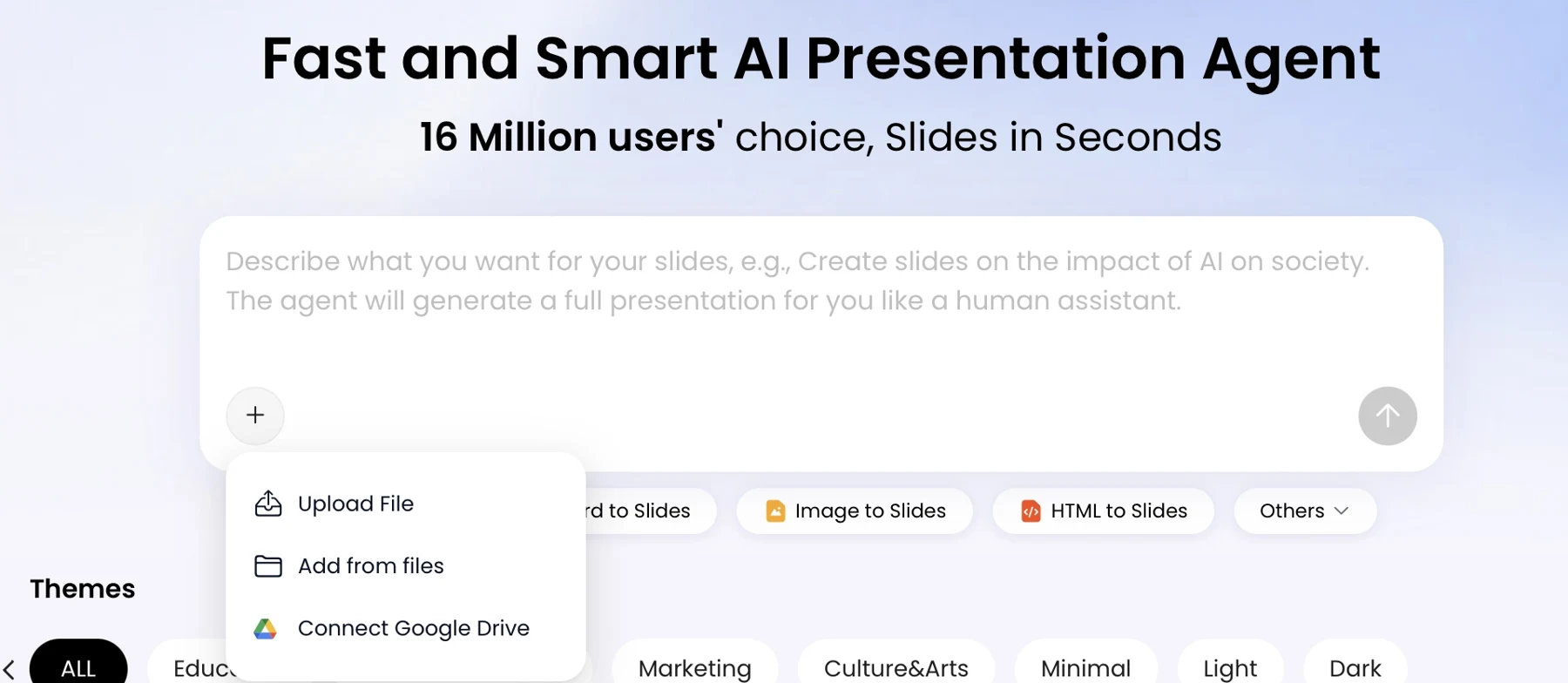
For teams ready to put these ideas into action, PopAi AI Presentation turns the workflow above into a working deck in minutes.
From an accepted abstract to a 15-minute talk
The abstract and slide copy below are a fictional teaching example created for this article, not an actual accepted paper or a reported study result. Q&A is assumed to be separate from the 15-minute speaking slot.
Illustrative accepted abstract: A feasibility pilot examined whether staff would complete follow-up feedback after trying an optional onboarding aid. Sixty staff enrolled and 42 returned the follow-up questionnaire. No control group or validated effectiveness comparison was supplied. The presentation reports follow-up completion and the questions a subsequent study should address; it does not claim improved performance.
| Slide | Finished message | Speaking budget |
|---|---|---|
| 1. Question | Can this pilot support a larger evaluation? | 1 minute |
| 2. Why it matters | Feedback feasibility comes before a stronger effectiveness claim | 1 minute |
| 3. Design | Single pilot group; voluntary follow-up; no control group | 2 minutes |
| 4. Observed result | 42 of 60 enrolled staff returned follow-up feedback | 3 minutes |
| 5. What remains unknown | 18 missing responses; no causal effectiveness estimate | 2 minutes |
| 6. Interpretation | The response record informs a follow-up design, not a product-success claim | 2 minutes |
| 7. Next study | Predefine outcomes, comparison and follow-up procedure | 1 minute |
| 8. Takeaway | Make the next evaluation more informative before scaling claims | 3 minutes |
Confirm the organizer requirements before submission
| Requirement | Record the actual answer | Do not assume |
|---|---|---|
| Slide ratio / template | Required aspect ratio and organizer template | 16:9 is universal |
| Timing | Speaking time, Q&A allocation and hard stop | The session length is all speaking time |
| Venue / device | Presentation application, remote, media and connectivity | Your laptop setup matches the venue |
| Deadline / delivery | Submission date, file type and replacement procedure | You may upload a new deck immediately before speaking |
| AI and disclosure | Conference, institution and co-author requirements | One field's policy applies to all conferences |
Use the research presentation guide for the general claim-to-source process. This conference page focuses on what an audience can follow in the actual speaking slot.
How to Make a Conference Presentation with AI: Set the Brief
Give the tool the talk’s constraints and source material before asking it to write slides.
Collect the conference requirements first: speaking time, whether Q&A is included, audience profile, required disclosures, slide template or branding rules, and submission format. Write one sentence stating what listeners should understand by the end. Use it to judge whether each proposed slide belongs in the talk.
Set a content budget that fits the talk
For a 15-minute talk, 10–15 slides can be a useful first draft, not a universal formula. A detailed method diagram or result may need more speaking time than a transition slide. Budget for the actual speaking time, not the full session slot, and reserve time for an introduction and conclusion. A demonstration, dense figure, or required disclosure may change the slide count substantially.
As an initial plan for a research talk, try 1–2 slides for context, 2–3 for methods, 4–5 for findings, 1–2 for implications, and one conclusion. Shift that balance to suit the contribution: a methods talk may need more room to explain its approach, while a results talk may need space to interpret findings and limitations.
In the hypothetical 15-minute example, the researcher confirms that Q&A follows the talk rather than counting toward it, then reserves about a minute for the opening and another for the conclusion. That leaves roughly 13 minutes for the research story; a complex primary figure may take two minutes, so the slide budget should not be treated as a fixed one-slide-per-minute rule.
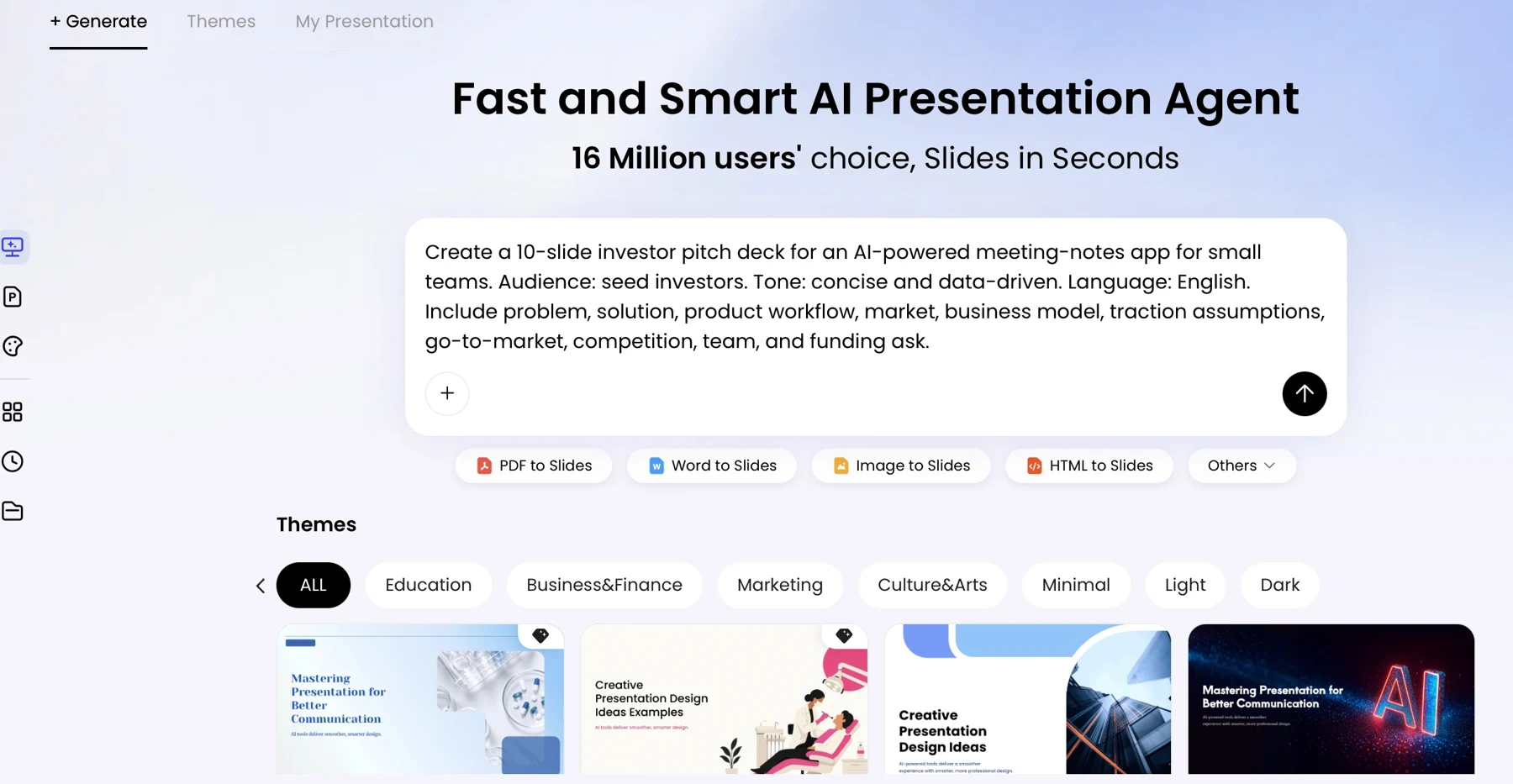
Example prompt: “Draft an outline for a 15-minute research conference talk; Q&A is separate. Audience: researchers in [field], including some outside [specialty]. Central question: [question]. Use the attached abstract and the specified sections of the paper. Separate findings stated in the sources from suggested framing. Do not invent data, citations, or conclusions. Mark missing, conflicting, or uncertain information as ‘verify’; do not resolve it by guessing. Include methods, key findings, limitations, implications, and a closing takeaway. Follow these conference requirements: [requirements].”
For a long paper, provide the abstract, relevant methods and results sections, figure captions, and conclusion rather than asking the tool to summarize everything indiscriminately. Identify supplementary material separately and say whether it may be used. If the abstract and final paper differ, tell the tool which is authoritative for each detail—or resolve the discrepancy yourself before drafting.
Build and Review the AI Outline Before Making Slides
Review the sequence of ideas before spending time on slide design.
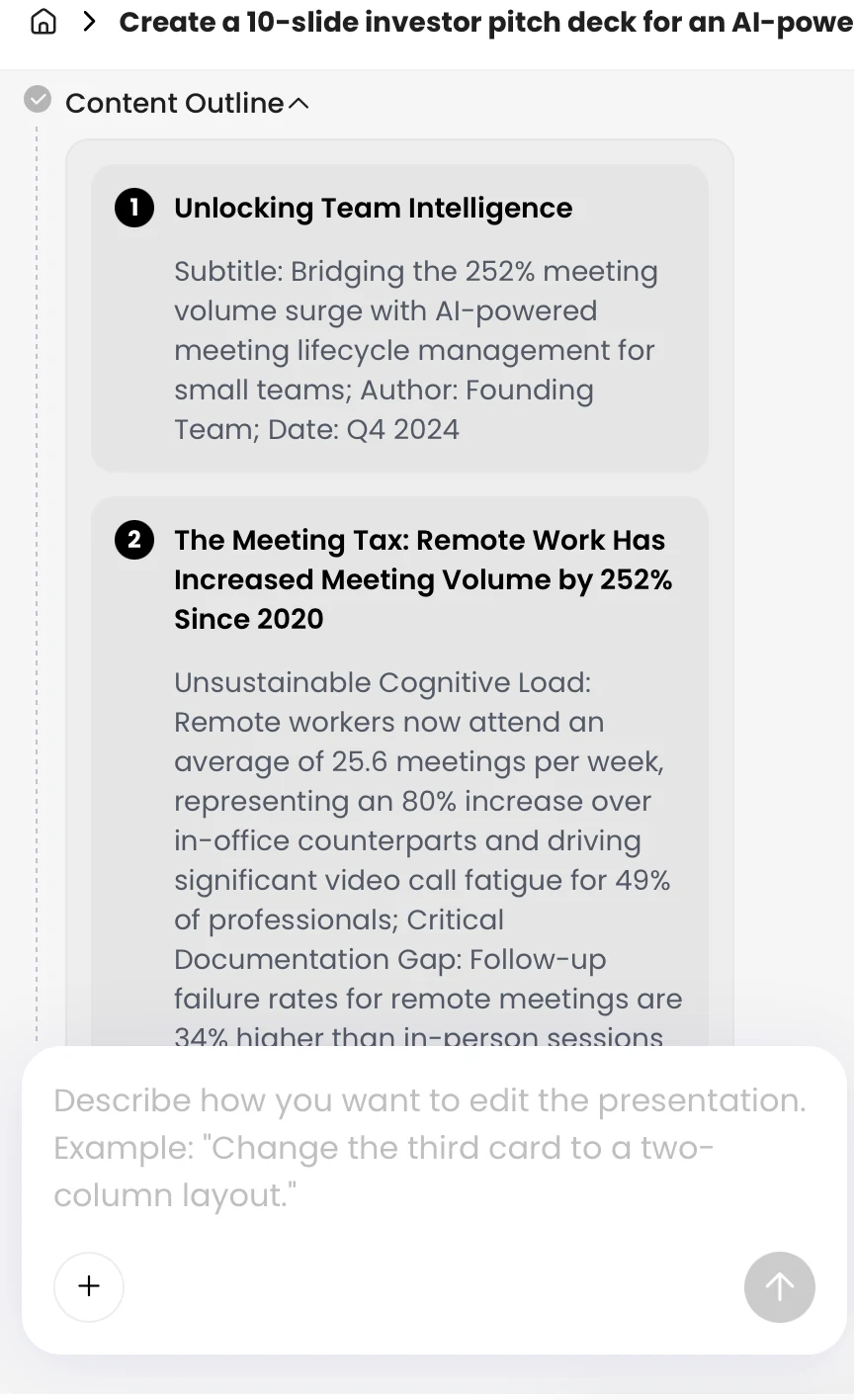
Ask for a slide-by-slide outline with a proposed title, one audience takeaway, and the source supporting it. You can compare AI presentation makers if file handling, collaboration, or export requirements affect your choice. With any tool, first confirm that it can accept your materials and produce a format you can review and edit.
Check the argument, not just the slide order
Compare the outline with the accepted abstract, the final paper, and the purpose of the talk. A common problem is a finding appearing before the audience has been given the research question or enough method to interpret it. Another is a background slide that repeats the introduction without moving the argument forward. Reorder the first, and cut or repurpose the second.
In the hypothetical talk, suppose the generated outline places a subgroup result before explaining how the sample was selected. Move the sampling and analysis information earlier, then check that the result answers the stated question. If the paper’s discussion mentions a possible mechanism that was not tested, keep it clearly labeled as interpretation rather than presenting it as a finding.
- Specialist audience: Keep necessary technical terms and methodological detail; define uncommon abbreviations.
- Mixed audience: Explain the problem plainly, then introduce technical detail where it affects the interpretation.
- Lightning talk: Use a compact problem–method–result–meaning arc and remove material that does not serve it.
Outline review test: For each slide, complete the sentence “The audience needs this next because…” If the reason is only that the detail appears in the paper, reconsider its place in the talk.
Generate Conference Slides and Edit for Clarity
Generate a draft only after the outline accurately represents the story you intend to tell.
Use a consistent theme and visual direction, then inspect the result rather than assuming the generated layout suits the evidence. Presentation tools differ in which file types they accept and what remains editable after generation, so check those details in the current product workflow before relying on a particular feature. PopAi AI Presentation can be used to create a draft from a prompt or source material, which you can then review and revise.
Make the slide communicate the finding without overstating it
A hypothetical results slide titled “Results” could be retitled “The intervention group reported higher follow-up scores.” The more specific title is useful only if the data support that comparison; if the study is observational or the difference is uncertain, use wording that reflects those limits. Put the essential caveat beside the claim it qualifies.
When a slide is crowded, ask for a shorter version while naming what must remain unchanged. For example: “Reduce this slide to one claim, two supporting points, and one limitation. Preserve the sample size, units, and uncertainty interval. Do not add evidence or strengthen the conclusion.” Compare the revision with the source before accepting it. This helps compress the wording without erasing nuance.
Review generated diagrams, images, and charts as carefully as text. Check that a diagram shows the actual study process, that an image is relevant and appropriate to use, and that a chart’s labels and values match the verified data. If an image is illustrative rather than documentary, make that clear to avoid implying it depicts the study or its participants.
Use a focused final edit
- Can a listener identify the slide’s takeaway without reading a paragraph?
- Are units, group names, and terminology consistent with the paper?
- Does the visual add information, or merely decorate the slide?
- Have you preserved the caveat, comparison, or uncertainty needed to interpret the claim?
Verify Research Data, Charts, and Citations
Use the validated analysis and original publications as the source of truth for each result. Preserve denominators, units, uncertainty and figure permissions; do not replace a verified paper figure with an invented reconstruction. The research presentation guide contains the full claim-to-source workflow.
For a conference, record the exact version submitted, any difference between the accepted abstract and final analysis, and the organizer's required AI-use disclosure. Obtain the necessary authorization before uploading unpublished or identifiable material.
Use the fictional 42-of-60 example above to practice denominator clarity, not as a reported study result.
Rehearse the Talk and Prepare for Questions
Rehearsal shows whether the deck works as a spoken argument and where to cut without weakening it.
Run the talk aloud with a timer and note the slide where you begin to rush, repeat a point, or need more explanation than planned. If you are over time, cut a secondary example or repeated background first. Keep the evidence needed to support the central conclusion, and practice the transition after each cut so the talk still flows. If the chair may interrupt at a hard stop, prepare a shorter ending that preserves the main finding and its implication.
Prepare for likely questions
Add speaker notes for transitions, definitions, and reminders—not a script that keeps you reading. Prepare backup slides for questions about methods, subgroup analyses, sensitivity checks, limitations, or alternative explanations. If someone challenges a result’s interpretation, distinguish what the data show from what remains uncertain; you do not need to defend a stronger claim than your evidence supports.
- Can you explain the main contribution in one sentence without relying on a slide?
- Can you explain the primary chart while facing the audience rather than reading labels?
- Can you shorten the talk if the chair signals that time is nearly up?
- Do your backup slides address plausible questions without introducing unverified claims?
For a multilingual or cross-disciplinary audience, ask a fluent speaker or domain expert to review specialized terms and abbreviations. Check that the spoken explanation and slide labels use the same terms; literal translation can obscure a concept even when each word is technically correct. For remote or hybrid delivery, rehearse screen sharing, presenter view, and audio with the setup you expect to use.
Export, Test, and Deliver Your Conference Presentation
Check the conference’s delivery instructions before choosing an export format or finalizing the deck.
Choose a format that fits the requirements
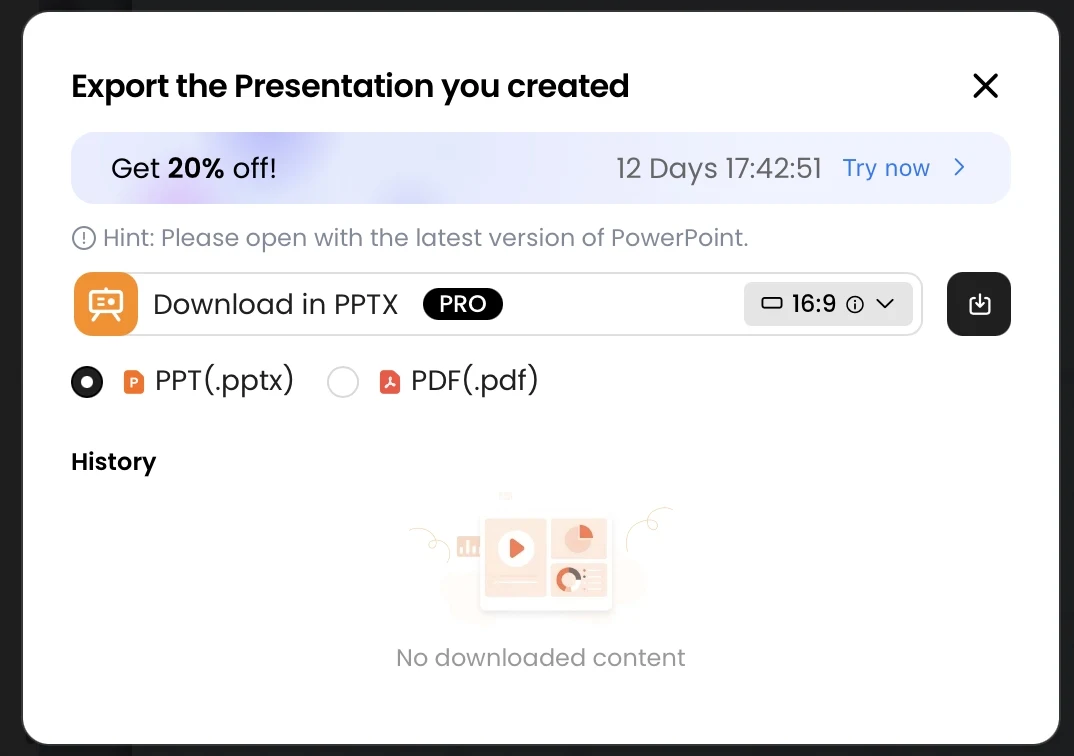
Use the format requested by the conference and meet its submission deadline. PPTX is useful when the venue or a collaborator needs an editable file; PDF can preserve a stable visual copy. Check the export options available in your chosen tool, then open the exported file in the software you expect to present from. Fonts, animations, and editable objects may behave differently across programs.
Test the file and keep an offline backup
Compare the deck’s aspect ratio with the conference instructions or venue display; if the specifications are unclear, ask the organizers rather than guessing. Inspect the slides in presentation mode for clipped text, missing fonts, small labels, contrast, and unexpected line breaks. Test embedded video or audio on the presentation computer when possible; if it fails, keep a still image or concise verbal explanation as a fallback.
Save the final deck locally and keep a backup PDF on a separate drive or device, so a network problem does not prevent you from presenting. Carry any required presenter notes and references, and confirm how to advance slides on the venue computer. If a venue has different software or screen proportions, use its instructions to make and test a compatible copy before the deadline.