A research presentation has to make a defensible argument within a fixed number of minutes. AI can help turn a paper, literature review, or your own results into a draft deck—but it cannot decide what the evidence means or whether a claim is justified.
This workflow produces three practical deliverables: a focused brief, an evidence-linked outline, and a checked deck. It applies to short classroom talks and conference presentations; adapt the source and methods checks depending on whether you are presenting one published study, synthesizing a field, or reporting your own research.
1. Plan your research presentation with AI in mind
A focused brief gives AI enough direction to produce a useful first draft.
Before opening a slide tool, define the audience, purpose, time limit, and one takeaway you want listeners to remember. A class presentation of one paper needs enough context to understand that study; a literature review needs a balanced synthesis; an original-research talk needs to make the methods and the presenter’s own results easy to inspect.
- Audience: What do listeners already know, and what terms need a plain-language explanation?
- Purpose: Are you explaining a study, defending a method, synthesizing findings, or recommending a next step?
- Scope: Which details are essential to the argument, and which can go in speaker notes or be left out?
- Evidence: What paper, dataset, or set of studies supports the presentation?
Estimate the slide count from the talk length rather than letting a tool choose it. As a starting point, allow roughly one content slide per minute, then reserve time for the opening, transitions, a conclusion, and questions; a results-heavy talk may need fewer slides with more time on each. For a 10-minute class talk, for example, 7–9 content slides plus a title and references slide is often more manageable than 15 rapid-fire slides.
Adapt the brief to the task. For one paper, ask the AI to preserve the study’s design, sample, primary outcome, and limitations. For original research, specify which results are yours and provide approved, de-identified notes or data summaries. For a literature review, define the question and inclusion criteria; do not ask for a fixed number of “main findings” if the evidence is mixed or organized around themes.
A useful prompt adds a boundary: “Use only the supplied notes. If a result, citation, or method detail is missing or contradictory, label it [VERIFY] and explain what needs checking. Do not fill gaps from general knowledge.” This makes uncertainty visible instead of inviting a plausible-sounding guess.
Start with the argument, not the template: what question did the research ask, what can the evidence support, and why should this audience care?
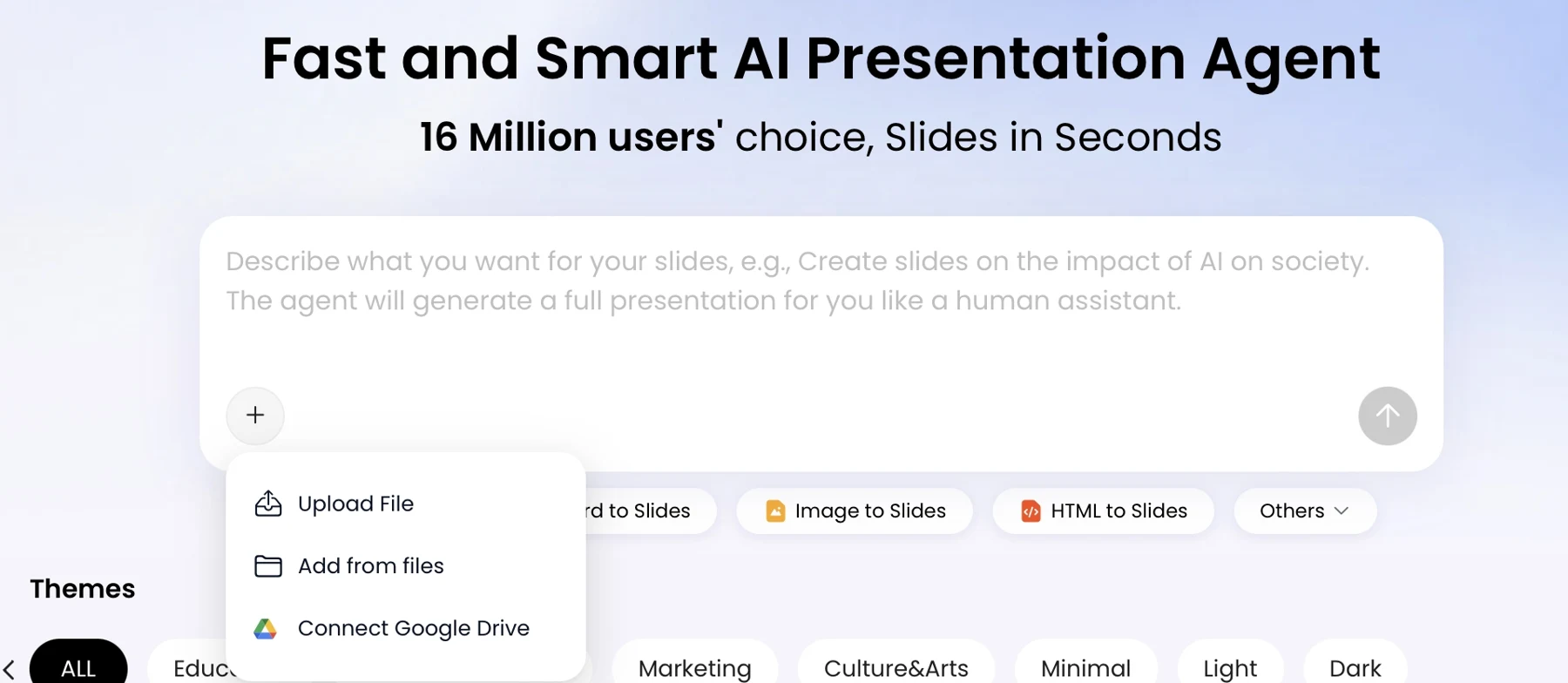
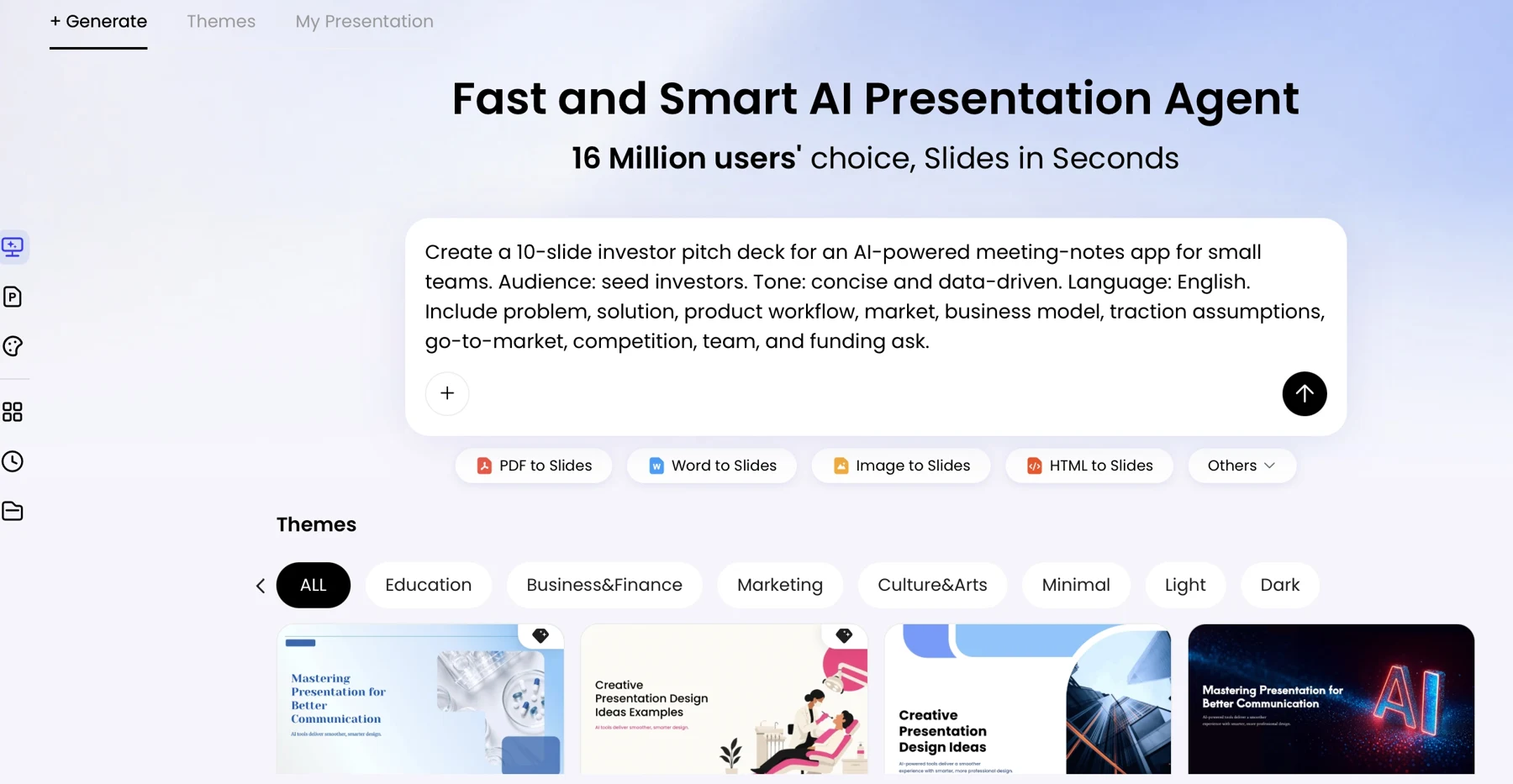
PopAi’s AI Presentation workflow is one option for turning a brief or source materials into a draft. Compare the available AI presentation makers by checking how much control you retain over the outline, source review, and final file—not just how quickly they generate slides.
2. Find and screen sources before drafting slides
A repeatable search and screening process keeps weak, outdated, or irrelevant evidence out of your deck.
Choose a database that fits the discipline: PubMed is a useful starting point for biomedical research, ERIC for education, and PsycINFO for psychology; your library may also provide Scopus, Web of Science, or subject-specific indexes. Search combinations of the topic, population, intervention or exposure, outcome, and study design. Save the search terms, database, and date so you can repeat or explain the search.
Match the source type to the question
Primary studies provide the methods and results of individual investigations. Systematic reviews and meta-analyses can help establish the broader state of evidence, but check their search date, eligibility criteria, and included studies. Use background sources for definitions and context, not as a substitute for the evidence behind a specific result. For a single-paper talk, one assigned study plus a small number of relevant context sources may be enough; a literature review needs a search and selection process proportionate to its scope. Three to five papers can be a starting set for a short briefing, not a universal standard for evidence sufficiency.
Set inclusion and exclusion rules before selecting sources: population, date range, language, study type, and whether a source directly addresses the question. For a reproducible review, follow the assignment or protocol and use a reporting guide such as PRISMA 2020; for study-specific reporting checklists, consult the EQUATOR Network.
- Record the full citation, source type, publication status, and the exact page, table, or figure that may support a claim.
- Read the abstract, then inspect methods and results; do not rely on the conclusion alone.
- Check sample, design, comparison group, limitations, and whether the study directly answers your question.
- For a preprint, label it as not yet peer reviewed and check whether a final article has since appeared. Compare versions before citing.
- Check a paper’s current status through the publisher and relevant indexing or retraction records; do not use a retracted result as evidence without explicitly discussing the retraction.
Worked example — source screening: Suppose your question is whether retrieval practice improves delayed recall among university students. Search an education database and, if relevant, psychology databases for the population, practice method, delayed test, and experimental design. Keep studies that measure delayed recall in a comparable student population; set aside studies that measure only immediate performance, while noting why they do not answer this question. If two studies disagree, record differences in test timing, course context, or comparison condition rather than averaging them into a single tidy claim.
Evidence check: An association does not establish causation. Note whether a study is observational, experimental, or a review, and keep the strength of your slide wording consistent with its design. If findings conflict or only partly match your question, describe that uncertainty instead of presenting a consensus that the sources do not support.
3. Build an evidence-led slide outline
Shape the story around the research question and findings, not a generic stack of headings.
Many empirical talks move from context and question to methods, results, interpretation, limitations, and conclusion. Adapt that arc to the task: a literature review needs a synthesis of themes and gaps; an original-research talk needs transparent methods and the presenter’s results; a thesis defense needs to connect the rationale to the contribution. The goal is not to show every result, but to show the results needed to answer the question.
Map each claim to its source
Before generating slides, create an evidence ledger. For each proposed slide, record its message, source location, evidence type, and qualification. A claim based on one study should be labeled as that study’s finding; a claim synthesizing several sources should identify the basis for the synthesis.
- Slide claim: The specific message the audience should take away.
- Source location: Paper and page, table, or figure number, checked by you.
- Evidence type: Reported result, authors’ interpretation, or your synthesis.
- Qualification: Sample, uncertainty, conflicting evidence, or limitation that affects interpretation.
- Visual: The figure or comparison that clarifies the claim—or “none” if a visual would add clutter.
Worked example — evidence-led slide: In the retrieval-practice example, imagine an assigned randomized study with 120 students that reports a one-week mean score of 12/20 for a practice group and 10/20 for a comparison group. These figures are illustrative, not findings from a named paper. The ledger entry might read: “Claim: the practice group scored higher on this test after one week. Source: Results table 2. Evidence type: reported result from one randomized study. Qualification: one course and one delayed test; check the reported uncertainty and attrition before drawing a broader conclusion. Visual: two labeled means with sample sizes and the paper’s reported uncertainty.” That wording avoids turning one result into “retrieval practice always improves learning.”
Ask AI to propose a sequence, then inspect and revise it before generating designed slides. Remove secondary findings that do not help answer the research question, but retain a result if omitting it would materially distort the conclusion. When evidence conflicts, give the disagreement a slide or a clearly stated caveat rather than forcing the studies into a single narrative.
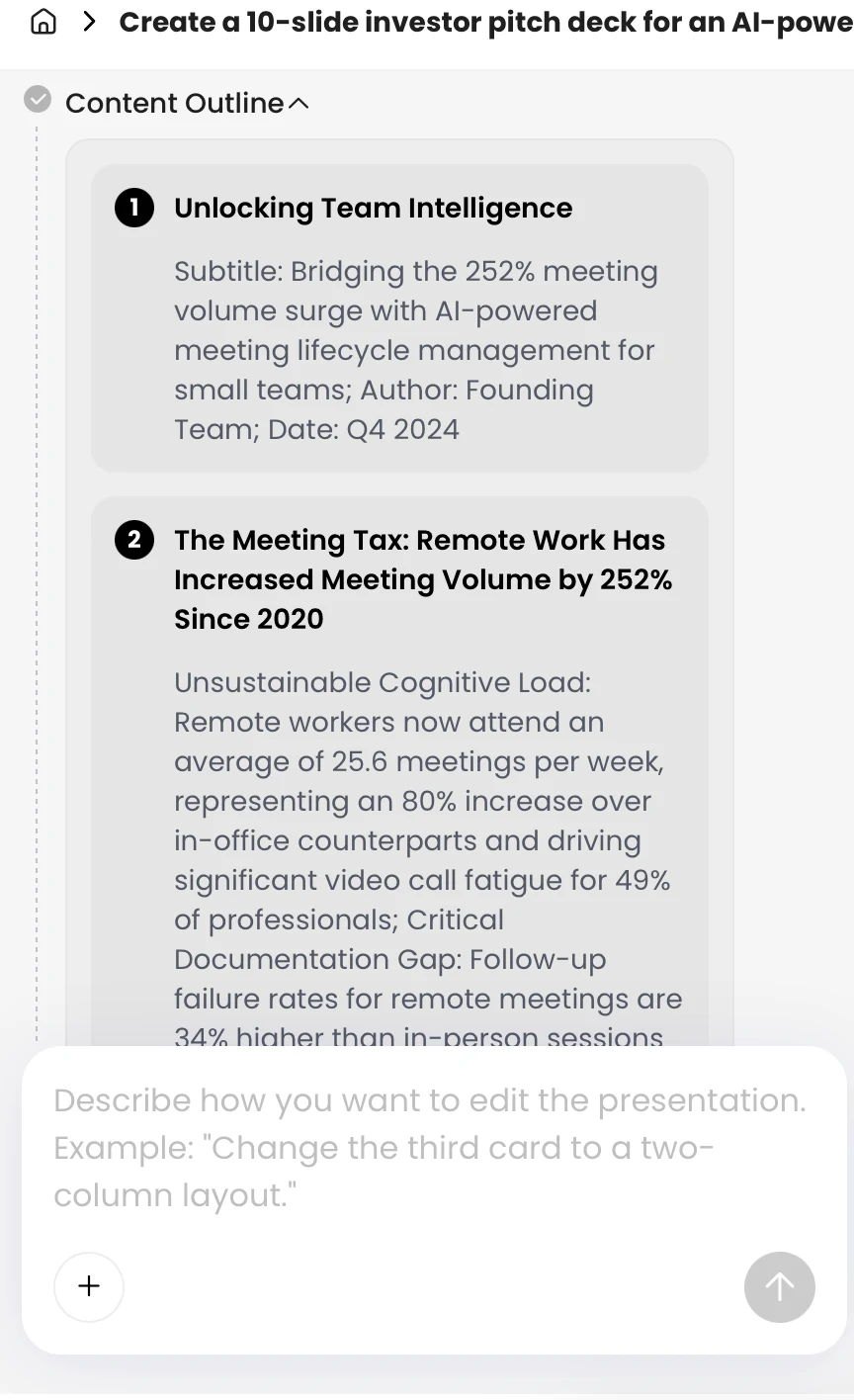
An AI-generated outline is a proposal, not an interpretation of the source. Keep a slide only when you can explain how its claim follows from the evidence.
4. Generate research slides with a precise prompt
Use AI to turn your approved outline and source notes into a draft—not to invent missing research.
Provide a concise brief and only materials you are permitted to share. If you use PopAi, check the current interface and your plan for supported file types and editing or export options; product features can change. Regardless of tool, confirm that the source was read correctly before relying on extracted text, tables, figures, or footnotes.
A reusable prompt for an evidence-led deck
Prompt: “Turn the attached, approved research notes into an 8-slide presentation for [audience]. Use one clear message per slide. Include the research question, study design, sample, key findings, limitations, implications, and references. Do not add claims or citations that are not in the notes. Preserve uncertainty and distinguish correlation from causation. Suggest a visual only when it clarifies the evidence. Add speaker notes with proposed source locations, but mark each location [VERIFY]. Mark missing or conflicting information [VERIFY] rather than guessing.”
Check the outline first. If it omits a limitation or gives a secondary outcome too much space, revise the outline and ask for a new draft rather than patching a misleading slide at the end. For a results-heavy lab meeting, separate the primary outcomes; for a short class talk, combine background and question if doing so does not hide necessary context.
When extraction fails: A scanned PDF, complex table, or low-resolution figure may not be read accurately. Compare extracted text with the source; if it is unreliable, use an accessible text version, manually enter the verified values, or describe the figure yourself. Never treat AI-generated page, table, or figure references in speaker notes as verified citations.
For a guided draft, you can try PopAi AI Presentation, then compare every generated sentence and visual with your evidence ledger. Treat tool-specific controls as conveniences, not evidence that the content is accurate.
Slide-design analysis: In a short talk, dense paragraphs compete with the speaker. Use a message-led title, a few supporting points, and a figure only when it clarifies the finding. Keep qualifications visible when they change the interpretation; do not hide a decisive limitation in notes that the audience will never see.
5. Verify citations, claims, and charts
Check each reference and result against the source before polishing the deck.
Verify citations and claims
AI may misread a passage, flatten a caveat, or produce a plausible citation that does not match the paper. Open each original source and confirm the author names, title, publication details, and identifier where required. If a preprint and final article differ, cite the version you actually used and check whether the relevant methods or results changed. Separate what the authors report from what they infer, and label your own interpretation as such.
- Compare the slide wording with the result in the paper, including its population and level of certainty.
- For every number, confirm the unit, denominator, group, time point, and whether it is adjusted or unadjusted.
- Check AI-generated speaker-note citations and source locations directly; a plausible page or table number is not proof.
- Keep complete reference details and follow the citation style required by your course, institution, or venue.
Check the visualization, not just the values
Build charts from verified values and label the source, axes, units, group sizes, and relevant time points. Include confidence intervals, error bars, or other uncertainty measures when reported and appropriate to the study; explain what they represent rather than adding them decoratively. Reporting conventions differ by discipline, so use the study’s methods and the relevant field checklist as your guide.
Data-check example: Suppose a paper reports that 60% of participants in a subgroup met an outcome, while the full study sample had a lower rate. A slide titled “60% of participants improved” would misstate the denominator. Name the subgroup in the title or label, show the group size, and verify whether the paper reports uncertainty. Likewise, a truncated axis can make a small difference look large; use a scale that communicates the comparison fairly.
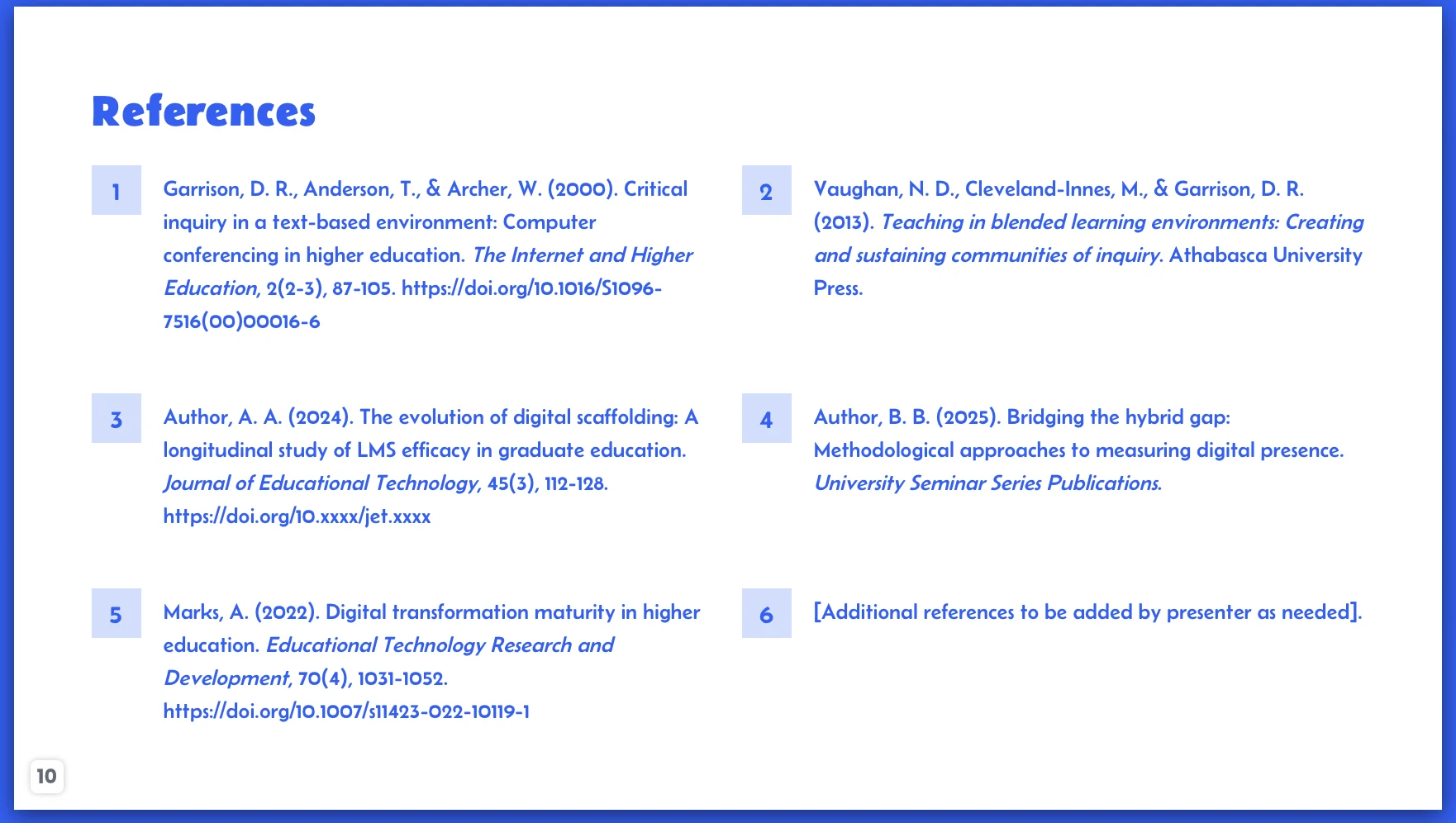
Some presentation tools, including PopAi, may offer chart editing controls; check the current version for available options. Use those controls only after confirming the underlying values and labels against the paper. A references slide is a useful index, not a substitute for checking each citation against its source.
6. Edit, rehearse, and export the final deck
Make the final pass for research accuracy, audience clarity, and delivery readiness.
Replace vague headings with message-led titles and remove repeated points. Check that the conclusion stays within the evidence, limitations are proportionate, and each figure can be interpreted without implying more certainty than the study supports. Confirm permissions and attribution for images or figures you did not create; a suggested visual is not automatically reusable.
Run a final delivery checklist
- Read the slides in order and confirm that each one advances the argument.
- Recheck the primary claim, its source location, citations, data labels, image credits, and any required AI-use disclosure.
- Practice aloud with a timer; cut or combine material if the talk runs long rather than rushing through results.
- Prepare for methods questions: revisit sample selection, measurement, missing data, uncertainty, and plausible alternative explanations. Note which answers are in the paper and which require you to say “I don’t know” or follow up.
- Open the exported file in the software and on the device you will use to present. Check fonts, chart labels, layout, and embedded media, and keep a backup.
If your tool offers PPTX or PDF export, verify the current options and test the file before the presentation; editability and rendering can vary by tool, plan, and software version. The last check is not cosmetic: it is where you catch a conclusion that overreaches, a chart that hides uncertainty, or a citation that points to the wrong version of a paper.