Imagine a team preparing a beta launch: the feature works for a limited group, early feedback is promising, but there is no approved performance metric yet. AI can help turn the team’s brief, product notes, and demo steps into a reviewable slide sequence—provided the deck does not imply general availability or claim results the team has not measured.
This step-by-step workflow is for founders, product marketers, and launch teams who have source material but need a coherent first draft. Allow roughly 60–90 minutes for an initial outline and deck review, plus time for approvals and rehearsal; the exact time depends on the quality of your inputs. By the end, you should have an audience-specific brief, a corrected outline, a slide draft, and a launch-readiness checklist. A live keynote, internal approval deck, and sales deck are different deliverables, so decide which one you are making before you generate slides.
1. Set the launch goal before you make slides
Start with the decision or action you want the audience to take. A launch presentation is not a product roadmap or a complete go-to-market plan. It should make the launch story understandable and actionable; the roadmap tracks product direction, while the GTM plan coordinates channels, owners, timing, and follow-through.
Write a short brief before opening an AI tool. Name one primary objective, then rank any secondary objectives. If the deck must both secure executive approval and generate customer sign-ups, decide which outcome takes priority—or create separate versions. Record what is confirmed, what is still in progress, and which claims must not appear as promises.
Prepare a source pack and a one-page brief
- Approved product description, feature list, release type, availability, and known limitations.
- Validated metrics with the source, reporting period, definition, and accountable owner.
- Customer quotes or case studies with permission and exact approved wording.
- Brand guidance, product screenshots, demo steps, pricing status, and support details.
- A list of roadmap items that must not be presented as current capabilities.
Illustrative beta brief: Audience: operations leaders at mid-sized retailers. Objective: invite qualified prospects to request a beta walkthrough. Approved benefit: the product brings inventory alerts into one dashboard. Evidence: five design partners have tested the workflow; no quantified impact is approved. Availability: invitation-only beta, not general availability. Unresolved: supported integrations and target launch date. This brief gives an AI enough direction to draft a story while making the limits visible.
Keep one dated, read-only source pack as the reference for the draft. Assign an owner to update it when availability, pricing, or feature status changes; otherwise, two teams can feed conflicting versions into the same workflow. Before uploading material to any presentation tool, check your organization’s rules for data retention, access, model use, and deletion. Redact customer personal information, credentials, unreleased financials, or security details unless the relevant policy and approval explicitly allow their use. For workflow options, you can compare these AI presentation makers.
Launch rule: if a claim has no named source and accountable owner, keep it out of the confident headline—and mark it for review if it is still needed.
2. Choose the right deck for the audience
Keep the verified launch story consistent, but change the evidence, depth, and next step for each audience. Executives, customers, and sales teams should not have to work through one oversized deck to find what matters to them.
- Decision or readiness review: show launch readiness, unresolved risks, owners, timing, and the specific decision required. Put detailed feature explanations in an appendix unless they affect the decision.
- External launch keynote: establish the customer problem, explain the product experience, demonstrate the benefit, offer approved proof, and finish with one clear next step.
- Sales enablement: add qualification questions, use cases, objection handling, competitive context, pricing guidance, and approved follow-up materials.
Choose slide count from the time available, not from a universal benchmark. As a rough planning exercise, a 20-minute talk with a five-minute demo and five minutes for questions leaves about 10 minutes for the main story. A short executive review may need only a handful of decision-focused slides; a detailed sales training deck may be longer because people will use it asynchronously. These are planning examples, not standards. Put definitions, methodology, technical detail, and backup evidence in an appendix or speaker notes rather than crowding the main narrative.
For the beta example, the shared core is the retailer problem, the dashboard workflow, the confirmed beta status, and the invitation to request a walkthrough. Leadership gets risks, support capacity, and the decision on beta expansion; customers get the workflow and eligibility; sales gets qualification questions and approved answers about integrations. Label each version with an owner and update date so an old price, date, or availability statement does not survive in a copied deck.
3. Write a specific AI prompt and review the outline
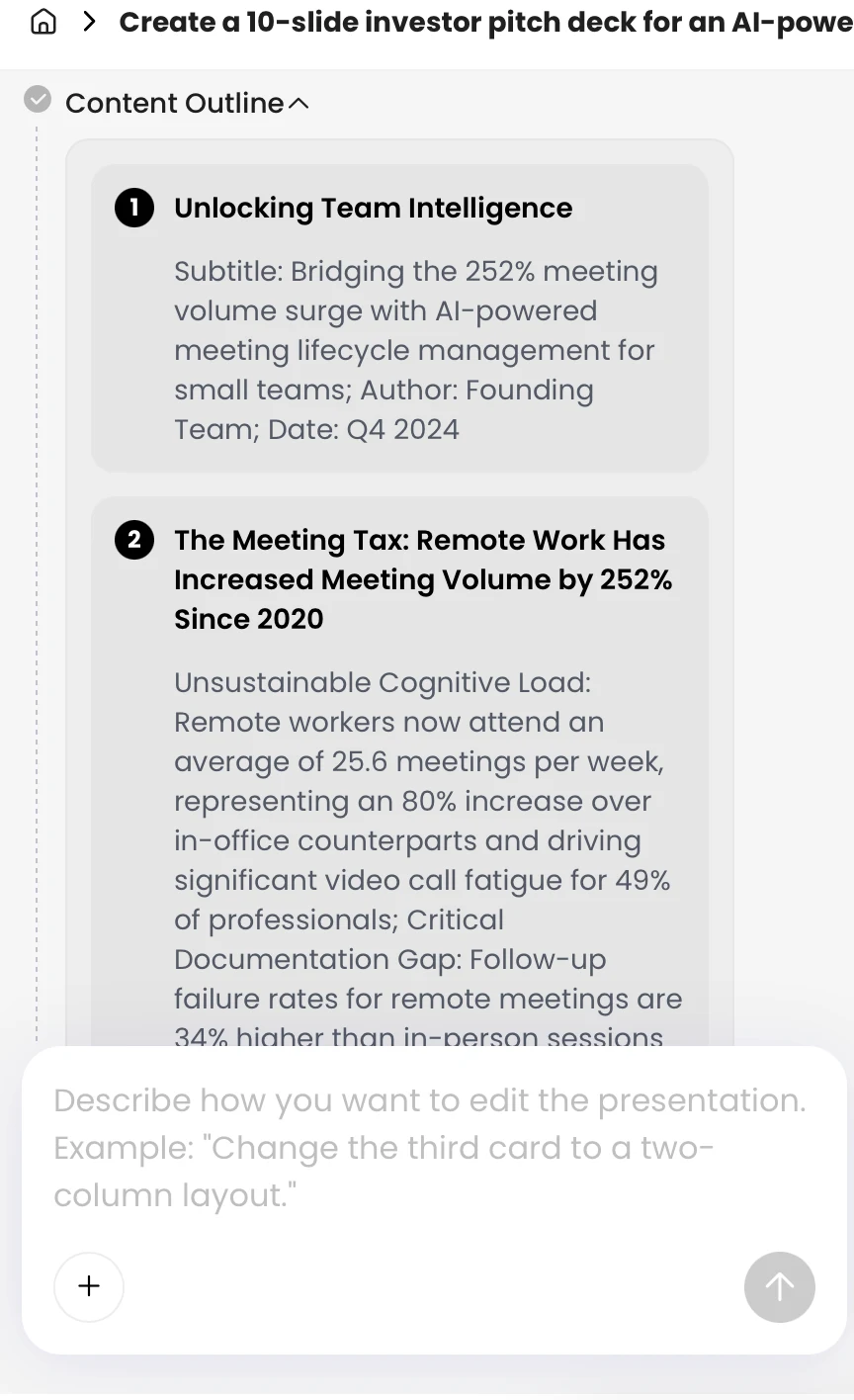
Ask for an outline first, then correct its logic before generating slides. Specify the audience, objective, voice, approximate length, required sections, source boundaries, and ending. Make the AI distinguish confirmed facts from missing information rather than filling gaps with plausible-sounding claims.
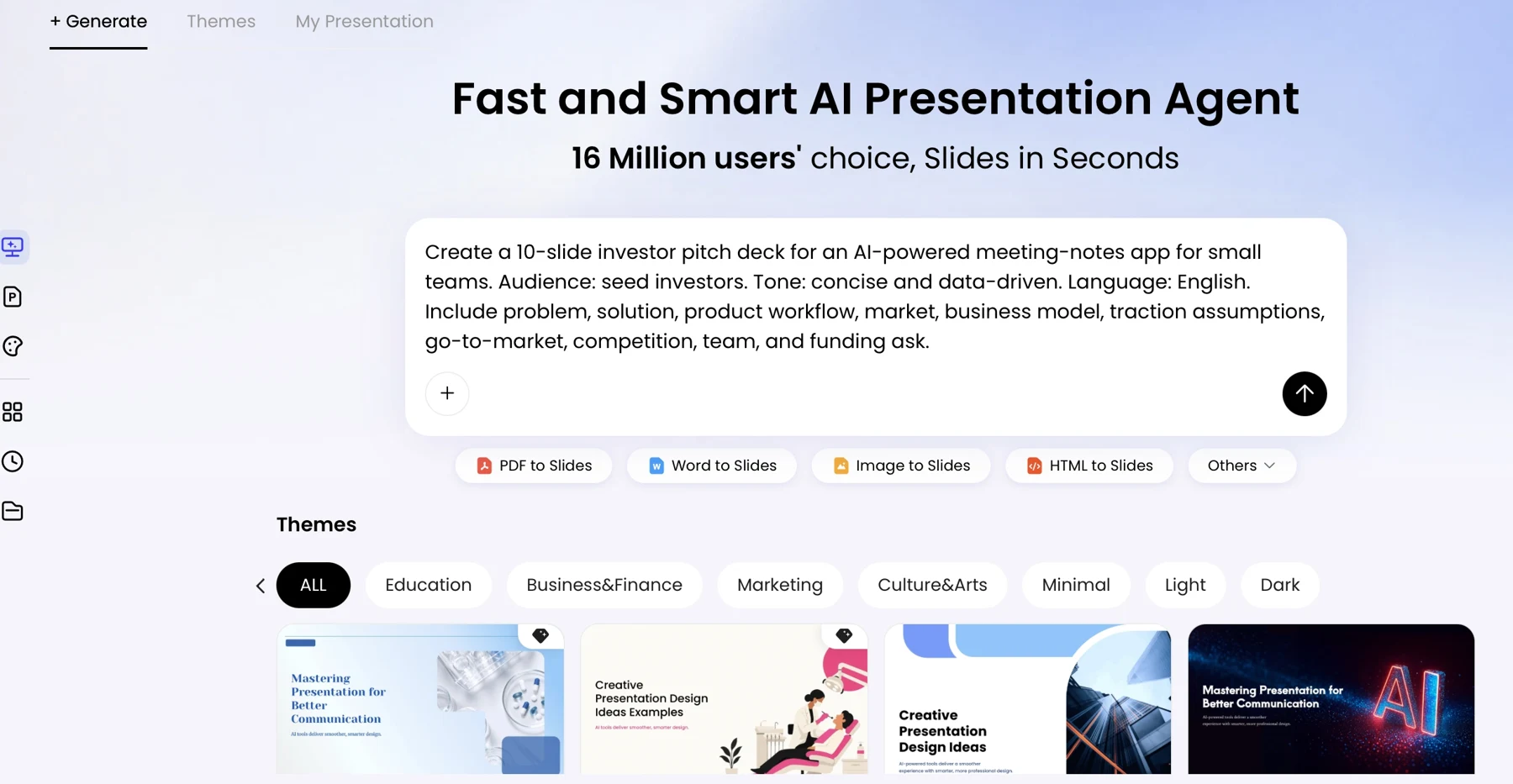
Prompt template: “Create a [short/long] [launch type] presentation for [audience]. The goal is to [one audience action]. Use a [tone] voice and only the attached approved materials. Build a story around: audience problem, current workaround, product solution, how it works, verified benefit or evidence, availability and limitations, and next step. Do not invent metrics, customers, integrations, pricing, certifications, or capabilities. Mark missing or conflicting information as [NEEDS CONFIRMATION] and identify the source for each factual claim. First return a slide-by-slide outline with each slide’s audience question, main point, evidence, and transition. Do not create slides until the outline is approved.”
Worked outline example: A first AI outline for the fictional beta might begin, “Introducing the future of retail operations,” followed by four slides listing dashboard features, then a customer-results slide and a “Start your free trial” CTA. That draft leads with product claims, invents results, and promises a trial that is not available. Revise it to open with the inventory-alert problem, show the current workaround, demonstrate the confirmed dashboard flow, state that five design partners have tested it without implying measurable impact, clarify invitation-only availability, and end with “Request a beta walkthrough.”
Use a four-question review before moving on: Does each slide answer a real audience question? Is its main point supported by a supplied source? Does the sequence progress from problem to solution to proof and action? Is the requested action actually available to this audience? When source files conflict, do not let the model choose silently: note both versions, identify the document owners, and hold the disputed claim until an owner confirms the current one. Keep a claim-to-source reference in the outline or review tracker so you can trace generated wording back to the input.
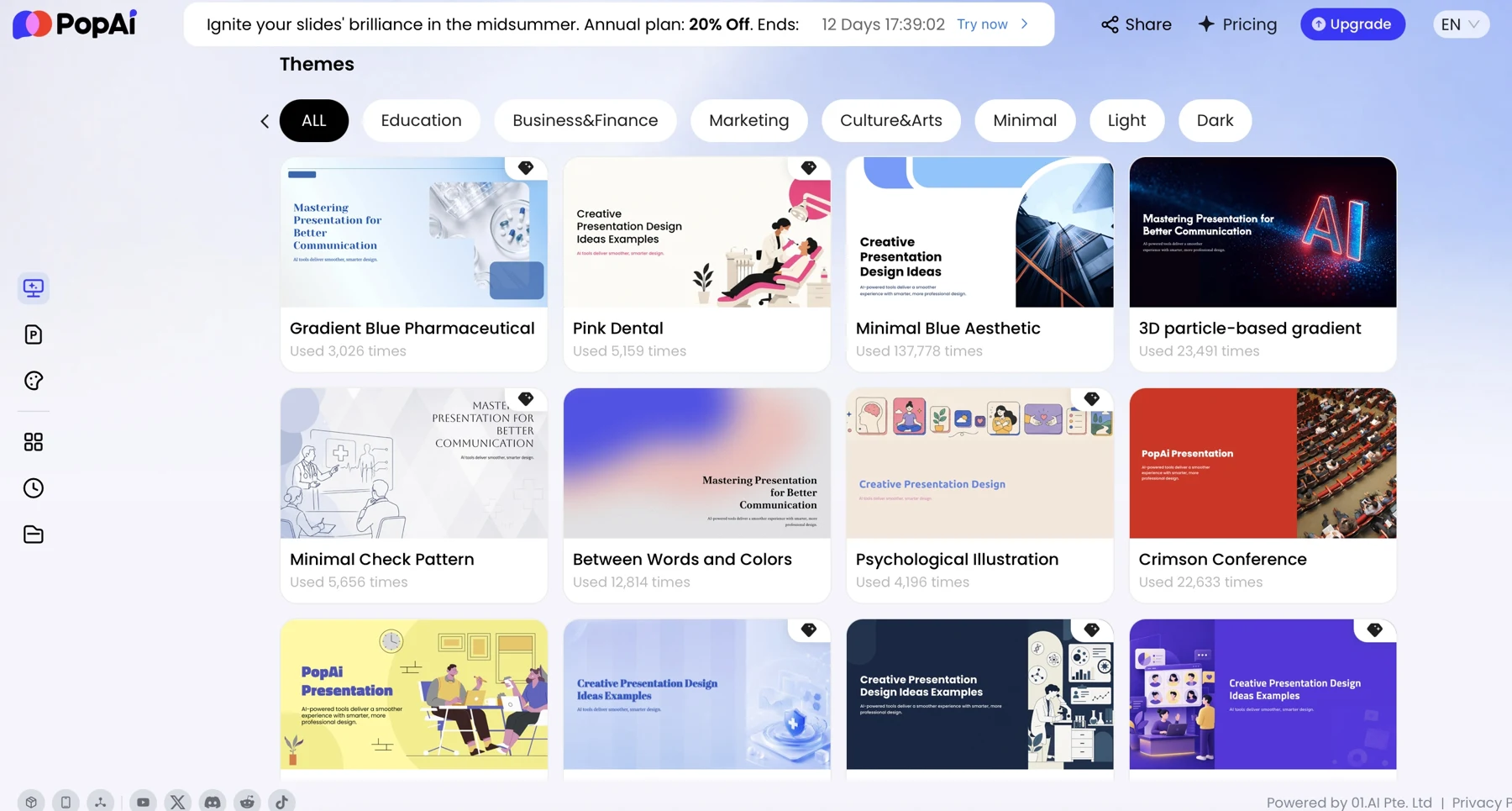
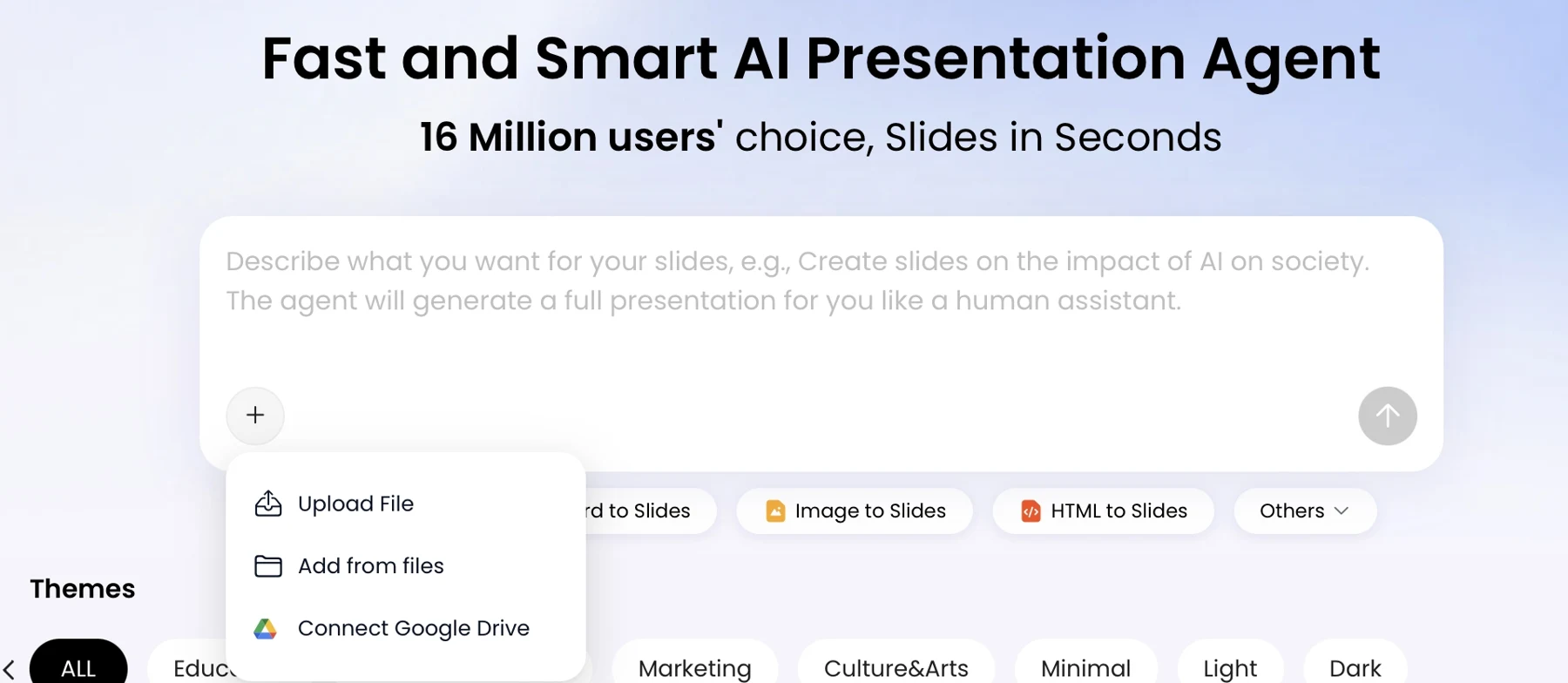
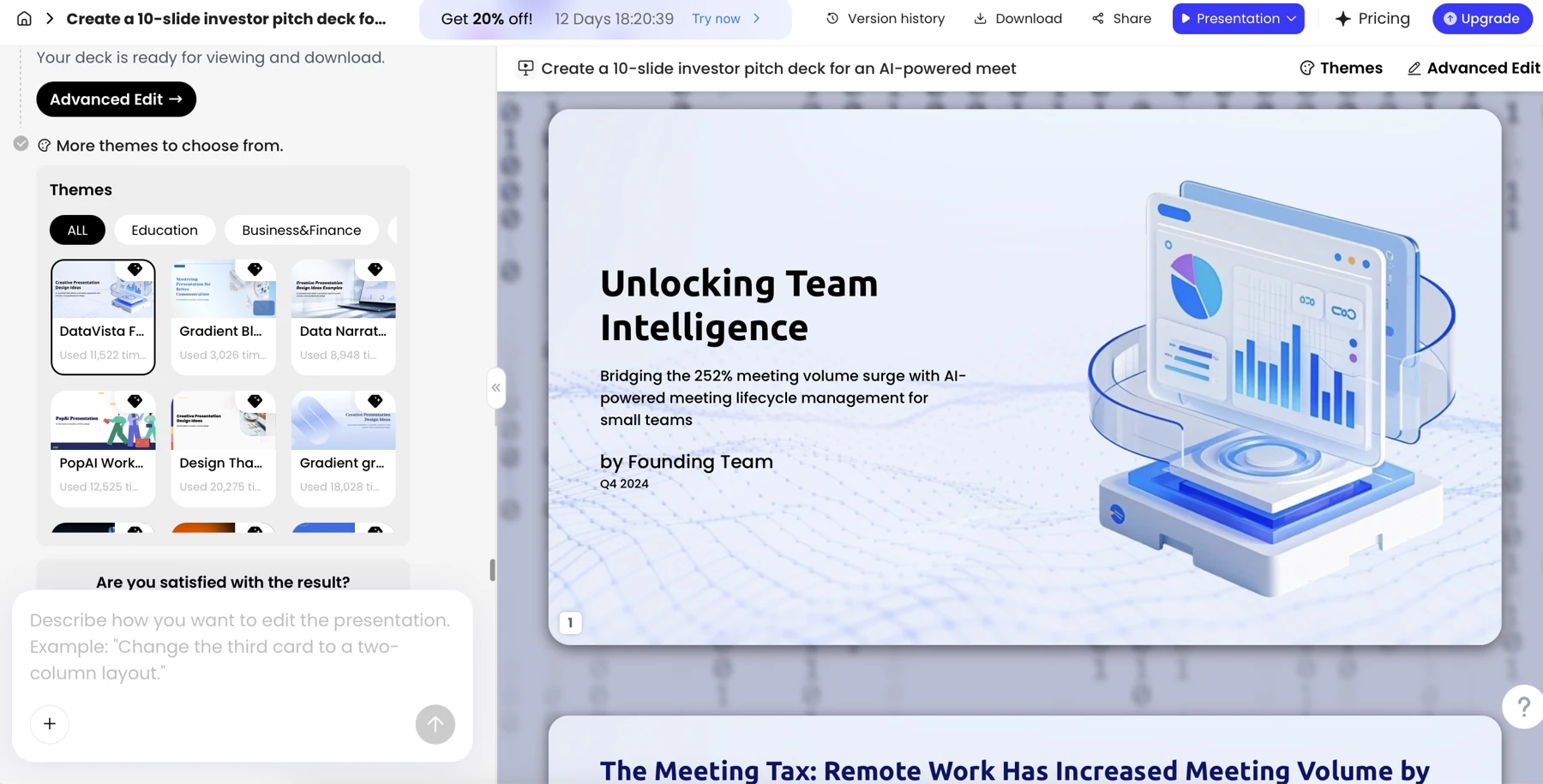
Presentation tools change their interfaces and options over time. If using PopAi, check the current workflow for prompt and outline controls before relying on a particular step; its AI Presentation tool can be used to start a draft from a prompt or source materials, but the outline and source checks remain the team’s responsibility.
4. Generate slides, then refine the story and visuals
Generate slides only after the outline passes review; then improve the message before polishing the design. A slide should make one main point easy to grasp. Put supporting nuance in speaker notes or an appendix when it is useful but not essential to the audience’s immediate understanding.
Review the story and the demo
For a product demonstration, make the customer journey easy to follow: show the input, explain what the product does, and reveal the output or result. Label what is a live capability versus a mockup, sample dataset, or planned feature. If the demo depends on connectivity or a particular account, prepare a short recording or screenshot sequence as a fallback.
Before and after: A weak beta slide might say “Transform inventory with AI” above six feature bullets and a chart labeled “40% less waste,” with no source or time period. A stronger version uses the headline “See low-stock alerts across locations,” shows one clear dashboard screenshot, and adds a small note: “Beta workflow; sample data; impact not yet measured.” The second slide is less grand, but it tells the audience what they are seeing without presenting an unverified outcome as proof.
Check hierarchy, accessibility, and chart fairness
- Story: Does the opening make the audience’s problem concrete? Does the ending state one useful next action?
- Claims: Compare every feature, availability statement, price, number, and customer reference with its approved source.
- Hierarchy: Can someone identify the headline and key evidence at a glance? Cut repeated copy and move supporting explanation to notes.
- Visual access: Check readable text size at the back of the room, sufficient color contrast, meaningful image descriptions where needed, and labels that do not rely on color alone.
- Charts: Confirm values and labels against the source, then inspect the axis scale, baseline, time period, and comparison group. A truncated axis or unclear denominator can make an accurate number misleading.
- Demo: Confirm the sequence works, the data is safe to show, and the fallback is ready.
AI can help shorten a slide or adapt its wording for another audience, but review the changes for lost qualifications and changed meaning. If your editing tool offers theme, layout, or chart controls, check the current interface and inspect the result after each change; never assume a chart remains accurate just because its appearance improved.
5. Verify facts, protect sensitive information, and label uncertainty
Turn fact-checking into a recorded review, not a general instruction to “make sure it is accurate.” A generated draft can turn an estimate into a result or a roadmap ambition into a product promise, even when the slide looks polished.
Use a claim tracker and approval path
For each factual claim, record: claim; source and link or file; definition and reporting period; accountable owner; approval status; slide location. For example: “Five design partners tested the beta; source: beta feedback log, April 1–30; definition: completed at least one workflow session; owner: product research lead; status: approved for internal review only; location: slide 6.” If the owner cannot confirm the definition or audience permissions, do not promote the claim to an external deck.
For a metric such as “users increased 40%,” document the population, baseline, comparison period, calculation, and analytics source. If those details are not available, replace the statement with a narrower verified fact or remove it. An accurate number without context can still imply more than the evidence supports.
- Product owner confirms capability, limitations, integrations, and availability.
- Data owner confirms metric definition, calculation, period, and source.
- Customer or account owner confirms permission for names, logos, quotes, and results.
- Legal, security, or privacy review is added where the content, market, or organization’s policy requires it.
- Deck owner resolves every placeholder, records approval, and removes superseded drafts from shared locations.
In an internal working draft, unresolved items can remain as clearly labeled placeholders such as “[CONFIRM GA DATE—PRODUCT OWNER]” so the team can close them. In customer-facing or public materials, remove the claim or hold distribution until it is approved; do not leave internal uncertainty labels in place and assume the audience will understand them.
Use AI to make a verified claim clearer—not to make the claim sound more certain than the evidence allows.
6. Rehearse, export, and connect the deck to launch results
Prepare the deck for its actual delivery format, then measure the action it was designed to prompt. A keynote, a sales training session, and a deck sent without a presenter need different checks and follow-up.
Rehearse and prepare delivery
Three practice passes can be a useful routine for a high-stakes live launch, not a universal requirement: use one pass to check timing, one to test transitions and demo recovery, and one under realistic delivery conditions. For a shorter or lower-risk update, combine these checks. Ask a colleague unfamiliar with the product to flag jargon, unanswered questions, and slides that are difficult to follow. Keep a backup of the deck and demo assets in a location your event setup can access.
For an asynchronous deck, make the slides understandable without narration: add concise context to speaker notes or on-slide labels, define unfamiliar terms, include sources for important figures, and make the next step and contact route explicit. Before sharing, verify the version date, links, fonts, chart labels, slide order, and any notes or hidden slides that should not be distributed. Export formats and editing behavior vary by tool and can change, so test the current export in the application and device you will use rather than relying on a general capability claim.
Measure what happens after launch
Set a baseline, data source, measurement window, owner, and success criterion before presenting. For the illustrative beta deck, a goal might be “generate 20 qualified walkthrough requests within two weeks”; the source could be the sign-up form and CRM, the owner the demand-generation lead, and the baseline the prior beta campaign. Treat this as a measure of the deck and launch pathway’s contribution—not proof that the presentation alone caused every request. Activation, revenue, and retention are affected by product readiness, audience fit, pricing, distribution, and other factors too.
- For awareness, track qualified reach or visits to the relevant product page against a defined baseline.
- For adoption, track eligible sign-ups, activation, or product usage over a stated period.
- For commercial goals, review qualified pipeline or revenue alongside the source and attribution limits.
- Collect audience questions and sales objections to identify messages or demo steps that caused confusion.
- Assign an owner and due date to update the deck, and archive or remove outdated versions after product details change.
After the launch, compare the agreed measures with the goal, note what the evidence can and cannot show, and update the source pack before the next version. This closes the loop without treating a slide view, sign-up, or revenue figure as a result the presentation can claim credit for on its own.