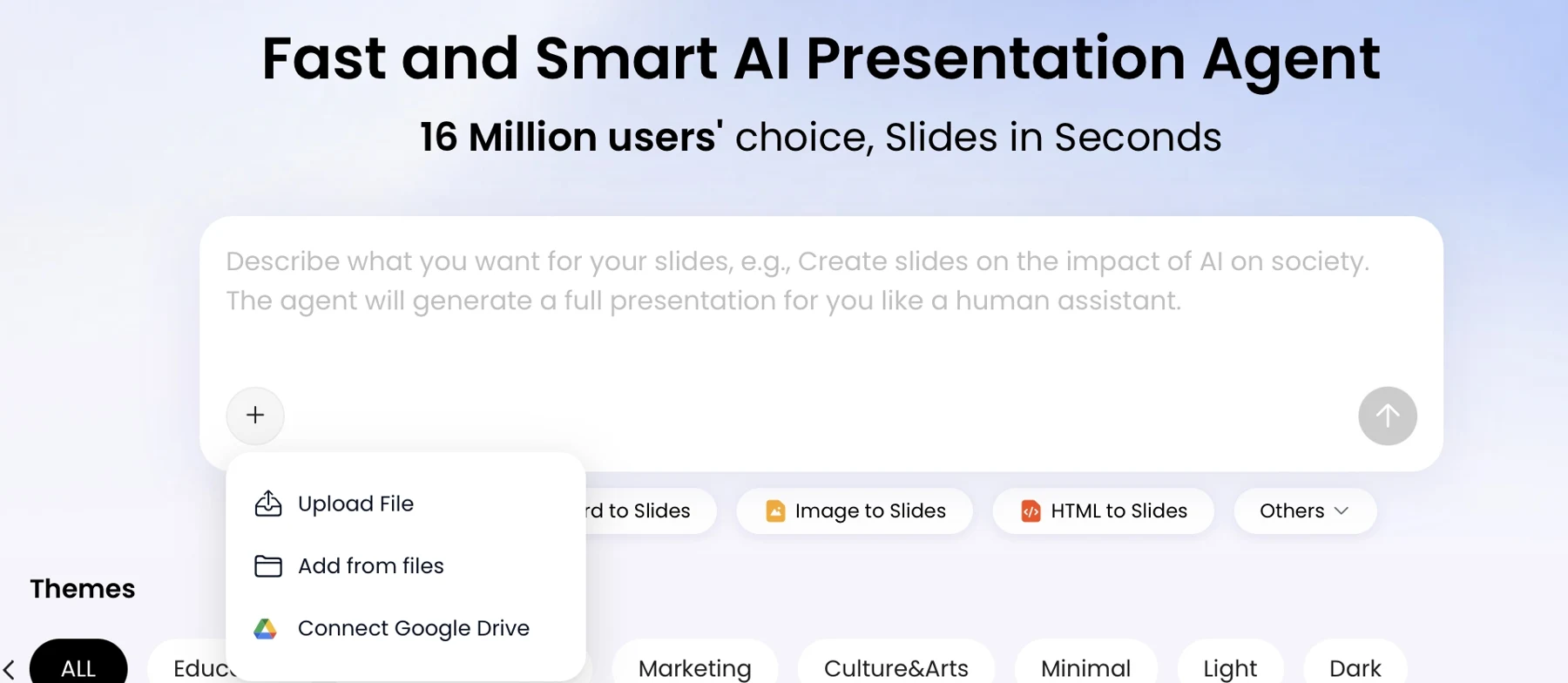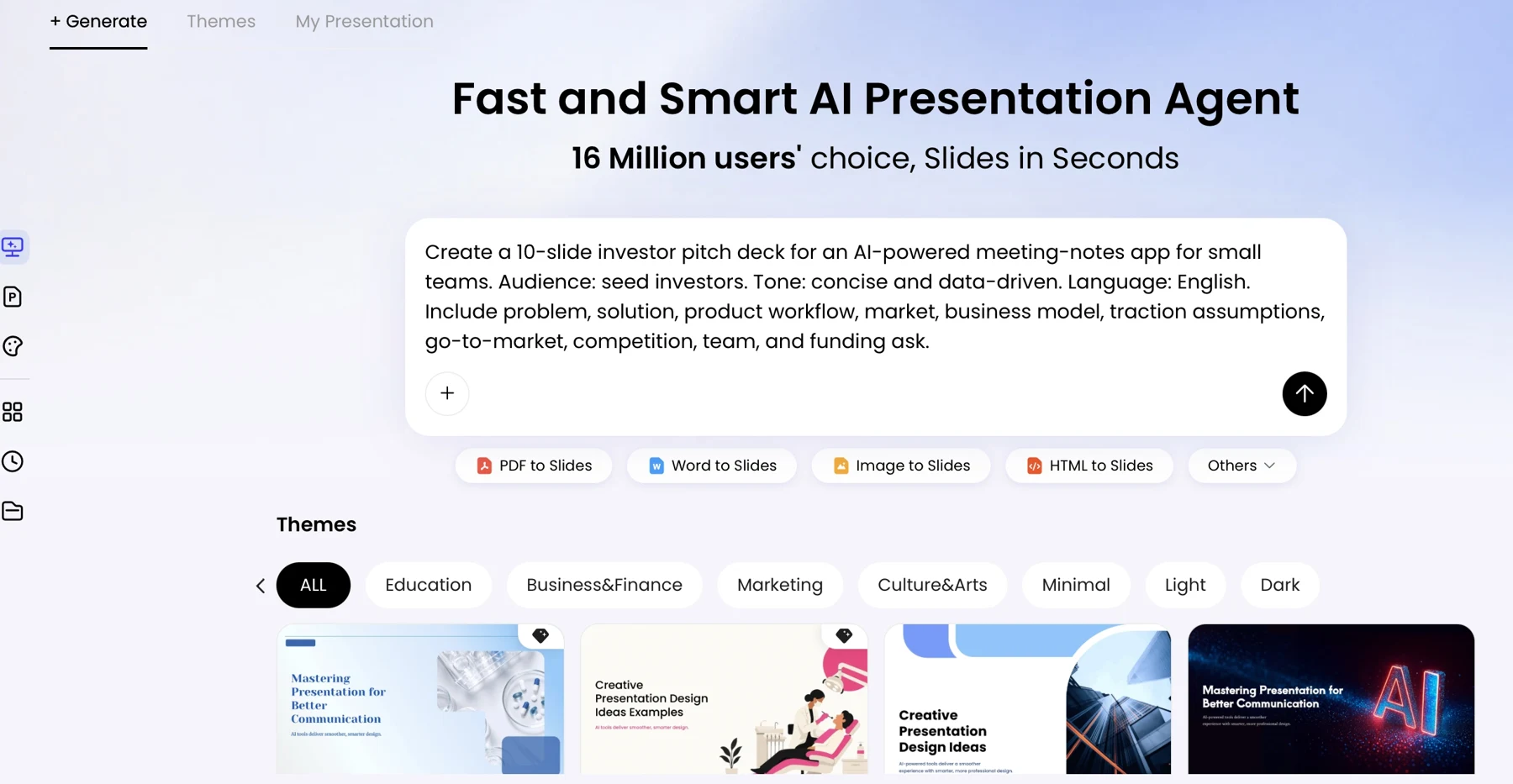
Turning a shifting plan into a deck is harder than filling in a timeline: dates may be tentative and dependencies unresolved. This workflow produces a review-ready roadmap from an existing plan or organized notes. Plan time for source preparation, owner review and refinement; no generation or review-time benchmark is claimed here.
Roadmap presentations work well for product direction, project delivery, and transformation plans where the goal is to explain priorities, sequence, outcomes, and trade-offs. They are not a substitute for a detailed project schedule or a reliable forecast when the underlying plan is still disputed. Start with trusted inputs and a clear audience, then use AI to structure the story and draft slides. For example, PopAi AI Presentation can be used to create a draft from a prompt or source materials; check the tool’s current input and export options before relying on a specific format.
A one-page roadmap with visible commitment states
The following is a fictional planning example, as of 16 May. A proposed date is not an approved commitment. Replace the roles, source versions and states with your project's approved information.
This page explains priority, sequence and commitment state. It is not a release announcement. Use the product launch presentation guide when the task is to communicate approved availability and a customer call to action.
1. Plan your roadmap presentation with AI inputs
Before writing a prompt, decide what the audience should understand, approve, or do next.
Define the roadmap’s purpose—such as a product direction update, delivery plan, or technology transformation—and name the audience and decision. Then assemble a source of truth with an owner and “last checked” date. Separate an outcome (the change or value sought), a milestone (a meaningful checkpoint), and a task (work required to reach it). Most stakeholder roadmaps show outcomes and milestones, not every task.
Here is a fictional example of how to record mixed certainty before asking AI for slides:
| Initiative | Outcome / milestone | Owner | Timing and confidence | Dependency / source |
|---|---|---|---|---|
| Usage analytics | Launch an adoption dashboard | Product analytics lead | Q2 target; medium confidence | Event tracking review; product plan, checked 12 May |
| SSO rollout | Enable SSO for enterprise accounts | Identity lead | Q2; date unconfirmed | Security approval; owner’s update, checked 14 May |
| Admin controls | Complete pilot with three customers | TBD | Later; low confidence | Depends on customer recruitment; workshop notes, checked 10 May |
Use simple confidence labels consistently: confirmed means approved by the accountable owner, target means planned but subject to change, and exploratory means direction or sequencing is still under discussion. If sources conflict—for example, a planning document says Q2 but the owner says Q3—record both, note the source and date, and ask the accountable plan owner to resolve it. Until then, show “timing under review,” not a blended guess.
Before uploading internal plans, remove personal, customer, financial, or commercially sensitive details that the deck does not need. Follow your organization’s approved AI and data-handling policies; if a tool is not approved for confidential material, use a sanitized summary instead.
“A roadmap is only as dependable as its source: record who owns each claim and when it was last confirmed.”
2. Write a specific AI prompt and choose a useful structure
Match the visual structure to the decision the audience needs to make, then tell the AI what it may reorganize and what must remain unchanged.
A calendar timeline is useful when sequence and approved dates matter, but can make tentative plans look fixed. Swimlanes show parallel work and ownership, though too many lanes become hard to scan. Now/Next/Later works when priority is clearer than timing; it is less useful when the audience needs a date-based commitment. Choose a horizon that fits the decision—often the next two or three quarters for planning—rather than extending the deck with speculative detail.
For example, use the table above as the input and request a seven-slide executive deck. Preserve initiative names, owners, confidence labels, and dependencies exactly; allow the AI to shorten descriptions and suggest slide titles. A delivery-team version can use the same source rows but emphasize owners, milestones, and blockers. For a neutral tool-selection checklist, compare the latest AI presentation makers by their source-handling controls, editability, export options, and data policies—not only by first-draft speed.
Worked prompt: “Create a 7-slide product roadmap presentation for the executive team. The decision needed is approval to continue the Q2 analytics and SSO work while security approval is pending. Use the three initiatives below. Preserve initiative names, owners, timing labels, confidence, and dependencies exactly; do not invent dates, metrics, costs, or owners. Organize the roadmap as Now / Next / Later, and include one slide for risks and decisions needed. Show SSO timing as unconfirmed, and Admin controls as exploratory. If two sources conflict, flag the conflict for review instead of choosing one. Use concise slide titles and a readable legend.”
A useful first outline might be: 1) decision required, 2) intended outcomes, 3) Now/Next/Later roadmap, 4) analytics and SSO milestones, 5) dependencies and risks, 6) success measures to confirm, and 7) decisions and owners. Reject an outline that invents a launch-date slide or treats the exploratory pilot as committed. The outline should make the decision visible before it moves into visual design.
3. Generate slides from your plan, not from a blank guess
Prepare a clean source, inspect the outline, and only then spend time on slide design.
Paste a concise, verified summary or upload a source file if your chosen tool supports that format. Before uploading a spreadsheet or a long planning document, extract the relevant rows and notes into a compact table: complex tables, comments, and inconsistent formatting can be summarized incorrectly. If the source is too large or contains conflicting versions, split it into clearly named sections and identify which document or owner is authoritative. Check current product documentation for supported formats, file-size limits, and privacy terms rather than assuming they have not changed.
When the generator presents an outline or content plan, compare it with the prompt before generating slides. In the fictional example, an outline that says “Q2 SSO launch” has already converted an unconfirmed period into a commitment. Request a correction to “SSO timing unconfirmed pending security approval.” Likewise, keep the Admin controls pilot in “Later” or mark it exploratory until its owner and recruitment plan are confirmed.
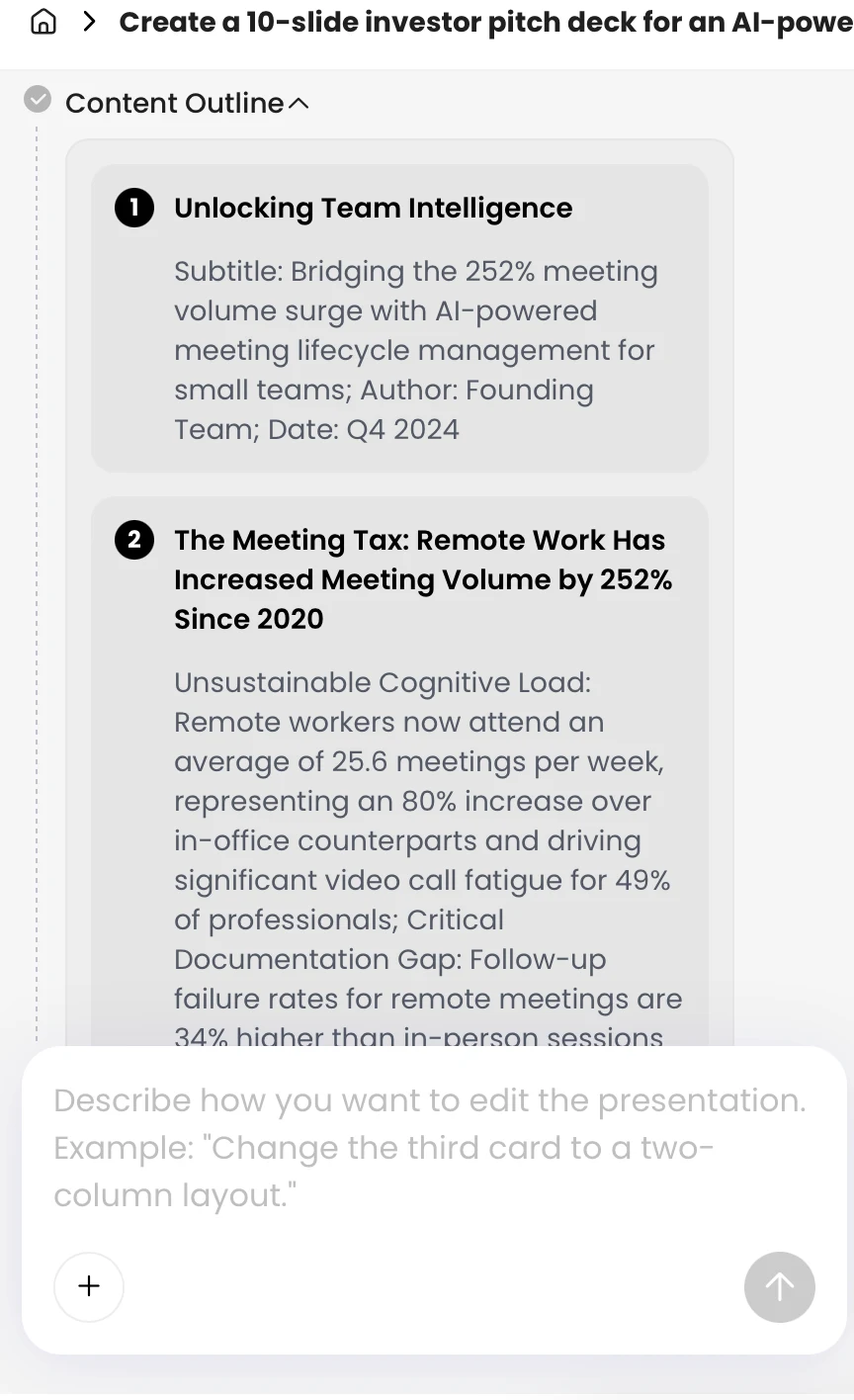
Before moving on, count the initiatives and confirm that each has an outcome, a place in the sequence, and any important dependency. If your tool does not expose an outline, create one yourself from the source table and compare it with the generated deck. Treat the draft as a proposal, not evidence that the source was interpreted correctly.
4. Edit the generated roadmap and verify every claim
Check factual accuracy separately from visual quality, and route each claim to the person qualified to approve it.
Validate claims with the right owner
Use the source plan as the reference and maintain a short review record: claim, source, reviewer, and approval status. Initiative owners should confirm scope and milestones; finance or operations should check costs and capacity; security or legal reviewers should confirm their respective approvals. The plan owner or governance group should resolve priority and sequencing disputes. AI-assisted wording does not authorize a change to the plan.
- Confirm dates, owners, dependencies, and status with their accountable owners.
- Verify costs, capacity, and resource assumptions with finance or operations.
- Replace unsupported metrics with approved measures, or remove them.
- Compare rewritten text with the source; restore wording if a summary changes the meaning.
For instance, if a draft changes “pilot with three customers” to “launch to customers,” the wording has expanded the commitment. Correct it to the approved milestone and ask the initiative owner to approve any substantive scope change. Use AI for a targeted edit—such as shortening text while preserving the three approved priorities—then compare the result with the original.
“If a number, owner, or date cannot be traced to a source or decision, do not present it as a fact.”
Check comprehension and presentation quality
After factual sign-off, review contrast, font size, reading order, chart labels, and whether color is the only way to distinguish status. Ask a colleague unfamiliar with the project to identify the next milestone, biggest dependency, and decision needed. If they miss any of these, simplify the slide or clarify the labels before sharing.
5. Tailor roadmap slides to executives, teams, or customers
Keep the approved source plan fixed; tailor the level of detail and context to the audience.
Take the fictional SSO initiative as an example. An executive slide might say “Enable enterprise SSO; timing depends on security approval” and show the decision needed. A team view would add the security review, technical milestones, owner, and dependency. A customer version might describe the intended benefit without naming an unapproved quarter or exposing internal security details. The initiative’s status and dependency remain consistent in all three versions.
Executives need outcomes, trade-offs, investment implications, and decisions—not a catalog of tasks. Delivery teams need enough detail to coordinate near-term work. External audiences need clear value and carefully approved commitments. Before sharing externally, have the relevant product, communications, legal, or account owner review forward-looking statements and remove confidential information.
Use the confidence labels and timing rules established in the source plan rather than redefining them for each audience. If a date is still a target, do not make it look committed by changing the slide format or title.
6. Review an example, then export and maintain the deck
Finish with a realistic example, a clean handoff, and a maintenance rhythm tied to how quickly the plan changes.
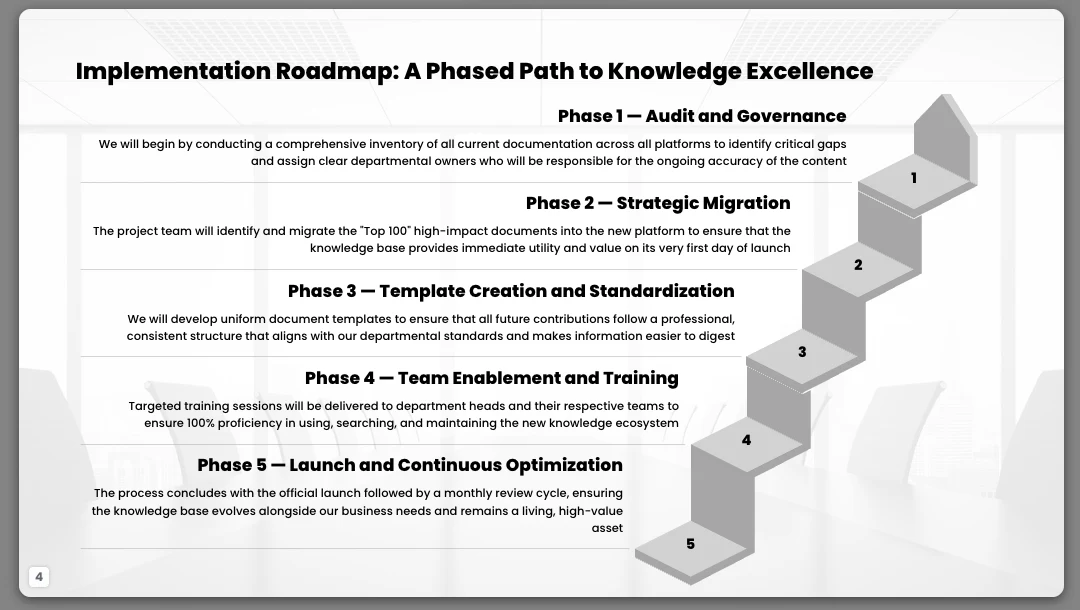
Consider a fictional knowledge-management rollout with five phases: discovery, governance, platform setup, pilot, and rollout. Discovery produces an agreed search and content baseline; governance defines ownership and retention rules; platform setup configures the system; the pilot tests the process with two departments; rollout follows only after the pilot review. The key dependency is governance approval before configuration, not simply a decorative arrow between phases. If the approval date is unknown, show the dependency and label timing as unconfirmed rather than spacing the phases to imply a schedule.
For a stable annual strategy, a quarterly review may be enough. For a fast-moving product plan or a roadmap used in frequent customer conversations, review it after each planning decision or material dependency change. Set an owner for the editable source, include the “last reviewed” date and approval status on the deck, and keep a brief change log so readers know what changed and why.
Export and hand off a controlled version
Choose an editable presentation file for collaborative review and a PDF when recipients need a stable viewing copy. After export, inspect the deck in the application where it will be presented: check for clipped text, shifted shapes, missing fonts, broken links, unreadable legends, and charts that no longer match the source data. Keep the approved file clearly named with its version or review date, and identify the editable source as the authoritative copy. If you use PopAi AI Presentation to draft or export a deck, verify the current export options and review the resulting file before distributing it.
7. Avoid the roadmap mistakes that weaken stakeholder trust
Use this final audit to decide what must be fixed before the deck goes out.
- Block sharing: unresolved factual conflicts, unapproved customer commitments, confidential data, or dates presented as confirmed without owner approval.
- Fix before presenting: missing dependencies, unclear priorities, unreadable labels, or no visible decision or next action.
- Polish if time allows: decorative icons, minor spacing differences, or nonessential visual effects.
Call the deck “draft” or “for discussion” until the designated plan owner approves the claims and status; reserve “approved” for the version that has completed the agreed review. If stakeholders disagree about priority or timing, show the competing options and the decision owner instead of asking AI to choose. The deck is ready to share when its audience can identify the intended decision, the next meaningful milestone, and what remains uncertain—and every commitment is traceable to an approved source.