Sales teams often start with discovery notes, a service brief, or an RFP and need to turn it into a proposal people can evaluate. AI can help produce a decision-led outline and a first-draft deck; it cannot replace the time needed to verify claims, approve terms, and rehearse the meeting.
This workflow covers both a live-meeting presentation and a written proposal: use the main deck to guide the discussion, then add an appendix or separate document for detailed requirements and evidence. A running fictional example—a software firm proposing a six-week inventory-planning pilot—shows how the brief becomes an outline, reviewed slides, and an approval checklist.
1. Define the decision before building slides
Start by naming the decision the audience must make. A prospect meeting might seek approval for a pilot; an internal proposal might need budget and an executive sponsor. The requested decision determines what belongs near the front of the deck and what can sit in an appendix.
Turn discovery notes into verified priorities
Write a one-sentence brief: “We recommend [action] because it will help [audience] achieve [outcome], and today we need [specific decision].” Then sort discovery notes into three buckets:
- Verified: directly stated by the client or confirmed in an approved source.
- To validate: plausible, but not confirmed; phrase as a question, not a fact.
- Assumption: needed to build a proposal, such as a start date or data-access condition; label it and assign an owner to confirm it.
For multiple decision-makers, list each person’s stated criteria, then identify where they agree and where they conflict. If finance wants a capped pilot cost while operations wants a fast launch, do not let the AI choose which concern matters more. Ask the sponsor to rank the trade-off or present options with the cost, timing, and risk of each.
Illustrative case study (fictional): In the inventory-planning example, discovery notes say operations wants fewer stockouts, while finance has not approved a target return. The brief therefore treats stockout reduction as a client-stated goal, leaves the target unconfirmed, and asks for a decision on a six-week pilot—not a guaranteed financial result. That distinction changes the story: the deck leads with the pilot and its measurement plan, rather than an unsupported savings claim.
When stakeholders disagree, make the trade-off visible. A proposal can recommend a path, but it should not turn an unresolved preference into a “confirmed client priority.”
A 7–12-slide main deck can be a useful planning range for a short meeting, not a standard to hit. Use fewer slides when the decision is narrow; use more, or a separate response document, when an RFP requires detailed evidence or multiple weighted criteria.
2. Prepare a specific AI prompt and source pack
Give the tool a concise brief and a controlled set of source files. Before uploading anything, check that your organization permits the tool for that information and review its current data-handling terms. Remove personal, confidential, or regulated details unless their use is explicitly approved.
Label sources before asking for a draft
Use clear filenames and a short source register so the model—and your reviewers—can distinguish current, approved information from old drafts. For each source, record its owner, date, and authority. For example: “Pricing_APPROVED_2026-10-15.xlsx — Finance — approved”; “Discovery_notes_2026-10-20.docx — Account lead — client statements, not a commercial approval.”
- Choose one authoritative source for each high-risk item, such as price, delivery dates, or legal wording.
- When documents conflict, do not ask AI to resolve the conflict. Flag it as [NEEDS REVIEW], record both source references, and ask the responsible owner to confirm the correct version.
- Keep a claim log as the draft develops: slide or claim, source filename and page/section, status, and reviewer. This makes unsupported statements easier to find.
- After uploading, confirm the tool processed the intended files and that tables, footnotes, and appendices are readable. Do not assume a successful upload means every detail was extracted.
Use a prompt that limits invention
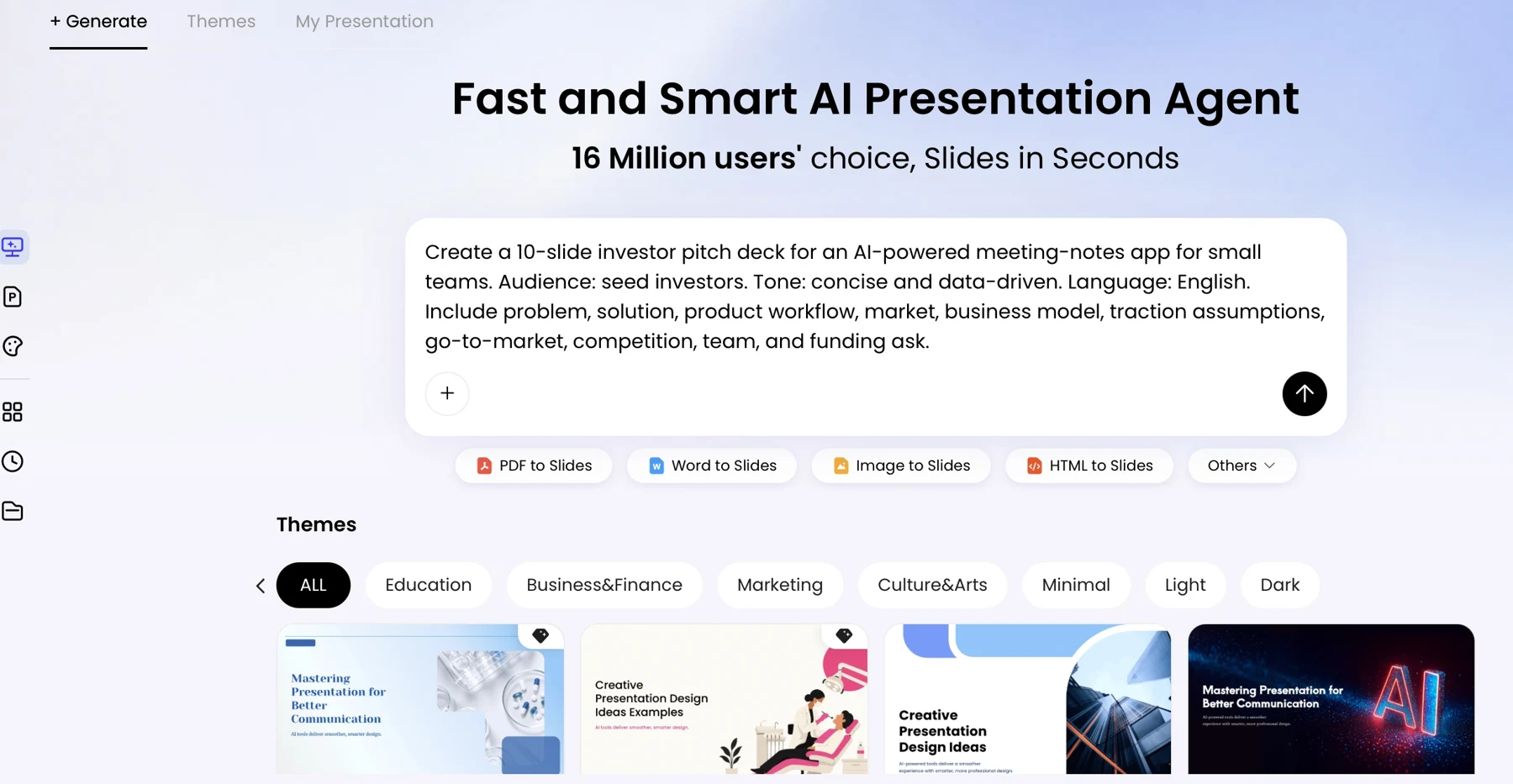
The following completed prompt uses the fictional inventory-planning scenario. Replace its details with verified information from your own brief:
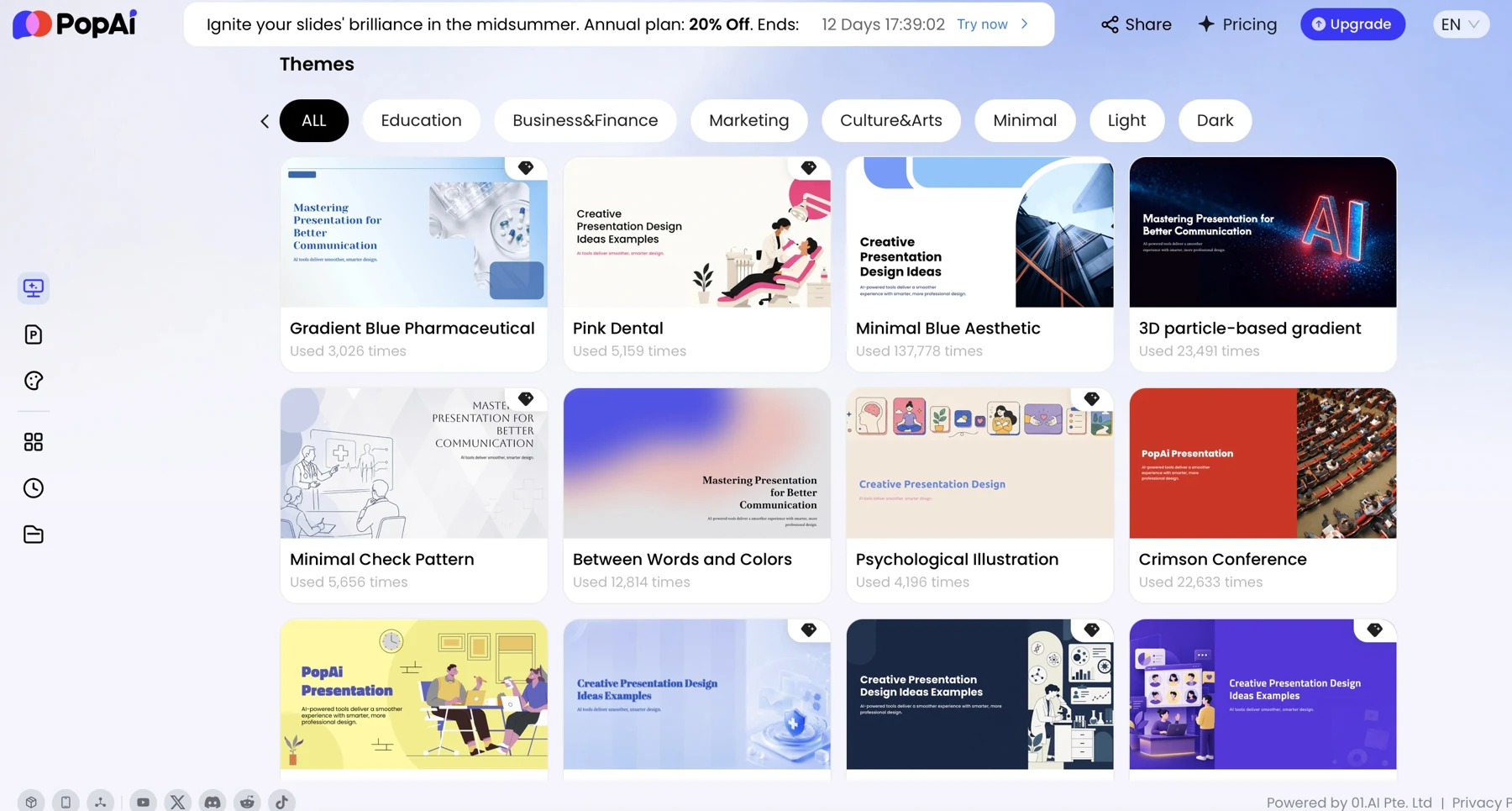
For any AI tool, check its current supported inputs, export options, and plan limits before building a workflow around them. PopAi’s AI Presentation page describes a workflow for organizing source content and generating slides; verify in the current product interface that your file types and intended editing steps are supported. For spreadsheets, provide approved figures in a clear, readable format and check the extracted values against the original sheet.
3. Review the outline before generating slides
Approve the story before spending time on slide design. For a brief, confirm that the recommendation answers the buyer’s decision; for an RFP, confirm that every mandatory and weighted requirement has a traceable response.
A client proposal often moves from decision and current situation to problem impact, recommendation, evidence, scope, timeline, investment, risks, and next action. Change that order when the buyer’s stated criteria demand it—for example, lead with compliance evidence if an RFP scores compliance first.
Build a traceable requirement map
- Record each RFP requirement, its mandatory or weighted status, score weight if supplied, response location, evidence source, and reviewer.
- Mark every item as answered, partial, unanswered, or not applicable. Assign an owner to unanswered or partial items instead of hiding them in polished prose.
- Map each requirement to a slide or appendix entry. Keep the response concise in the main deck and put detailed proof in the appendix or formal response document.
- Check that the opening states the recommendation and decision, and that price, assumptions, risks, and next steps are easy to locate.
Illustrative requirement check (fictional): If the pilot brief requires weekly reporting, map that requirement to the pilot-scope slide and cite the approved service description. If the source does not specify who supplies inventory data, mark the dependency unanswered and assign the account lead to confirm it. The outline should not imply that the vendor controls a client-owned dependency.
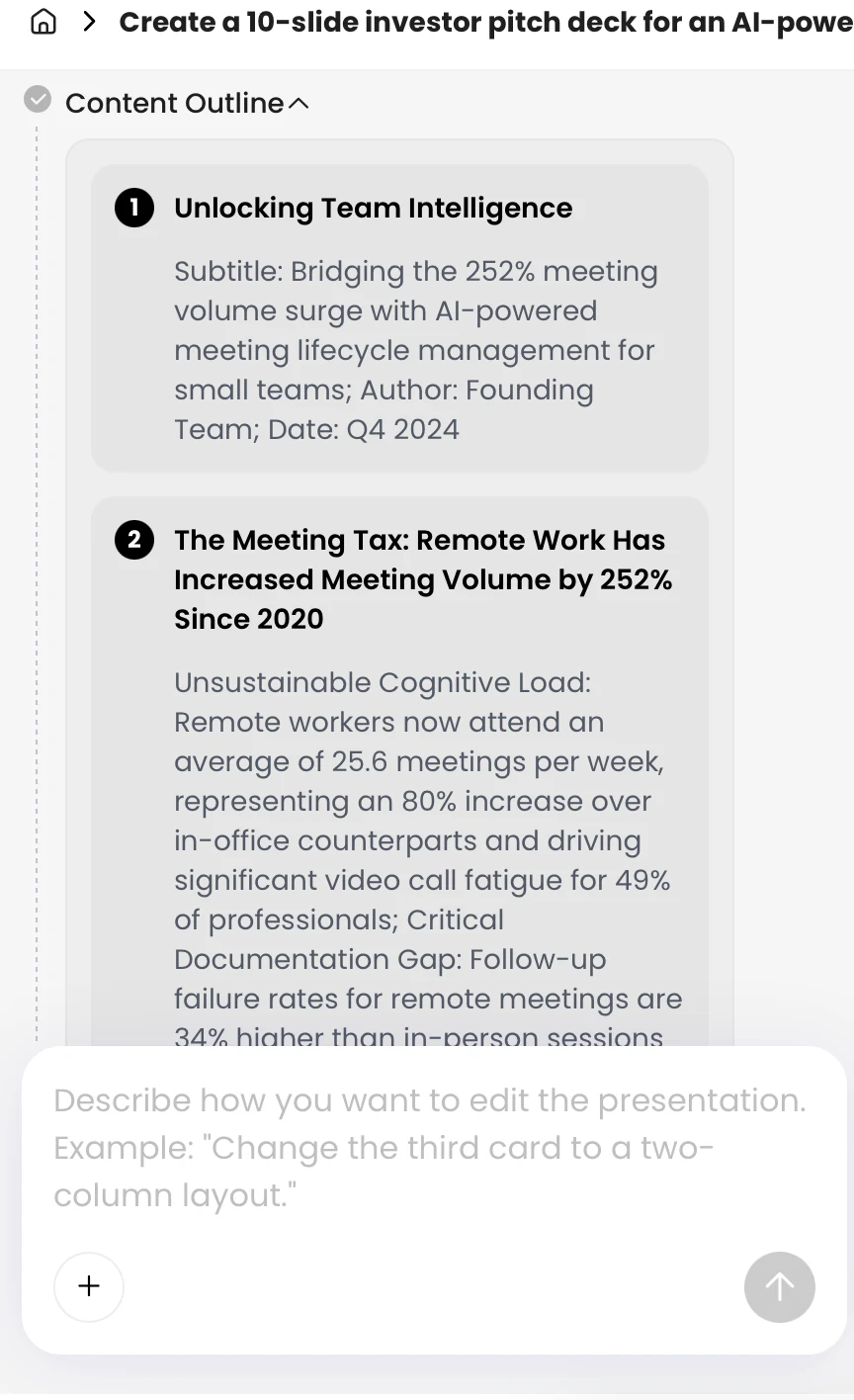
Some presentation tools show a content plan before slide generation; inspect that plan if the workflow offers it. Regardless of the tool, compare the outline with the source brief and requirement map. A generated outline is a draft, not evidence that every requirement or exception has been captured.
4. Generate the deck, then edit for buyer value
Once the outline is approved, generate a first draft and edit the argument before adjusting visual details. For every slide, ask whether its headline states a useful takeaway and whether the evidence beneath it supports that takeaway.
Replace vague claims with sourced statements
- Replace broad phrases such as “improves efficiency” with a measured result and its source—or remove the claim if no evidence exists.
- Use one main point per slide; put methodology, detailed tables, and supporting assumptions in an appendix.
- Use a chart only when it clarifies a comparison, trend, or decision. Check labels, units, time periods, and whether the visual suggests more certainty than the data supports.
- Write speaker notes to explain context, caveats, or likely questions; do not use them to hide a material qualification that belongs on the slide.
Before and after (fictional example): “Our platform will reduce stockouts by 20%” is not supportable if no pilot has been run. A safer slide headline is “Measure stockout change during a six-week pilot,” with a note that the baseline, target, and calculation method require client confirmation. If a verified historical result is later approved for use, cite its source, period, and comparable customer context rather than presenting it as a guaranteed outcome for this client.
On the timeline slide, show milestones alongside owners and dependencies. If kickoff depends on client data access, state that condition next to the date. On the value slide, label figures as measured, estimated, or assumed, and identify the source or calculation for each.
A useful review question is: “Could a buyer trace this claim to a source and tell whether it is a result, forecast, or assumption?” If not, revise it before polishing the slide.
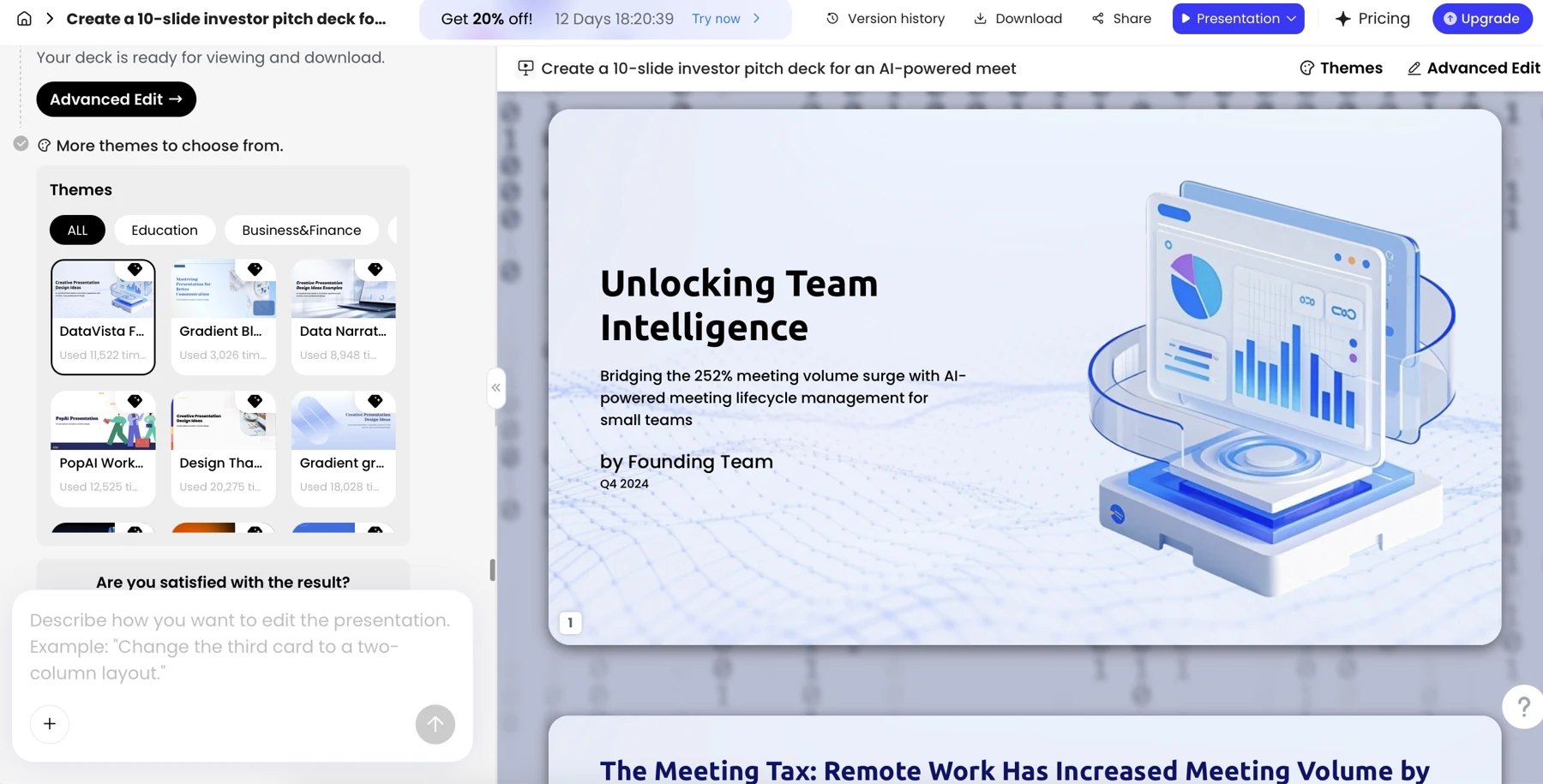
Editing controls and chart options vary by product, file, and plan. If your tool offers natural-language edits, chart creation, or spreadsheet import, treat the result as a draft: compare chart data with the approved source and check that revisions have not changed the meaning or removed a qualification.
To compare workflows and features before choosing a tool, see this overview of AI presentation makers. Compare the steps you actually need—source review, outline editing, editable output, brand controls, privacy approval, and export—and verify current capabilities rather than assuming platforms or plans work alike.
5. Verify scope, numbers, risks, and client details
Use a named reviewer and an authoritative source for every high-risk item. A final general proofreading pass is not a substitute for finance approval of price or delivery-owner confirmation of a schedule.
Assign owners in a proposal acceptance check
- Account lead: verify client name, audience, discovery statements, and client-specific context against approved notes.
- Subject-matter or delivery lead: verify feasibility, scope, exclusions, owners, dependencies, and dates against the delivery plan.
- Finance or commercial approver: confirm currency, totals, taxes where applicable, payment dates, and pricing assumptions against the approved commercial source.
- Legal, security, or compliance reviewer: review contract language, required disclosures, sensitive information, and formal RFP conditions where applicable.
- Proposal owner: check consistency across slides, maintain the source-to-claim log, record approvals, and control the final version.
Dependency example (fictional): The proposed pilot schedule shows data review beginning in week one, but the client has not confirmed when it will provide inventory data. The delivery lead should not approve that milestone as written. Revise it to “week one after data access,” identify the client owner, and confirm whether a delay shifts the end date before the proposal is shared.
For each approval, record the reviewer, date, source version, and any open issue. Keep one controlled master file and label drafts with a version and date; after a material change to price, scope, or schedule, re-run the relevant approvals. Before sending, inspect the deck in the intended viewing format. Export and edit behavior can vary, so check fonts, chart labels, spacing, links, and page breaks in the actual file you plan to deliver.
6. Rehearse the close and choose the right proposal format
Use the meeting deck to guide a decision, not to reproduce every detail of a formal proposal. A written response or appendix can hold full RFP answers, technical evidence, and terms that need more space; keep its figures and claims consistent with the presentation.
Rehearse the decision, objections, and handoff
- Run the presentation aloud and time it. If the opening takes too long to reach the recommendation, cut background before cutting decision-critical evidence.
- Practice the final ask in one sentence: who needs to approve what, by when, and what happens next.
- List the likely objections—such as price, implementation effort, security, or evidence of return—and decide who will answer each. Do not improvise commercial or technical commitments in the room.
- After the meeting, record the decision, open questions, owners, due dates, and agreed next action. Send a controlled follow-up that distinguishes confirmed decisions from items still under review.
For executives, bring the decision, value, and material risks forward; retain detailed proof in an appendix. For technical reviewers, include enough implementation detail to test feasibility. Speaker notes should support the presenter, not carry essential information that recipients cannot see or verify.
Final handoff: Send the format the client requested, keep a dated master copy, and label drafts clearly. If sharing a link, test recipient access and permissions. Confirm whether the client should receive a PDF, an editable deck, a formal proposal document, or a combination—and ensure each approved version matches.
AI can shorten the route from source material to a reviewable proposal draft. The useful result is a deck whose claims can be traced, whose commitments have owners, and whose final slide makes the next decision explicit.